
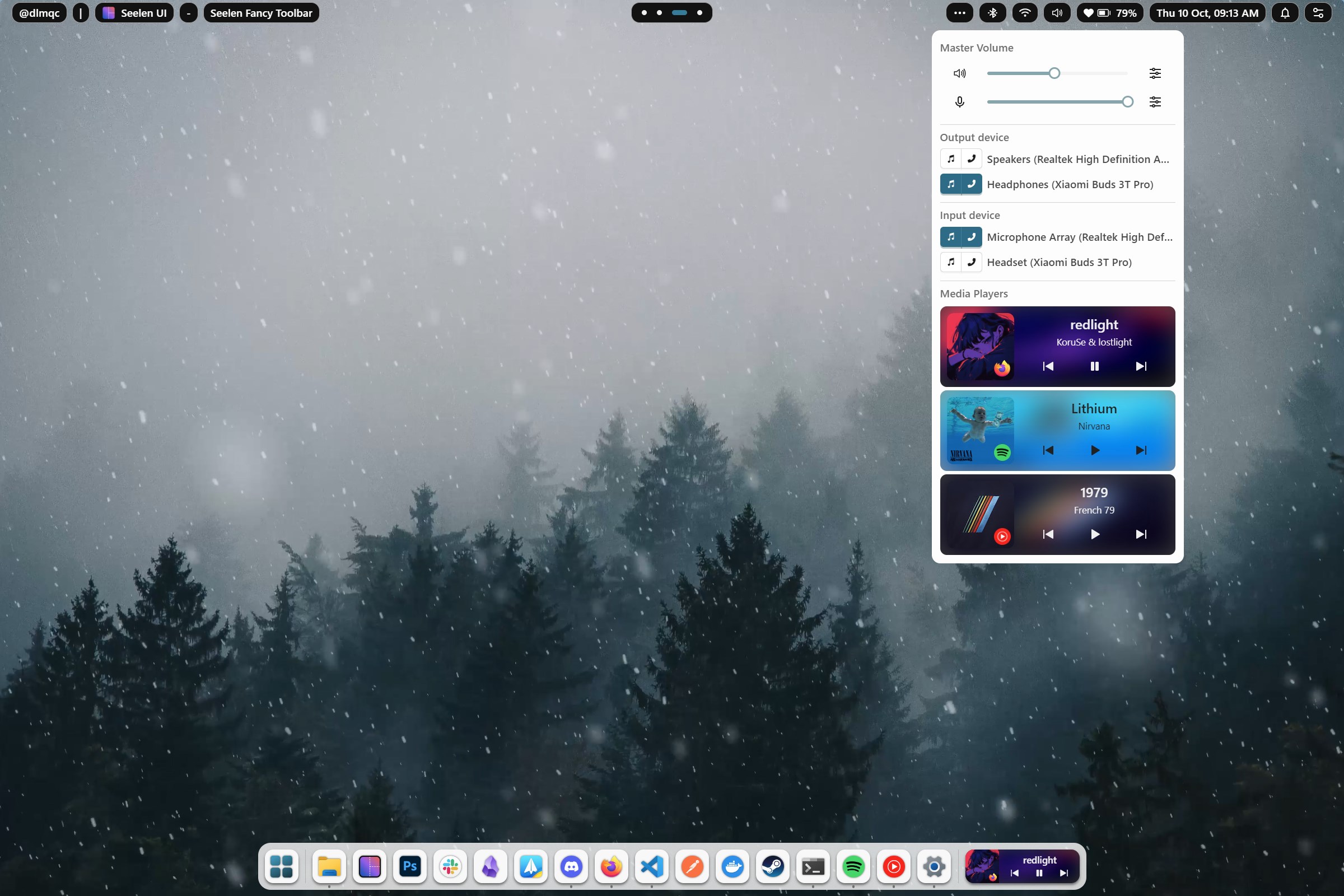
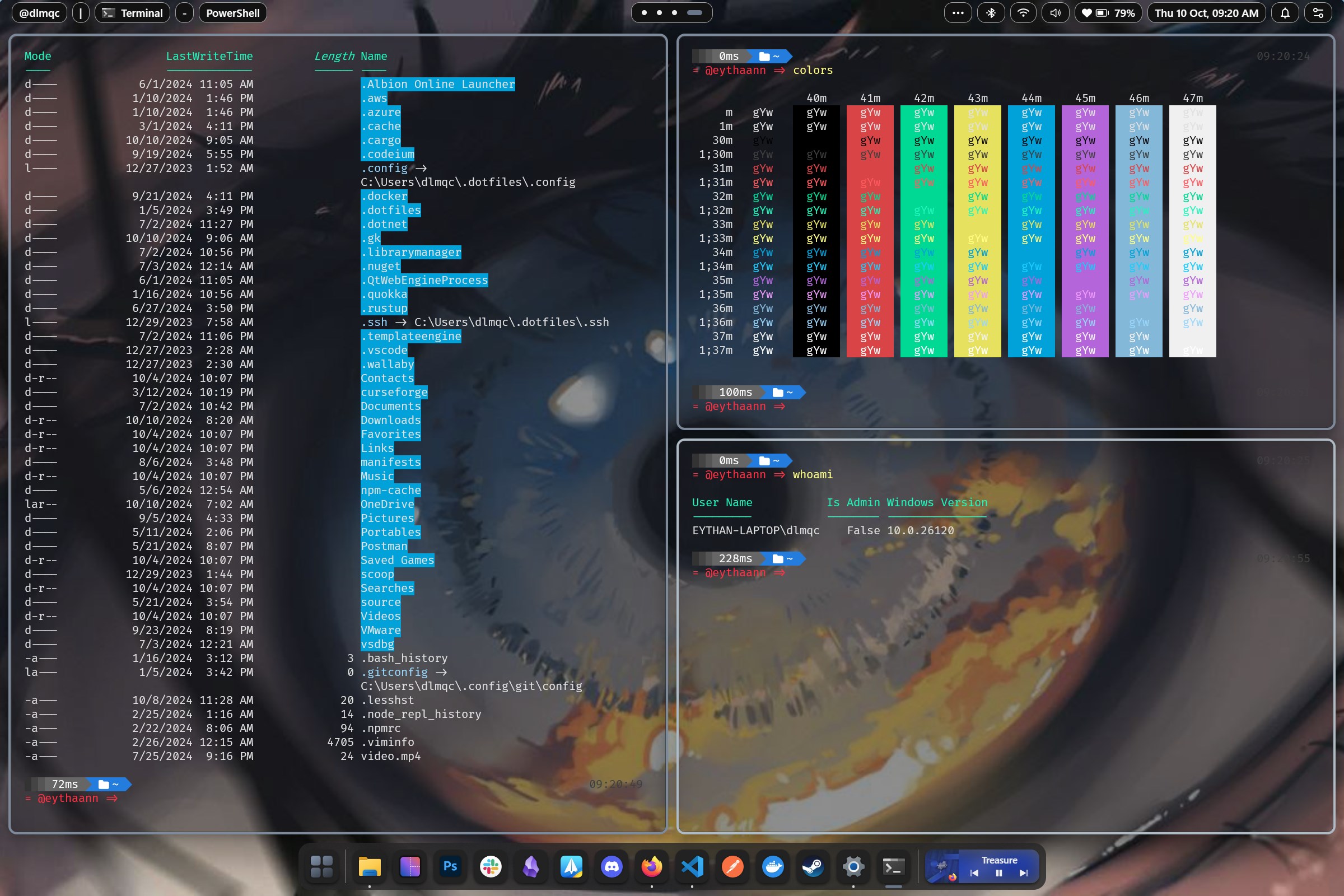
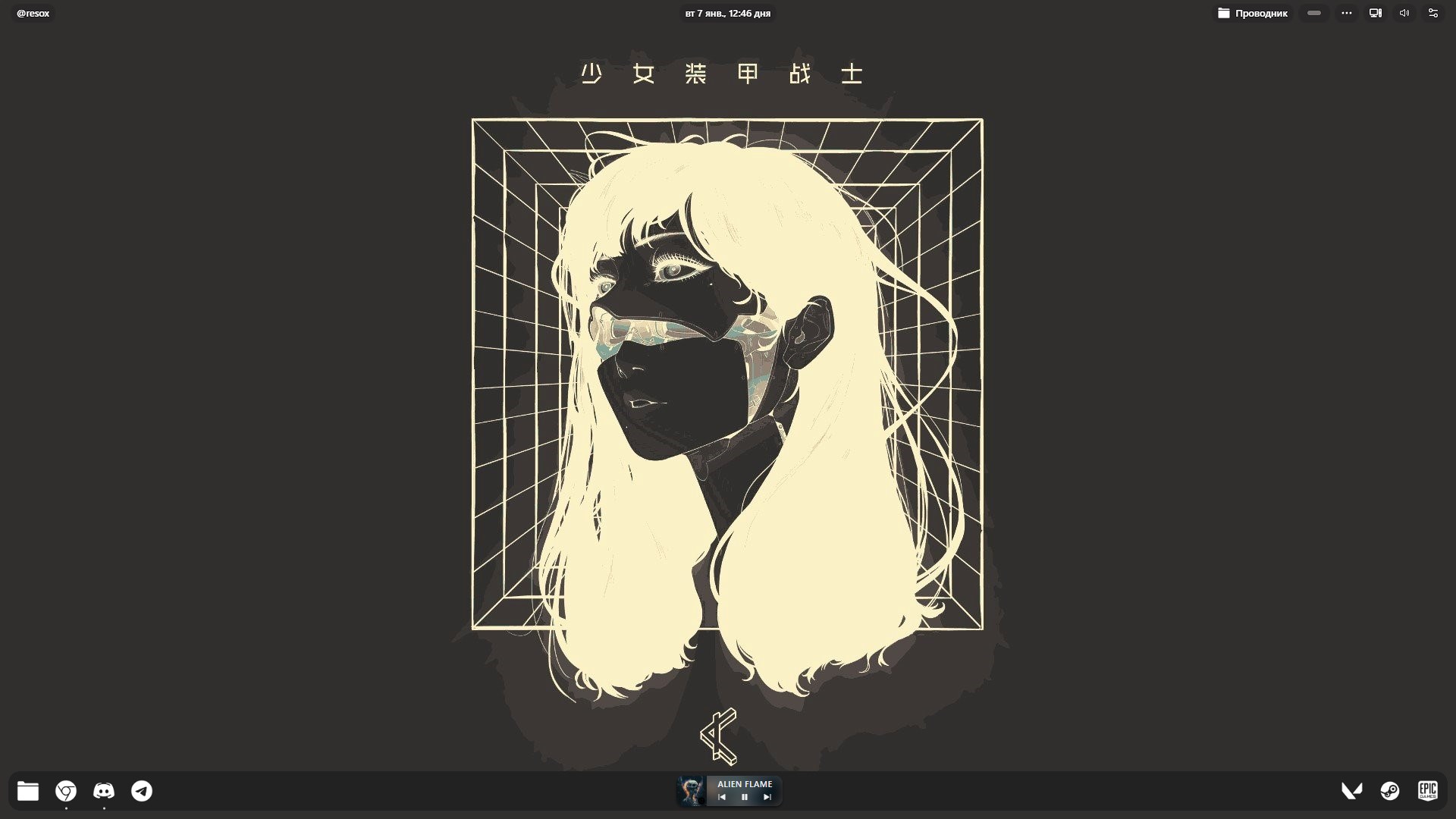
- Name Seelen UI
- Category Personalization
- Developer eythaann
- Available on PC
- OS Windows 10 version 17763.0 or higher
- Keyboard Integrated Keyboard
- Mouse Integrated Mouse
- Memory 4 GB
- languages English (United States)
Seelen UI for Windows: A Fresh Take on Personalizing Your Desktop
Seelen UI for Windows stands out as an innovative customization tool designed to transform the way users interact with their desktops. By offering a seamless way to tweak aesthetics and improve usability, it aims to cater to both casual users and enthusiasts eager to craft a more personalized workspace.
About the App: Basic Information
Seelen UI is a desktop customization application developed by eythaann and published by Seelen. It is registered on the Microsoft Store, offering a straightforward download and installation process for Windows users. The app's core promise is to deliver an intuitive experience in personalizing system visuals and functionalities without the need for extensive technical knowledge.
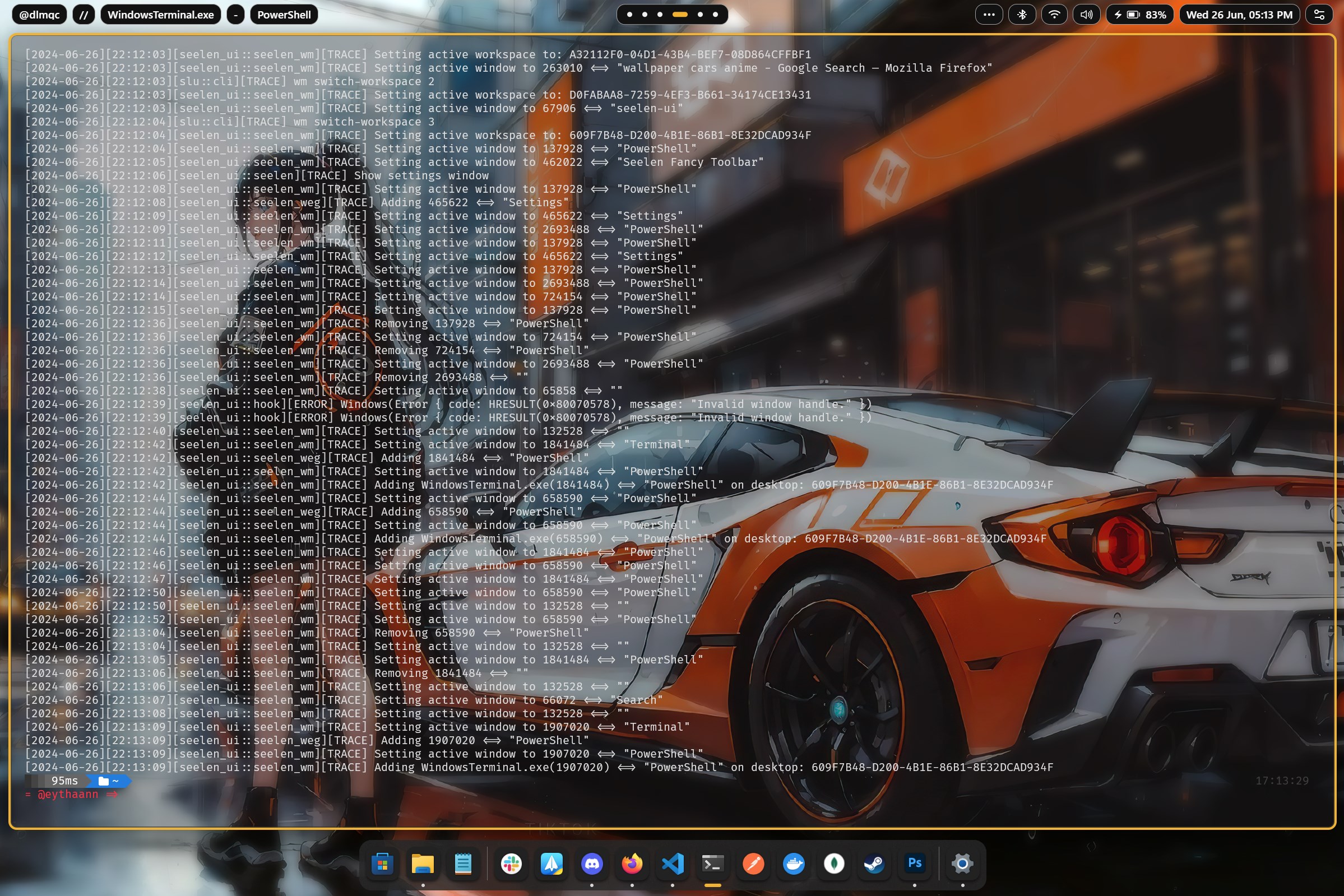
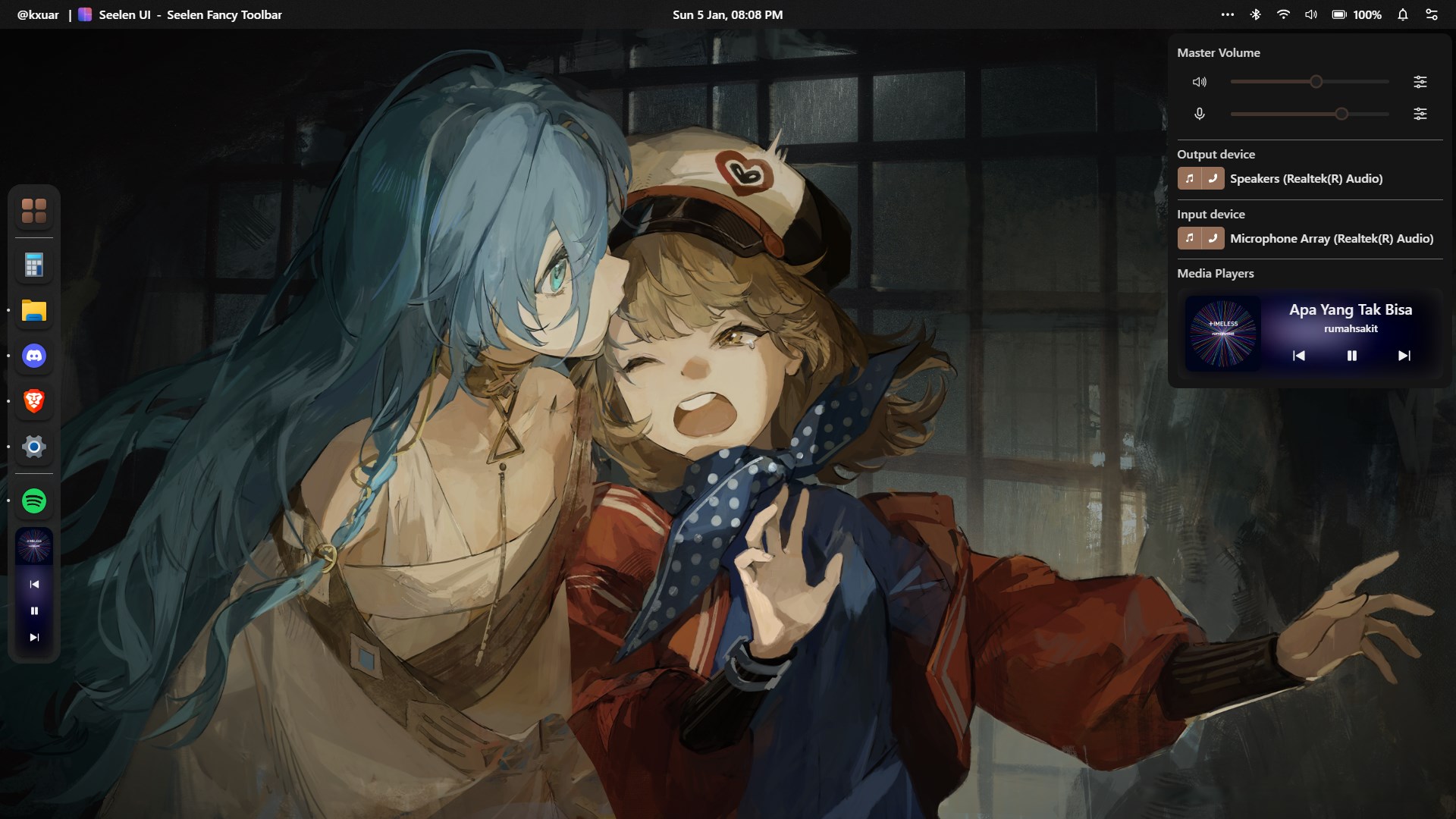
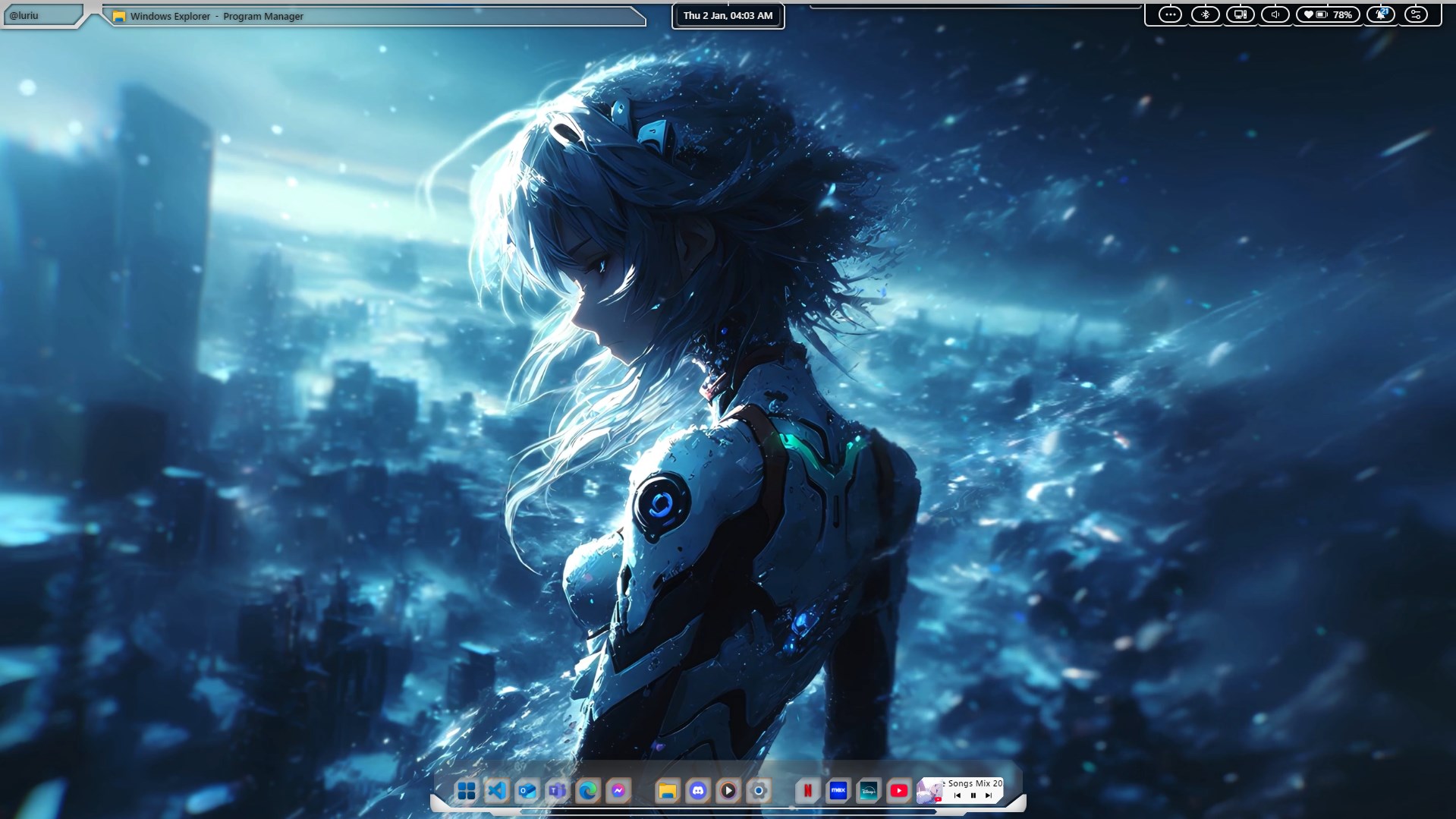
Some of its major features include customizable themes and wallpapers, versatile layout options, and smart widgets that enhance productivity and aesthetics simultaneously. The tool emphasizes ease of use, aiming to serve a broad audience—from tech novices looking to beautify their screens to power users seeking granular control over their desktop environment.
Introduction: A Bright Spark in Desktop Personalization
Imagine sitting at your PC and feeling like a master architect designing your perfect digital habitat—this is what Seelen UI offers. It's as if the app acts as a personal stylist for your Windows desktop, allowing you to curate every visual element to match your mood, style, or workflow. Whether you're craving a sleek minimalistic look or an eye-catching dynamic theme, Seelen UI makes it easy to bring your imagination to life with just a few clicks. It's like having a tapestry of visual options woven seamlessly into your daily digital life—refreshing and surprisingly fun to explore.
Core Features Explored
Powerful Customization Options for Every Taste
Seelen UI excels in offering a broad palette of personalization choices. From adjustable themes, color schemes, and wallpapers to custom cursors and icon packs, the app provides a versatile toolkit. It enables users to mix and match styles, creating a truly unique desktop aesthetic. Unlike some competitors that limit customization to basic themes, Seelen UI's variety ensures you can craft everything from a clean, professional workspace to an artistic sanctuary. This extensive customization capacity makes it stand out in a crowded field of personalization tools.
Smart Theme Compatibility and Integration
One of Seelen UI's standout features is its ability to integrate seamlessly with existing Windows themes and system settings. It intelligently adapts to your current environment, offering enhancements without overriding core system functions. This compatibility ensures stability and smooth operation—a critical point for users hesitant about third-party tweaks. The app's thoughtful design means you can experiment with new looks without fear of breaking your setup, making it a reliable companion in your personalization journey.
Usability and User Experience: Smooth, Intuitive, and Friendly
The interface of Seelen UI is akin to a well-organized toolkit—clean, friendly, and inviting. Navigation through customization options is straightforward, with clear labels and preview features that let you see changes in real time. The app performs fluidly, with no noticeable lag, even when applying multiple settings simultaneously—a testament to its optimized design. For first-time users, the learning curve is gentle; detailed hints and a user guide further ease onboarding. Experienced users will appreciate the depth of control, yet even novices can start tweaking their desktops within minutes.
What Sets It Apart: Unique Advantages
While many personalization apps focus on limited theme options, Seelen UI's key strength lies in its extensive customization variety coupled with exceptional theme compatibility. Its ability to adapt existing Windows themes and enhance them subtly creates a harmonious, cohesive look rather than an overwhelming visual chaos. This thoughtful integration ensures that users can achieve a high degree of personalization without sacrificing system stability or performance. Moreover, its emphasis on user-friendly design means it caters equally to those who want quick fixes as well as to perfectionists seeking detailed adjustments.
Final Thoughts: Who Should Use Seelen UI and Why?
If you're someone who values a simple yet powerful way to personalize your Windows experience, Seelen UI deserves a close look. Its greatest strength—the blend of extensive customization options with smart integration—makes it a particularly appealing choice for users seeking both variety and stability. I'd recommend it for hobbyists eager to craft distinctive desktops and for professionals wanting a clean, cohesive interface that improves workflow aesthetics.
While the app might not have every feature of more complex configurators, its focus on usability and compatibility makes it a reliable, enjoyable tool. Consider giving it a try if you're ready to breathe new life into your desktop environment with minimal hassle and maximum style.
Pros
- Intuitive UI design
- Customizable themes
- Smooth performance
- Regular updates
- Lightweight installation
Cons
- Limited personalization options
- Occasional UI glitches
- In-app settings could be more detailed
- Help documentation is sparse
- Compatibility issues with older Windows versions











