




- Name Screen Wonders
- Category Personalization
- Developer 3Planesoft
- Available on PC
- OS Windows 10 version 0.0 or higher
- Keyboard Integrated Keyboard
- Mouse Integrated Mouse
- DirectX Version 11
- languages English, French, German, Russian, Chinese (Simplified)
Unlock a New Level of Screen Customization with Screen Wonders for Windows
If you've ever wished to transform your Windows screen into a vibrant masterpiece reflecting your personality, Screen Wonders for Windows by 3Planesoft is here to make that dream come true. This app offers a mix of stunning visuals and flexible customization features, turning your desktop into an ever-evolving showcase of artistry.
About the App: Your Gateway to Personalized Screen Displays
Screen Wonders for Windows is a dynamic visualization application designed to enhance your desktop with beautiful, animated screens and themes. Developed and published by 3Planesoft, a reputable company known for high-quality multimedia content, this app aims to bring your screen to life with minimal fuss.
- Core Features Highlights:
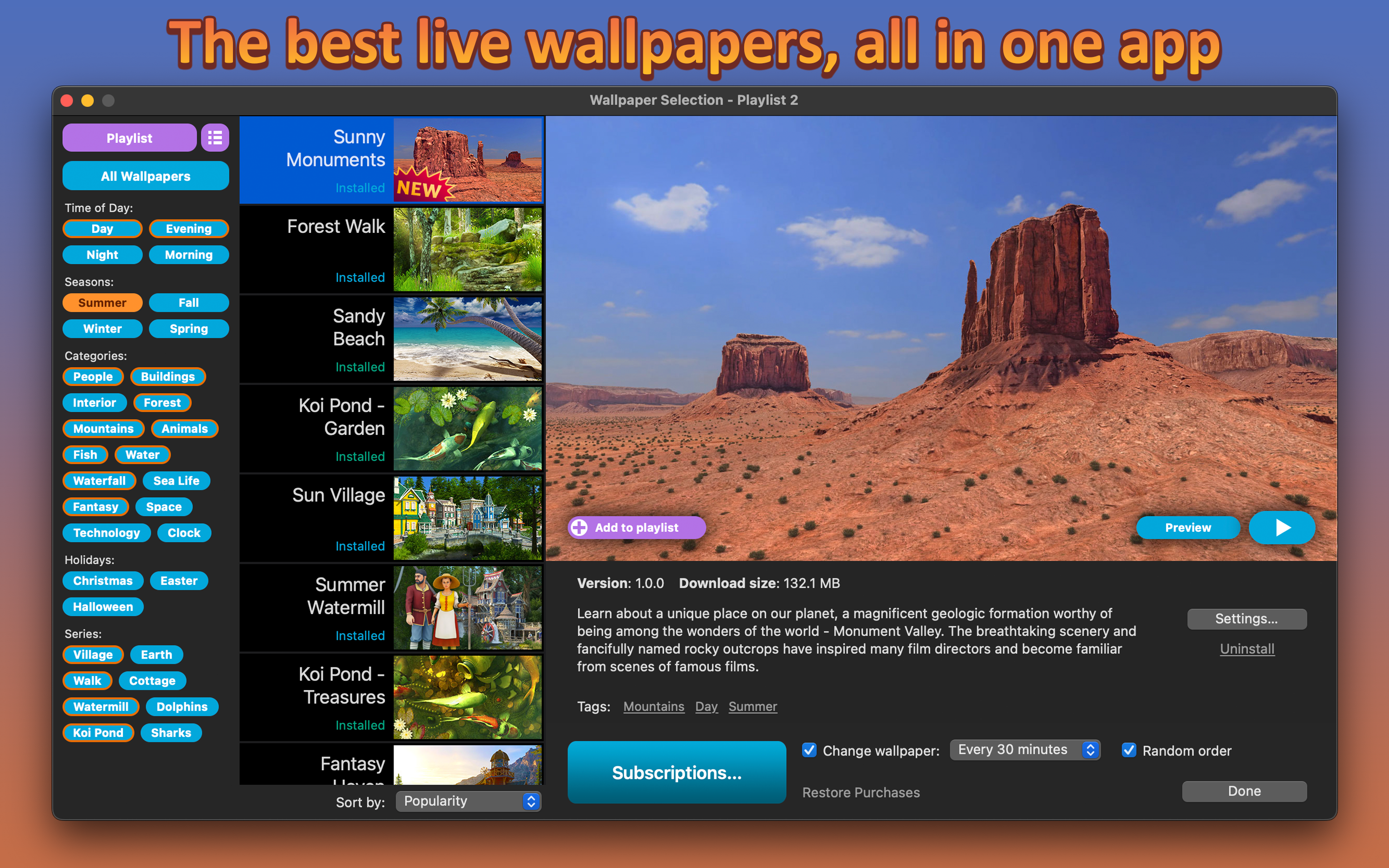
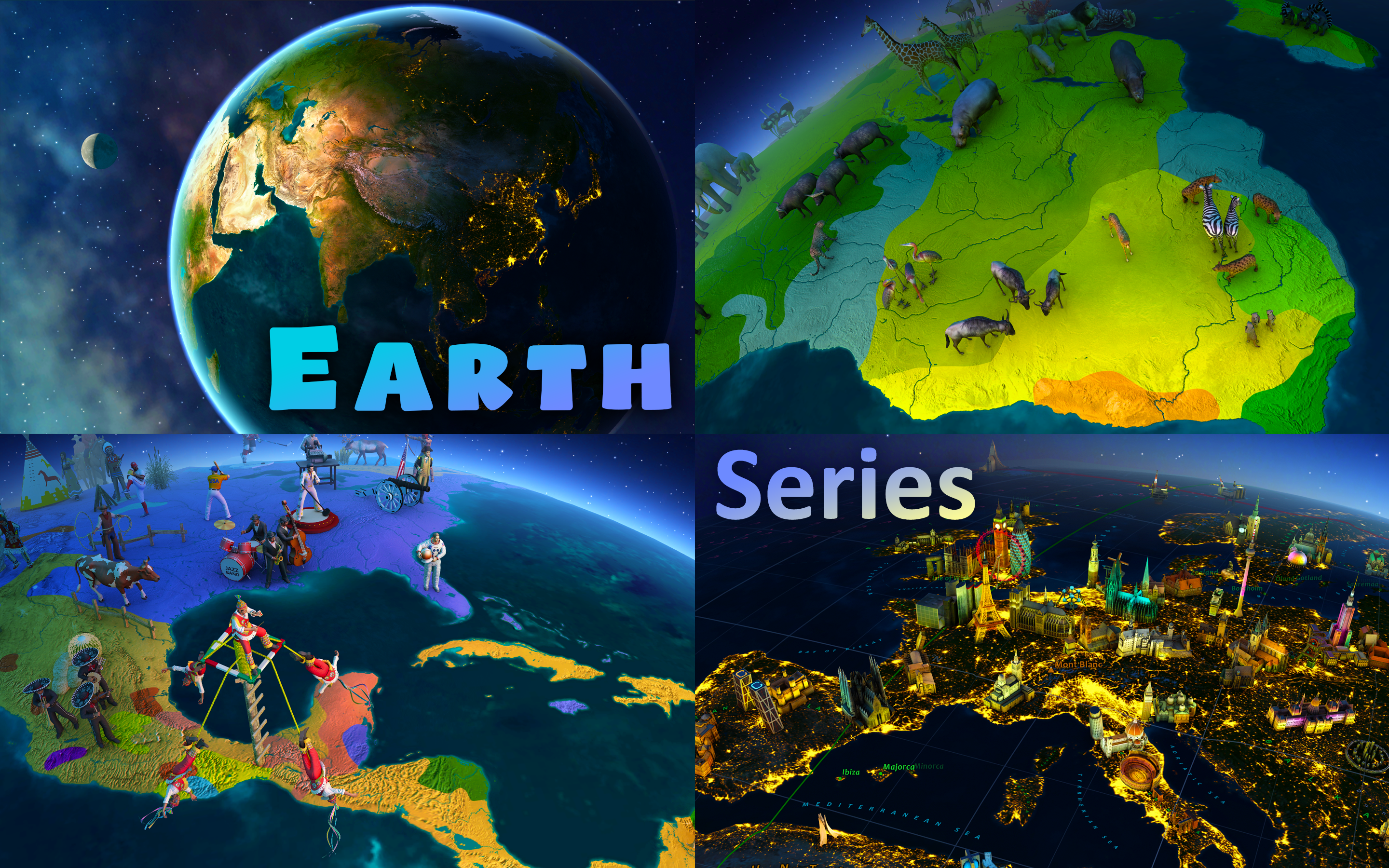
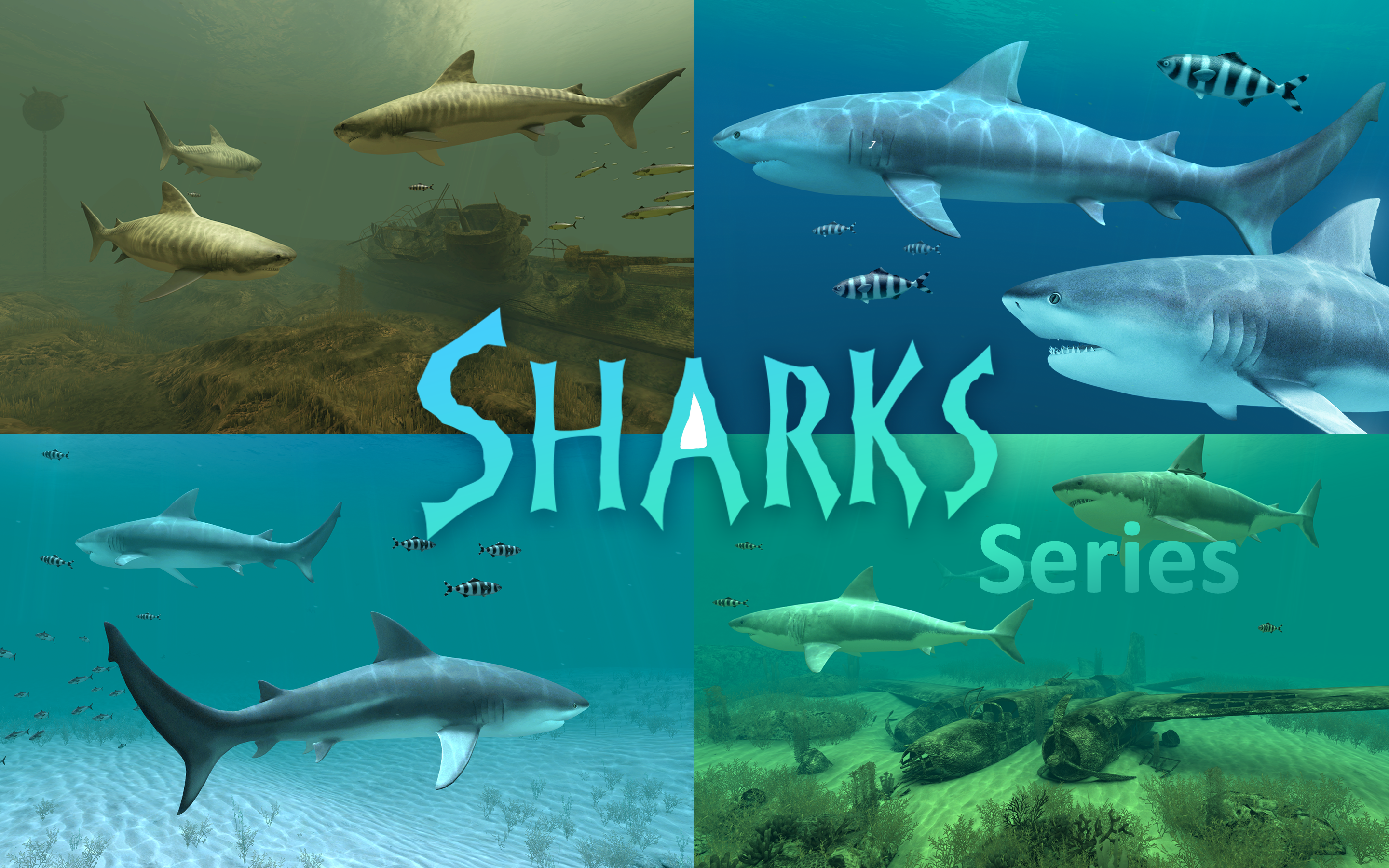
- Extensive collection of animated screens and scenic themes that can be customized to fit your mood or style.
- Advanced personalization options, including adjustable slideshow settings and playlist configurations.
- Seamless integration with Windows, enabling easy switching between screensavers and desktop backgrounds.
- Support for high-definition visuals, ensuring crisp and vibrant display quality.
- Target Audience: Tech enthusiasts, creative users, and anyone looking to add a touch of artistry and dynamism to their Windows desktop experience. It's especially appealing to users eager for a higher degree of personalization without complex setup requirements.
A Whimsical Introduction to Visual Wonderland
Imagine your desktop not as a static background but as a living, breathing canvas—shimmering lakes, rolling clouds, or twinkling cityscapes gently shifting before your eyes. Screen Wonders elevates your Windows environment from mundane to mesmerizing, akin to turning on a window into a vivid, animated postcard from the world of your choice. Its intuitive design makes exploration a joy, inviting you into a realm where aesthetics meet effortless usability.
Core Functionality Deep Dive: The Marvelous Visuals and Personal Touches
Stunning Visual Library & Thematic Diversity
At the heart of Screen Wonders is its extensive library of high-quality animated screens. From tranquil natural landscapes to bustling cityscapes, each scene is crafted with detailed artistry, ensuring vibrant colors and smooth animations. What sets this app apart is its commitment to variety—there's a theme for almost every mood, whether you prefer calming horizons or energetic urban scenes. Additionally, the app includes customizable overlays and filters, giving users the ability to tweak hue, contrast, and even add special effects, creating a personalized visual experience that feels uniquely yours.
Seamless User Experience & Customization Ease
Implementing the app is like setting a gentle breeze in motion; it works smoothly with minimal effort. The interface is clear and inviting, guiding users effortlessly through theme selection and settings adjustments. The setup process is straightforward—simply select your preferred screen from the collection, tweak options like transition speed or image overlays if desired, and you're ready to enjoy. The app runs unobtrusively in the background, with smooth animation transitions that neither lag nor distract, making it perfect for daily use. Its learning curve is gentle, even for users new to screen customization, thanks to thoughtful design and helpful tooltips.
What Makes It Unique? The Customization & Theme Compatibility
While many personalization apps offer a handful of themes, Screen Wonders shines with its remarkable variety of customization options. Users can layer effects, adjust transition timings, and create playlists that flow seamlessly from one scene to the next—all within an intuitive interface. Moreover, its compatibility with existing Windows themes allows for a harmonious blend of static and animated elements, elevating your user experience without clashing with your aesthetic preferences. This flexibility ensures that whether you prefer a minimalist approach or more elaborate visuals, Screen Wonders can adapt and enhance your desktop environment accordingly.
Final Verdict: A Thoughtful Choice for Personalization Enthusiasts
Considering its extensive library, user-friendly interface, and high-quality visuals, I would recommend Screen Wonders for users who value aesthetic customization with minimal hassle. It's particularly suited for those who want a dynamic desktop experience without sacrificing ease of use. Although its advanced options are accessible to most, power users may find even more ways to tweak and personalize. Overall, Screen Wonders stands out as a reliable, visually captivating tool that elevates your Windows workspace into a personalized digital gallery. For anyone seeking to make their desktop more lively and uniquely theirs, this app is definitely worth trying out.
Pros
- High-Quality Screen Effects
- User-Friendly Interface
- Customizable Settings
- Low Resource Consumption
- Regular Updates
Cons
- Limited Free Content
- Occasional Lag During Heavy Effects
- High Battery Usage
- In-App advertisements
- Limited Compatibility with Older Devices











