

- Name Real Pool 3D 2
- Category Simulation
- Developer Feamber
- Available on PC, Mobile, Surface Hub, HoloLens
- OS Windows 10 version 16299.0 or higher
- Mouse Integrated Mouse
- languages Chinese (Simplified), English
Real Pool 3D 2 for Windows: An Authentic Billiards Simulation at Your Fingertips
Real Pool 3D 2 offers billiards enthusiasts a realistic and engaging virtual experience, bringing the nuances of pool gameplay right to your Windows desktop. Developed by Feamber and published by Chengdu Yupa Technology Co., Ltd., this app aims to replicate the thrill of playing pool with impressive physics and seamless interaction, making it a compelling choice for both casual players and serious billiards fans.
Game at a Glance: What Makes Real Pool 3D 2 Stand Out
This app combines intuitive gameplay with detailed simulation mechanics, creating a platform where players can fine-tune their shots and practice precise cue control. The main highlights include a highly realistic physics engine, diverse game modes catering to different skill levels, and a user-friendly interface that invites players of all ages to jump in and enjoy. Its focus on authentic ball behavior and shot mechanics sets it apart from many casual pool games.
Immersive and Playful Billiards Experience
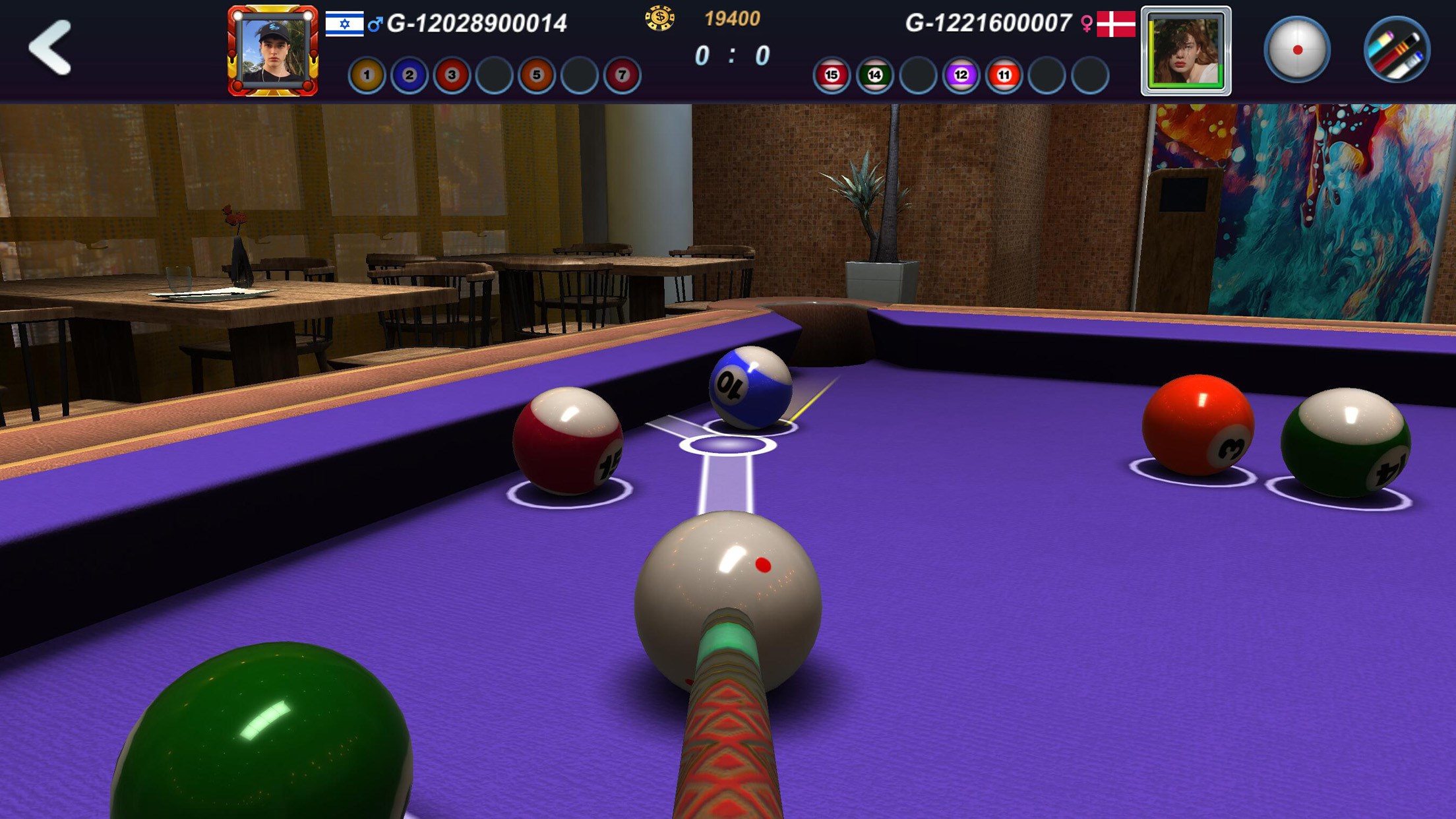
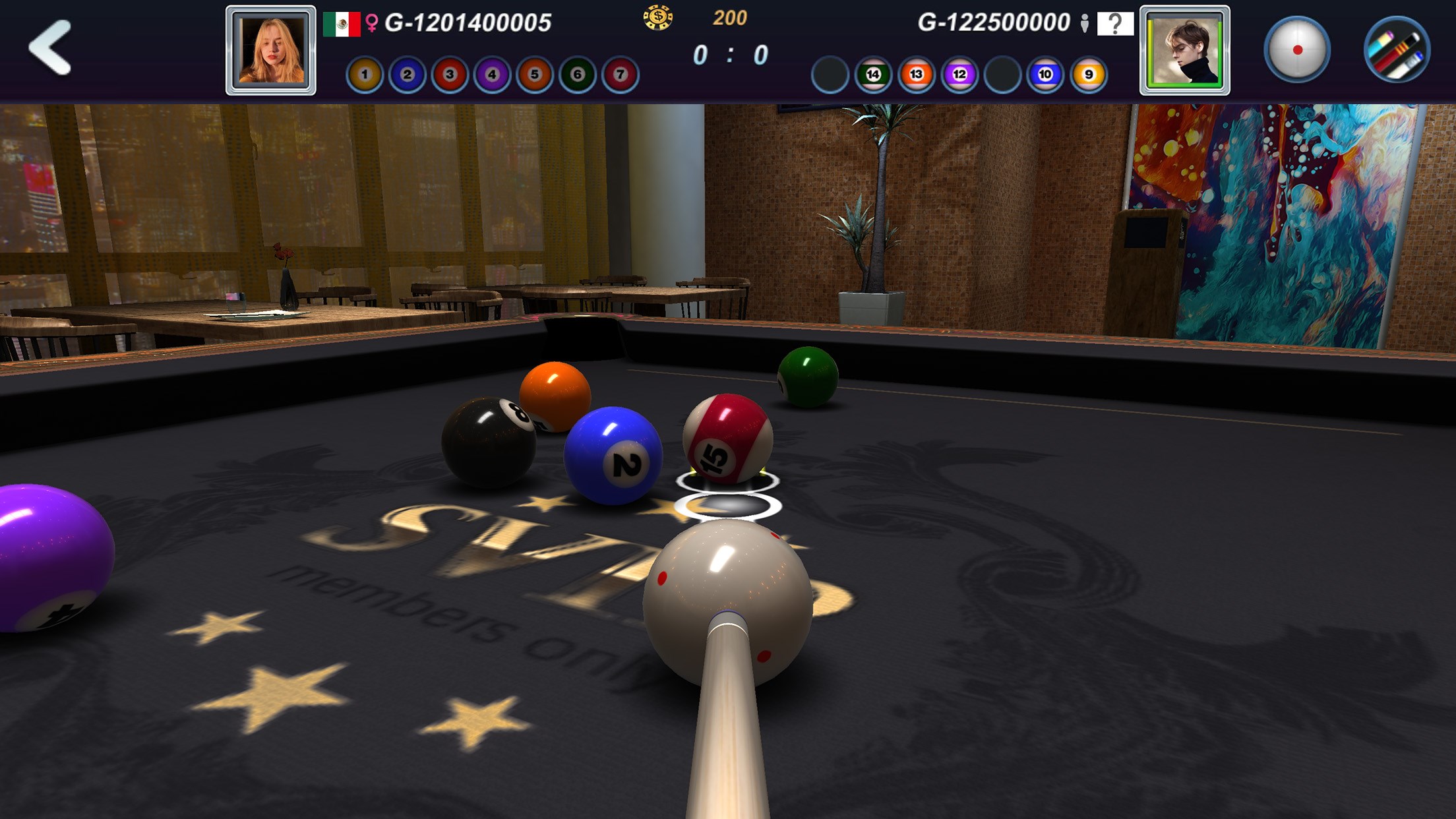
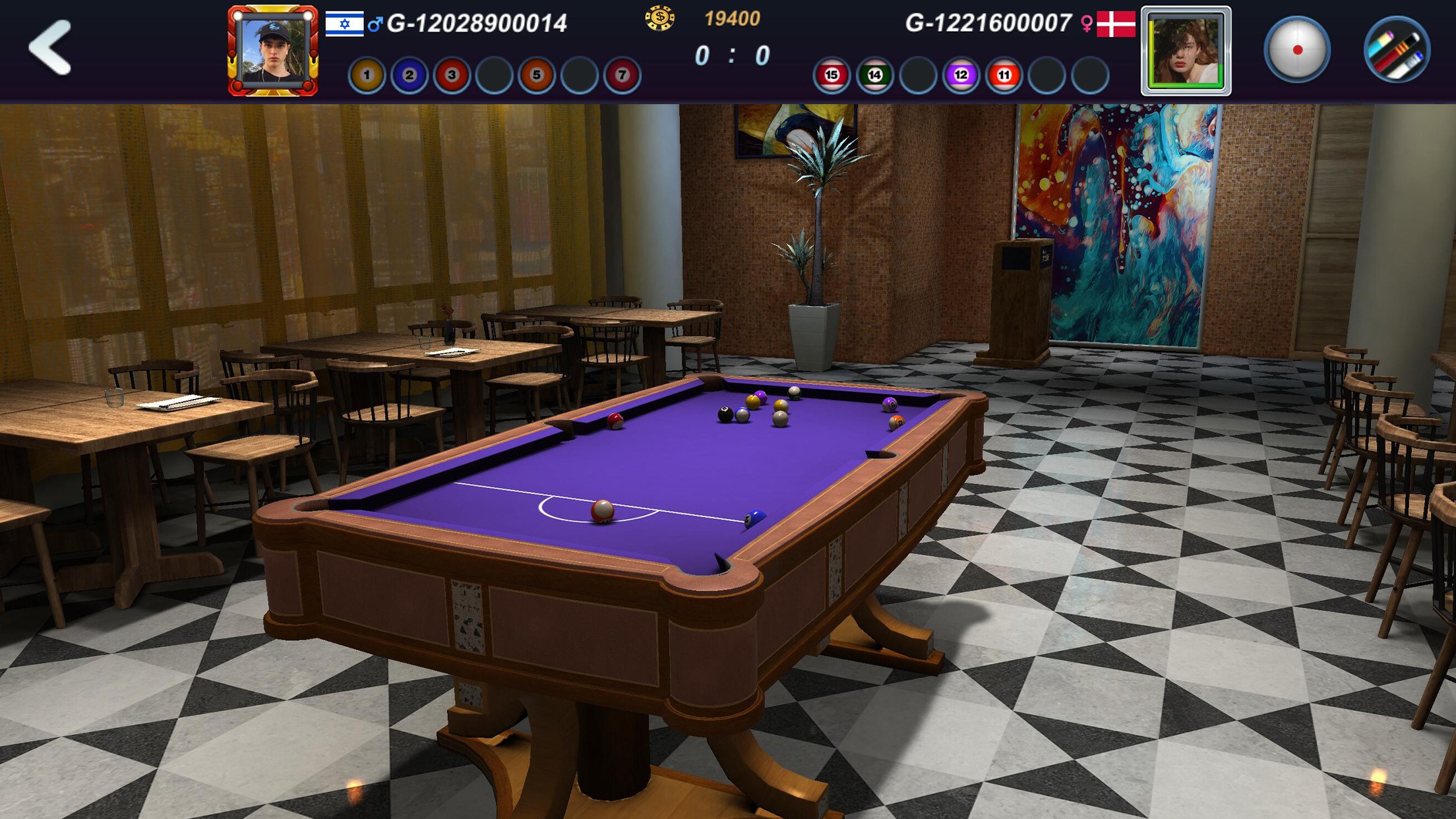
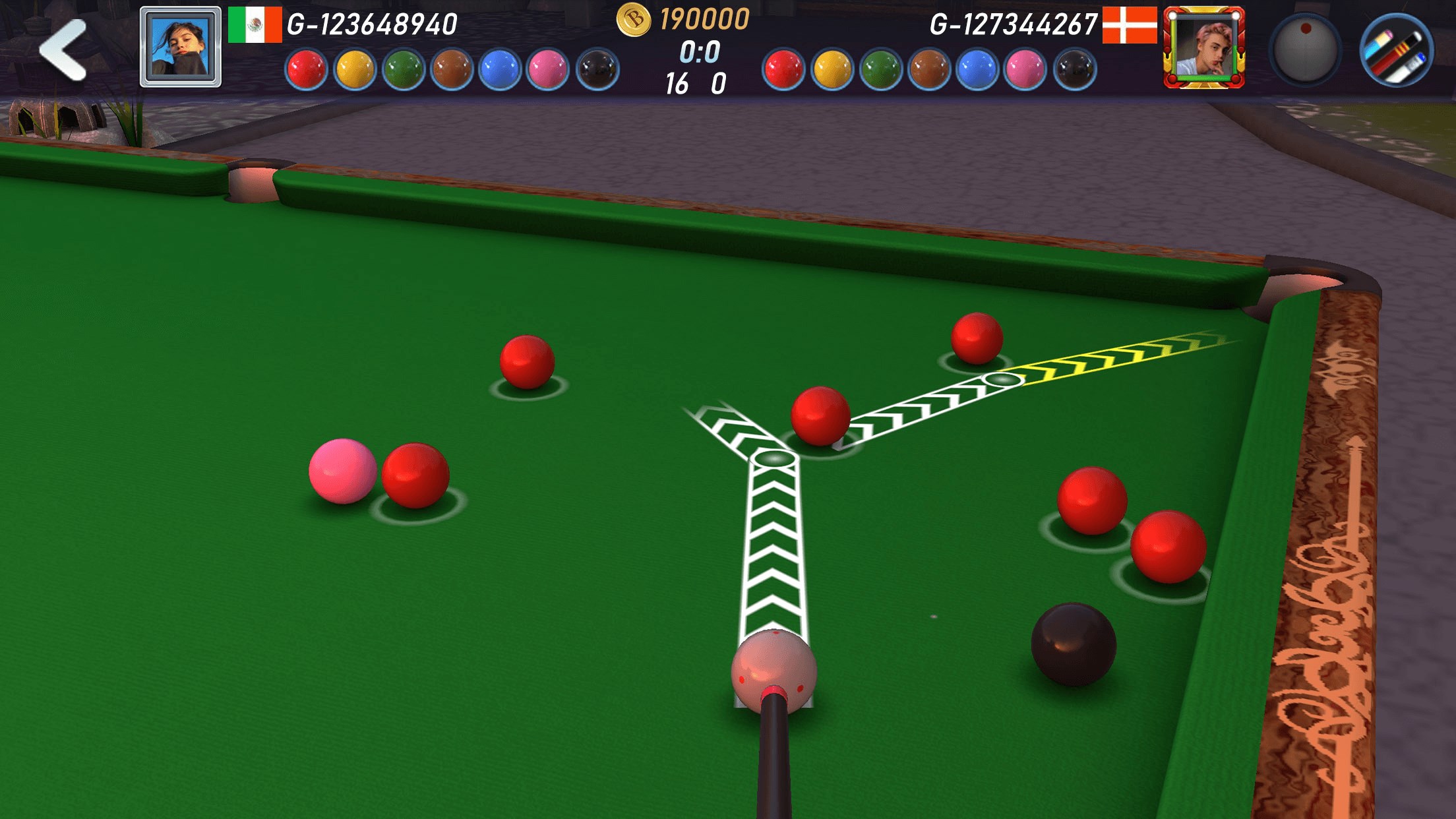
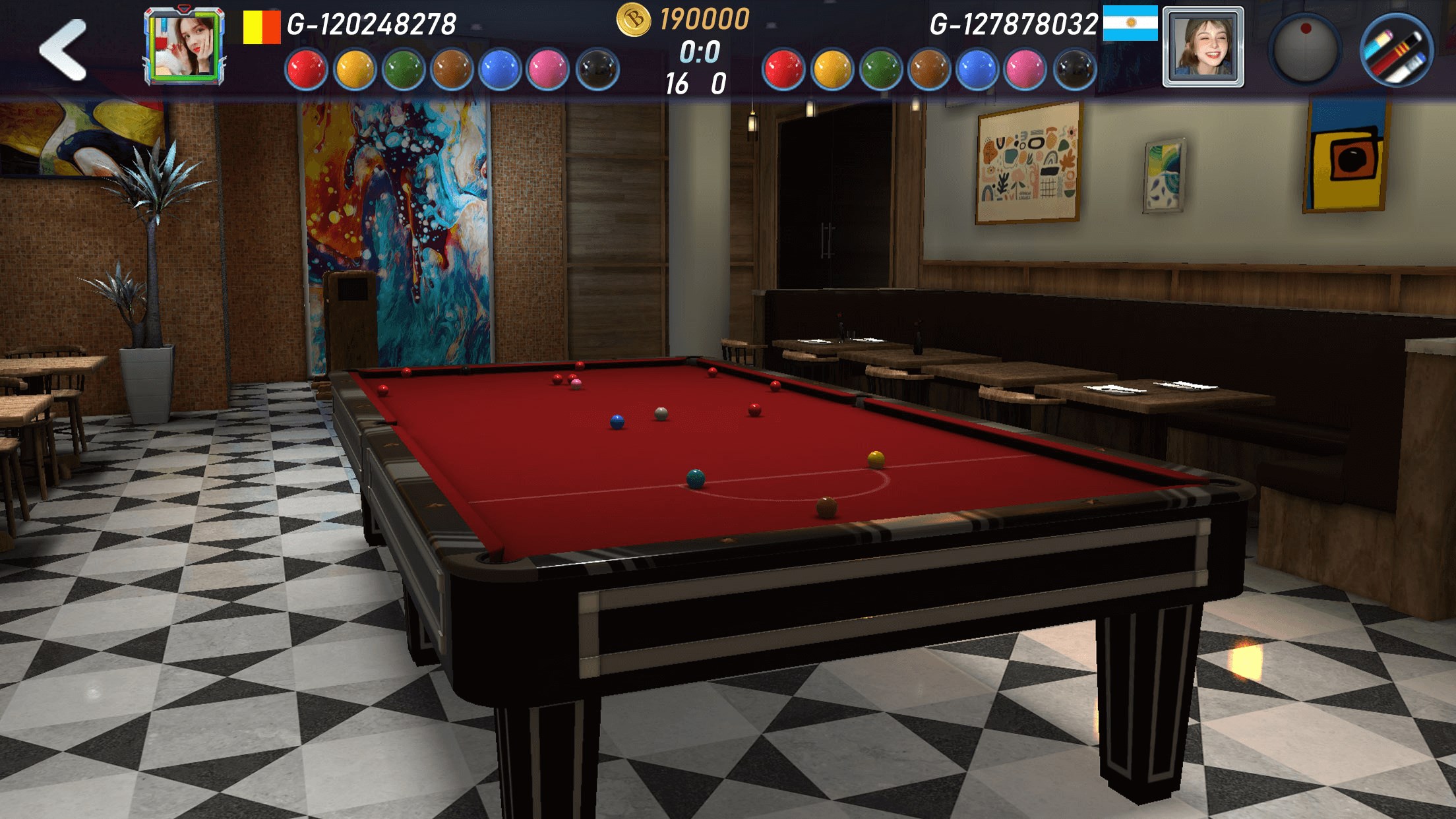
Jump into a virtual billiards hall where the sound of chalk on cue and the gentle clack of balls create an immersive environment. The app's interface is clean and visually appealing, mimicking real-world pool tables with textured felt and realistic lighting. The controls are straightforward—drag, aim, and shoot with intuitive gestures—making it accessible for newcomers, yet deep enough for seasoned players honing their skills. The game's physics engine excels at simulating realistic ball trajectories, spin, and collision effects, providing a satisfying and authentic feel with every shot.
Core Features in Action
Physics and Mechanics Realism: One of the most compelling aspects of Real Pool 3D 2 is its meticulous attention to physics. Unlike many casual pool games that simplify ball interactions, this app models real-world physics with remarkable accuracy. The way balls roll, spin, and collide aligns closely with actual pool table behavior, making practice in the game potentially beneficial for real-life pool players. For example, applying side spin in the game produces predictable deflections, helping players understand cue ball control better.
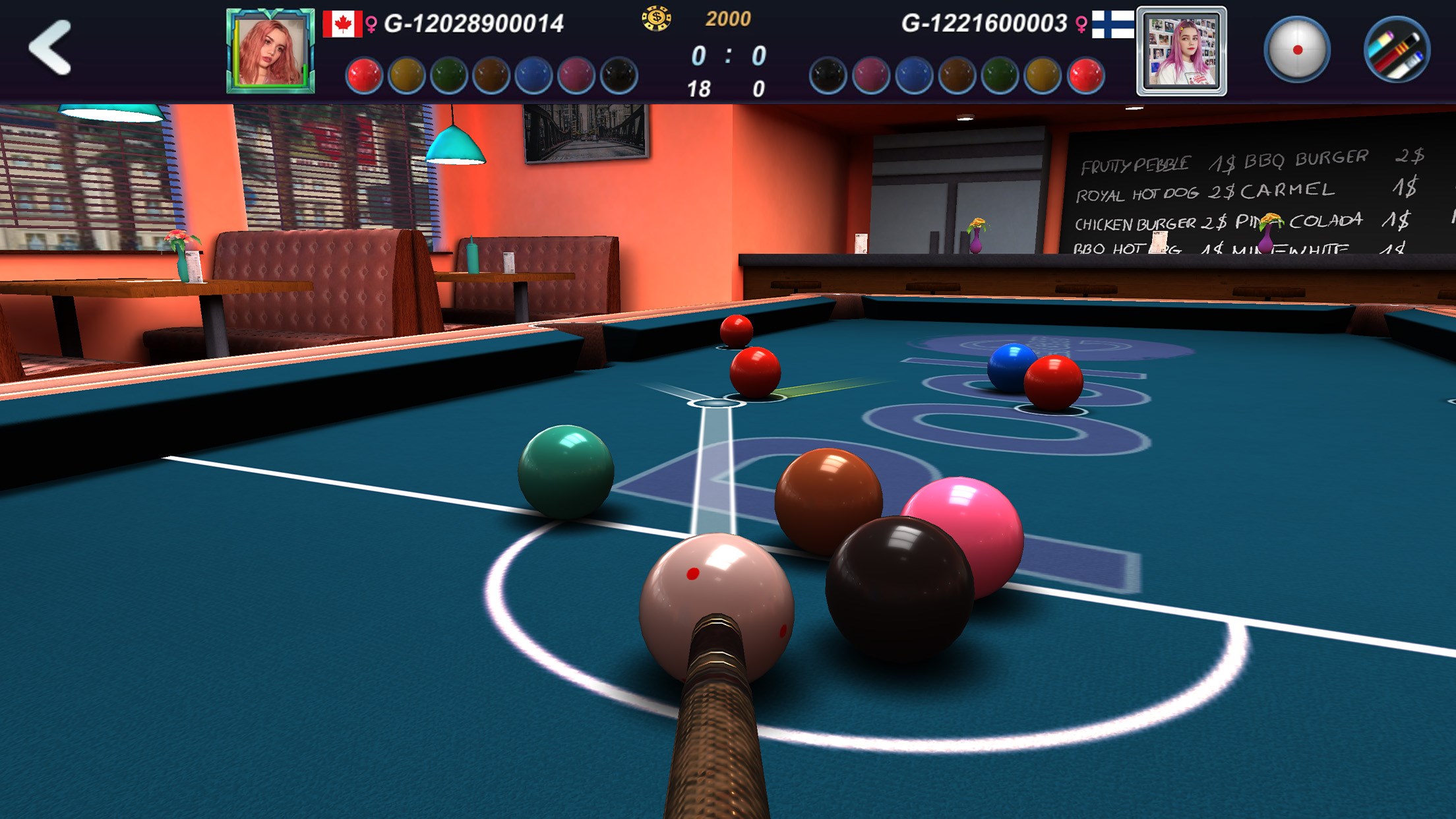
Diverse Game Modes and Challenge Options: Whether you prefer solo practice, multiplayer matches, or tournament-style play, the app offers a variety of modes to keep you engaged. Competitive online multiplayer allows for real-time matches against players worldwide, while the single-player modes include quick shots and skill challenges. These options cater to different experience levels, from beginners learning the ropes to advanced players refining their precision.
User Experience and Learning Curve: Navigating the app is smooth, with a well-designed UI that feels natural—almost like playing on a real pool table. The tutorial system gently eases new players into the mechanics, while the adjustable difficulty levels provide room for improvement. The game runs seamlessly on Windows machines, with responsive controls and minimal lag, providing a satisfying experience even on mid-range hardware.
Unique Value: How It Differs from Other Simulation Apps
Compared to similar billiards simulations, Real Pool 3D 2 differentiates itself through its unparalleled physics accuracy and focus on skill transfer. The realistic mechanics help players develop a genuine understanding of shot angles, force, and spin—skills that can translate to real-world gameplay. Moreover, the developer emphasizes authentic game behavior, avoiding exaggerated effects commonly found in arcade-style pool games. This realism makes it not only a fun pastime but also a practical training tool for aspiring billiards players.
Recommendation and Usage Suggestions
Overall, I highly recommend Real Pool 3D 2 for Windows to anyone interested in realistic billiards simulation. Whether you're a casual gamer looking to pass the time or a serious player seeking to hone your technique, this app offers a nuanced and engaging environment. For best results, use a mouse or a touchscreen for precise aiming, and consider practicing different shot styles to improve your cue control. Its authentic physics engine makes it particularly useful for those wanting to understand the subtleties of pool mechanics—making it a valuable addition to your gaming and learning toolkit.
Pros
- Realistic 3D graphics
- Smooth gameplay mechanics
- Variety of game modes
- Intuitive user interface
- Regular updates and bug fixes
Cons
- Limited offline play options
- In-app purchase reliance for customization
- Occasional ads disrupting gameplay
- Learning curve for advanced techniques
- Battery consumption











