









- Name Razer Axon Official Theme
- Category Personalization
- Developer Razer USA Ltd
- Available on PC
- OS Windows 10 version 18362.0 or higher
- languages English (United States)
Introducing Razer Axon Official Theme for Windows
Imagine transforming your Windows desktop into a sleek, cohesive digital ecosystem that echoes the cutting-edge aesthetics of Razer's signature style. That's exactly what the Razer Axon Official Theme aims to deliver—a personalized, immersive experience that marries form and function seamlessly.
About the Developer and Core Features
Developed by Razer USA Ltd
As a global leader known for their gaming hardware and innovative user interface design, Razer brings its signature aesthetic and attention to detail into this official Windows theme. The app is crafted to provide Razer fans and Windows enthusiasts alike a way to customize their desktop environment with ease.
Key Features at a Glance
- Dynamic Razer-Themed Visuals: Evoke the sleek, futuristic aesthetic Razer is known for with curated wallpapers, icons, and color schemes.
- Customizable UI Elements: Fine-tune accent colors, toolbar icons, and wallpapers to match your personal style or Razer gear setup.
- Seamless Theme Compatibility: Designed to work harmoniously with Windows 10/11, maintaining system stability while enhancing visual appeal.
- Easy Installation and Updates: One-click setup with regular updates deliver fresh aesthetic options and bug fixes.
This theme targets gaming enthusiasts, tech-savvy users, and Razer gear loyalists who want their desktop environment to mirror their passion for high-performance technology.
Vivid Visuals and Customization Power
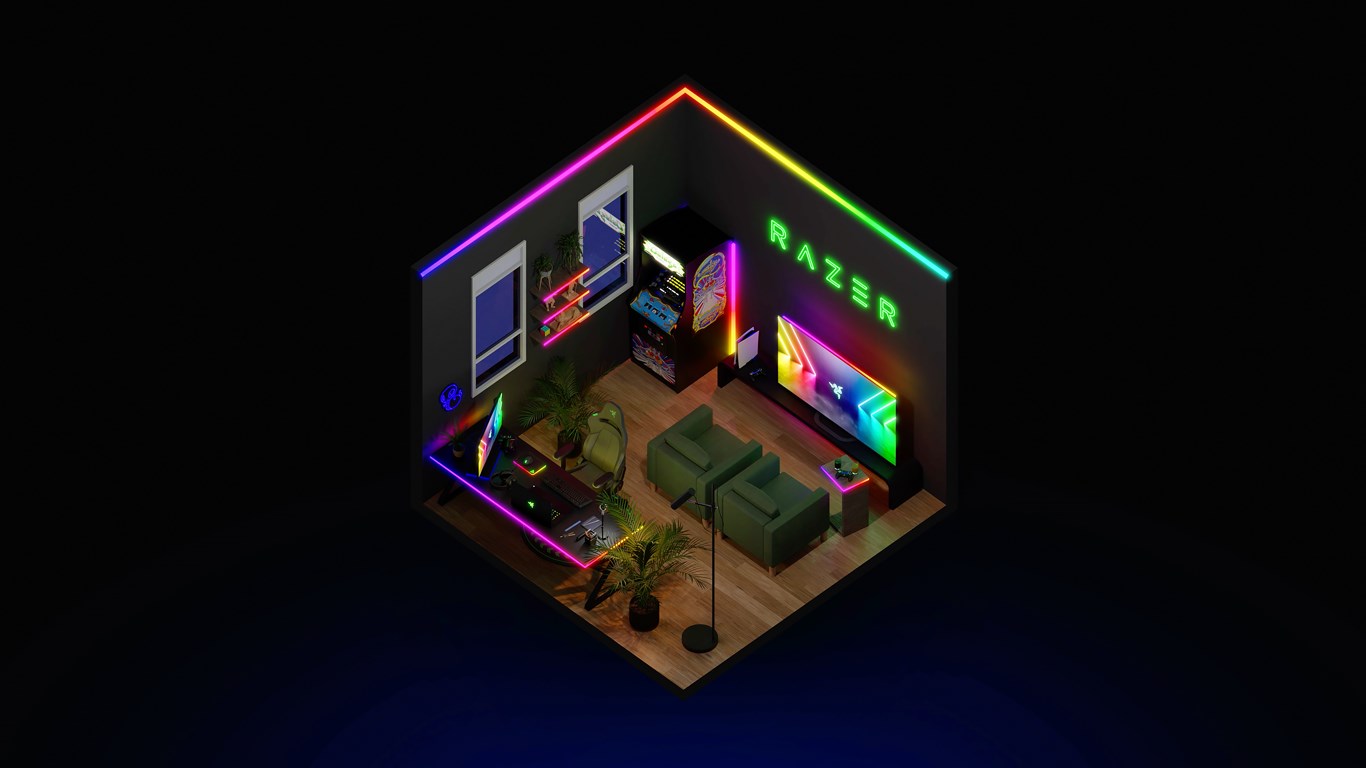
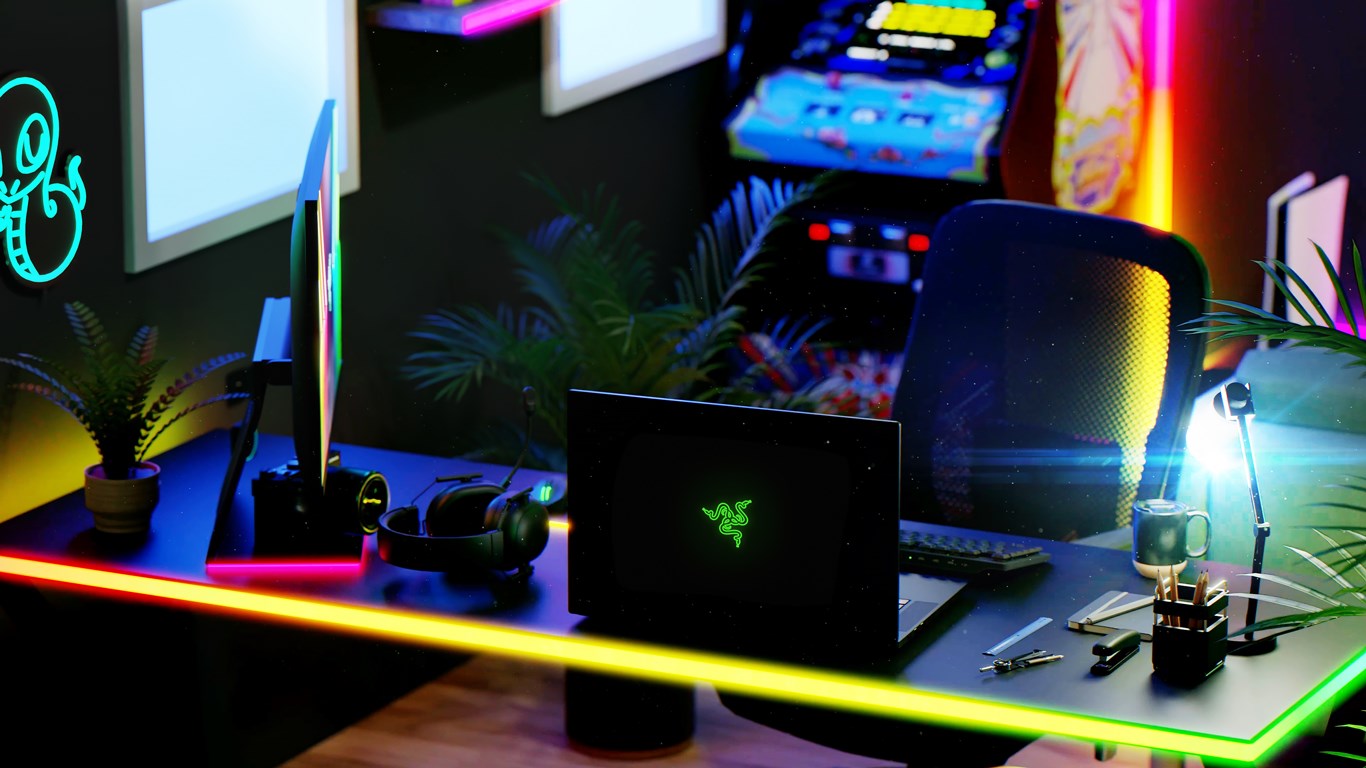
Once installed, the Razer Axon Theme transforms your Windows interface into a visually stunning interface reminiscent of a sci-fi control panel. The wallpapers feature sleek Razer logo motifs set against luminous backgrounds, giving your workspace a futuristic vibe, whether you're gaming or working. The icons and UI accents echo this aesthetic, with subtle glows and sharp lines that foster an immersive experience—like stepping into a spaceship cockpit ready for launch.
But what makes this theme stand out is its focus on personalization options. Unlike other one-size-fits-all themes, Razer Axon allows you to tweak the color palette, from subtle muted tones to vibrant electric hues, aligning with your mood or Razer gear color schemes. This flexibility turns your desktop from a static background into a dynamic reflection of your identity. So, if you're a fan of matching your mechanical keyboard, mouse, or headset with your visual theme, you'll find plenty of complementary options here.
Ease of Use and User Experience
Installing Razer Axon is as straightforward as setting up a new gaming profile—you won't need a PhD in UI design. The interface is clean, intuitive, and resembles other Windows personalization tools, which makes it accessible even for less tech-savvy users. The theme's controls are responsive, with immediate visual feedback as you adjust settings—think of it as tuning a high-end gaming rig and hearing that satisfying click as everything lines up perfectly.
Performance-wise, the theme runs smoothly without noticeable lag or system hiccups. Its optimized design ensures that adding a few aesthetic tweaks doesn't compromise overall system performance—false alarms of sluggishness are nowhere to be found. The learning curve is gentle—set up in minutes, customize to your heart's content, and enjoy a more personalized interface with minimal fuss.
Comparison and Unique Selling Points
When stacked against other Windows personalization apps, Razer Axon's standout advantages are its cohesive aesthetic rooted in Razer's signature design language and its deep customization options. While many themes offer varied wallpapers or icon packs, few provide the level of harmony and thematic integration that Axon does—this isn't just wallpaper swaps but an orchestrated visual symphony that captures the essence of the Razer brand.
Additionally, its compatibility with Windows' native theme engine means it plays well with other personalization tools, offering a layer of cohesive design without conflicts. For Razer product users, the theme provides a subtle yet resonant link between their hardware and desktop environment—making it more than just a visual upgrade, but an affirmation of their gaming lifestyle.
Final Verdict and Recommendations
Overall, Razer Axon Official Theme is a refined, user-friendly option for those seeking a sleek, customizable Windows aesthetic that aligns with the premium Razer universe. It's particularly ideal for gamers and enthusiasts who appreciate a thematic consistency across their devices and desktop environment. For users wanting more than just static wallpapers—looking for a polished, immersive visual experience—this theme is definitely worth exploring.
While it may not overhaul system functionality or introduce radically new features, its thoughtful design and attention to detail make it a solid choice. I recommend it to Razer fans and Windows users who prioritize aesthetic harmony and personalized control, and who want their desktop to feel like an extension of their gaming identity.
Pros
- Dynamic visual customization
- Smooth user interface
- High-quality graphics
- Regular updates
- Seamless integration with Razer products
Cons
- High CPU usage during animations
- Limited theme customization options
- Some animations may lag on older hardware
- Requires Microsoft Store updates for bug fixes
- Initial setup could be simplified











