
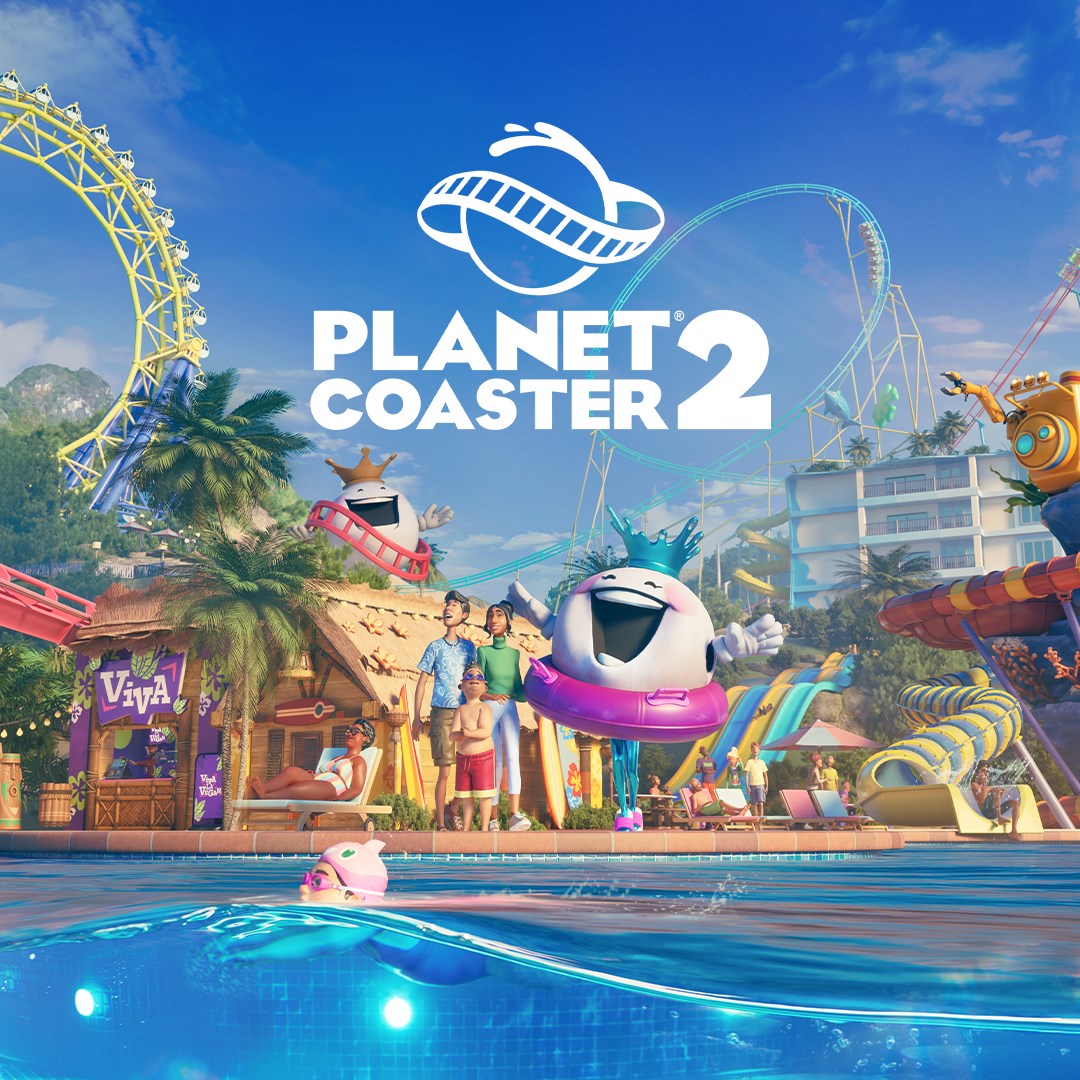
- Name Planet Coaster 2
- Category Simulation
Introduction: Redefining Theme Park Management Simulation
Planet Coaster 2 for Windows is a vibrant and immersive simulation game that invites players to craft their own theme park paradise with remarkable detail and creativity. Developed by Frontier Developments, this sequel elevates the genre with improved mechanics and a host of new features, making it a must-try for both simulation enthusiasts and casual builders alike.
Feathered Additions and Creative Freedom
At its core, Planet Coaster 2 offers an expansive sandbox environment where players can design every aspect of their amusement parks—from roller coasters that twist through the sky to themed zones brimming with custom decorations. The game's primary strengths lie in its highly detailed construction tools, dynamic coaster physics, and engaging management mechanics. With a rich library of assets, intuitive terrain editing, and real-time environment customization, the game empowers you to realize your wildest park dreams.
User Interface and Gameplay Experience
The UI of Planet Coaster 2 strikes a delicate balance: it's designed to be accessible for newcomers but deep enough to satisfy seasoned simulation players. Menus are thoughtfully organized, allowing for seamless navigation through complex building and management options. The graphics are crisp and colorful, akin to stepping into a living, breathing miniature world. Operating the game's tools feels fluid, with most actions responsive and satisfying—think of wielding a digital paintbrush on a blank canvas, bringing your vision to life with each stroke.
New players might find the learning curve slightly steep initially, but comprehensive tutorials and helpful tooltips serve as friendly guides. Once mastered, the mechanics flow smoothly—making design decisions feel natural, like adjusting the gears of a well-oiled machine.
Unveiling Unique Features & Differentiators
One of the standout features of Planet Coaster 2 is its meticulous physics engine, which ensures that coaster rides and park mechanics behave in remarkably realistic ways. Unlike other simulation titles, this game allows players to experiment with coaster designs that respond convincingly to different terrain and support structures, providing a satisfying sense of authenticity. This physics realism not only enhances playability but also offers subtle educational value—players learn about structural integrity and engineering principles through gameplay.
Another compelling aspect is its emphasis on learning transfer. The game simulates real-world management challenges—balancing finances, marketing, and customer satisfaction—offering insights into operational strategies. Many players find that these gameplay elements subtly inform their understanding of hospitality and business management, making Planet Coaster 2 a surprisingly educational experience wrapped in entertainment.
Final Verdict and Recommendations
Overall, Planet Coaster 2 is a thoughtfully crafted simulation that balances creative freedom with realistic mechanics. The game's intuitive interface and detailed physics make it accessible yet challenging, fostering a deep sense of immersion and achievement. Its unique blend of realistic coaster physics and management simulation sets it apart from other sandbox titles, making it particularly appealing for players interested in engineering and operational aspects of theme park design.
For hobbyists, aspiring park designers, or fans of simulation games looking for a rich, detailed experience, I'd recommend giving Planet Coaster 2 a place on your PC. Whether you want to create a park that entertains millions or simply explore endless creative possibilities, this game offers a rewarding and engaging sandbox environment worth immersing yourself in.
Pros
- Intuitive user interface
- Beautiful graphics and detailed visuals
- Rich customization options
- Engaging gameplay with innovative features
- Strong community and support
Cons
- High system requirements
- Occasional bugs with ride animations
- Limited tutorial for new players
- Long loading times on certain systems
- In-app purchase and monetization











