

- Name NINJA GAIDEN 4 Official Theme
- Category Personalization
- Developer Team NINJA & PlatinumGames
- Available on PC
- OS Windows 10 version 18362.0 or higher
- languages English (United States)
Introducing the NINJA GAIDEN 4 Official Theme: A Stylish Makeover for Windows
For fans of the iconic action franchise, the NINJA GAIDEN 4 Official Theme for Windows offers a sleek and immersive visual upgrade, transforming your desktop into a battlefield inspired by the game's intense energy and razor-sharp style.
Developed by Team NINJA & PlatinumGames, Published by Microsoft Studios
This theme is a product of collaboration between renowned developers Team NINJA and PlatinumGames, ensuring authentic design and quality. Published on the Microsoft Store, it promises seamless integration within the Windows environment, providing gamers and aesthetic enthusiasts alike a chance to personalize their workspace with legendary ninja flair.
Key Features That Make It Stand Out
- Authentic ninja-inspired artwork that captures the game's dynamic spirit
- High-resolution visuals optimized for crisp display on various screen sizes
- Seamless theme integration with Windows to maintain visual consistency
- Included custom icons and background elements to enhance personalization
A Vivid Gaming Atmosphere Right on Your Desktop
Imagine your workspace transforming into a ninja battleground — shadows flicker, blades gleam, and the intensity of NINJA GAIDEN's gameplay is visually infused into your everyday interface. This theme doesn't just change colors; it immerses users into the legendary universe, making each glance at your screen an adventure in itself. Whether you're a dedicated fan or simply love sleek, action-packed aesthetics, this theme aims to elevate your desktop experience creatively.
Design and Visual Elements: Sleek, Consistent, and Eye-Catching
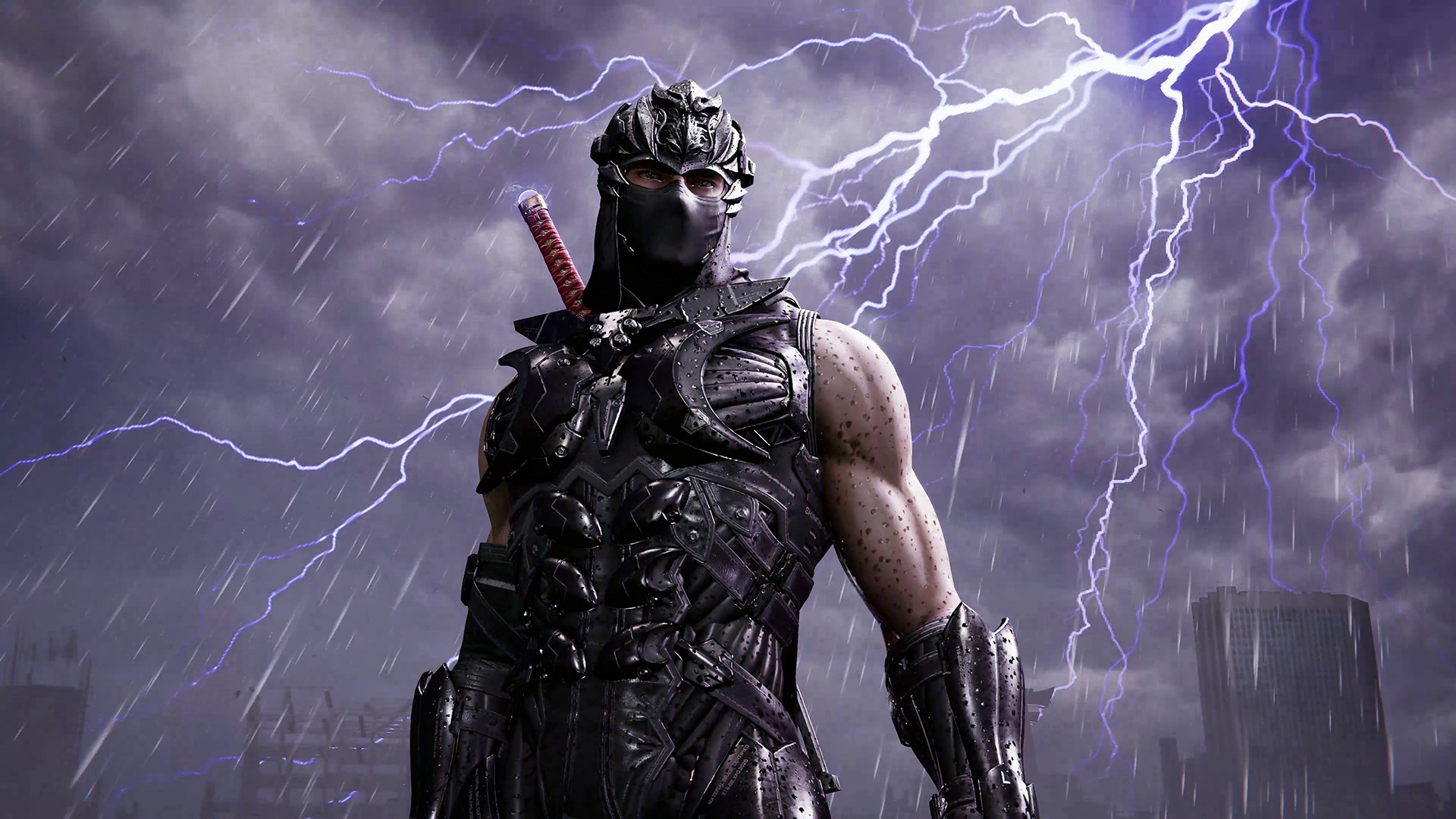
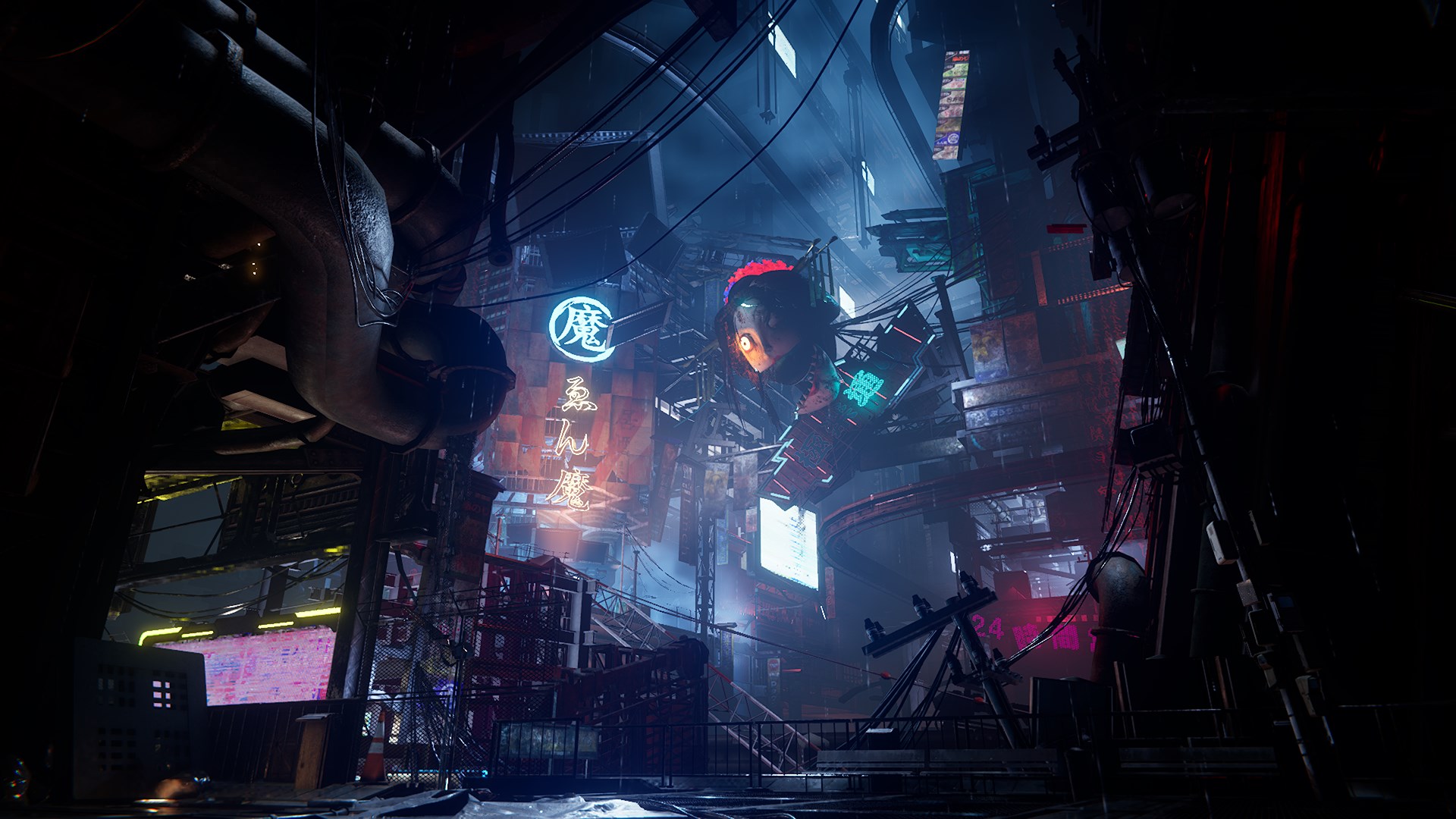
The user interface design incorporates sharp contrasts and bold imagery that reflect the game's fast-paced combat scenes. The wallpapers feature iconic characters and dramatic battle scenes, rendered in vivid, high-definition quality, ensuring they look stunning on various display resolutions. The themed icons are thoughtfully crafted to match the overall aesthetic, adding to the sense of cohesion across your desktop and menu items.
Performance and User Experience: Smooth, Accessible, and Intuitive
Installing the theme is straightforward, with minimal setup required — a simple click, and you're set. Once active, the theme transitions smoothly, with no noticeable lag or disruptions in workflow, thanks to its optimized design tailored for Windows. Navigating through your desktop, settings, and application menus remains effortless, with the visual elements subtly enhancing rather than obstructing usability. The learning curve is minimal, making it suitable for both tech-savvy users and novices alike.
Unique Selling Points: Customization Variety and Theme Compatibility
What sets this theme apart from other personalization apps is its finely tuned balance between extensive customization options and compatibility. Unlike generic themes that offer limited backgrounds and icons, NINJA GAIDEN 4 Theme provides a variety of wallpapers, animated icons, and desktop widgets that can be tailored further to match user preferences. Additionally, it aligns perfectly with Windows' native theme system, ensuring smooth toggling and updates without causing interface inconsistencies. Its focus on maintaining the action game's aesthetic while preserving system stability makes it a distinctive option.
Should You Install It? Recommendations and Usage Tips
If you're a fan of the NINJA GAIDEN series or enjoy enhancing your desktop's visual appeal with dynamic, game-inspired themes, this app is worth considering. It's especially recommended for those who appreciate high-quality artwork, seamless integration, and a touch of adrenaline on their daily workflow. For best results, ensure your display settings support high-resolution wallpapers, and explore the available customization options to craft a personalized ninja domain. While it may not be suitable for users seeking minimalistic or professional themes, for others craving an energetic upgrade, it's a solid, visually striking choice.
In summary, the NINJA GAIDEN 4 Official Theme blends game art with practical design, offering a uniquely immersive desktop experience. Its standout features — especially its vibrant visuals and extensive customization options — make it a noteworthy addition for Windows users wanting to channel their inner ninja while working or gaming.
Pros
- Visually appealing theme inspired by Ninja Gaiden 4
- Officially licensed content ensuring authenticity
- Enhances aesthetic appeal for fans of the franchise
- Smooth and high-quality graphics optimized for various devices
- Easy to install and customize from the Microsoft Store
Cons
- Limited customization options
- Potential compatibility issues with some older devices
- Requires regular updates for the best experience
- High-resolution images might increase startup time slightly
- Limited to devices with Microsoft Store access











