
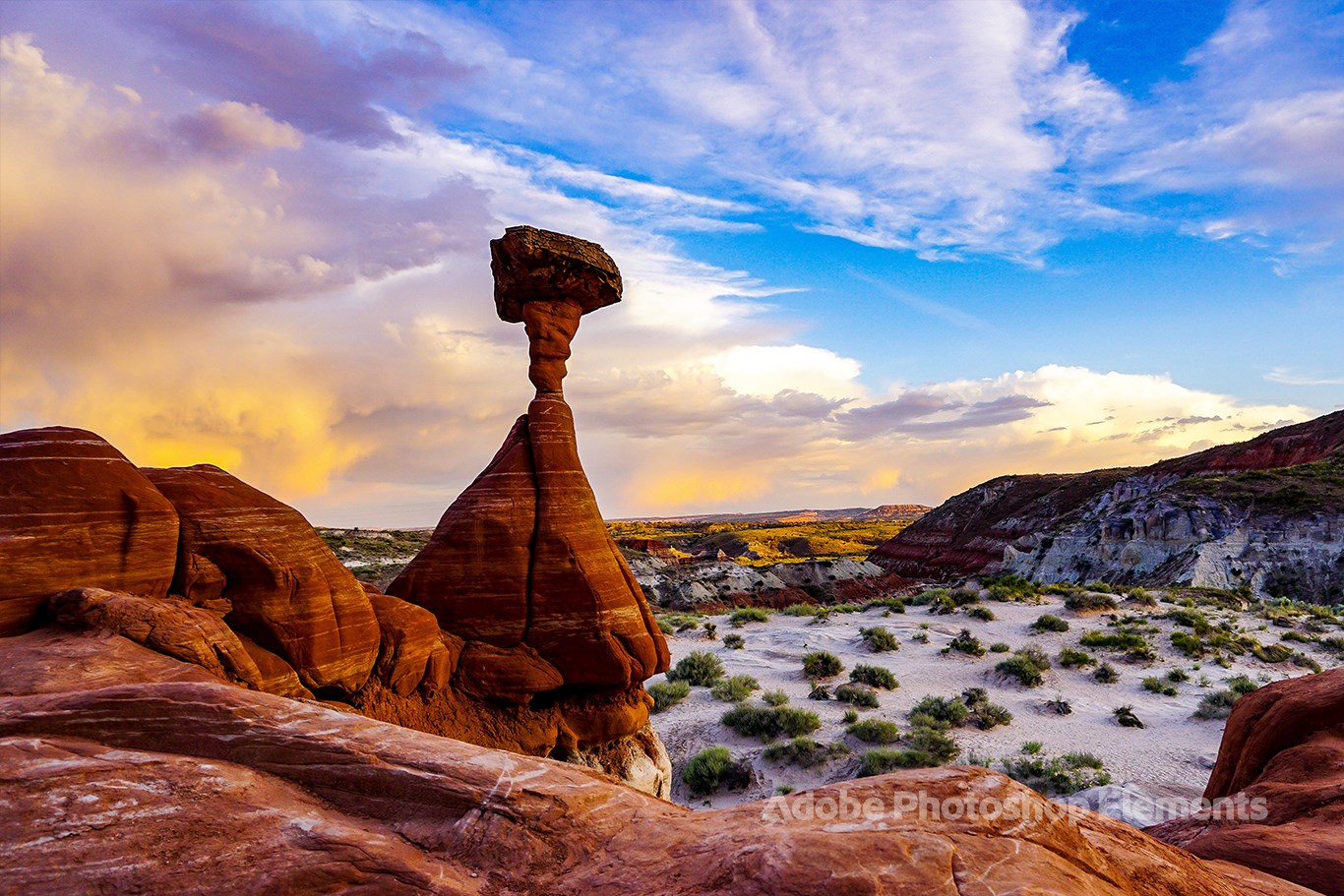
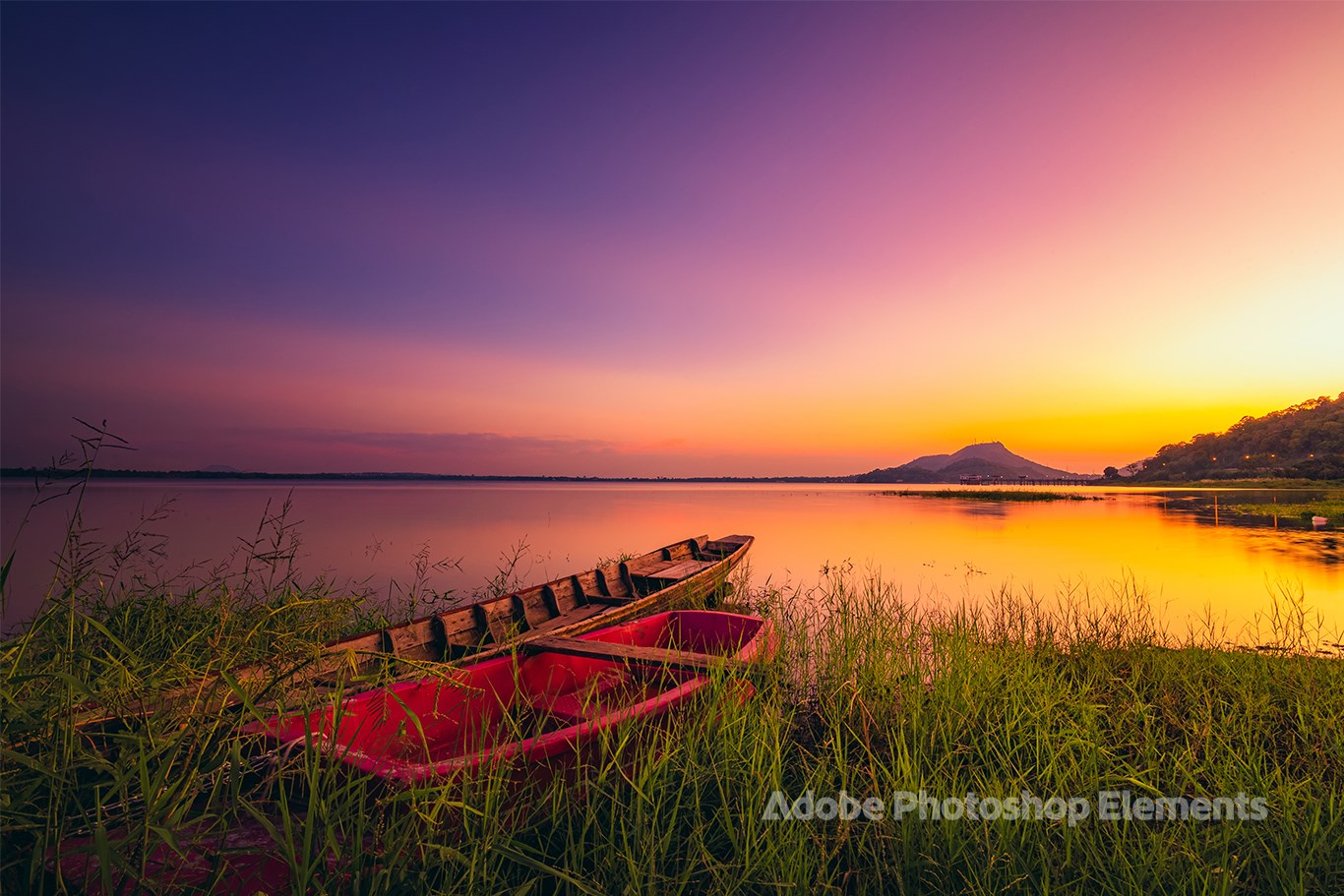
- Name Nature Theme by Adobe Photoshop Elements
- Category Personalization
- Developer Adobe
- Available on PC
- OS Windows 10 version 18362.0 or higher
- languages English (United States)
Introducing Nature Theme by Adobe Photoshop Elements for Windows
If you're someone who loves to infuse their digital projects with the calming beauty of nature, then the Nature Theme for Adobe Photoshop Elements offers a compelling way to do just that. It's a thoughtfully crafted collection of visual elements that seamlessly blend artistic design with user-friendly features, providing a dedicated space for nature-inspired creativity. Developed by Adobe, a name synonymous with professional-grade image editing, this theme is tailored for hobbyists, amateur photographers, and creative enthusiasts eager to personalize their projects effortlessly.
About the Developer and Core Features
Developed and published by Adobe Inc., a global leader in creative software solutions, Nature Theme leverages Adobe's vast experience in providing intuitive tools that cater to both beginners and intermediate users. The theme primarily enhances Photoshop Elements' interface with nature-centric backgrounds, overlays, and color palettes, optimizing your workspace for natural aesthetics. Key highlights include:
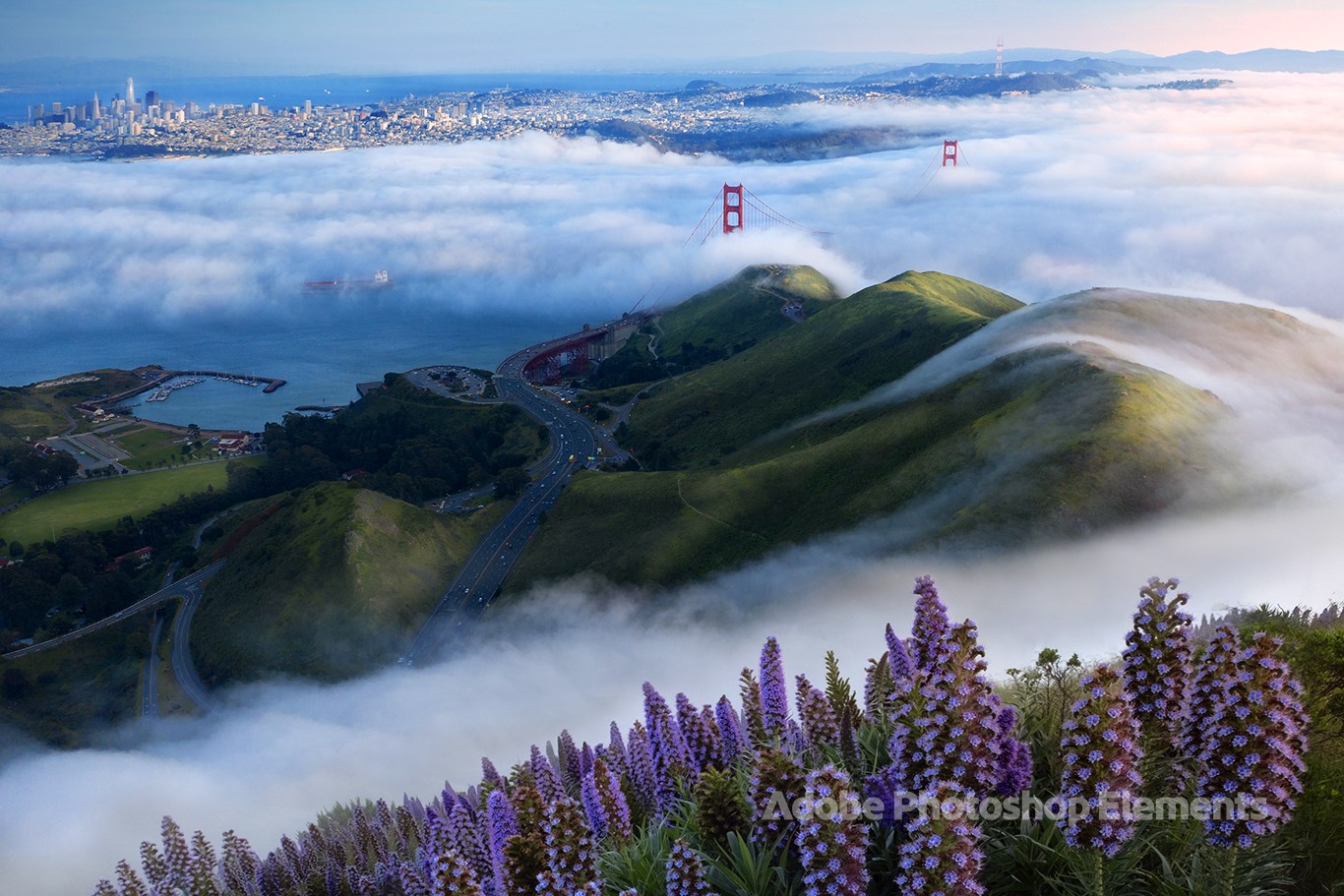
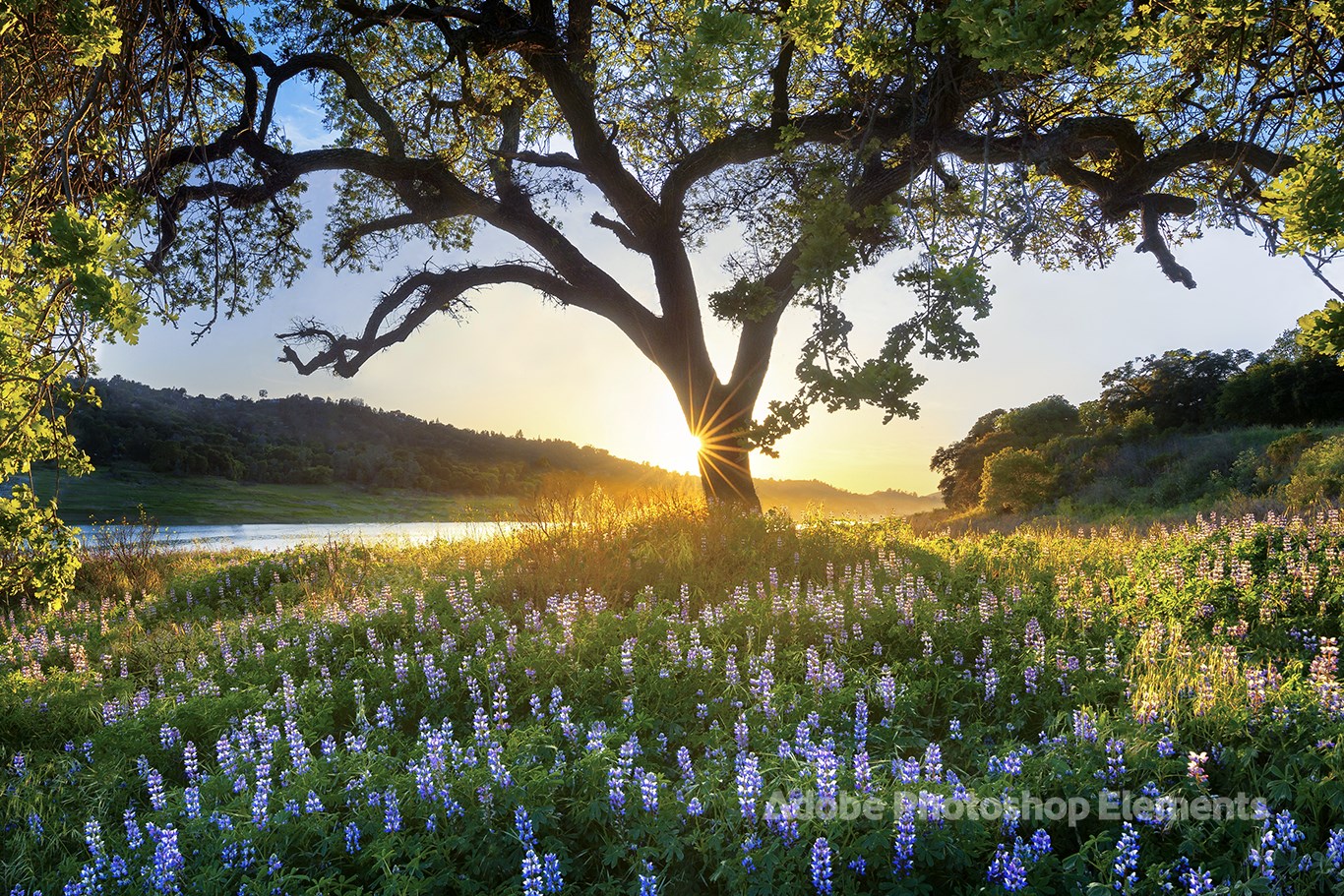
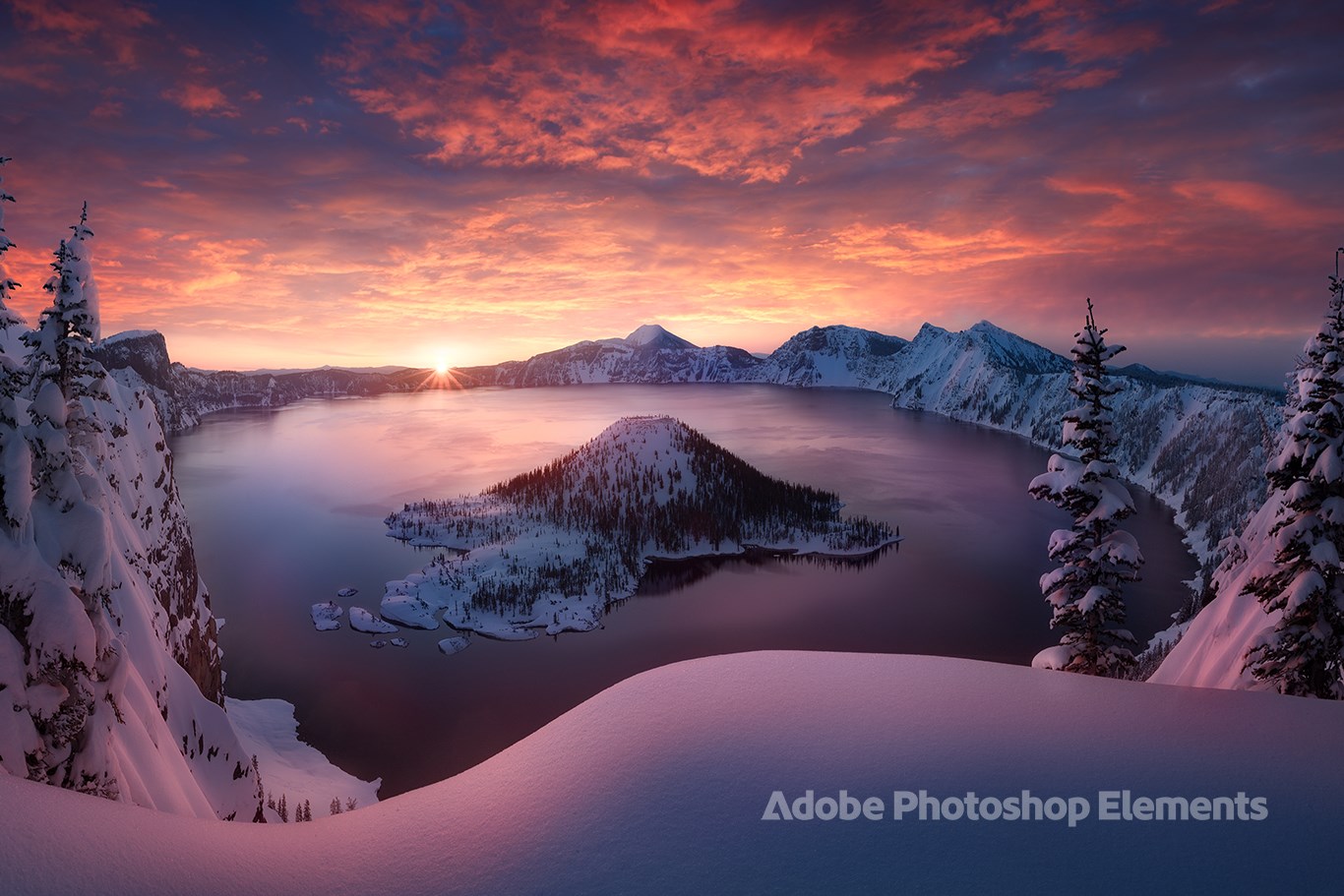
- Rich Customization Options: Offers a variety of pre-designed nature motifs, including forests, oceans, and mountain landscapes, that can be easily applied or modified.
- Seamless Theme Compatibility: Integrates smoothly into Photoshop Elements, allowing users to switch themes effortlessly without disrupting their workflow.
- User-Friendly Interface: Designed with simplicity in mind, enabling quick setup and adaptation, even for those new to digital art tools.
- Enhanced Visual Experience: Elevates the working environment by creating immersive, nature-inspired backgrounds that make editing more enjoyable.
The target user base ranges from casual photographers looking to give their albums a fresh look, to creative hobbyists seeking new inspiration, and even educators aiming to introduce digital art with thematic consistency.
A Fresh Breath of Nature in Your Creative Workspace
Imagine opening Photoshop Elements and being greeted not just by a blank canvas, but by a serene forest or tranquil beach vista—this is the vibe Nature Theme aims to deliver. It's like stepping into an artist's studio where the walls are adorned with calming landscapes, subtly inspiring your every pixel. The theme transforms the editing experience, turning what's often a technical process into a delightful, mood-boosting journey into natural beauty.
Core Functionality: Muted Backgrounds Meet Vibrant Creativity
At its heart, Nature Theme excels in transforming the interface into an immersive environment. The themed backgrounds are more than mere aesthetics; they set the tone for your project. Whether you're working on photo enhancements, digital collages, or creative compositions, these nature-inspired motifs help keep your artistic mind relaxed and focused. The variety of backgrounds ensures you can match the mood—be it vibrant summer blooms or tranquil winter snowscapes—to your project's theme.
Customization Options: Personal Touches That Matter
One standout feature of this theme is its impressive array of customization options. Unlike generic themes, Nature Theme allows you to tweak overlays, color accents, and even integrate your own images into the natural motifs. The variety of options ensures that your workspace isn't just visually appealing but also highly adaptable to personal styles. It's like having a mini art studio within your software—ready to mold into your own creative environment.
Ease of Use and User Experience
The interface design is intuitively laid out, with clear menu options and drag-and-drop functionality that minimizes the learning curve. Navigating through the theme options feels as smooth as walking through a well-maintained garden—nothing feels jarring or complicated. For beginners, the learning curve is gentle, while experienced users will appreciate the swift customization capabilities. The theme loading is quick, and toggling between different environment setups feels almost instantaneous, maintaining a seamless creative flow.
Comparison with Other Personalization Apps
Compared to other theme-based personalization tools or customization options in photo editing software, Nature Theme distinguishes itself through its high-quality, professionally designed visuals and extensive adaptability. Many competing themes tend to offer a limited set of backgrounds or customization parameters, but this one excels in providing a broad spectrum of nature-inspired choices—ranging from subtle earthy tones to vivid landscapes. Additionally, its seamless integration with Photoshop Elements ensures that users can switch themes without losing their work, a feature that not all apps handle gracefully.
Final Recommendations and Usage Suggestions
All considered, Nature Theme by Adobe Photoshop Elements is a thoughtfully designed add-on that enhances the creative environment with minimal hassle. It's especially suited for users who find inspiration in natural landscapes or wish to imbue their projects with a calming, earthy aesthetic. Beginners will appreciate how easily they can transform their workspace, while seasoned users will enjoy the depth of customization available. For those seeking to add a touch of serenity and personalized sophistication to their digital projects, this theme is certainly worth exploring.
In essence, if you're looking to brighten up your creative sessions with natural beauty, Nature Theme offers an elegant, user-friendly way to do so—turning your editing room into a peaceful forest or soothing shoreline with just a few clicks. Recommended for anyone eager to personalize their Photoshop Elements environment beyond simple color schemes or icons.
Pros
- Visually appealing interface
- High-quality nature images
- Easy integration with Adobe Photoshop Elements
- Lightweight and quick to load
- Regular updates with new themes
Cons
- Limited customization options
- High-resolution images may slow down some devices
- Lack of categorization for themes
- Limited variety beyond nature themes
- Some themes may have repetitive elements











