
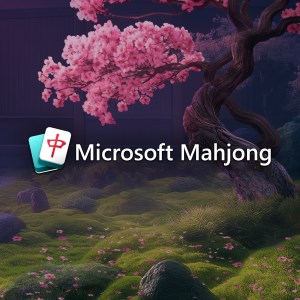
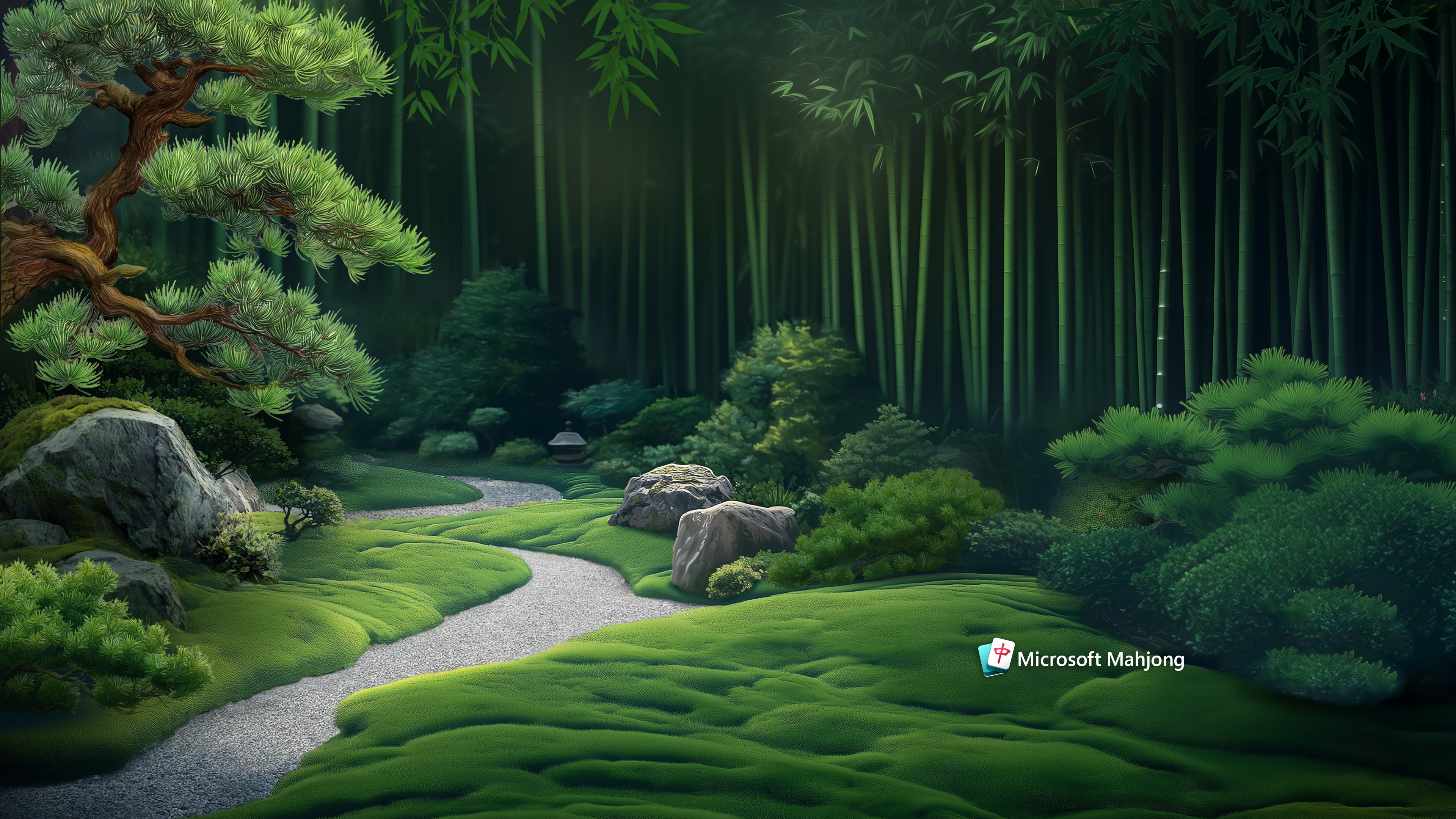
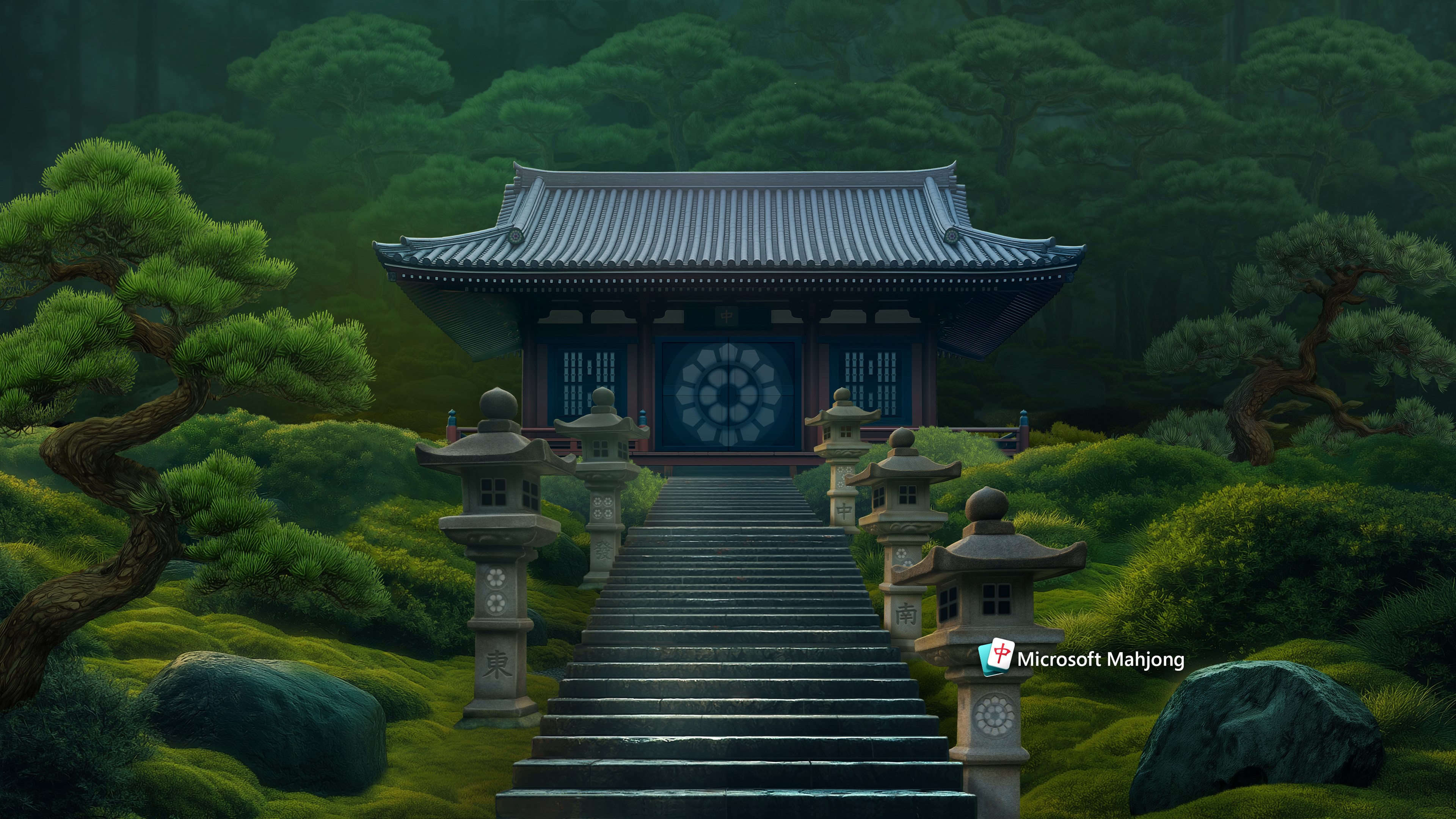
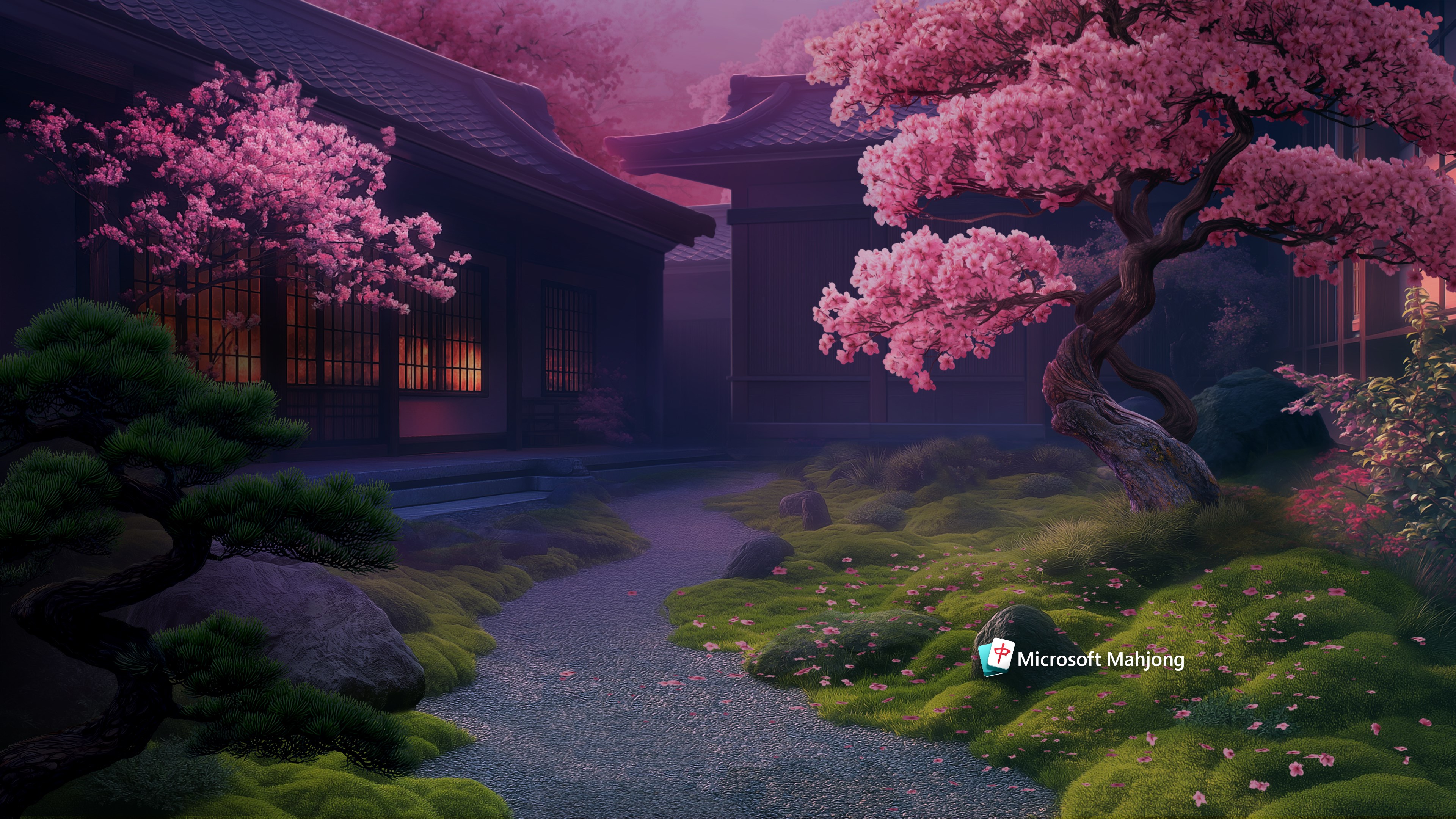
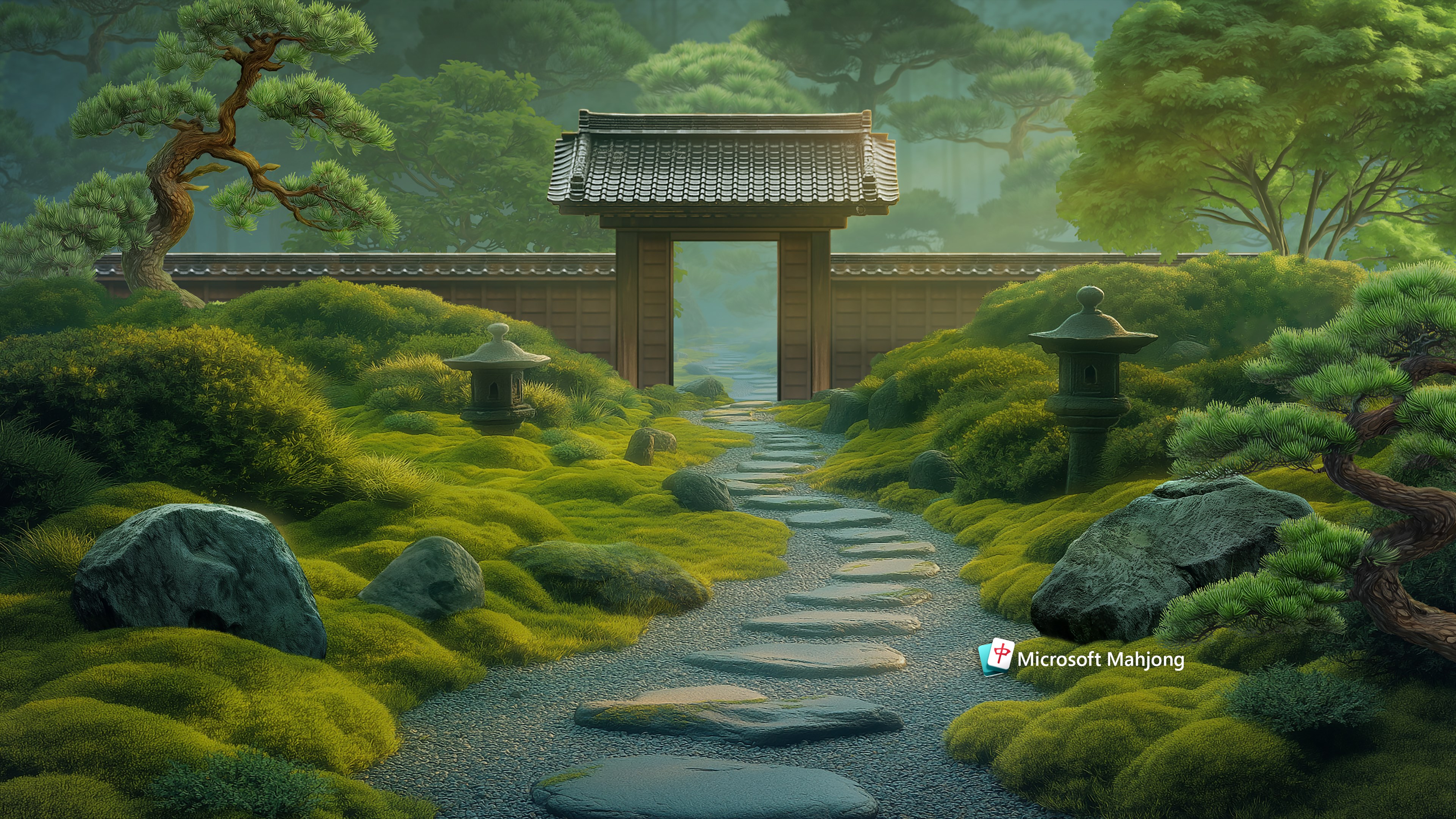
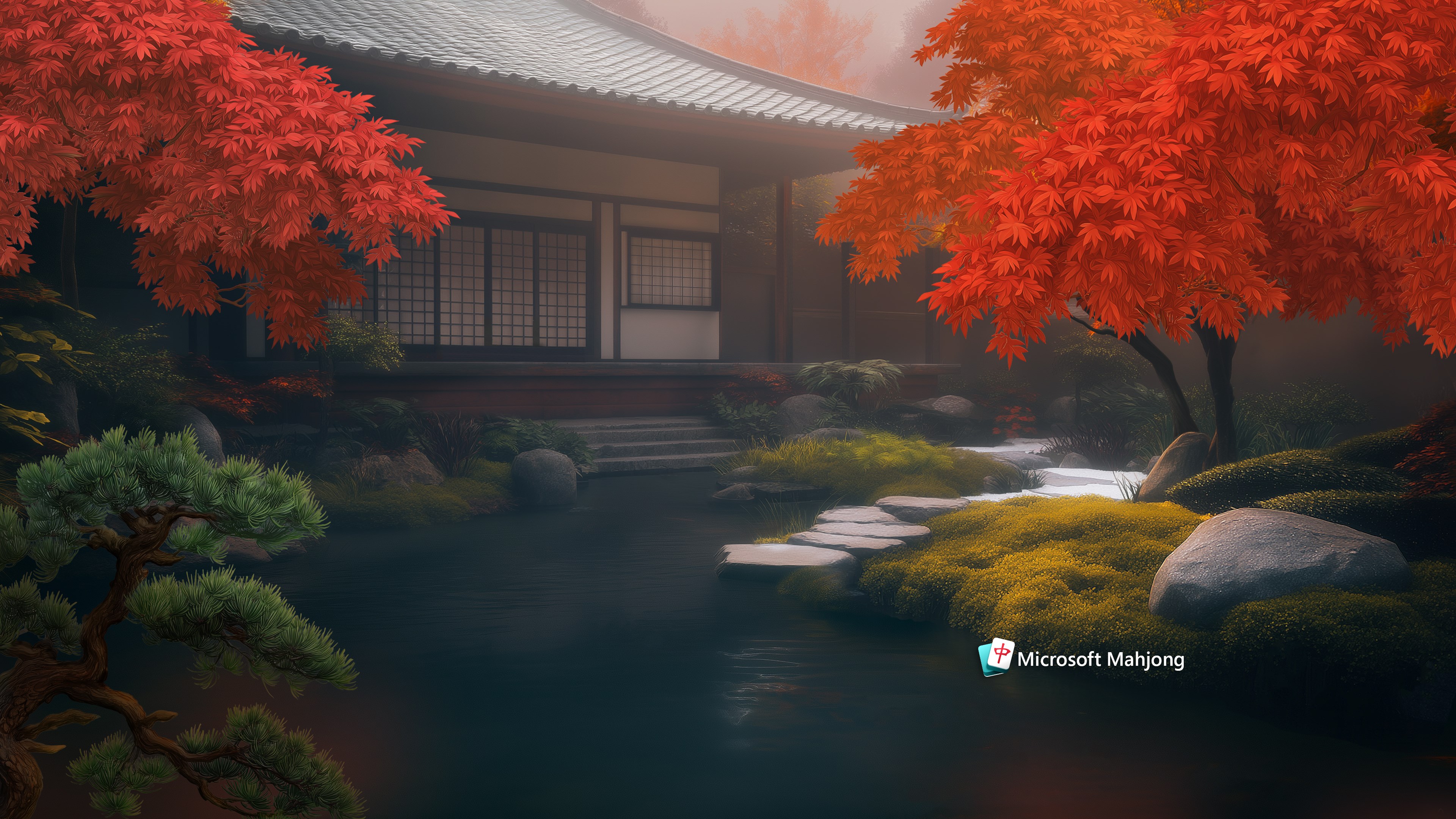
- Name Microsoft Mahjong Theme Collection
- Category Personalization
- Developer Xbox Game Studios
- Available on PC
- OS Windows 10 version 18362.0 or higher
- languages English (United States)
Microsoft Mahjong Theme Collection for Windows: A Fresh Spin on Classic Puzzle Fun
Designed to breathe new life into the traditional Mahjong experience, Microsoft's Theme Collection offers users an engaging way to personalize their gaming environment without compromising on quality or ease of use.
Developer and Core Features
Developed by Xbox Game Studios and published by Microsoft Studios, this app provides a curated selection of themes to customize your Mahjong game interface. Its primary highlights include diverse visual themes that transform the game's appearance, seamless integration with the Windows environment, and an intuitive user interface that makes personalization straightforward for gamers of all levels. The collection caters to players who appreciate both the strategic depth of Mahjong and the joy of aesthetic customization.
Who Will Enjoy This? Target Audience
This theme collection is ideal for Mahjong enthusiasts looking to add a personal touch to their gameplay, Windows users seeking aesthetic enhancements for their apps, and casual players interested in a visually appealing gaming experience. It's particularly suited for those who value simplicity, elegance, and easy customization options within familiar gaming apps.
A Playful Dive into Visuals: Setting the Scene
Imagine sitting at your computer on a rainy afternoon, the soft glow of your screen casting inviting light onto your workspace. As you launch Microsoft Mahjong, you're greeted not only by the familiar tiles and strategic gameplay but also by a universe of themes that feel like a breath of fresh air—each one transforming your gaming environment into a cozy ocean, a vibrant garden, or sleek modern aesthetic. These visual cues do more than decorate—they immerse you, creating a personalized oasis where every game feels fresh and tailored.
Transform Your Experience with Stunning Themes
The core appeal of this collection lies in its variety of visual themes, which serve as a canvas for your customization desires. From intricate traditional designs to modern minimalist motifs, Microsoft Mahjong Theme Collection offers an array of options to match your mood or decor. The app excels at easy theme switching, enabling players to experiment freely and find their ideal ambiance. Unlike many personalization apps that offer limited options, this collection's curated set ensures each theme is thoughtfully designed to enhance the gaming experience without distracting from gameplay.
Seamless Integration & User-Friendly Design
One of the most commendable aspects of this app is its sleek interface. Navigating through the themes feels effortless, akin to flipping through a well-organized photo album. The interface maintains a consistent aesthetic with Windows and the Mahjong game itself, fostering a smooth, cohesive experience. Loading times are minimal, and the transition from one theme to another is buttery smooth—even on modest hardware. Additionally, the learning curve is gentle; users unfamiliar with customization find it intuitive, with clear icons and straightforward options guiding the way. It's like having a personal stylist for your game—without the fuss.
Unique Selling Points & Differentiators
Compared to other personalization apps, this collection shines with its focus on theme compatibility and visual variety. Many apps offer a smattering of options without cohesion, but Microsoft's theme collection is curated to complement the Mahjong game, ensuring aesthetic harmony. The ability to seamlessly swap themes and see instant visual updates is a standout feature, making personalization effortless. Its emphasis on integrating with the Windows ecosystem means themes are optimized for performance and aesthetic consistency—something less polished in many third-party customization apps. Essentially, this collection not only beautifies your game but does so with a level of polish and coherence that stands out in the crowded personalization landscape.
Final Verdict: A Must-Try for Aesthetic Enthusiasts
If you enjoy customizing your digital environment and appreciate streamlined, cohesive themes, this collection is highly recommended. Its most significant advantage—the curated, harmonious themes designed specifically for Mahjong—sets it apart from general wallpapers or theme packs. It's perfect for players seeking a personalized touch that elevates their playing experience without added complexity. For those who love to inject a bit of their personality into every detail of their digital life, Microsoft Mahjong Theme Collection offers a delightful, hassle-free way to do so. Load it up, explore the themes, and let your game set the mood—your Mahjong session will thank you.
Pros
- Visually appealing themes
- Easy to navigate interface
- Free to download and try
- Consistent updates with new themes
- Enhances user experience with personalized visuals
Cons
- Limited customization options
- Minor bugs during theme previewing
- Themes may not match all device screen sizes perfectly
- Lack of detailed theme descriptions
- Limited customization beyond themes











