
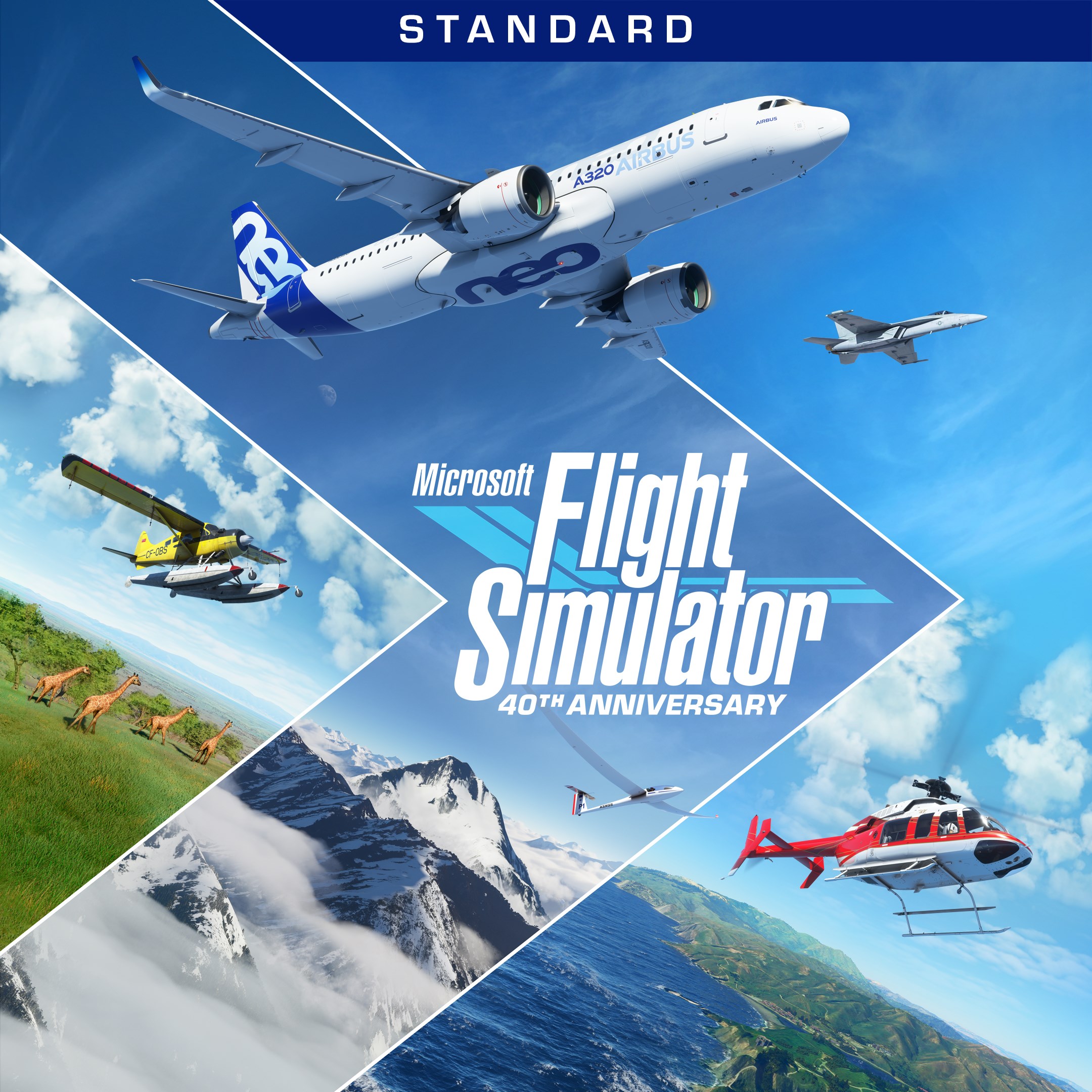
- Name Microsoft Flight Simulator (2020) Standard 40th Anniversary Edition
- Category Simulation
Introducing the Microsoft Flight Simulator (2020) Standard 40th Anniversary Edition
The Microsoft Flight Simulator (2020) Standard 40th Anniversary Edition for Windows offers a highly immersive and realistic flying experience, bringing the thrill of aviation into your home with stunning visuals and detailed simulation mechanics.
Developers and Core Features
Developed collaboratively by Asobo Studio in partnership with Xbox Game Studios, this edition celebrates four decades of flight simulation innovation. Its standout features include an almost unprecedented level of visual realism powered by satellite imagery and aerial data, highly detailed aircraft models with accurate flight physics, and an expansive world that covers the entire planet, allowing pilots to explore anywhere on Earth. Additionally, the game integrates live weather and real-time cloud dynamics, enhancing immersion and unpredictability for each flight.
Target Audience
This simulator caters to aviation enthusiasts, professional pilots, and tech-savvy gamers seeking a realistic flying experience. It also appeals to learners interested in gaining foundational knowledge of aircraft handling and navigation within a visually rich, simulated environment.
A Vibrant Flight Experience: Why It Feels Like Taking to the Skies
Imagine strapping into the cockpit of a world-class aircraft, the horizon stretching endlessly ahead, the engine's hum resonating with your heartbeat. Microsoft Flight Simulator doesn't just simulate flying; it transports you into a vivid tapestry of sky, terrain, and weather, making each flight an adventure — whether you're soaring over the glittering city lights of Tokyo or drifting over the sprawling Amazon rainforest. Its massive open-world environment, rendered with unparalleled detail, beckons explorers of all kinds to indulge their wanderlust from their own living rooms.
Unmatched Visual Fidelity and Realism
The game's most striking feature is its breathtaking graphics powered by cloud-based data, satellite imaging, and Azure AI technology. This means that every cityscape, mountain, and coastline is rendered with a degree of realism that borders on photo verification. The aircraft models are meticulously designed, from small general aviation planes to massive commercial jets, each exhibiting authentic controls and flight dynamics. This level of detail ensures that users not only see but feel the nuances of flight, enabling them to appreciate the physics and mechanics behind every maneuver.
Authentic Flight Mechanics and Learning Transfer
What truly sets this simulator apart from many other casual flight games is its dedication to accurate physics. The flight behavior responds convincingly to changes in weather, altitude, and control inputs, offering a near-realistic experience. For aviation students or aspiring pilots, this transferability of skills—such as airspeed management and navigation—can provide foundational knowledge applicable to real-world flying. The in-game cockpit interfaces and instruments mirror real aircraft panels, offering an excellent teaching tool for understanding aircraft systems.
Comfortable and Intuitive User Interface
Navigation through the simulator is quite user-friendly. The interface is sleek yet practical, with customizable controls and a comprehensive help system that eases beginners into complex procedures. While there is a slight learning curve, guided tutorials and flight training modes make it accessible. Smooth performance is maintained across a range of hardware configurations, ensuring that the experience remains fluid and engaging whether you're on a gaming rig or a more modest setup.
Differentiators and Final Recommendations
Compared to other simulation titles, Microsoft Flight Simulator stands out with its breathtaking realism and global scope. While many flight sims focus on specific aircraft or regions, this edition provides an almost planetary experience, making every flight a new adventure. Its weather system, live traffic, and real-time cockpit systems are top-tier, setting a high bar for realism in the genre.
For casual enthusiasts, it offers a satisfying route into virtual flying; for veteran pilots or students, it's an invaluable training complement. Considering its depth and visual quality, I recommend it to anyone interested in aviation or meticulous simulation gaming. However, be prepared for a significant time investment if you wish to master its more complex features.
All in all, this simulator is a compelling mix of beauty, precision, and educational potential—making it a standout choice for both entertainment and learning in the realm of flight simulation.
Pros
- Exceptional Graphics and Realistic Visuals
- Extensive Aircraft and Scenery Options
- Advanced Flight Dynamics and Controls
- Innovative Use of Cloud-Based Data Streaming
- Rich Content for 40th Anniversary Celebrations
Cons
- High System Requirements
- Occasional Performance Drops on Some Hardware
- Complex Settings May Overwhelm Beginners
- Limited Multiplayer Functionality Currently
- Pricing for Additional Content Can Be High











