
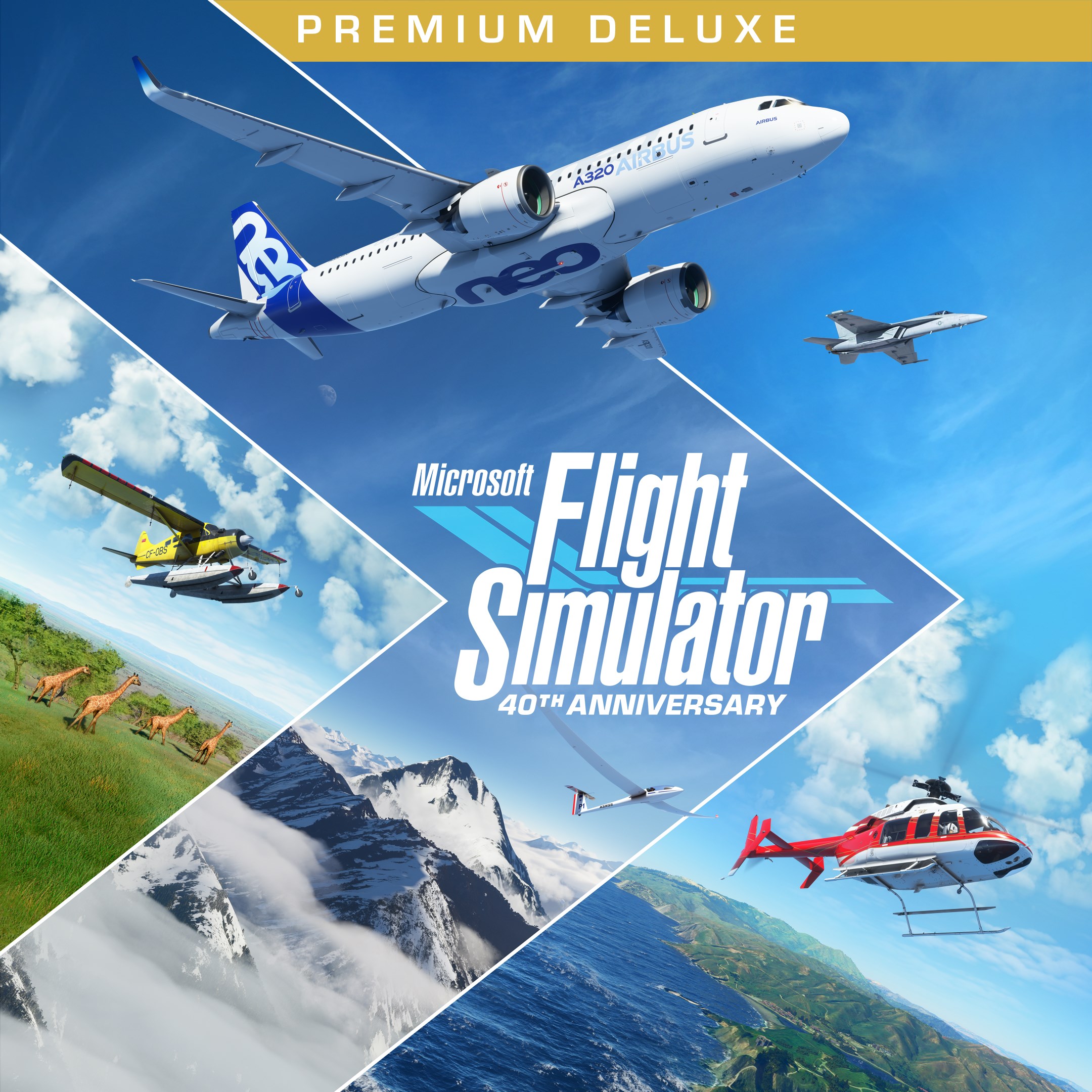
- Name Microsoft Flight Simulator (2020) Premium Deluxe 40th Anniversary Edition
- Category Simulation
Precise Flight Simulation with a Sky-High Ambition
Microsoft Flight Simulator (2020) Premium Deluxe 40th Anniversary Edition for Windows stands out as an impressively detailed and realistic aviation simulator that aims to bring the vast skies right into your living room. With its stunning visuals and in-depth mechanics, it offers both casual enthusiasts and seasoned pilots a compelling virtual flying experience.
Developer and Core Features
Developed by Xbox Game Studios, Microsoft Flight Simulator (2020) is a culmination of years of effort to create the most authentic flight simulation ever. Its main features include hyper-realistic scenery powered by Bing Maps and Azure AI, a dynamic weather system that changes dynamically and realistically, and a vast array of aircraft varieties, from small general aviation planes to large commercial jets. The Premium Deluxe edition particularly expands this experience with more aircraft and detailed airports, making every takeoff feel uniquely real.
Engaging and Immersive User Experience
If you've ever gazed at the sky and wondered what it's like to pilot a plane over majestic mountain ranges or bustling cities, this simulator transforms that daydream into a vivid reality. The interface strikes a balance between sophistication and accessibility, with a clean cockpit and intuitive menus that gently guide beginners without overwhelming them. The first time you fire up the engine and glide over the Alps, it's akin to stepping into a storybook where every pixel is meticulously crafted, and the sense of altitude is almost tangible.
Operational fluidity is another highlight. Even with the game's immense geographical data and complex weather algorithms, it runs smoothly on a range of modern PCs, thanks to intelligent optimization. However, users should note that high-end hardware can unleash the full visual splendor—sometimes demanding but undoubtedly rewarding. The learning curve is moderate; newcomers may need some initial guidance, but seasoned flight enthusiasts will find ample depth and control options to refine their skills.
Standing Out in Flight Simulation
What sets this simulator apart from other titles like X-Plane or FlightGear are its breathtaking visual realism and the integration of cloud-processing AI technology that renders the world with unmatched detail. For instance, the scenery isn't static but dynamically adapts with real-time updates, meaning you can fly over your own neighborhood with precise accuracy. Moreover, the physics engine models aircraft behavior with nuanced mechanics—so your airplane responds just as it should to different wind conditions, weight distributions, and aerodynamic forces. This level of realism is not just eye candy; it offers genuine learning transfer, helping aspiring pilots understand the basics of aircraft handling and navigation that can be surprisingly applicable in real-world scenarios.
Another distinctive feature is its worldwide coverage—no longer are you limited to preset routes. Instead, your experience is a panoramic tour of global highlights, made possible by Microsoft's expansive data integration. This feature turns the game into a portable travel journal, inspiring curiosity and geographical literacy alike.
Final Thoughts and Recommendations
If you're passionate about aviation, aviation technology, or simply love immersive digital environments, Microsoft Flight Simulator (2020) Premium Deluxe 40th Anniversary Edition is highly recommended. Its detailed mechanics and stunning visuals make it a standout, although potential users should be prepared for a moderate learning curve and ensure their hardware can handle the demanding graphics. The most compelling aspect is its ability to simulate not just flying but to foster a deeper understanding of aeronautics, making it both entertaining and educational. Whether you want to casually soar over landmarks or dive into meticulous pilot training, this simulator offers a comprehensive platform that truly elevates virtual flying to new heights.
Pros
- Stunning Visual Realism
- Extensive Aircraft Variety
- Enhanced 3D Cockpit and Systems Simulation
- Regular Updates and Content Expansion
- Support for Custom Content and Multiplayer
Cons
- High System Requirements
- Steep Learning Curve for Beginners
- Occasional Performance Fluctuations
- Large Download Size
- Limited Offline Functionality











