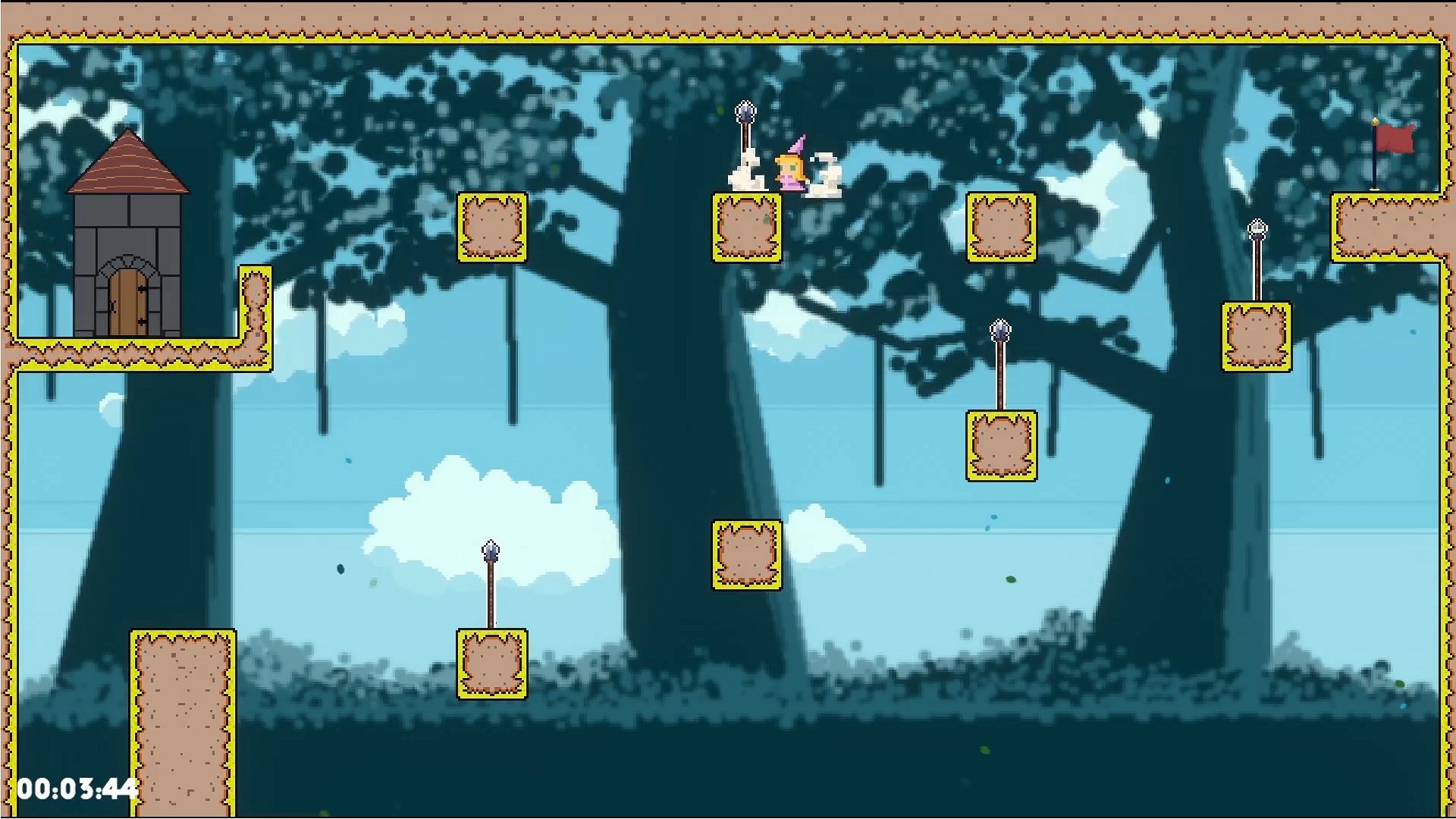
- Name Malu the Princess (Windows)
- Category Platformer
- Developer Rafael VF
- Available on PC
- OS Windows 10 version 18362.0 or higher
- Keyboard Integrated Keyboard
- DirectX Version 9
- Memory 2 GB
- Mouse Not specified
- languages English (United States)
A Charming Platformer Experience with Malu the Princess for Windows
Malu the Princess offers an engaging and visually appealing platforming adventure on Windows, combining classic gameplay with modern twists to delight casual gamers and platformer enthusiasts alike.
Basic Information: What's in the Box?
Developed by Rafael VF and published by Afil Games, Malu the Princess is a delightful side-scrolling platformer designed to entertain players with its charming characters and inventive levels.
- Core Features:
- Vibrant, cartoon-style graphics that create an inviting fantasy world.
- Multiple levels packed with puzzles, enemies, and secret areas to explore.
- Intuitive controls suited for both newcomers and seasoned players.
- Collectible items that enhance replayability and player engagement.
- Target Audience: The game primarily targets casual gamers, children, and platformer fans seeking a leisurely yet challenging journey through whimsical landscapes.
First Impressions: Enter a Whimsical World
Imagine stepping into a storybook filled with vibrant colors and playful melodies — that's the feeling Malu the Princess aims to evoke. From the moment you launch the game, it's like opening a door to a cozy, enchanted realm where the heroine, Malu, embarks on her heroic quest. It's approachable enough for newcomers but layered with enough details to keep more experienced players engaged. Think of it as a delightful blend of childhood nostalgia and modern game design—like rediscovering your favorite picture book with sparkling new details.
Core Gameplay Mechanics: Jump, Collect, Conquer
Engaging Level Design and Creative Puzzles
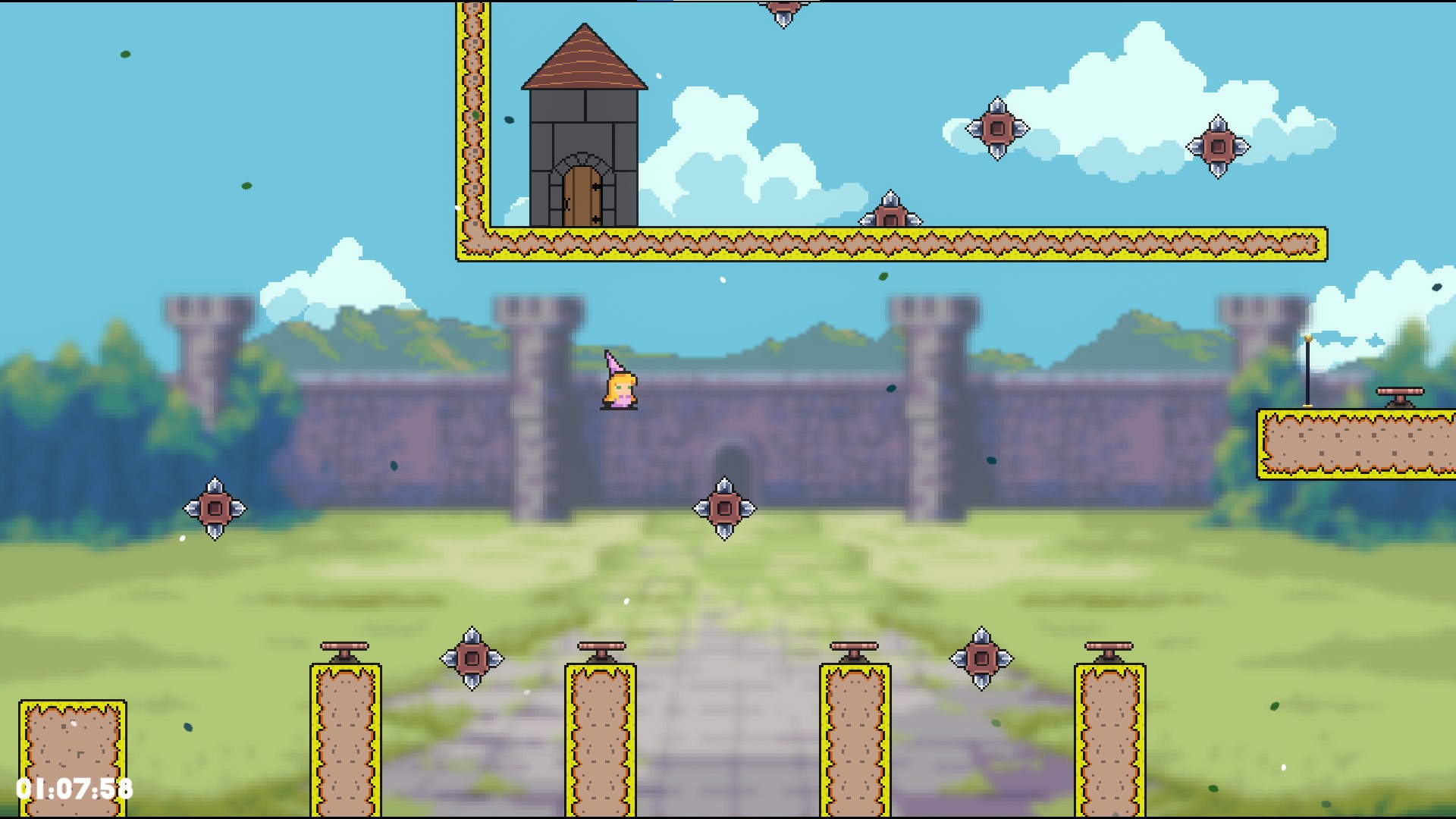
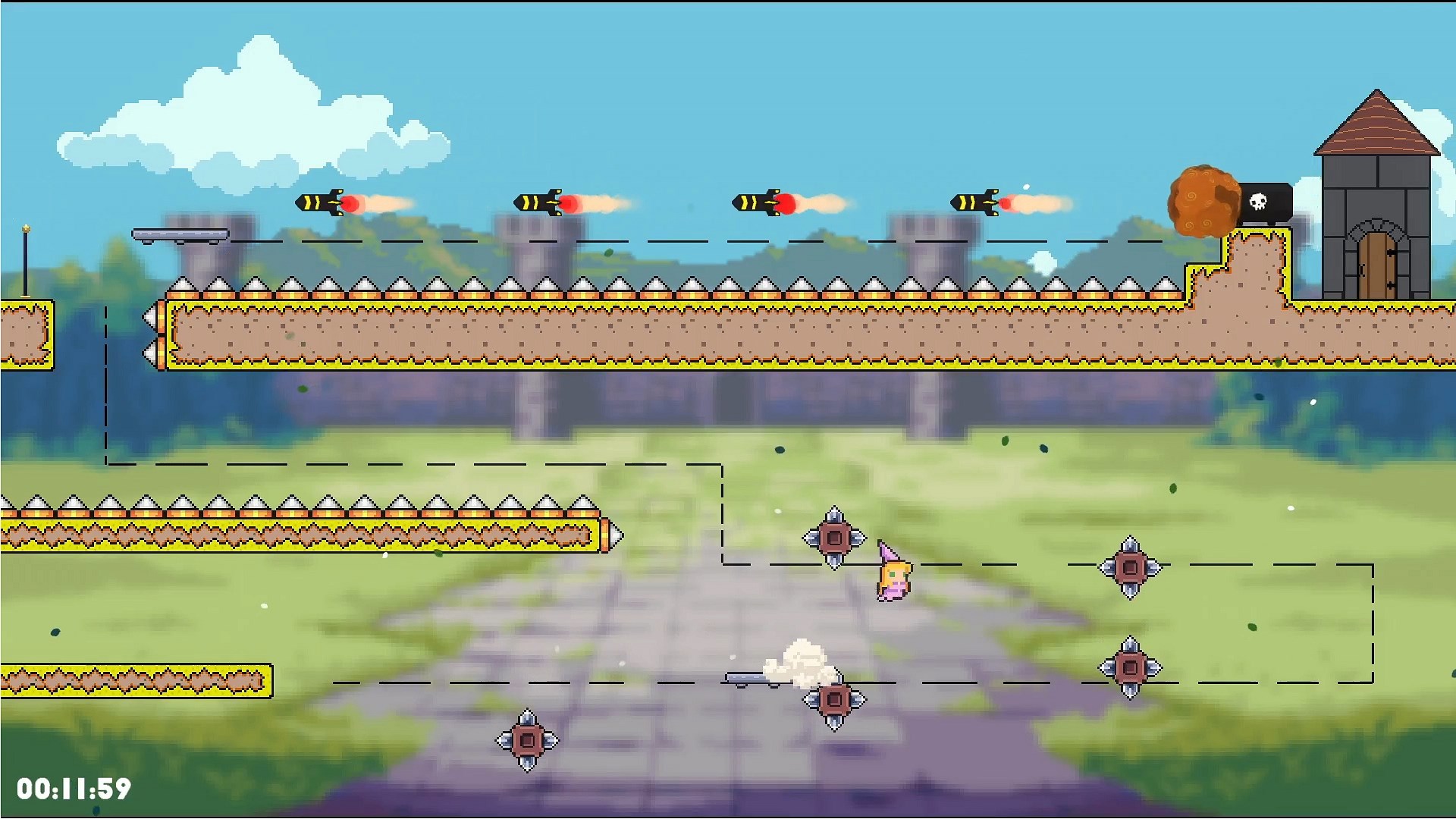
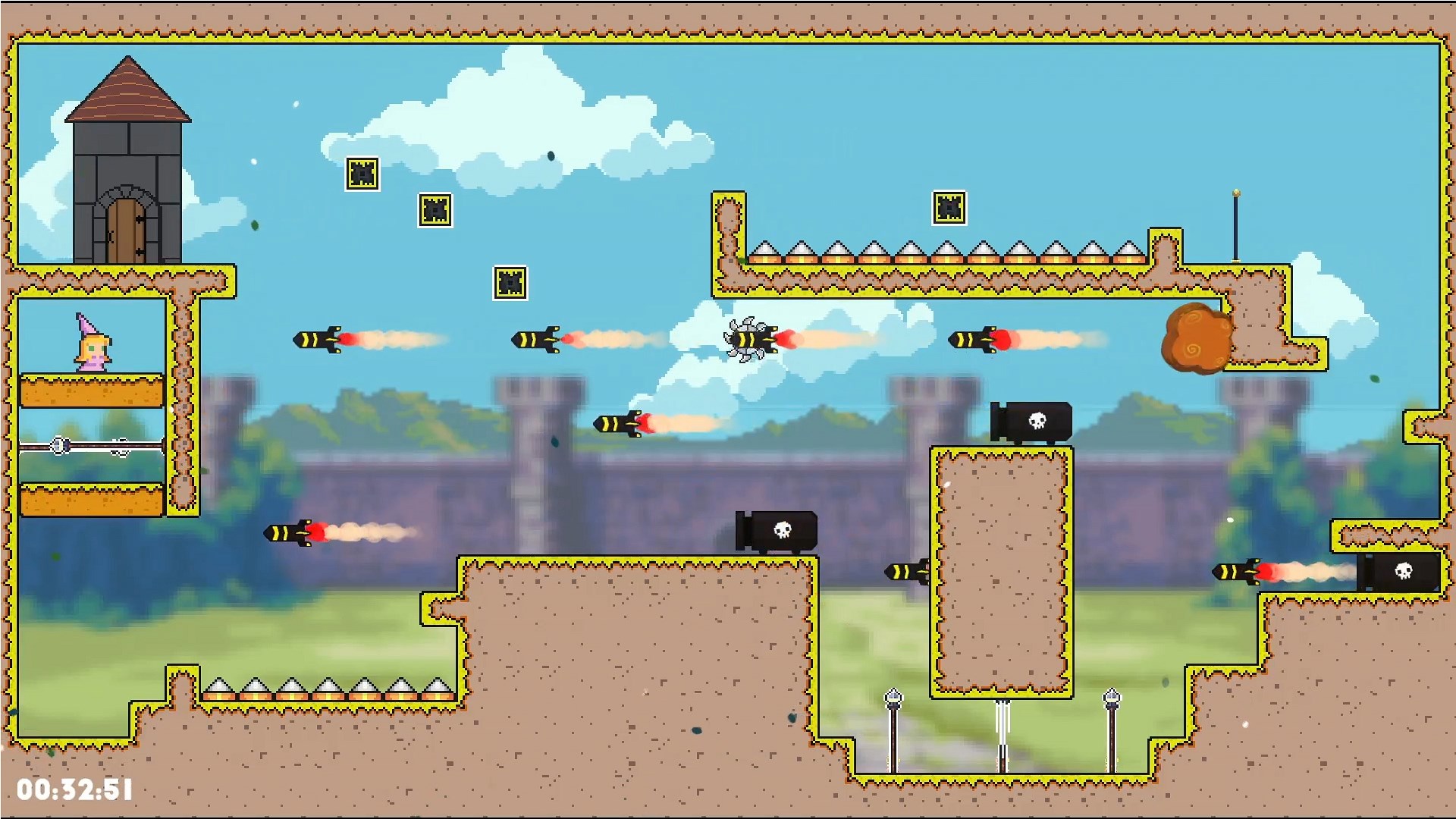
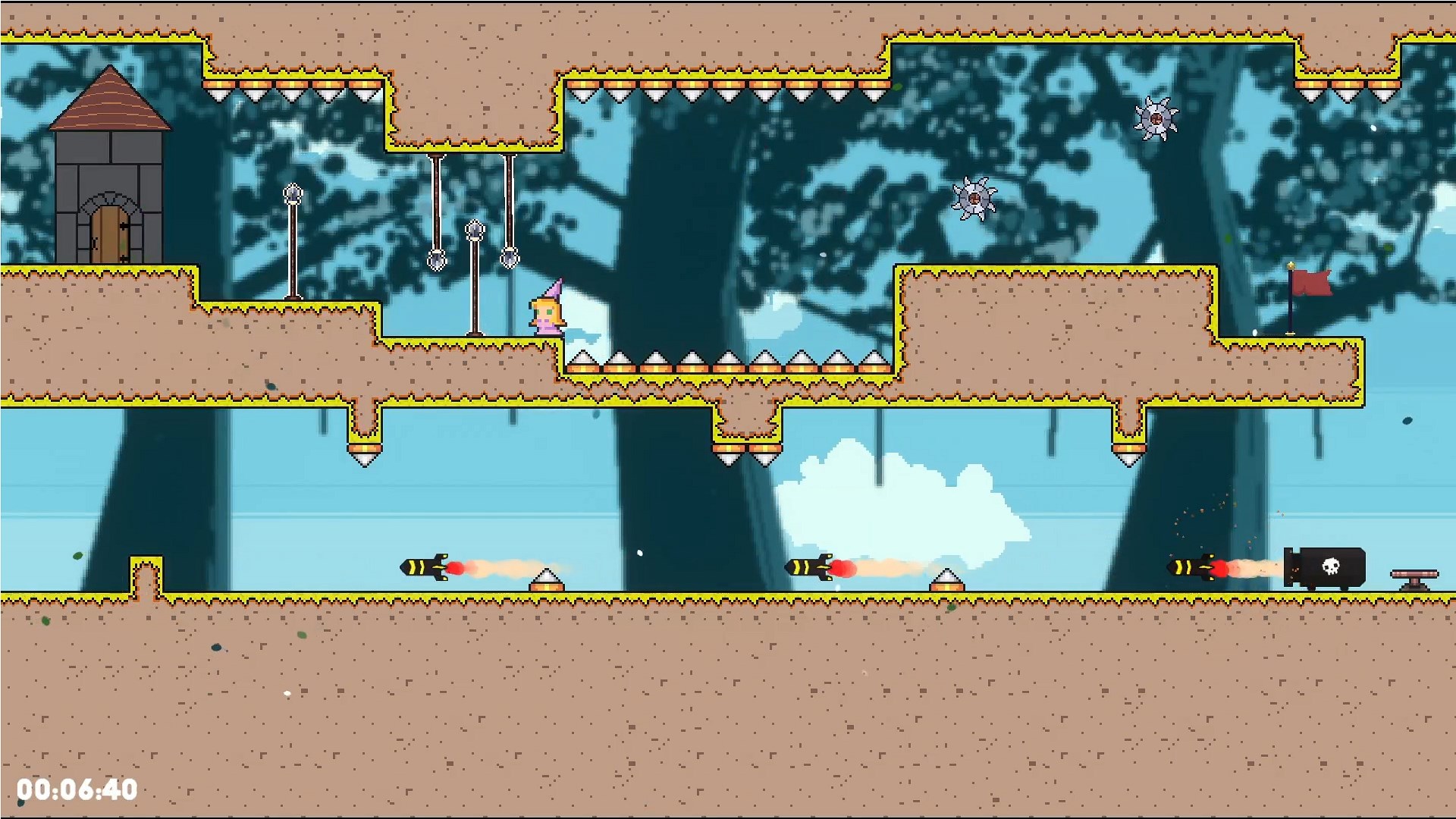
The game's levels are thoughtfully crafted, resembling a series of imaginative playgrounds. Each stage presents unique challenges—ranging from tricky platform jumps to clever puzzles that call for a bit of wit. For example, players might navigate through a maze of floating platforms, timed switches, and hidden power-ups. The game encourages exploration, rewarding curiosity with secret paths and bonus items. It's akin to exploring a magical garden, where every corner might hide a surprise—but with the thrill of a well-balanced challenge to keep you hooked.
Smooth and Responsive Controls
Malu's movement feels crisp and responsive — pressing a key is like giving a gentle push in the right direction. The controls are designed to be straightforward but precise, making platforming moments feel satisfying whether you're making graceful leaps or avoiding villains. This fluidity ensures players stay immersed without frustration, akin to gliding effortlessly across a well-polished dance floor. Even during complex sequences, the gameplay remains smooth, underscoring the developer's attention to player experience.
Intuitive User Interface and Learning Curve
The interface is clean and clutter-free, allowing players to focus solely on gameplay. Tutorials are seamlessly integrated, guiding newcomers without overwhelming them, much like a friendly hand holding yours through new challenges. The learning curve is gentle but rewarding—beginners will find their confidence build steadily, while veterans can enjoy fine-tuning their skills through more difficult levels. It's reminiscent of climbing a gentle hill: accessible at first, but with peaks to conquer for the thrill-seekers.
Unique Selling Points: What sets Malu the Princess apart?
Among its peers, the game's most distinctive feature is its combination of aesthetic charm and thoughtfully designed puzzles that elevate it from simple platformers. Unlike many titles that focus solely on quick reflexes, Malu emphasizes exploration and clever obstacle-solving, turning every level into a mini-adventure. Its vibrant, storybook-inspired visuals create a warm, inviting atmosphere that's rare in the genre, making it reminiscent of flipping through a beautifully illustrated story — captivating on every page. Additionally, the game's seamless integration of collectible rewards provides an extra layer of engagement, encouraging players to revisit levels and uncover hidden secrets.
Should You Play Malu the Princess?
Based on its design, gameplay, and aesthetic appeal, I recommend Malu the Princess for those who enjoy casual yet engaging platformers, especially if you appreciate delightful visuals and inventive level design. It's particularly suitable for players seeking a relaxing game with enough challenge to keep things interesting without becoming frustrating. Beginners and children will find the interface approachable, while seasoned gamers can enjoy the gameplay mechanics and secret hunts. Overall, this game is like a cozy Saturday morning cartoon — light, entertaining, and thoroughly charming.
Pros
- Engaging Story and Art Style
- Intuitive User Interface
- Educational Content Integration
- Offline Play Capability
- Child-Friendly Design
Cons
- Limited Content Depth
- Occasional Performance Lags
- Lack of Customization Options
- Sound Quality Could Improve
- In-App Purchase Prompts