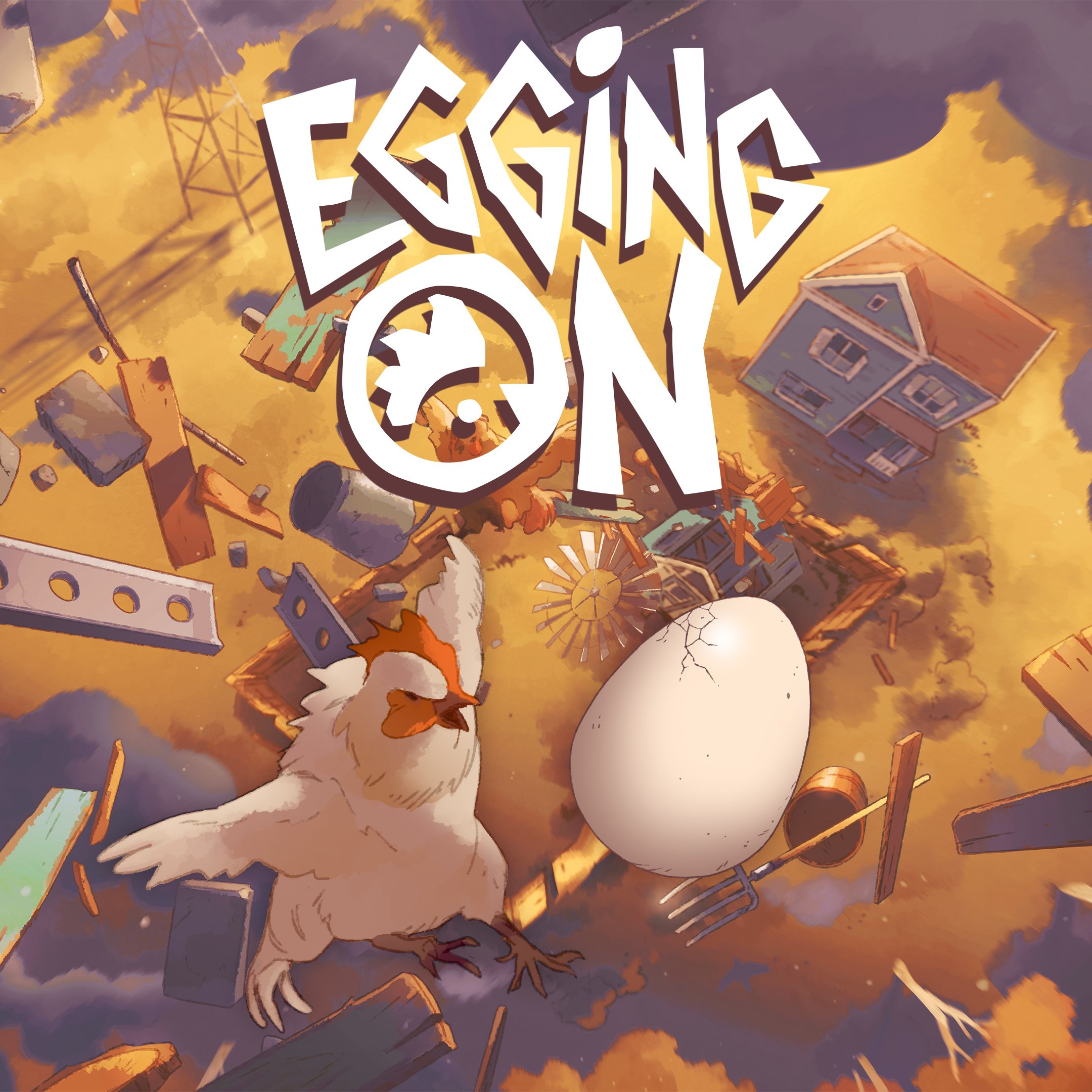
- Name Egging On
- Category Platformer
Egging On for Windows: A Delightful Platformer Experience
Egging On for Windows is a charming and engaging platformer that combines smooth gameplay with a whimsical art style, perfect for players looking for a fun yet challenging experience on their PC.
A Quick Look at the Basics
Developed by Alibi Games, Egging On places players in a lively world where precision and timing are key to guiding adorable eggs through colorful, obstacle-laden landscapes. The game's standout features include intuitive controls that cater to both newcomers and seasoned gamers, diverse level designs that keep the gameplay fresh, and a charming cartoon aesthetic that draws players into its cheerful universe. Its primary target audience encompasses casual gamers, younger players, and anyone who appreciates well-crafted platform challenges with a lighthearted tone.
Jump Into the Action: Setting the Scene
Imagine standing at the edge of a hilltop, a gentle breeze ruffling your hair, ready to navigate a series of zigzagging paths, tumbles, and surprises. Egging On invites you into this vibrant world where every bounce and roll tells a story. Whether you're cracking eggs by mastering tricky jumps or solving puzzles along the way, the game's playful rhythm keeps you captivated from moment one. Its lively soundtrack and colorful visuals evoke the feeling of a joyful adventure, making every level feel like a new chapter in a delightful storybook.
Core Features That Make It Stand Out
Innovative Egg-Physics Control System
At the heart of Egging On is its unique physics-based control mechanism. Unlike traditional platformers that rely heavily on precise jumps, Egging On emphasizes momentum and gravity, creating a natural yet challenging experience. Guiding your eggs as they bounce, roll, or slip through obstacles requires both intuition and skill, making each successful move satisfying like solving a tidy puzzle.
Diverse and Creative Level Design
The game shines brightest in its variety of levels. From lush forests to icy slopes, each stage feels like stepping into a different whimsical world. Cleverly implemented environmental puzzles encourage players to think ahead, and the level progression balances difficulty and fun effectively. This variety ensures no two levels feel the same, offering continuous surprises and delights.
User Interface and Experience
The UI design is minimalistic yet colorful, aligning perfectly with the playful theme. Navigation is straightforward, with controls that feel responsive and smooth across different devices. The learning curve is gentle, making it accessible for all ages, but the game rewards players who push for better timing and mastery. The controls' fluidity creates a seamless experience, akin to gliding effortlessly through a well-mapped playground.
What Sets Egging On Apart?
Compared to other platformers, Egging On's standout feature is its physics-driven gameplay centered around the egg's natural movement. This creates a uniquely tactile feel, akin to rolling a real egg across a textured countertop—delivering a more organic and engaging experience. Additionally, the game's emphasis on environmental interaction—such as bouncing off walls or using obstacles cleverly—adds layers of depth that elevate it beyond mere button-mashing fun, making it a thoughtful puzzle-platformer hybrid.
Final Thoughts and Recommendations
Egging On for Windows is a commendable addition to the platformer genre, especially for those who enjoy fluid physics and charming visuals. Its unique egg-physics mechanic is particularly appealing, providing a fresh twist that differentiates it from similar titles. If you're in search of a game that combines casual fun with enough challenge to keep you engaged, Egging On is worth trying. I recommend it for players of all ages, especially those seeking a lighthearted yet skillful gaming experience. Just prepare to get hooked on that satisfying bounce!
Pros
- User-Friendly Interface
- Engaging Gameplay
- Good Performance
- Frequent Updates
- Educational Value
Cons
- Limited Customization Options
- Occasional Advertisement Interruptions
- Mild Learning Curve
- Limited Language Support
- Graphics Quality Could Improve