
- Name Lively Wallpaper
- Category Personalization
- Developer rocksdanister
- Available on PC, Surface Hub
- OS Windows 10 version 17763.0 or higher
- Mouse Integrated Mouse
- DirectX Version 9
- Memory 4 GB
- languages Afrikaans, Arabic, Arabic (United Arab Emirates), Azerbaijani (Latin), Belarusian, Bulgarian, Catalan, Chinese (Simplified), Chinese (Traditional Chinese), Czech, Danish, Dutch, English (United States), Filipino, Finnish, French, Galician , German, Greek, Hebrew, Hindi, Hungarian, Indonesian, Irish, Italian, Japanese, Kazakh, Korean, Korean , Lithuanian, Malay, Norwegian (Bokmål), Persian, Polish, Polish , Portuguese, Portuguese (Brazil), Portuguese (Portugal), Romanian, Russian, Serbian (Cyrillic), Serbian (Latin), Slovak, Spanish, Spanish (Mexico), Spanish (Spain), Swedish, Turkish, Ukrainian, Vietnamese
Lively Wallpaper for Windows: A Vivid Twist to Your Desktop Environment
If you're tired of static desktop backgrounds and crave a dynamic, immersive workspace, Lively Wallpaper offers a compelling solution. This app transforms your desktop into a living, breathing display, turning ordinary visuals into captivating animated scenes. With its ease of use and robust customization features, it's designed to make your Windows experience more lively without sacrificing performance.
Meet the Creators: Rocksdanister's Innovative Touch
Developed and published by rocksdanister, Lively Wallpaper is the fruit of a dedicated team passionate about desktop personalization. They've crafted an app that balances powerful features with user-friendly design, ensuring even newcomers can set up their animated wallpapers effortlessly. Their focus on performance optimization and open-source flexibility truly sets this project apart in the personalization landscape.
Key Features that Make Lively Stand Out
- Extensive Video and Web-based Wallpaper Support: Play a wide variety of videos or web pages as animated wallpapers, from mesmerizing nature scenes to interactive dashboards.
- Custom Scene Management: Organize and switch between multiple animated backgrounds seamlessly, giving you flexibility to match your mood or task.
- Lightweight and Efficient Design: Despite its rich features, the app is optimized to run smoothly without taxing system resources, ensuring your PC stays responsive.
- Open-Source and Customization Friendly: Users who love tinkering will appreciate the open-source nature, enabling community-driven tweaks and custom solutions.
A Test Drive Through the Animated Wonderland
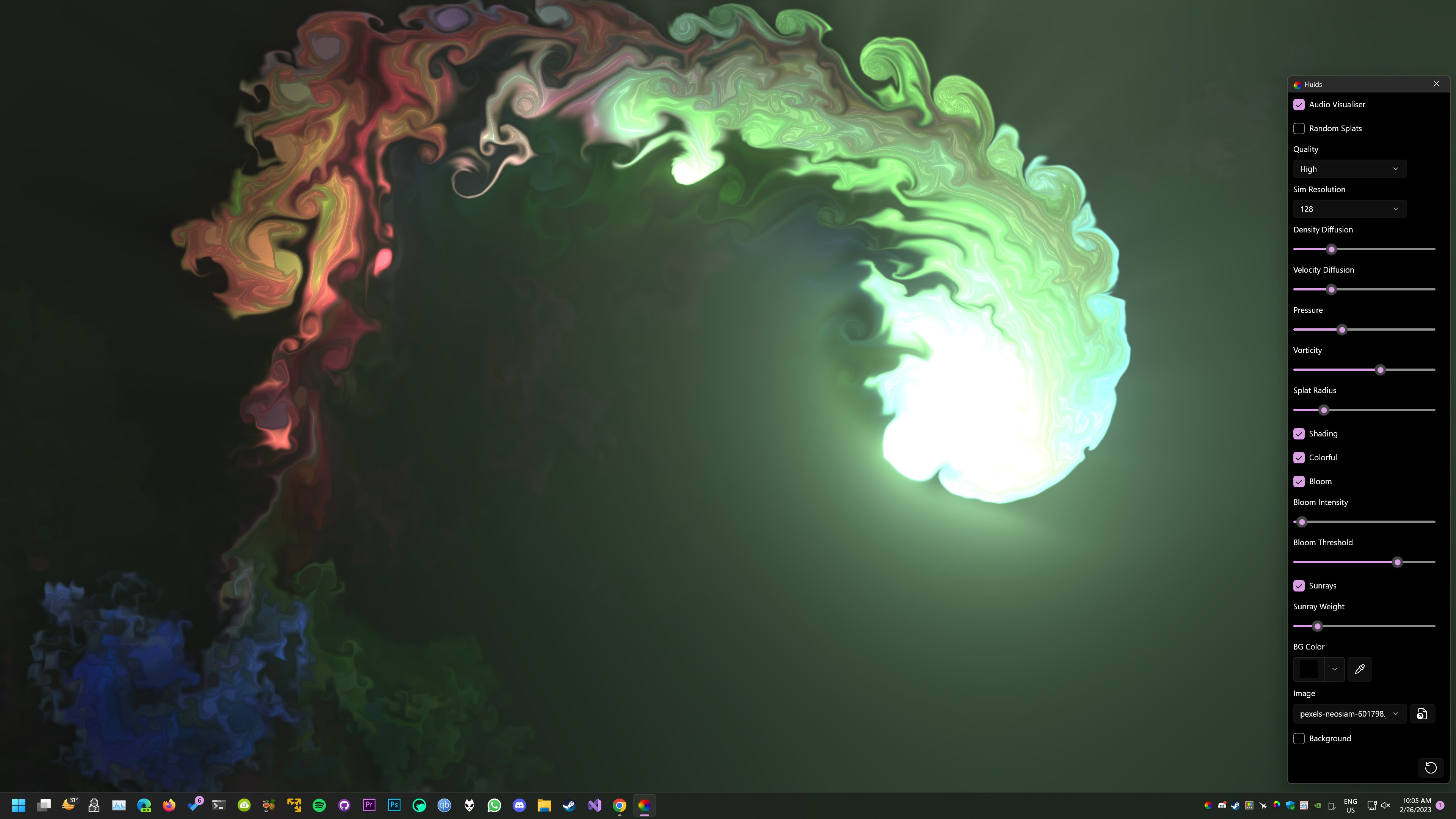
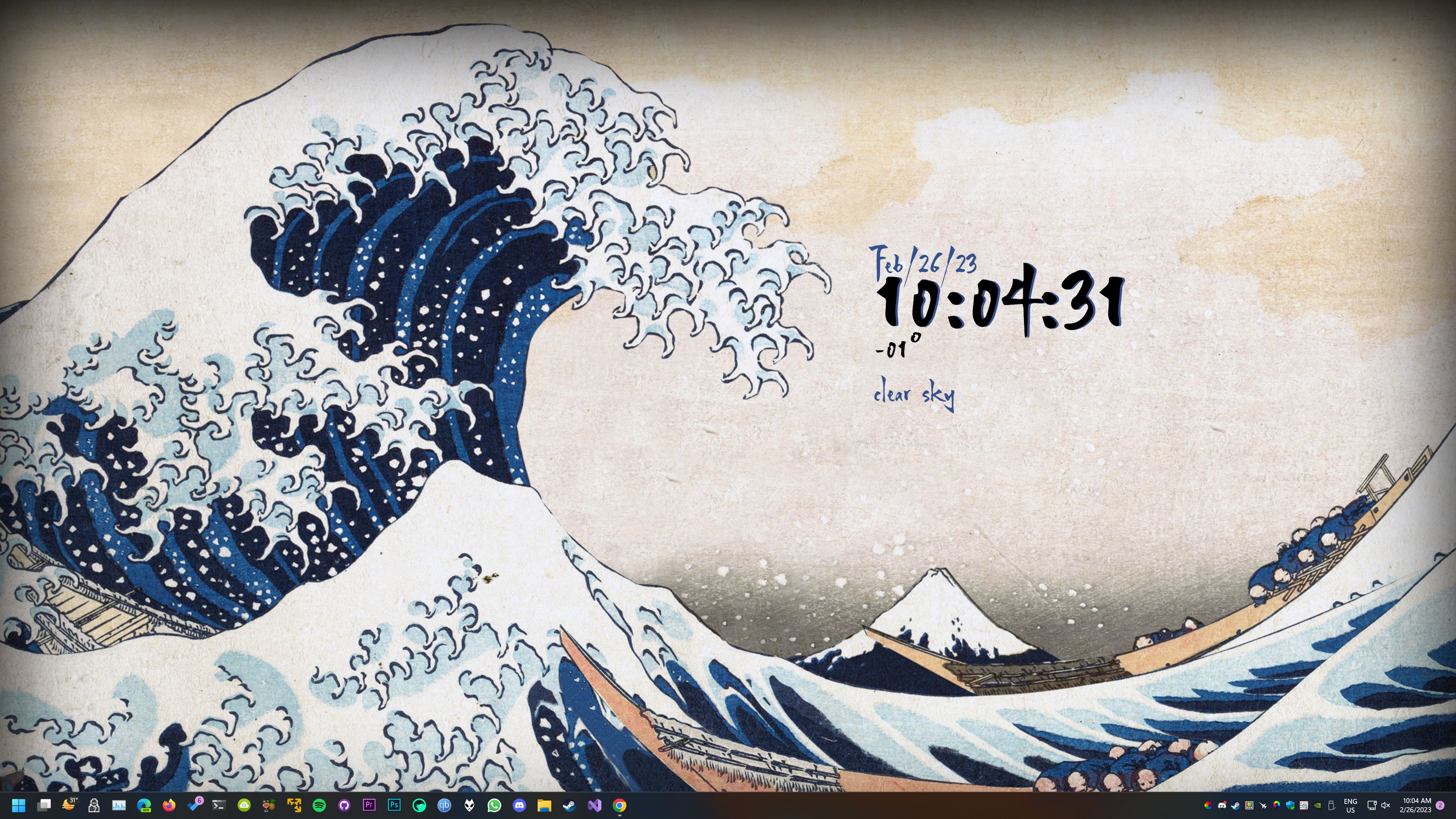
Picture this: your desktop, once a mere canvas of still images, now dances with floating waves, flickering cityscapes, or even interactive web elements—bringing your workspace to life in a way that feels both relaxing and inspiring. Passing by markets or serene lakes on your desktop becomes as natural as gazing out of a window, thanks to Lively's vibrant animations. It's like trading a static painting for a living mural—a subtle upgrade that transforms your digital environment into a personal multimedia showcase.
Design and User Interface: Sleek, Simple, and Intuitive
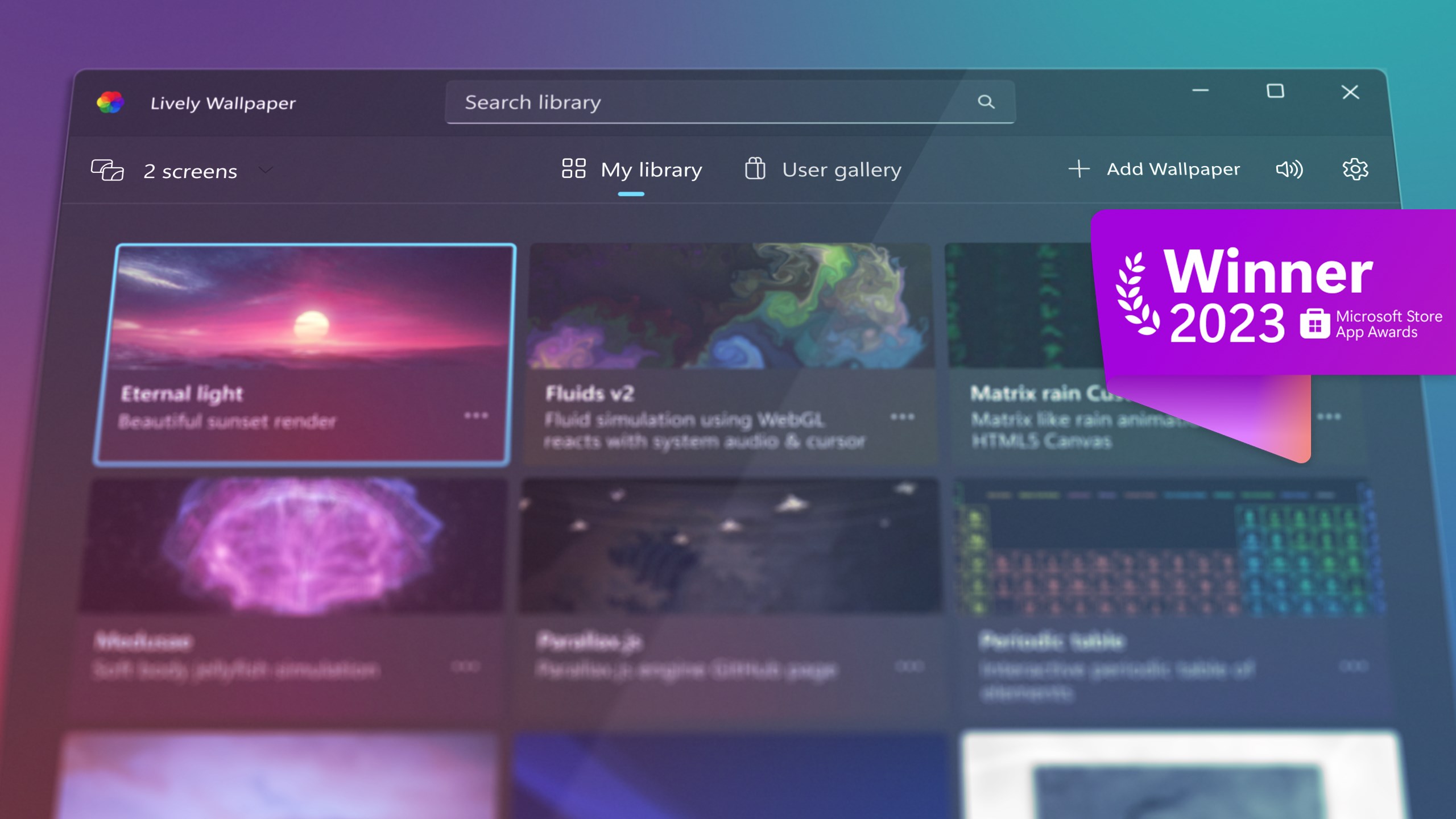
Setting up Lively Wallpaper is as smooth as sliding on a well-worn pair of shoes. The interface adopts a clean, minimalistic style that's easy to navigate—think of it as a tidy art studio where every tool has its place. The main panel displays your current wallpapers along with an intuitive sidebar for browsing both local files and online sources. Customization options are straightforward, with toggle switches and sliders that make adjusting playback speed or applying effects feel like a gentle breeze rather than a technical storm. For newcomers, the learning curve is gentle, supported by clear instructions and an active community forum.
Performance and Experience: Flawless Fluidity
Once in action, Lively Wallpaper shows off impressive fluidity—animations run seamlessly in the background, using minimal CPU and GPU resources. Even on mid-range laptops, the app maintains a velvety-smooth experience, akin to a well-choreographed dance troupe. Switching backgrounds is swift, and the app's stability means you can leave your animated scene running all day without worry. This performance efficiency is critical for those who want a lively desktop without compromising their productivity or slowing down other applications.
Unique Selling Points: Customization and Theme Compatibility
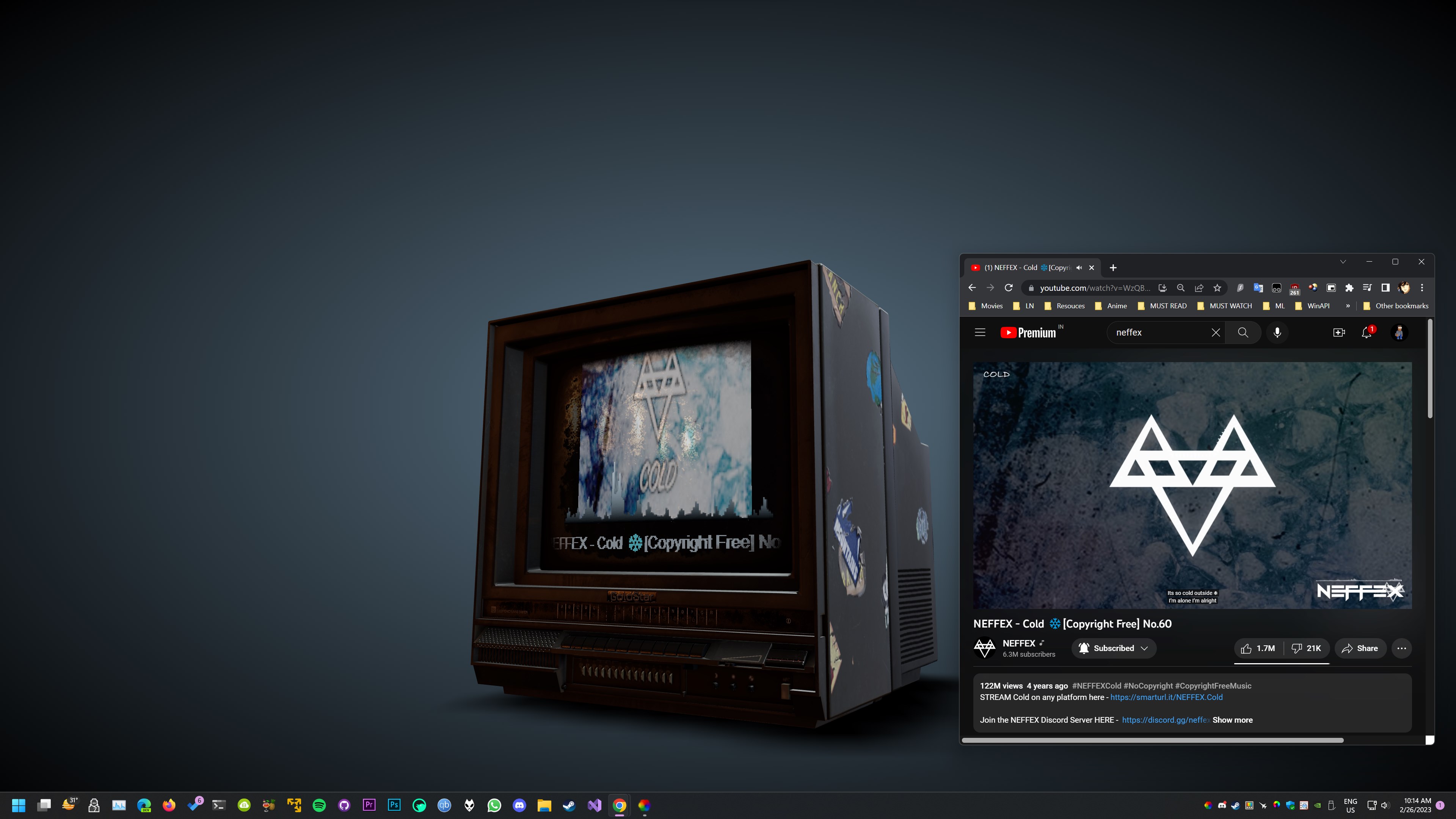
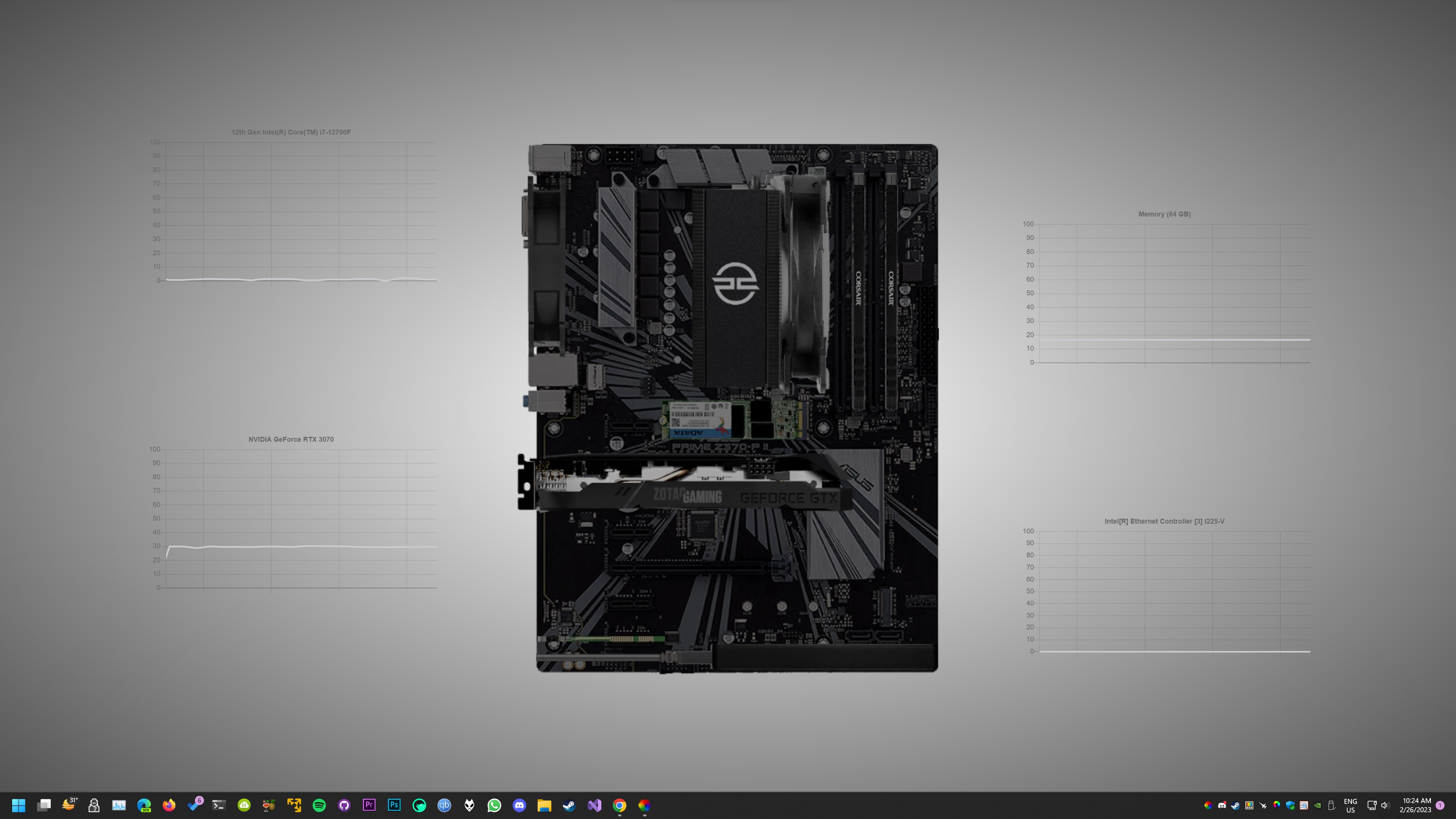
What really elevates Lively Wallpaper above its competitors is its expansive customization repertoire and excellent theme compatibility. Unlike many personalization tools that offer limited preset options, Lively allows you to craft your own animated scenes or select from an extensive library—covering everything from calming nature loops to interactive web-based content. Its support for web pages as wallpapers is particularly notable; imagine having your favorite live dashboards or weather widgets as animated backgrounds that update in real-time. Additionally, the app's compatibility with various Windows themes ensures your wallpaper complements your overall desktop aesthetic, making it a cohesive visual experience rather than a discordant visual remix.
Final Verdict: An Engaging but Practical Desktop Companion
All in all, Lively Wallpaper strikes a commendable balance between eye-catching visuals and system efficiency. Its most remarkable features—support for web-based animated wallpapers and extensive customization options—make it stand out in the field of desktop personalization apps. I'd recommend it to users who enjoy tinkering with their environment and appreciate a degree of aesthetic freedom, but with a cautious eye towards performance on lower-end hardware. For those seeking a lively, dynamic desktop that's easy to set up and tweak, Lively Wallpaper is a worthy choice—less like a flashy gadget and more like a trusted window into your digital universe.
Pros
- Highly customizable wallpapers
- Smooth performance with minimal system impact
- Free to download and use
- Supports a diverse collection of animated wallpapers
- Easy interface and user-friendly controls
Cons
- Limited quality customization options
- Occasional performance glitches with certain animations
- Battery consumption can be high on laptops and mobile devices
- Limited multilingual support and localized content
- Potential for high CPU usage during intensive animations











