

- Name Live Wallpapers +
- Category Personalization
- Developer PeroSoftware.com
- Available on PC
- OS Windows 10 version 17763.0 or higher
- languages Afrikaans, Arabic, Arabic (United Arab Emirates), Azerbaijani (Latin), Belarusian, Bulgarian, Catalan, Chinese (Simplified), Chinese (Traditional Chinese), Czech, Danish, Dutch, English (United States), Filipino, Finnish, French, Galician , German, Greek, Hebrew, Hindi, Hungarian, Indonesian, Irish, Italian, Japanese, Kazakh, Korean, Korean , Lithuanian, Malay, Norwegian (Bokmål), Persian, Polish, Polish , Portuguese, Portuguese (Brazil), Portuguese (Portugal), Romanian, Russian, Serbian (Cyrillic), Serbian (Latin), Slovak, Spanish, Spanish (Mexico), Spanish (Spain), Swedish, Turkish, Ukrainian, Vietnamese
A Fresh Take on Visual Personalization with Live Wallpapers + for Windows
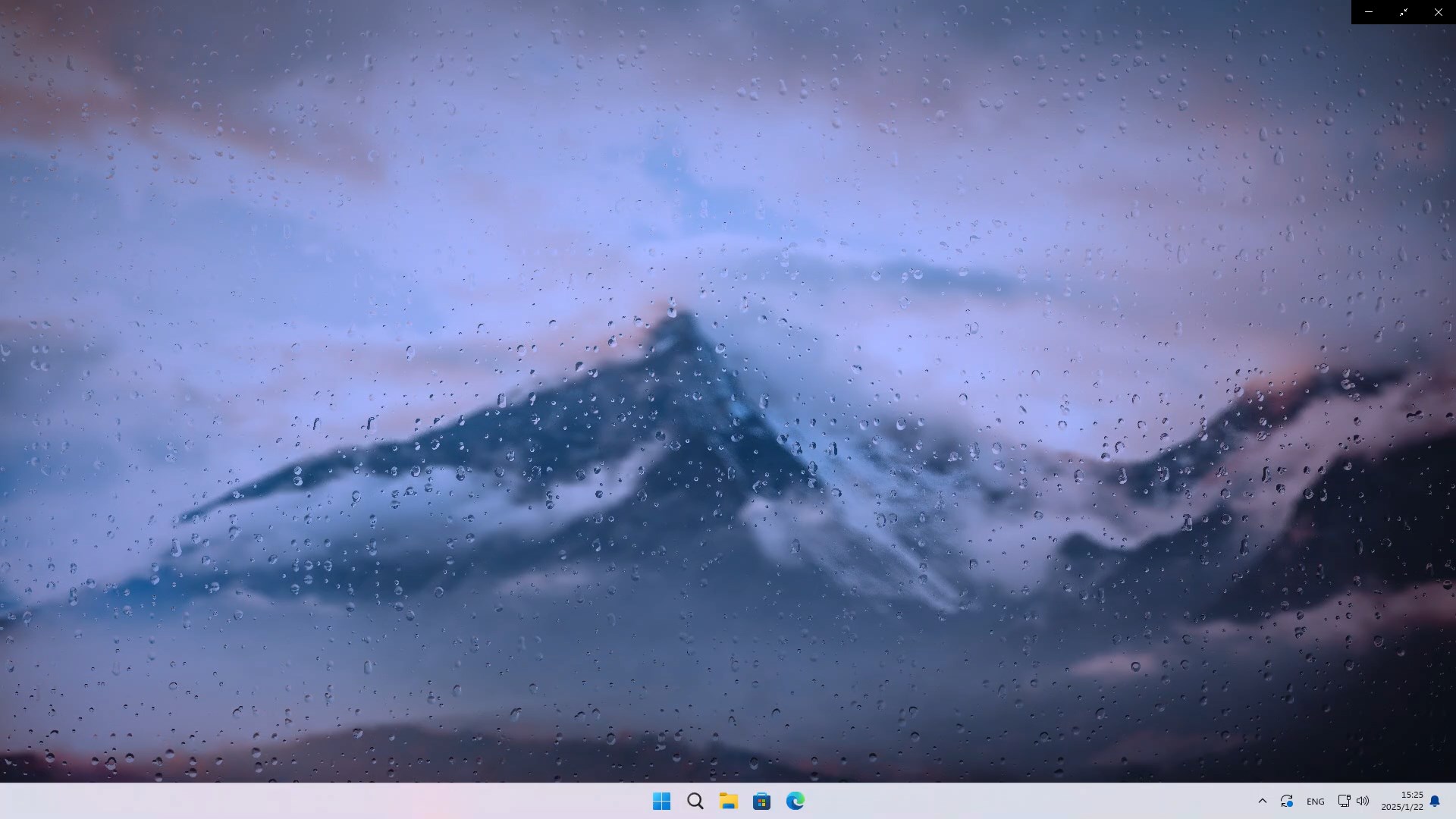
If you're someone who finds your desktop a bit dull and wishes to breathe life into it, Live Wallpapers + for Windows offers an inviting canvas to do just that. Think of it as giving your PC a dynamic new personality—without the complexity of custom animations—making your workspace feel more engaging and lively.
About the Developer and Core Features
Developed and published by PeroSoftware.com, this application embodies a straightforward yet innovative approach to desktop customization. Its main features stand out in the crowded field of wallpaper apps, offering:
- Dynamic Live Wallpapers: A curated library of animated backgrounds that turn static screens into mesmerizing visual arenas.
- Easy Theme Integration: Seamlessly blend wallpapers with your existing Windows themes for a cohesive look.
- Customizable Animation Effects: Tailor animation styles and speed to match your mood or aesthetic preference.
- User-friendly Interface: Designed with simplicity in mind, making setup and adjustments quick and intuitive.
This app is aimed at Windows users who crave a more lively and personalized desktop environment, from casual users to enthusiasts seeking a touch of visual flair.
Immersive and Intuitive User Experience
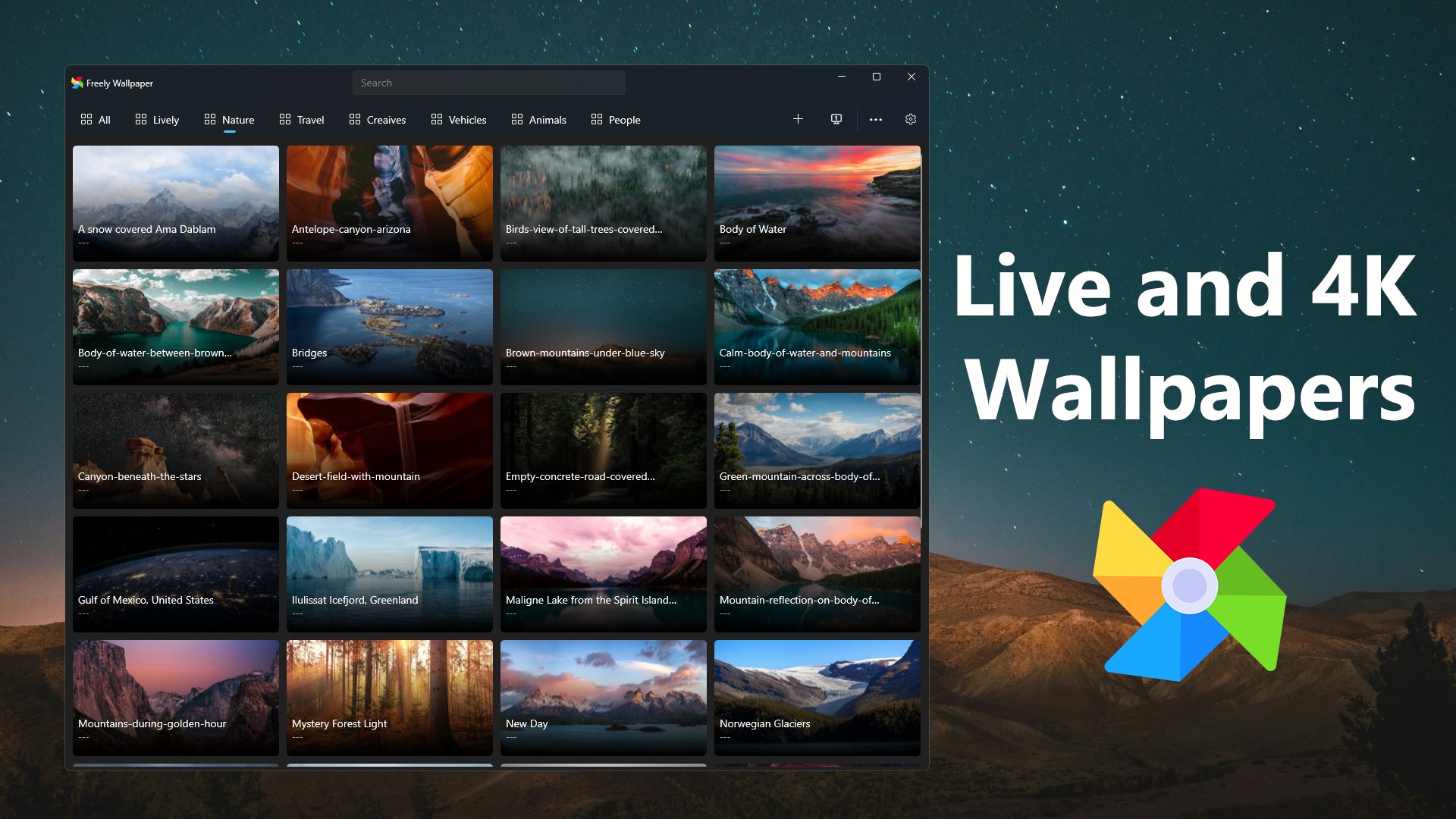
From the moment you open Live Wallpapers +, it's like stepping into a cozy art gallery where every wallpaper is a moving masterpiece. The interface is clean, with a dark, minimalistic design that keeps your focus on the options without overwhelm. Navigating the library feels smooth, akin to flipping through a well-organized photo album, but with the added thrill of animated visuals. Adjusting settings is straightforward—just a few clicks and you're customizing animation styles, toggling motion effects, or switching themes—no steep learning curve here. The app's responsiveness ensures that switching wallpapers or modifying effects is instant, creating a seamless desktop experience that feels both polished and natural.
Standing Out in the Crowd of Personalization Tools
Compared to its rivals, Live Wallpapers + for Windows shines with its emphasis on depth without complexity. While many wallpaper apps offer static images or basic animations, this app's standout feature is its commitment to delivering animated backgrounds that are both attractive and lightweight, ensuring your system's performance remains unaffected. Its integration with Windows themes creates a unified look, making your desktop feel like a handcrafted art installation rather than a random collage. Furthermore, the customization options are diverse—you can fine-tune animation effects, choose from various motion intensities, and even combine wallpapers with sound effects (if supported), which elevates the personalization experience.
What truly sets it apart is its focus on user control—tailoring animated backgrounds to your liking without overwhelming with options. It's akin to having a personal curator for your desktop aesthetic, offering both simplicity and depth.
Final Thoughts and Recommendations
If you're seeking a desktop enhancement tool that is both straightforward and visually impactful, Live Wallpapers + for Windows is worth trying. Its most remarkable features—the quality of animated backgrounds and the seamless customization options—make your PC feel more alive and expressive. I would recommend it particularly for users who want to upgrade their visual experience without dealing with overly complicated settings or sacrificing system performance. Whether you're looking for a subtle movement or a vibrant scene, this app can adapt to your preferences, making your desktop a happier, more engaging space.
Pros
- Beautiful, high-quality live wallpapers
- User-friendly interface
- Low battery consumption
- Frequent updates with new wallpapers
- Customizable wallpaper options
Cons
- Limited free content
- Occasional app crashes on older devices
- Lack of offline mode for downloaded wallpapers
- Navigation can be cluttered with ads or promos
- No advanced customization options











