

- Name Live Wallpaper Engine Plus
- Category Personalization
- Available on PC, Mobile, Surface Hub, HoloLens
- OS Windows 10 version 17763.0 or higher
- languages English (United States)
Transform Your Desktop: An In-Depth Look at Live Wallpaper Engine Plus for Windows
If you're someone who finds your computer's default static background uninspiring and yearns for a more dynamic, lively environment, Live Wallpaper Engine Plus offers an inviting solution. Think of your desktop as a window into a digital animated world, adding both personality and charm. Developed by Frant Coolson Efficient Studio, this app aims to turn your ordinary screens into vibrant showcases tailored to your taste while maintaining a smooth user experience.
Meet the Maker: Frant Coolson Efficient Studio
The developers behind Live Wallpaper Engine Plus are a dedicated team focused on creating engaging personalization tools. With a background in multimedia and user interface design, they aim to blend aesthetic appeal with functional usability, offering users a seamless way to enhance their Windows desktop environment.
Core Features That Make a Splash
Immersive Live Wallpapers at Your Fingertips
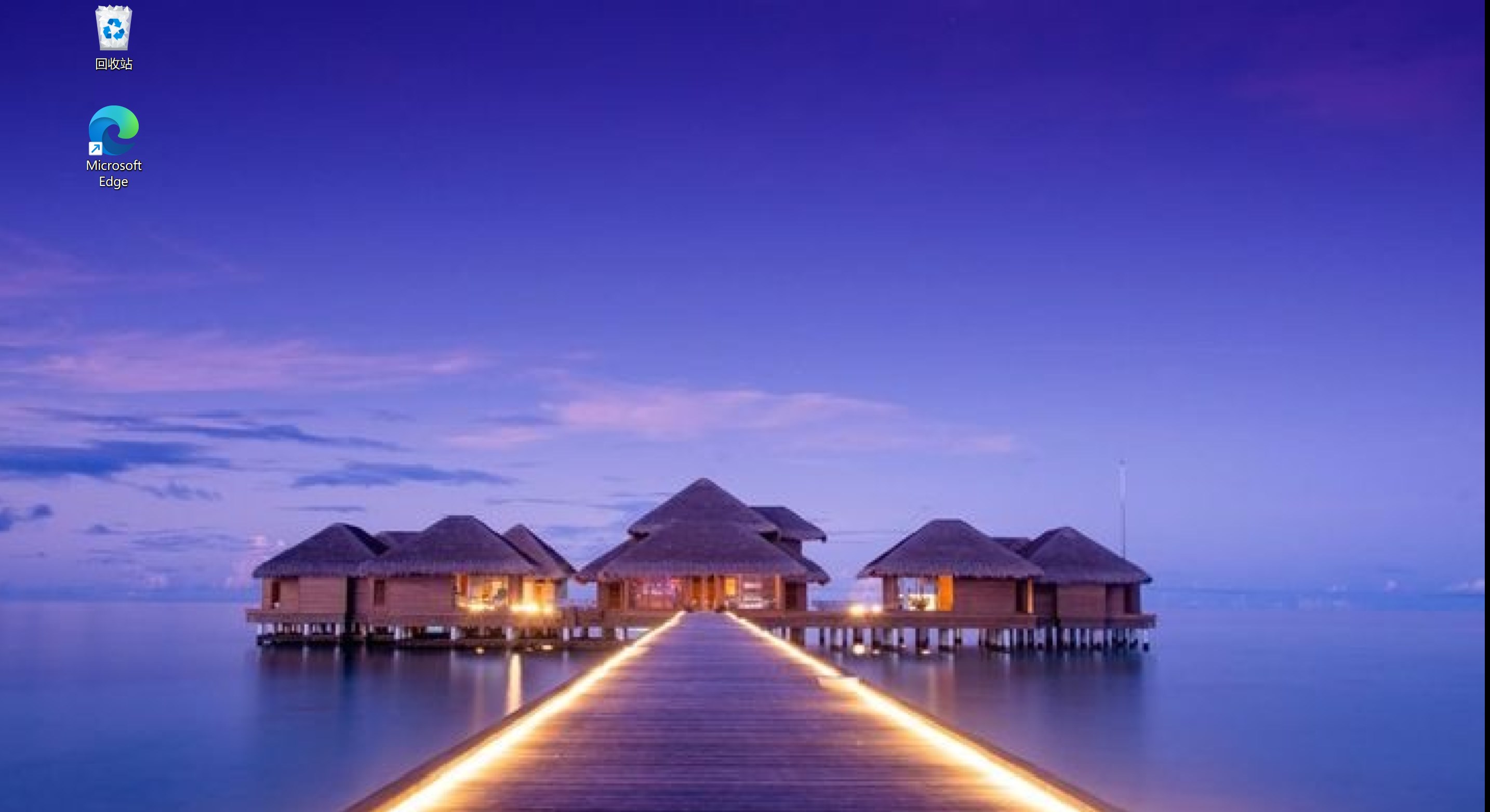
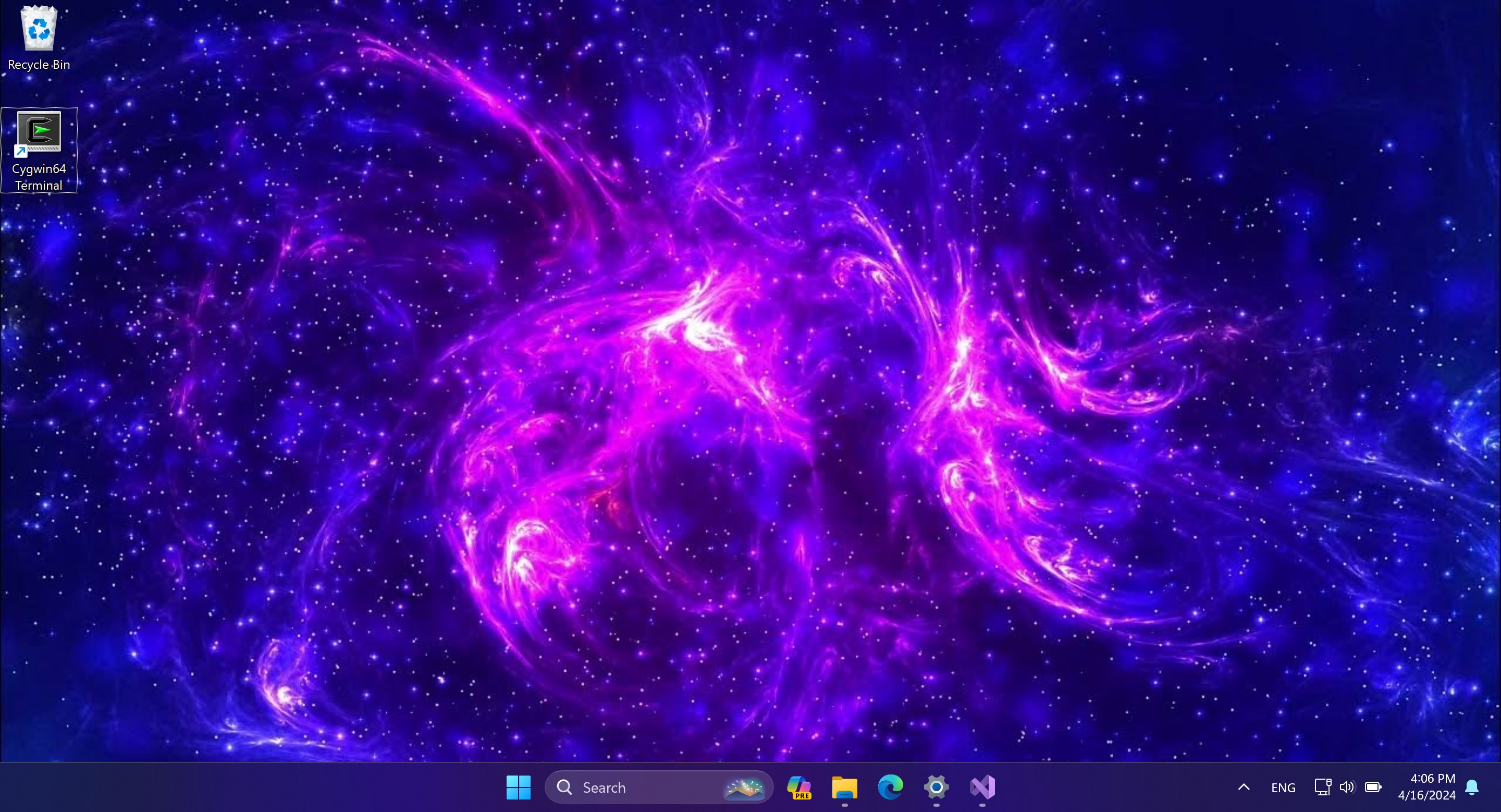
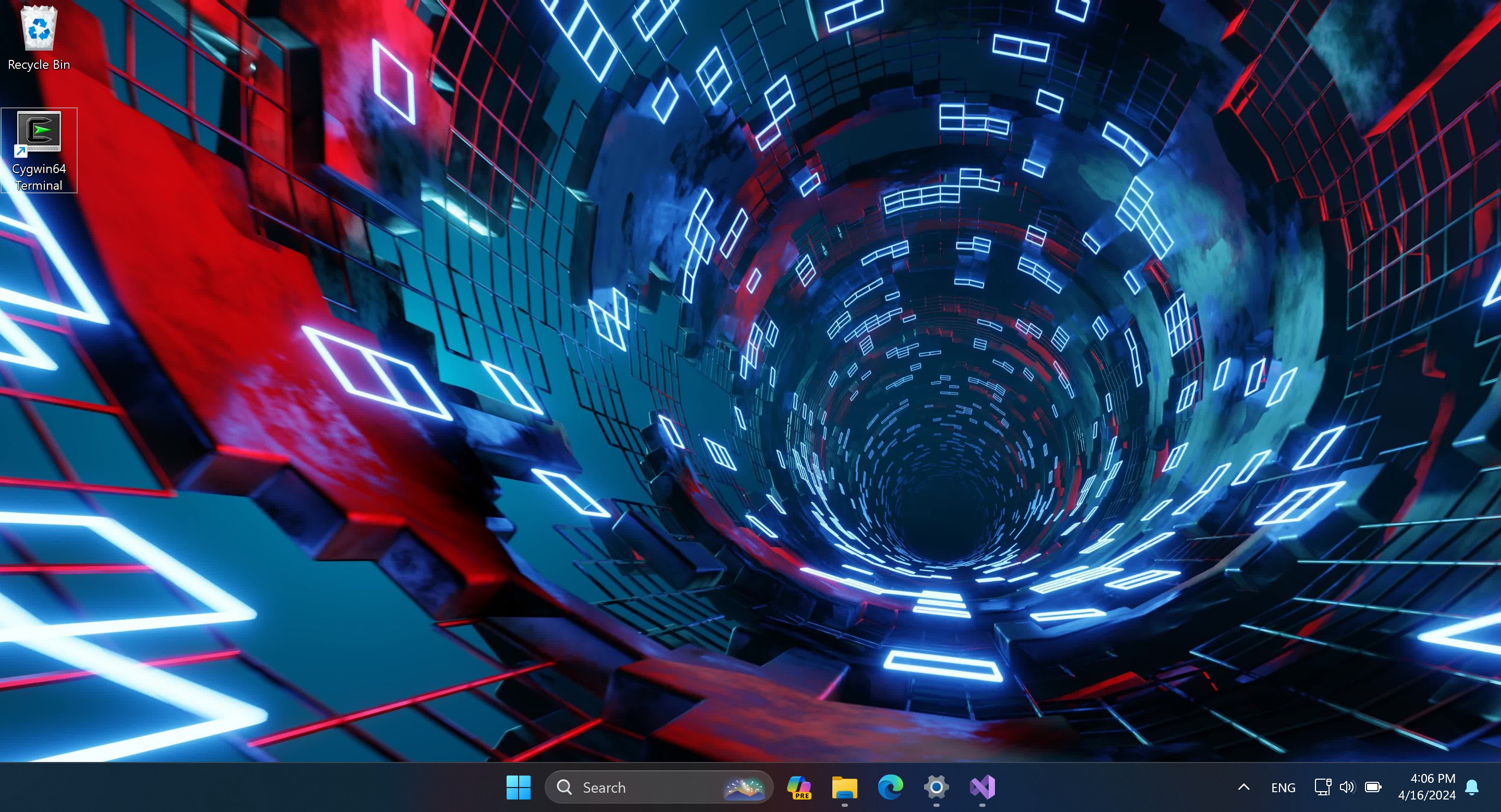
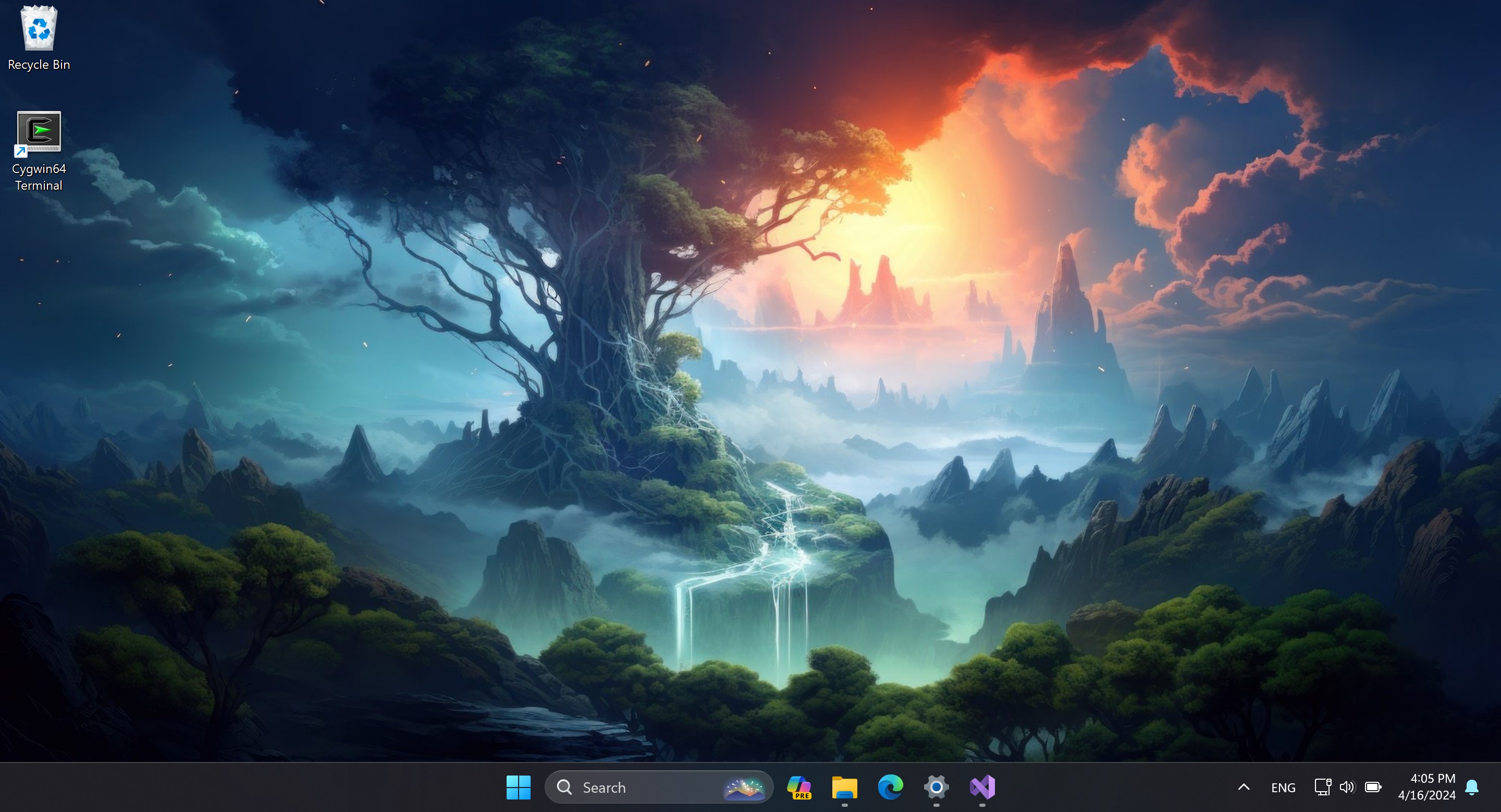
The app offers a vast library of animated wallpapers ranging from calming nature scenes to dynamic abstract patterns. This diversity allows users to pick backgrounds that resonate with their mood or personality, making the desktop feel alive rather than static.
Customization and Theme Compatibility
One standout feature is its extensive customization options. Users can modify motion speed, visual effects, and even overlay personal images. Plus, the app integrates smoothly with Windows themes, ensuring wallpapers adapt and preserve aesthetic coherence across system interfaces.
Optimized Performance & User Control
Despite dealing with animated content, the app boasts excellent performance, running fluidly without significant resource drain. It also provides intuitive controls—setting wallpapers, creating playlists, or scheduling transitions—allowing users to tailor their experience effortlessly.
Design & User Experience: Friendly, Intuitive, and Engaging
The interface of Live Wallpaper Engine Plus resembles a sleek dashboard; visually appealing, organized, and easy to explore. Navigating through menus and selecting wallpapers feels like flipping through a beautifully curated art exhibit. The learning curve is gentle—most users can master features within minutes, making customization straightforward even for beginners.
The app performs smoothly, with animations fluid and responsive. This assures users that they won't experience lag or stuttering, crucial for maintaining immersion in animated backgrounds. With half a glance, users can toggle wallpapers, adjust settings, or browse new options, which creates an efficient, user-friendly workflow.
What Sets It Apart? Unique Strengths and Differentiators
Compared to other personalization tools, Live Wallpaper Engine Plus shines in its remarkable variety of customization options. Not only can you pick from a wide array of stunning wallpapers, but you can also tweak animation dynamics and even incorporate your own media. Its seamless theme compatibility ensures your overall desktop aesthetic remains harmonious, unlike some apps that clash with system themes or require tedious adjustments.
Another notable advantage is the app's balanced resource consumption, making it suitable for various hardware setups without compromising performance—a key consideration that often gets overlooked in the realm of animated wallpapers.
Final Verdict: Should You Make the Switch?
All considered, Live Wallpaper Engine Plus presents a well-rounded, thoughtfully designed solution for desktop customization enthusiasts. Its core strengths—vast, customizable animated wallpapers and smooth integration with Windows themes—make it stand out among similar apps. If you enjoy adding a splash of personality to your workspace without sacrificing performance or user-friendliness, this app is highly recommended.
For those new to animated wallpapers or casual users seeking a straightforward way to enliven their desktops, Live Wallpaper Engine Plus offers an accessible yet powerful tool. More advanced users will appreciate the depth of customization and creative freedom it provides. Overall, it's a solid choice that transforms your static background into an engaging digital canvas—worth exploring for anyone looking to refresh their Windows environment.
Pros
- Rich and dynamic wallpapers
- User-friendly interface
- Smooth performance
- Regular updates and new content
- Compatibility with multiple devices
Cons
- High battery consumption on laptops
- Occasional lag or stuttering
- Limited free content
- Customization options could be expanded
- Potential for overheating











