

- Name Klondike Adventures
- Category Simulation
- Available on PC
- OS Windows 10 version 17134.0 or higher
- DirectX Version 9
- Memory 1 GB
- Keyboard Not specified
- Mouse Not specified
- languages English (United States)
An Overview of Klondike Adventures for Windows
Klondike Adventures for Windows is a captivating simulation game that transports players to the bustling gold rush era, combining resource management with exploration. Developed by VIZOR APPS LTD, this app aims to provide an engaging experience filled with adventure, strategic planning, and discovery, making it ideal for fans of immersive simulation games who enjoy historical themes and farming elements. With its rich storytelling and interactive gameplay, it appeals to casual gamers and simulation enthusiasts alike.
Core Features that Sparkle in the Gold Rush
1. Immersive Storytelling and Exploration
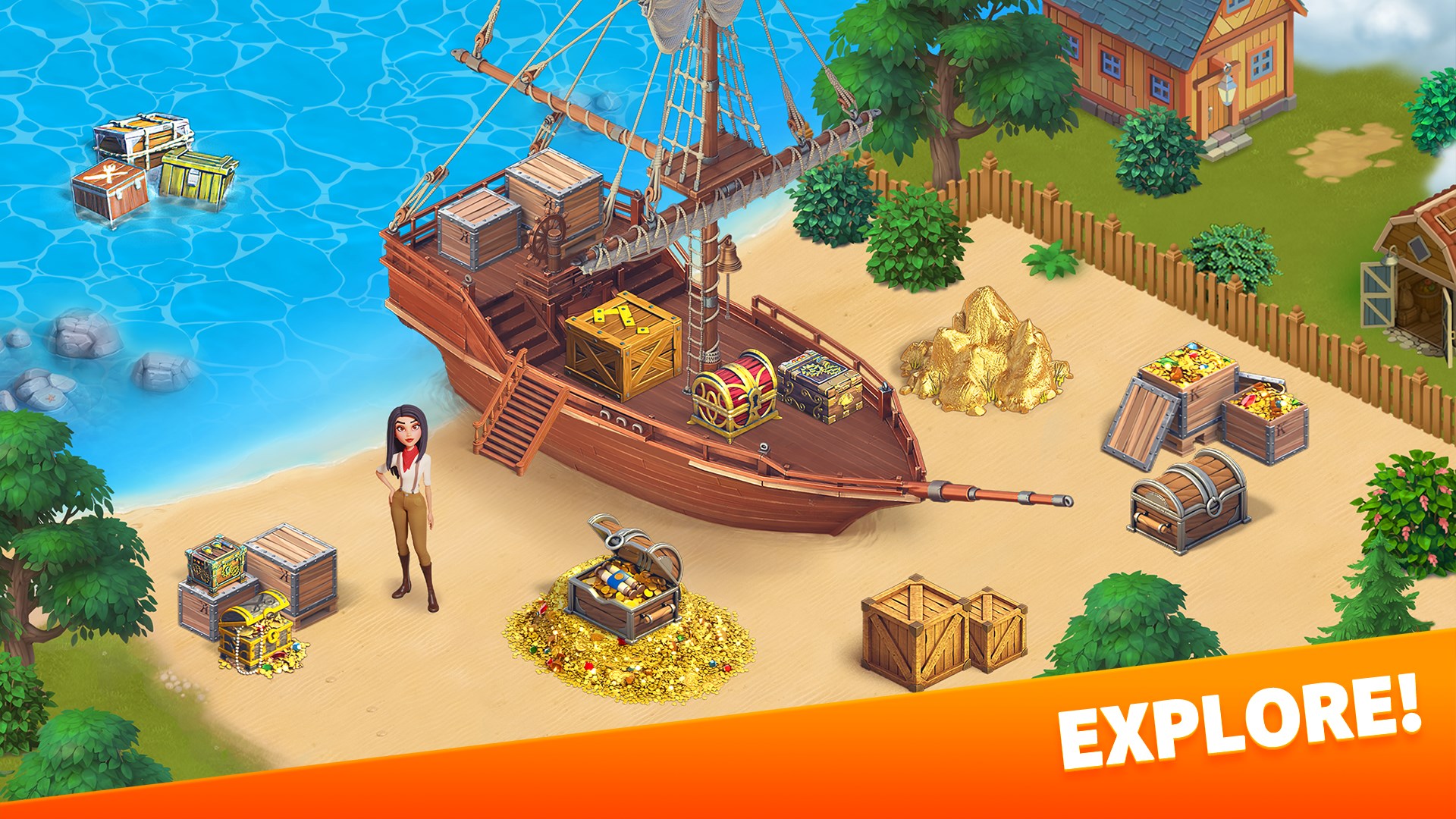
One of the app's most compelling aspects is its narrative-driven gameplay set in the iconic Klondike region during the gold rush era. Players embark on a journey—traversing snowy mountains, bustling cabins, and vast wilderness. The game combines exploration with storytelling, encouraging players to uncover hidden treasures, meet diverse characters, and complete quests that enrich the historical ambiance. This narrative depth transforms the usual resource management into an adventure, keeping players hooked on unraveling new chapters and surprises.
2. Robust Resource Management and Building System
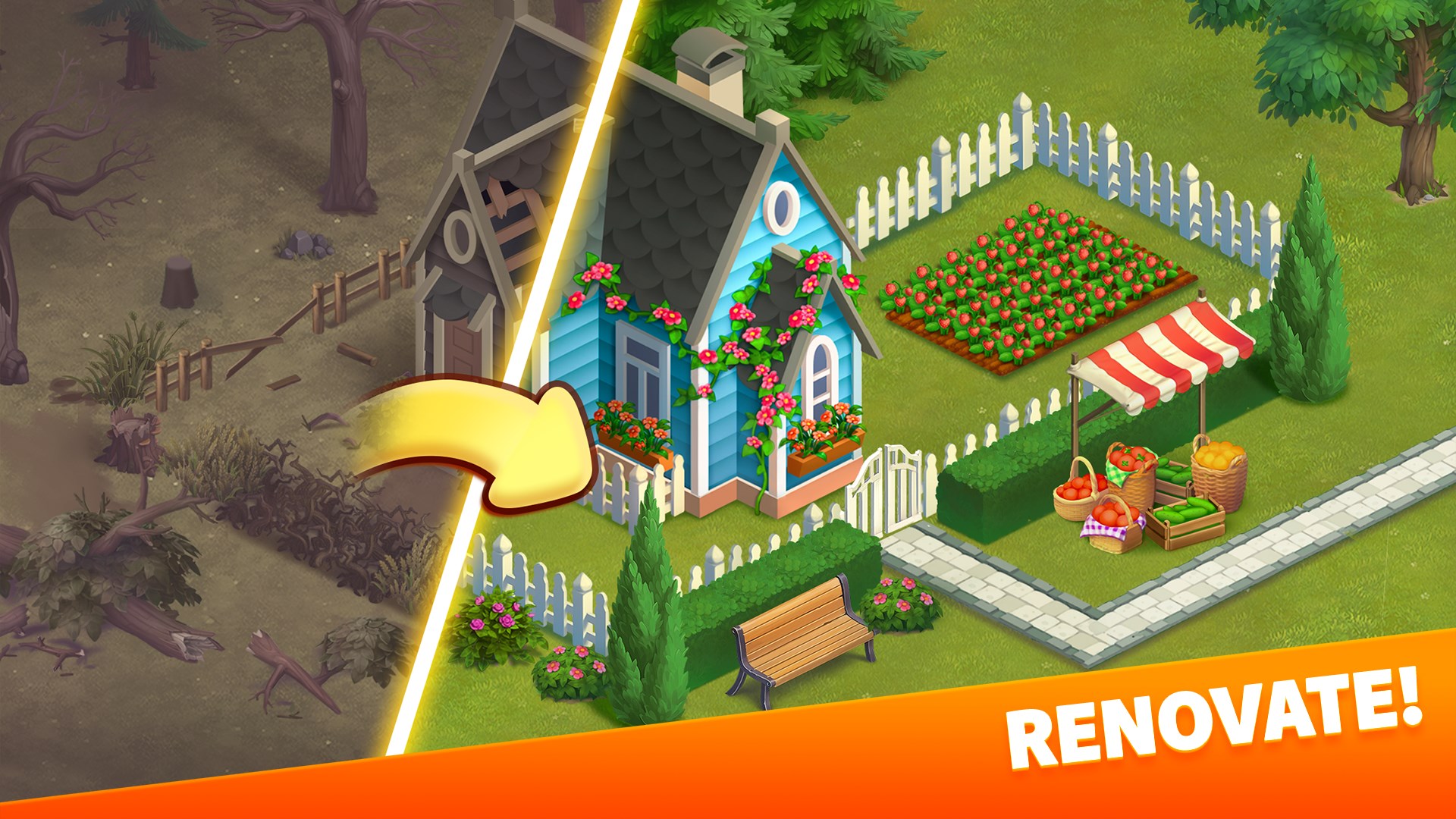
At its core, Klondike Adventures excels in delivering a detailed resource management experience. Players must gather supplies, farm, and craft tools to build and upgrade their settlements. The game features a variety of production buildings, homes, and scenic landmarks that can be customized, allowing players to create a thriving town amidst the wilderness. The strategic balancing of resources and timely upgrades serve as a compelling challenge, fostering long-term engagement.
3. Interactive Events and Seasonal Content
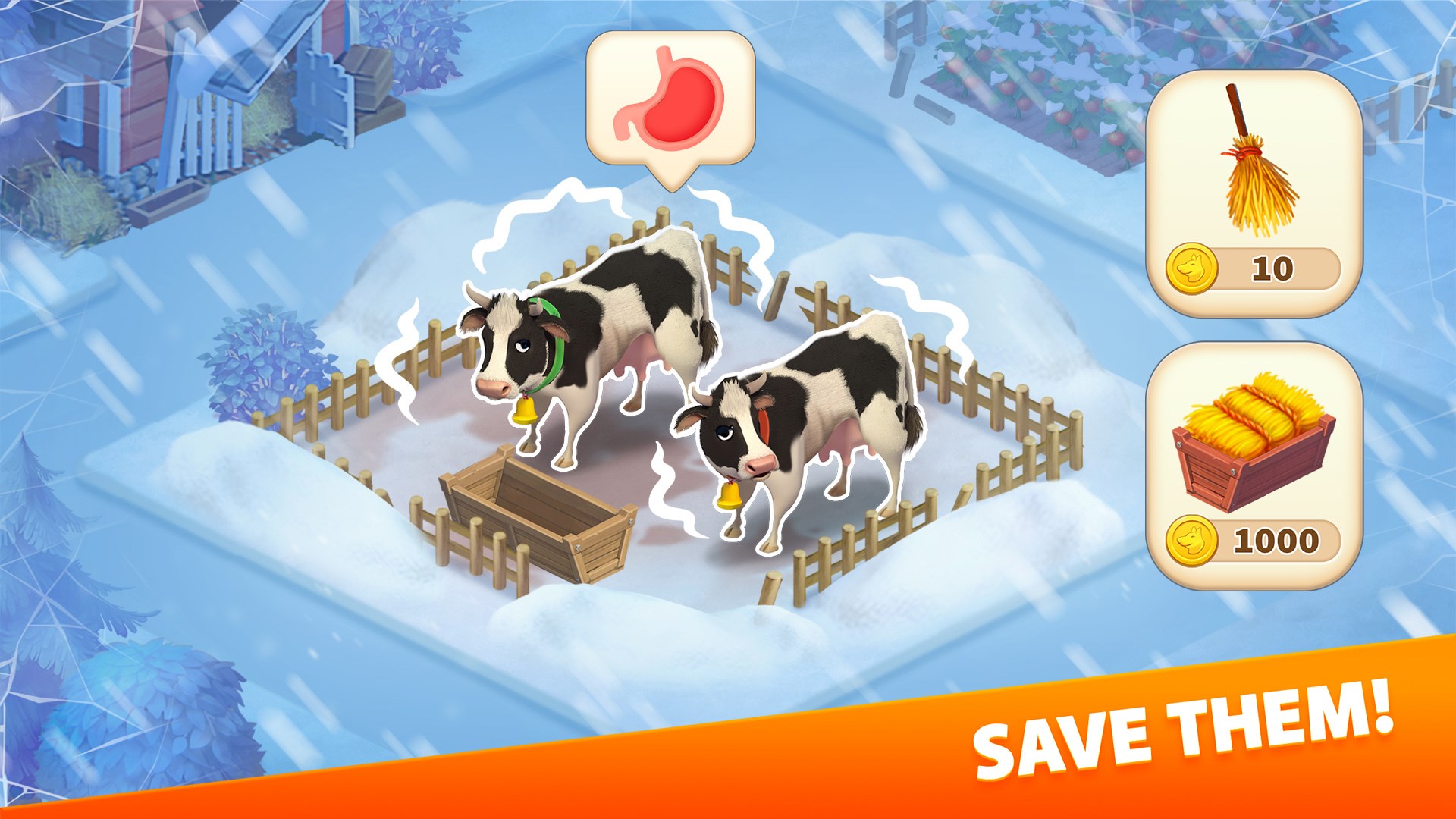
The app keeps content fresh and engaging through regular events and seasonal activities. These include festivals, special quests, and limited-time quests that encourage players to log in regularly and participate actively. These dynamic elements not only enhance replayability but also simulate the changing seasons and cultural festivities of the gold rush period, adding layers of realism and variety to gameplay.
User Experience: Interface and Mechanics
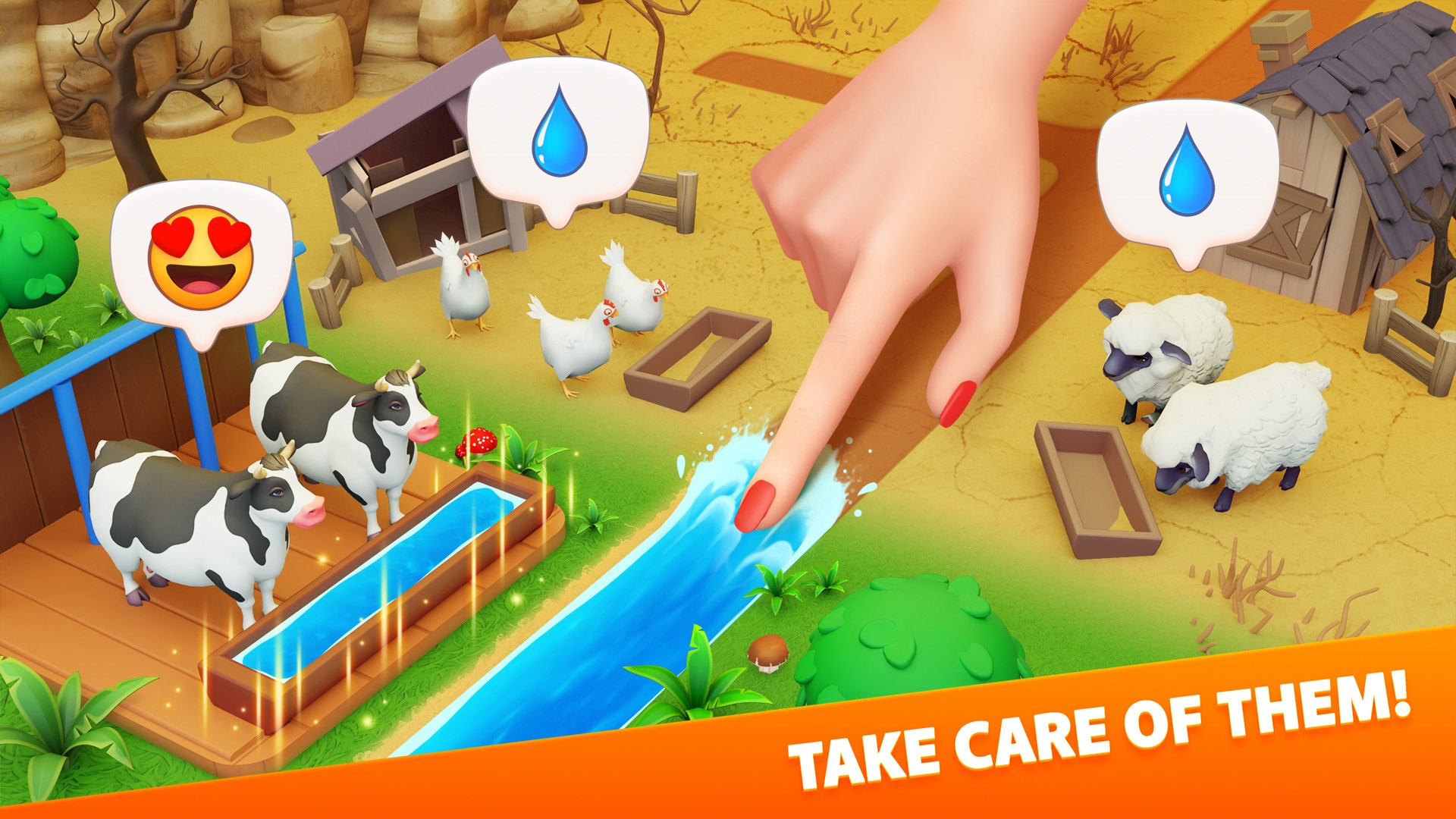
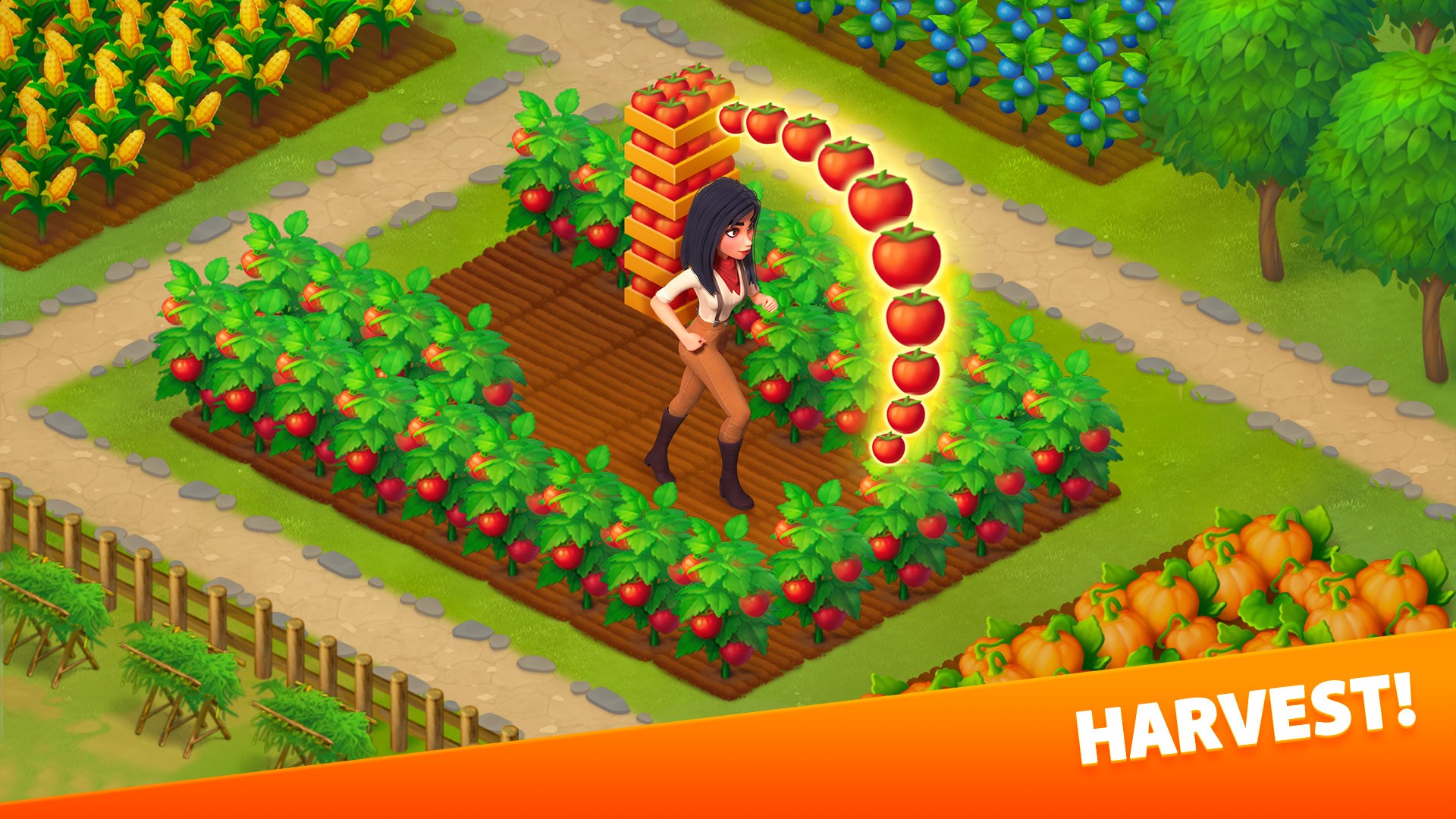
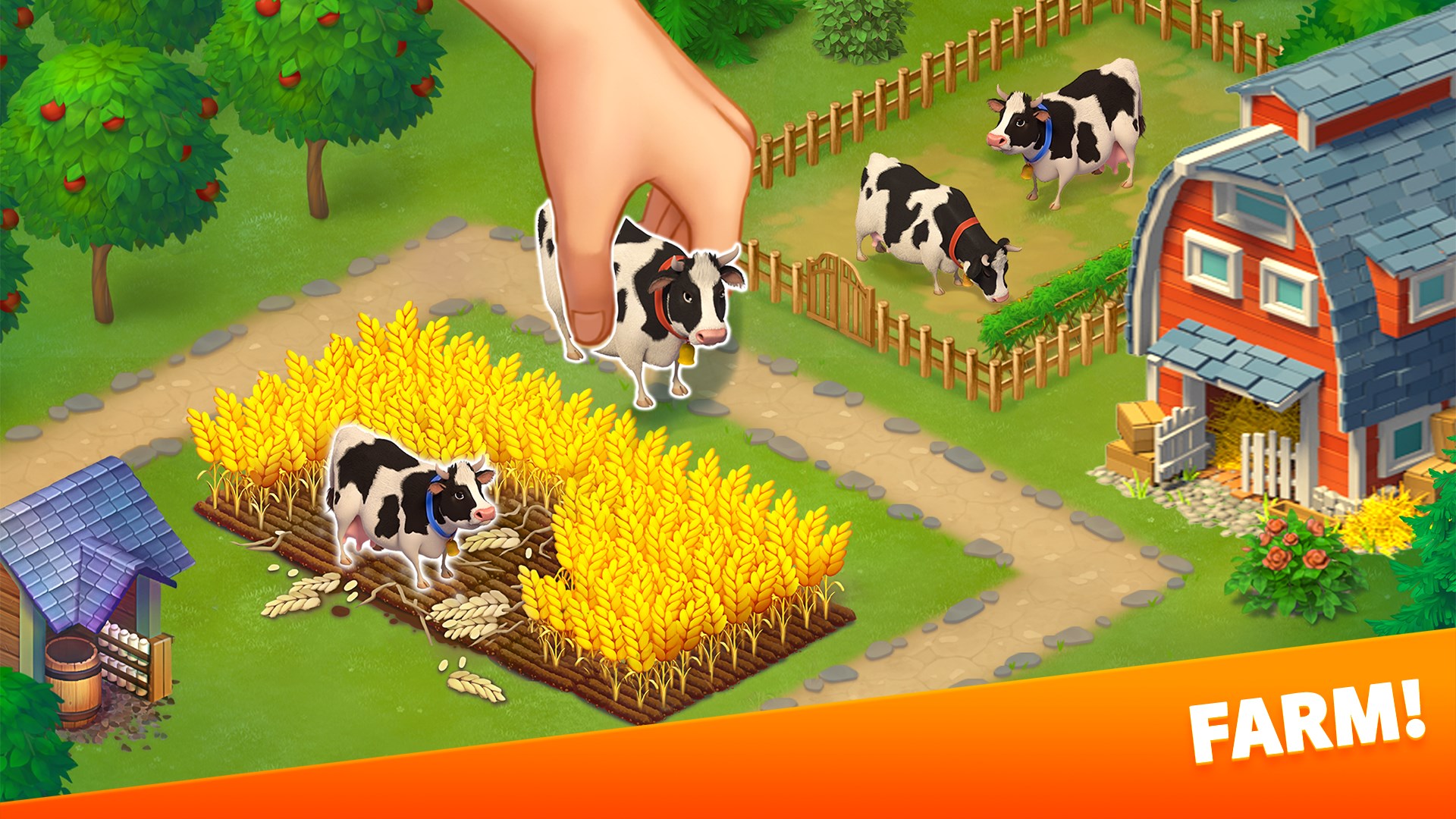
The user interface of Klondike Adventures is thoughtfully designed with vibrant, cartoon-like visuals that evoke a cozy, welcoming frontier town. Navigation feels intuitive—menu locations are logical, making it easy for new players to learn the ropes without frustration. The game runs smoothly on Windows, with quick loading times and responsive controls that streamline the day-to-day management tasks. The learning curve is moderate: once familiar with the layout, players can quickly dive into building, exploring, and completing quests. The tutorial system effectively guides newcomers, gradually unlocking new features without overwhelming them.
Unique Selling Points: Standing Out in the Simulation Realm
Compared to other simulation apps, Klondike Adventures distinguishes itself through its emphasis on immersive storytelling intertwined with resource management. Its realism in physics and mechanics—such as the realistic resource gathering and timed building upgrades—enhances credibility, reminiscent of managing a real frontier town. Moreover, the game subtly promotes the transfer of learning; players develop strategic planning and resource allocation skills that mirror real-world management principles, making the gameplay both entertaining and educational. Its detailed environment and historical themes further enrich user experience, offering a sense of genuinely stepping into the gold rush era.
Recommendation and Usage Suggestions
Overall, Klondike Adventures for Windows is a thoughtfully crafted simulation that offers an engaging blend of storytelling, strategic management, and exploration. I would recommend it to players who enjoy historical settings, resource strategy, and casual gameplay with depth. For those new to simulation games, starting with the tutorial will ease the learning curve, while seasoned players can challenge themselves with timed quests and seasonal events. Its polished design and engaging content make it suitable for long-term play, whether you're looking for a relaxing escape or a stimulating management challenge. Given its strengths, I'd say this app is worth trying out for anyone interested in a charming yet strategic frontier adventure.
Pros
- Engaging Time Management Gameplay
- Beautiful Graphics and Art Style
- Regular Content Updates
- Offline Mode Availability
- In-Game Social Features
Cons
- Limited Free Resources
- Repetitive Tasks
- In-App Purchases Dominance
- Notification Overload
- Occasional Server Lag











