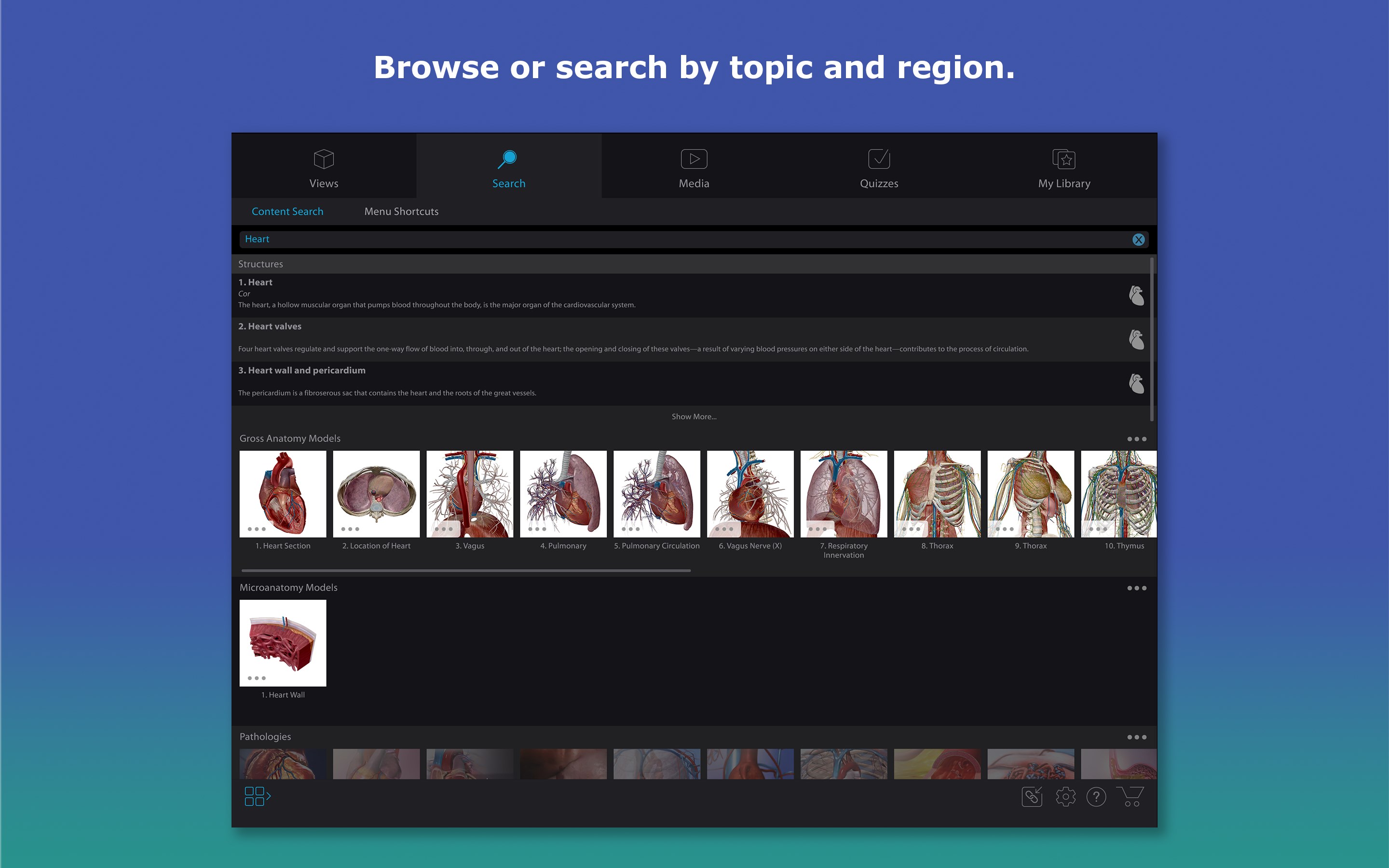
- Name Human Anatomy Atlas 2026: Complete 3D Human Body
- Category Medical
- Developer Visible Body
- Available on PC
- OS Windows 10 version 19041.0 or higher
- DirectX Version 10
- languages Chinese (Simplified), English, English (United States), French, German, Italian, Japanese, Spanish
Discover the Inner Workings of the Human Body with Human Anatomy Atlas 2026
Imagine having a detailed, lifelike map of the human body right at your fingertips, offering the chance to explore bones, muscles, organs, and more in stunning 3D detail. Human Anatomy Atlas 2026 for Windows transforms complex anatomical data into an interactive experience, making it an essential tool for students, educators, and healthcare professionals alike.
About the App: Precise, Engaging, and User-Friendly
Developed and published by Visible Body, Human Anatomy Atlas 2026 aims to serve as a comprehensive digital anatomy reference. This Windows version continues the tradition of delivering high-quality 3D visualizations and interactive features designed for a broad user base. The app's core strengths lie in its detailed 3D models that can be manipulated from every angle, high-resolution imagery, and in-depth anatomical descriptions. It's sized to be a portable anatomy lab that fits easily onto your PC.
The primary target audience includes medical students, educators, clinicians, and anatomy enthusiasts who seek a reliable, authoritative reference to enhance their understanding of human anatomy. Whether you're preparing for exams or refining clinical knowledge, this app offers a vast library of detailed models to support your learning journey.
A Fun and Immersive Exploration of Human Anatomy
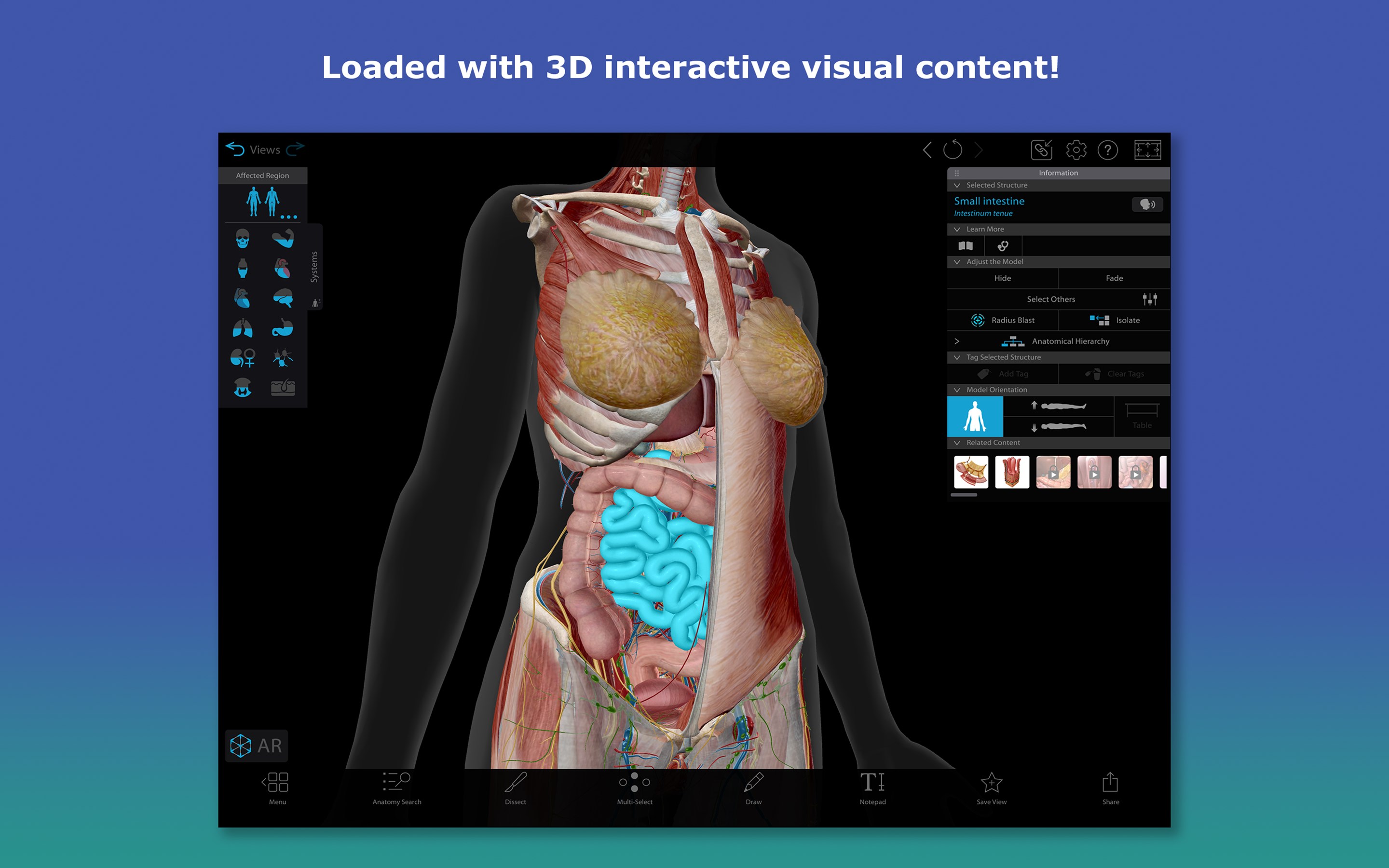
Loading the app feels almost like stepping into a virtual anatomy museum—minus the crowds and glass cases. It invites users into a dynamic universe where they can peel back layers of the human body at will, discovering intricate structures with a simple click or drag. The richness of detail ensures that even seasoned professionals find value, while the intuitive controls make the experience accessible for beginners.
In-Depth 3D Models and Interactive Content
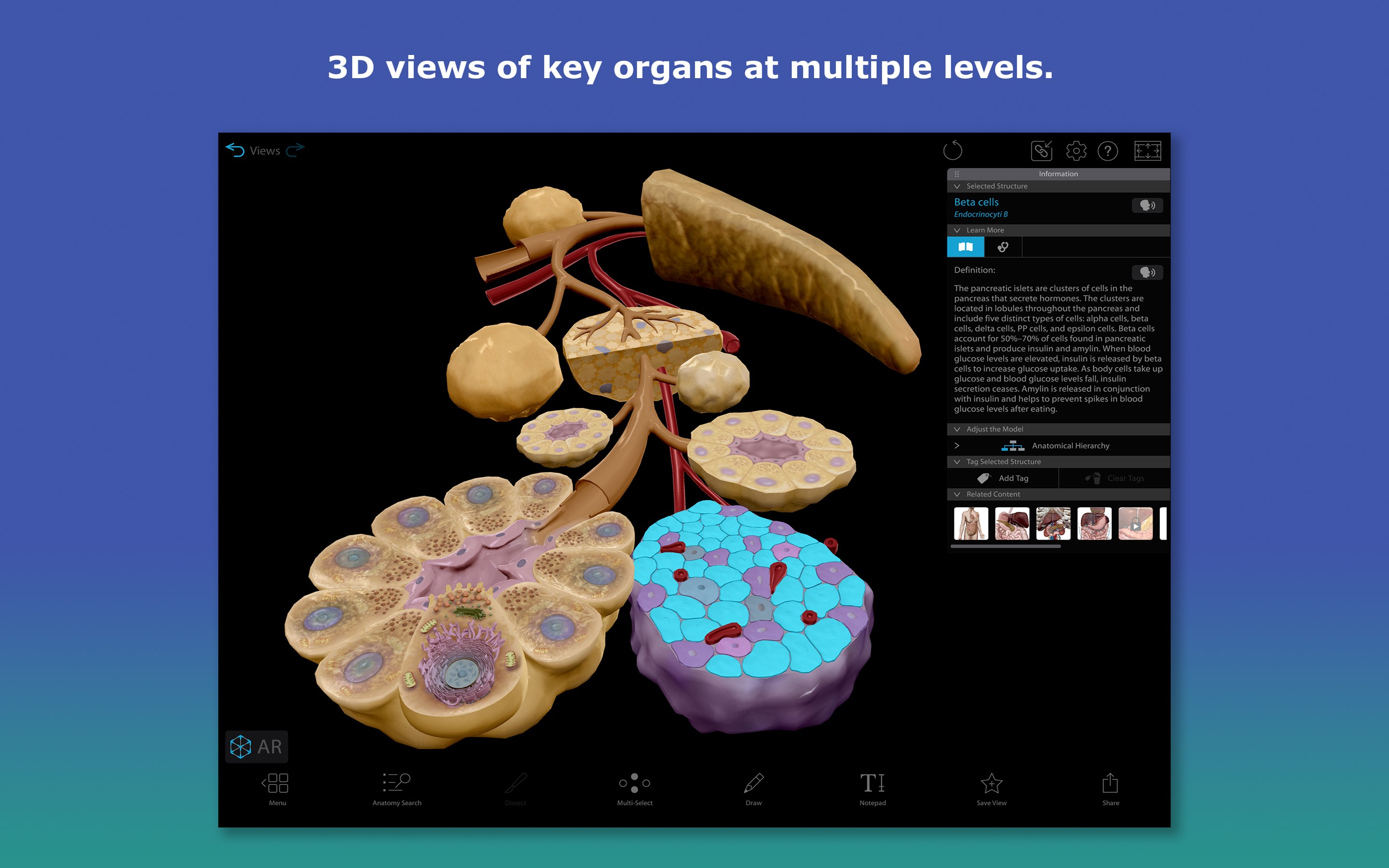
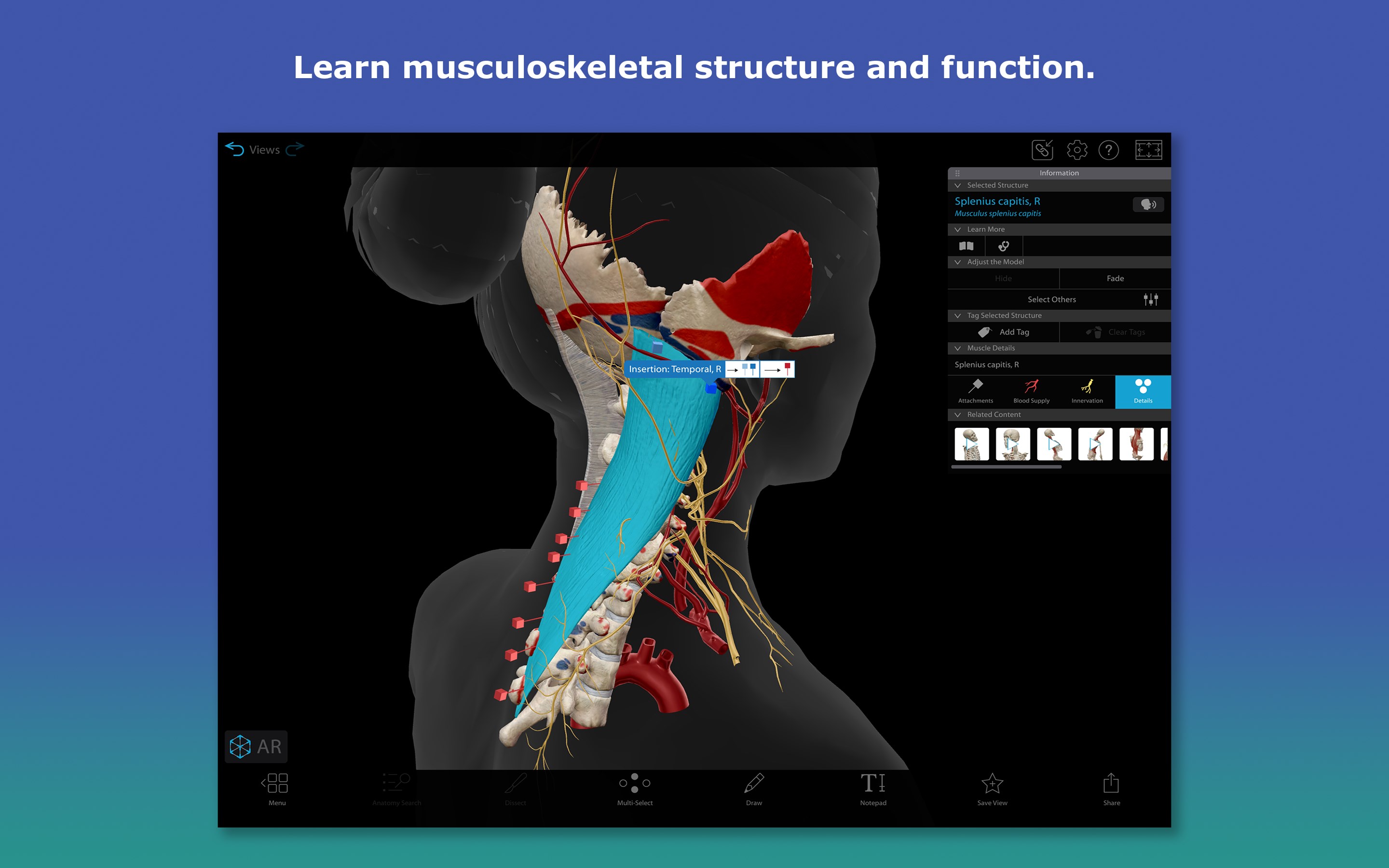
The app's most striking feature is its expansive collection of interactive 3D models. You can rotate, zoom, and dissect the human body layer by layer—muscle, skeletal, nervous systems, and more—each with high-resolution textures that mimic real anatomical features. What sets it apart is the ability to isolate specific structures, such as a particular nerve or blood vessel, and see how it connects to surrounding tissues. This is especially useful for students learning spatial relationships or clinicians visualizing complex pathologies.
Additionally, the app offers labeled diagrams, informative pop-ups, and animations that demonstrate physiological functions or common clinical interventions. These contextual aids elevate the app from a visualization tool to a comprehensive learning platform.
Design, Usability, and Learning Curve
The interface is sleek, with a clean layout reminiscent of a high-tech laboratory dashboard—everything is just a few clicks away. Navigation is intuitive; even first-time users can comfortably start exploring without extensive tutorials. Operation feels seamless, with models fluidly rotating and zooming without lag on a capable device. The learning curve is gentle, thanks to guided tutorials and an organized menu structure, making it suitable for all levels—from school students to seasoned clinicians.
Compared to similar applications, Human Anatomy Atlas 2026 stands out with its responsive controls and rich multimedia integration, ensuring an engaging learning experience that balances depth with ease of use.
Unique Features: The Apex of Anatomical Visualization
What truly distinguishes this app from its peers are its detailed multi-layered models—allowing users to peel back layers as if unwrapping an onion, revealing deeper structures seamlessly. Moreover, the app's most innovative feature is its integration of expert-reviewed content and credible medical information. Each anatomical detail is backed by references to leading medical literature, ensuring that learners are accessing accurate, trustworthy content—crucial for clinical education or patient-facing explanations.
Unlike many medical apps that focus primarily on visualization, Human Anatomy Atlas 2026 emphasizes combining visual clarity with authoritative content, making it a reliable companion for both study and professional reference.
Final Verdict: A Must-Have for Anyone Serious About Anatomy
I would recommend Human Anatomy Atlas 2026 as a highly valuable resource for medical students, healthcare educators, and professionals. Its detailed models, smooth interaction, and credible content make it stand out. For those looking to deepen their understanding of the human body or prepare for exams, this app offers a comprehensive, interactive experience that's hard to match. If you're seeking an engaging yet precise digital anatomy lab, this app is definitely worth your time.
Pros
- Comprehensive 3D models
- Intuitive interface
- Cross-sectional views
- Expert content
- Regular updates
Cons
- Large app size
- Occasional loading delays
- Limited annotation tools
- Subscription model may be costly
- In-app tutorial deficiencies