





- Name Happy Clinic
- Category Simulation
- Available on PC, Mobile, HoloLens, Surface Hub
- OS Windows 10 version 19041.0 or higher
- DirectX Version 10
- languages English (United States)
Introducing Happy Clinic for Windows
Happy Clinic for Windows is an engaging simulation game designed to offer players a realistic yet fun experience of running a medical clinic, blending educational elements with entertaining gameplay.
About the Developer and Key Features
Developed by Nordcurrent Group UAB, a reputable publisher known for immersive simulation applications, Happy Clinic for Windows boasts several standout features:
- Realistic medical simulation: Allows players to manage patients, diagnose ailments, and treat various medical conditions, providing an authentic healthcare experience.
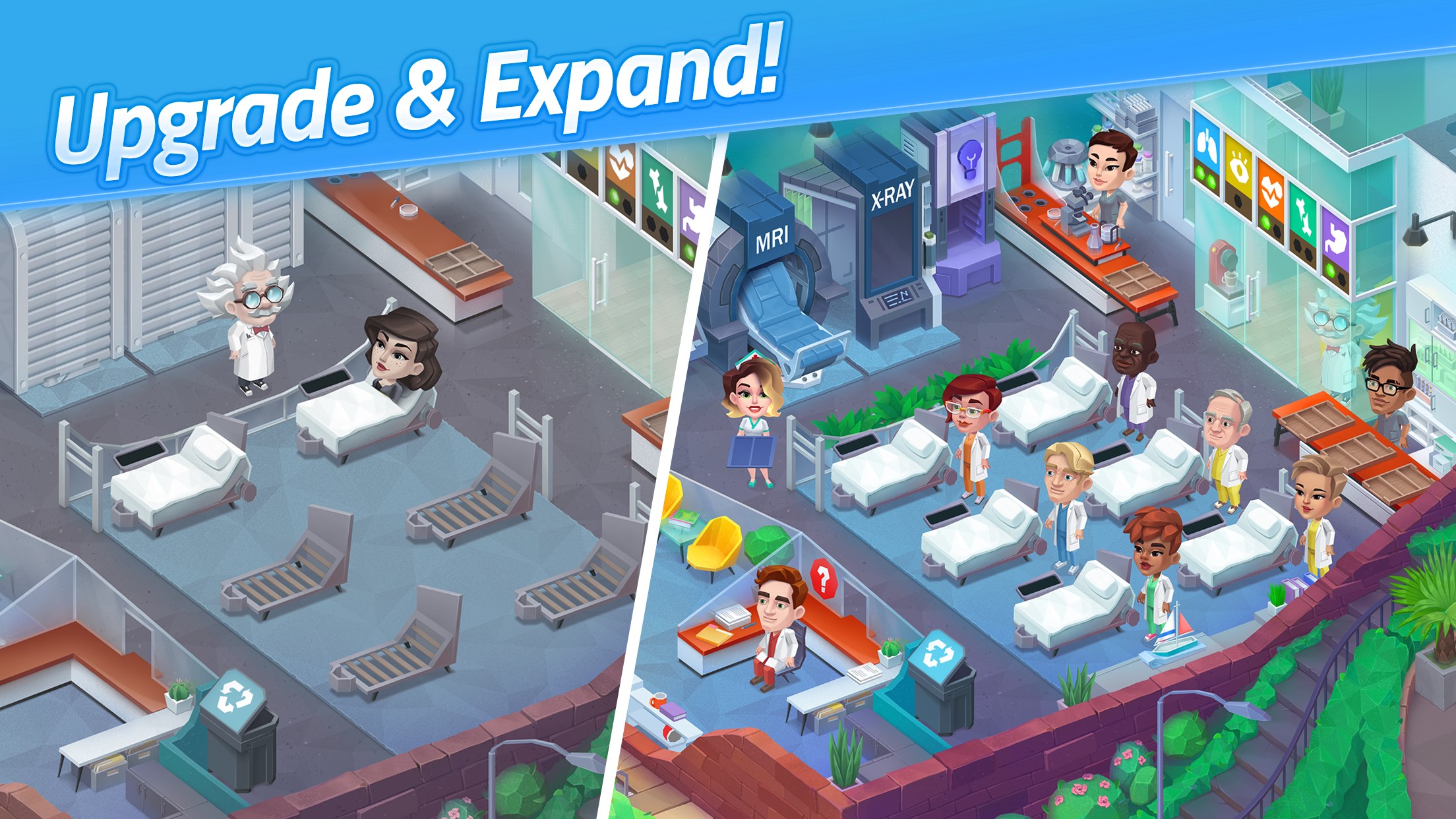
- Dynamic clinic management: Players can design the clinic layout, upgrade equipment, and optimize staff workflows to improve patient satisfaction and efficiency.
- Interactive diagnostics: Incorporates mini-games involving symptom analysis and decision-making, enhancing user engagement and learning.
- Educational insights: Provides informational tips about common medical issues, fostering a better understanding of healthcare practices.
Targeted primarily at casual gamers with an interest in simulation games, students in healthcare fields, as well as families looking for educational entertainment, Happy Clinic appeals to a broad audience eager for both fun and knowledge.
A Playful Yet Informative Journey into Clinic Management
Imagine stepping through a bright, inviting doorway into your own medical clinic—where every decision you make influences patient happiness and the overall success of your practice. From the moment you start, you'll feel a delightful mix of strategy and empathy, akin to tending a virtual garden where each plant's growth depends on your care. Happy Clinic isn't just a game; it's a lively classroom that makes healthcare concepts approachable and enjoyable.
Core Function 1: Managing Patient Care with Precision
The heart of Happy Clinic lies in diagnosing and treating patients. The game features an interactive diagnostic system where players analyze symptoms, order tests, and make treatment decisions. This segment stands out for its attention to medical realism—without overwhelming players—by simulating logical diagnostic procedures. It's akin to being a detective piecing together clues, making every successful diagnosis a rewarding “aha” moment. The mini-games involved are engaging, yet they subtly reinforce critical thinking applicable beyond the game.
Core Function 2: Designing and Optimizing Your Clinic
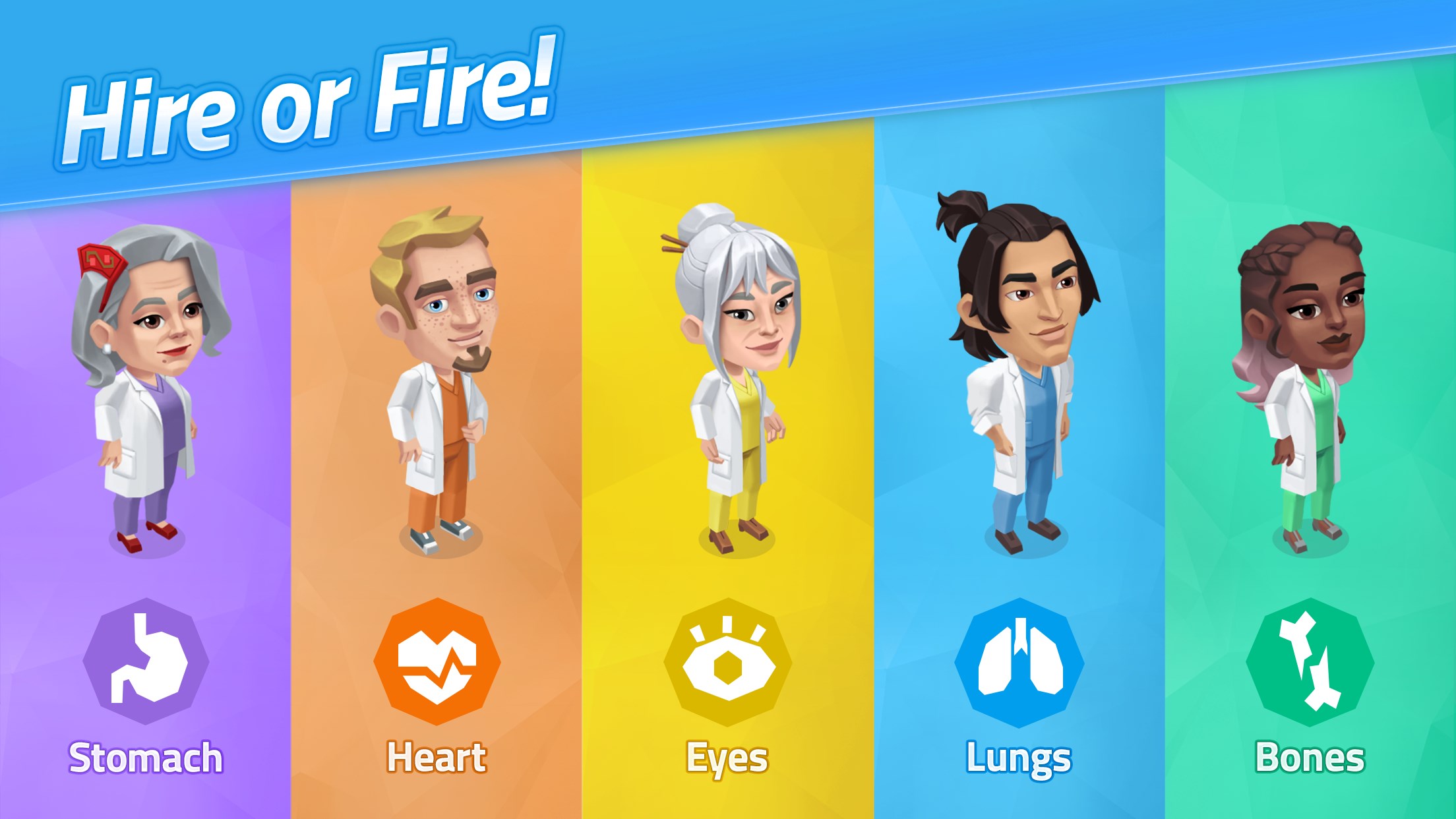
Beyond patient care, the game invites players to craft their ideal clinic environment. You can customize the layout, purchase new equipment, and hire staff—all aimed at streamlining operations. The interface is user-friendly, resembling a well-organized blueprint that's easy to navigate, even for newcomers. This segment offers satisfying feedback loops: upgrading the clinic not only boosts efficiency but also enhances patient satisfaction scores, motivating players to experiment with different configurations.
Core Function 3: Educational Content & Real-World Transfer
What truly elevates Happy Clinic is its unique blend of entertainment and education. It subtly introduces players to medical terminology, diagnostic reasoning, and healthcare management principles. Compared to other simulation games, it emphasizes the mechanics' realism—each diagnostic step mirrors real-world procedures, fostering a deeper understanding that could benefit students or aspiring healthcare workers. Moreover, players develop a sense of empathy and organizational skill, which are transferable qualities in actual medical or managerial careers.
Overall Experience and Recommendations
Happy Clinic for Windows offers an immersive, thoughtfully crafted simulation experience that strikes a commendable balance between entertainment and educational value. Its intuitive interface and engaging gameplay make it accessible for users of varied ages and backgrounds. Notably, its focus on realistic mechanics and the transfer of learning to real-world scenarios set it apart from typical simulation games, making it especially appealing to those interested in healthcare or management topics.
While the game may not appeal to players seeking high-stakes or competitive gaming experiences, it excels as a relaxing yet intellectually enriching activity. I would recommend it to casual gamers, students curious about healthcare, and families seeking educational entertainment. Whether you're a budding doctor or just someone who enjoys managing a busy clinic, Happy Clinic offers a compelling virtual adventure that's both fun and illuminating.
Pros
- User-Friendly Interface
- Comprehensive Health Information
- Appointment Booking Feature
- Secure Data Handling
- Regular Content Updates
Cons
- Limited Language Support
- Occasional App Crashes
- Slow Loading Times
- Basic Clinic Directory
- Lack of Emergency Features











