
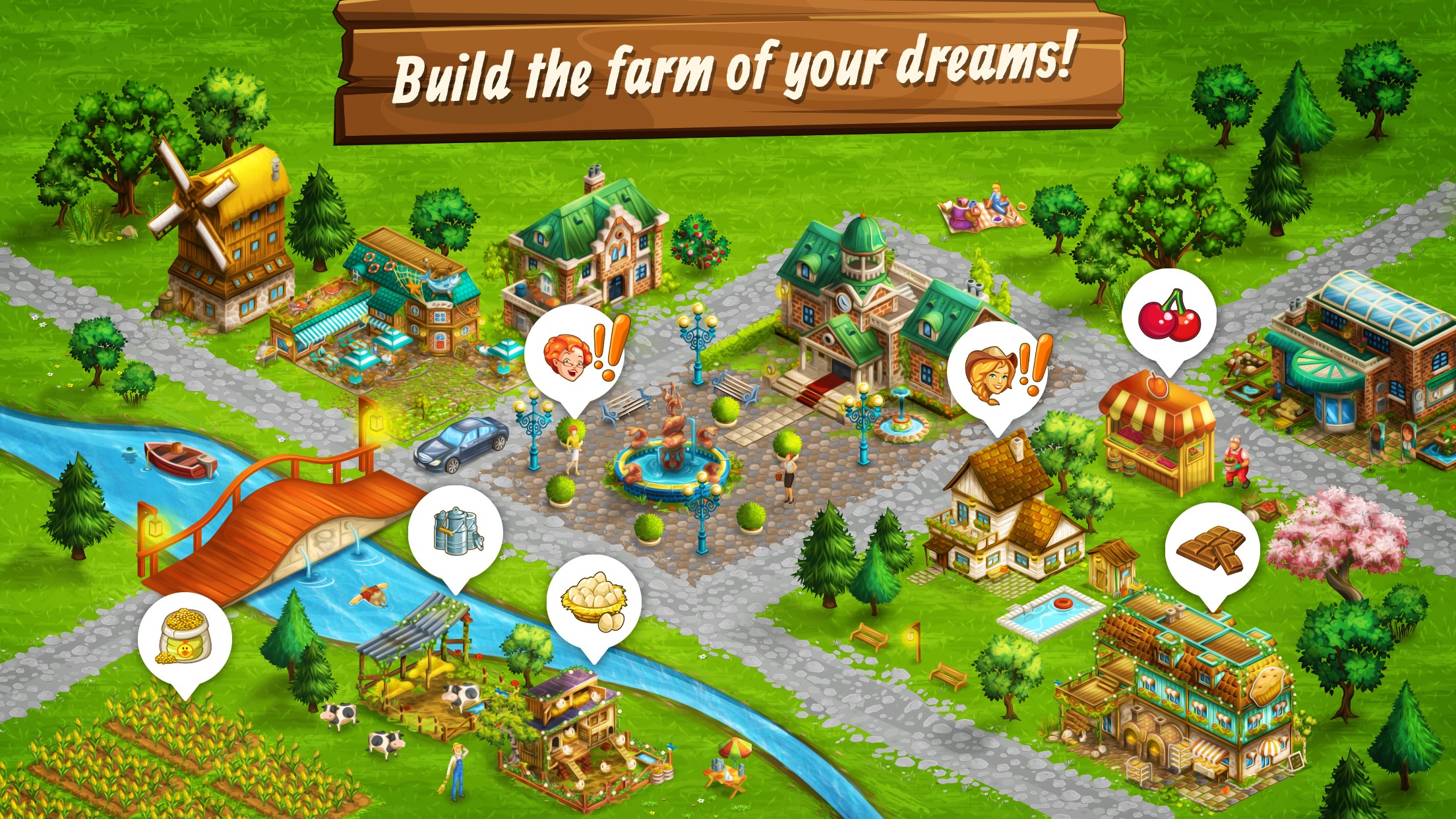
- Name Goodgame Big Farm
- Category Simulation
- Developer Goodgame Studios / Altigi GmbH
- Available on PC
- OS Windows 10 version 14316.0 or higher
- Keyboard Integrated Keyboard
- Mouse Integrated Mouse
- languages Bulgarian, Czech, Danish, Dutch, English, Finnish, French, German, Greek, Hungarian, Italian, Japanese, Lithuanian, Norwegian, Polish, Portuguese, Romanian, Russian, Slovak, Spanish, Swedish, Turkish
Introduction to Goodgame Big Farm for Windows
Goodgame Big Farm for Windows is a captivating simulation game that immerses players into the idyllic world of farm management, blending strategic planning with casual gameplay. Developed by Goodgame Studios / Altigi GmbH and published by Goodgame Studios, this app aims to offer a relaxing yet engaging farming experience for players of all ages.
Developer and Key Features
Crafted by the renowned gaming developer Goodgame Studios, renowned for their broad portfolio of social and casual games, Goodgame Big Farm focuses on creating a detailed virtual farming ecosystem. Its standout features include:
- Deep Farm Customization: Players can personalize their farm layout, choose different crop types, and cultivate various animals, truly making the farm their own.
- Social Interaction: Integration with social media enables players to visit friends' farms, exchange gifts, and cooperate in events, fostering a community feel.
- Event and Quest System: Regular activities and missions keep the gameplay fresh and engaging, encouraging strategic planning and resource management.
- Offline Progression: The game runs seamlessly even when offline, allowing continuous growth and maintenance of the farm.
The target audience primarily includes casual gamers, farming simulation enthusiasts, and users seeking a relaxing, yet interactive, leisure activity.
Gameplay and User Experience
Imagine the gentle rustling of crops in a lazy summer breeze—this game captures that serenity while subtly engaging your strategic mind. The introduction draws players into a picturesque farm setting, inviting them to start small and expand into a sprawling agricultural haven. The game's bright, charming visuals and detailed animations evoke a warm, inviting countryside, reminiscent of pastoral scenes from storybooks.
Core Features in Detail
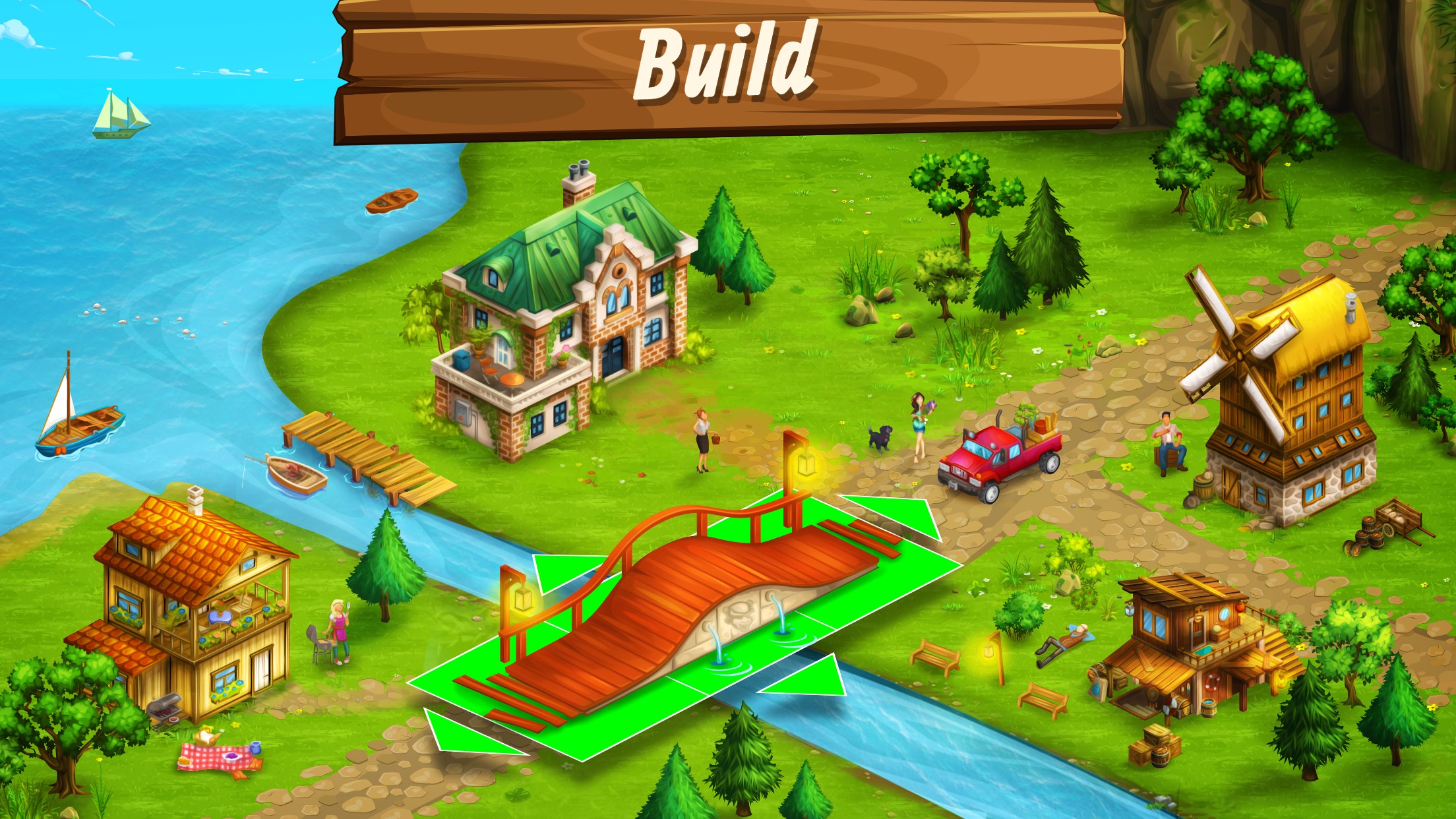
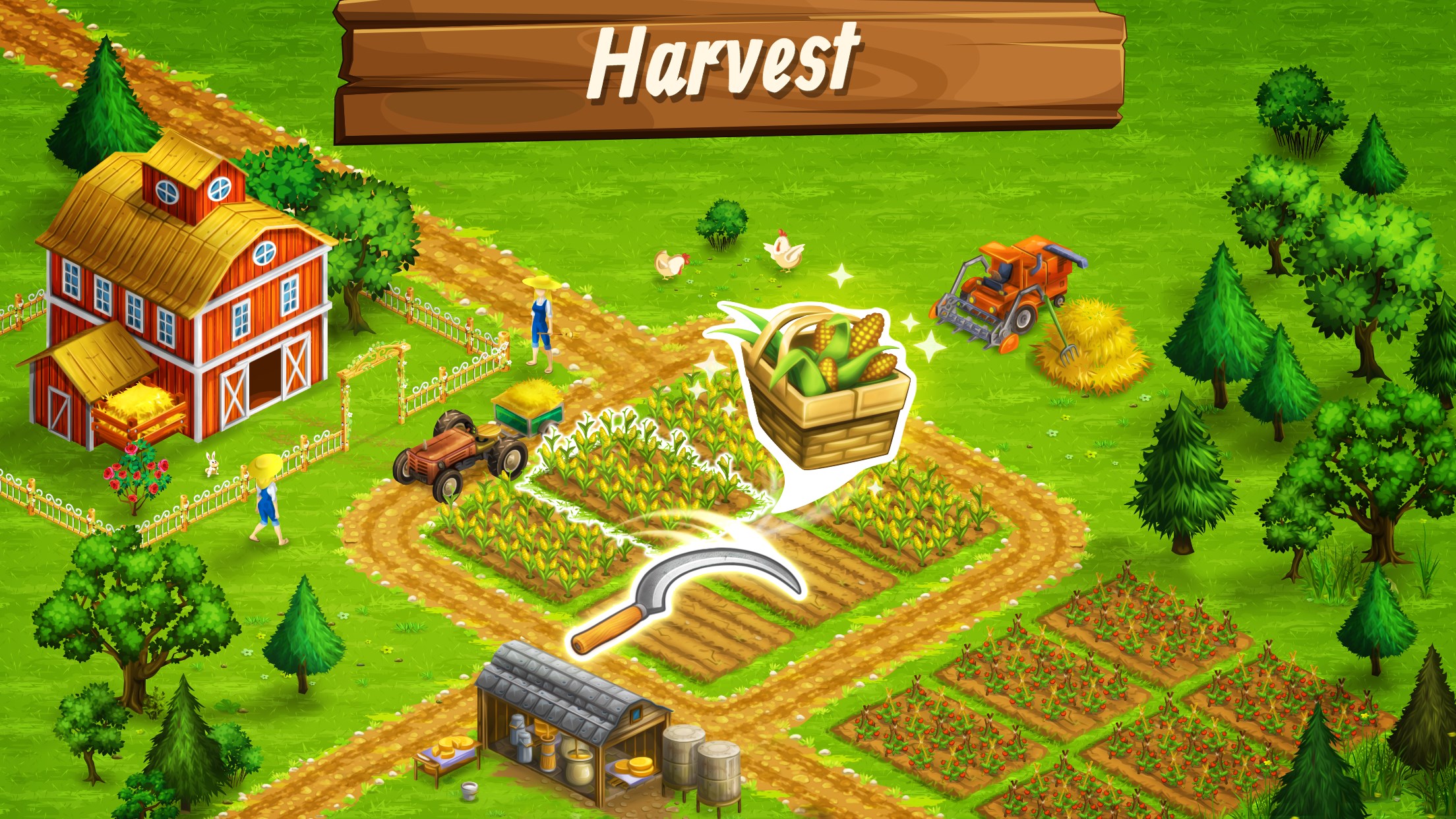
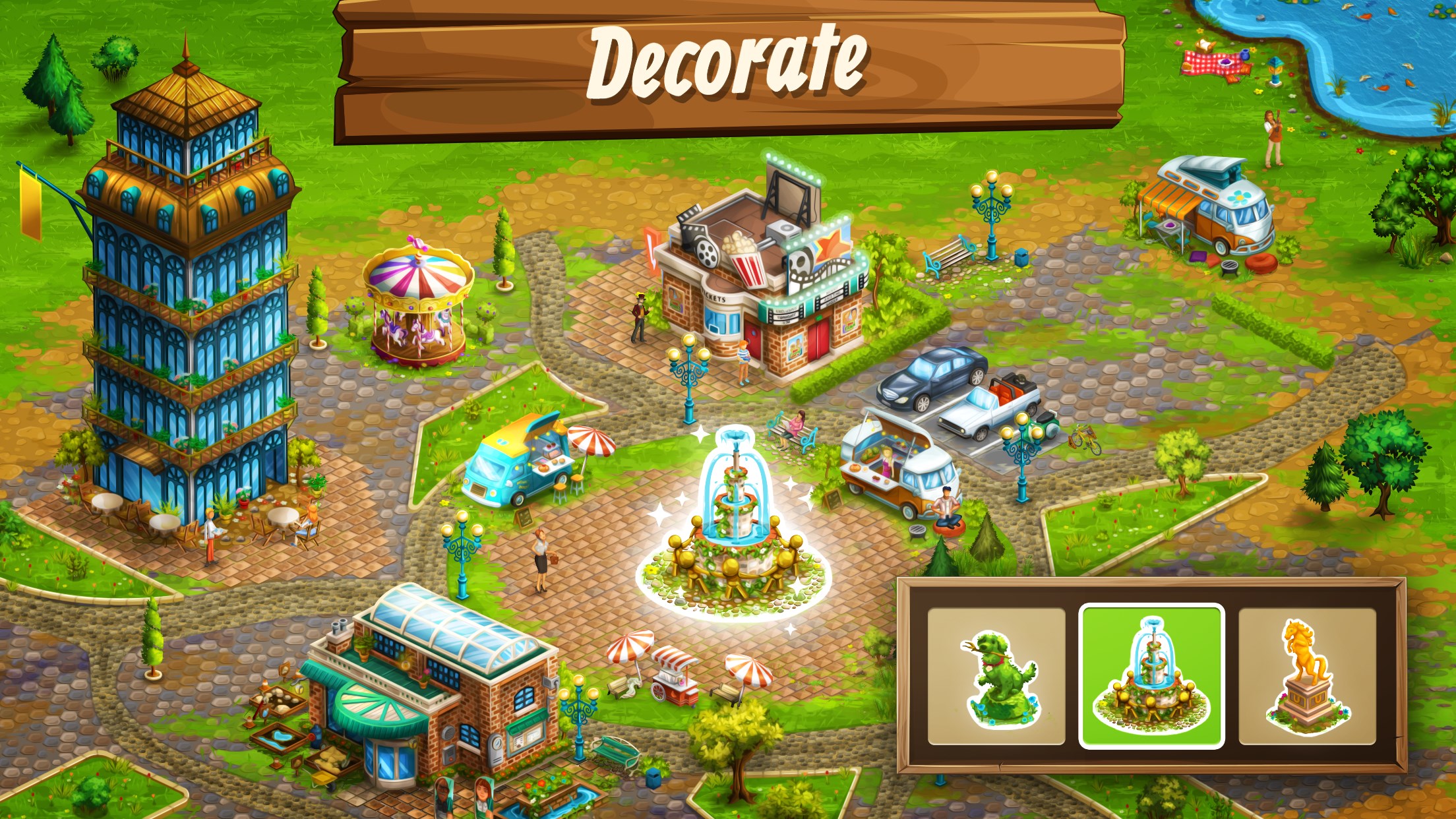
Farm Management and Customization: The gameplay revolves around planting, harvesting, and upgrading various crops and livestock. What sets Goodgame Big Farm apart is its intuitive drag-and-drop interface paired with detailed customization options. Players can design barns, fields, and decorative elements to create a landscape that feels personal and lively. The mechanics are straightforward but layered enough to reward strategic choices, such as crop rotation or timed investments.
Social and Community Elements: The game encourages social interaction through a built-in friends network. Visiting neighboring farms offers inspiration, while gift exchanges and cooperative events foster camaraderie. This social aspect adds depth, transforming solo farming into a shared community experience—a feature that many similar apps lack depth in.
Events, Quests, and Progression: Engaging quests and seasonal events provide structured goals, often linked to real-world holidays or themes, which keep the gameplay dynamic and rewarding. The progression system — unlocking new crops, buildings, and decorations — feels satisfying and well-paced, with a clear sense of achievement.
User Interface and Overall Experience
The interface of Goodgame Big Farm is polished and accessible, with a clean layout that ensures new players aren't overwhelmed. Navigation feels smooth, with quick access to essential menus, and the game's responsiveness is commendable across various hardware. The learning curve is gentle—beginners can start farming with minimal effort, while experienced players find enough complexity to stay engaged. The visual aesthetic is warm, colorful, and detailed, fostering immersion akin to stepping into a lively countryside tableau.
Unique Advantages Over Similar Apps
Where Goodgame Big Farm shines is in its realistic mechanics and the depth of its community features. The farming mechanics exhibit a high degree of realism in crop growth cycles and resource management, offering a more authentic feel compared to more arcade-like farming sims. Additionally, the game makes an effective translation of strategic planning skills—such as resource optimization and timing—into real-world farming insights, providing subtle educational value.
The social features enable players to mimic real-world farm cooperation, encouraging teamwork and resource sharing, which are often superficial in comparable titles. This creates a layered experience where gaming and social skills intertwine seamlessly.
Final Recommendations and Usage Suggestions
Overall, Goodgame Big Farm for Windows is highly recommended for casual players seeking a tranquil yet strategic farming simulation. Its standout features—especially the realistic mechanics and social interaction—make it a compelling choice among farming games. For best experience, players should explore the community functions to maximize engagement and consider integrating gameplay with real-world gardening or farming initiatives for a richer understanding.
In summary, whether you're looking to unwind with some peaceful farming or want to challenge yourself with resource planning, Goodgame Big Farm offers a well-rounded and thoughtfully designed experience. It's like tending to a farm that responds with warmth and depth, making your virtual farm a lively, ever-expanding oasis of calm and strategy.
Pros
- Engaging farming simulation gameplay
- Vivid and attractive graphics
- Regular updates and new content
- Easy-to-understand mechanics
- In-app social features
Cons
- Limited free features
- Frequent ads interrupt gameplay
- Energy system can be restrictive
- Occasional lag on some devices
- Repetitive tasks over time











