



- Name Golden Farm: New Acres
- Category Simulation
- Developer P.D. Playgenes International Limited
- Available on PC
- OS Windows 10 version 14393.0 or higher
- DirectX Version 10
- Mouse Integrated Mouse
- Keyboard Not specified
- languages English (United States)
Unveiling a New Era in Farming Simulation: Golden Farm: New Acres for Windows
If you've ever dreamed of cultivating your own sprawling farm with a touch of realism and strategic depth, Golden Farm: New Acres offers an inviting digital plot to sow your ambitions. Developed by P.D. Playgenes International Limited, this simulation invites players to experience the joys and challenges of modern farming through a beautifully crafted interface and engaging gameplay mechanics.
Core Features That Make Golden Farm Stand Out
Realistic Farming Mechanics and Physics
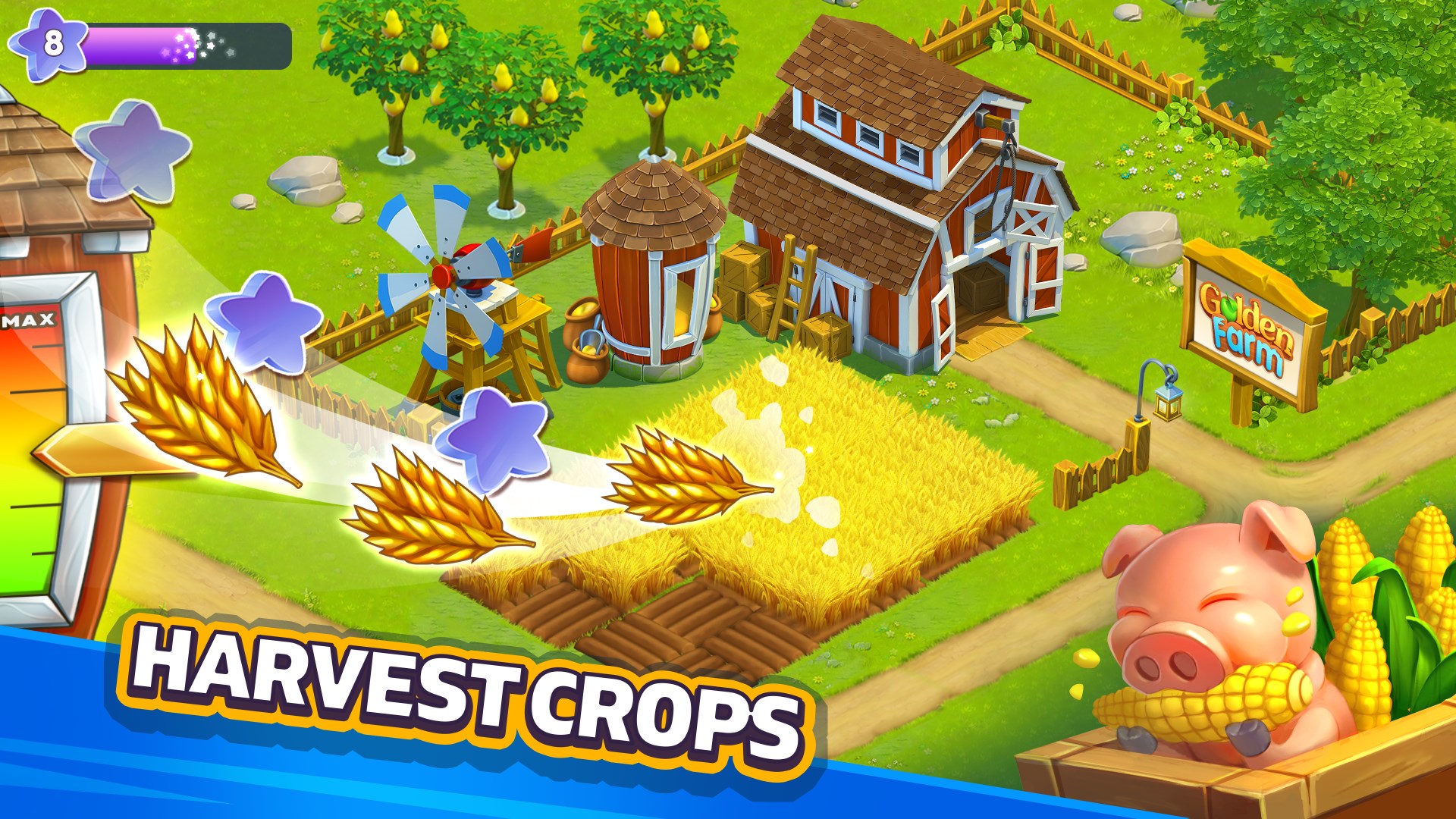
One of the standout aspects of Golden Farm: New Acres is its commitment to delivering authentic farming physics. From soil tilting and crop growth cycles to weather effects influencing your harvest, the app emphasizes mechanics that mirror real-world agricultural processes. This attention to detail not only enhances immersion but also allows players to better understand the intricacies of farm management.
Strategic Crop Planning and Resource Management
At the heart of gameplay lies strategic decision-making. Players must choose the right crops for each season, manage water and fertilizer levels, and balance labor resources—all while contending with unforeseen challenges like pests or weather shifts. This layer of complexity elevates the experience beyond simple planting, requiring thoughtful planning akin to real farmers making daily choices.
Educational Transfer and Real-World Applicability
Unlike many other farming sims, Golden Farm aims to bridge gameplay with practical knowledge. It encourages players to analyze resource allocation, understand crop rotation benefits, and develop skills transferable to real-world farming insights. This educational aspect makes it not just entertaining but also potentially beneficial for those interested in agriculture or environmental management.
Interface and User Experience: Smooth Sailing or Bumpy Ride?
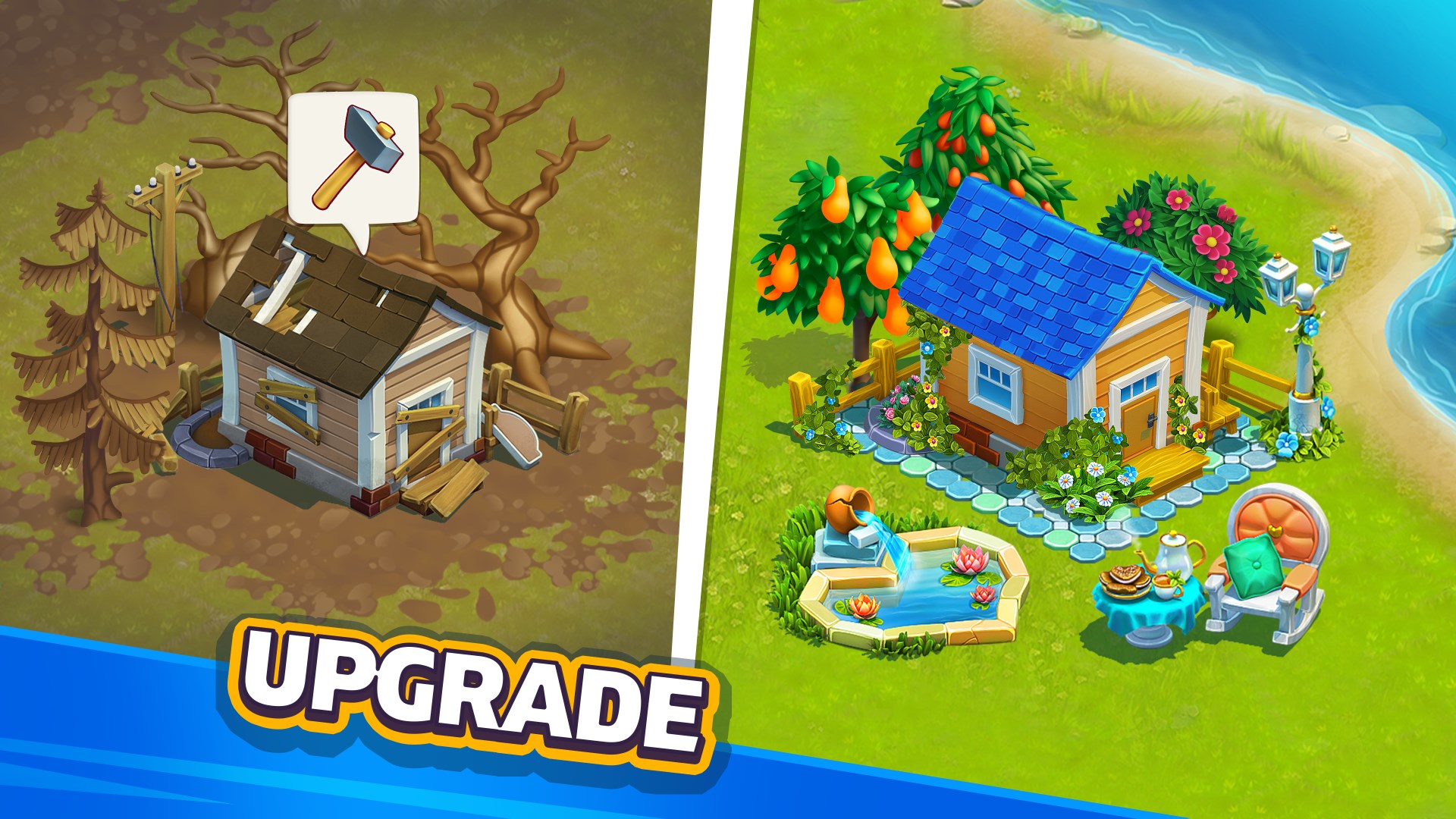
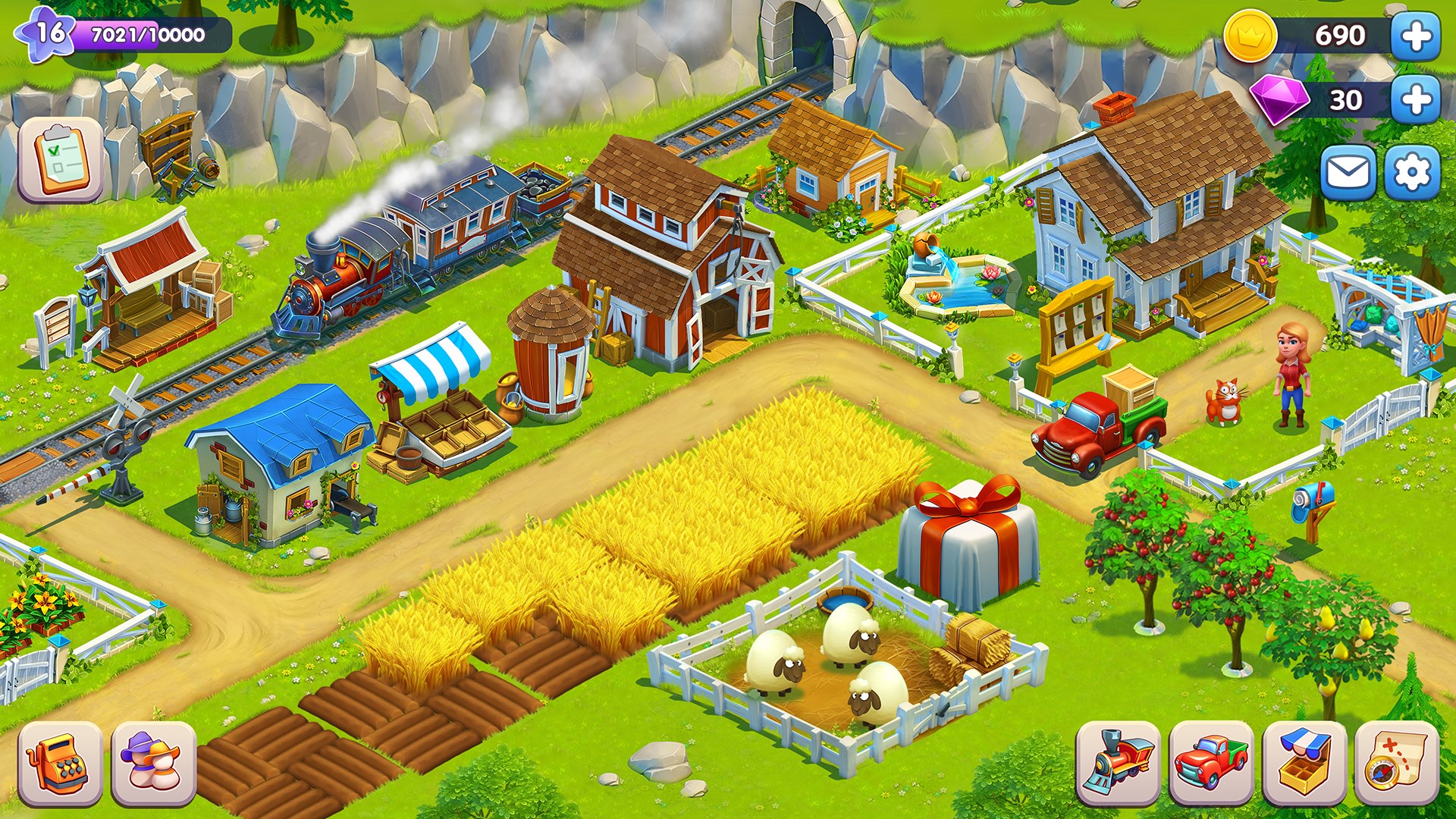
The app boasts a clean, inviting interface designed with user-friendliness in mind. Navigation between planting, harvesting, and resource upgrades is intuitive, even for newcomers. The interface's visual clarity ensures that players can quickly grasp complex mechanics without feeling overwhelmed. Operation responsiveness is commendable, with minimal lag, which is crucial for maintaining immersion during longer sessions. The learning curve is gentle, making it accessible to casual gamers and seasoned simulation enthusiasts alike. The game guides are well-placed, providing hints without overshadowing player autonomy, thus fostering a satisfying learning progression.
Differentiation: How Golden Farm Outshines Other Farming Sims
While many farming simulators emphasize aesthetic appeal or casual gameplay, Golden Farm: New Acres distinguishes itself through its dedication to physics realism and educational value. Its detailed physics engine ensures that soil movement, crop growth, and weather interactions feel grounded in authentic mechanics—more akin to a live field rather than a static background. Moreover, the game's focus on applying farming principles to real-world scenarios offers a unique learning transfer potential, setting it apart from typical casual farm games that often prioritize quick gratification over depth.
Final Verdict and Recommendations
Golden Farm: New Acres is a thoughtfully crafted simulation that balances realism with engaging gameplay. Its core strengths lie in authentic physics and its capacity to impart practical agricultural insights. For players seeking more than just a time-killer—those who wish to experience the nuanced dance of farm management—this app offers a rewarding journey. I recommend it to fans of detailed simulations, educational content, or anyone curious about the intricacies of farming. Whether you're a hobbyist, a student, or just someone who loves immersive strategy games, Golden Farm deserves a spot on your device. Just be prepared for a rewarding challenge that feels like tending a real farm—virtually, of course.
Pros
- Intuitive and colorful interface
- Engaging farming gameplay
- Regular updates with new content
- Moderate in-app purchase options for additional items
- Seamless social sharing features
Cons
- Limited free rewards
- Ads occasionally interrupt gameplay
- Layered tutorial might be overwhelming for new users
- Performance issues on older devices
- Limited multiplayer interaction











