
- Name Forge of Empires
- Category Simulation
- Developer InnoGames GmbH
- Available on PC
- OS Windows 10 version 14316.0 or higher
- languages English (United States)
Forge of Empires for Windows: A Strategic City-Building Experience
Forge of Empires for Windows offers players a comprehensive and immersive city-building simulation that combines historical progression with strategic planning, all wrapped within an engaging graphical interface.
Basic Information
Developed and published by InnoGames GmbH, Forge of Empires is a well-established name in the realm of online strategy games. This Windows adaptation brings the popular browser-based title onto the desktop environment, allowing players to build, expand, and manage their own civilizations.
- Main Features: Depth of city development, historical era advancement, tactical combat, and multiplayer interaction.
- Target Audience: Strategy enthusiasts, history buffs, and casual gamers seeking a rich, long-term gameplay experience.
A Journey Through Time with Engaging Gameplay
Step into the shoes of a city founder navigating the winding paths of human history. Forge of Empires for Windows feels like commandeering a time-traveling caravan—each decision you make shapes the future of your civilization. Its charm lies in blending thoughtful city design with the thrill of historical progression, making it an inviting gateway for both seasoned strategists and newcomers alike. The game's inviting aesthetic and intuitive gameplay mechanics act as the perfect overlay to this historical voyage, like a well-worn map guiding you through uncharted territories.
Core Features Deep Dive
1. Strategic City Building and Customization
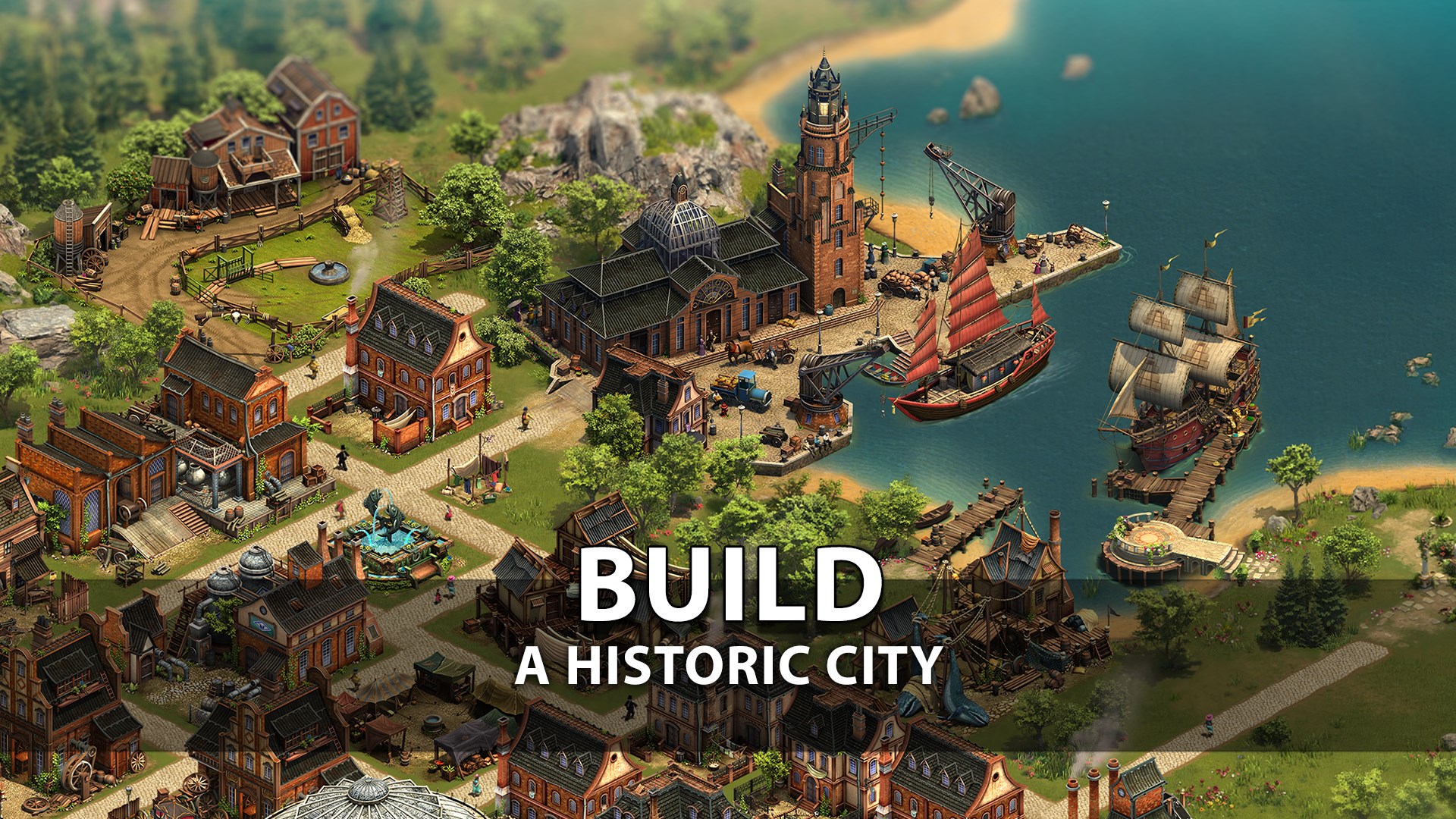
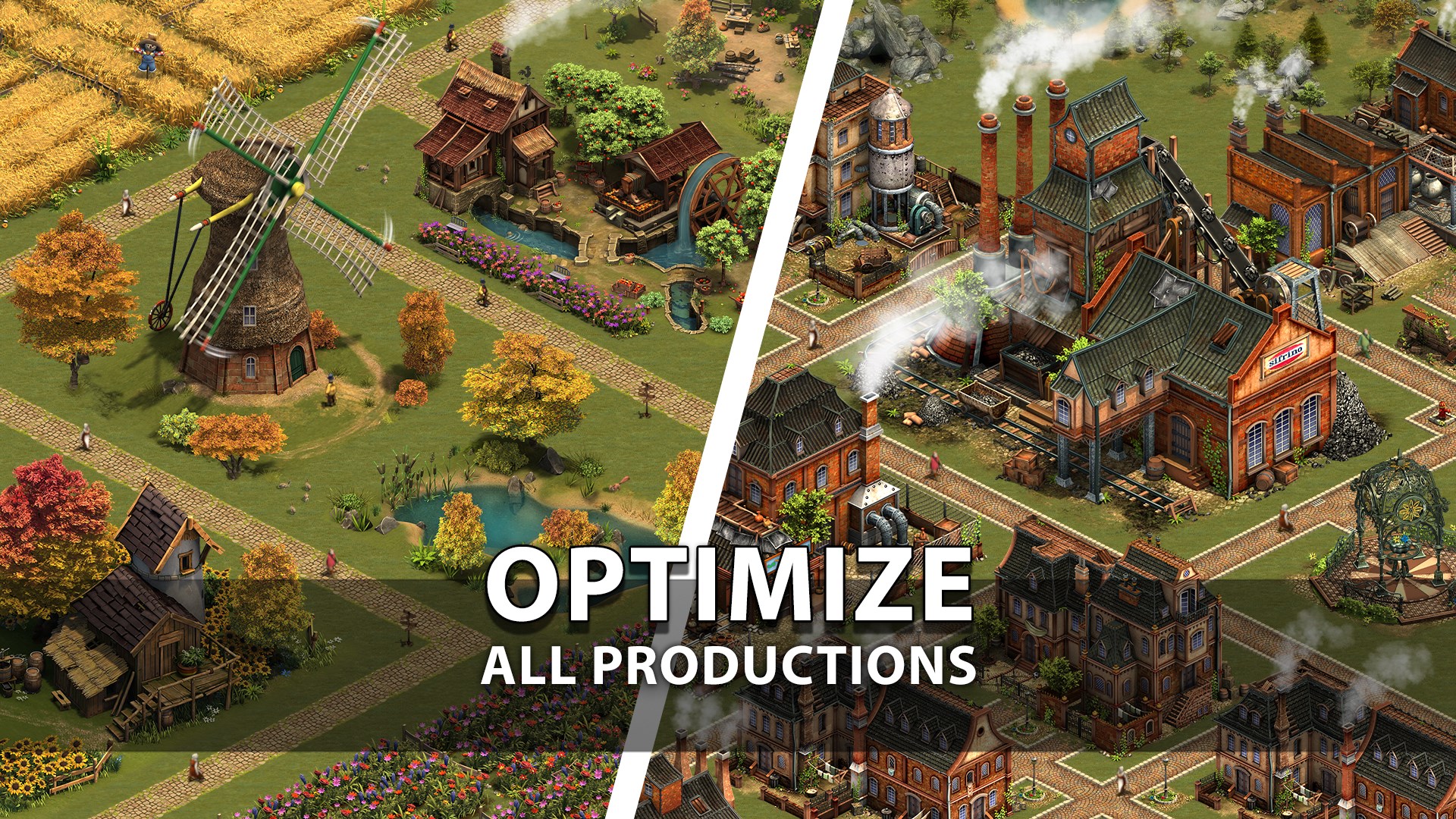
The game offers an extensive toolkit for constructing and customizing your cityscape. You manage resources, upgrade buildings, and plan urban layouts, ensuring your civilization not only thrives but also visually reflects your unique style. Unlike other city builders, Forge of Empires emphasizes historical accuracy blended with creative freedom, making city planning both informative and satisfying.
2. Era Progression and Research Mechanisms
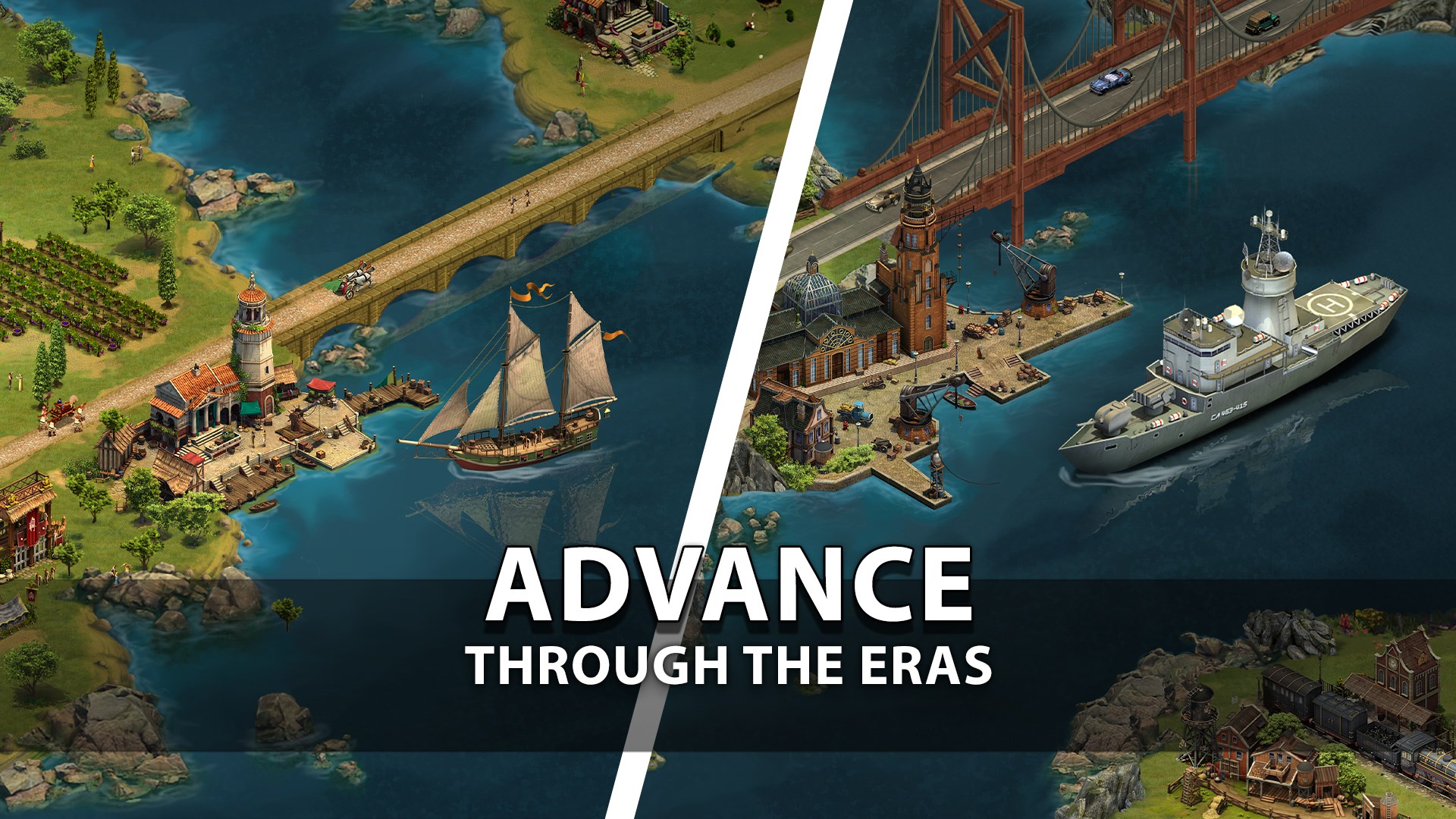
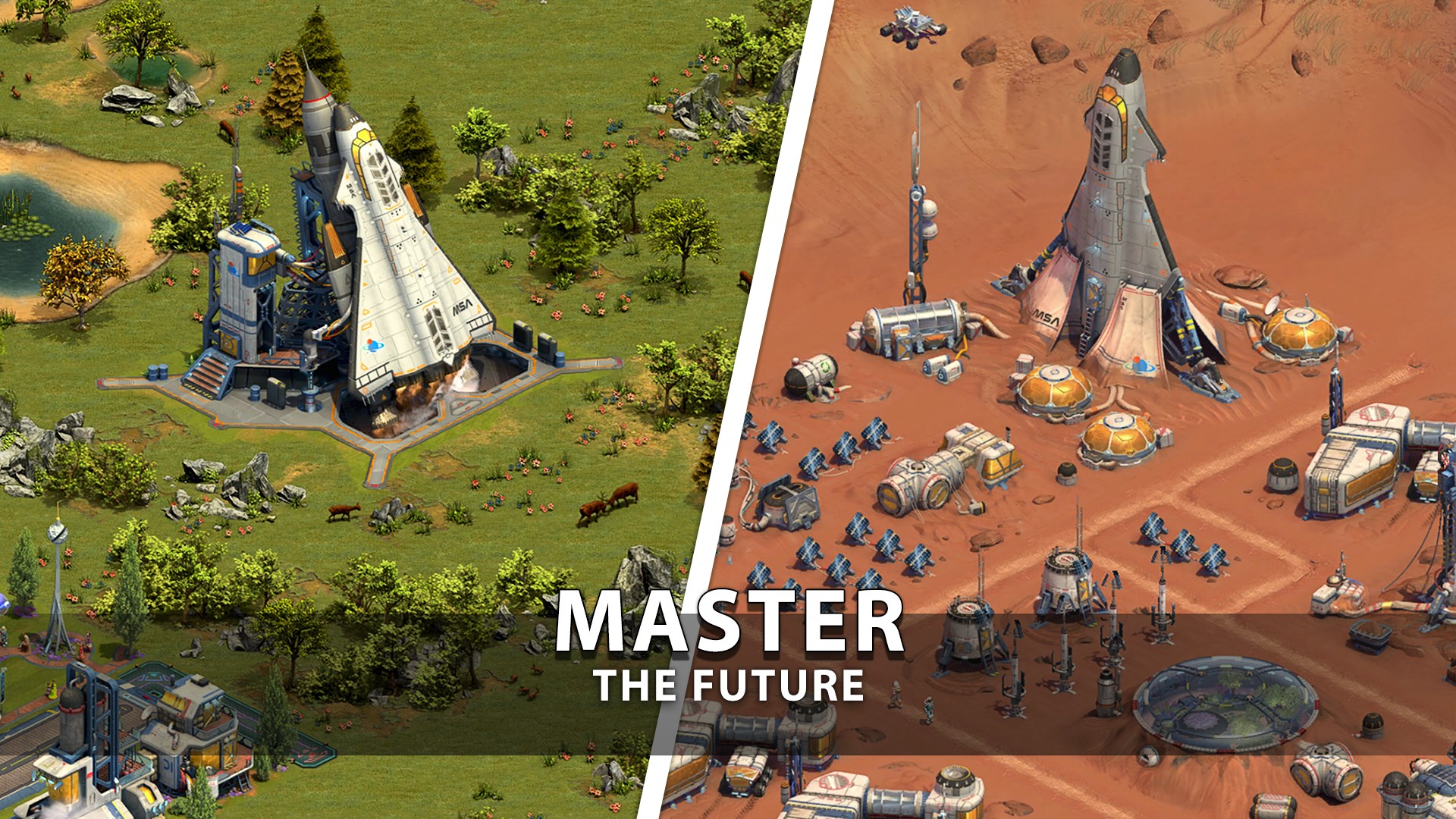
One of the game's most compelling aspects is its time travel feature. Players research new technologies and unlock eras—from the Ancient Age to the Modern Era—each bringing new buildings, units, and aesthetic styles. This progression feels organic, akin to planting seeds in your city garden and watching them bloom into sophisticated metropolises. This mechanic entails strategic resource allocation, mirroring real-world research and development cycles, which adds layers of depth to gameplay.
3. Tactical Battles and Multiplayer Diplomacy
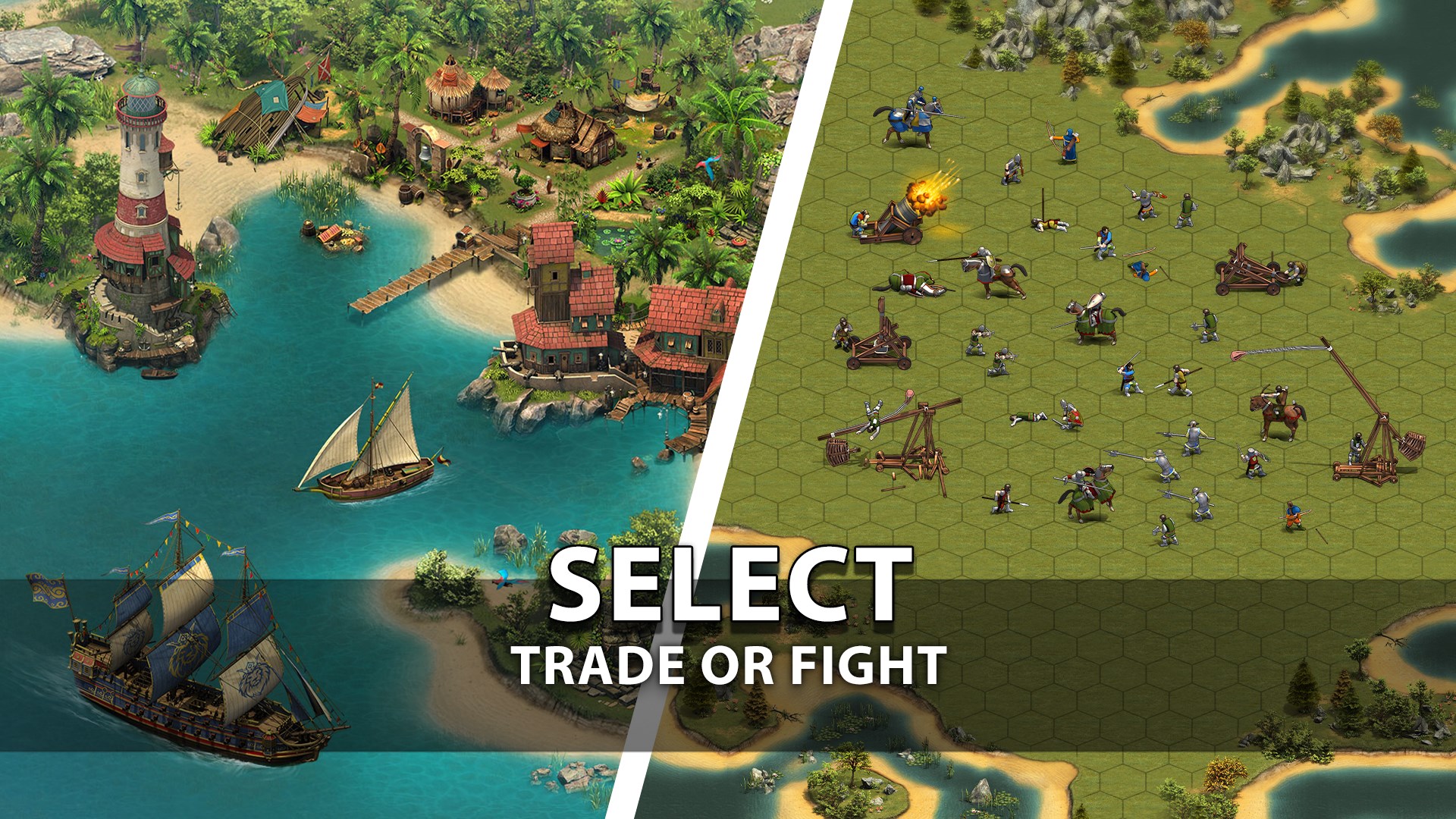
Beyond city management, Forge of Empires introduces turn-based combat scenarios where players attack or defend against rivals. The strategic choice of units and terrain gives combat a chess-like complexity. Additionally, alliances and multiplayer interactions promote a sense of global community—like building a network of friendly neighboring cities—further enriching the experience. This multi-layered gameplay nicely balances city development with competitive and cooperative elements.
User Experience: Interface, Performance, and Learning Curve
The user interface is designed with clarity, presenting information in a digestible manner without overwhelming the player. The visuals are colorful and medieval-inspired, akin to a living diorama of a bustling empire. Smooth operation is evident, with well-optimized performance that handles complex city layouts and large-scale battles seamlessly. The learning curve is moderate; new players can grasp the basics quickly thanks to tutorial prompts and guided progression, while advanced tactics unfold over time, providing a rewarding challenge.
What Sets It Apart from Similar Titles?
What makes Forge of Empires truly stand out among city builders and simulation games is its elegant integration of educational elements—like technological development and historical eras—within a strategic framework. Its mechanics mirror real-world concepts such as resource management, technological innovation, and urban planning, making it not just entertaining but also subtly informative. Unlike more abstract or fantastical simulation titles, this game's focus on historical accuracy and era progression offers a unique twist that appeals to those interested in learning through gameplay.
Recommendation and Usage Tips
If you enjoy thoughtful strategy, historical themes, and city-building challenges, Forge of Empires for Windows is a solid choice. It is suited for players who appreciate long-term, scalable gameplay and social interactions. For optimal experience, start with the tutorial to familiarize yourself with its mechanics; then, gradually explore different eras and alliances to maximize engagement. While it's free-to-play, mindful resource management and strategic planning are key to progressing smoothly.
Overall, Forge of Empires for Windows earns my recommendation as a compelling, well-crafted simulation that offers depth without sacrificing accessibility. It's like tending a living, breathing map of history—perfect for players eager to build their empire one era at a time.
Pros
- Engaging Gameplay with Strategic Depth
- Beautiful Graphics and Art Style
- Frequent Content Updates
- Strong Community Support
- Cross-Platform Compatibility
Cons
- Pay-to-Win Elements
- Steep Learning Curve for New Players
- In-Game Pace Can Be Slow
- Occasional Server Performance Issues
- Resource Management Complexity











