
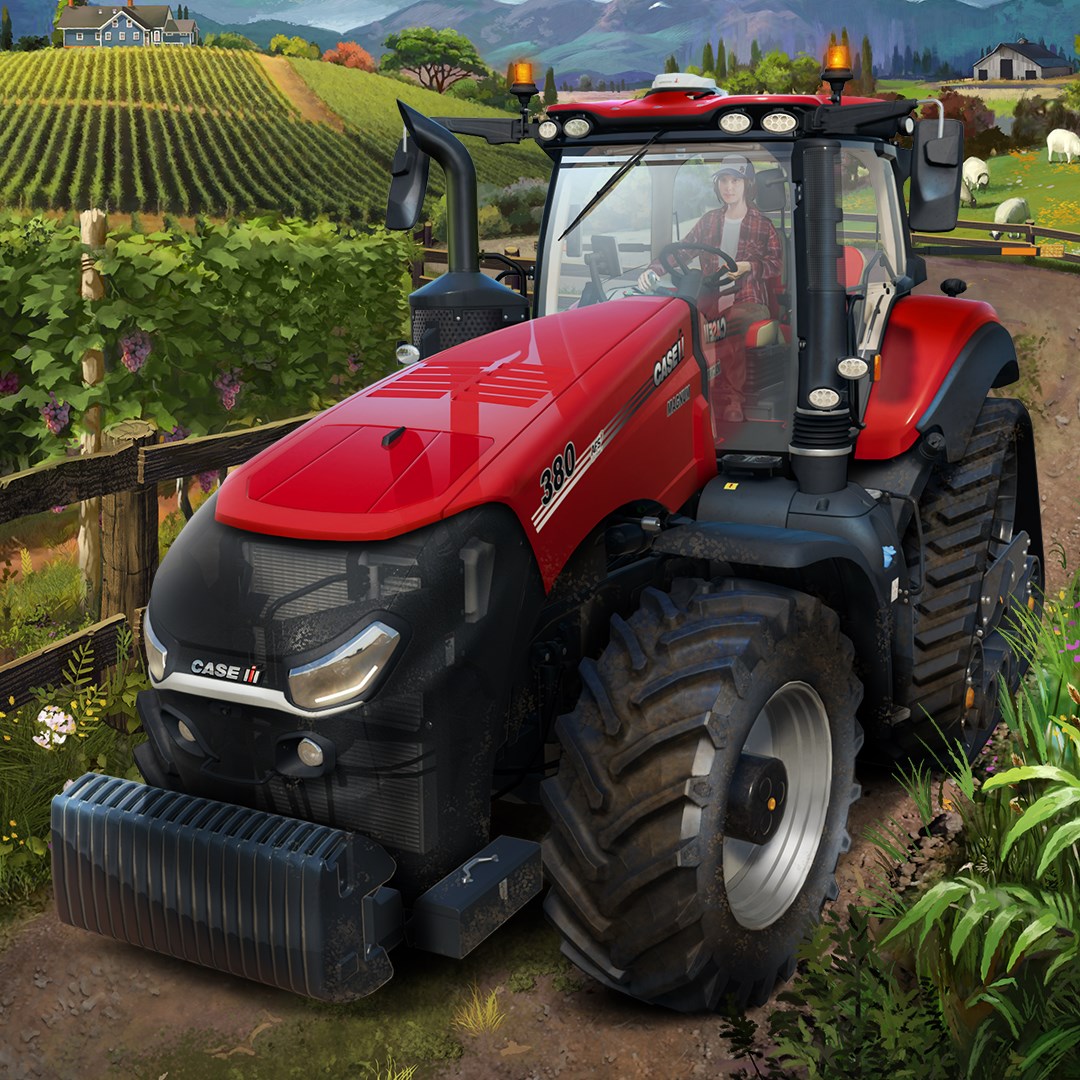
- Name Farming Simulator 22 (PC)
- Category Simulation
Farming Simulator 22 for Windows: A Deep Dive into Virtual Agriculture
Farming Simulator 22 (PC) by GIANTS Software offers a comprehensive farming experience that aims to bridge the gap between virtual and real-world agriculture. With its realistic mechanics and immersive gameplay, it stands out as a top choice for both farming enthusiasts and simulation fans alike.
Introduction to the Application: Basic Information
Positioning in the Gaming World
Farming Simulator 22 is a detailed, simulation-based farming game that allows players to manage a virtual farm, engaging in activities like planting, harvesting, and livestock management, all with impressive realism.
Developer and Publisher
Developed and published by GIANTS Software, a well-known studio renowned for their focus on realistic farming simulations since 2008.
Main Features and Highlights
- Enhanced Graphics and Environments: Stunning visual fidelity that vividly recreates rural landscapes and seasonal changes.
- Expanded Crop Selection and Farming Techniques: Introducing new crops, machinery, and farming methods, enriching gameplay variety.
- Improved Mechanics and Realism: More authentic physics, vehicle controls, and realistic weather effects deepen immersion.
- Modding Support and Multiplayer: Robust modding community support and multiplayer options for collaborative farming adventures.
Target Audience
This game appeals to agricultural enthusiasts, simulation lovers, and gamers seeking a relaxing yet engaging experience of farm life, spanning from casual players to hardcore simulation aficionados.
Engaging and Lifelike Farming Action
Imagine stepping into the muddy boots of a modern farmer: tractors rumbling to life, fields stretching as far as the eye can see, and the sun casting golden hues over a thriving, bustling farmstead. Farming Simulator 22 invites players into this world, where every seed sown and crop harvested echoes a genuine farming process. Unlike simpler farming games, it captures the joy and challenges of farm management with precision, making each session both educational and entertaining. Whether you're a farming rookie or a seasoned agronomist at heart, this game offers a satisfying ride along the rural landscape.
Core Functionality Spotlight: Realistic Mechanics and Seasonal Dynamics
Mechanics and Physics Realism
The most distinctive feature of Farming Simulator 22 is its commitment to authentic physics. Vehicles handle as they would in real life—tractors respond to terrain and weight shifts, while machinery replicates real operational sounds and behaviors. This isn't just eye candy but a deep dive into the tactile feel of farming—imagine navigating thick mud or adjusting machinery with precise control, providing a tactile authenticity that sets it apart from other simulation titles. For enthusiasts, this real-world mechanics transfer a wealth of knowledge, preparing players for actual farm equipment operation and maintenance.
Seasonal and Environmental Interactions
The game introduces a dynamic seasonal system, where crops grow according to real calendar seasons, weather impacts farming tasks, and crop yields fluctuate with environmental conditions. This layer of realism encourages strategic planning, just like in real-world farming, where patience and adaptability are key. The seasonal cycle also visualizes the subtle beauty of changing landscapes—from lush spring fields to snowy winter scenes—enhancing immersion and emotional engagement.
Interface and User Experience
The interface design strikes a balance between complexity and accessibility. Menus are logically organized, and tooltips aid new players in understanding machinery functions or crop types. Navigation feels intuitive, with controls mapped to standard keyboard and mouse setups, ensuring smooth operation. The learning curve is approachable but deep enough to reward persistent players seeking mastery. The game's visual clarity, coupled with responsive controls, results in a seamless experience—no frustrating lag or clunky menus interrupt the farming flow.
Uniqueness and Comparative Advantages
What truly distinguishes Farming Simulator 22 from its direct competitors is its dedication to achieving near-photorealistic physics and mechanics, which significantly elevate the authenticity of the simulation. While other farming games might focus on casual, arcade-style gameplay, GIANTS Software emphasizes an educational aspect—offering insights that can transfer into real-world farming skills, such as machinery handling, crop rotation, and resource management. This educational transfer makes it a valuable tool not only for casual entertainment but also for those genuinely interested in agriculture or studying related fields.
Final Recommendations and Usage Tips
Farming Simulator 22 is highly recommended for players who appreciate detailed simulation and are eager to experience the intricacies of modern farming. Its realistic mechanics and comprehensive environmental systems make it an engaging educational tool, while its user-friendly interface ensures accessibility even for newcomers. For best results, newcomers should start with beginner-friendly equipment and gradually tackle more complex tasks as they become familiar with the mechanics. Agriculture enthusiasts and students can leverage its depth for practical understanding, making it a worthwhile investment for those seeking both entertainment and learning.
Pros
- Realistic Farming Experience
- Wide Range of Equipment and Crops
- Beautiful Graphics and Environments
- Extensive Mod Support
- User-Friendly Interface
Cons
- Large Download Size
- Occasional Performance Drops
- Learning Curve for Beginners
- Limited Multiplayer Functionality
- Occasional Bugs and Glitches











