
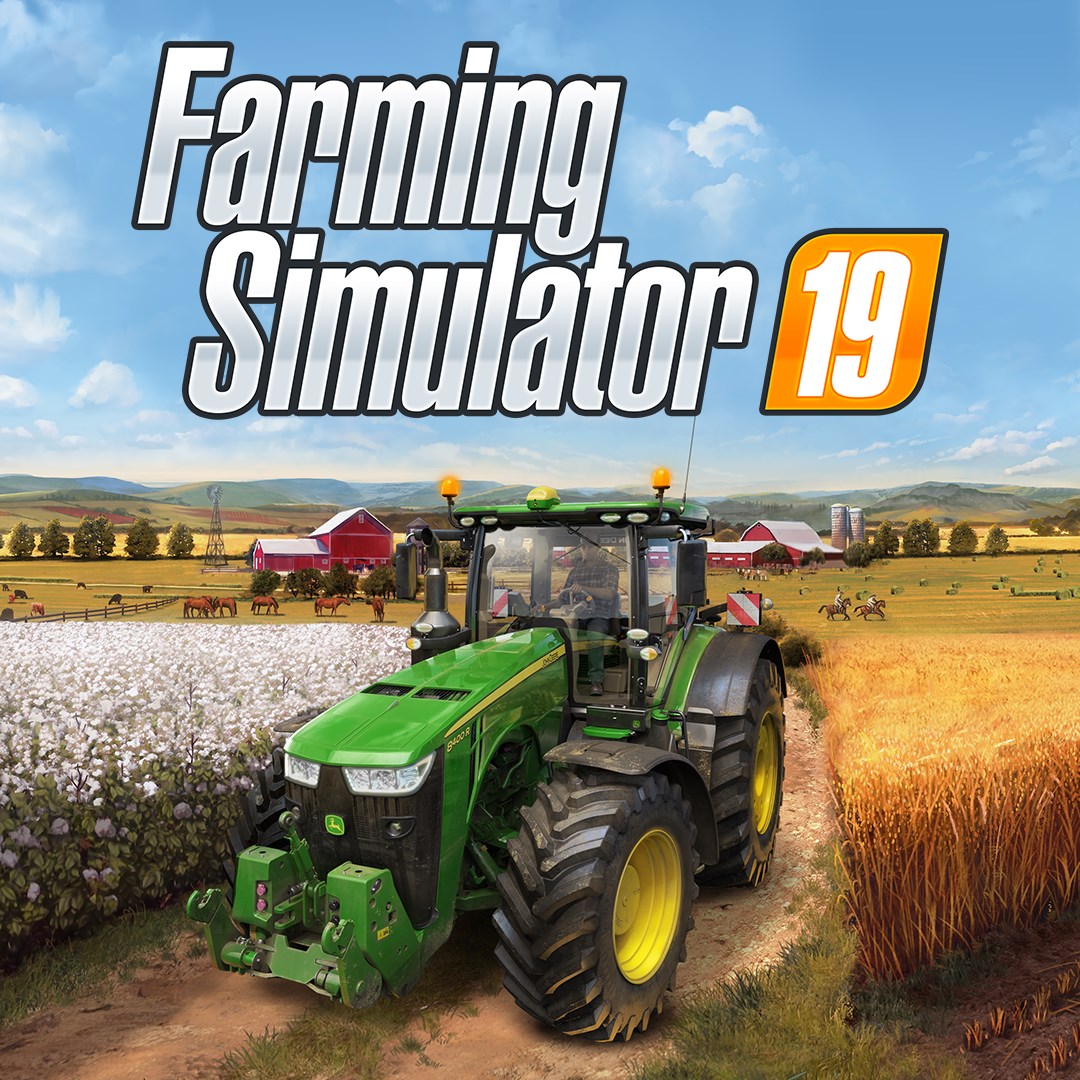
- Name Farming Simulator 19 (Windows 10)
- Category Simulation
Farming Simulator 19 for Windows 10: A Robust Virtual Farming Experience
Farming Simulator 19 offers a comprehensive and detailed agricultural simulation that aims to bring the farm to your desktop, combining realistic mechanics with user-friendly gameplay for both farming enthusiasts and casual gamers alike.
About the Developer and Core Features
Developer and Publisher
Developed and published by GIANTS Software GmbH, a reputable name in the simulation game industry known for their meticulous approach to realism and gameplay depth.
Main Highlights of the App
- Extensive Vehicle and Equipment Selection: Over 300 authentic farming machines and tools from leading brands enrich the immersive farming experience.
- Dynamic Seasons and Crop Growth: Realistic seasonal cycles influence planting and harvesting, adding layers of strategic planning.
- Open World and Map Variety: Multiple detailed map environments allow players to explore different terrains and farming scenarios.
- Multiplayer Mode: Cooperative farming with friends enhances engagement and social interaction.
Target User Group
This application primarily targets farming hobbyists, simulation enthusiasts, and those interested in understanding agricultural workflows, ranging from teens to adult users seeking a realistic and engaging virtual farming environment.
An Engaging and Lifelike Farming Journey
Stepping into Farming Simulator 19 is akin to donning a pair of well-worn boots and stepping onto a sprawling, sun-dappled farm. The game invites players into a bustling world where they can cultivate fields, tend livestock, and navigate the bustling environment of rural life—all from their Windows 10 device. Whether you're a seasoned farmer or just curious about what happens behind the scenes of food production, this simulator offers a captivating blend of realism and accessible gameplay.
Core Functionalities: Digging Into the Details
Realistic Machinery and Farming Operations
The hallmark of Farming Simulator 19 lies in its extensive roster of authentic vehicles and equipment, which closely mirror their real-world counterparts. From towering combine harvesters to precision plowing tractors, each machine is carefully modeled to reflect real physics and mechanical behavior. This not only enhances the visual appeal but also provides educational value; players learn about machinery functions and usage scenarios, effectively transferring some understanding of agricultural mechanics to the real world. The game's implementation of physics ensures that machinery handles and interacts with terrains believably, making each operation—like tilling soil or collecting crops—a satisfying challenge.
Seasonal Dynamics and Crop Management
The game introduces dynamic seasons that affect planting and harvesting windows, adding a layer of strategy to farm management. As the seasons shift—spring planting, summer growth, autumn harvest—players must adapt their schedules, purchase appropriate machinery, and manage resources wisely. This feature simulates real-world farming cycles, pushing players to think critically about crop rotation and resource allocation. Consequently, it offers a meaningful understanding of how seasonal variations influence farming and harvest timings, subtly translating into real-world agricultural knowledge.
User Interface and Gameplay Experience
Farming Simulator 19 features an intuitive interface that strikes a balance between detailed controls and accessible navigation. The menu layouts are logically organized, enabling players to quickly access vehicle options, crop details, and inventory management. The control scheme adapts well to keyboard and mouse, with optional controller support for a more seamless experience. The gameplay runs smoothly on modern PCs, with minimal lag or performance hiccups even during complex operations. The learning curve is moderate; while new players might need a short stint to master machinery controls, the tutorial modes and in-game guidance assist in smoothing this process. Overall, the interface supports an engaging experience that feels both rewarding and approachable.
What Sets It Apart? Realism and Educational Value
Compared to other simulation titles, Farming Simulator 19 distinguishes itself through its commitment to mechanical and physical realism. Unlike simplistic farm games, it models physics to simulate vehicle behavior, load handling, and terrain interaction realistically. This dedication to authenticity extends to crop growth models and seasonal changes, making the virtual farm feel alive and responsive to the player's actions. Another unique aspect is its capacity to transfer knowledge: players gain insights into machinery operation, crop management, and seasonality, which could be valuable for educational contexts or real-world farming curiosity. These features create a simulation that respects the complexity of actual farming, beyond mere game mechanics.
Final Verdict and Recommendations
Overall, Farming Simulator 19 is a thoughtfully crafted simulation for those who seek a realistic taste of agricultural life without leaving their desks. Its detailed machinery, dynamic seasons, and realistic physics set it apart from more casual farm games, making it a standout in the genre. I recommend it to players interested in agriculture, engineering, or simulation games, especially if they appreciate depth and authenticity in gameplay.
For newcomers, I suggest starting with the tutorial modes and exploring the in-game guidance systems—these will help ease the learning process and maximize your enjoyment. Experienced players will appreciate the richness of content and the strategic depth offered by crop management and machinery operation. Whether you're aiming to build a sprawling virtual farm or just curious about farming dynamics, Farming Simulator 19 provides a compelling, educational, and thoroughly engaging experience.
Pros
- Highly detailed farming simulation
- Wide variety of machinery and equipment
- Deep management and customization features
- Overlay tutorials and guidance for beginners
- Seamless multiplayer mode
Cons
- Occasional performance issues with large maps
- Limited mod support in the mobile version
- Long loading times for large save files
- Occasional bugs in AI vehicle behavior
- In-app purchases can be intrusive











