
- Name Farming Simulator 18
- Category Simulation
- Developer GIANTS Software GmbH
- Available on PC
- OS Windows 8.1 or higher
- languages Chinese (Simplified), English, English (United States), French, German, Italian, Japanese, Korean, Portuguese, Russian, Spanish
Farming Simulator 18 for Windows: A Deep Dive into Virtual Agriculture
If you've ever dreamed of cultivating sprawling fields, managing livestock, and operating heavy machinery from your own computer, Farming Simulator 18 offers a surprisingly immersive experience rooted in realism and detailed farming mechanics. Developed by GIANTS Software GmbH, this game aims to bring the authentic farm life simulation right to your fingertips, making it suitable for enthusiasts of agricultural practices and simulation games alike.
Developers and Core Features
GIANTS Software GmbH, a seasoned name in simulation development, has been renowned for creating detailed farming experiences. Farming Simulator 18 builds upon this legacy with several engaging features:
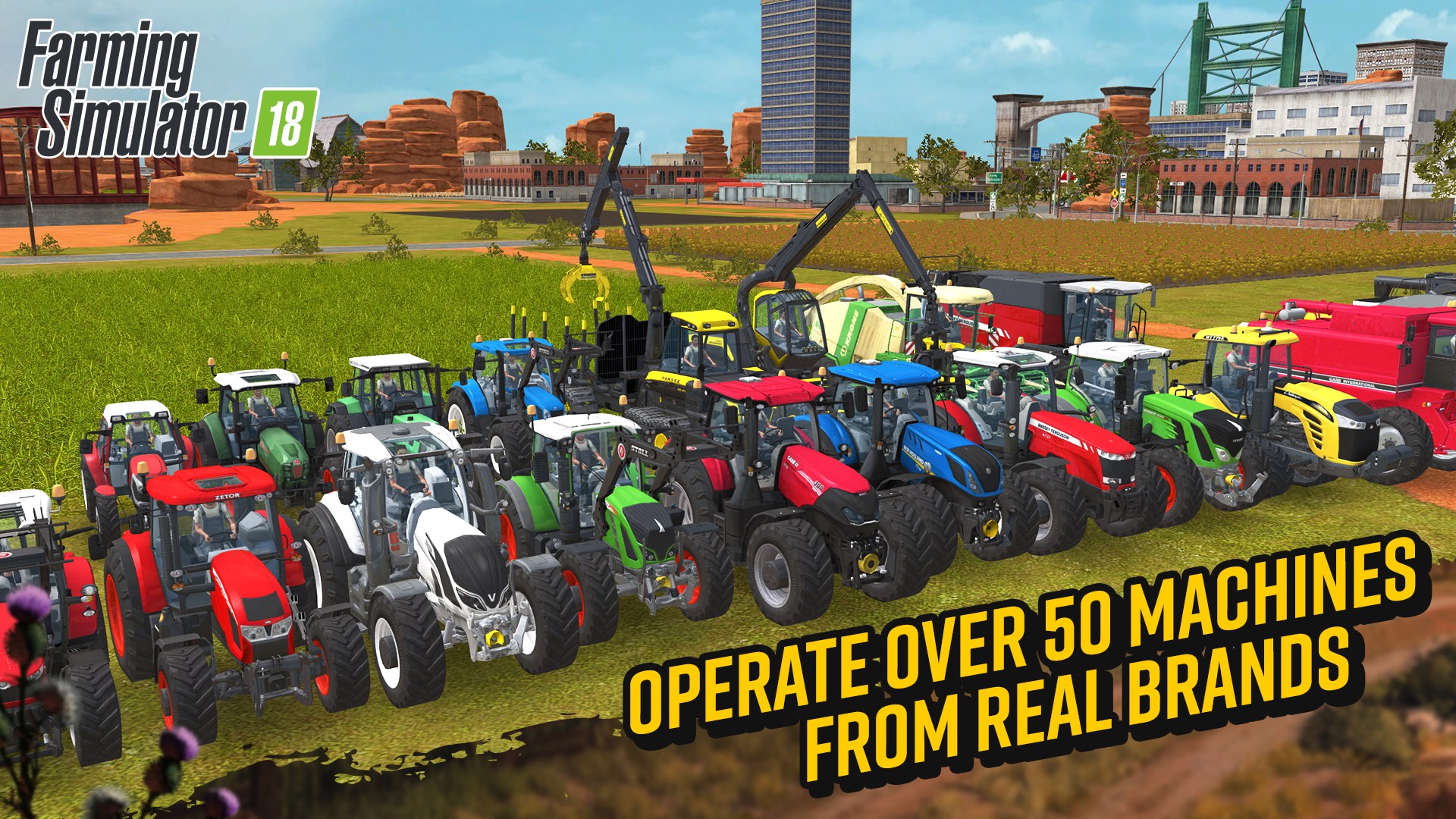
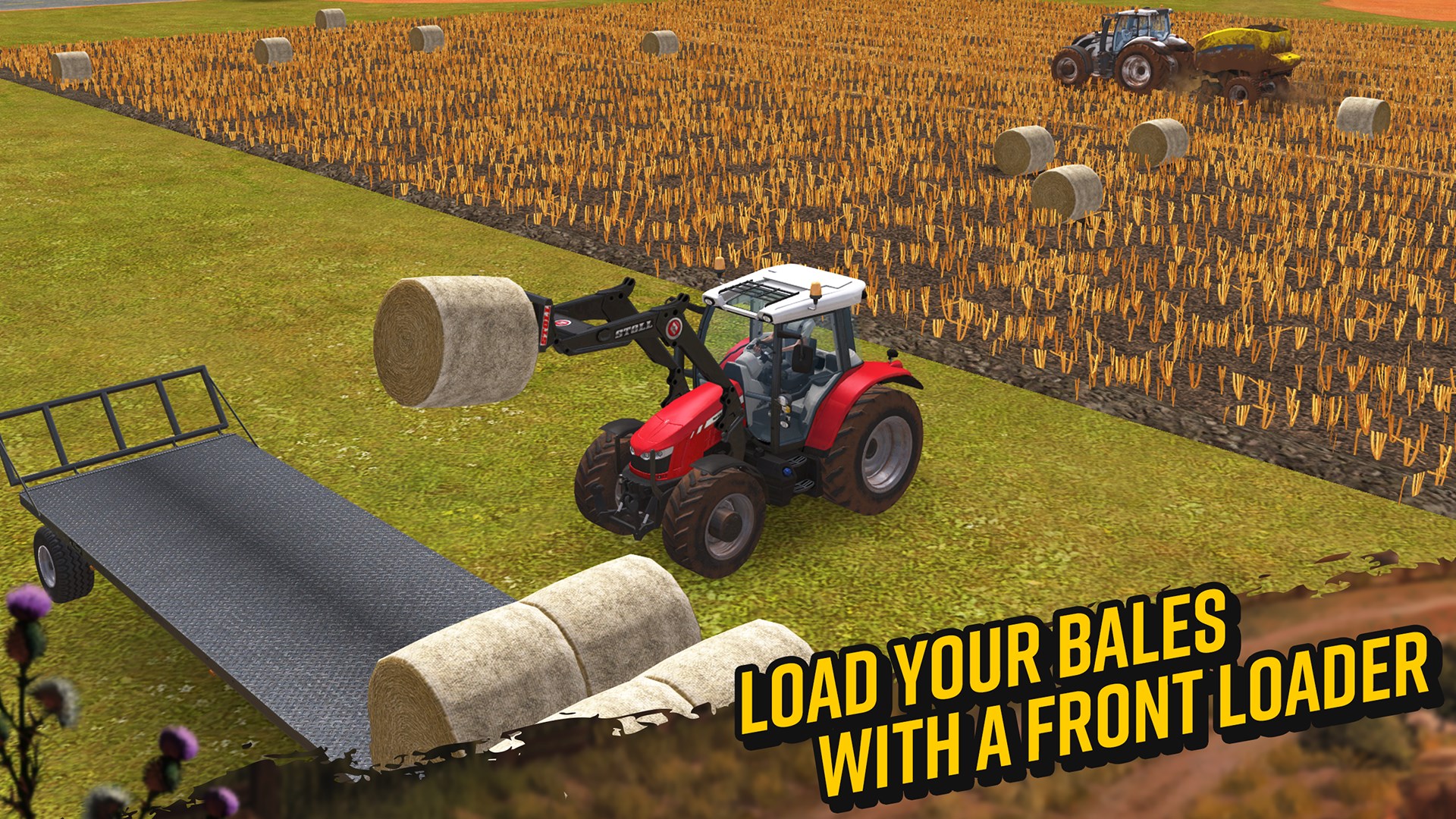
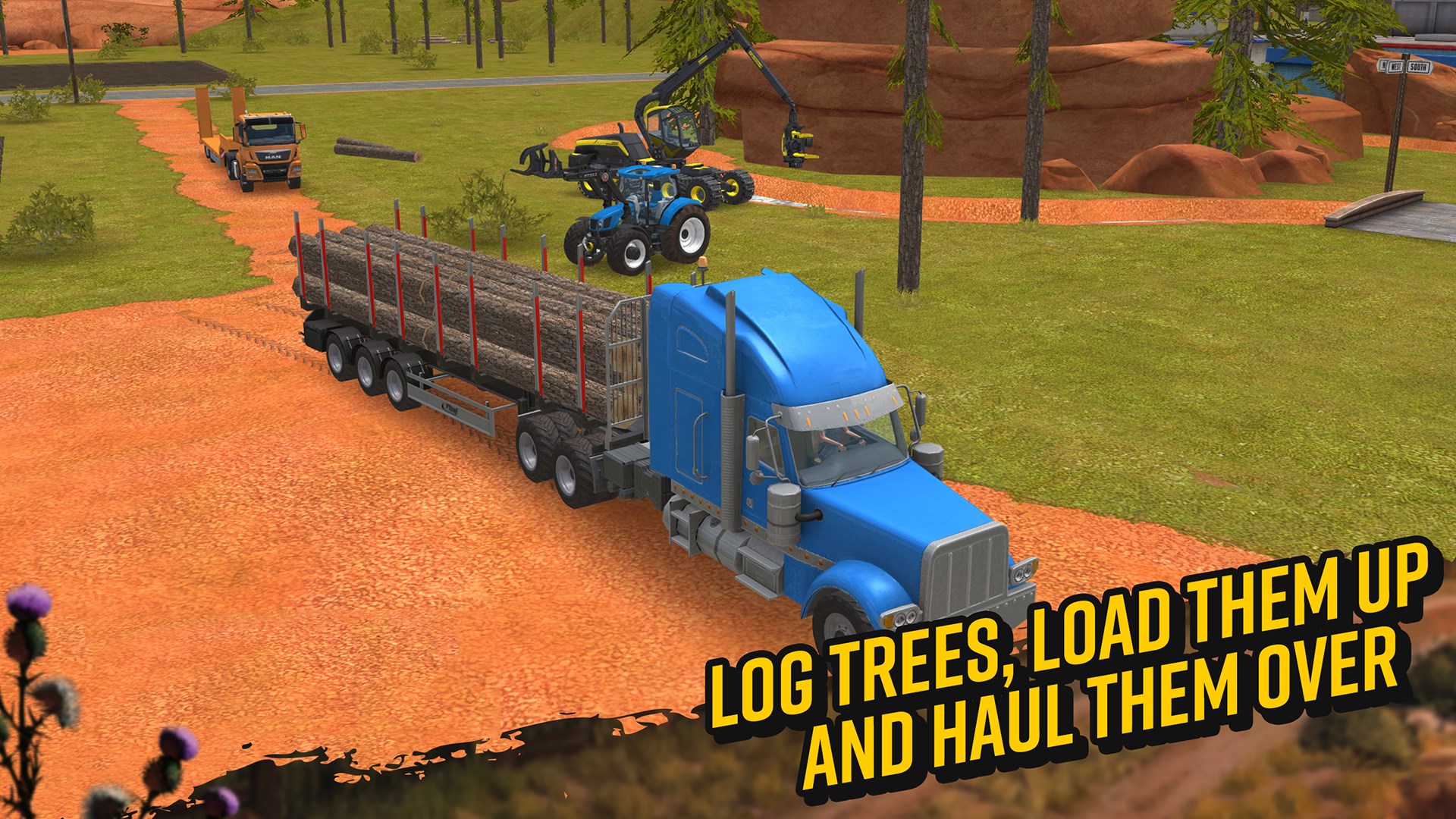
- Expanded Machinery and Equipment: Access to over 50 authentic farming vehicles and tools from renowned brands, providing a broad scope of farming operations.
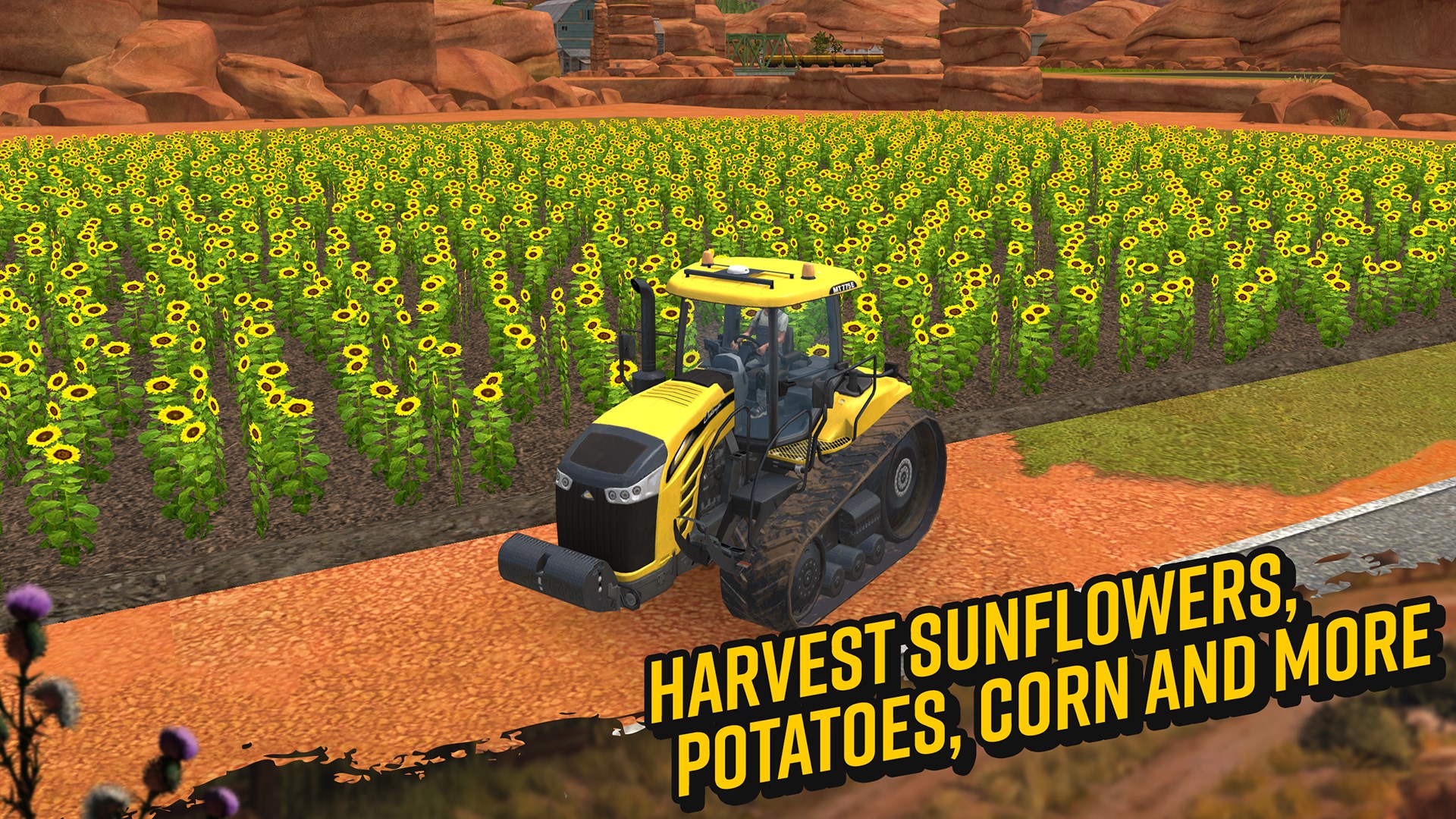
- Dynamic Crop Cultivation: Grow and harvest a variety of crops with seasonal changes impacting planting and harvesting schedules.
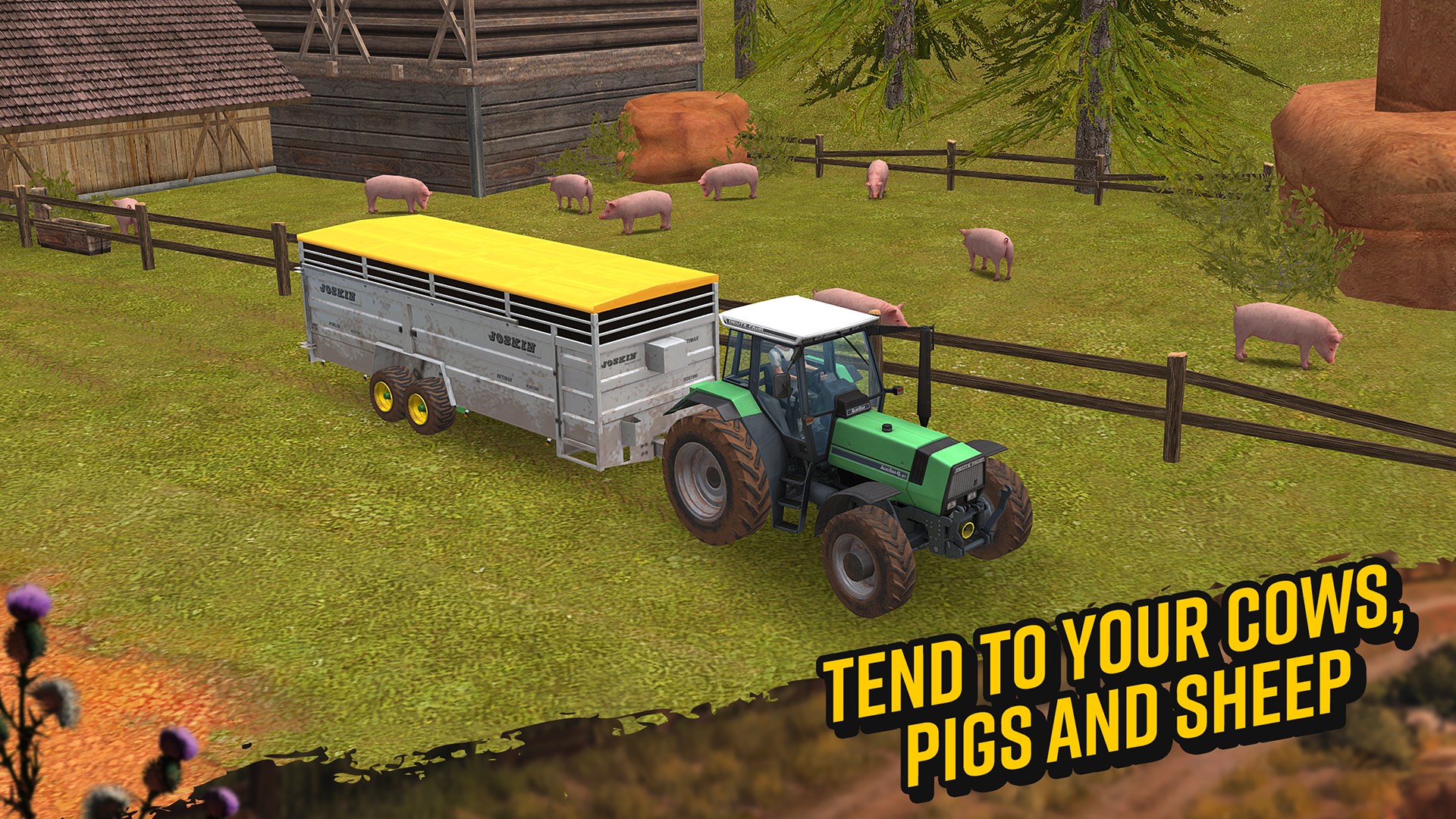
- Livestock Management: Raise different animals such as cows, chickens, and sheep, with attention to feeding, breeding, and care routines.
- Open World Exploration: An expansive map that encourages exploration and diverse farming scenarios.
Engaging and Realistic Gameplay Dynamics
Upon launching Farming Simulator 18, players are greeted with a vibrant, colorful landscape that invites exploration—think of it as stepping into a living painting of rural life. The game's gameplay is structured around core activities such as planting crops, caring for animals, and harvesting—all requiring strategic planning and resource management.
Interface and User Experience
The user interface is intuitively designed, resembling a busy farm hub bustling with activity but surprisingly easy to navigate. Menus are straightforward, and the control scheme is configured for keyboard and mouse, which is a plus for PC players seeking precision. The game runs smoothly on most systems, with responsive controls that create a seamless experience—no frustrating lag or stuttering hampers the farming flow. The learning curve is gentle enough for newcomers eager to dip their toes into farming life, yet deep enough to satisfy seasoned simulation fans.
The Two Standout Features: Mechanics Realism & Educational Value
Among its many features, Farming Simulator 18's most distinctive aspects are its emphasis on realistic physics and mechanics, and its potential for educational transfer. The game models vehicle physics with admirable detail; operating a combine harvester feels authentic, with gentle adjustments needed to navigate fields and collect crops. This level of realism is not merely for immersion—it serves as a valuable sandbox for understanding the mechanics of real-world farming equipment, fostering better appreciation and foundational knowledge. Additionally, the game encourages strategic planning—crop rotation, resource management—that can mirror actual farming decisions, making it a subtle yet effective learning tool.
Comparison with Other Simulation Titles
While other simulation games often rely on exaggerated or simplified mechanics, Farming Simulator 18 distinguishes itself with its dedication to mechanics realism and business management depth. Unlike more arcade-like farm games, this title emphasizes accurate vehicle operation, detailed crop cycles, and livestock care—more akin to a virtual apprentice than a game. Furthermore, the game's open-world design allows players to experiment with varying farming strategies, providing insights that could translate into real-world decision-making for agriculture students or enthusiasts.
Final Thoughts and Recommendations
Overall, Farming Simulator 18 presents a robust and accessible entry point into farming simulations, especially for those interested in the mechanics and operational aspects of modern agriculture. Its focus on realistic physics, combined with a user-friendly interface and rich content, makes it recommendable for both beginners and experienced players seeking a genuine farming experience on PC.
For users looking for a game that strikes a balance between entertainment and authentic process simulation, this title is a solid choice. I would suggest it for anyone curious about how farms operate behind the scenes, or for those wanting an engaging, detail-oriented game that rewards strategic planning and patience. Just imagine rolling farmland, heavy machinery roaring, and crops thriving—Farming Simulator 18 captures all this with a convincing touch.
Pros
- Realistic Farming Experience
- Extensive Vehicle and Equipment Selection
- User-Friendly Interface
- Dynamic Seasons and Day/Night Cycle
- Regular Content Updates
Cons
- Limited Map Size
- Occasional Performance Issues
- In-App Purchases
- Learning Curve for Beginners
- Graphics Quality Could Be Improved











