

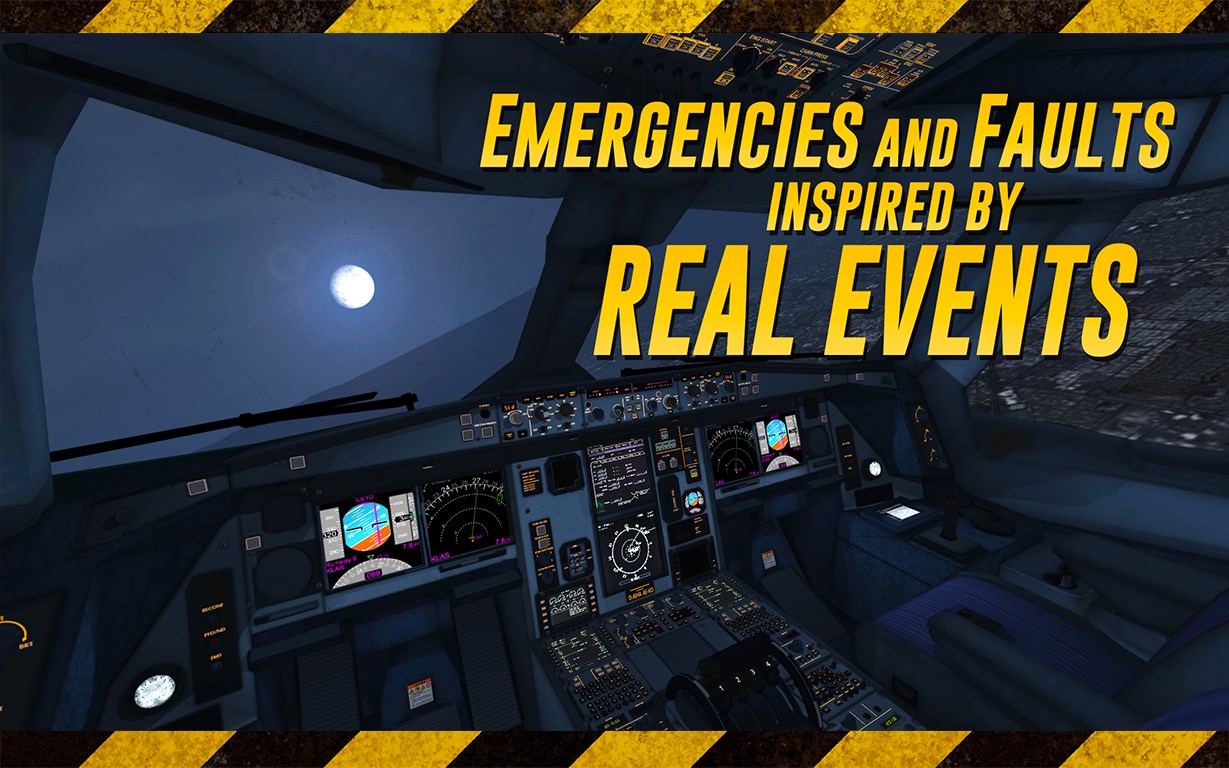
- Name Extreme Landings
- Category Simulation
- Developer RORTOS
- Available on PC, Surface Hub
- OS Windows 10 version 10240.0 or higher
- languages English (United States)
Extreme Landings for Windows: A Realistic Pilot Simulation Experience
Extreme Landings offers aviation enthusiasts and aspiring pilots an immersive crash-and-recovery simulation that brings the thrill and challenge of emergency landings right to your PC, with captivating graphics and realistic mechanics that elevate the genre.
About the App: Who, What, and Why
Developed and published by RORTOS, a team renowned for their high-quality mobile flight simulators, Extreme Landings on Windows extends their expertise into a desktop environment, delivering a detailed and engaging flight experience. The app's core features include multiple challenging scenarios, realistic aircraft physics, and meticulous damage modeling tailored for precise emergency training. Designed primarily for flight simulation veterans, aviation students, and tech-curious casual players, the app aims to blend entertainment with educational insights into aircraft handling during critical situations.
Captivating Flight Adventures: An Introduction
If you've ever wondered what it feels like to manage a plane in distress—navigating through smoke, system failures, or stormy skies—Extreme Landings delivers a convincing simulation wrapped in a sleek package. Imagine being at the controls, micro-managing every critical decision like a real pilot faced with the unforeseen; it's a rollercoaster of adrenaline and focus, meticulously crafted to make you feel as if you're strapped into a high-flying emergency response team. This app isn't just about flying; it's about mastering the chaos and making split-second choices under pressure.
Core Features: The Heart of the Experience
Realistic Mechanics and Physics
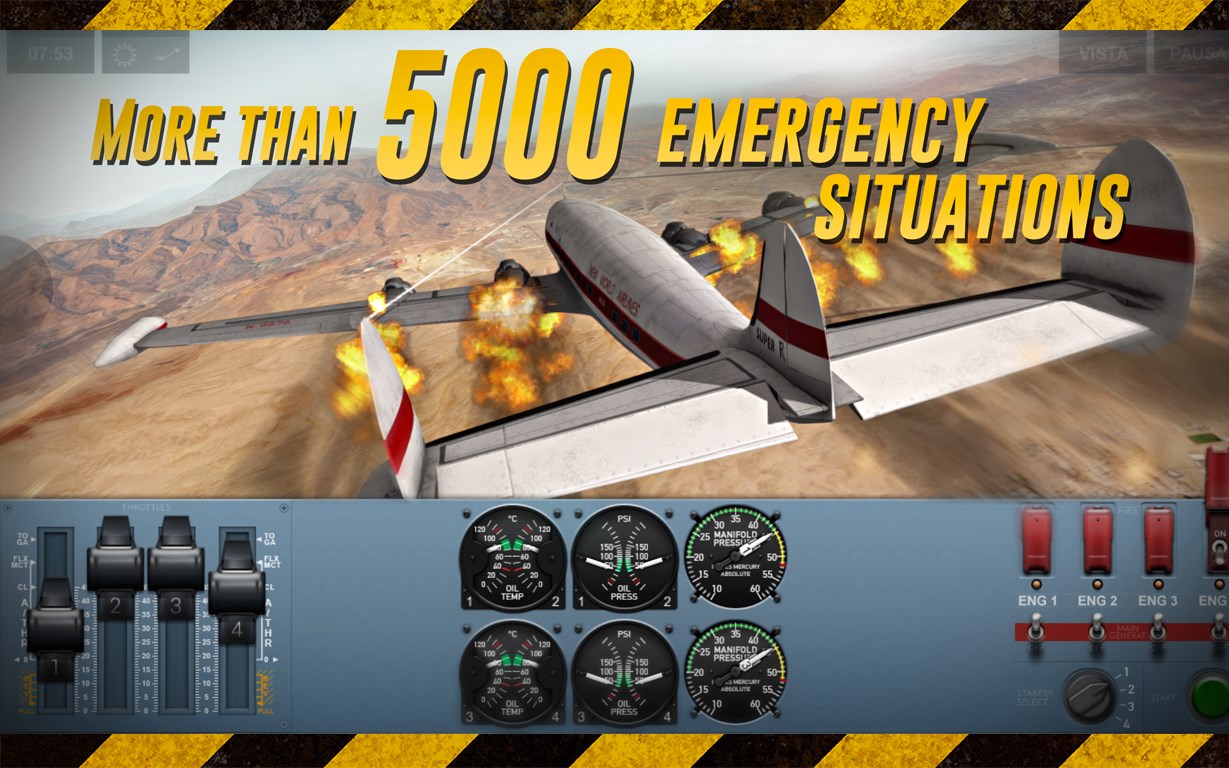
One of your first takeaway experiences will be how meticulously the game models aircraft behavior. Whether you're managing engine failures or dealing with sudden wind shear, the physics engine responds with precision akin to real-world aircraft dynamics. For example, adjusting pitch and throttle during a simulated engine fire tests your understanding of how different controls influence the aircraft's response—making it an exceptional tool for learning the nuances of aeronautics without leaving your desk.
Scenarios That Test Your Skills
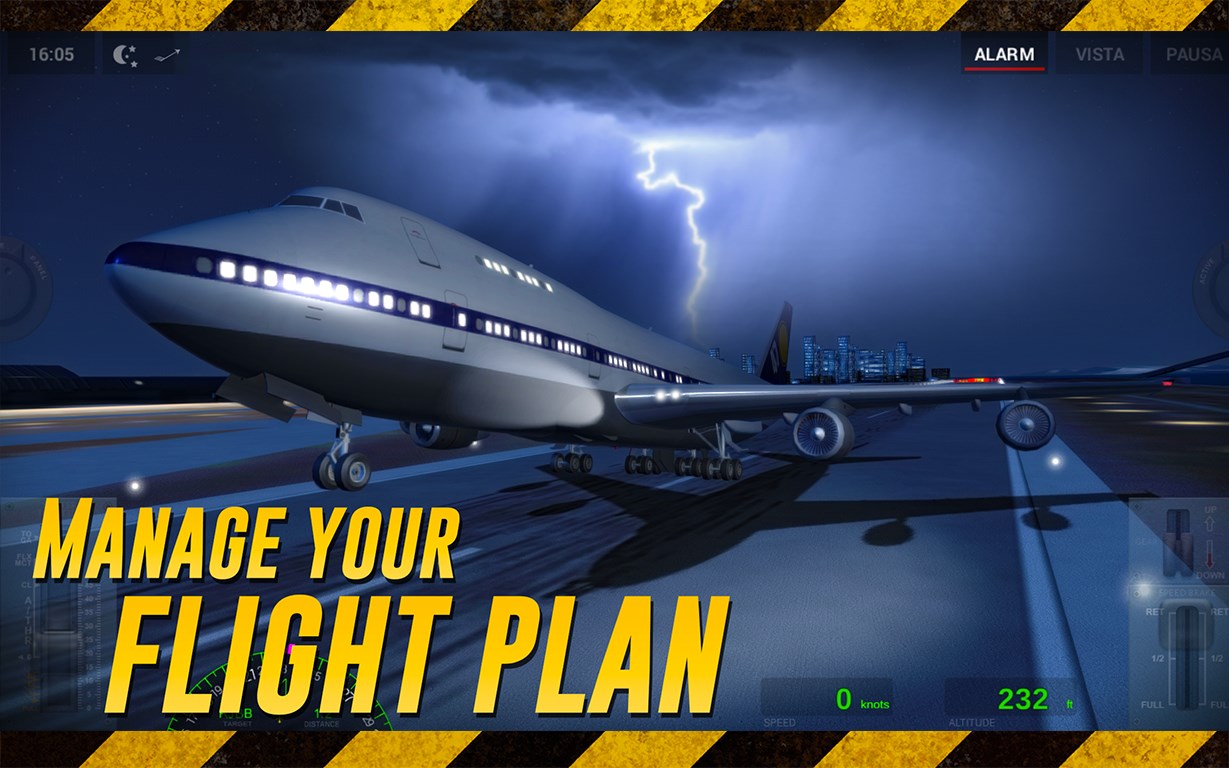
Extreme Landings presents a variety of challenging scenarios, from crosswind landings to electrical failures during descent, each designed to push your piloting skills to the limit. These missions are not just generic retries; they mimic real emergency procedures, requiring strategic planning, quick reflexes, and a clear understanding of aircraft systems. This variety creates a compelling progression that rewards players for mastering fundamental techniques before advancing to more complex situations.
Damage Modeling and Repair Strategy
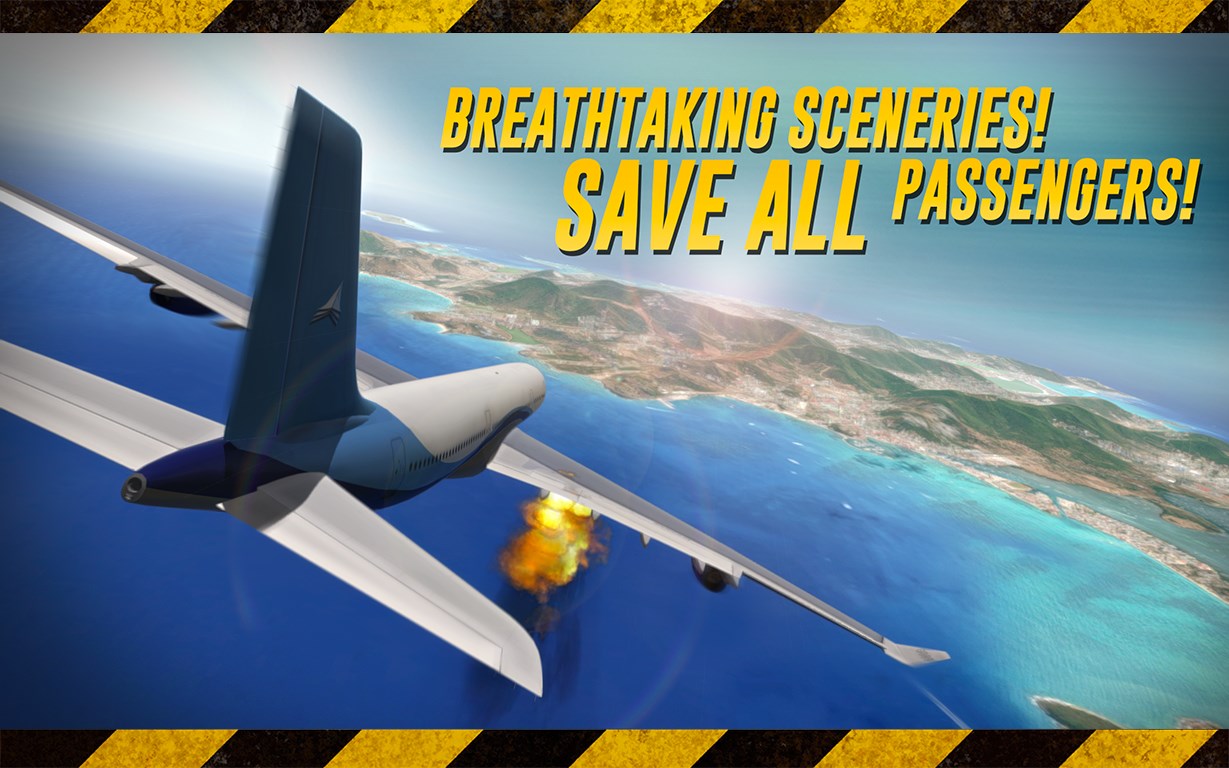
The game excels in its detailed damage simulation, showing visual cues like shattered windows, leaking fuel, or broken landing gear—each influencing aircraft performance and safety. This feature emphasizes critical decision-making, such as when to attempt a repair or execute an emergency landing, fostering a deeper appreciation for pilot workload and cockpit resource management. The emphasis on damage management distinguishes Extreme Landings from more superficial flight sims, making it a uniquely educational experience.
User Experience and Differentiation
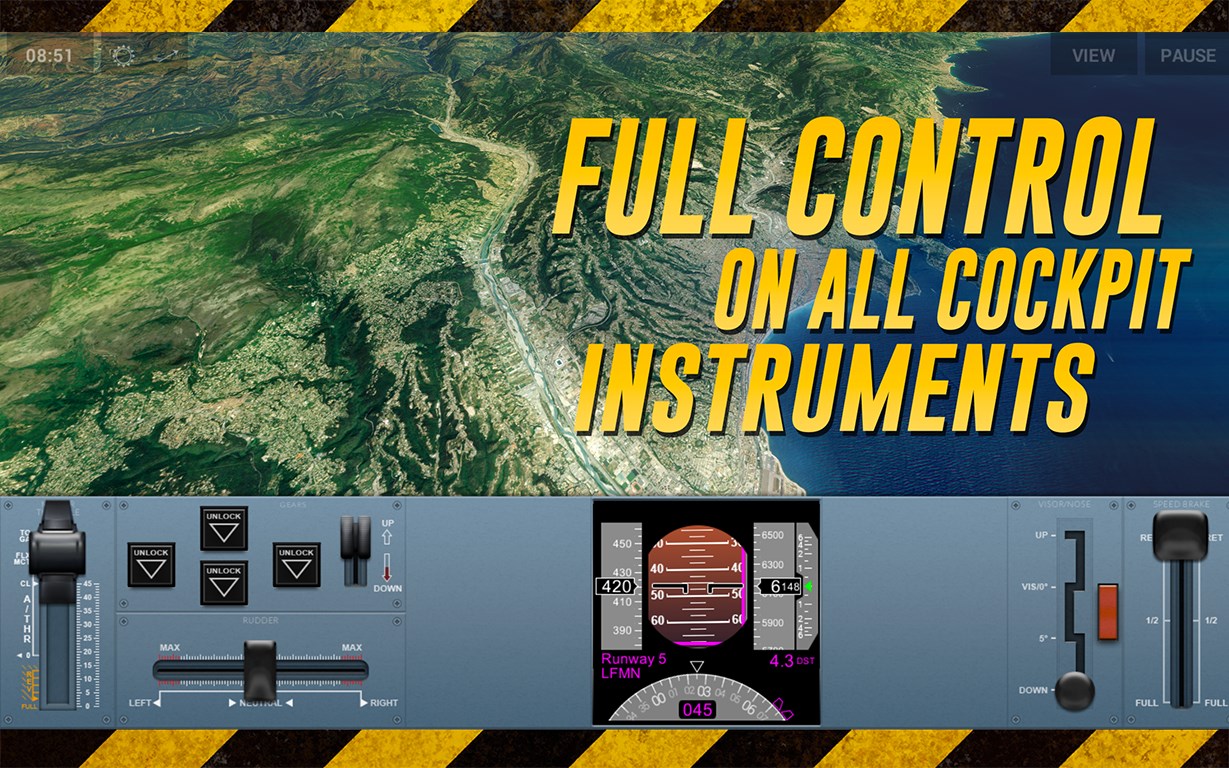
The interface embodies clear, intuitive design, with cockpit controls beautifully mapped for keyboard or mouse, and minimal clutter to keep the focus on the task at hand. Despite the detailed mechanics, the game maintains a smooth operation on most modern PCs, with responsive controls that invite both newcomers and seasoned simmers to dive right in. The learning curve is deliberate: intuitive enough for beginners to understand basic procedures, yet complex enough to challenge experts seeking realism.
Compared to other flight simulators like Microsoft Flight Simulator or X-Plane, Extreme Landings distinguishes itself with its focus on emergency scenarios rather than routine flying. Its core strength lies in teaching the mechanics of crisis management—simulating tangible in-flight failures and damage effects that can be directly related to real-world pilot training. This focus on realistic physics coupled with the detailed damage modeling creates a unique niche, blending entertainment with practical skills transfer, making it an excellent supplemental tool for aviation students or enthusiasts interested in the technical depth of flight emergencies.
Final Thoughts and Recommendations
Given its realistic physics, engaging scenarios, and detailed damage modeling, I would recommend Extreme Landings for Windows to aviation enthusiasts, students, or anyone interested in a serious yet accessible flight simulation experience. It's especially beneficial for those who want to understand the delicate balance of aircraft control during emergencies without the need for expensive training. While not aiming to replace professional simulation tools, it offers a valuable, realistic insight into aircraft handling under stress—making it a worthwhile addition to your flight sim collection.
Pros
- Realistic Flight Physics
- Wide Range of Aircraft
- Engaging Scenario Missions
- Intuitive Touch Controls
- Regular Updates and Content
Cons
- High Learning Curve
- Limited Free Content
- Occasional Performance Drops
- Incomplete Tutorial System
- Minor Bugs and Glitches











