
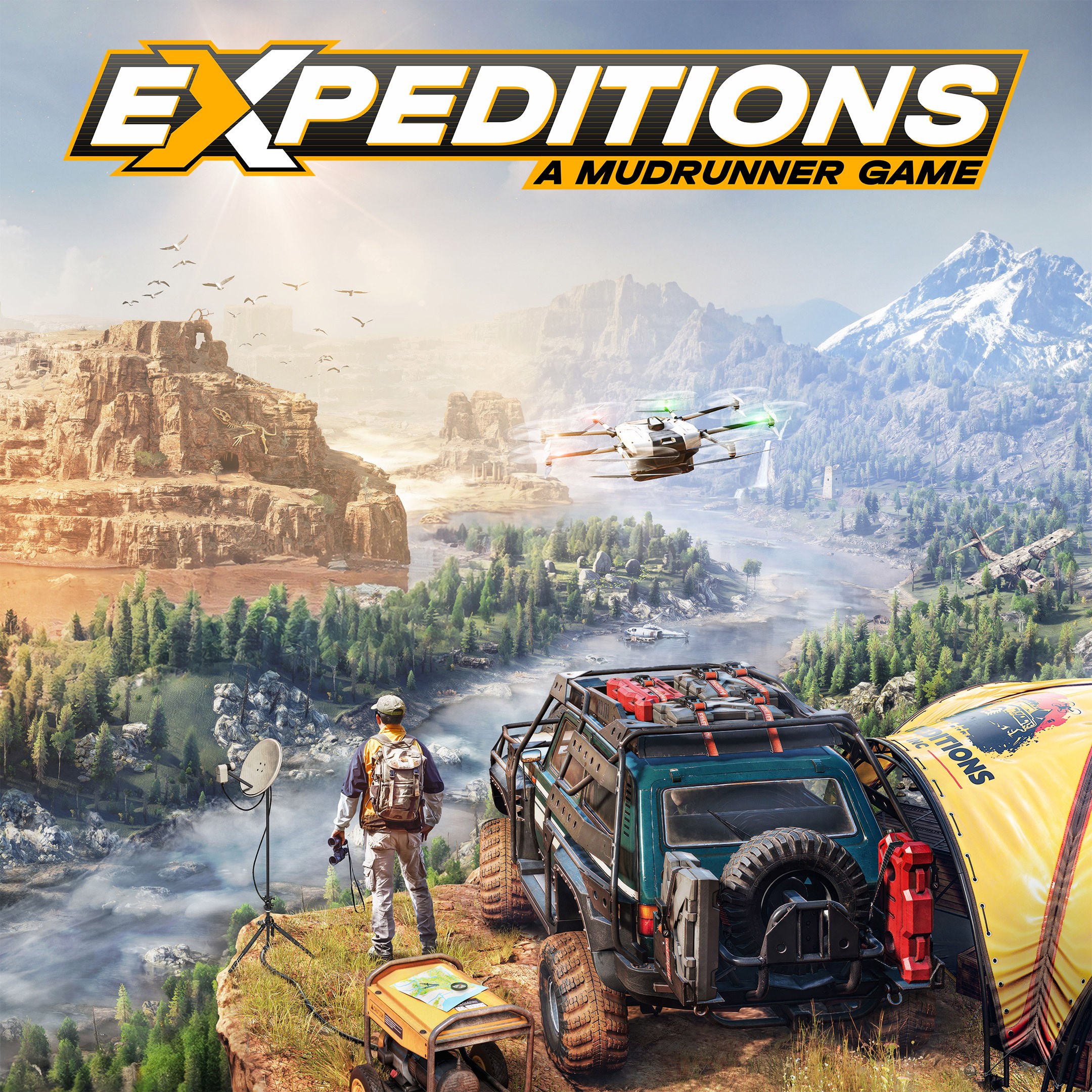
- Name Expeditions: A MudRunner Game (Windows)
- Category Simulation
Expeditions: A MudRunner Game – A Serious Off-Road Simulation for Enthusiasts
Expeditions: A MudRunner Game offers a rigorous and immersive off-road driving experience, designed to challenge players' navigation and vehicle handling skills across treacherous terrains. Developed by Focus Entertainment, this Windows game emphasizes realism and strategic planning, making it a compelling choice for simulation fans seeking a authentic outdoor adventure.
Core Features That Set It Apart
Realistic Physics and Mechanics
The game excels in delivering a highly authentic physics engine that mimics real-world vehicle behavior on muddy, uneven, and unpredictable surfaces. Unlike many arcade-style racers, Expeditions requires players to carefully consider factors like weight distribution, traction, and terrain resistance. This attention to mechanical detail brings a level of immersion akin to piloting a real off-road vehicle, making each journey a test of skill and patience.
Strategic Expedition Planning
What truly distinguishes Expeditions from conventional driving sims is its strategic layer. Players must plan their routes, manage fuel, and adapt to unforeseen obstacles such as fallen trees or flooded pathways. This planning element transforms it from mere driving into a tactical challenge—much like orchestrating an expedition through uncharted wilderness, requiring foresight and resource management.
Dynamic Environments and Weather Systems
The game boasts dynamic weather effects that influence terrain and vehicle performance. Rain can turn dirt trails into mud pits, while snow may obscure roads and landmarks. These environmental factors make each expedition unpredictable, demanding on-the-fly adjustments and adding a layer of realism that keeps players engaged over multiple sessions.
Scene-Driven User Experience and Controls
From the moment you launch Expeditions, the interface greets you with a clean, intuitive layout reminiscent of a mission control hub, perfect for strategists and adventurers alike. The controls are responsive yet require a learning curve similar to mastering a complex piece of machinery—think of it as tuning and operating a rugged off-road vehicle rather than casually driving a car. Early missions may challenge newcomers, but with gradual practice, players gain confidence in maneuvering through difficult terrains.
Differentiation in the Simulation Landscape
While many driving or simulation games tend to lean towards arcade or simplified gameplay, Expeditions: A MudRunner Game distinguishes itself through its unwavering commitment to realism in physics and environmental dynamics. Its mechanics are not only designed to be believable but also applicable to understanding real-world off-road conditions. For instance, players can learn how different tire types or vehicle modifications influence traction, which could translate to actual skills in vehicle handling in similar real-life scenarios. Moreover, the strategic planning involved mirrors real expedition logistics, offering a simulation experience that educates as much as entertains—an aspect rare in many casual driving sims.
Final Verdict and Recommendations
Expeditions: A MudRunner Game is best suited for players who appreciate detailed, authentic off-road simulations and are willing to invest time in mastering complex mechanics. It's not an instant gratification game but a rewarding experience for those who enjoy strategic planning combined with physic-based driving challenges. I'd recommend it for simulation enthusiasts, outdoor explorers, and anyone interested in vehicle mechanics and realistic terrain navigation. If you're seeking an immersive, technically demanding off-road adventure that rewards patience and careful planning, this title deserves a place in your collection.
Pros
- Immersive gameplay experience
- Variety of challenging terrains
- Realistic vehicle physics
- Intuitive controls on Windows platform
- Engaging missions and objectives
Cons
- Occasional performance drops in large maps
- Limited multiplayer features
- Repetitive gameplay elements
- Graphics optimization issues on some hardware
- Lack of detailed tutorial for newcomers











