




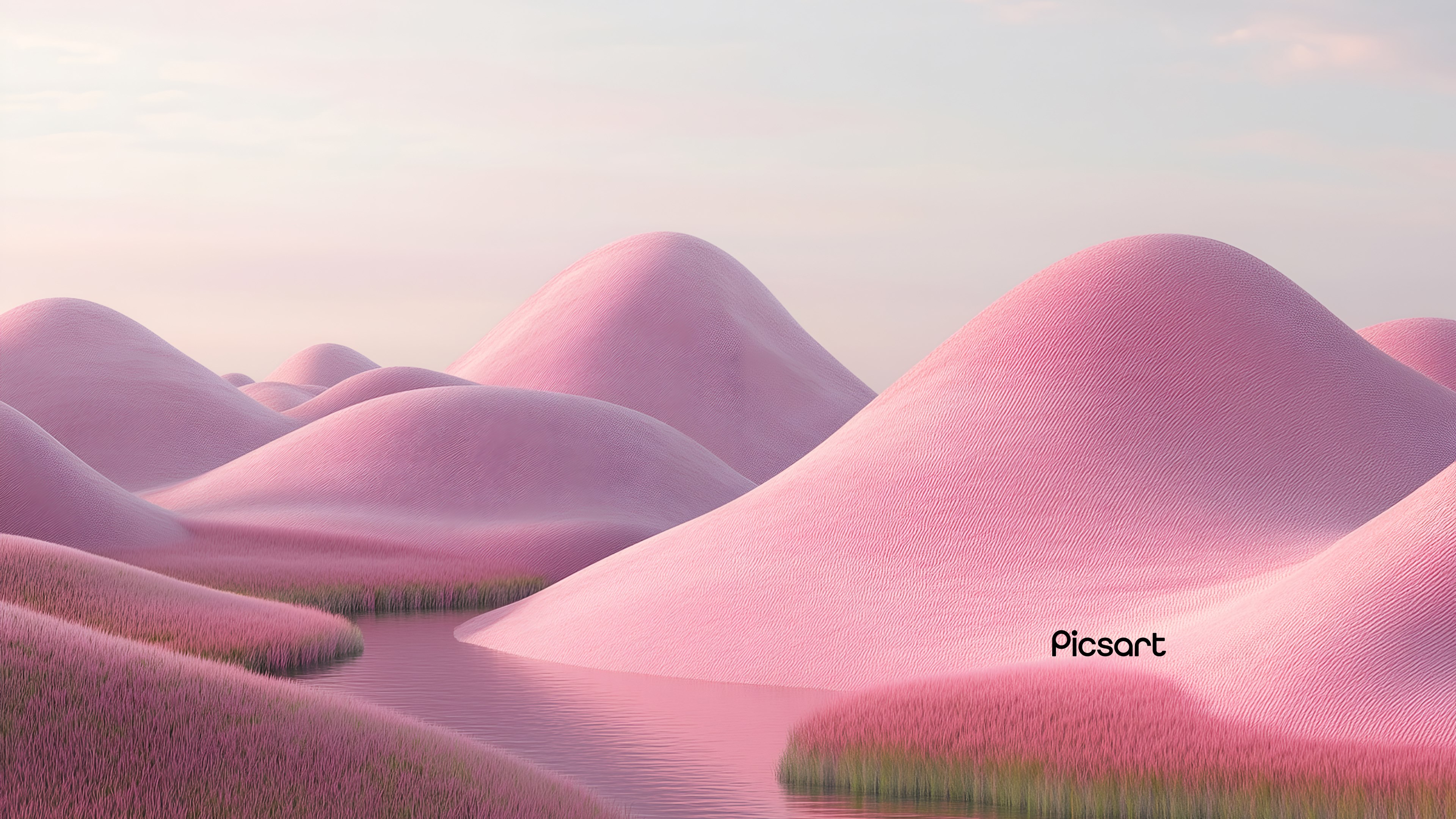
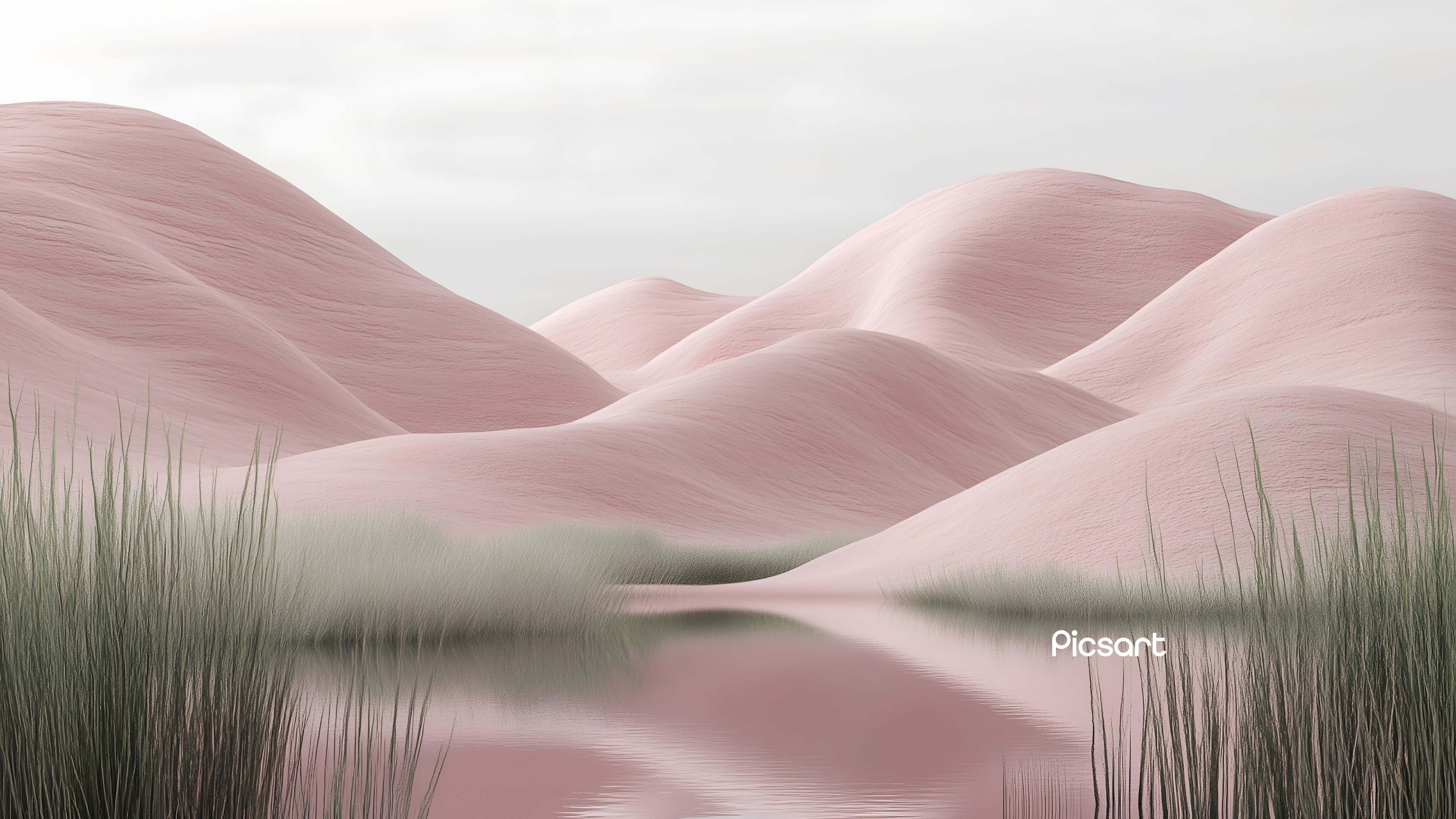
- Name Ethereal Escapes
- Category Personalization
- Developer PicsArt, Inc.
- Available on PC
- OS Windows 10 version 18362.0 or higher
- languages English (United States)
Introducing Ethereal Escapes for Windows
Ethereal Escapes is a captivating personalization app designed to transform your Windows desktop into a serene and immersive visual retreat. Perfect for users seeking a calming aesthetic, it offers a variety of tranquil landscapes and ambient effects to turn mundane workspaces into peaceful sanctuaries.
Meet the Maker: PicsArt, Inc.
Developed and published by PicsArt, Inc., a well-known name in digital creativity tools, Ethereal Escapes draws on their expertise in art and design to craft an elegant personalization experience rooted in high-quality visuals and smooth integrations.
Core Highlights That Make It Shine
- Rich assortment of tranquil themes inspired by nature, minimalist art, and幻想境界.
- Dynamic ambient effects that subtly adapt to your system or your mood to create a calming environment.
- Seamless integration with Windows personalization settings, allowing easy customization and effortless activation of themes.
- Intuitive interface that makes exploring and applying new escapes a breeze—no steep learning curve involved.
The primary target audience includes Windows users who appreciate aesthetic personalization, particularly those interested in mindfulness, meditation, or simply creating a more peaceful digital workspace.
A Fresh Breath of Visual Serenity
Imagine sitting at your desk after a hectic day—what if instead of a plain, uninspiring background, you could be greeted by a gentle cascade of wave-like auroras or a tranquil mountain sunrise? Ethereal Escapes offers this kind of visual therapy, turning mundane screens into windows to peaceful worlds. Its thoughtfully curated themes evoke relaxation, promoting a more focused and stress-free digital environment.
Unveiling the Key Features
Beautiful Visual Themes at Your Fingertips
The app's core strength lies in its rich library of backgrounds that are not your typical static images—they feel alive. From misty forests to starry night skies, each theme is crafted with high-resolution artistry. Users can browse categories and select themes that resonate with their mood or decor, making each desktop a reflection of their inner calm.
Ambient Effects and Mood Integration
Ethereal Escapes distinguishes itself with ambient effects that add a subtle dynamism. Imagine soft glowing waves or floating particles gently responding to the surroundings or system activity. These effects are designed to enhance the feeling of serenity, seamlessly integrating with your desktop without distracting. This feature particularly stands out as it creates an immersive experience that evolves naturally, akin to a calming breeze.
Ease of Use and Customization
The app sports an elegant, minimalistic interface that invites exploration rather than intimidation. Navigating through themes and effects is a straightforward process, suitable even for users new to personalization apps. Additionally, it integrates smoothly with Windows settings, allowing users to set their preferred themes as desktop backgrounds or screensavers with just a few clicks. The learning curve is gentle, and adjusting settings feels almost like customizing a calming playlist—intuitive and satisfying.
Differentiation from Other Personalization Apps
While many personalization tools focus on flashy animations or high-energy themes, Ethereal Escapes's standout feature is its emphasis on serenity and subtlety. Its variety of themes is curated specifically to foster relaxation, which is a unique niche compared to vivid or highly animated customizations common elsewhere. Moreover, its ambient effects are highly adaptable and theme-compatible, offering users a cohesive aesthetic that doesn't clash or overwhelm—think of it as arranging a harmonious interior rather than decorating a wild carnival.
Final Thoughts and Recommendations
All considered, Ethereal Escapes for Windows earns a solid recommendation for users seeking a peaceful, aesthetically pleasing digital environment. Its diverse themes and ambient effects are likely to appeal to mindfulness enthusiasts, remote workers, or anyone wishing to cultivate a calming workspace. The app's intuitive interface makes it accessible without sacrificing depth, and its focus on serenity makes it a standout in the personalization landscape. For those looking to add a touch of tranquility to their daily routine, Ethereal Escapes is definitely worth trying—think of it as a breath of fresh air for your desktop.
Pros
- Immersive visuals and atmospheric sound design
- Engaging puzzle mechanics
- Multiple story routes for replayability
- Intuitive user interface
- Regular updates and bug fixes from developers
Cons
- Limited free content and trial options
- Occasional long loading times on older devices
- Some puzzles may be too difficult for casual players
- Lack of offline mode support
- Minor graphical glitches reported in specific scenarios











