
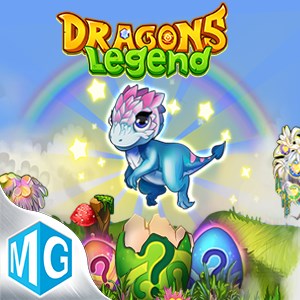
- Name Dragons Legend: Magic Merge
- Category Simulation
- Available on PC, Mobile, Surface Hub, HoloLens
- OS Windows 10 version 19041.0 or higher
- DirectX Version 10
- languages English (United States)
Introducing Dragons Legend: Magic Merge
Dragons Legend: Magic Merge for Windows is a captivating puzzle adventure that combines match-3 mechanics with fantasy storytelling, inviting players into a mystical realm centered around dragons and magic. Developed by MIRACLE GAMES INC., this game aims to enchant both casual puzzle fans and fantasy enthusiasts looking for an engaging, visually rich experience.
Developer and Core Features
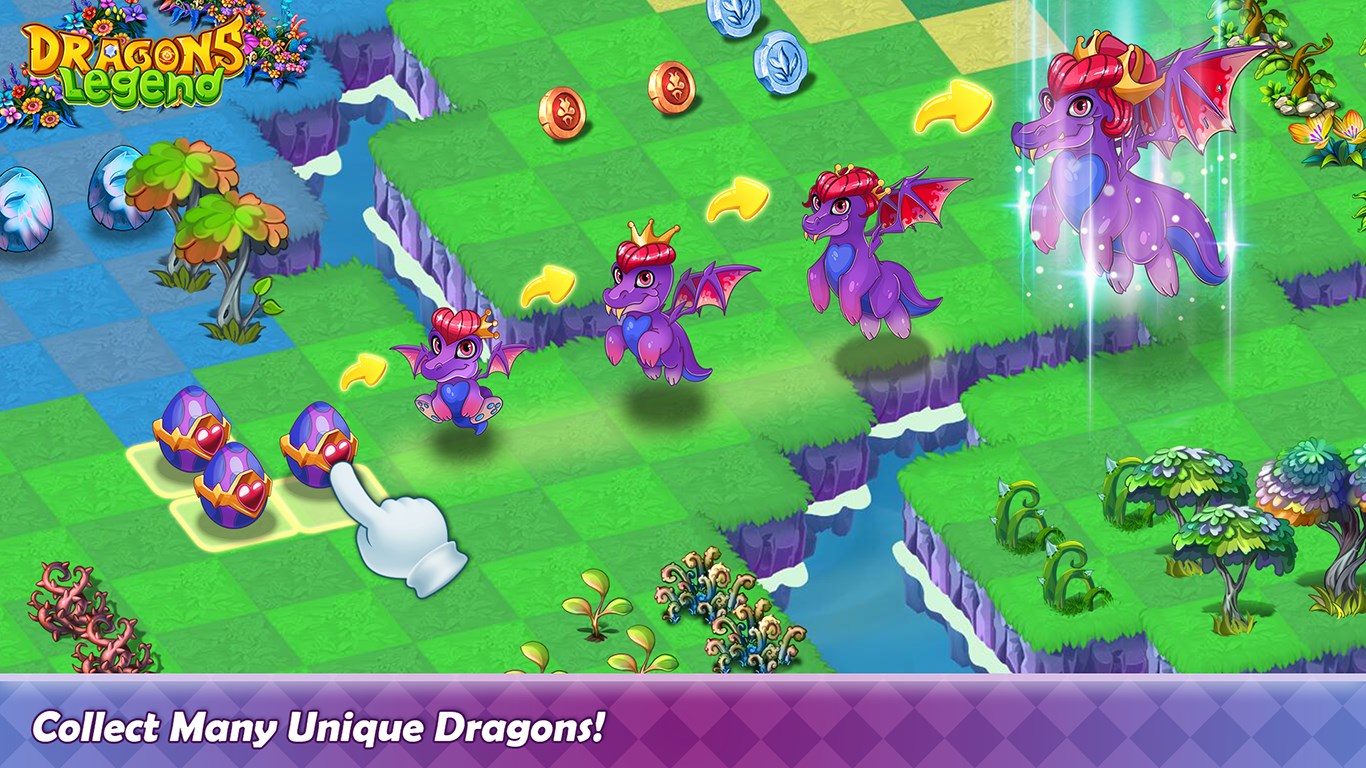
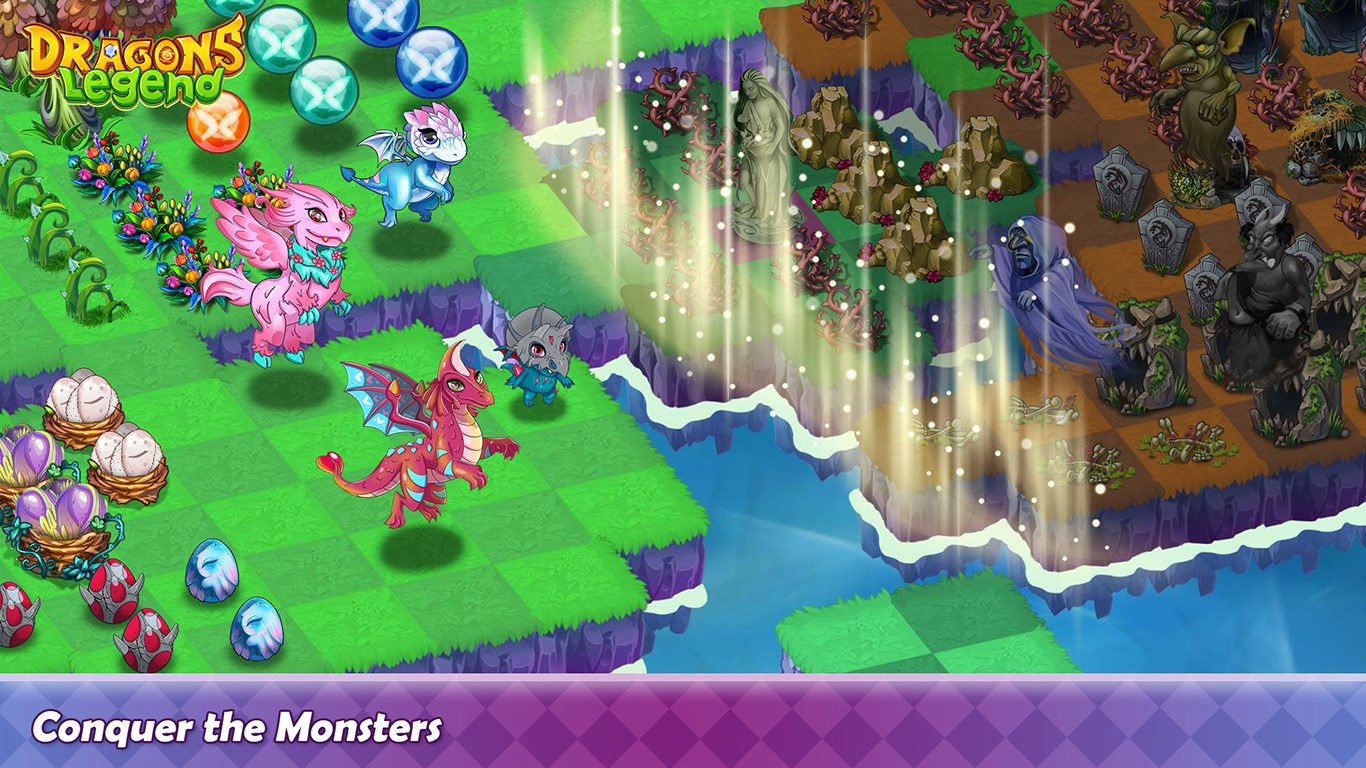
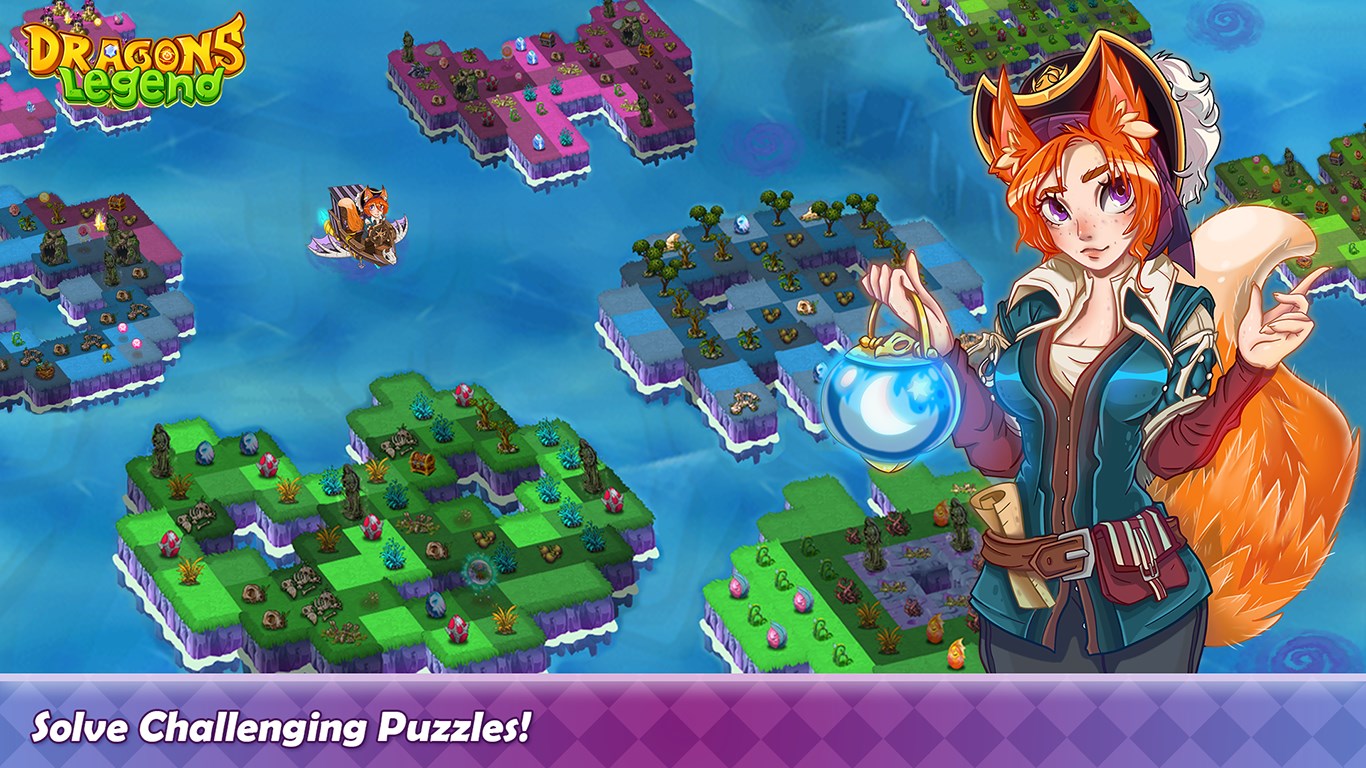
Owned by MIRACLE GAMES INC., a studio with a portfolio of engaging mobile and PC titles, Dragons Legend: Magic Merge emphasizes seamless gameplay and captivating storytelling. The app's standout features include vibrant graphics combining fantasy art with animated effects, a strategic merge mechanic where players combine dragons and magical items to evolve and unlock new powers, and a story-driven journey that unfolds as players progress through various puzzle levels. The game also offers daily events, collectable dragons, and customization options, aimed at keeping the experience fresh and engaging over time. Its target audience primarily consists of puzzle lovers, fantasy RPG fans, and players seeking a relaxing yet challenging casual gaming experience.
Immersive Introduction: A Fantasy Puzzle Journey
Imagine stepping into a lush, enchanted world where every move you make ripples with magic and mystery — Dragons Legend: Magic Merge feels like opening a treasure chest of wonder. From the moment you dive into its colorful landscapes, you're not just solving puzzles; you're unlocking the secrets of a dragon-filled universe, where each merge sparks a new story and adventure. It's akin to tending a magical garden where each plant and dragon you cultivate holds a piece of an overarching legend, inviting players to lose themselves in a world woven with fantasy and strategy.
Core Mechanics That Keep You Hooked
Merge and Evolve Dragons
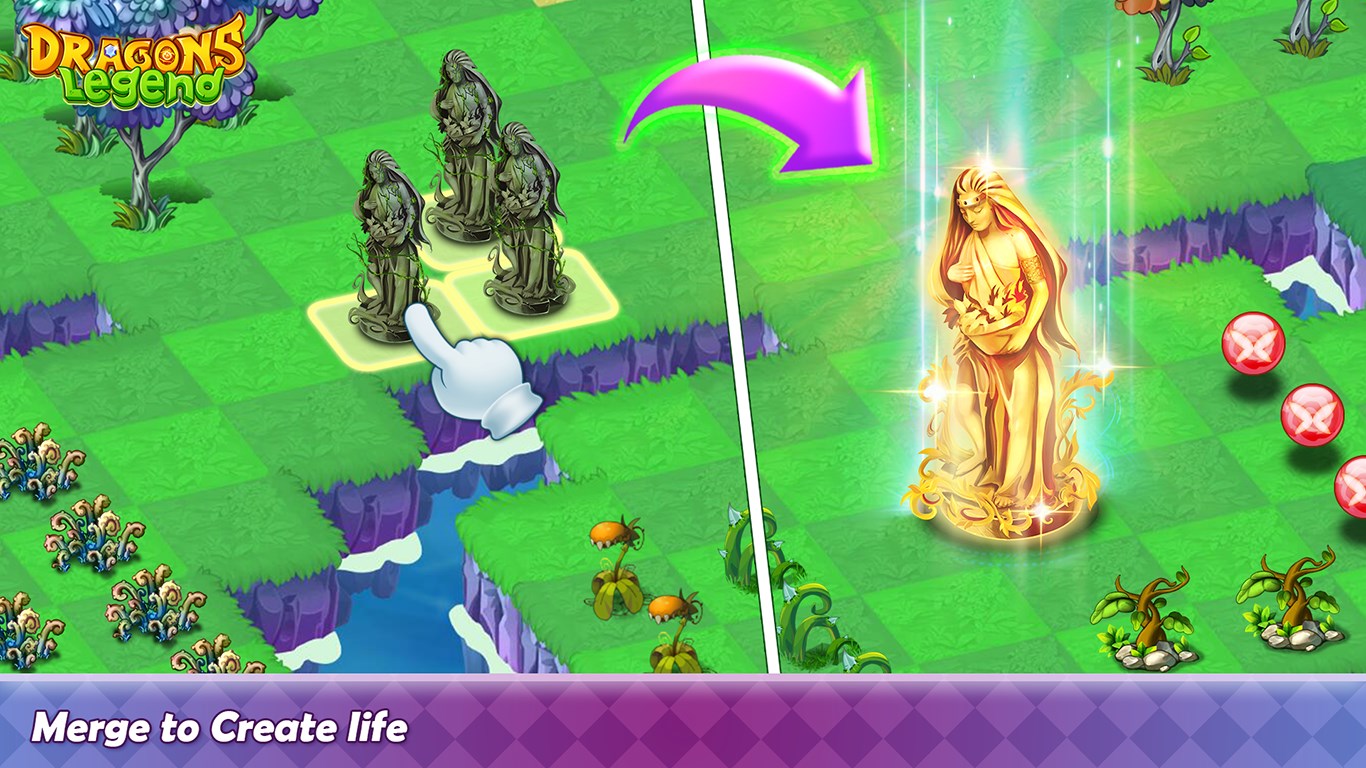
The heart of the game lies in its innovative merge mechanic. Players combine identical dragons or magical elements to forge more powerful creatures or magical artifacts. This process is surprisingly satisfying, like assembling a puzzle where each piece reveals a new layer of your dragon's personality and powers. Unlike typical match-3 games, Dragons Legend encourages players to think strategically about which merges will yield the most valuable or interesting outcomes, adding depth to the gameplay. The evolving dragons visually and interactively present a tangible sense of progression, making every merger feel like a small victory in the quest for ultimate dragon mastery.
Story-Driven Quests and Special Events
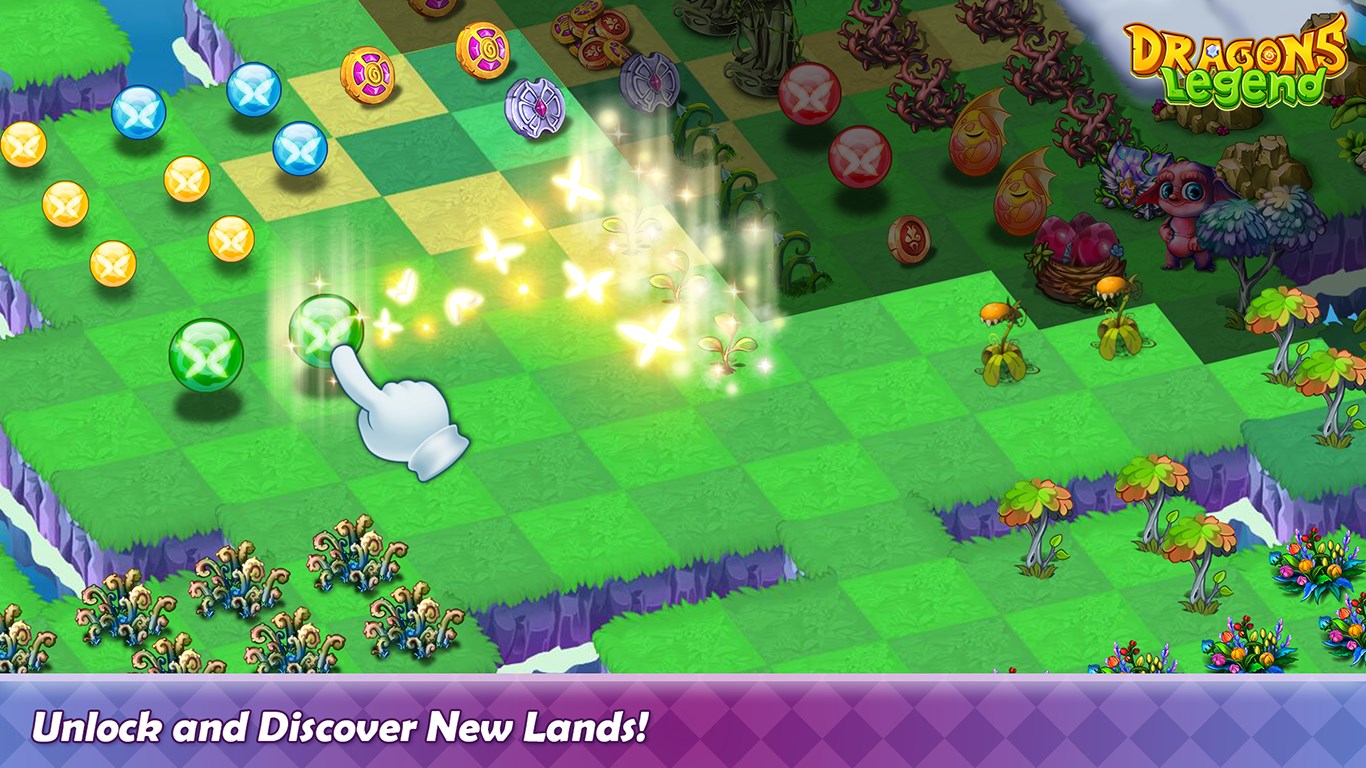
Beyond the core puzzle gameplay, the game weaves in story elements and quests that deepen immersion. Players embark on quests to rescue dragons, discover ancient relics, and unlock hidden chapters, transforming mere puzzle solving into a narrative adventure. Seasonal events and limited-time challenges further enrich gameplay, offering opportunities for rare rewards and new story snippets. This integration of storytelling with puzzle mechanics differentiates Dragons Legend from standard match-3 titles, creating a layered experience that engages the player's imagination along with their puzzle-solving skills.
User Experience: Visually Delightful, Smooth and Intuitive
The interface boasts a clean, colorful design inspired by fantasy art, with intuitive controls that require minimal learning curve. Navigating menus and performing merges is silky smooth, thanks to responsive touch controls and optimized performance on Windows. The game's tutorial is clear and beginner-friendly, gradually introducing more complex mechanics without overwhelming new players. The vibrant animations and enchanting sound effects enhance immersion, making every gameplay session feel like a magical ritual rather than a chore. Overall, the app's user experience is friendly and polished, suitable for both casual players and those seeking a more strategic challenge.
What Sets It Apart from Similar Titles?
Compared to typical simulation or match-3 games, Dragons Legend stands out with its focus on the physics/mechanics of merging and evolving dragons, offering a more dynamic and rewarding system. The realistic animation of dragons growing and transforming lends a tangible sense of physics, reminiscent of real-world breeding or evolution processes, which adds a layer of authenticity. Moreover, its storytelling aspect subtly channels educational elements—players learn about fantasy ecosystems and strategic resource management, which can transfer to problem-solving skills in real life. This blend of mechanics and narrative creates a unique niche among casual puzzle games, making it more than just a pastime.
Recommendation and Usage Advice
Dragons Legend: Magic Merge is a well-crafted title that provides a relaxing yet engaging fantasy puzzle experience. It's particularly suitable for players who enjoy strategic merging mechanics combined with storytelling, and those who appreciate fantasy art. For best results, new players should enjoy exploring the merge system at their own pace, taking time to understand dragon evolutions and quest narratives. The game is also ideal as a light entertainment break or a casual way to unwind. Given its smooth performance and visually appealing design, I recommend it to puzzle enthusiasts and casual gamers alike looking for a mystical adventure. Just remember, patience and curiosity are your best friends when unlocking the secrets of this enchanted universe.
Pros
- Engaging Merge Mechanics
- Vibrant Graphics and Artwork
- Extensive Collection of Dragons
- User-Friendly Interface
- Regular Content Updates
Cons
- In-App Purchases are Heavily Encouraged
- Limited Free Rewards
- Progression Can Be Slow
- Occasional App Bugs
- Limited Offline Playability











