


- Name Dragon Mania Legends
- Category Simulation
- Available on PC, Mobile, Surface Hub, HoloLens
- OS Windows 10 version 18362.0 or higher
- languages Arabic, Chinese (Simplified), Chinese (Traditional Chinese), English (United States), French, German, Indonesian, Italian, Japanese, Korean , Portuguese (Brazil), Russian, Spanish (Spain), Thai, Turkish, Ukrainian
Introduction to Dragon Mania Legends for Windows
Dragon Mania Legends for Windows is a captivating city-building and management simulation game where players cultivate dragon species, build extensive habitats, and engage in thrilling battles. Unlike traditional farming sims, it immerses users in a mythical universe filled with vibrant visuals and strategic gameplay, making it an engaging experience for both casual gamers and devoted management fans.
Developer and Core Highlights
Developed by Gameloft SE, a renowned studio with a rich history in mobile and PC gaming, Dragon Mania Legends delivers polished gameplay and seamless performance. Its main features include a rich variety of dragon species to hatch and train, creative habitat customization, real-time battles, and social interaction with friends—each adding layers of depth to the experience. The game's colorful, cartoonish art style and intuitive interface attract a broad target audience, especially players interested in fantasy worlds and strategy-driven gameplay.
Engaging and Colorful Game World
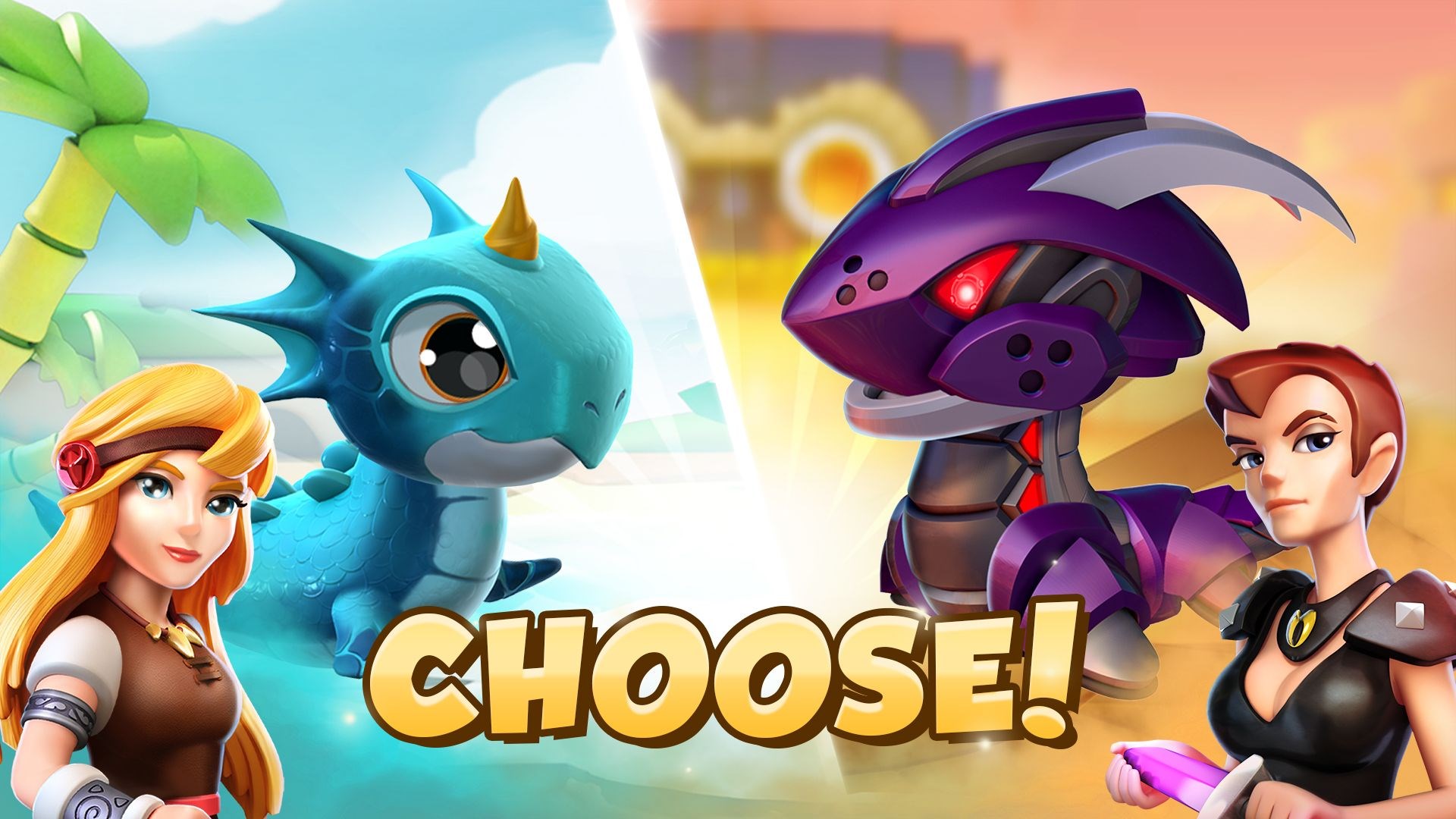
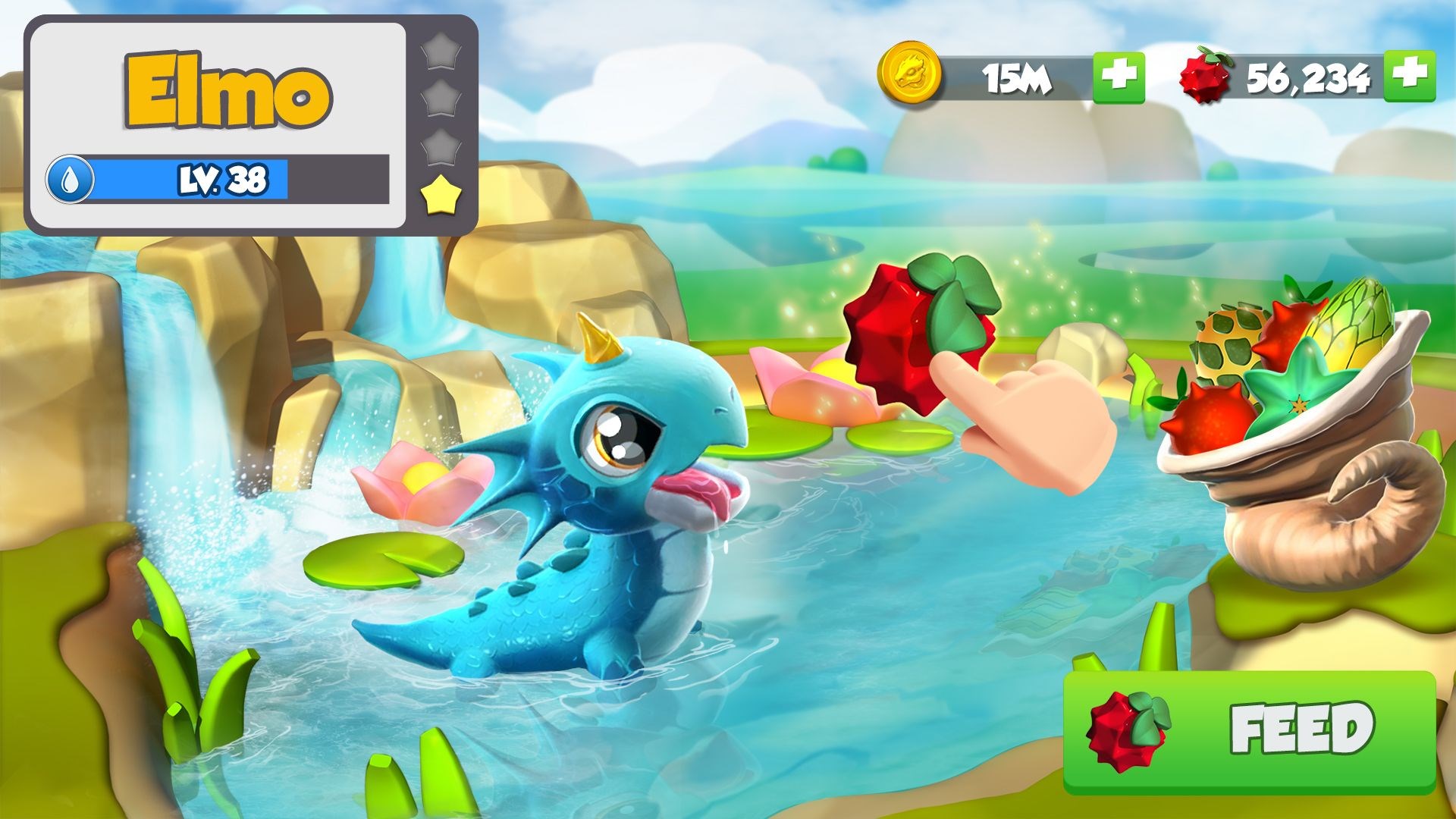
Jumping into Dragon Mania Legends feels akin to stepping into a vibrant, bustling fantasy zoo. The interface is welcoming and colorful, with lively animations that make every dragon, building, or battle scene feel alive. As a player, you're quickly drawn into the whimsical world, much like discovering a hidden treasure chest overflowing with charming creatures and creative structures. The game's visuals are crisp on Windows, and the controls are smooth, making navigation a breeze—perfect for players of all ages who appreciate both aesthetics and usability.
Core Gameplay Mechanics: Breeding, Building, and Battling
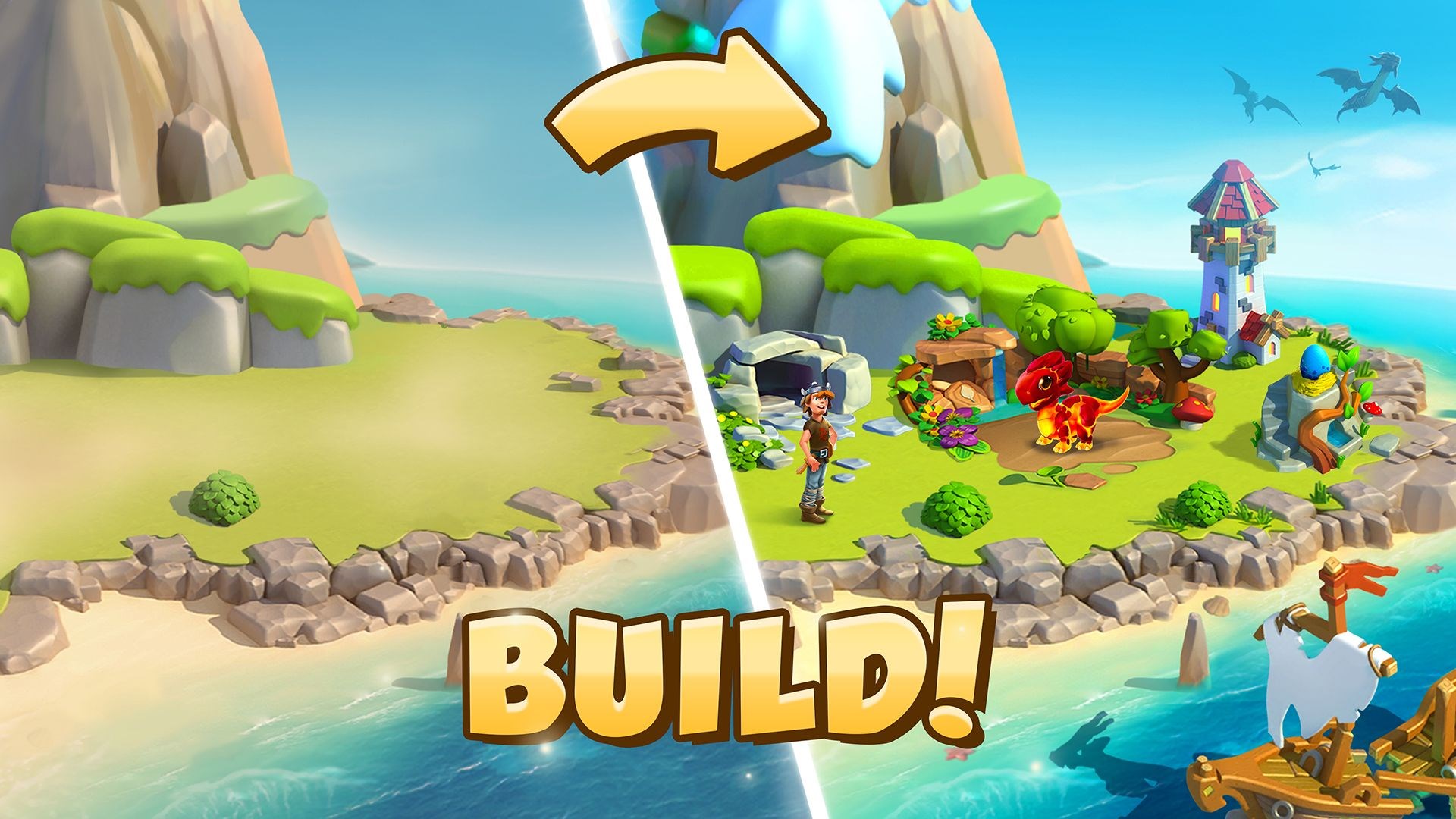
The heart of Dragon Mania Legends lies in its core mechanics. Breeding dragons is like orchestrating a delightful symphony—by combining different species, you can produce new, unique hybrids, each with special talents. The game cleverly guides players through this process, making it accessible yet deep enough for experimentation. Building habitats is another highlight; with an array of decorative options, players can craft personalized environments that reflect their style, akin to decorating a cozy, colorful garden. The real-time battle mode introduces strategic depth, where players command their trained dragons in exciting battles against other players or NPC enemies, adding a competitive edge that keeps the experience fresh.
User Experience and Differentiators
From a user perspective, the game delivers a remarkably smooth experience. The interface is thoughtfully designed, with intuitive menus, helpful tutorials, and minimal learning curves for casual players. Even newcomers can quickly grasp the mechanics and start cultivating their dragon empire. Compared to other simulation games, Dragon Mania Legends stands out for its blend of casual city-building with active combat and collection elements. Its mechanics are carefully balanced to simulate a realistic ecology—consider how different dragons might interact—or how strategic placement and combining breeds can mirror real-world biological diversity. Furthermore, the game subtly encourages learning about cooperation and resource management, transferable skills that can be appreciated beyond gaming.
Final Recommendations
If you enjoy engaging, colorful management sims with layers of strategy, Dragon Mania Legends for Windows is a solid choice. Its most distinctive feature—the breeding system paired with real-time battles—sets it apart from many akin titles. Beginners will find the learning curve gentle and rewarding, while seasoned players can delve into complex breeding and tactical battles. I recommend it especially for those who appreciate fantasy creatures and creative gameplay. For best results, set aside some time to experiment with breeding combinations and habitat designs to truly unlock the game's potential. Overall, this game is like a magical park where your dragons and creativity come to life—definitely worth a try for fans of charming, strategic simulations.
Pros
- Engaging gameplay with colorful graphics
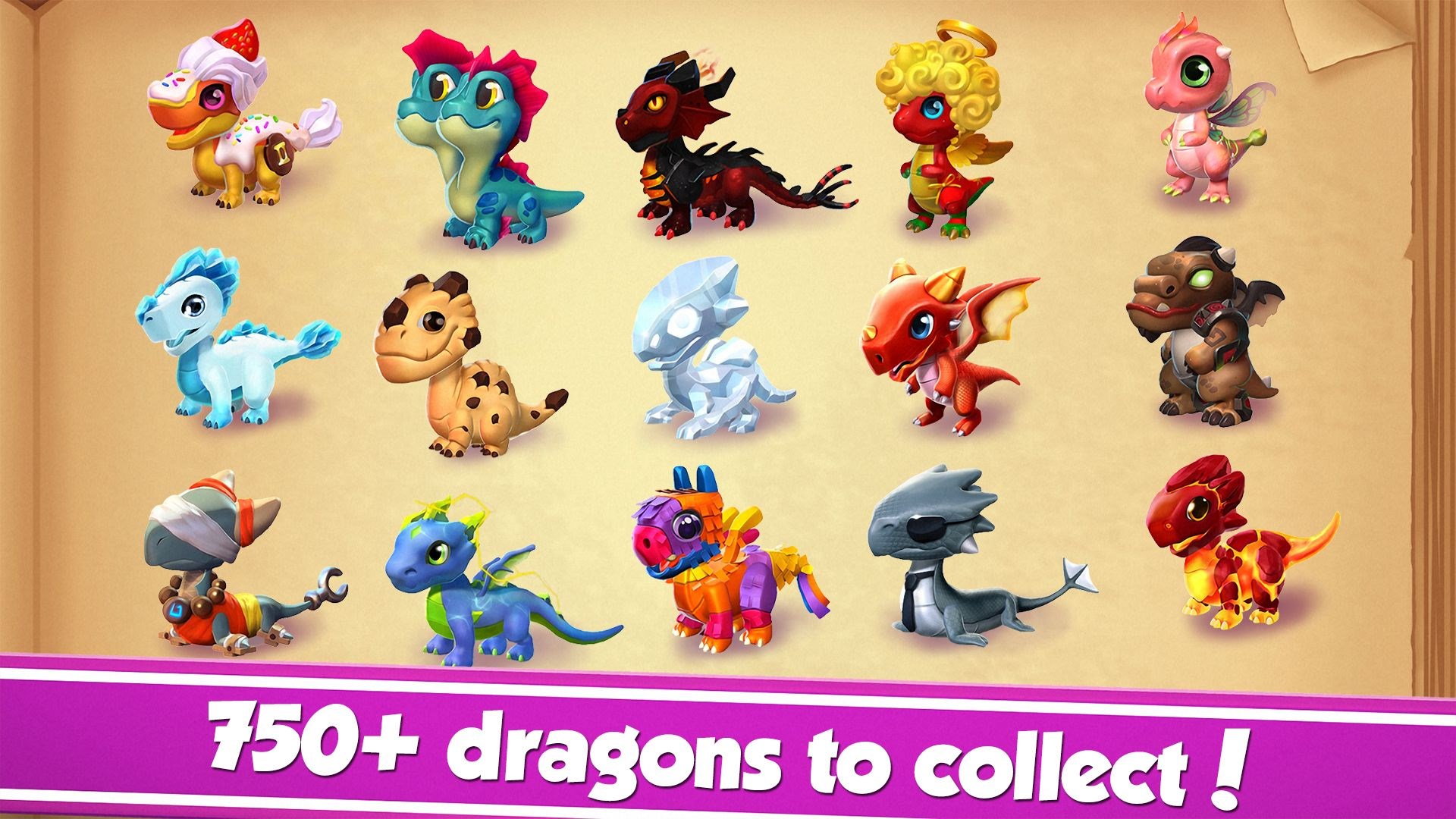
- Wide variety of dragons to collect and upgrade
- Frequent updates introduce new content
- User-friendly interface suitable for all ages
- Offline gameplay option available
Cons
- In-app purchases can be expensive
- Progression can be slow without spending
- Occasional in-game bugs and glitches
- Limited cross-platform support
- High ad frequency in free mode











