

- Name Disney Magic Kingdoms
- Category Simulation
- Available on PC, Mobile, Surface Hub, HoloLens
- OS Windows 10 version 17763.0 or higher
- languages Arabic, Chinese (Simplified), Chinese (Traditional Chinese), English (United States), French, German, Italian, Japanese, Korean , Portuguese (Brazil), Russian, Spanish (Spain), Thai
Discover the Magic of Disney: An In-Depth Look at Disney Magic Kingdoms for Windows
Imagine stepping into a vibrant, bustling Disney park right from your computer screen—this is the charm and challenge that Disney Magic Kingdoms aims to deliver. Designed to bring the beloved characters and enchanting worlds of Disney to life through a simulation experience, this game invites fans of all ages to build and manage their own magical kingdom.
Basic Information
Disney Magic Kingdoms for Windows is a captivating city-building simulation game that immerses players into the whimsical universe of Disney, allowing them to construct, customize, and expand their own fantasy theme park.
Developer and Publisher
The game is developed by Gameloft SE, a well-known publisher with a strong portfolio in mobile and PC gaming, renowned for delivering engaging, high-quality interactive experiences.
Key Features & Highlights
- Rich Disney Content: Over 100 iconic characters and attractions from classic and modern Disney movies.
- Park Customization: Deep customization options for designing your park's layout and aesthetics.
- Event & Story Quests: Regular updates with themed events, storylines, and limited-time characters.
- Progression & Rewards System: A layered leveling system with rewards that keep gameplay engaging.
Target Audience
This game primarily targets Disney fans, simulation game enthusiasts, and players who enjoy strategic management combined with charming storytelling. It's suitable for casual players looking for a relaxing yet engaging experience and younger audiences inspired by Disney's magic.
Enter a World of Disney Wonder and Strategy
Stepping into Disney Magic Kingdoms for Windows feels like walking through a Disney park on a sunny day—filled with anticipation and endless possibilities. From the moment you launch the game, you're greeted with a colorful, inviting interface that beckons you to start building your dream kingdom. Whether you're a lifelong Disney devotee or a newcomer, the game offers a friendly environment brimming with familiar characters and enchanting scenery, making each play session feel like an adventure into a beloved fairy tale.
Core Features That Make the Game Stand Out
1. Immersive Character & Attraction Integration
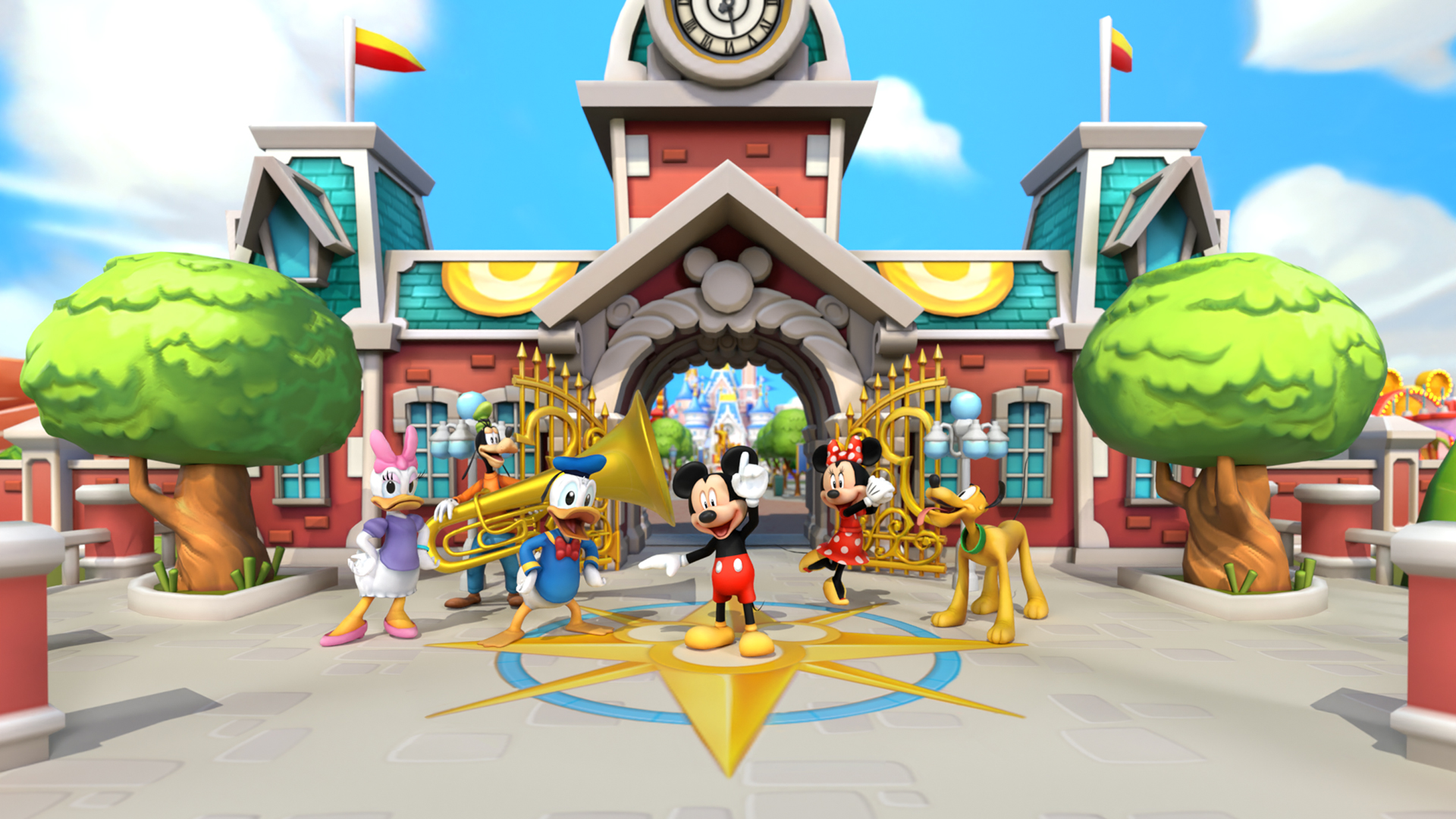
One of the game's most enchanting aspects is its vast library of Disney characters—Mickey, Minnie, Elsa, and many more—each brought vividly to life within your park. The game seamlessly integrates these characters into themed attractions and quests, creating a narrative-driven experience that feels both familiar and magical. Unlike other simulation games that focus solely on construction, Disney Magic Kingdoms emphasizes storytelling and character interactions, making your park a living, breathing Disney universe.
2. Dynamic Event System and Limited-Time Content
The game keeps the magic fresh through seasonal events, movie tie-ins, and character-specific quests. These limited-time activities introduce new attractions, characters, and decorations—akin to special Disney festivals—encouraging players to revisit and expand their parks regularly. This dynamic content strategy enhances replayability and helps players feel part of an ongoing Disney story.
3. Deep Customization and Layout Control
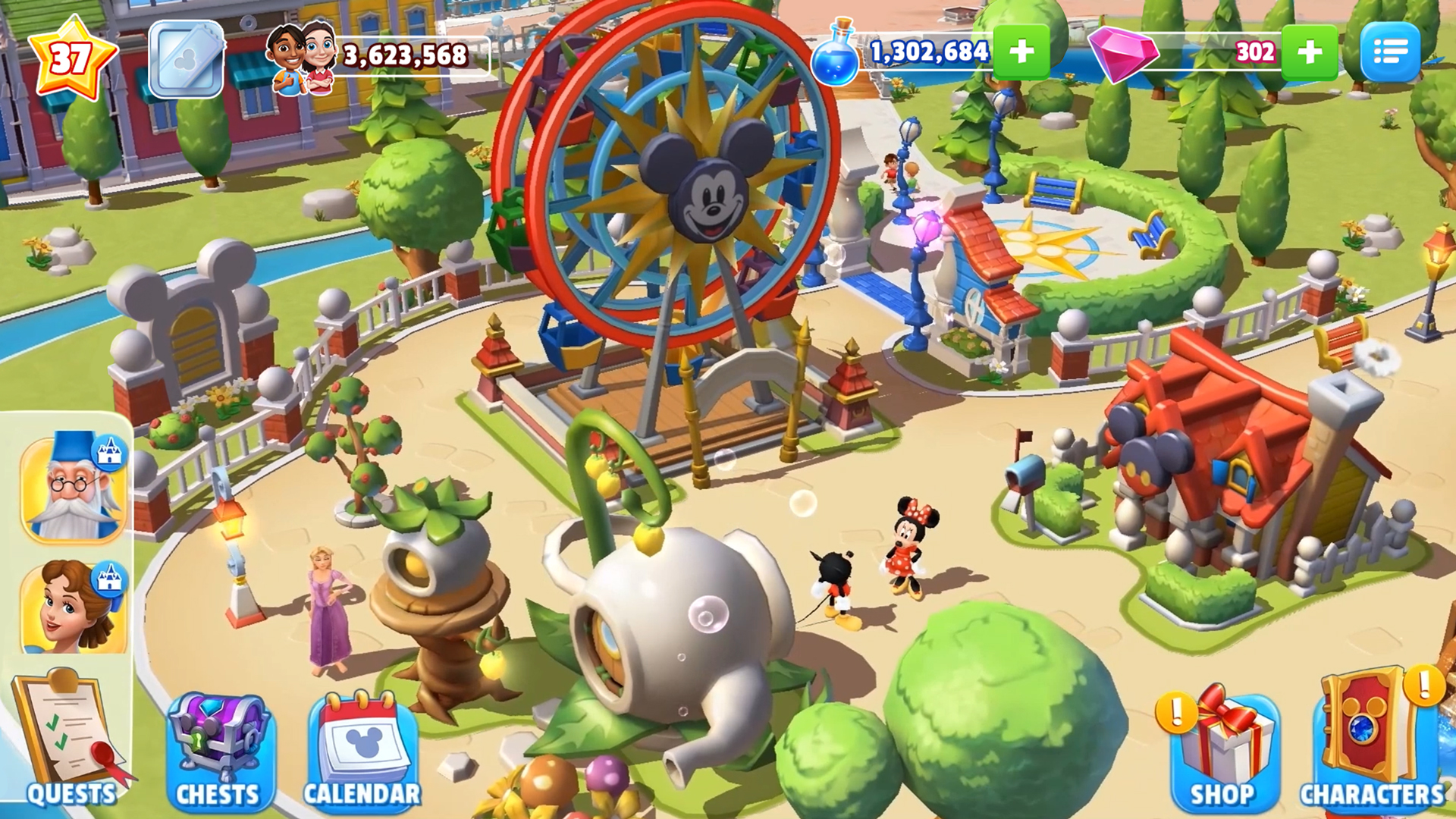
Beyond simply placing attractions, players can customize the layout, paths, flora, and decor elements, shaping their park's unique aesthetic. This high level of personalization is particularly appealing for creative types who enjoy designing detailed and picturesque environments. The intuitive interface simplifies this process, making park design accessible to all skill levels.
User Experience and Differentiators
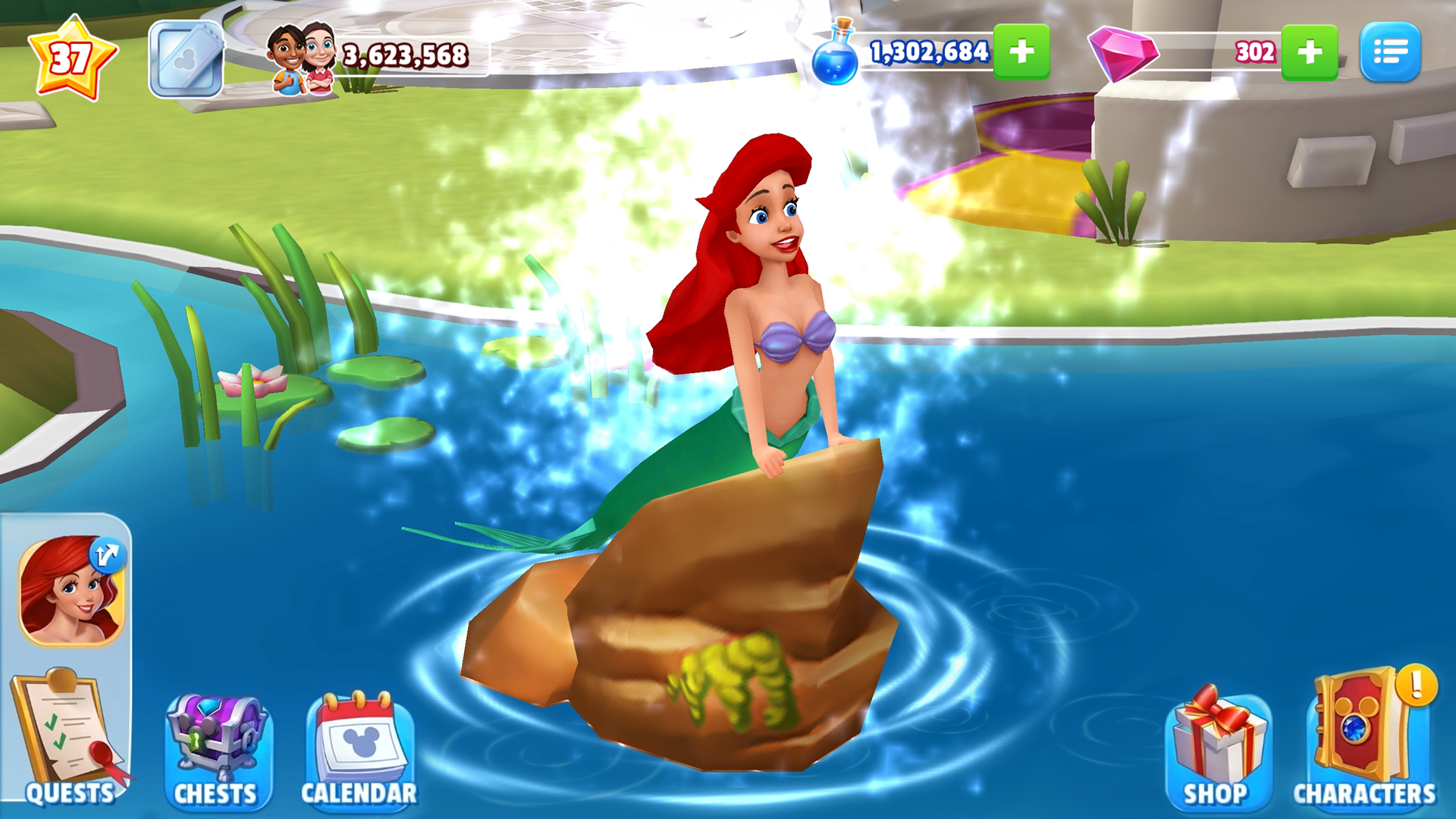
The interface strikes a balance between colorful charm and functional clarity, making navigation straightforward even for newcomers. Gameplay flows smoothly, with responsive controls and clear instructions that minimize the typical learning curve for simulation games. While some players may find the progression system requires patience due to energy or resource constraints, the overall experience remains engaging and rewarding.
Compared to other simulation titles, Disney Magic Kingdoms offers a unique blend of physics/mechanics realism—such as precise placement of attractions and movement of characters—and storytelling. The game also boasts notable learning transfer aspects; managing resources and strategic layout planning can enhance understanding of real-world park management principles, though in a simplified form. Its deep integration of Disney lore and characters offers an emotional connection that differs markedly from more generic simulation games, providing a nostalgic and immersive experience that resonates with Disney fans.
Final Thoughts and Recommendations
Overall, Disney Magic Kingdoms for Windows is a well-crafted simulation game that excels in delivering Disney magic through engaging gameplay, charming visuals, and regular content updates. It is particularly recommended for Disney enthusiasts and those who enjoy strategic park management with a storytelling twist. Casual players will find the game accessible and relaxing, while dedicated fans can delve into rich customization and storytelling opportunities.
If you enjoy building virtual worlds with a touch of fairy tale magic, this game is a delightful choice. Just keep in mind that some aspects, such as resource management, require patience—like tending a garden that blooms over time. Whether you're aiming to recreate iconic scenes or craft your own Disney universe, Disney Magic Kingdoms offers a magic carpet ride into your imagination that's worth experiencing.
Pros
- Engaging Graphics and Animations
- Wide Range of Disney Characters
- Regular Events and Updates
- Deep Customization Options
- Free-to-Play Model with Optional Purchases
Cons
- Progression can be slow without purchases
- In-app purchases can be tempting for younger players
- Limited offline functionality
- Some events and characters are time-limited
- Certain features can be buggy or laggy on lower-end devices











