
- Name Custom Desktop Kit - Aesthetic themes & wallpapers
- Category Personalization
- Available on PC, Surface Hub
- OS Windows 10 version 19041.0 or higher
- languages Chinese (Simplified), English, English (United States), French, German, Italian, Japanese, Korean , Portuguese (Brazil), Portuguese (Portugal), Spanish, Spanish (Spain)
Introducing Custom Desktop Kit: Your Gateway to Personalized Windows Themes
Looking to breathe new life into your Windows desktop? Custom Desktop Kit by Aiphoria.Studio offers a curated selection of aesthetic themes and wallpapers designed to transform your workspace into a visual haven. Perfect for users seeking a personalized touch, this app promises both style and simplicity.
Meet the Creators: Aiphoria.Studio
Developed by Aiphoria.Studio, a team dedicated to enhancing digital personalization experiences, Custom Desktop Kit reflects their passion for creative yet user-friendly customization tools. With a focus on delivering elegant themes and seamless integration, the studio has crafted an app tailored for design enthusiasts and daily Windows users alike.
Key Features That Make a Difference
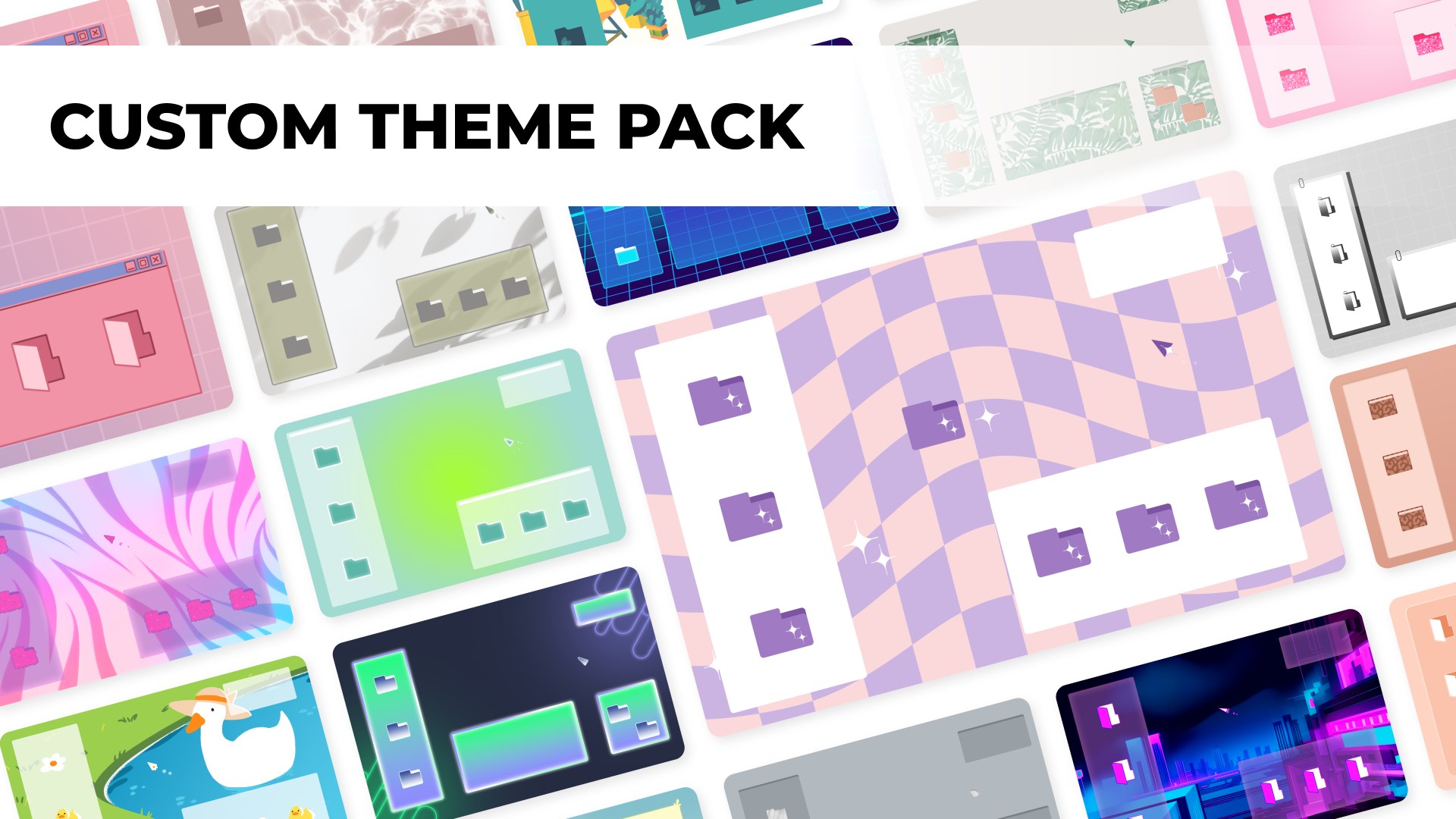
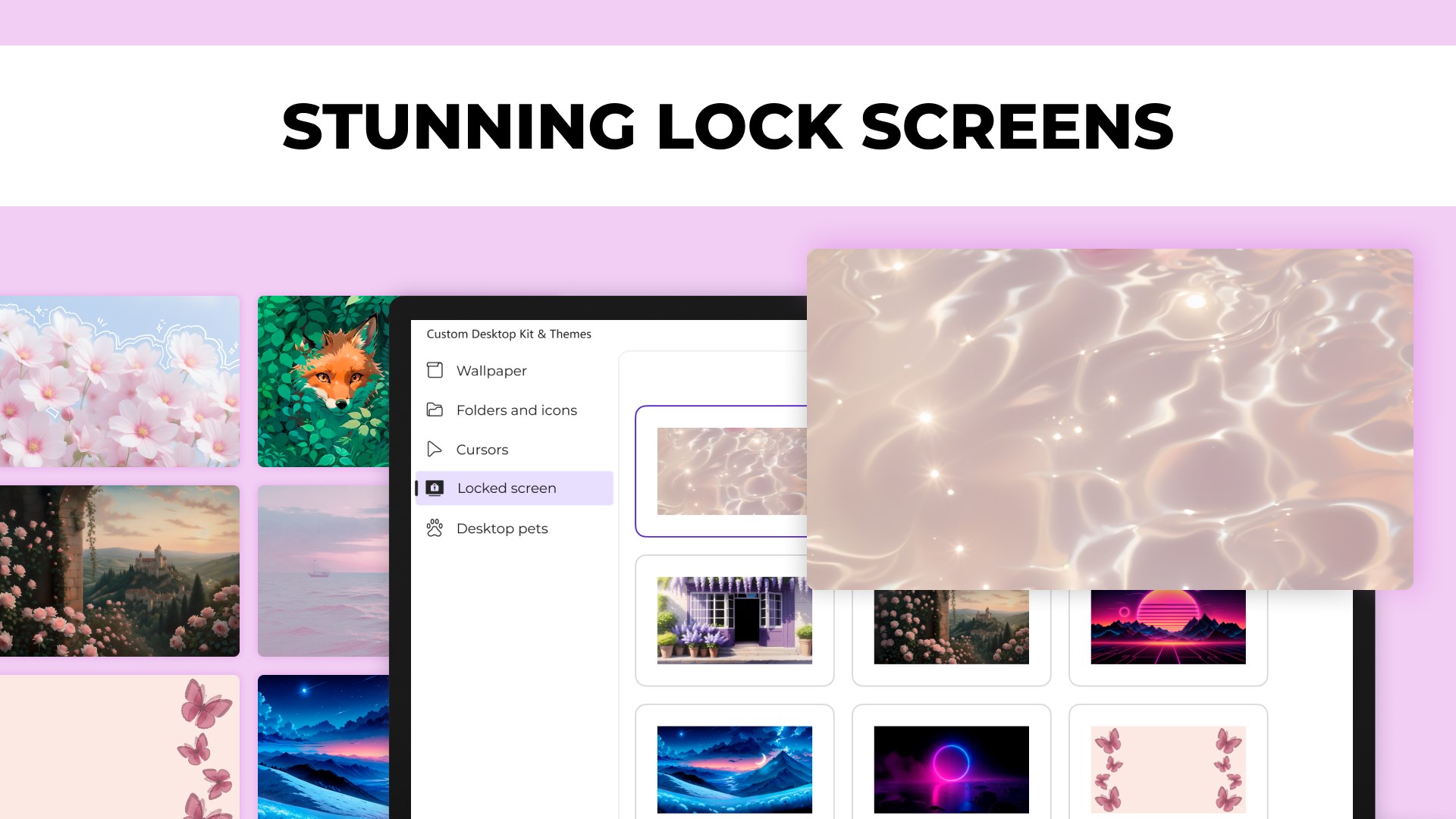
- Extensive Theme Library: Access a wide array of aesthetically pleasing themes that cater to different styles—from minimalistic to vibrant and artistic. The diverse collection ensures there's something for everyone, whether you're aiming for a sleek professional look or a fun, colorful interface.
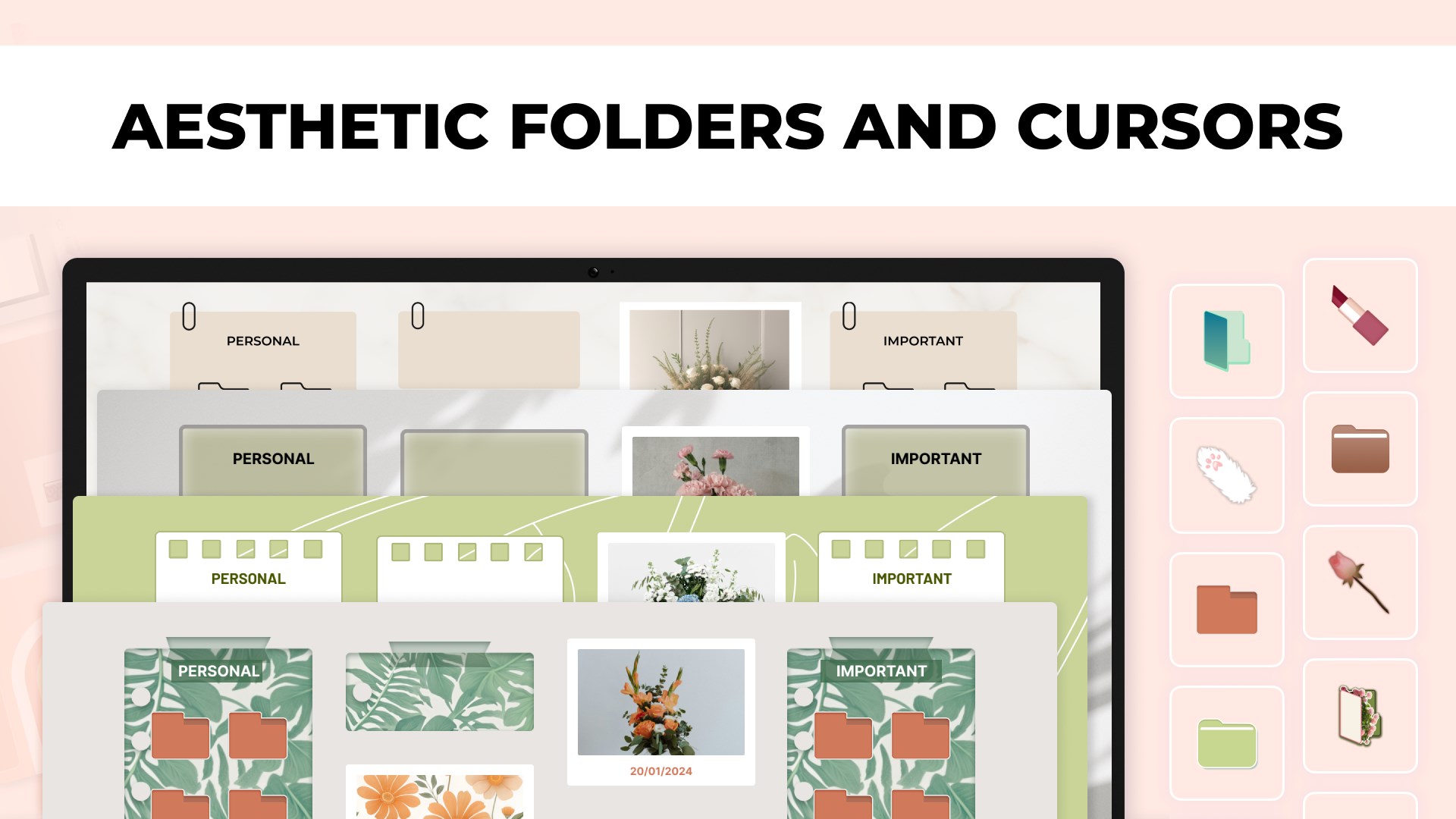
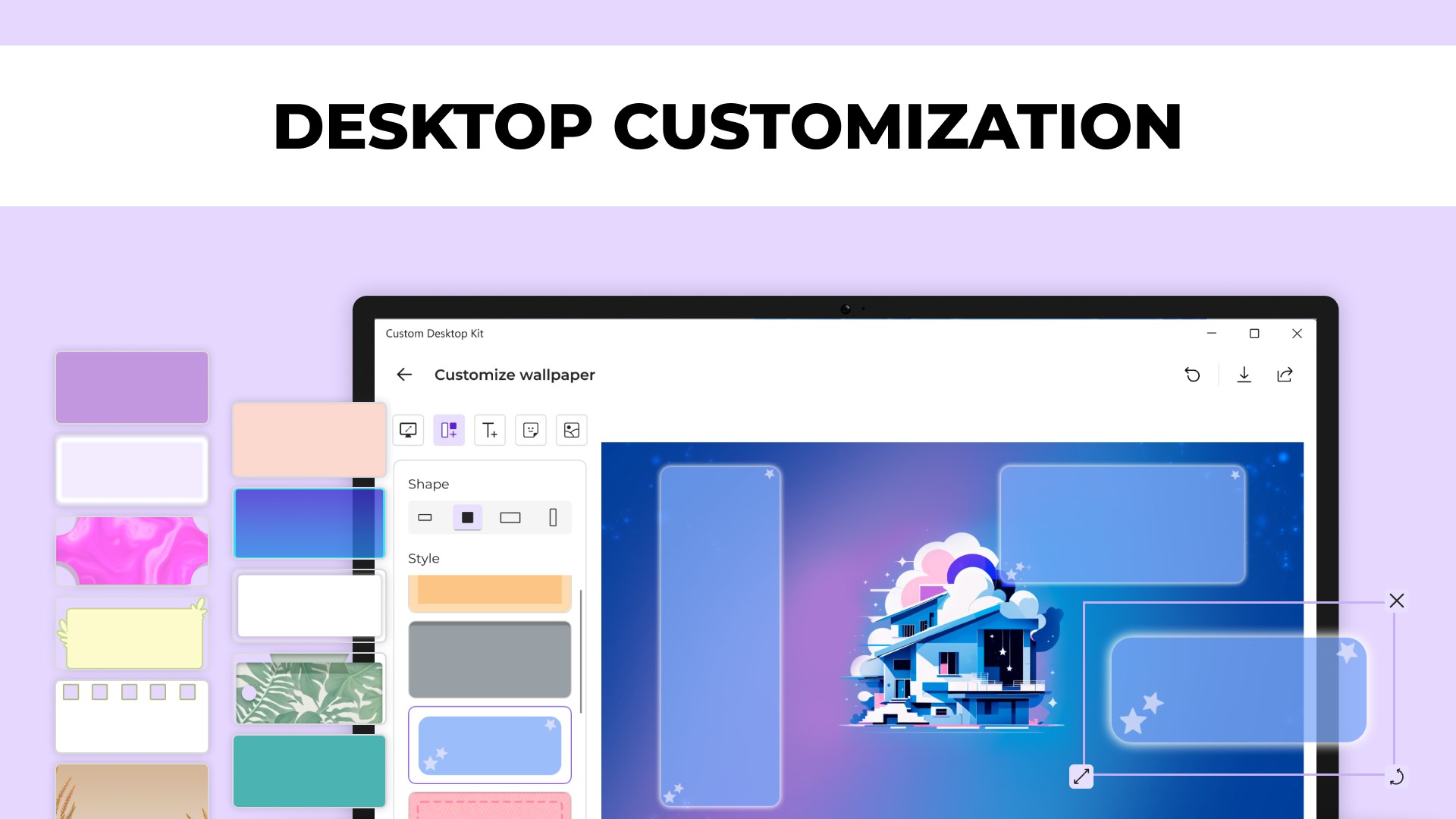
- High-Quality Wallpapers and Customization Options: Select from high-resolution wallpapers that can be effortlessly applied, with many themes offering additional customization tweaks like icon arrangements and accent colors, making your desktop truly unique.
- Theme Compatibility and Easy Switching: The app ensures smooth compatibility across various Windows versions and allows quick toggling between multiple themes, making seasonal or mood-based changes hassle-free.
- User-Friendly Interface: Designed with simplicity in mind, the interface is intuitive, enabling users—even beginners—to navigate and apply themes with minimal effort.
Enjoying the Experience: Design, Performance, and Usability
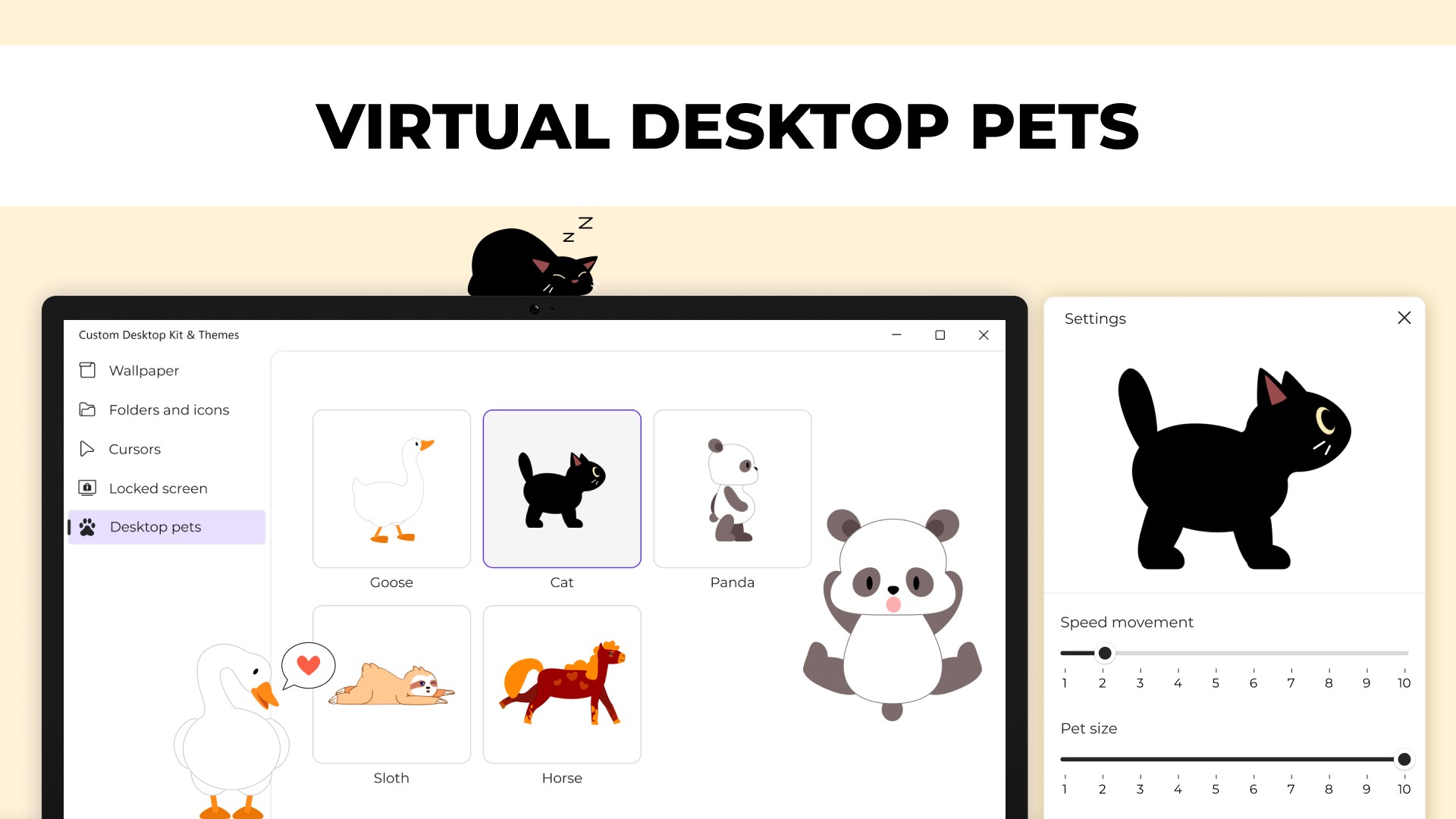
Visually, Custom Desktop Kit sports a sleek, modern interface that resembles a well-organized digital studio—clean lines, vivid thumbnails, and straightforward menus. Using the app feels like strolling through an art gallery, where selecting a theme is as effortless as picking a painting. The responsiveness is commendable; themes switch instantaneously without stuttering or lag, thanks to optimized performance under the hood.
On the learning curve front, the app is accessible for newcomers; the layout guides users seamlessly through browsing, previewing, and applying themes. Even those less tech-savvy will find the process intuitive, akin to flipping through a curated photo album—simple yet satisfying.
Compared to typical personalization tools, Custom Desktop Kit shines with its focus on high-quality, curated themes and comprehensive customization options. Its compatibility across different Windows environments means users don't need to worry about glitches or limitations—making it a reliable companion in your desktop personalization journey.
What Sets It Apart? Unique Advantages
The standout feature of Custom Desktop Kit lies in its carefully curated themes that balance style and usability, combined with the app's smart theme-switching capabilities that maintain visual harmony across your desktop environment. Unlike many alternatives that offer a jumble of options with inconsistent quality, this app emphasizes quality control and cohesive design.
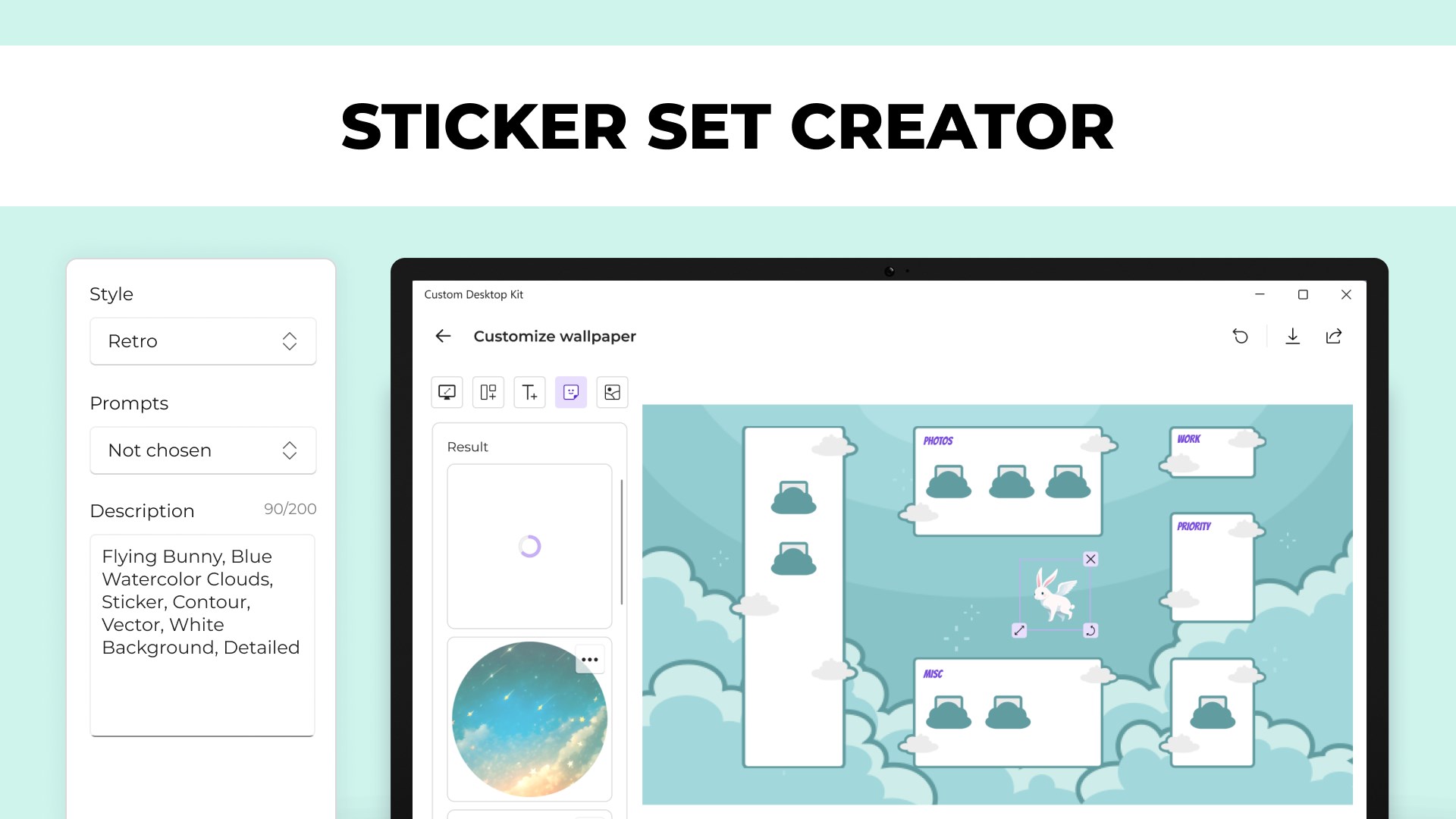
Additionally, the variety in customization options—beyond just wallpapers—allows users to tweak icons, accent colors, and even sound schemes, creating a comprehensive personalization experience that feels tailored to individual tastes. Its compatibility and intuitive operation make it more than just a wallpaper manager; it's a desktop aesthetic enhancer.
Final Verdict: A Worthy Choice for Desktop Personalization
If you're someone who enjoys tinkering with your desktop's look, or simply yearns for a quick way to refresh your workspace, Custom Desktop Kit is a reliable tool worth trying. Its focus on quality themes, seamless switching, and user-friendly design make it stand out in the crowded world of personalization apps. We recommend it to casual users seeking elegance and customization without the fuss, and to those who appreciate having a visual environment that reflects their personality. For a modest investment in aesthetic delight, this app can genuinely elevate your Windows experience.
Pros
- Stunning Aesthetic Themes and Wallpapers
- Easy-to-Use Interface
- Regular Theme Updates
- Lightweight and Low System Impact
- Seamless Integration with Windows
Cons
- Limited Free Content
- Lack of Customization Options
- Occasional Loading Delays
- Limited Support for Non-Windows Devices
- Customization Feature Requests Awaiting Implementation











