

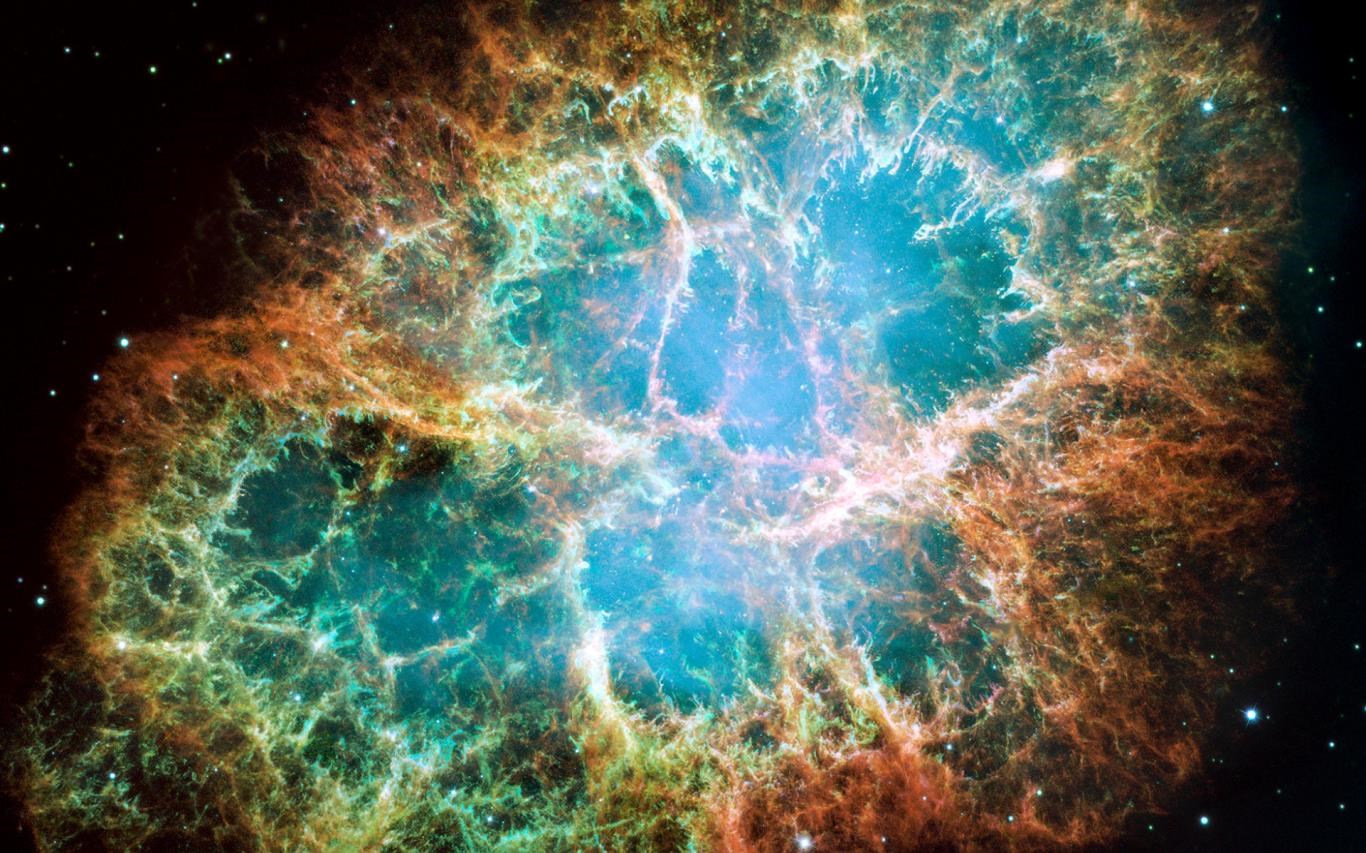
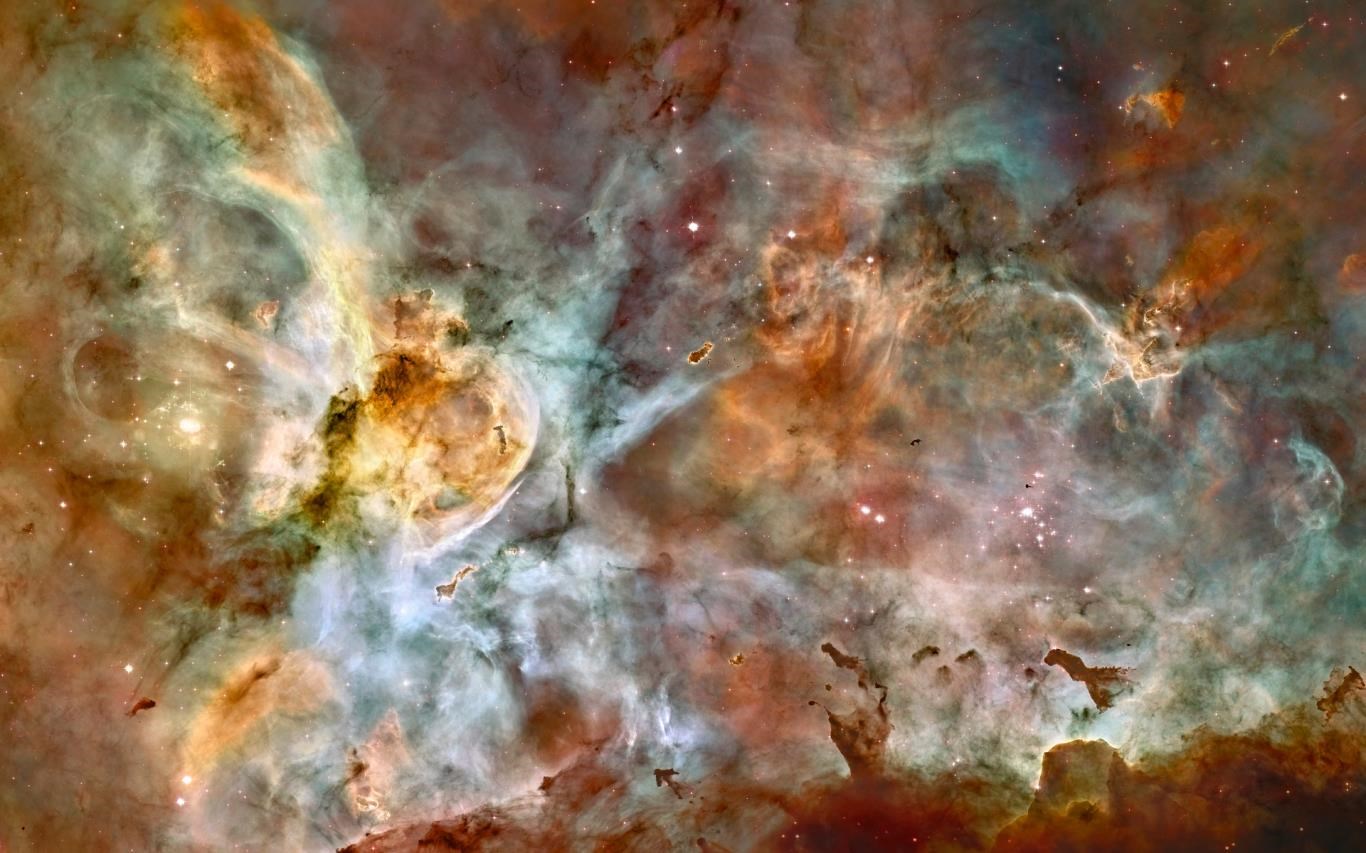
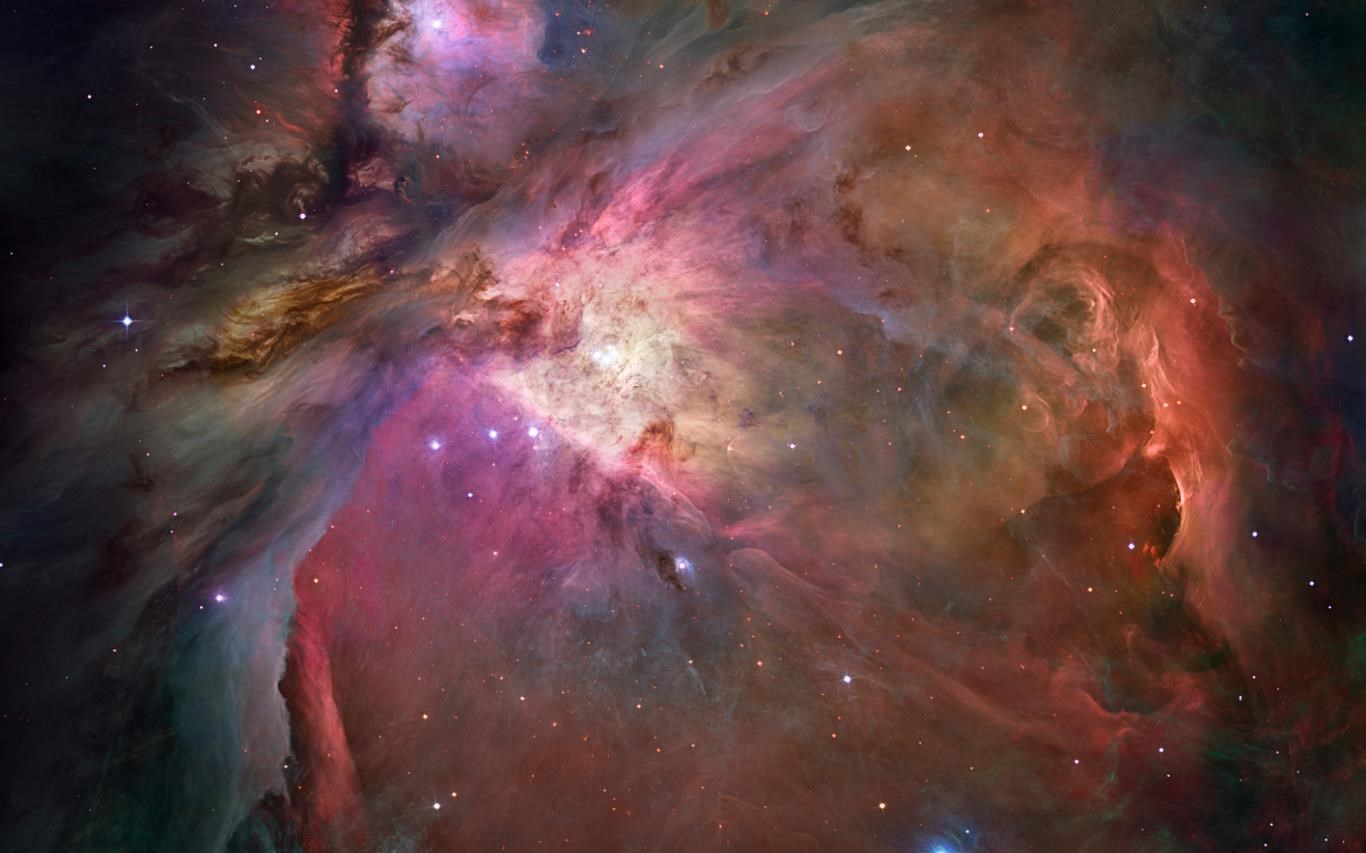
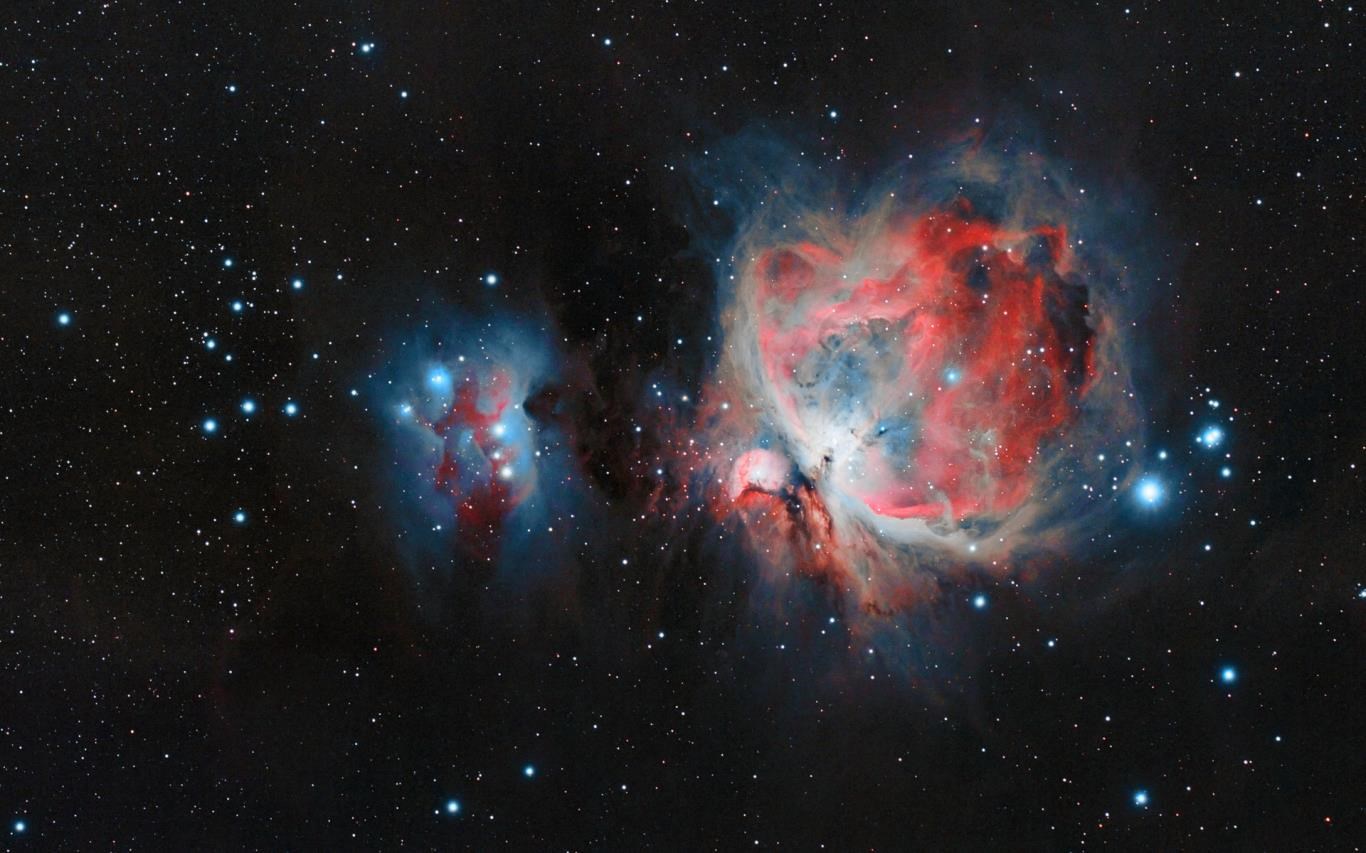
- Name Cosmic Beauty
- Category Personalization
- Available on PC
- OS Windows 10 version 14951.0 or higher
- languages English (United States)
Cosmic Beauty for Windows: A Stellar Personalization Tool
Cosmic Beauty is an innovative application designed to elevate your Windows experience through personalized wallpapers and themes inspired by the universe. Developed by Microsoft Corporation, this app offers a blend of aesthetic appeal and user-friendly features, making it an excellent choice for those eager to bring a touch of cosmos to their desktop environment.
Key Features That Make Cosmic Beauty Shine
At its core, Cosmic Beauty aims to transform your desktop into a window to the universe. Its standout functionalities include a vast library of high-quality space-themed wallpapers, customizable slideshow options, and dynamic themes that adapt to your preferences. Additionally, the app integrates seamlessly with Windows, offering smooth navigation and easy setup.
Stunning Visuals and Seamless Experience
Once you launch Cosmic Beauty, you are greeted with a sleek, modern interface that resembles gazing into a starry night sky. The design emphasizes simplicity without sacrificing sophistication, making it accessible even for users new to personalization apps. During use, transitions between wallpapers are fluid, and the app runs unobtrusively in the background, ensuring your workflow remains uninterrupted. The learning curve is gentle; navigating through options feels intuitive, akin to flipping through a well-organized celestial catalog.
A Universe of Customization Options
This application's most compelling feature is its impressive customization versatility. Unlike many personalization tools that offer limited themes or static wallpapers, Cosmic Beauty provides a broad array of images, from shimmering nebulae to distant galaxies, ensuring every user finds something that resonates. The app excels in theme compatibility, allowing users to align wallpapers with Windows system themes smoothly, creating a cohesive aesthetic. This level of customization makes Cosmic Beauty stand out as not just another wallpaper app but a palette that adapts to your cosmic tastes.
Comparison and Unique Selling Points
What sets Cosmic Beauty apart from other personalization apps is its focus on high-quality, diverse space imagery combined with a user-centric design. Many apps offer static images, but Cosmic Beauty introduces slideshow functionality with timed rotations, keeping your desktop fresh and lively. Its streamlined interface means you don't need complex tutorials to set up or enjoy the features, a significant advantage over more convoluted theme managers. Moreover, the app's smooth integration with Windows makes it feel like a natural extension of the OS rather than an add-on.
Recommendation and Application Tips
For users who appreciate breathtaking visuals and enjoy customizing their workspace to reflect their fascination with the cosmos, Cosmic Beauty warrants a strong recommendation. Its intuitive interface and rich image library are suitable for both casual users seeking simple aesthetic upgrades and enthusiasts wanting a more dynamic desktop experience. For optimal results, I suggest exploring the slideshow feature with personalized timing to create a constantly evolving desktop celestial scene, transforming your work environment into a miniature universe. Note that the app is lightweight and runs seamlessly on most modern PCs, making it a reliable companion for everyday use.
In conclusion, Cosmic Beauty for Windows is a thoughtfully designed app that combines beautiful visuals with practical customization options. Its differentiation lies in its high-quality imagery and seamless theme integration, making it a delightful addition for anyone looking to add a touch of the cosmos to their digital life.
Pros
- Stunning Visual Effects
- User-Friendly Interface
- Regular Content Updates
- Wide Range of Customization Options
- High-Resolution Support
Cons
- Limited Free Content
- Occasional App Crashes
- Slow Loading Times for Effects
- Inconsistent Performance on Different Devices
- Limited Language Support











