

- Name Cool Wallpaper
- Category Personalization
- Developer A to Z
- Available on PC
- OS Windows 10 version 17763.0 or higher
- Keyboard Integrated Keyboard
- Mouse Integrated Mouse
- languages English (United States)
An Attractive and Functional Windows Wallpaper App
Cool Wallpaper for Windows by A to Z stands out as a user-friendly application designed to enhance your desktop experience with a wide array of stunning wallpapers and customization options.
Basic Information and Highlights
Developed and published by A to Z, this app offers a seamless way to personalize your Windows desktop with high-quality images. Its main features include a diverse wallpaper library, easy theme integration, and customizable slideshow settings. The target audience mainly comprises Windows users who seek both aesthetic upgrades and effortless personalization of their desktops, from casual users to tech enthusiasts eager to craft their ideal workspace.
Vivid Intro: Why This Wallpaper App Might Become Your New Best Friend
Imagine waking up your dull desktop with a splash of vibrant, breathtaking scenery or that sleek minimalistic design you've always wanted—Cool Wallpaper for Windows makes this possible with just a few clicks. Whether you're looking to breathe new life into your daily work routine or simply want your digital space to mirror your personality, this app is like a personal curator that brings your wallpaper dreams to life. Its intuitive layout and thoughtful features make it feel less like a tool and more like a friendly companion guiding you through a world of visual wonders.
Core Features That Make a Difference
Vast and Varied Wallpaper Collection
The app offers access to an extensive library filled with high-resolution images covering landscapes, abstracts, minimalistic art, and gaming themes. This diversity ensures there's something for everyone—no more endless scrolling through incompatible wallpapers or settling for underwhelming images. The curated collections are updated regularly, keeping your desktop fresh and exciting.
Smart Theme Compatibility and Customization Options
What sets Cool Wallpaper apart is its clever theme integration feature. It not only allows you to set individual images but also to synchronize your wallpaper with your system's theme or mood. Want a dark theme for late-night work sessions? Or a bright, energetic vibe to pump you up? The app makes it easy to align wallpapers with your system colors or select a playlist of images to cycle through, creating a mood that matches your day or activity.
Seamless Slideshow and Scheduling Features
Switching environments has never been easier. The app's slideshow mode enables you to automatically rotate wallpapers at customizable intervals, akin to a dynamic digital picture frame. You can schedule wallpapers to change daily, hourly, or based on specific triggers, helping to keep your screen lively without manual intervention. The transition effects are smooth, ensuring a polished look that feels professional rather than gimmicky.
User Experience and Unique Differentiators
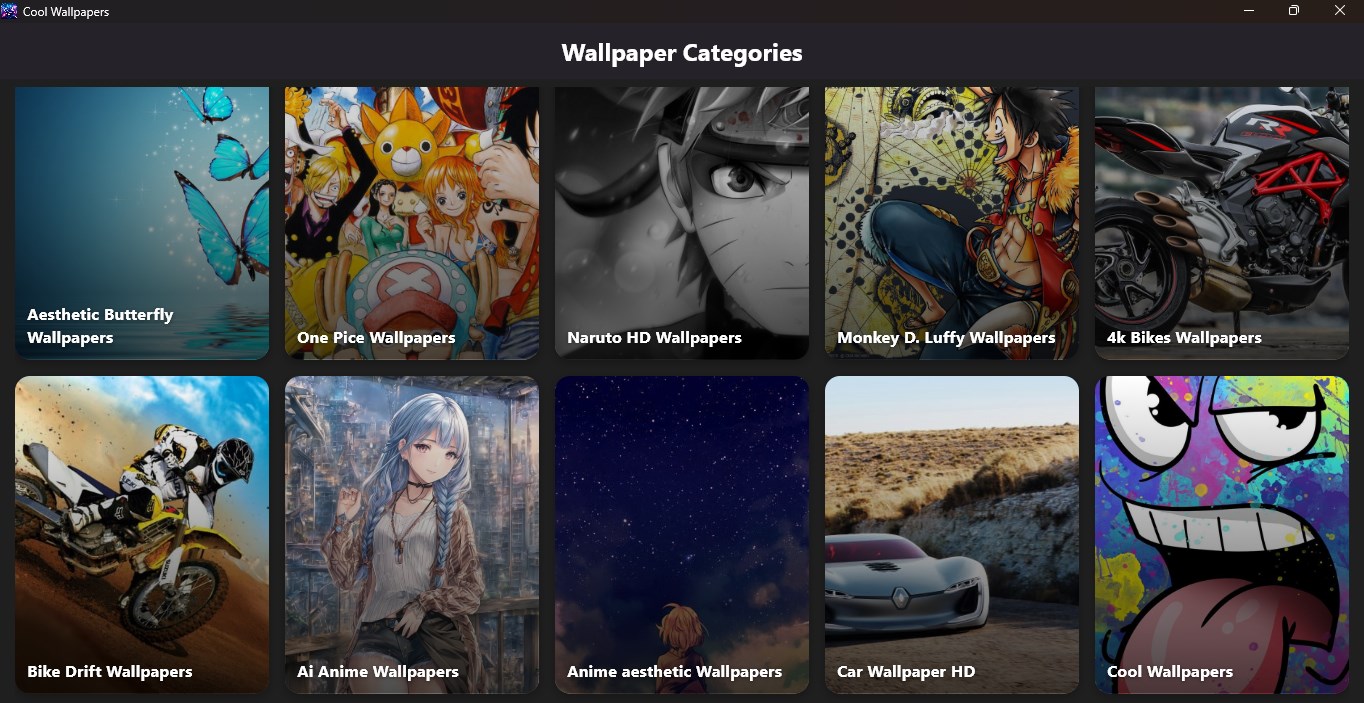
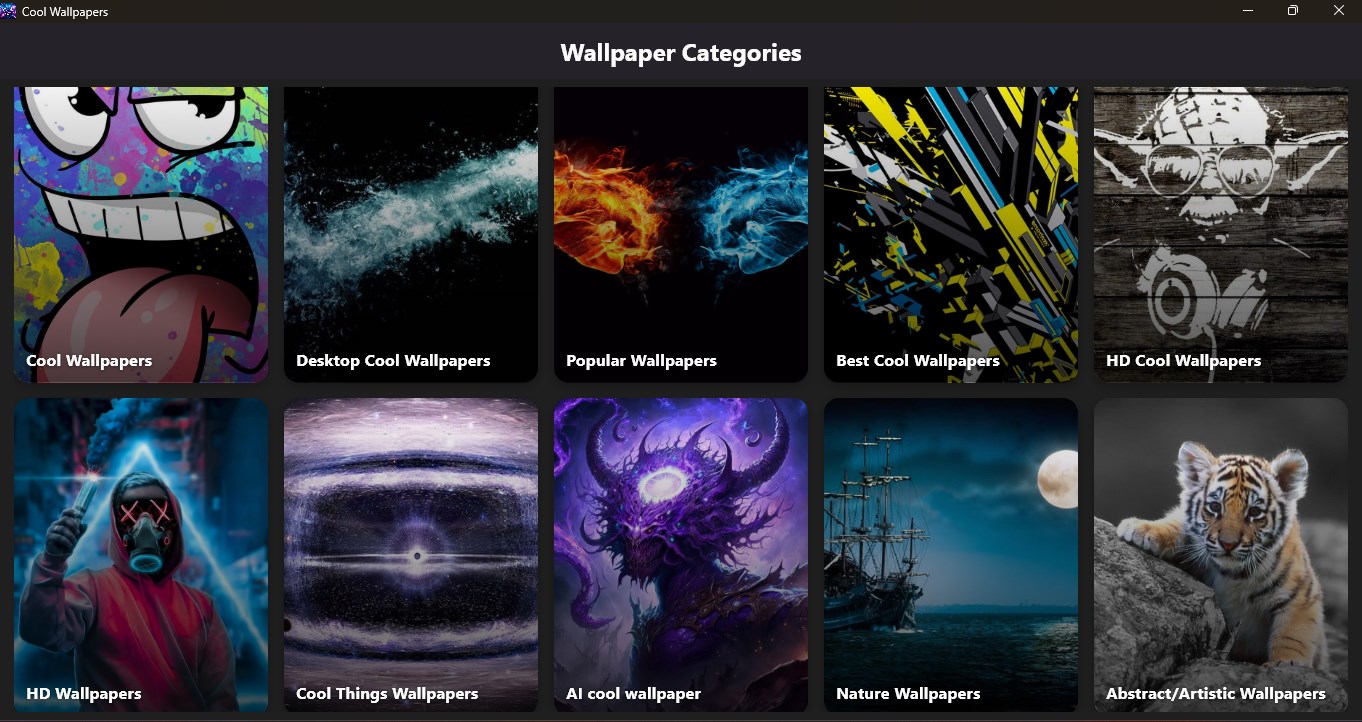
The app sports a clean, modern interface that resembles a well-organized gallery—simple, elegant, and easy to navigate. The learning curve is gentle; users quickly grasp how to browse and select wallpapers, adjust settings, and utilize customization features. Its responsiveness is excellent, providing swift load times and fluid transitions that make browsing a pleasure.
Compared to other personalization apps, Cool Wallpaper's standout feature is its theme compatibility combined with an extensive variety of customization options. Many apps offer wallpaper galleries, but few integrate the capability to synchronize with your system's accent colors or set up automated rotation with minimal fuss. It strikes a nice balance between ease of use and robust function, serving both those who want quick aesthetics and those seeking detailed personalization.
Final Verdict and Recommendations
This application earns a solid recommendation for anyone wanting to enhance their Windows experience without complicated setups or bloatware. It's particularly appealing for users eager to see their desktop reflect their style with minimal effort. If you value a diverse, high-quality wallpaper collection and appreciate nuanced theme integration, Cool Wallpaper is a reliable choice that should find a place in your desktop toolkit.
Pros
- High-quality wallpapers with vibrant designs
- Frequent updates with new wallpapers
- User-friendly interface for easy browsing
- Free to download and use wallpapers
- Multiple categories catering to diverse tastes
Cons
- Limited customization options for wallpapers
- Occasional lag when browsing large wallpaper collections
- Some wallpapers are involved in copyright restrictions
- No offline mode for browsing wallpapers
- Lack of personalization features like favorite or download folders











