- Name Catacomb Master (Windows 10)
- Category Platformer
- Developer Alexandr Bondarenko
- Available on PC
- OS Windows 10 version 18362.0 or higher
- languages English (United States)
An Immersive Dive into the Catacomb Master Experience
If you're a fan of classic platformers blended with a dash of mysterious adventure, Catacomb Master offers a compelling journey worth exploring. This game invites players into shadowy underground worlds where reflexes and puzzle-solving skills are put to the test. Developed by Alexandr Bondarenko and published by Desert Water Games, it's crafted to appeal to fans of retro-style platformers seeking a modern twist. Think of it as a treasure map leading you through dark caverns filled with surprises — eager to uncover its secrets? Let's dig in.
Core Features That Make Catacomb Master Stand Out
1. Challenging and Innovative Gameplay Mechanics
At the heart of Catacomb Master lies its finely tuned core loop: navigating treacherous underground mazes packed with traps, enemies, and puzzles. The game seamlessly combines traditional platforming with puzzle-solving elements that require quick thinking and keen observation. Its unique 'gravity-shifting' mechanic adds a refreshing layer of complexity, where players can flip the environment to access new pathways — imagine walking on the ceiling one moment and crawling along walls the next. That mechanic alone elevates it beyond typical platformers.
2. Visually Striking and Atmospheric Design
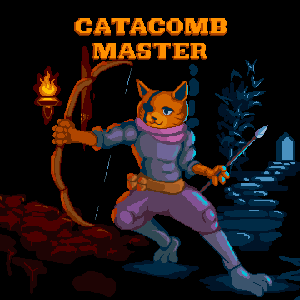
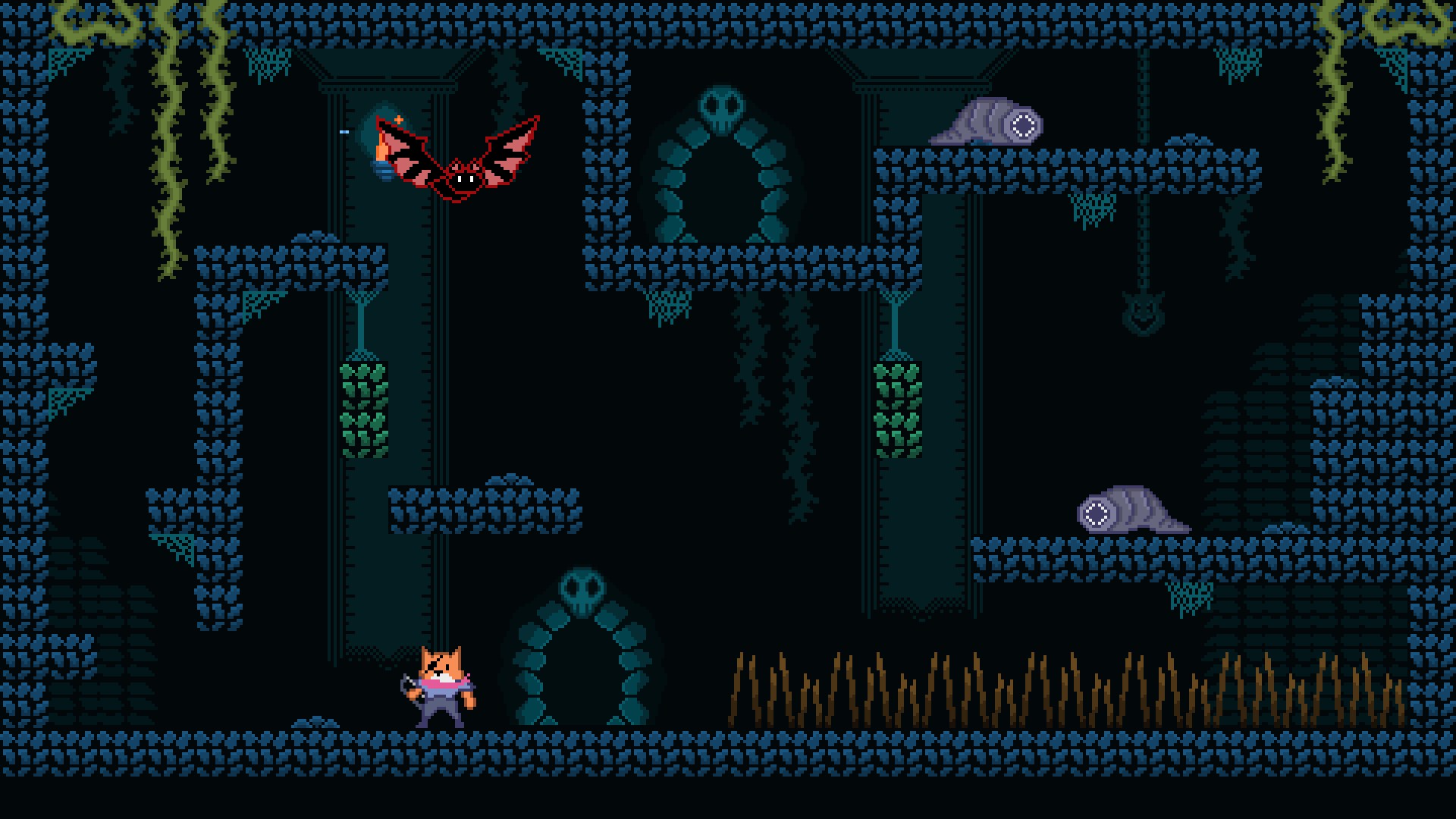
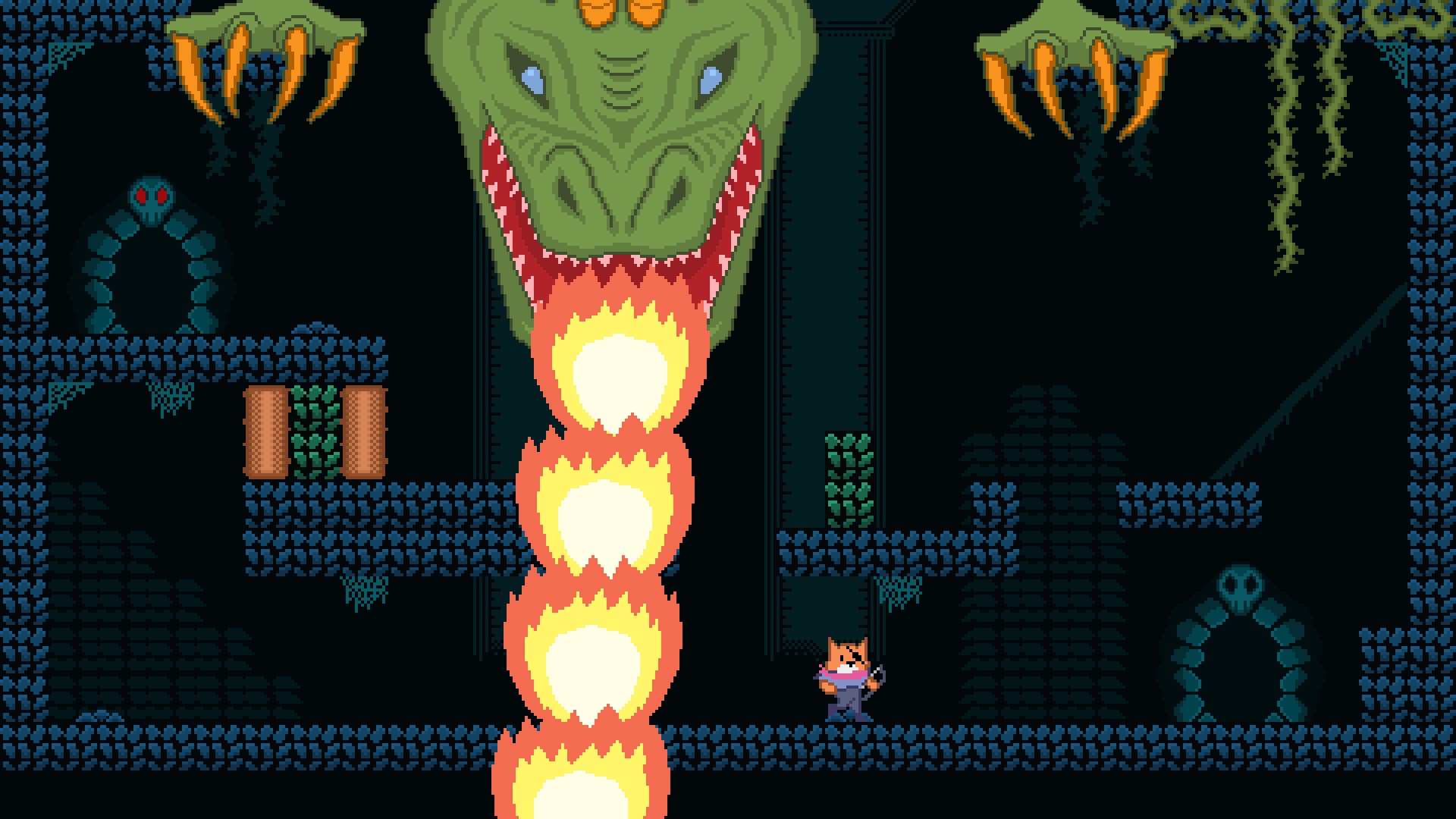
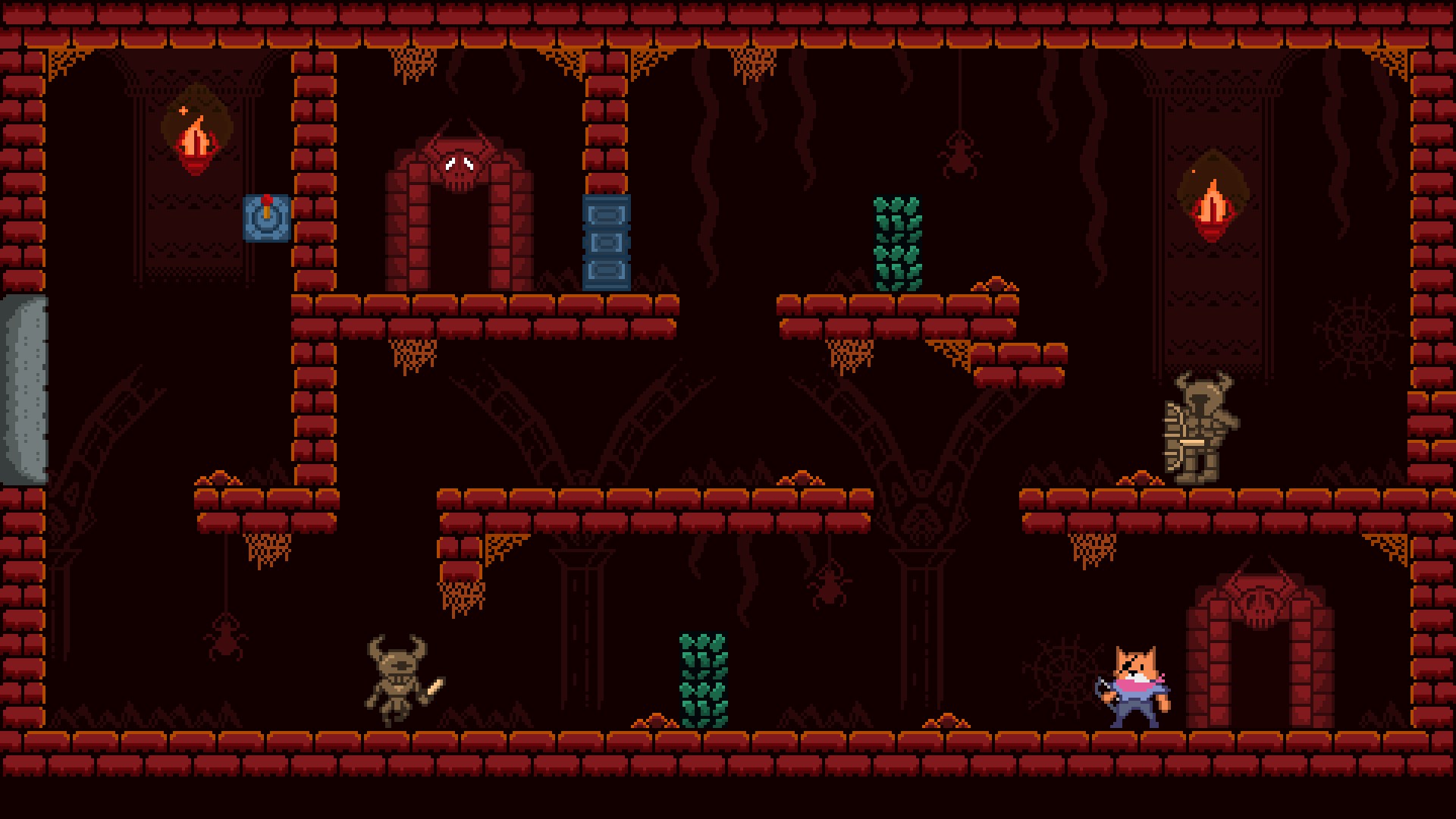
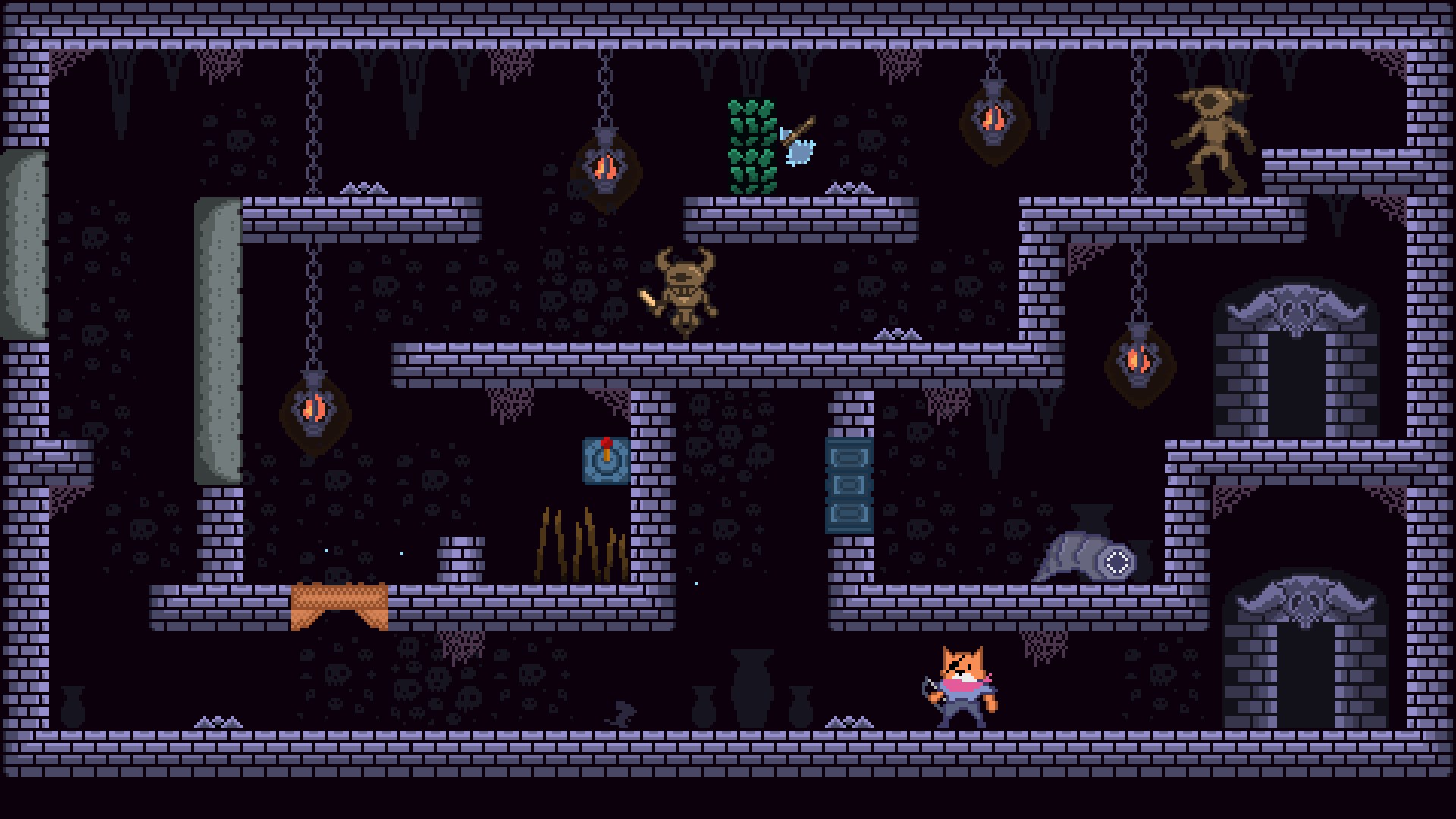
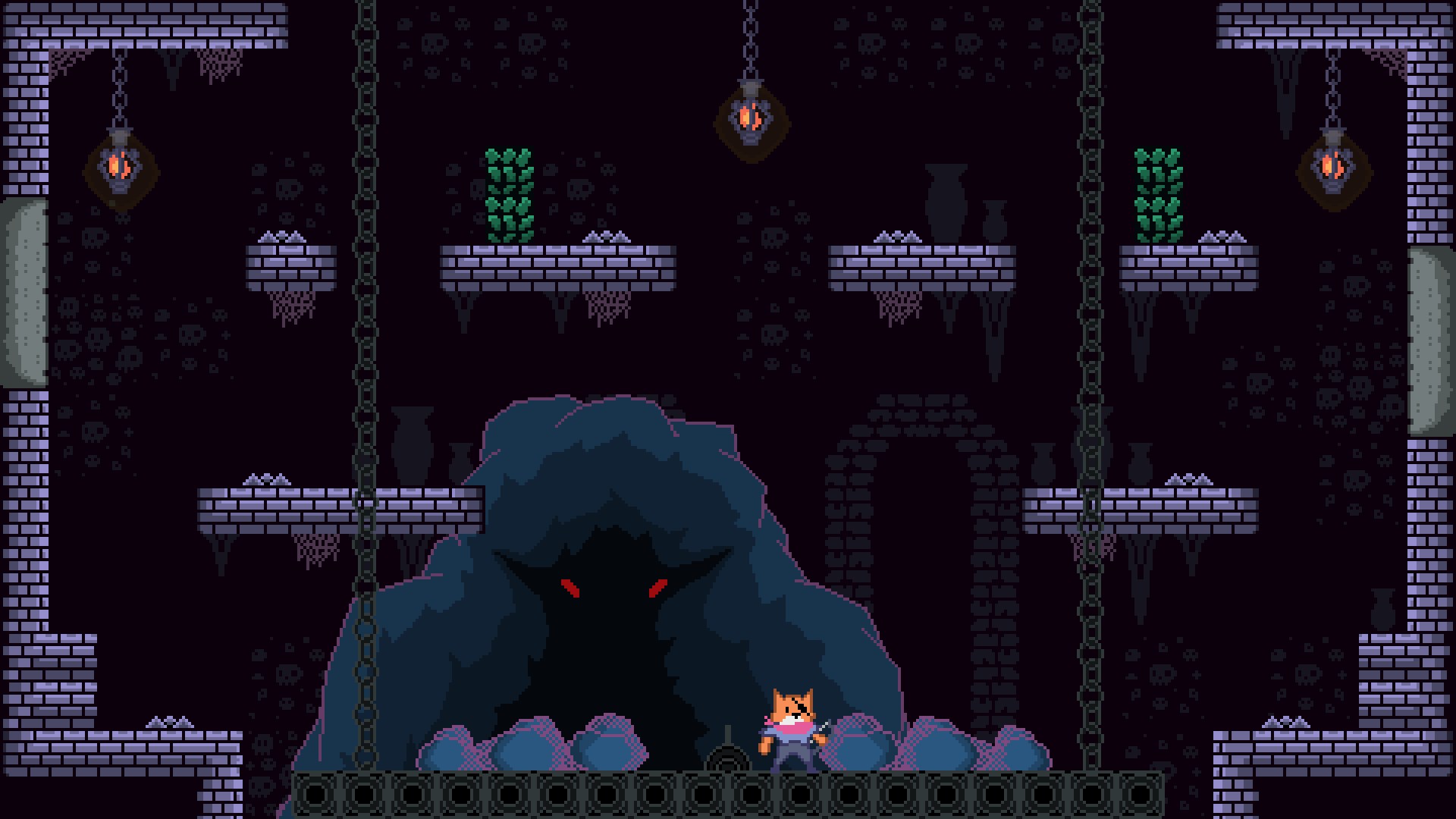
The game's visuals evoke a moody, Gothic aesthetic reminiscent of a noir comic book brought to life. The dark, textured environments, accompanied by subtle lighting effects, create an immersive sense of mystery. The characters and enemies are stylized yet detailed, making each encounter feel both challenging and visually rewarding. This art style is a highlight because it not only immerses players but also sets the tone for a suspenseful subterranean adventure.
3. User-Friendly Interface and Smooth Gameplay
Catacomb Master excels in delivering an intuitive control scheme complete with responsive touch inputs and keyboard controls when played on Windows 10. The interface is clutter-free, with clear icons and informative menus that are easy to navigate even for newcomers. The game's performance runs smoothly across a range of hardware configurations, ensuring a seamless experience free of lag or stutter. The learning curve is gentle yet engaging, making it accessible for beginners while still offering depth for seasoned players.
Setting It Apart from Other Platformers
Unlike many contemporary platformers that prioritize high-fidelity graphics or rapid-fire action, Catacomb Master distinguishes itself through its clever environment manipulation and atmospheric storytelling. The gravity-shifting mechanic is particularly notable; it transforms the traditional 'run-and-jump' formula into a gameplay puzzle, challenging players to think in three dimensions. Additionally, its stylistic dark aesthetic gives it a unique identity, standing out among the often-bright and cartoonish platformers. This allows the game to appeal to players who appreciate atmospheric depth and inventive mechanics over mere visual spectacle.
Recommendation and Usage Suggestions
If you're someone who enjoys games that combine reflexive platform action with brain-teasing puzzles wrapped in a moody aesthetic, Catacomb Master is a strong choice. Its innovative gravity mechanic and atmospheric environment make it a memorable experience, especially if you're looking for a game that offers depth without becoming overwhelming. Beginners can comfortably start exploring its worlds, while experienced players can challenge themselves with the more complex maze sections. Overall, I'd recommend it as a solid addition to any platformer enthusiast's library — a game that promises both challenge and charm without unnecessary embellishments.
Pros
- Engaging Classic Gameplay
- Smooth Performance on Windows 10
- Intuitive User Interface
- Frequent Updates
- Low System Requirements
Cons
- Limited Content Variety
- Lack of In-Game Tutorials
- Occasional Minor Bugs
- No Multiplayer Option
- Limited Customization Features