

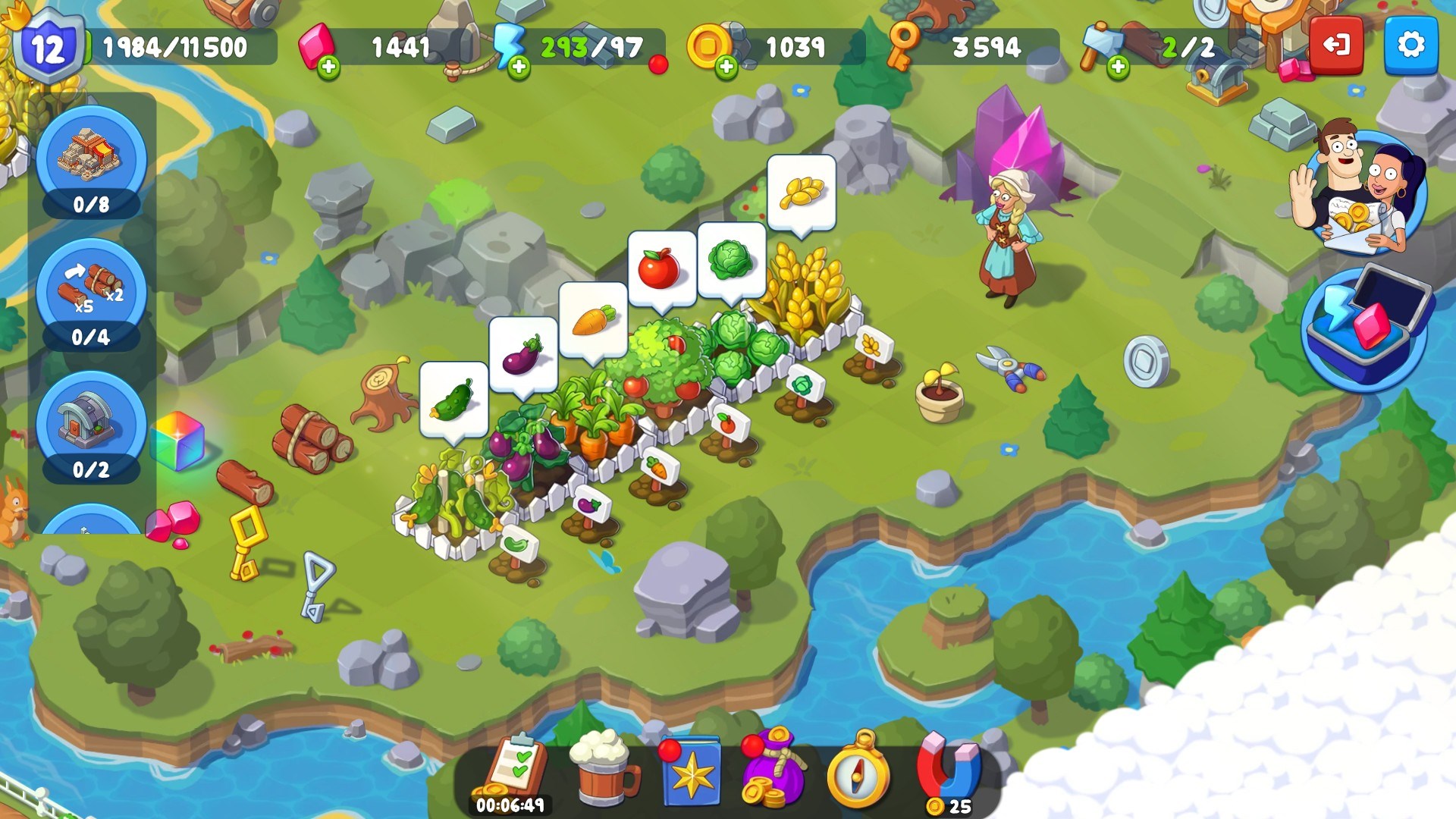
- Name Castle Craft
- Category Simulation
- Developer Clever Apps Pte. Ltd.
- Available on PC, Mobile, Surface Hub, HoloLens
- OS Windows 10 version 17763.0 or higher
- languages English (United States)
Introducing Castle Craft for Windows: A Strategic Block-Building Experience
Castle Craft for Windows by Clever Apps Pte Ltd offers a compelling blend of construction, management, and strategic gameplay, immersing players in a medieval-inspired world where creativity and planning are key to building the ultimate fortress.
Core Features That Build Excitement
1. Intricate Castle Customization
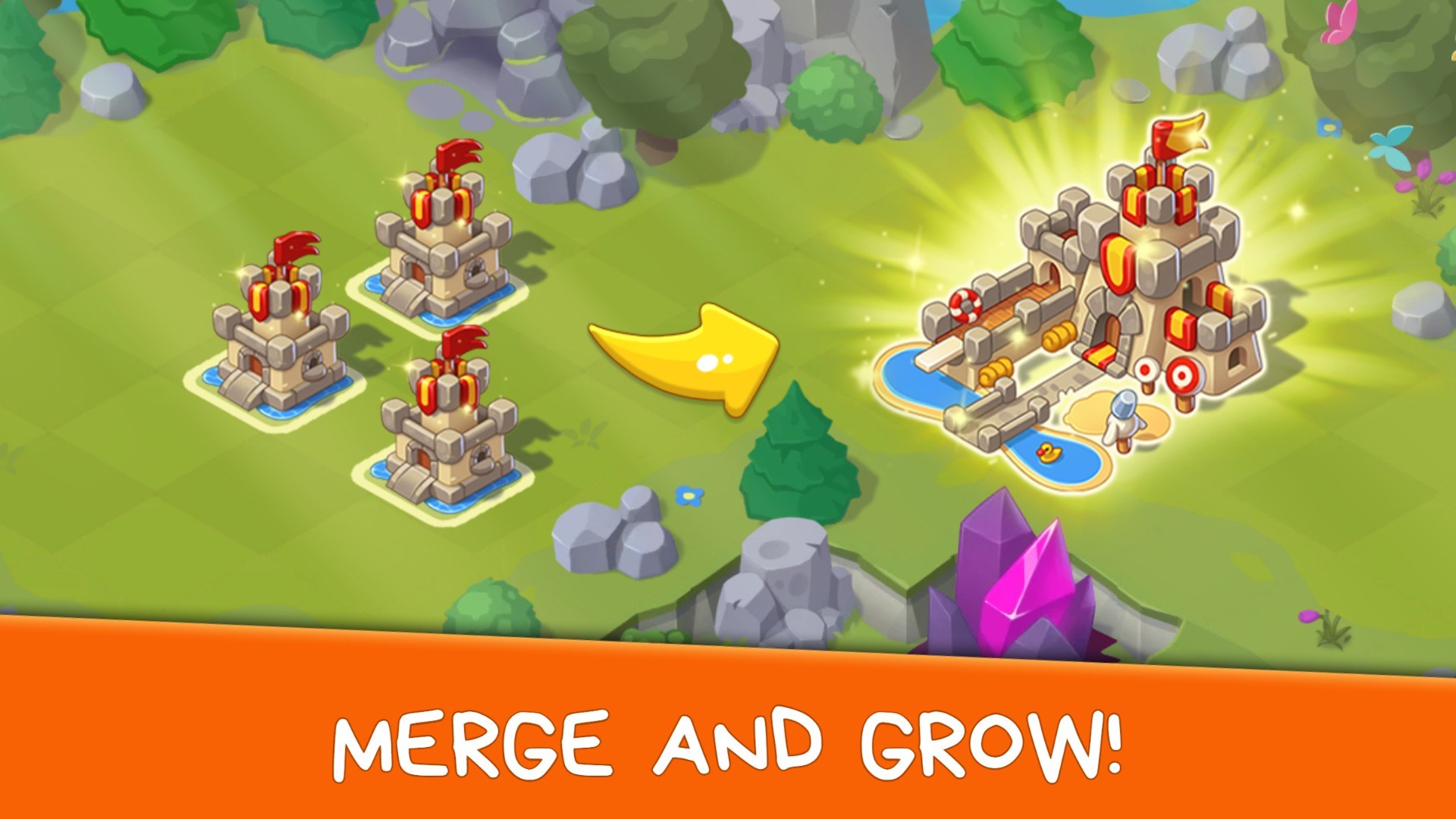
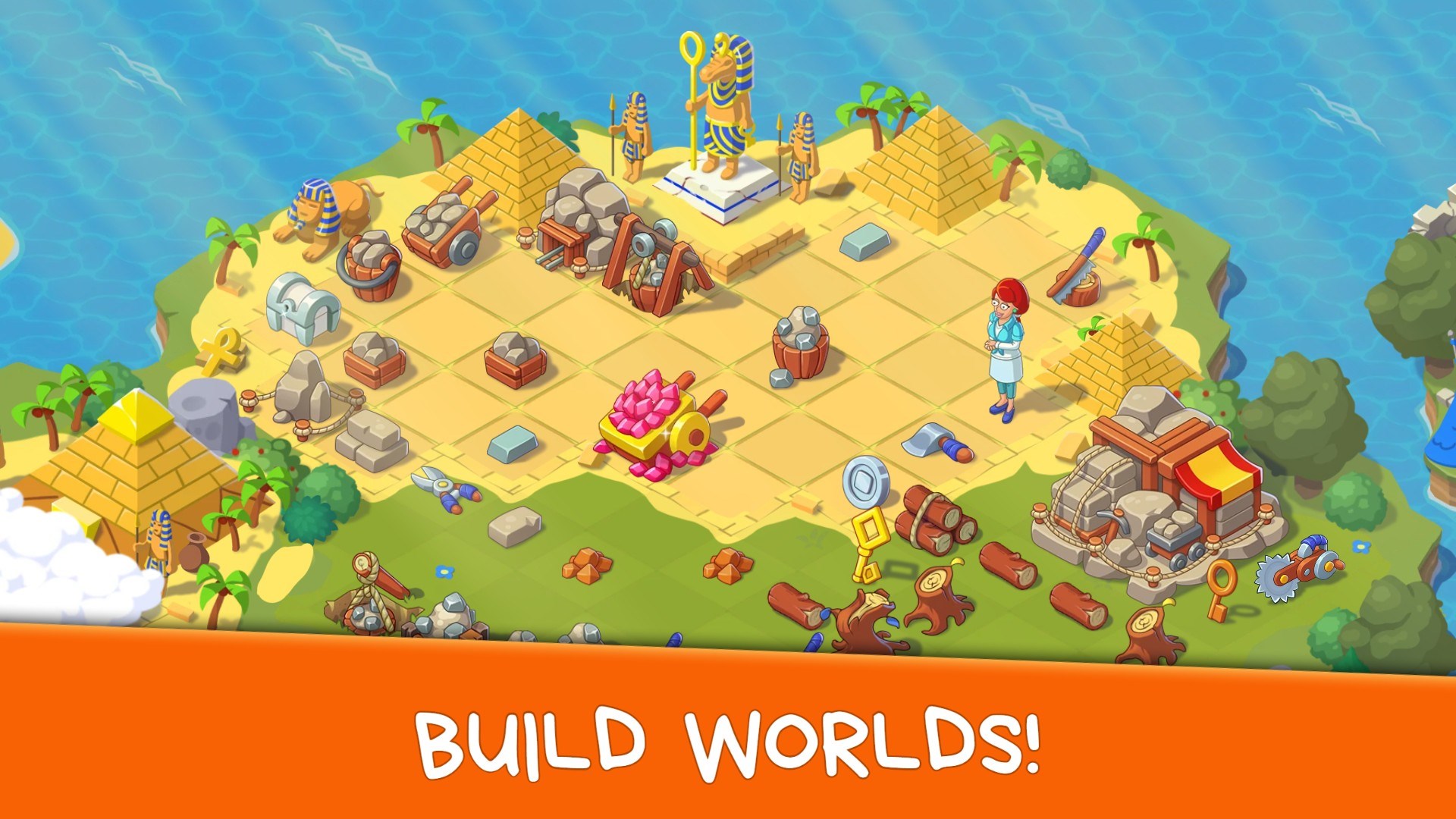
The app allows players to design and customize detailed castles with a variety of blocks, decorations, and defensive structures. This feature is akin to digital Lego for aspiring architects and strategists, empowering users to bring their medieval visions to life with meticulous detail.
2. Realistic Physics and Mechanics
One of Castle Craft's standout elements is its focus on realistic physics that govern building stability and destruction. Unlike many casual simulation games, this app emphasizes authentic mechanics, adding a layer of depth where users must consider weight distribution and structural integrity, much like an engineer planning a skyscraper.
3. Strategic Defense and Resource Management
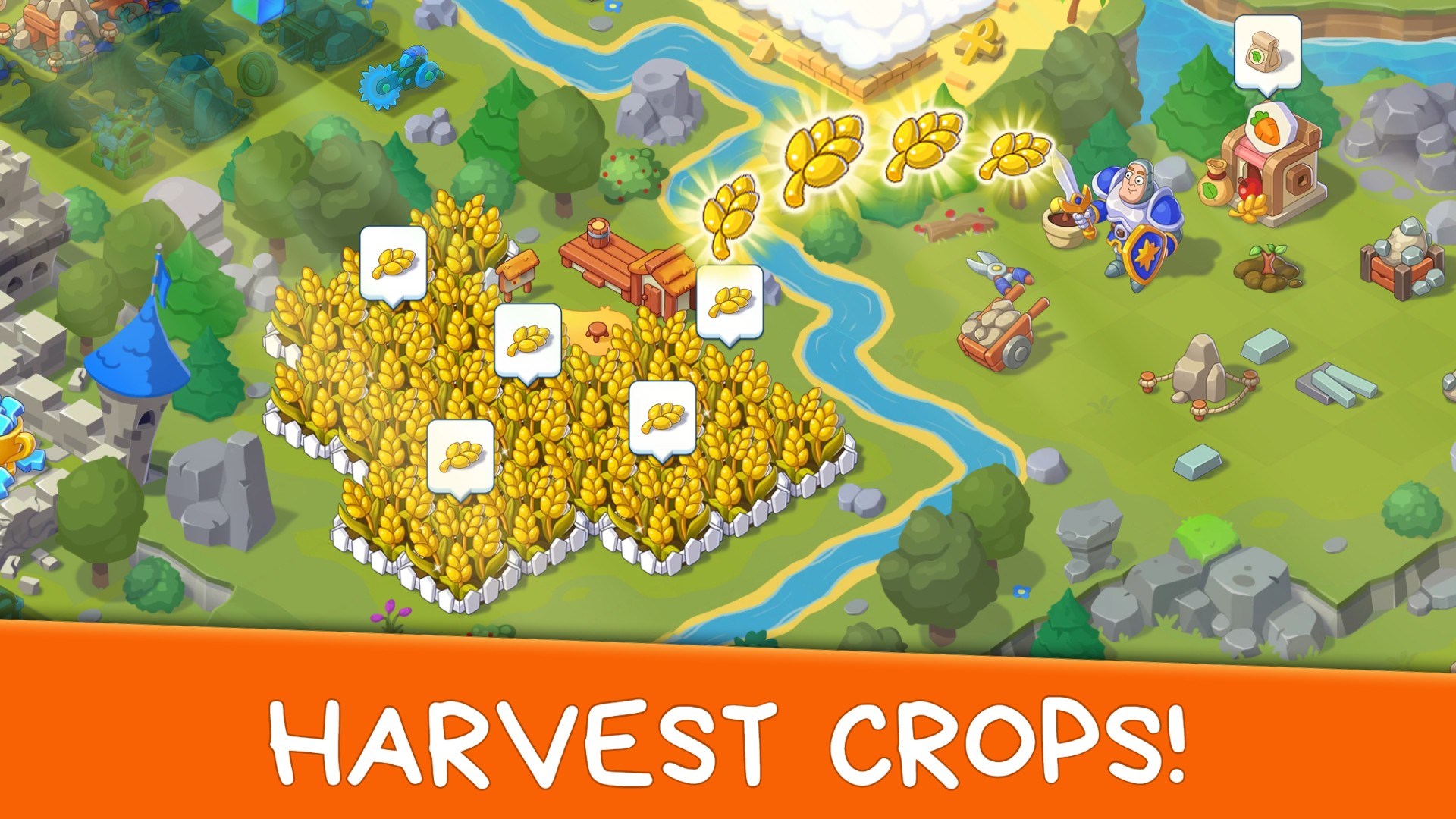
Beyond construction, players engage in resource collection and fortress defense strategies. Balancing resource allocation and defending against simulated attacks introduces an engaging layer of tactical decision-making, making each gameplay session a thoughtful exercise in planning and adaptation.
Immersive User Experience and Design
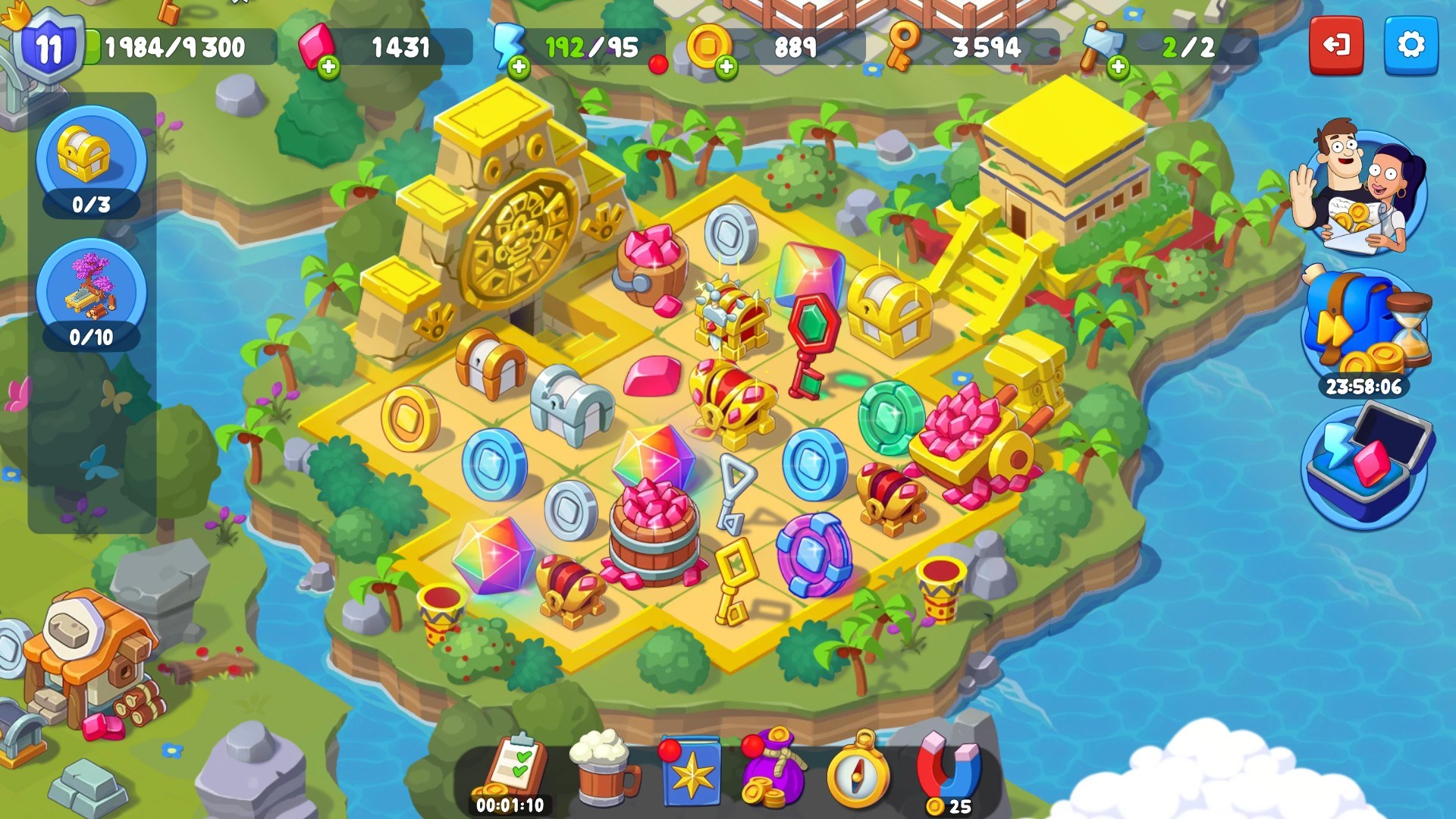
The interface of Castle Craft is intuitively designed, with a clear layout that invites exploration. The visual style combines vibrant medieval aesthetics with modern UI elements, making navigation feel seamless—like flipping through a detailed, interactive blueprint. The controls respond smoothly, allowing for precise placement of building elements—a vital aspect for players who enjoy fine-tuning their creations.
Learning curve is moderate; new users might take some time to master advanced building techniques or resource strategies, but tutorials and tooltips are readily accessible to guide players along. Overall, the experience feels polished, with minimal lag or disruptions, making it suitable even for casual gamers seeking a relaxed yet engaging simulation.
A Unique Spin in the Simulation Realm
Compared to other building or castle simulation apps, Castle Craft distinguishes itself with its commitment to physics realism. Many similar games take liberties with mechanics, but this app emphasizes authentic structural behaviors, providing a more educational and immersive experience. For example, players will notice how walls behave realistically under attack or weight stress, which can deepen understanding of real-world engineering principles.
Furthermore, its strategic elements—especially resource management and defense tactics—offer a tangible link to real-world concepts of planning and logistics. This lends the game more educational value, making it not just entertaining but also a subtle tool for learning about construction physics and strategic thinking.
Final Thoughts and Recommendations
All in all, Castle Craft for Windows is a well-crafted simulation that appeals to fans of building, strategy, and physics-based gameplay. Its most compelling feature—realistic structural mechanics—sets it apart from more superficial counterparts. For users who enjoy designing detailed structures with an eye for physics accuracy or who appreciate thoughtful resource management, this app will be a rewarding experience.
We recommend this game to intermediate and advanced players who want more than just simple block-placement, and to educators interested in physics or engineering concepts through a gamified lens. Beginners can also enjoy it with patience and curiosity, as the learning curve offers ample room for mastery.
Whether you're a strategist, an aspiring engineer, or a creative builder, Castle Craft provides a robust platform to experiment and learn while having fun. Happy building!
Pros
- Engaging Gameplay
- Creative Customization
- Regular Updates
- User-Friendly Interface
- Offline Mode Support
Cons
- Performance Issues during Large Constructions
- Limited In-Game Tutorial
- Ads in Free Version
- Resource Gathering Efficiency
- Graphics Quality Constraints











