

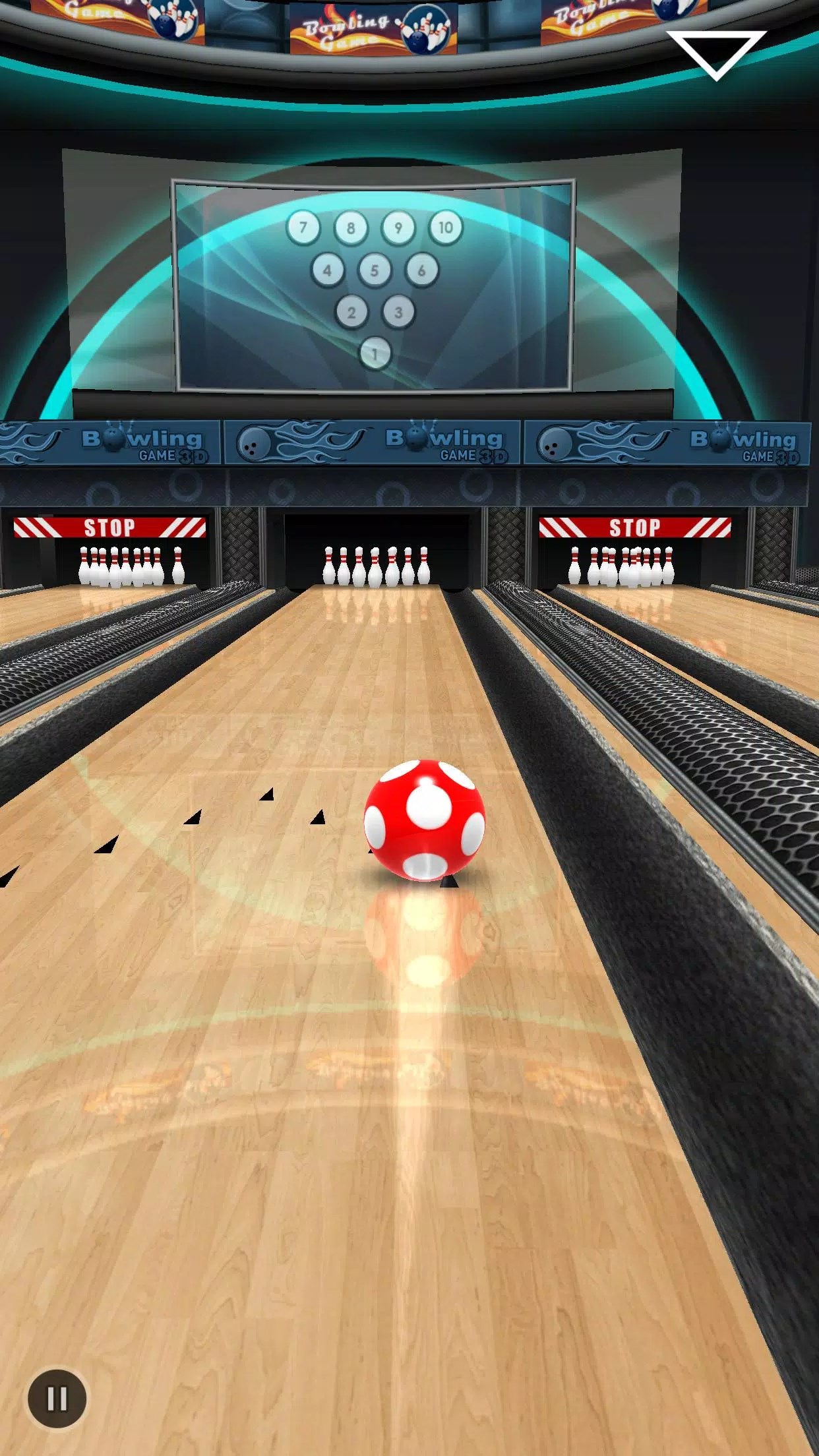
- Name Bowling King +
- Category Simulation
- Available on PC, Mobile, Surface Hub, HoloLens
- OS Windows 10 version 10240.0 or higher
- DirectX Version 10
- languages English (United States)
Bowling King + for Windows: A Refreshing Take on Virtual Bowling
For fans of classic street sports who crave a fun, accessible, and engaging bowling experience, Bowling King + offers a well-crafted blend of realism and casual entertainment right on your Windows device. Developed by EasyBrom, this app aims to bring the joy of the lanes directly to your fingertips, combining straightforward gameplay with detailed mechanics.
Developer & Core Features
Published by EasyBrom, Bowling King + is a mobile-inspired bowling simulation optimized for Windows platforms, offering a seamless and visually appealing interactive experience. Its main highlights include realistic physics mechanics that faithfully mimic real-world balls and pin behavior, an intuitive control scheme that makes gameplay accessible even for newcomers, and a variety of game modes that cater to both casual players and competitive enthusiasts. Additionally, the game features customizable characters and multiple challenging environments, which add layers of personalization and replayability.
An Entertaining Bowler's Journey: Why You'll Love It
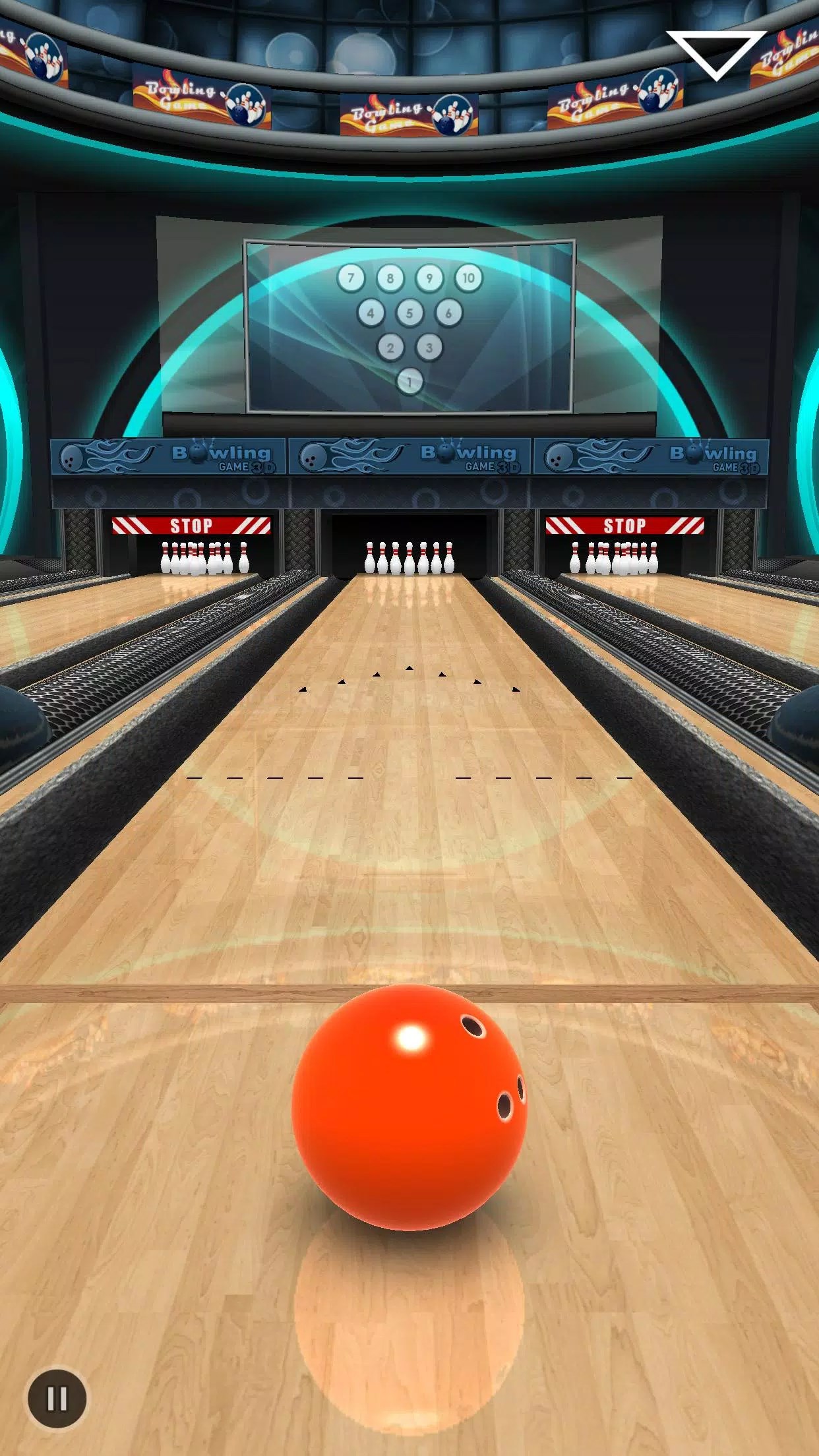
Imagine stepping into a virtual alley with the sun setting behind your lane, a glossy ball suddenly feeling heavy in your hand. Bowling King + transforms your Windows screen into a lively bowling alley, where each flick of your finger counts as a bowler's throw. The game manages to feel both familiar and fresh—like practicing your swing in a cozy backyard, but with high-tech finesse. The controls are smooth, responsive, and easy to grasp, making it appealing for casual players while offering enough depth for bowling aficionados looking for a good challenge.
Physics & Mechanics: Realistic Yet Fun
What sets Bowling King + apart from many other casual bowling games is its attention to physics realism. The ball's motion carefully considers spin, speed, and angle, creating depth that resembles the actual sport. The virtual physics engine accurately simulates how different throws influence the ball's trajectory and pin action, providing a satisfying sense of authenticity. This feature appeals especially to those interested in analyzing mechanics or improving their real-world bowling skills, as they can experiment with different techniques and immediately see their effects. The game doesn't distort physics for the sake of easy wins but instead emphasizes a learning curve that rewards skillful play.
User Interface & Gameplay Experience
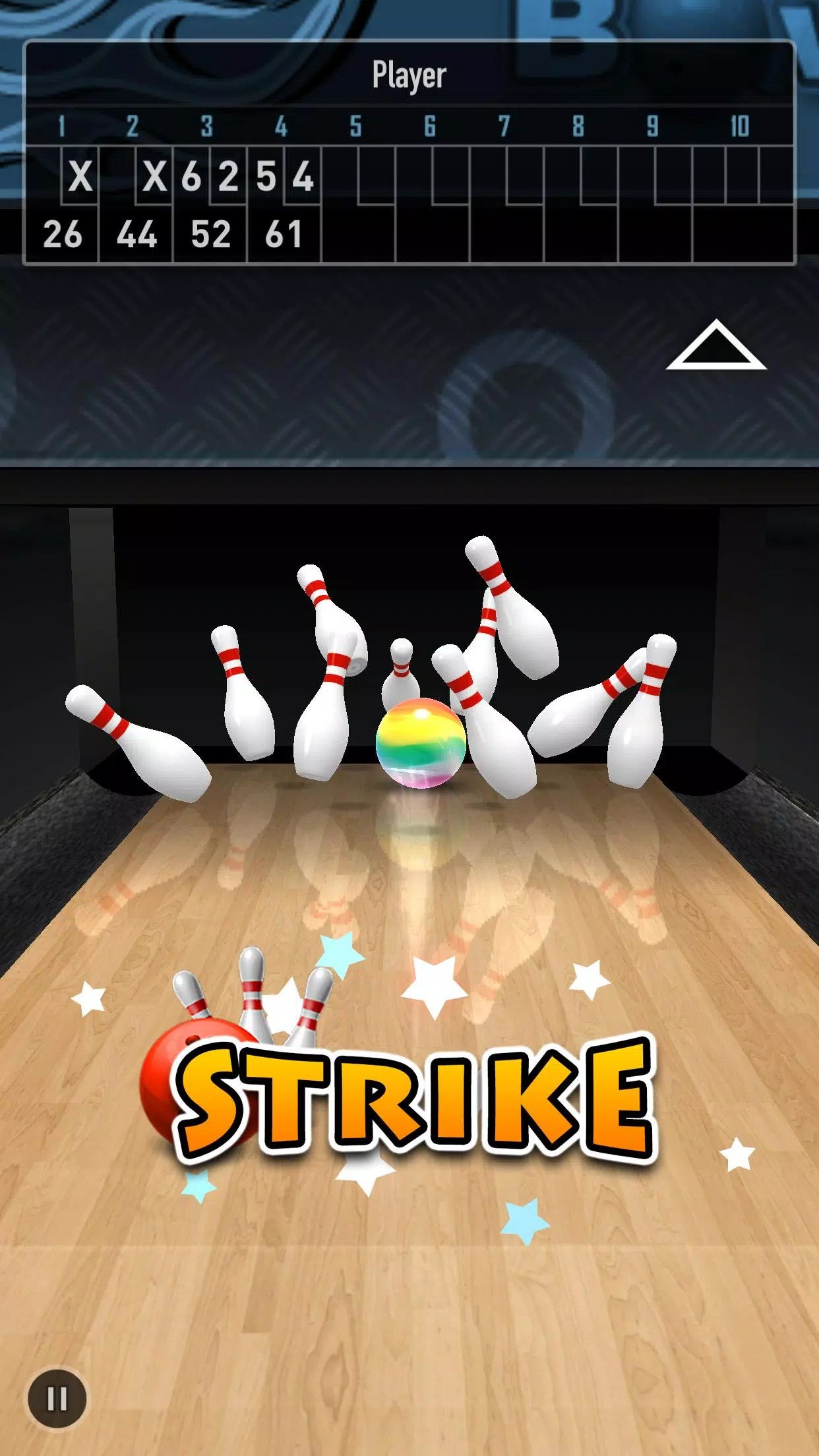
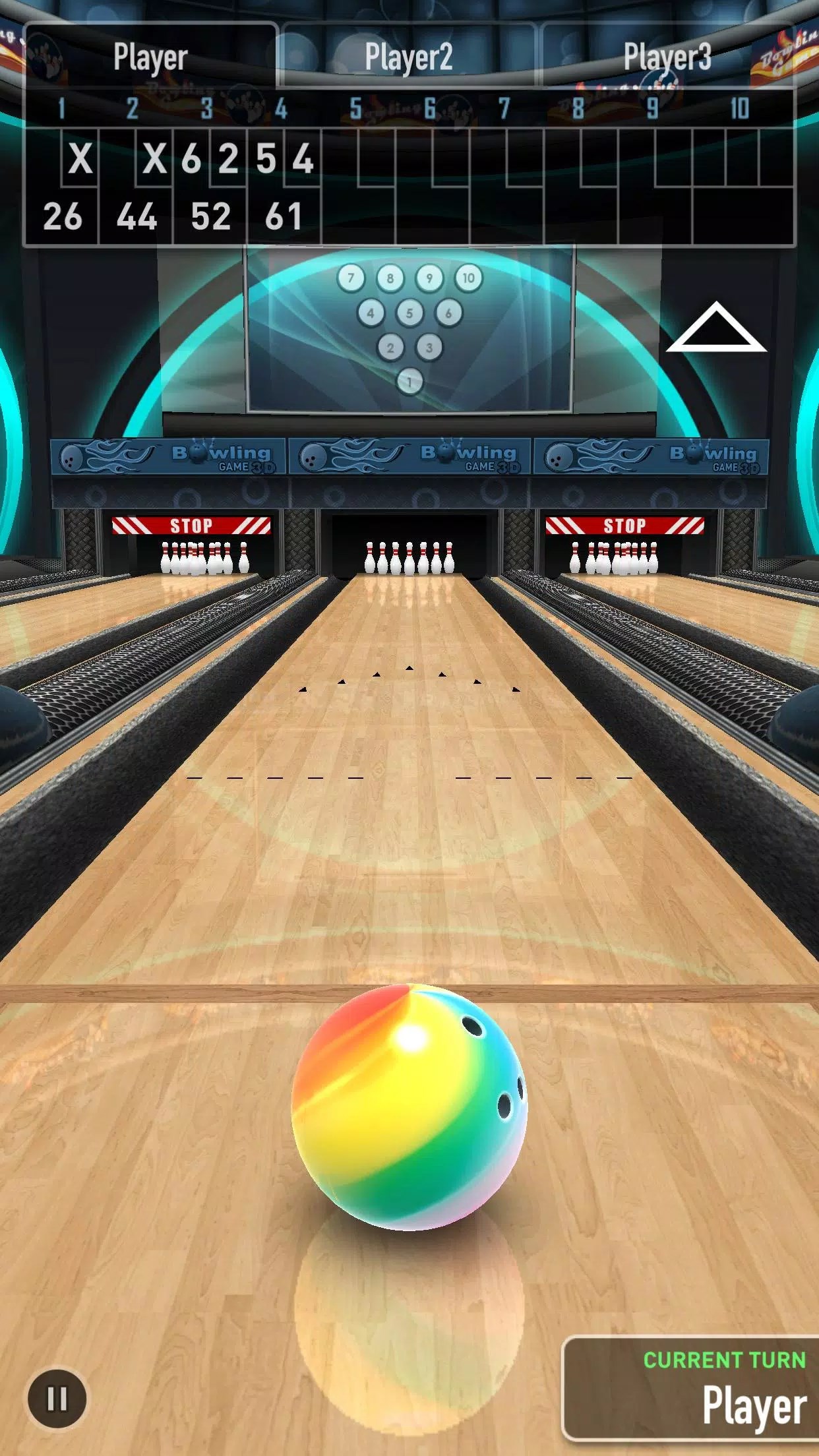
The interface of Bowling King + is clean and intuitive, with a design that resembles a well-organized alley—bright, inviting, and easy on the eyes. The control layout is straightforward: a flick of the finger determines the direction, power, and spin, akin to sliding a real ball down the lane. The game runs smoothly without noticeable lag, even on modest hardware, ensuring an effortless experience. Learning the game takes minutes, yet mastering the nuances offers hours of engaging play. The game's visual effects, such as the gliding ball and realistic pin reactions, add vibrancy and satisfaction to each frame.
Differentiators & Transferability to Reality
Unlike many arcade-style bowling games, Bowling King + emphasizes the authenticity of physics and mechanics, making it a standout in its category. Its detailed simulation of ball spin, friction, and pin interaction goes beyond simple trajectory calculations, offering insights into how real-world bowling feels and reacts. For players interested in applying their gaming insights to real-life bowling, the game serves as an informal training tool—helping to refine aim, torque, and shot selection. Moreover, its variety of competitive modes fosters social interaction, encouraging players to hone skills and analyze their results against others—mirroring the competitive spirit of actual bowling leagues.
Recommendation & Final Thoughts
Overall, Bowling King + is recommended for casual players who want a polished, physics-based bowling experience on their Windows device. Its most outstanding feature—the realistic physics simulation—sets it apart from other arcade-style titles, making it a worthwhile pick for enthusiasts interested in the mechanics of the sport. Beginners will appreciate the intuitive controls, while experienced bowlers may find value in its analytical aspects. For anyone seeking a fun, accessible, yet technically engaging sports game, Bowling King + is a solid choice to roll into your daily entertainment lineup.
Pros
- Realistic physics and smooth gameplay
- Multiple game modes and challenges
- High-quality graphics and intuitive interface
- Regular updates introducing new features
- Offline mode available for uninterrupted play
Cons
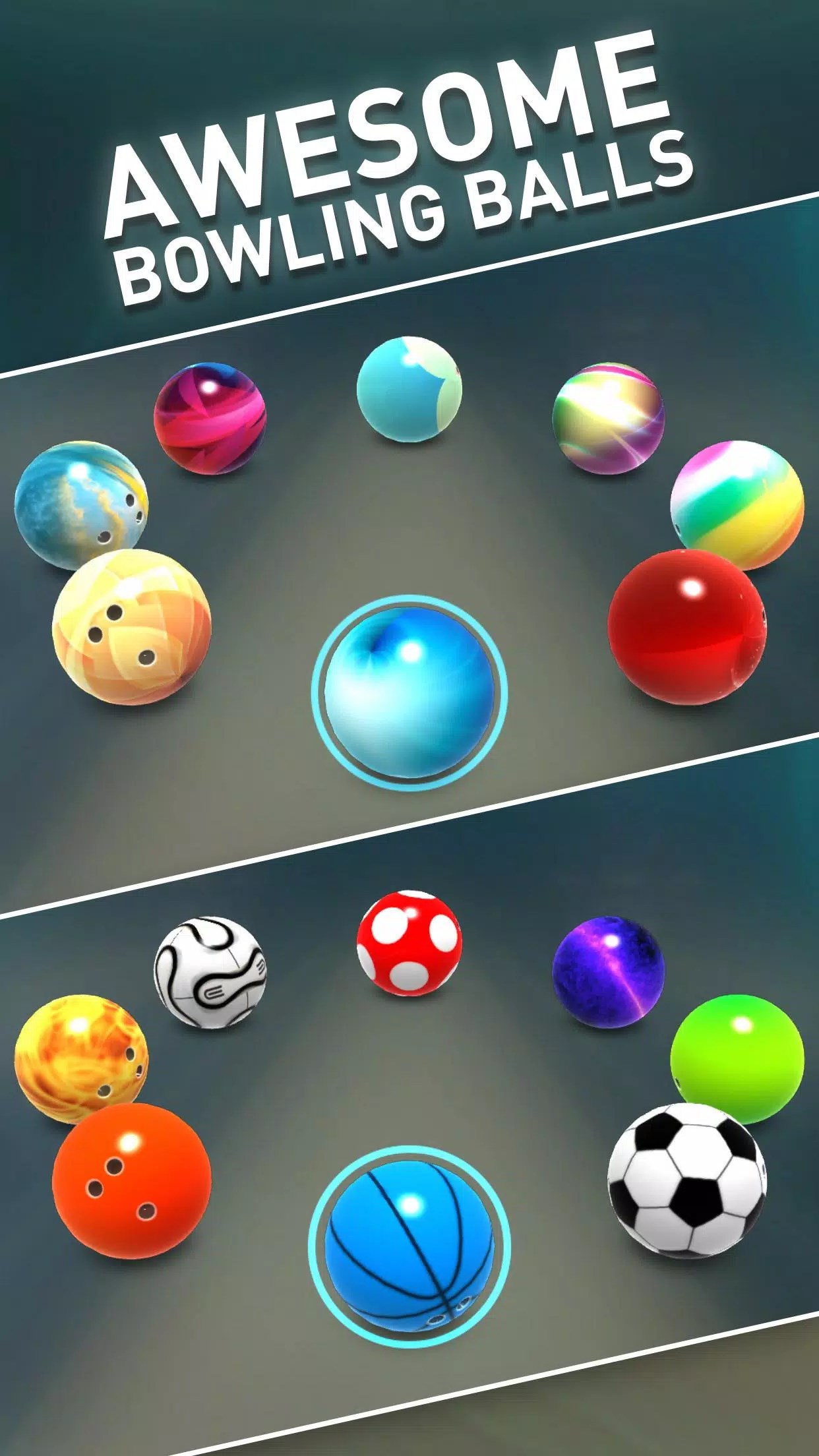
- Limited customization options for balls and lanes
- Occasional glitches during multiplayer matches
- In-app purchases can be necessary for advanced items
- Ads can interrupt gameplay sessions
- Performance may vary on lower-end devices











