
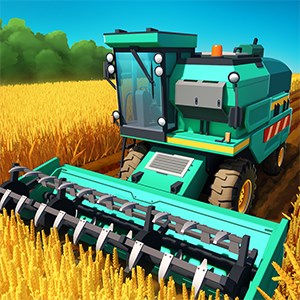
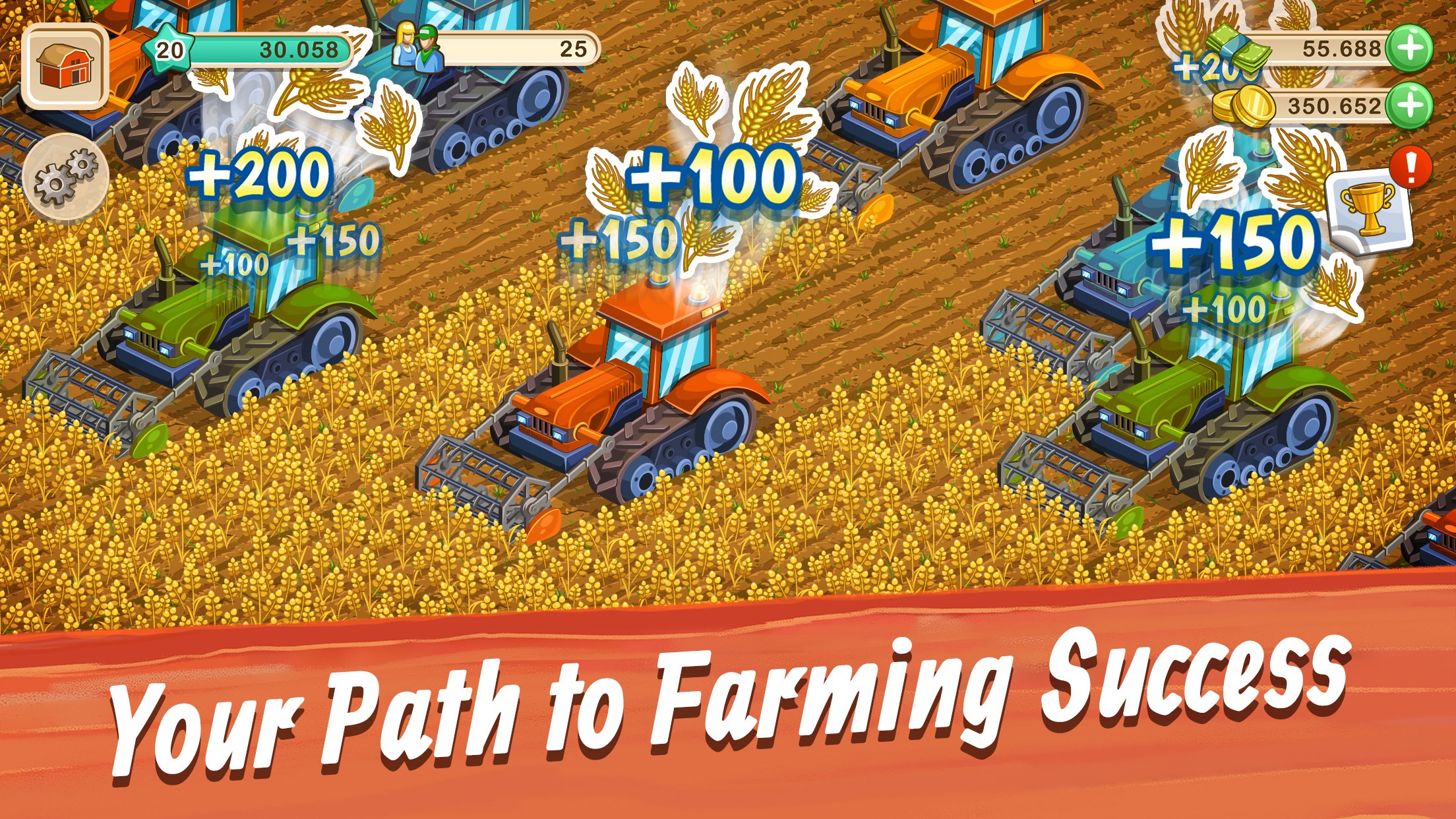
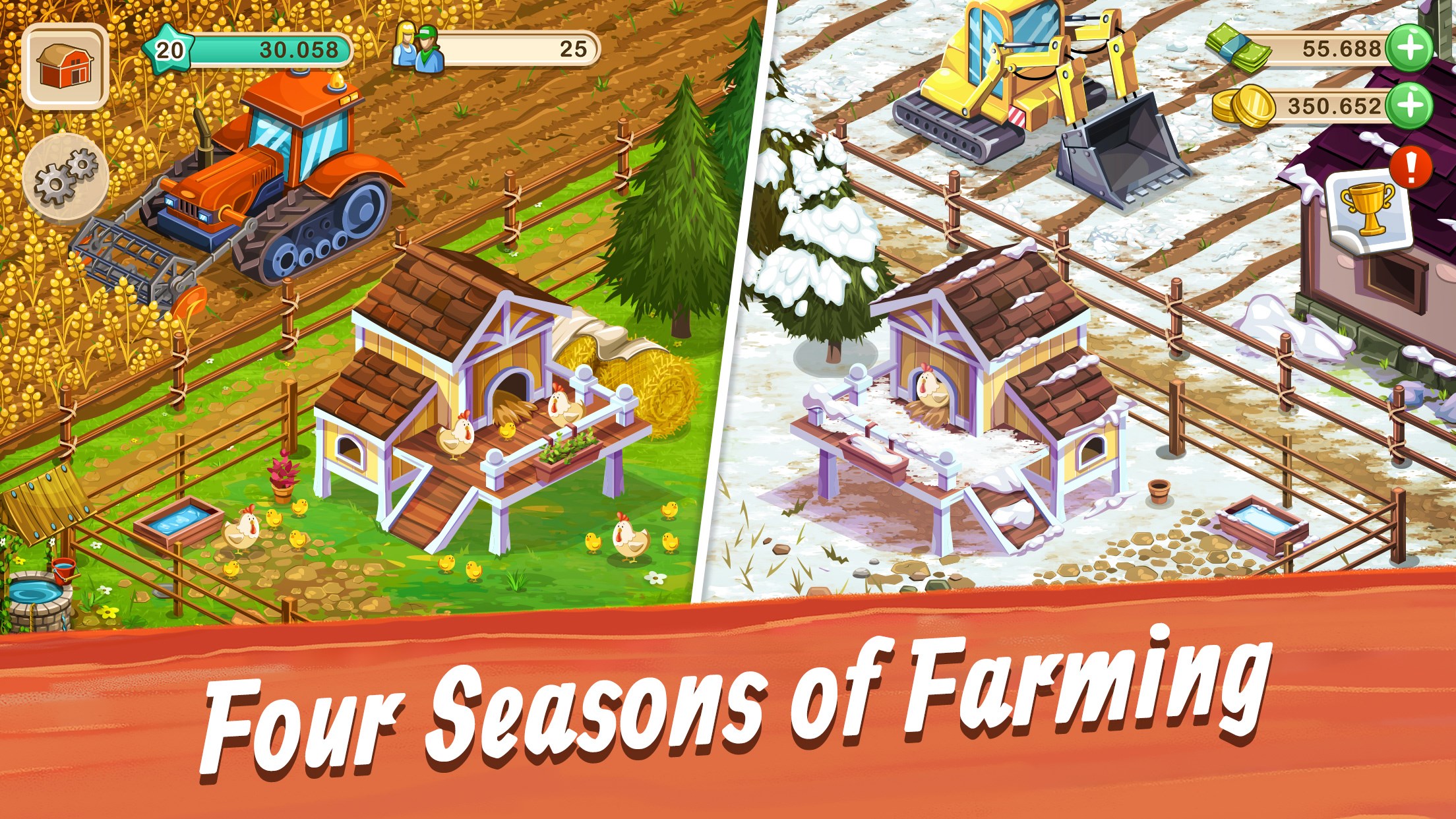
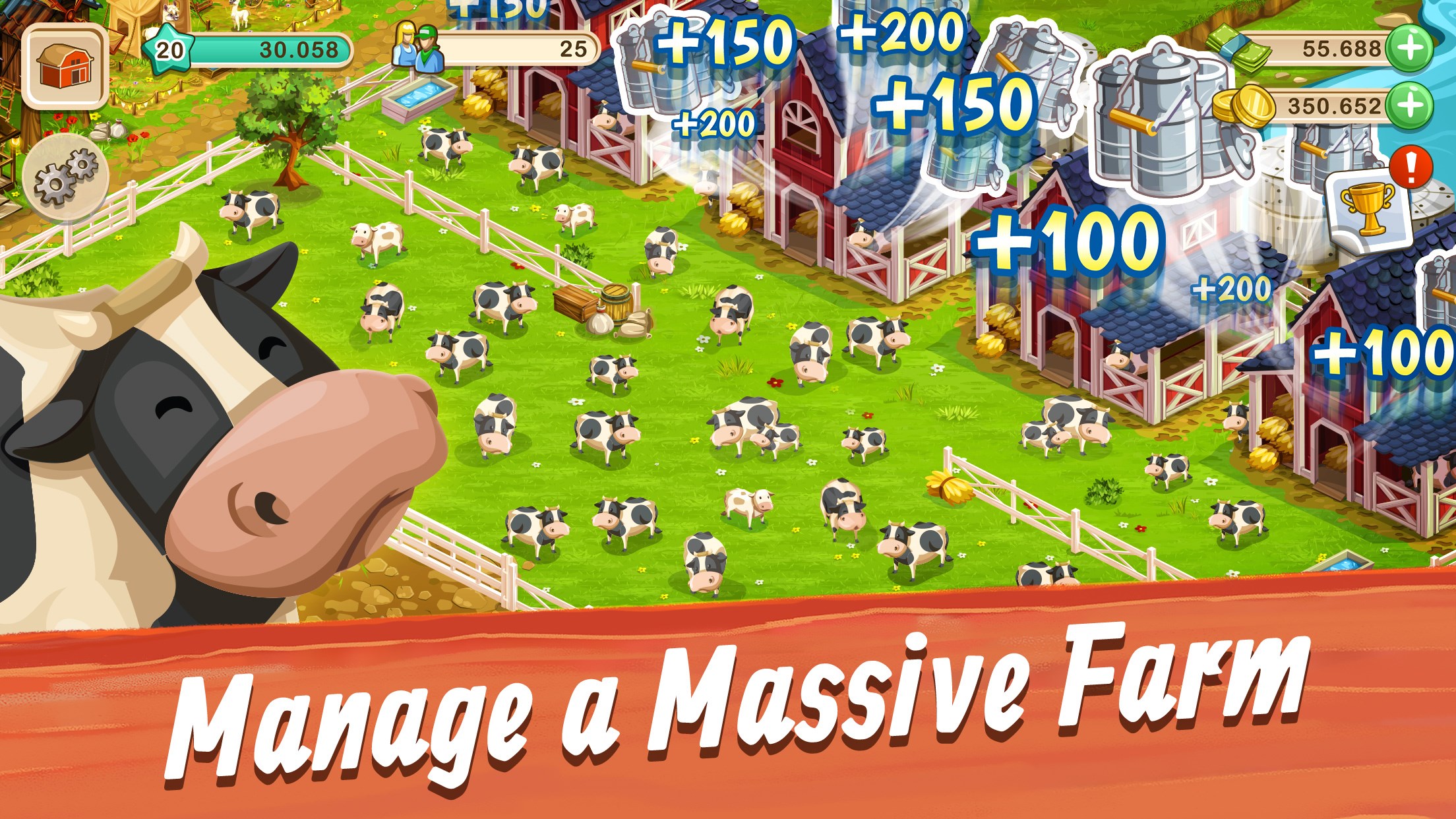
- Name Big Farm: Mobile Harvest
- Category Simulation
- Developer Goodgame Studios / Altigi GmbH
- Available on PC
- OS Windows 10 version 10240.0 or higher
- DirectX Version 10
- Mouse Integrated Mouse
- Memory 750 MB
- Keyboard Not specified
- languages English (United States)
Introduction to Big Farm: Mobile Harvest for Windows
Big Farm: Mobile Harvest offers a charming farming simulation experience designed to bring the nostalgic joy of tending to a bustling virtual farm right to your Windows device. Combining engaging gameplay with a colorful, inviting interface, it appeals to both casual players and farming enthusiasts alike.
Developer and Core Features
Developed by Goodgame Studios / Altigi GmbH, a reputable name in the casual gaming world, Big Farm: Mobile Harvest boasts several standout features:
- Rich Farm Customization and Expansion: Players can cultivate a variety of crops, raise livestock, and expand their farmstead into a sprawling countryside haven, offering a deeply personalized experience.
- Multiplayer Interactions: The game integrates social elements such as trading resources, helping neighbors, and participating in cooperative events, creating a communal farming atmosphere.
- Event and Quest System: Regular events and quests keep gameplay dynamic, rewarding players with unique items and progress milestones.
- Engaging Mini-Games and Economy: The game features mini-games and a straightforward, accessible economic system that keeps players engaged without feeling overwhelmed.
Designed primarily for casual gamers, farmers of all ages seeking a peaceful, engaging escape will find this app a delightful addition to their digital routine.
Vivid Gameplay and User Engagement
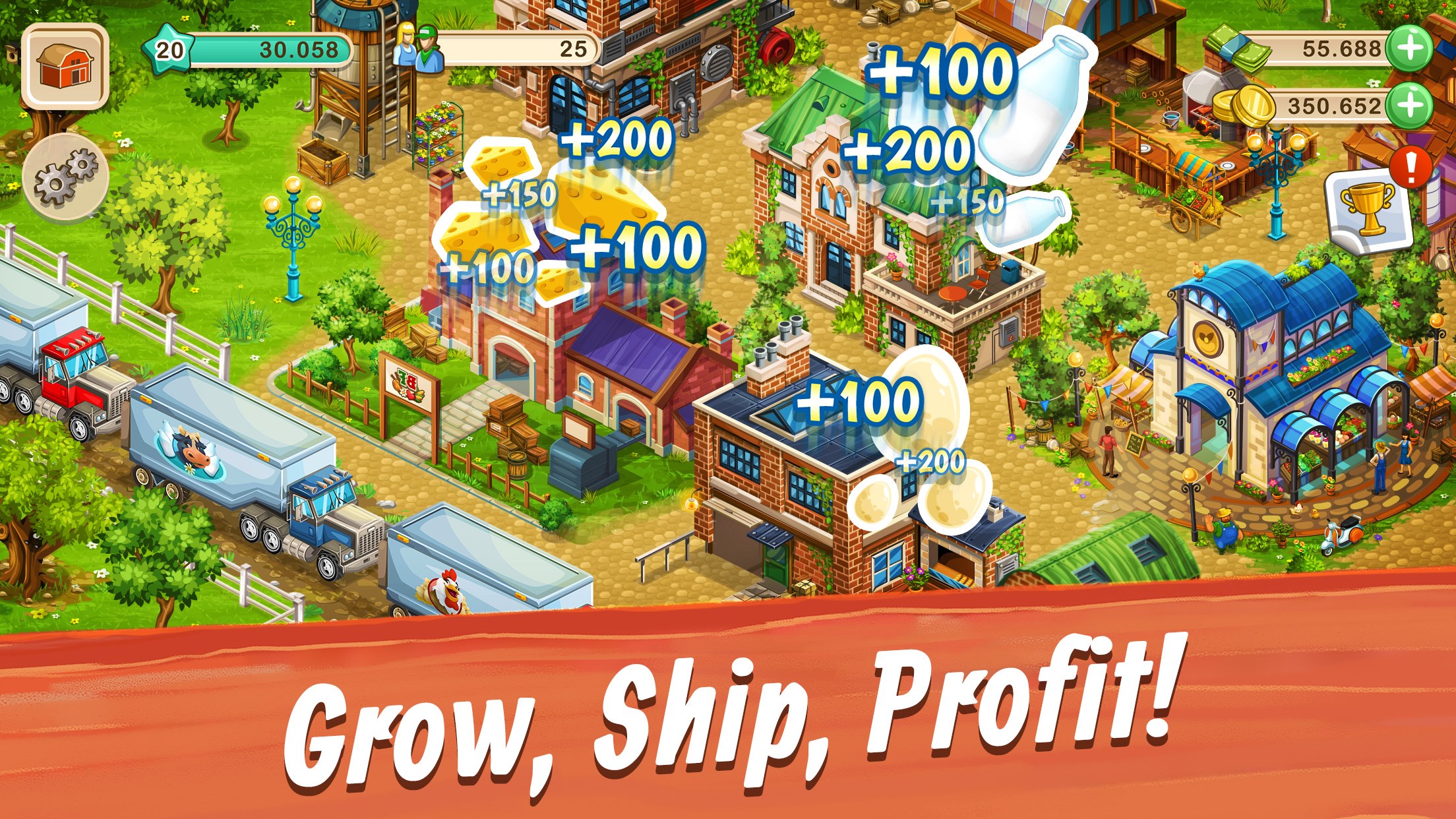
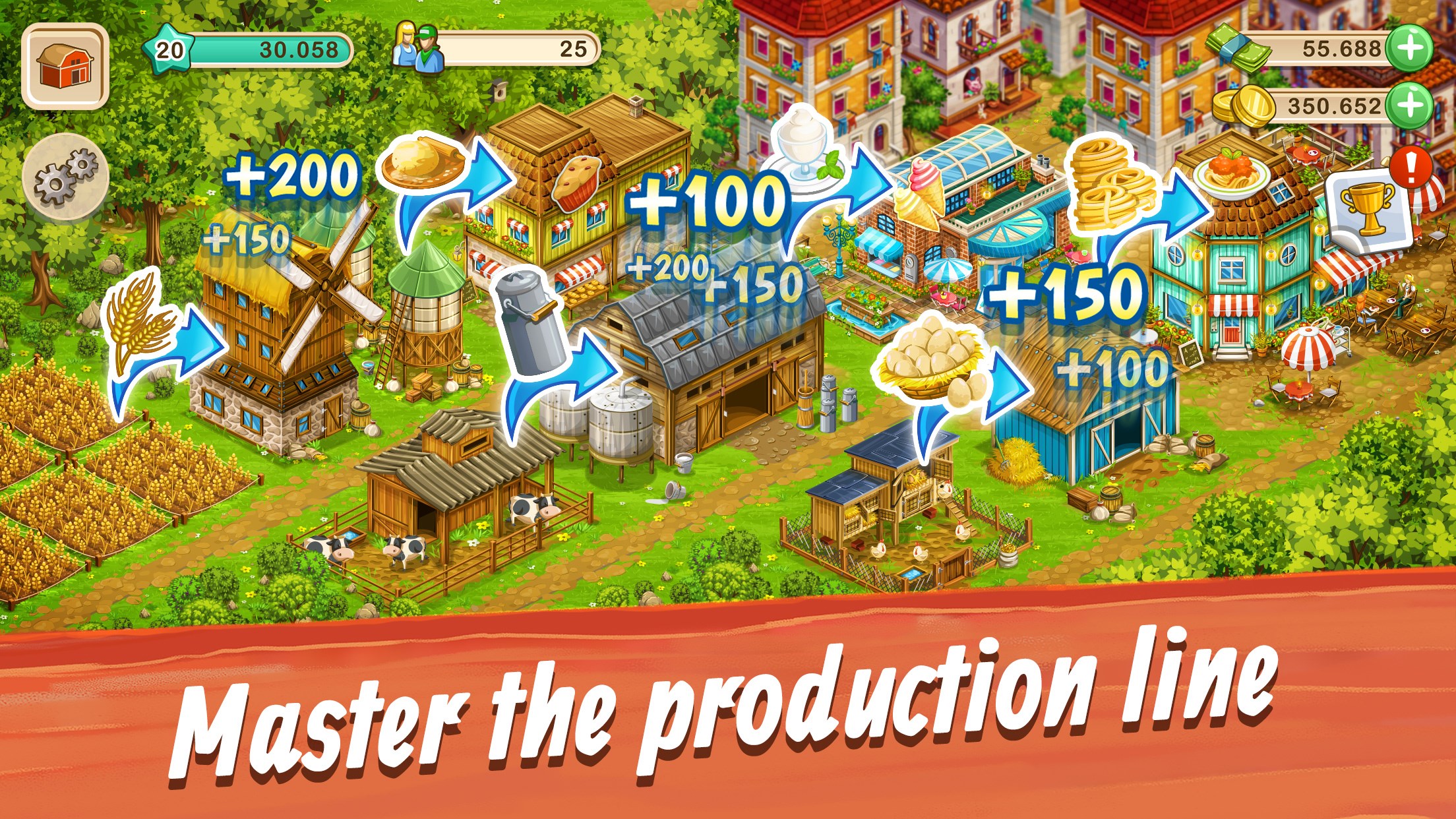
Stepping into Big Farm: Mobile Harvest is akin to strolling through a sunny, bustling marketplace—lively, warm, and full of potential. The game's delightful cartoon-style graphics immediately captivate, creating an inviting environment that beckons you to start planting your first seed. The gameplay unfolds much like tending an actual farm, with players navigating through planting, harvesting, and managing resources—all supplemented by colorful animations and cheerful sounds that make every task feel satisfying.
The game's core mechanics are simple yet rewarding. Plant crops, nurture animals, and decorate your farm to reflect your unique style. The progression system rewards investment and strategic planning; for example, balancing crop rotation with animal husbandry keeps the farm thriving. The interface's intuitive layout makes it easy for newcomers to grasp farm management without a steep learning curve, while seasoned players can delve into more complex strategizing seamlessly.
Core Functionality Breakdown
Farm Management and Customization
This is the heart of the game. You start with a modest plot and gradually expand it—planting wheat, corn, or exotic vegetables. Raising animals such as chickens, cows, and sheep adds dimension, allowing for product collection, trade, or crafting. The customization options are extensive, enabling you to design your farm's layout with various decorative elements. The realism in crop growth cycles and animal behaviors adds depth, making each decision impactful and satisfying.
Social Integration and Cooperative Play
Unlike many solo farming simulations, Big Farm: Mobile Harvest emphasizes community. You can visit friends' farms, exchange goods, or assist with tasks, fostering a sense of camaraderie. Special cooperative events encourage teamwork, which not only enhances gameplay fun but also introduces a subtle element of social learning—players observe strategies that can be translated into real-world teamwork skills.
Evaluating the User Experience
The game's visual design strikes a balanced harmony—bright, colorful, and pleasant without overwhelming. Navigation is intuitive; buttons are well-placed, ensuring smooth transitions between planting, harvesting, and managing resources. The gameplay flow is fluid, with minimal loading times, making it easy to jump in and out of sessions. The learning curve is gentle, thanks to helpful tutorials and on-screen prompts, which guide new players without patronizing them.
Compared to other simulation apps, Big Farm: Mobile Harvest distinguishes itself via its emphasis on farm customization and vibrant community features. Its mechanics lean towards realism—crops take actual time to grow, animals exhibit authentic behaviors—and this subtle dedication to realism enhances immersion. Additionally, the game manages to incorporate learning transfer; players develop skills in resource management, planning, and cooperation that can resonate beyond the game world, perhaps encouraging patience and strategic thinking.
Recommendation and Usage Tips
Overall, I recommend Big Farm: Mobile Harvest to casual gamers, farm simulation fans, and anyone interested in a relaxing, engaging app that fosters creativity and social interaction. Its approachable interface and smooth gameplay make it suitable for quick breaks or extended play sessions. To maximize enjoyment, consider connecting with friends, participate regularly in events, and explore customization options—each adds layers of richness to your farming adventure.
While it may not satisfy players seeking complex economic strategies or intense gameplay, its charm lies in accessible, well-structured farm life simulation. So if you're looking for a friendly digital farmhands to keep you company, this app is a worthy, well-crafted choice.
Pros
- Engaging gameplay with a variety of farming activities
- Beautiful, colorful graphics and well-designed animations
- Regular updates introduce new crops, animals, and events
- User-friendly interface suitable for all ages
- Built-in social features allow trading and cooperation with friends
Cons
- Limited storage space for collected items
- In-app purchases can be necessary to unlock certain features faster
- Energy system restricts gameplay sessions
- Occasional connectivity issues during online features
- Some tools and upgrades are too expensive in the in-game shop











