
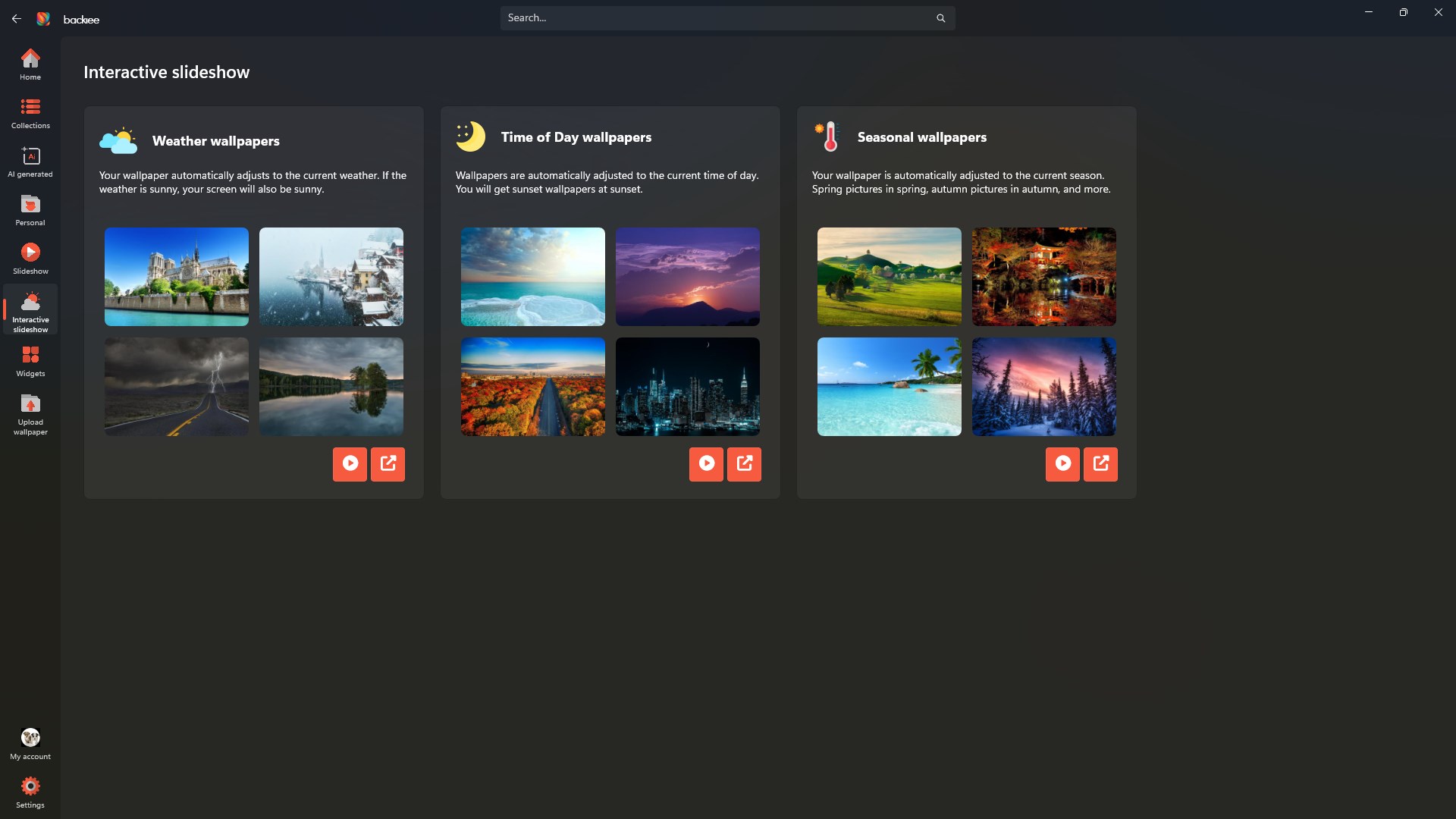
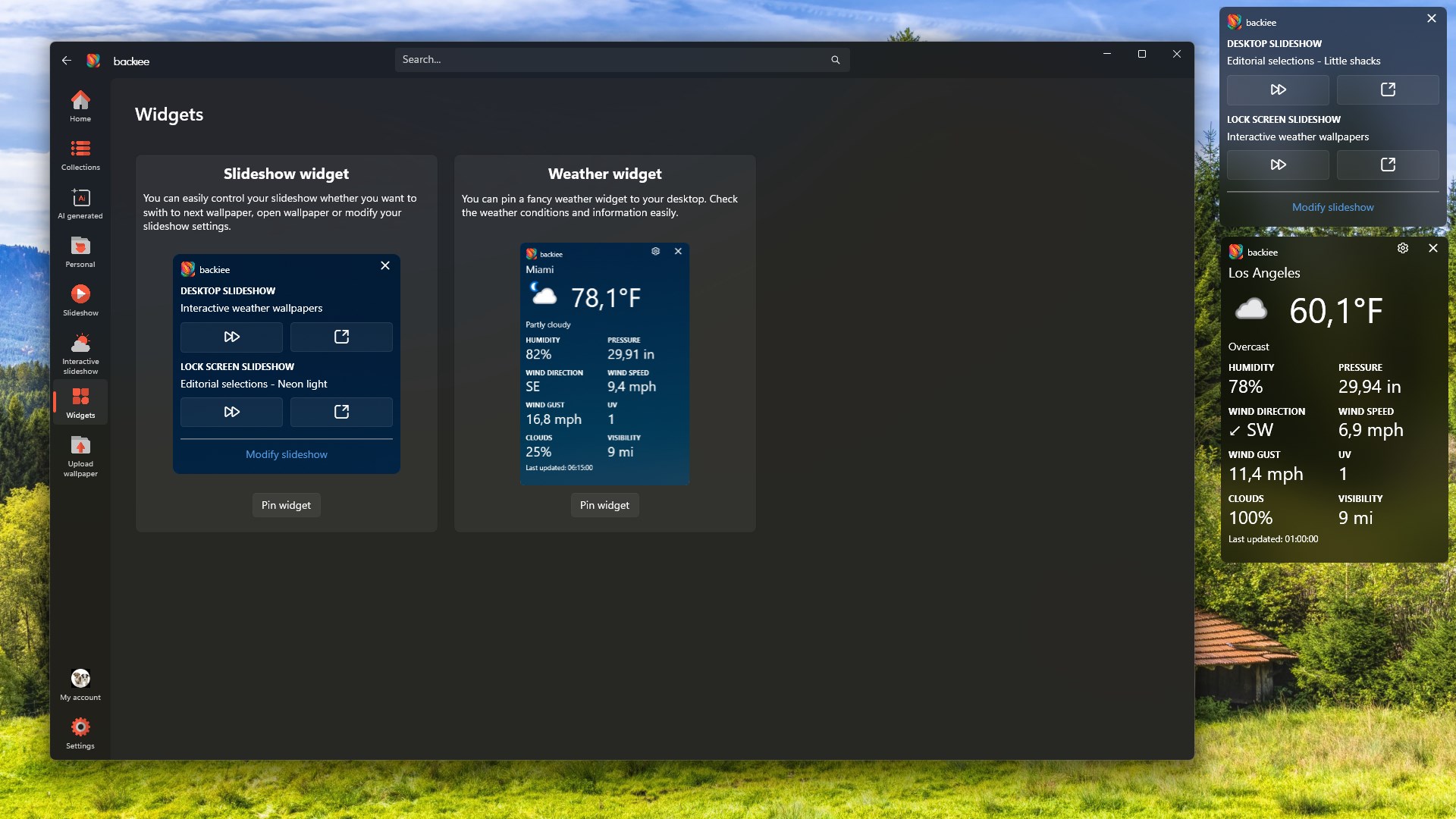
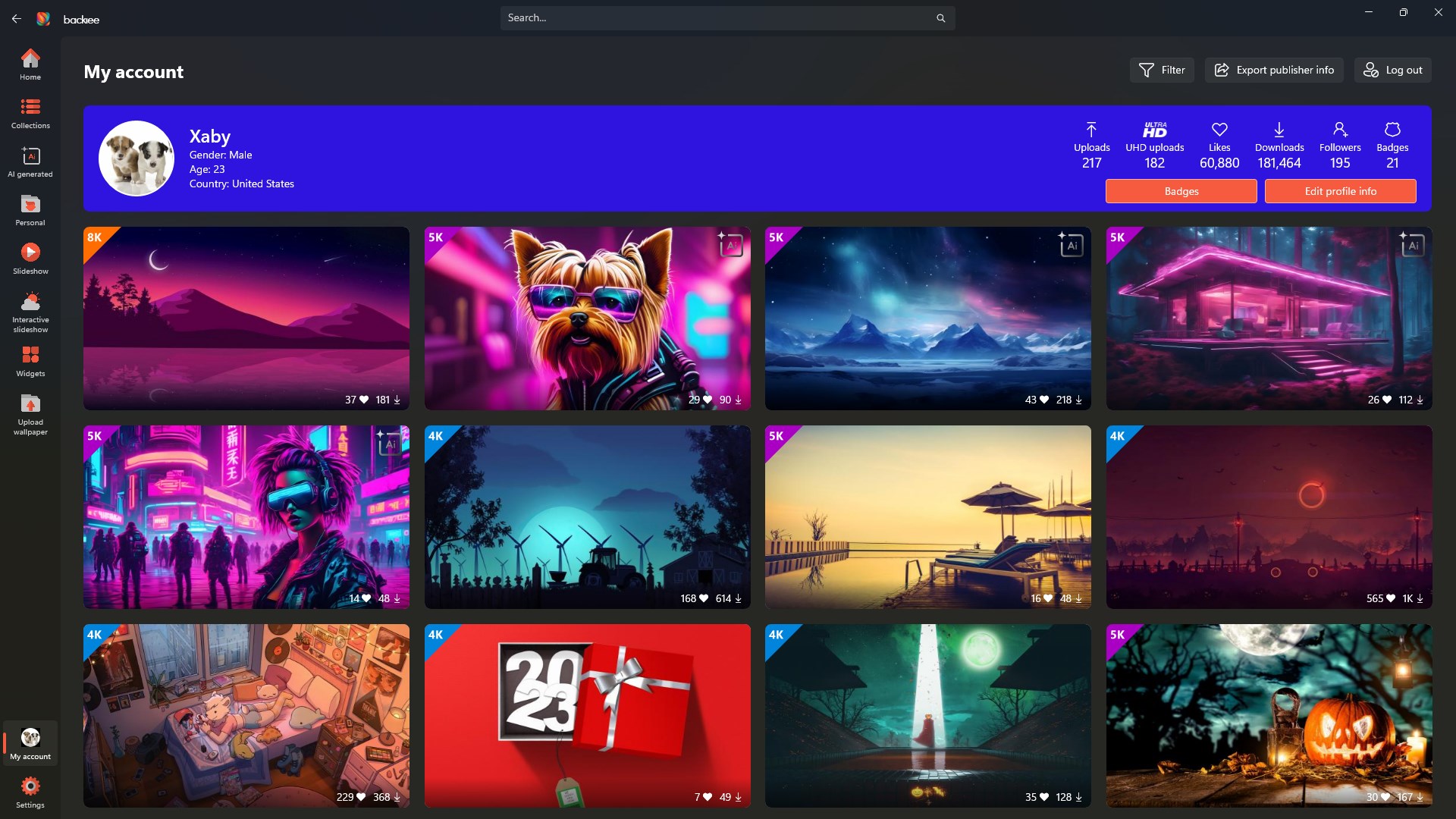
- Name backiee - Wallpaper Studio 10
- Category Personalization
- Available on PC, Mobile, Xbox console, Surface Hub, HoloLens
- OS Windows 10 version 19041.0 or higher
- languages Arabic, Chinese (Simplified), Czech, Dutch, English (United States), French, German, Hebrew, Hindi, Hungarian, Italian, Polish , Portuguese (Portugal), Romanian, Russian, Spanish (Mexico), Spanish (Spain), Thai, Turkish, Ukrainian, Vietnamese
Backiee - Wallpaper Studio 10 for Windows: A Fresh Take on Personalization
Looking to invigorate your desktop with unique wallpapers tailored just for you? Backiee - Wallpaper Studio 10 offers a compelling suite of tools designed to transform your Windows background into an ever-changing canvas of creativity. Developed by Good2Create, this application aims to serve users who crave personalization with a splash of innovation. Whether you're a casual user seeking aesthetic upgrades or a dedicated customization enthusiast, this app positions itself as a versatile wallpaper management solution.
Core Features that Make a Difference
Vast and Dynamic Wallpaper Library
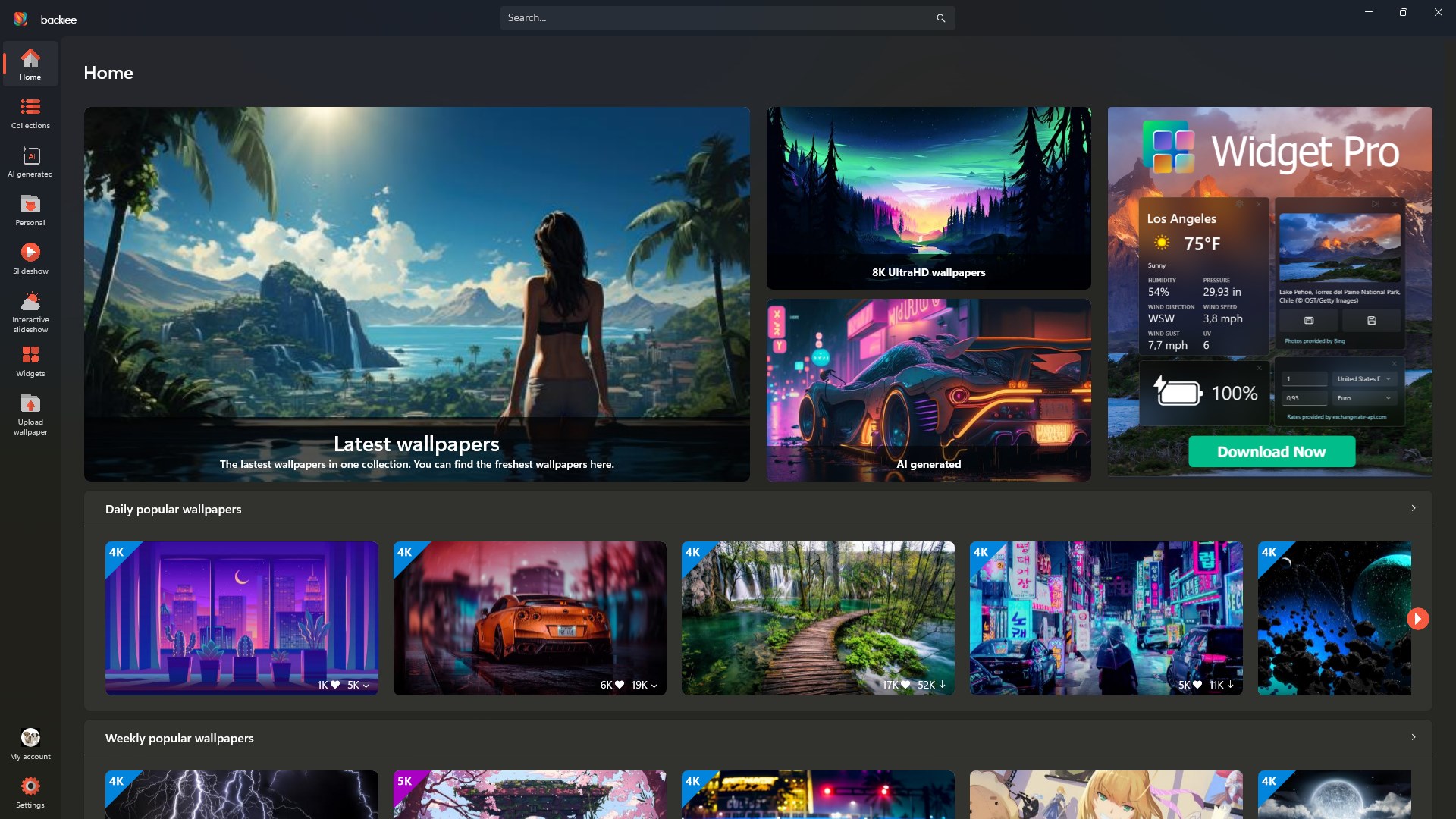
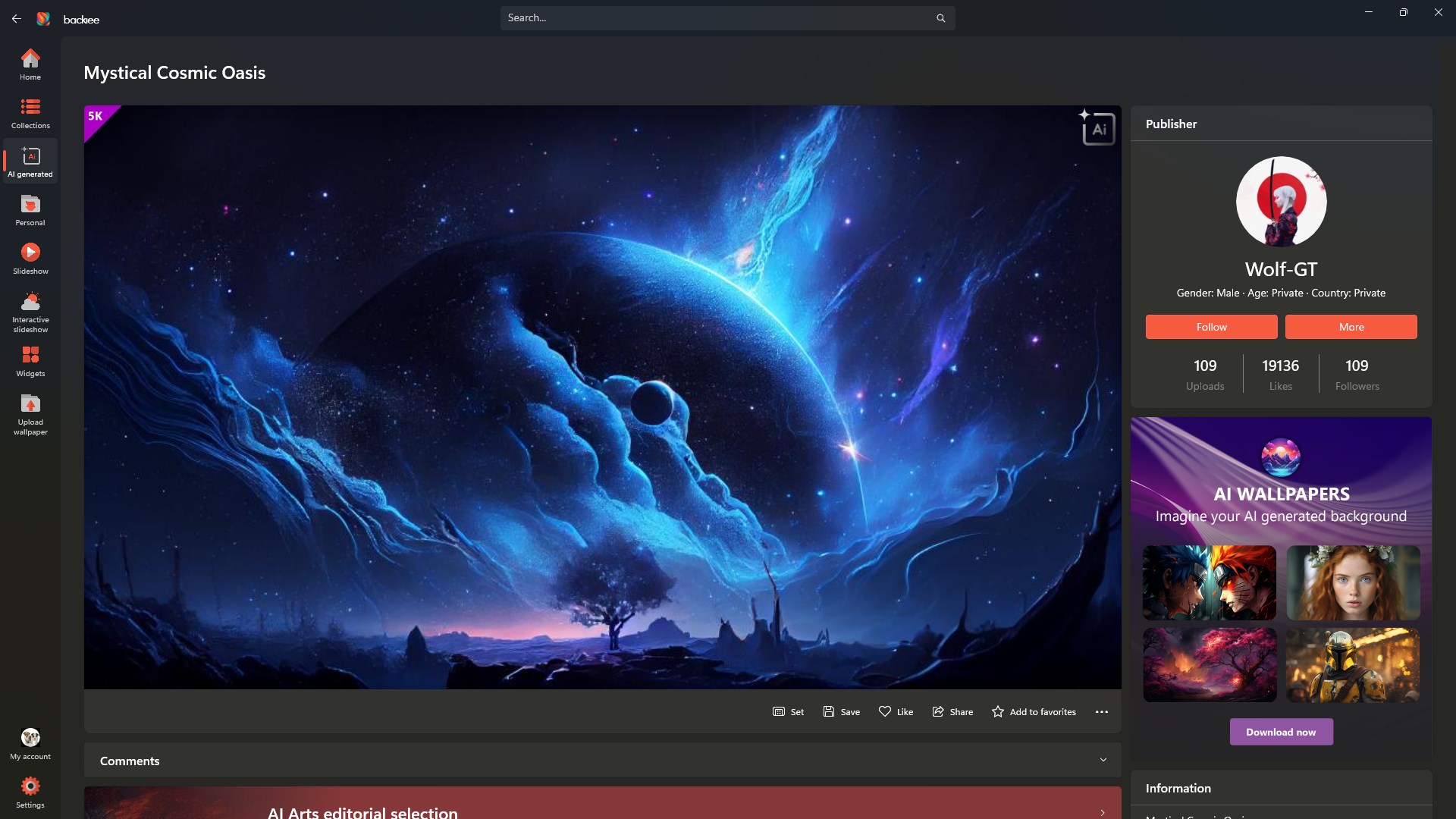
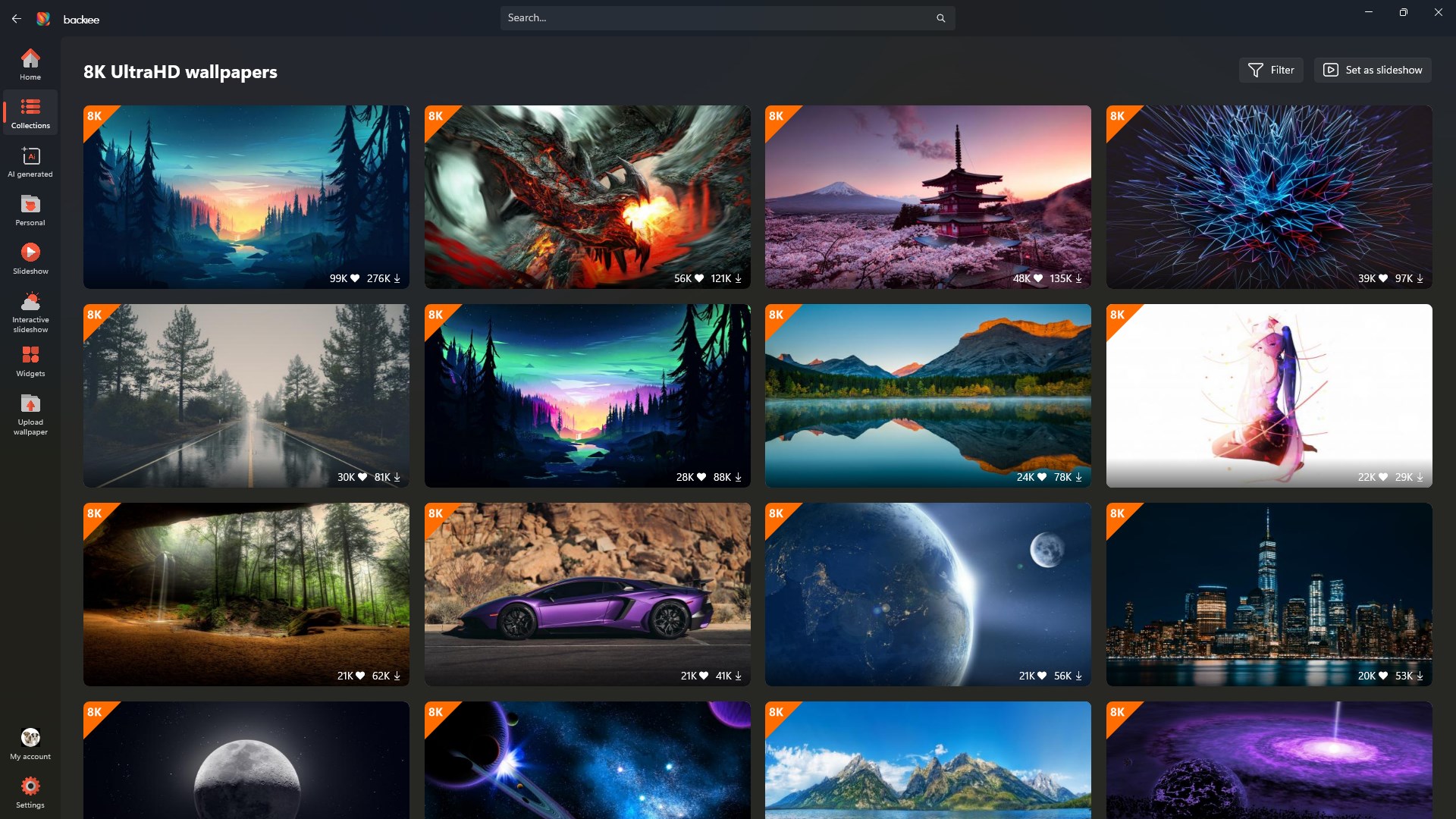
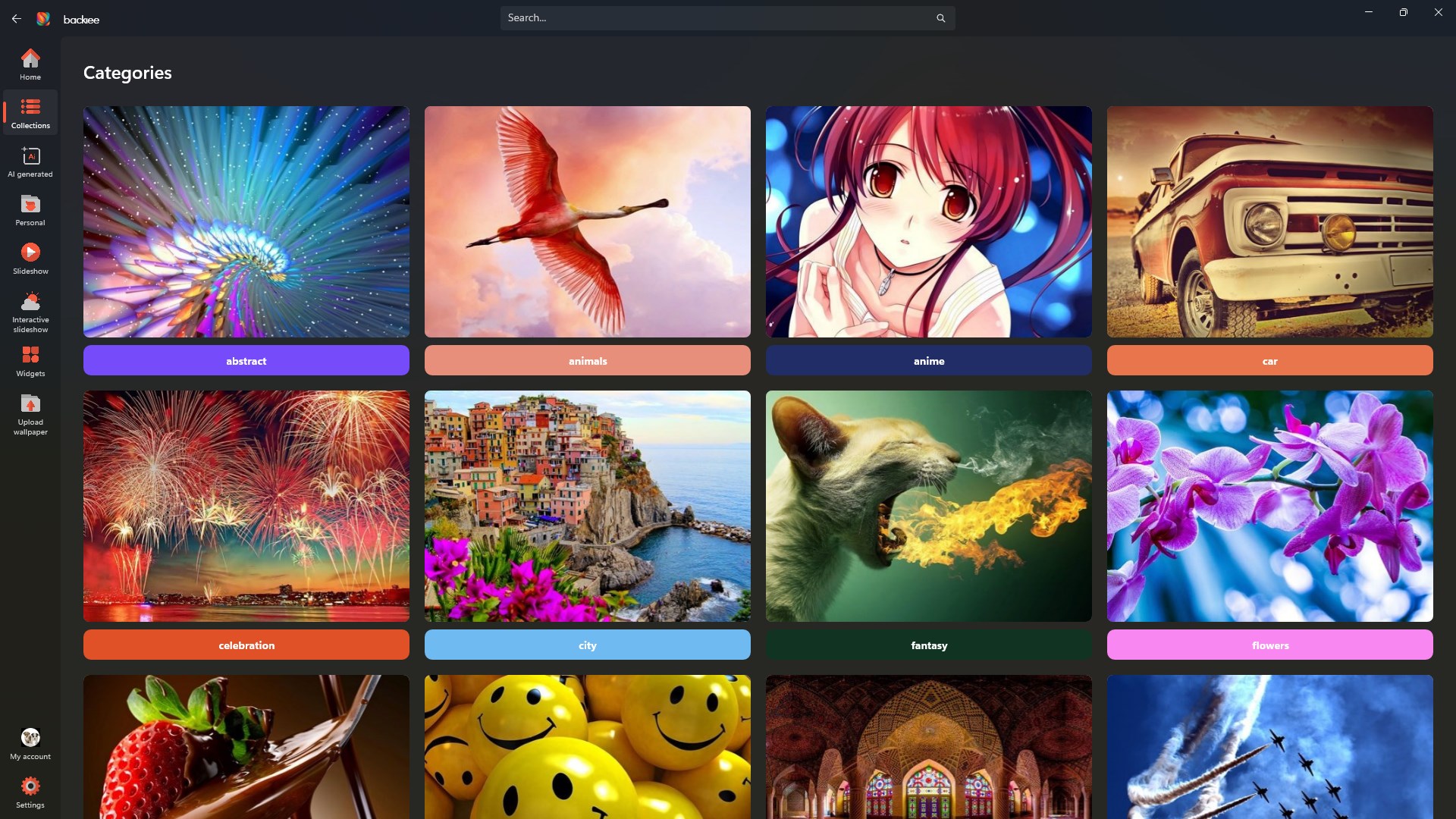
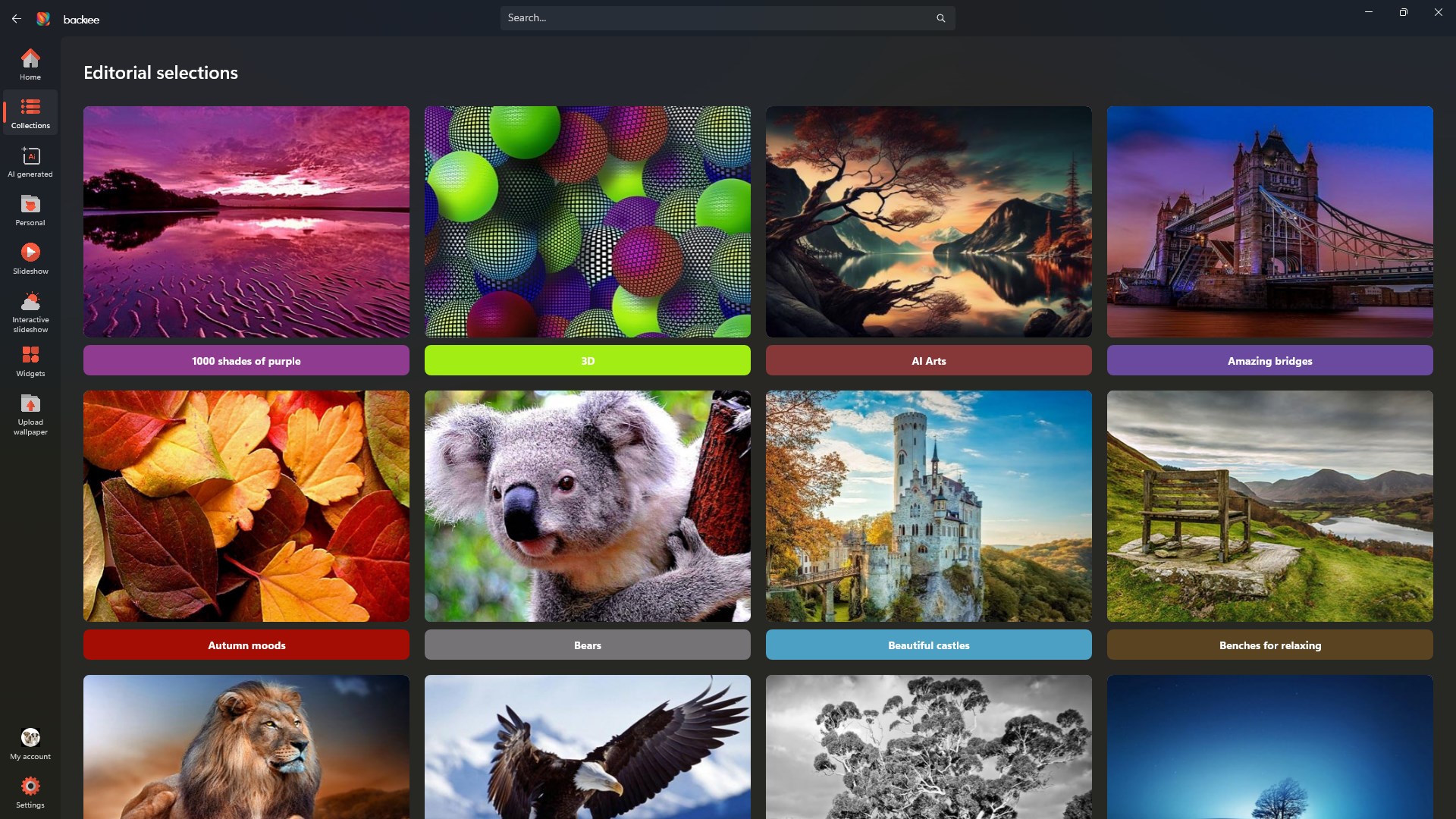
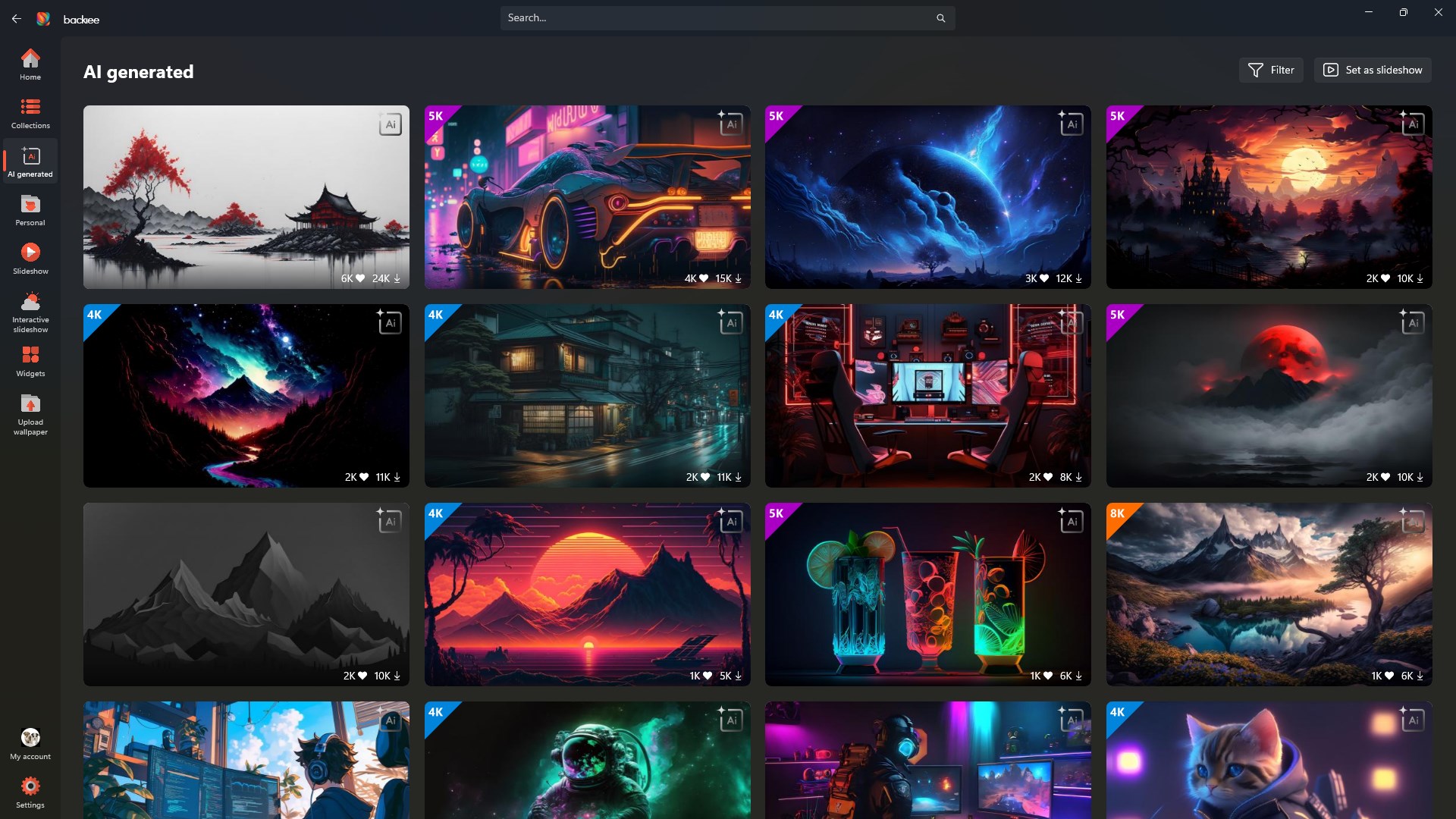
Backiee boasts an extensive library of wallpapers spanning various genres—nature, abstract, technology, and more. What sets it apart is the dynamic updating feature that regularly refreshes your desktop with new wallpapers, ensuring your workspace never feels stale. Think of it as having an artist constantly paint new scenery for your digital environment, adding freshness day after day.
Powerful Customization Options
One of the app's standout features is its rich array of customization tools. From cropping and resizing images to applying filters and overlay effects, users can fine-tune wallpapers to their liking. Unlike many other apps that offer limited tweaking, Backiee empowers you to craft wallpapers with detailed personalization, turning simple images into bespoke art pieces that resonate with your style.
Seamless Theme Compatibility
The app's integration with Windows themes enhances overall aesthetic consistency. Backiee intelligently adapts wallpapers to match your system's color schemes and light/dark modes, creating a harmonious visual experience. This synergy ensures that your personalized wallpapers feel like an organic part of your desktop environment rather than just background images pasted onto your screen.
User Experience: Intuitive, Smooth, and Engaging
Entering Backiee's interface feels like stepping into a well-organized art studio—clean, inviting, and thoughtfully laid out. Navigating through categories and customization menus is effortless, thanks to a logical layout and responsive controls. During testing, transitions between different sections and wallpaper changes were fluid, demonstrating a well-optimized application that respects user patience. While the learning curve is gentle enough for beginners, the depth of customization options offers enough complexity to keep advanced users engaged.
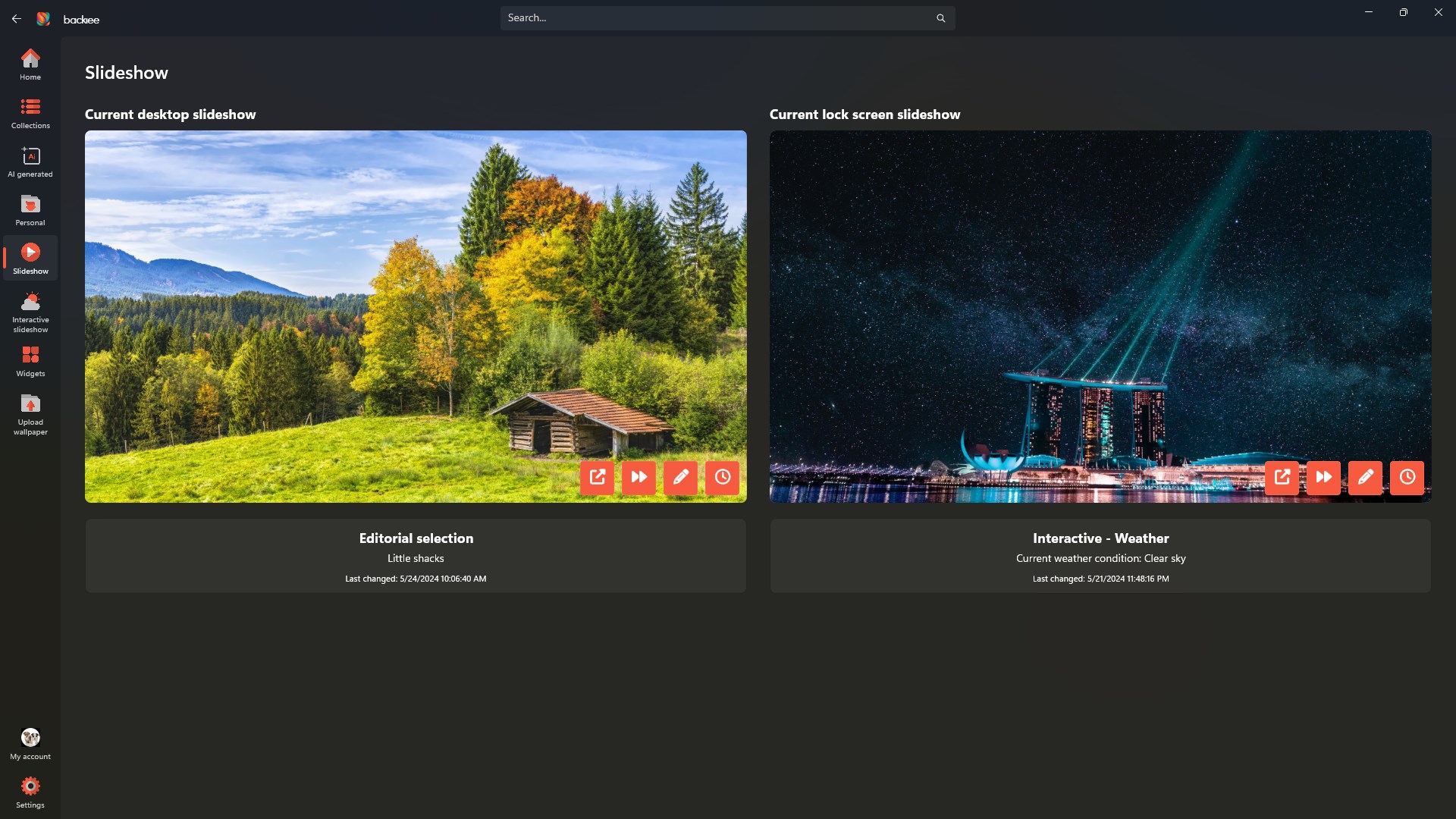
One of the app's shining features is its ability to automatically update wallpapers at scheduled times, much like a smart wallpaper butler that refreshes your desktop while you focus on your tasks. The overall experience feels polished and reliable, with little lag or hiccups, making it a pleasure rather than a chore to personalize your space.
What Sets Backiee Apart in the Crowd?
Compared to other personalization apps, Backiee's main differentiator lies in its blend of a vast wallpaper library with advanced, user-friendly customization tools. The variety of options for tweaking images—adding overlays, adjusting hues, and cropping—is more comprehensive than many free counterparts. Additionally, its theme compatibility allows users to maintain a cohesive visual identity across wallpapers and system interface, an often-overlooked feature in similar apps.
This dual focus on aesthetic variety and system integration makes Backiee a compelling choice for users who value both diversity and harmony in their desktop environment. It's like having an artist's palette combined with a designer's eye for detail, all wrapped in an intuitive package.
Recommendation and Usage Tips
In my view, Backiee - Wallpaper Studio 10 earns a solid recommendation for anyone interested in elevating their desktop appearance without overwhelming complexity. Its ease of use coupled with powerful customization makes it suitable for novices and seasoned users alike. I suggest exploring the customization features first to get a feel for how versatile the app truly is, then diving into the wallpaper library for inspiration.
For best results, regularly update your collection and experiment with filters and overlays; this will keep your desktop feeling vibrant and personalized over time. Whether you appreciate minimalist aesthetics or vibrant graphics, Backiee provides the tools to craft a desktop environment that feels uniquely your own. If you're seeking a no-fuss yet richly customizable wallpaper solution, this app is worth trying out.
Pros
- Extensive Wallpaper Collection
- High-Resolution Images
- User-Friendly Interface
- Regular Content Updates
- Customizable Wallpaper Settings
Cons
- Limited Free Content
- Slow Download Speeds
- Few Customization Options
- Occasional Bug Reports
- Limited Compatibility with Older Devices











