

- Name Autumn Colors
- Category Personalization
- Available on PC
- OS Windows 10 version 14951.0 or higher
- languages English (United States)
Autumn Colors for Windows: A Fresh Take on Desktop Personalization
Autumn Colors for Windows is a creative app designed to infuse your desktop with the warm, inviting hues of fall, transforming your digital workspace into a cozy autumnal landscape.
About the App
This application offers a simple yet elegant way to customize your Windows background with soothing autumn-inspired themes. Developed by Microsoft Corporation, it aims to enhance user experience by providing personalized visuals that reflect the changing seasons. Its key highlights include a variety of carefully curated autumn-themed wallpapers, seamless theme integration, and options for customizing color overlays and effects. The target audience primarily comprises individuals seeking aesthetic personalizations, including casual users, students, and professionals who want to add a touch of nature's beauty to their desktops without complex configurations.
Captivating Springboard: A User-Friendly Creative Tool
Launching Autumn Colors for Windows feels like opening a window to a peaceful forest bathed in golden light. The interface is intuitively designed, inviting users of all technical levels to explore and enhance their desktops effortlessly. The app's layout is clean and organized, with clear sections for browsing themes, customizing options, and access to settings. Switching themes is as simple as a few clicks, providing instant visual refreshes that breathe new life into your workspace.
Core Functionality 1: Diverse Autumn-Themed Wallpapers
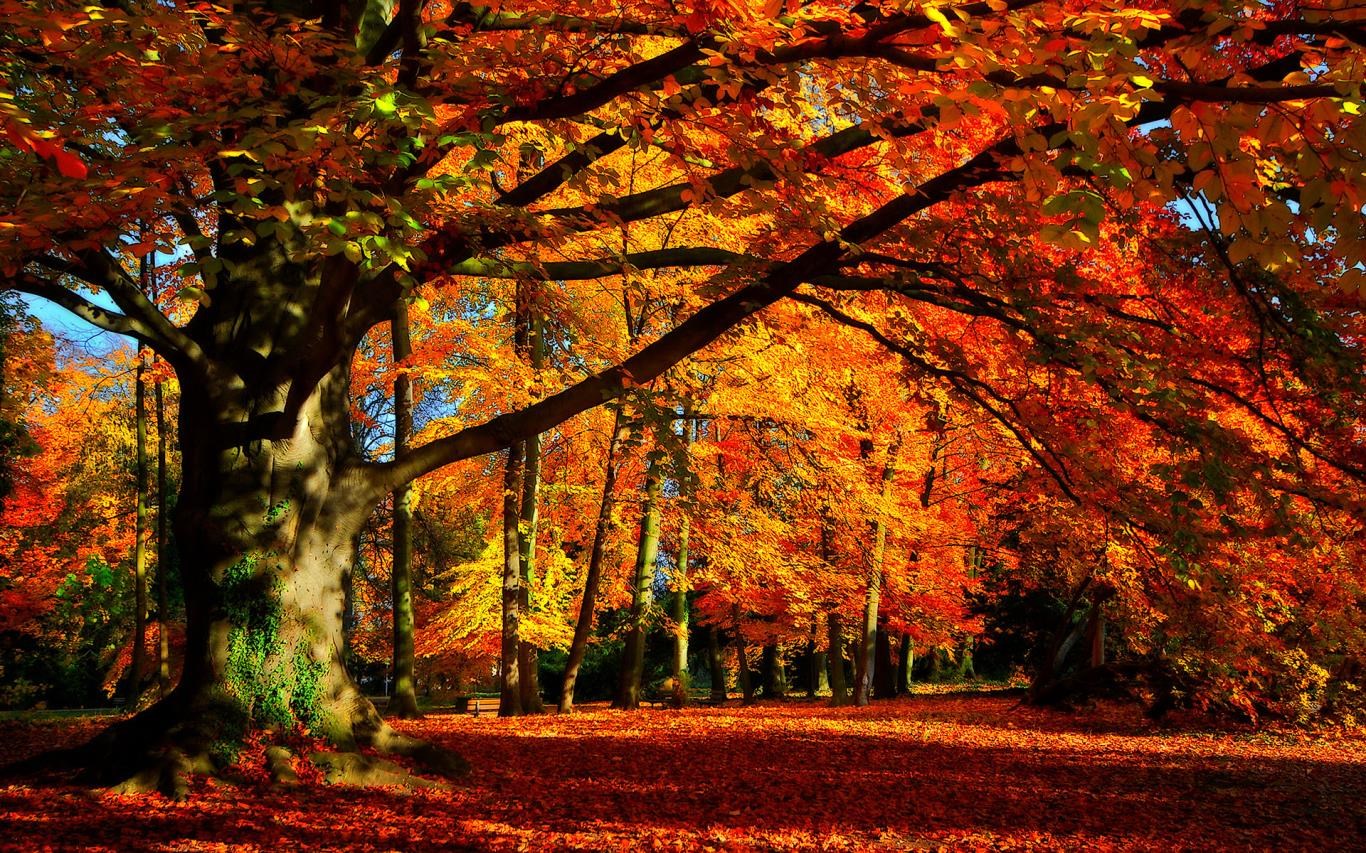
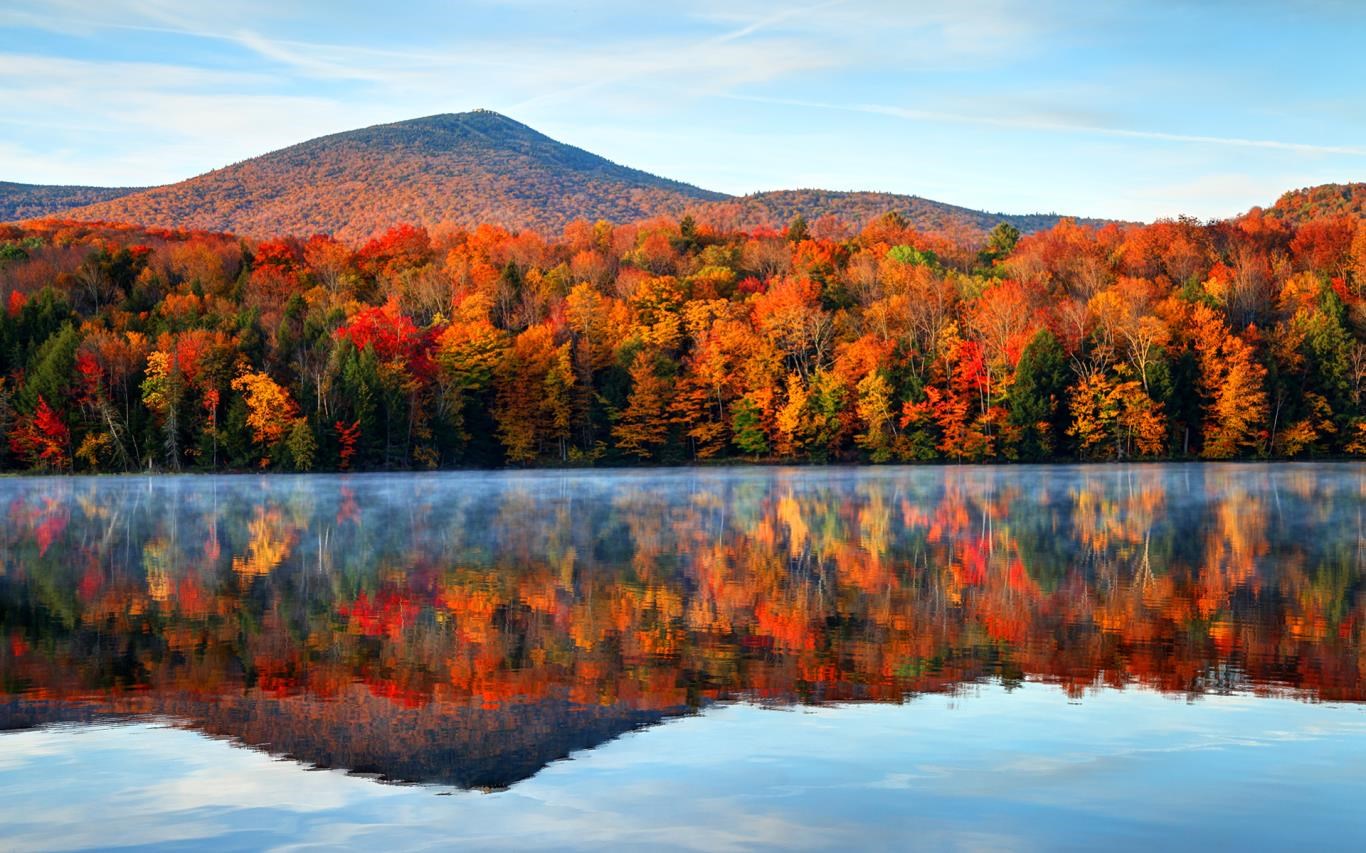
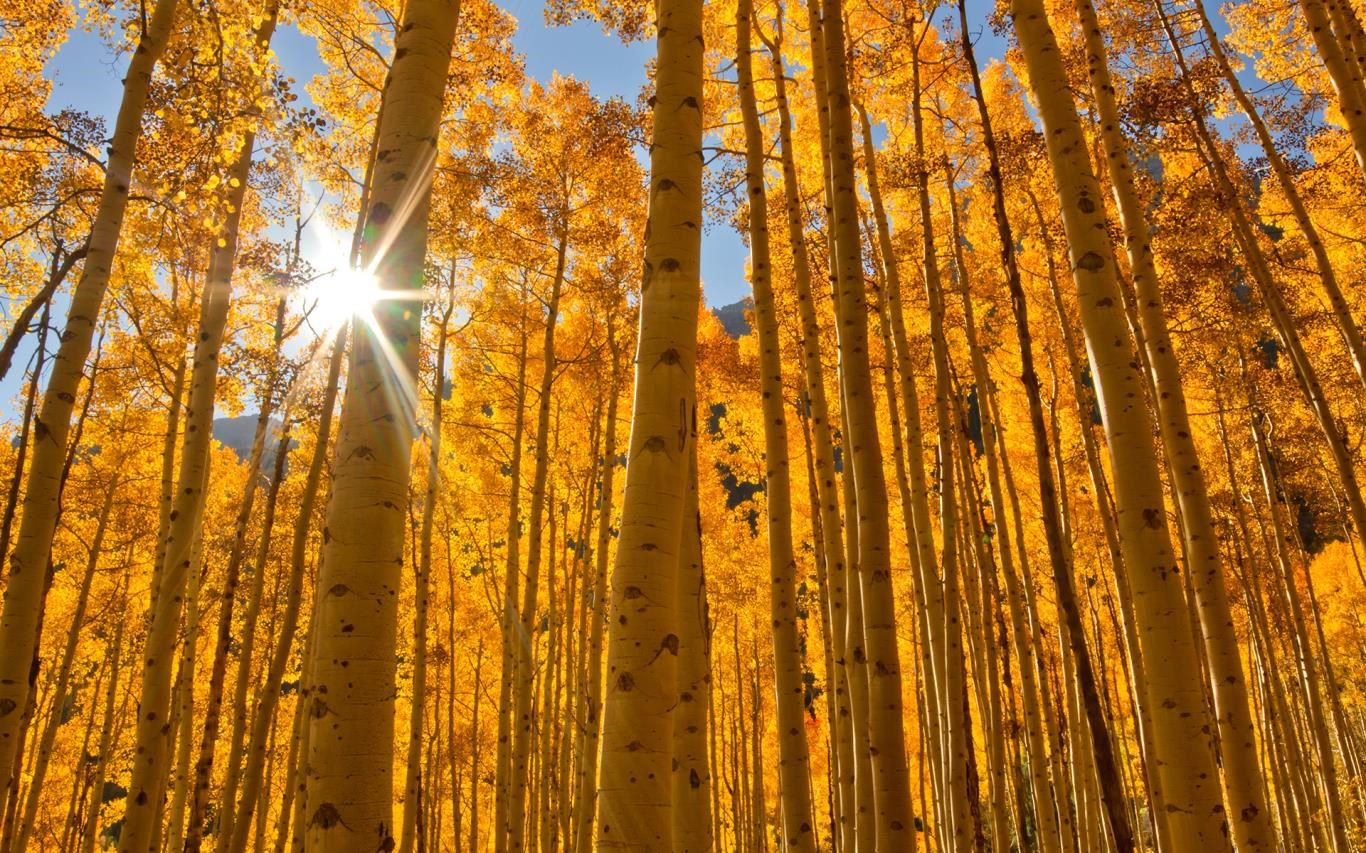
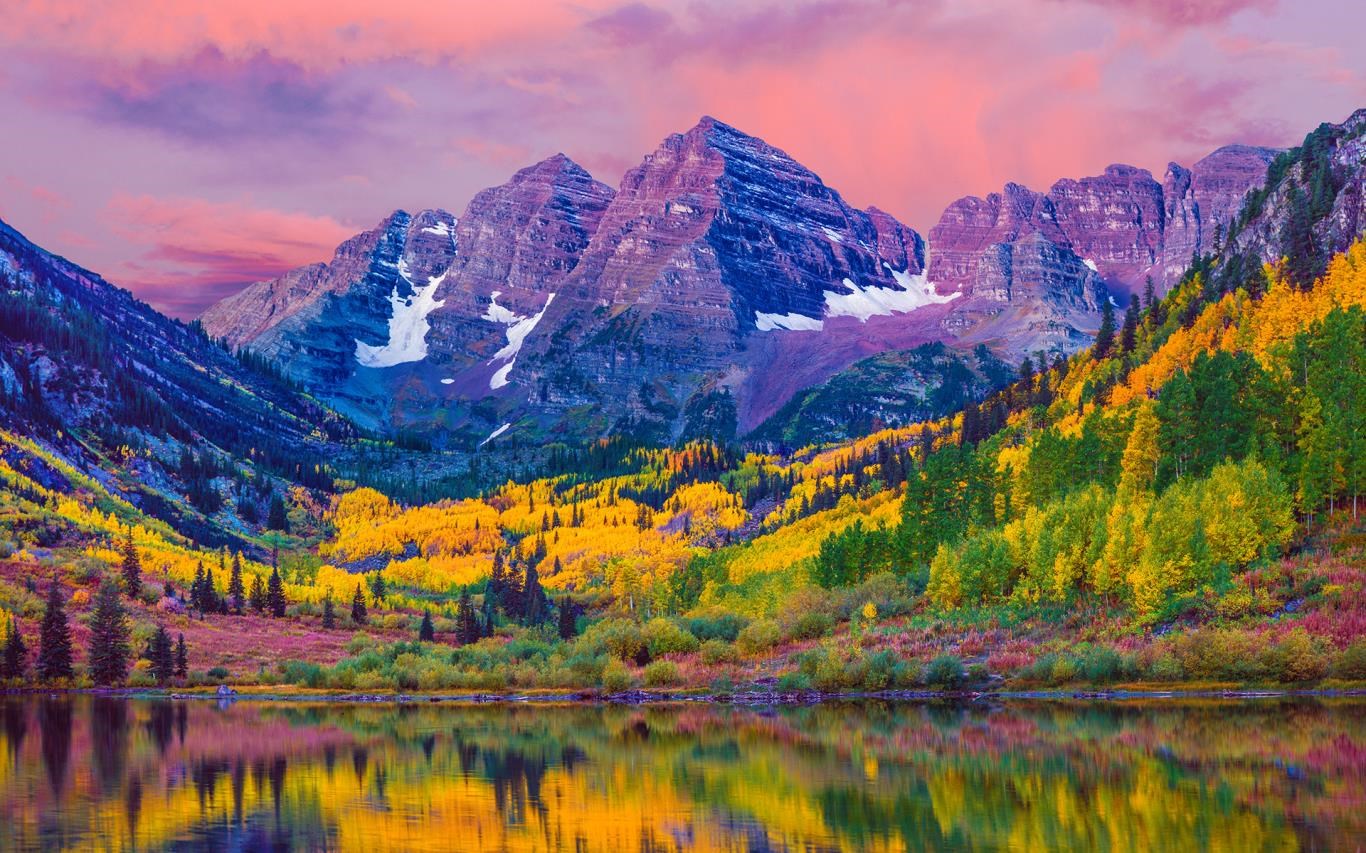
The heart of Autumn Colors is its curated collection of high-quality wallpapers depicting fall foliage, cozy scenes, and seasonal landscapes. The variety ensures there's something for everyone—whether you prefer vibrant reds and oranges or more muted, earthy tones. Users can browse, preview, and set wallpapers directly within the app. The images are crisp and resolution-optimized, ensuring clarity on all screen sizes. This core feature effectively captures the essence of autumn, evoking a calming and inspiring atmosphere every time you look at your desktop.
Core Functionality 2: Seamless Theme and Color Customization
Beyond static wallpapers, the app allows users to tweak seasonal themes with customizable color overlays, transparency levels, and lighting effects. This feature stands out as one of its most distinctive aspects—imagine adjusting the ambiance of a room with mood lighting, but in digital form. Whether you want a subtle hint of gold or a richer, more saturated hue, the options are flexible and easy to control. This level of personalization helps users craft a mood that perfectly matches their surroundings or preferences, setting Autumn Colors apart from more rigid theme applications.
User Experience and Unique Benefits
The overall user experience is smooth, thanks to the app's straightforward navigation and responsive performance. Switching themes or tweaking settings feels natural, almost like flipping through a seasonal photo album. The learning curve is minimal, making it accessible for novices while offering enough depth for enthusiasts who enjoy detailed customization. Compared to other personalization apps, Autumn Colors excels in theme variety and theme compatibility, effortlessly blending with existing system styles or other personalization tools. Its focus on seasonal aesthetics—particularly the rich palette of autumn—gives it a warm, inviting edge that feels more like a personal retreat than just a digital background.
Should You Try It?
If you're someone who values aesthetics and likes changing your desktop mood according to the seasons or your own inspirations, Autumn Colors for Windows is highly recommended. It's particularly suited for users who enjoy subtle yet impactful visual updates without complex setups. While it may not replace more comprehensive customization suites, its specialization in autumn-themed visuals and simple adjustments makes it a delightful addition to any personalization toolkit.
In brief, Autumn Colors for Windows offers a tasteful, easy-to-use way to celebrate the beauty of fall on your desktop. Its standout feature—programmatically combining diverse wallpapers with flexible, mood-enhancing overlays—makes it a unique and worthwhile app for seasonal enthusiasts and casual users alike.
Pros
- Visually Stunning Autumn Themes
- Easy-to-Use Interface
- Variety of Color Options
- Seamless Integration with Windows
- Regular Updates and Improvements
Cons
- Limited Customization Options
- High Battery Consumption on Laptops
- Occasional Minor Glitches
- Requires Recent Windows Versions
- Limited Free Features











