
- Name Aquarium Live Wallpapers 4K — Desktop & Lock Screen
- Category Personalization
- Developer PandaSoftwares
- Available on PC, Mobile, Surface Hub, HoloLens
- OS Windows 10 version 17763.0 or higher
- languages Chinese (Simplified), English (United States), French, German, Hindi, Italian, Japanese, Korean , Portuguese (Brazil), Russian, Spanish (Mexico), Spanish (Spain)
Introducing Aquarium Live Wallpapers 4K — A Splash of Serenity for Your Desktop
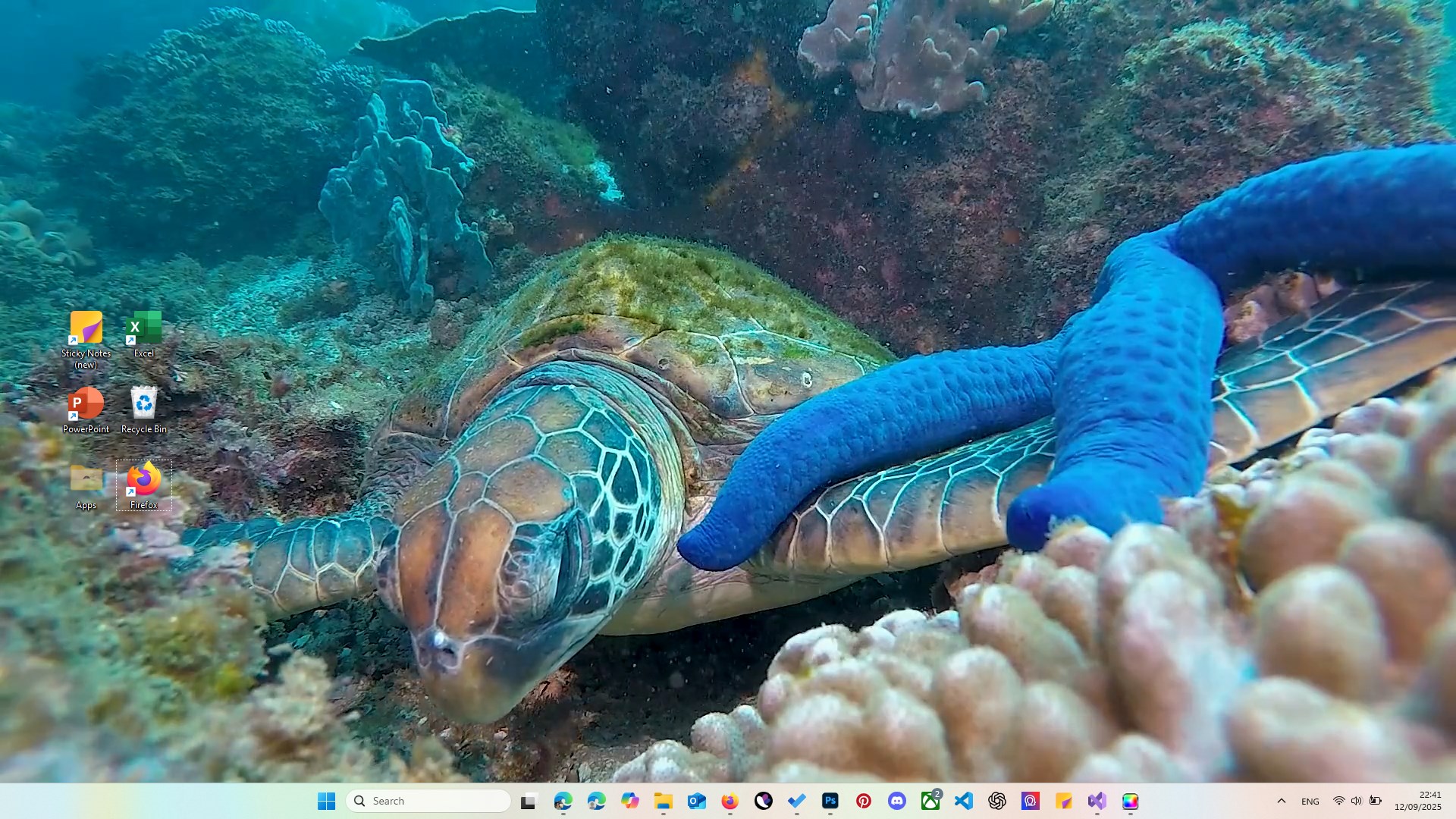
Imagine turning your Windows screen into an underwater aquarium teeming with vibrant marine life—a peaceful oasis right at your fingertips. Aquarium Live Wallpapers 4K by PandaSoftwares transforms this dream into reality by offering stunning, realistic aquatic scenes that breathe life into your desktop and lock screen. It's a perfect app for those seeking a calming visual escape amidst busy workdays or for lovers of marine aesthetics.
About the Developer and Main Features
Who's Behind the Magic?
PandaSoftwares, a dedicated development team with a focus on personalization and visual enhancement tools, brings this delightful wallpaper app to users. Known for their sleek and user-friendly offerings, PandaSoftwares aims to elevate your Windows experience with engaging visual content.
Standout Features
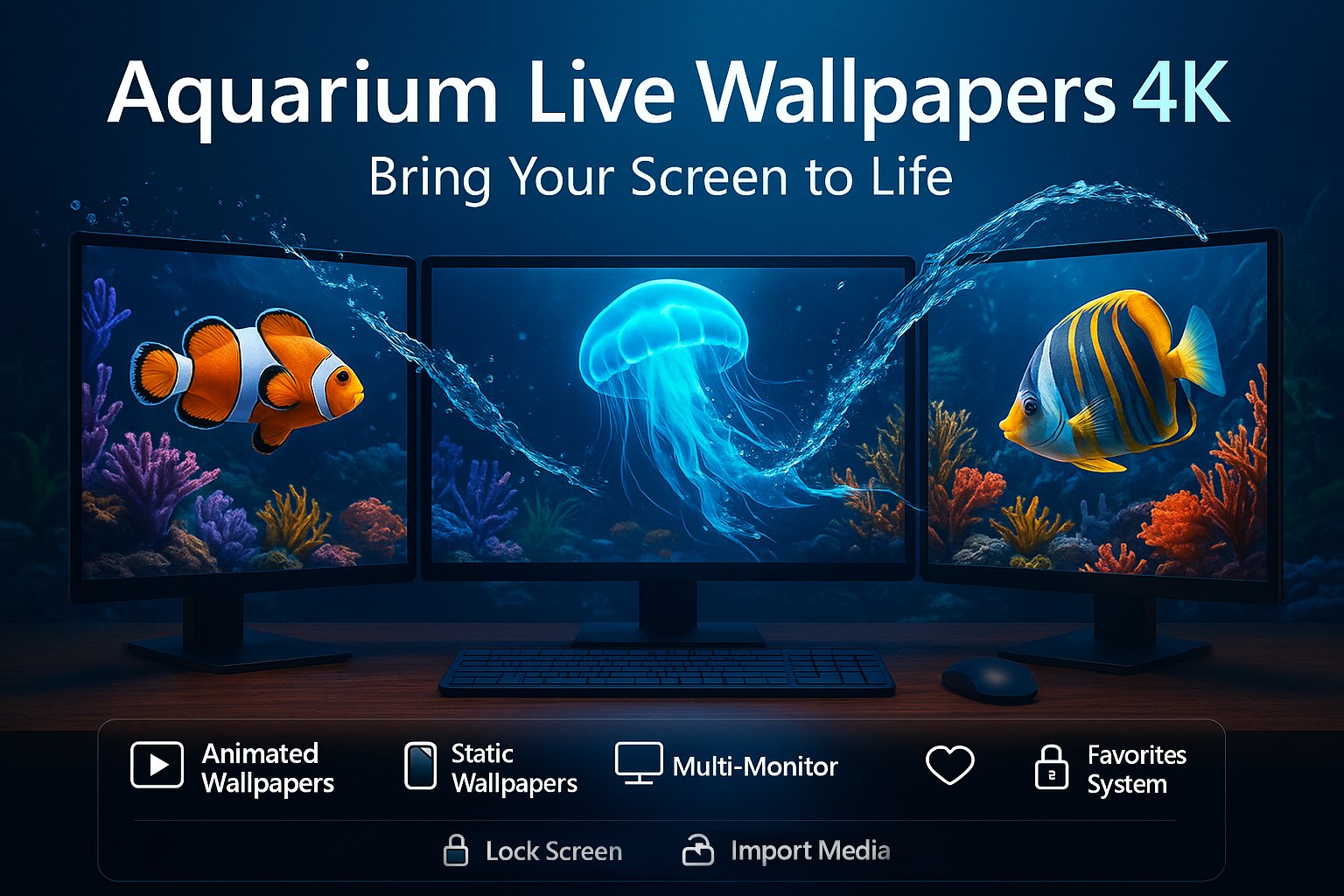
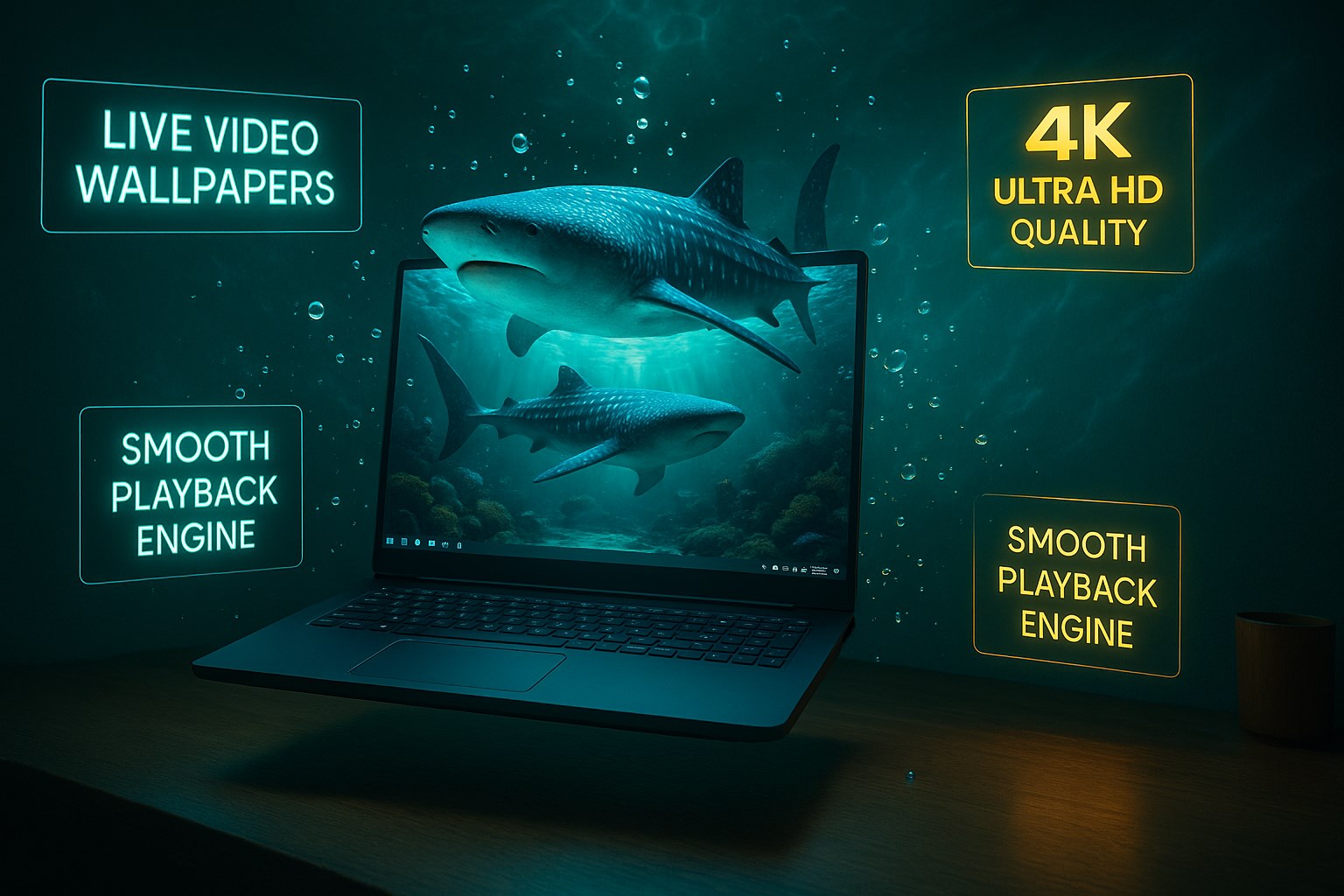
- High-Resolution 4K Marine Scenes: Immerse yourself in crystal-clear, vivid underwater vistas that make your screen come alive with color and movement.
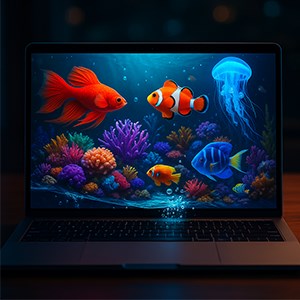
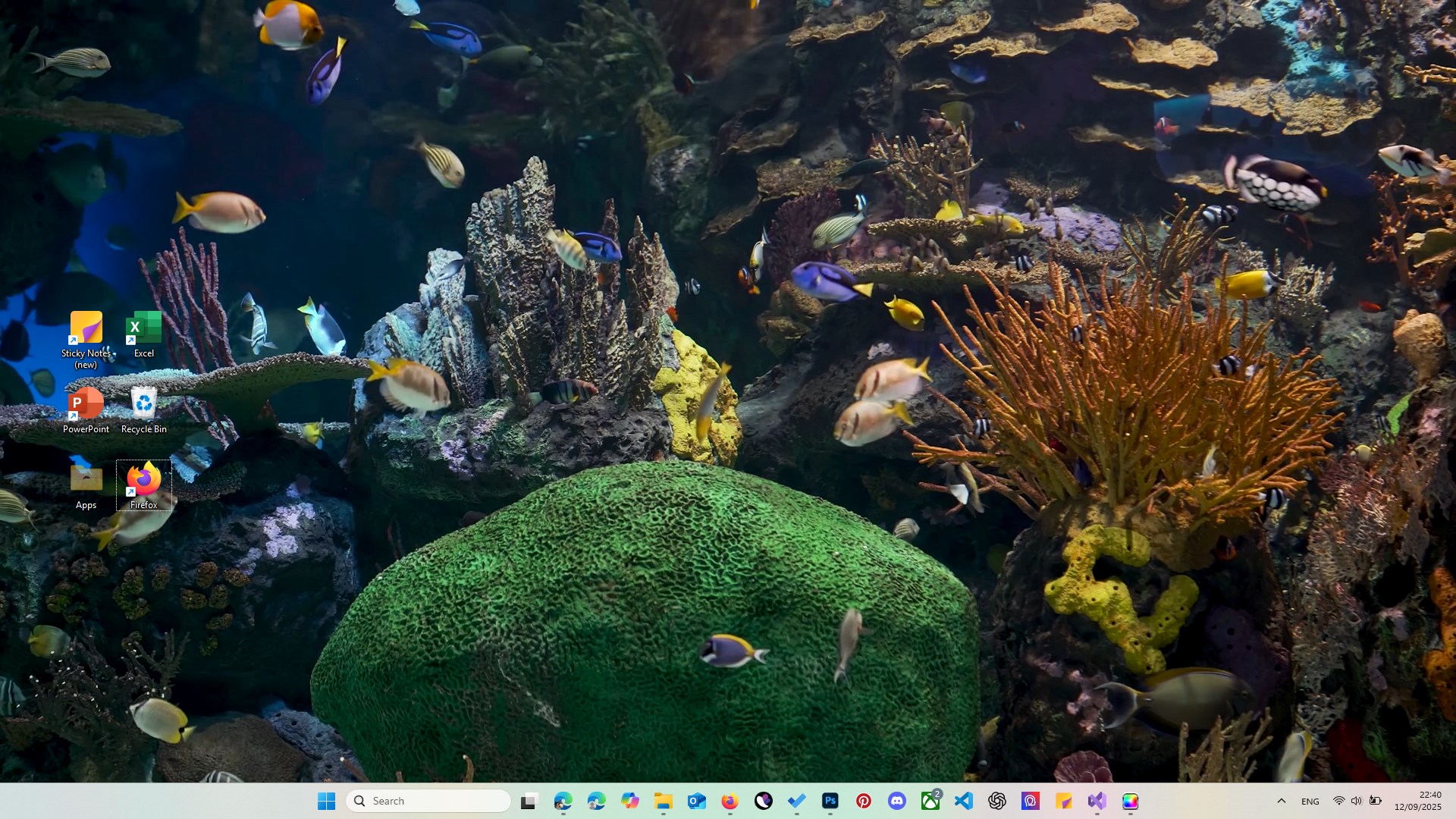
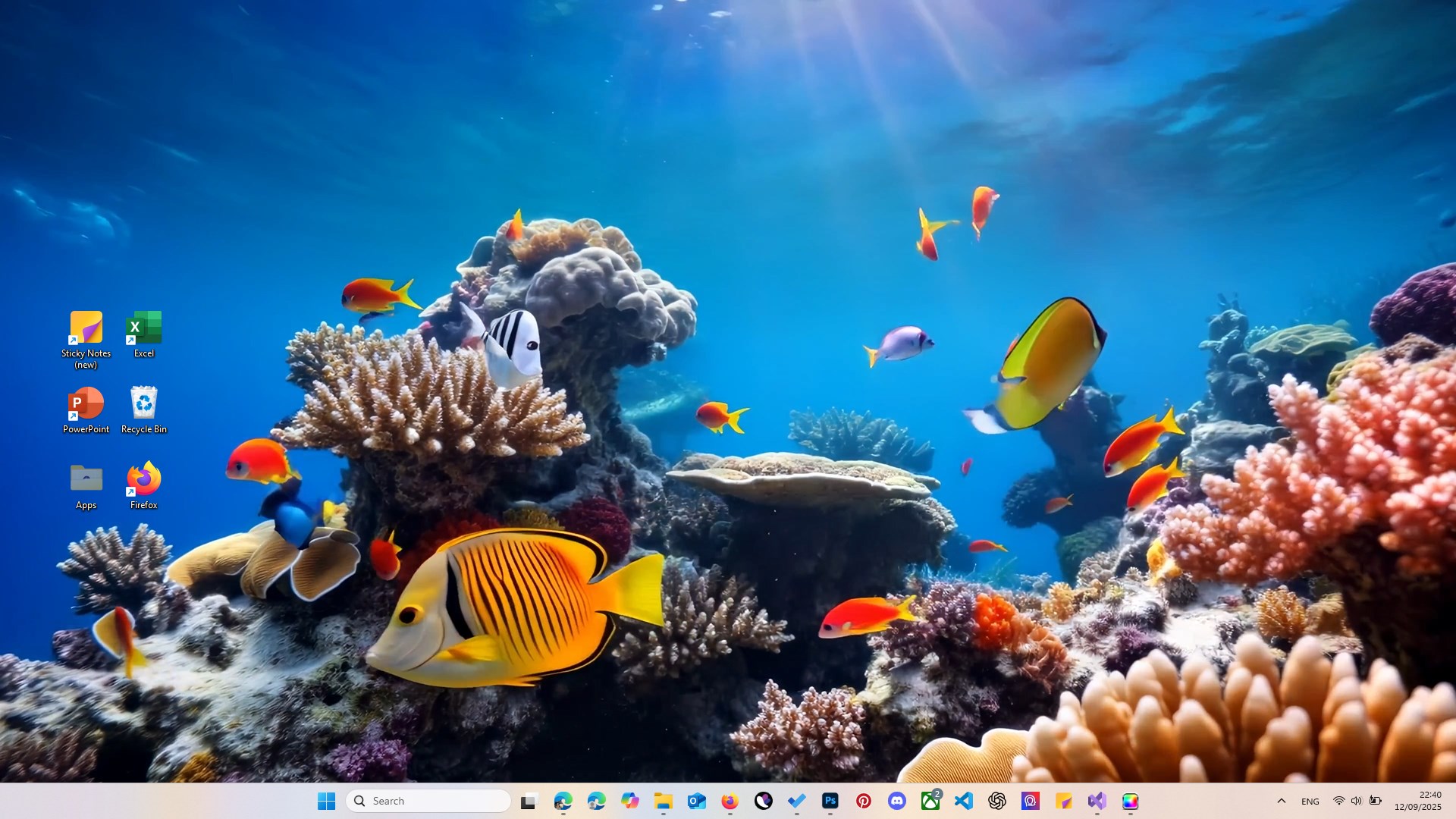
- Dynamic Live Animations: Enjoy soothing animated effects like flowing water, swimming fish, and rising bubbles that create a realistic aquatic environment.
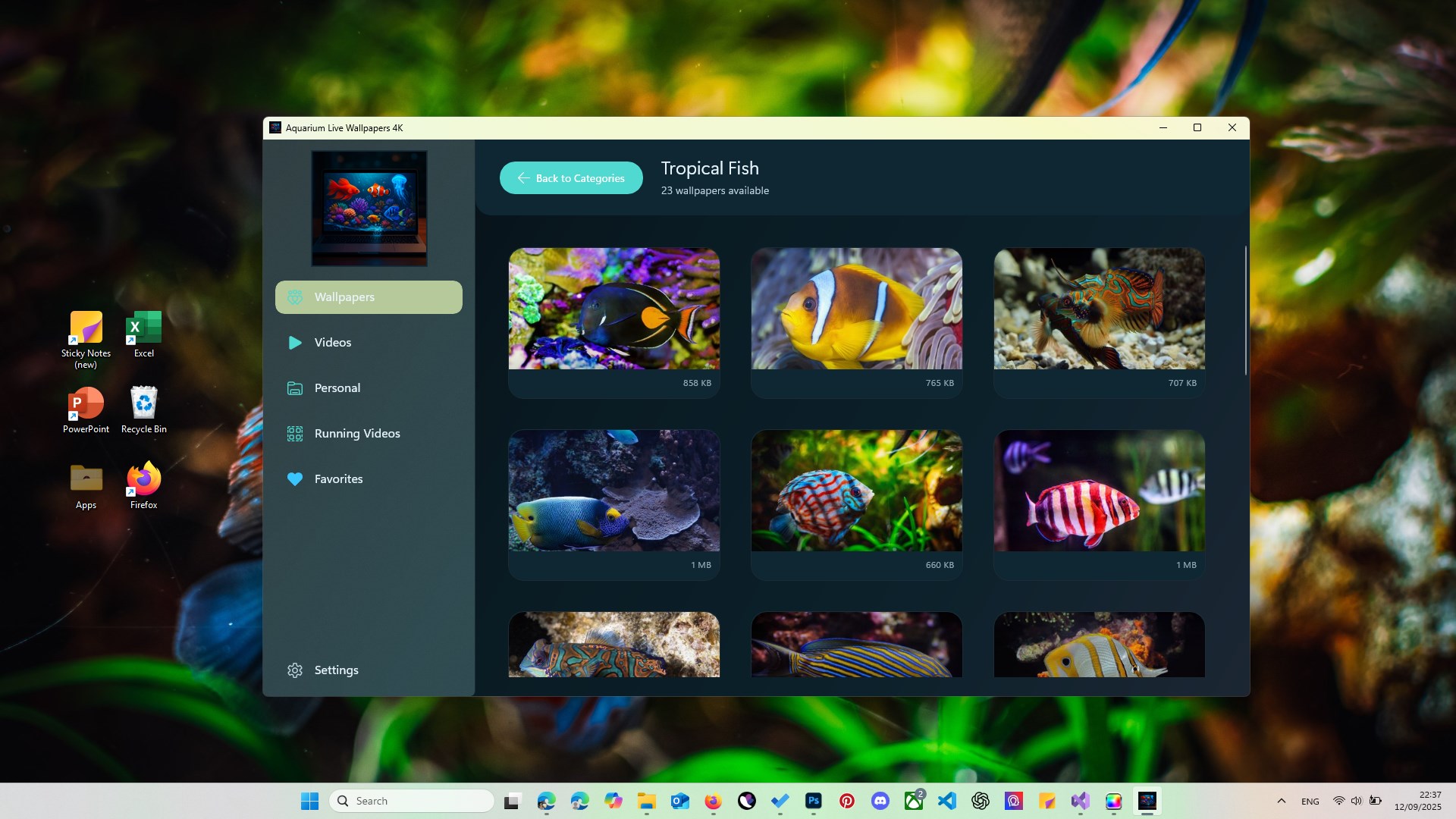
- Customization Options: Choose from a variety of marine habitats—coral reefs, ocean floors, and tropical lagoons—and tailor the scene to your liking.
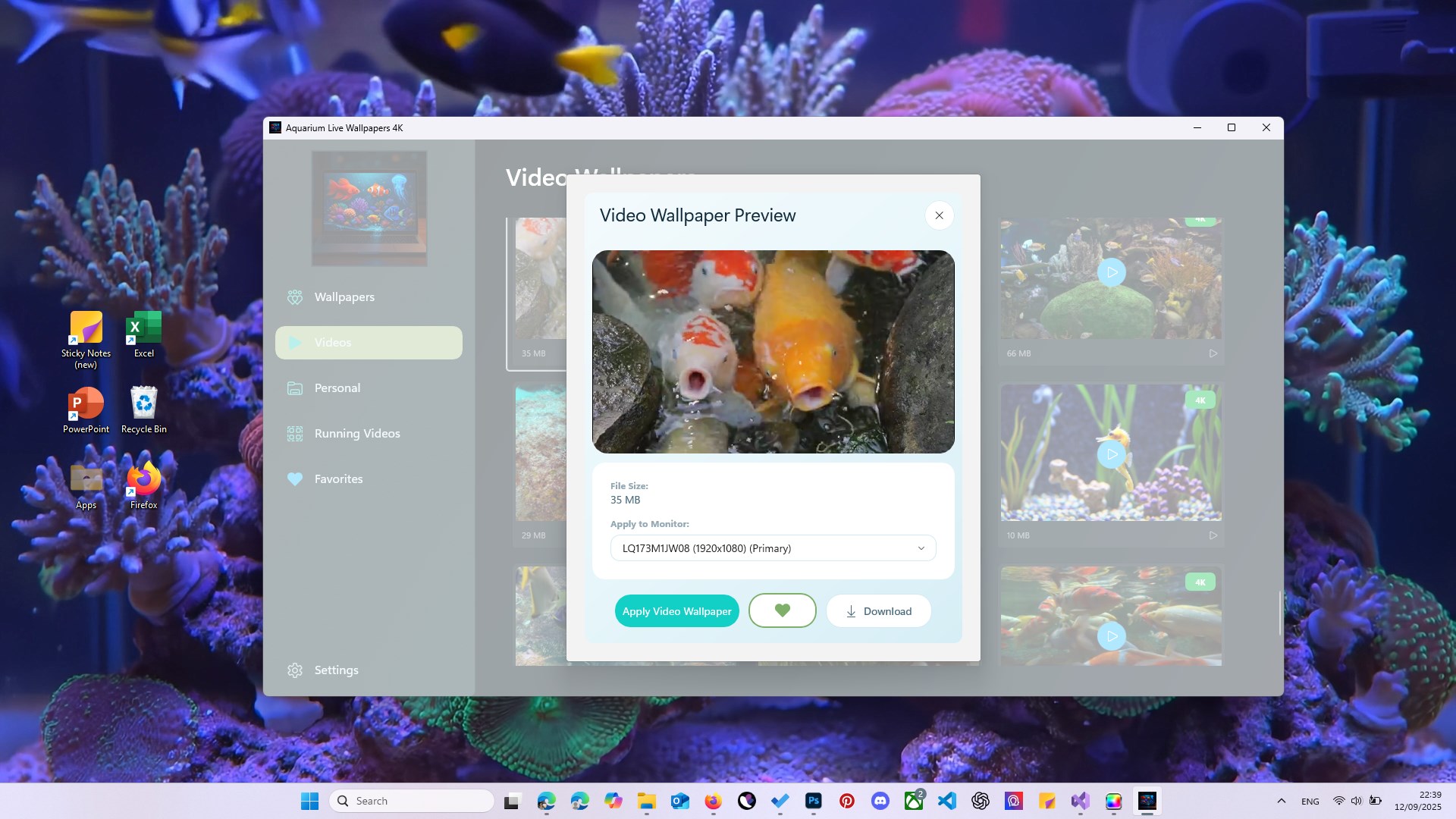
- Lock Screen Integration: Easily set these lively wallpapers as your lock screen to enjoy a consistent immersive experience throughout your device usage.
Target Audience
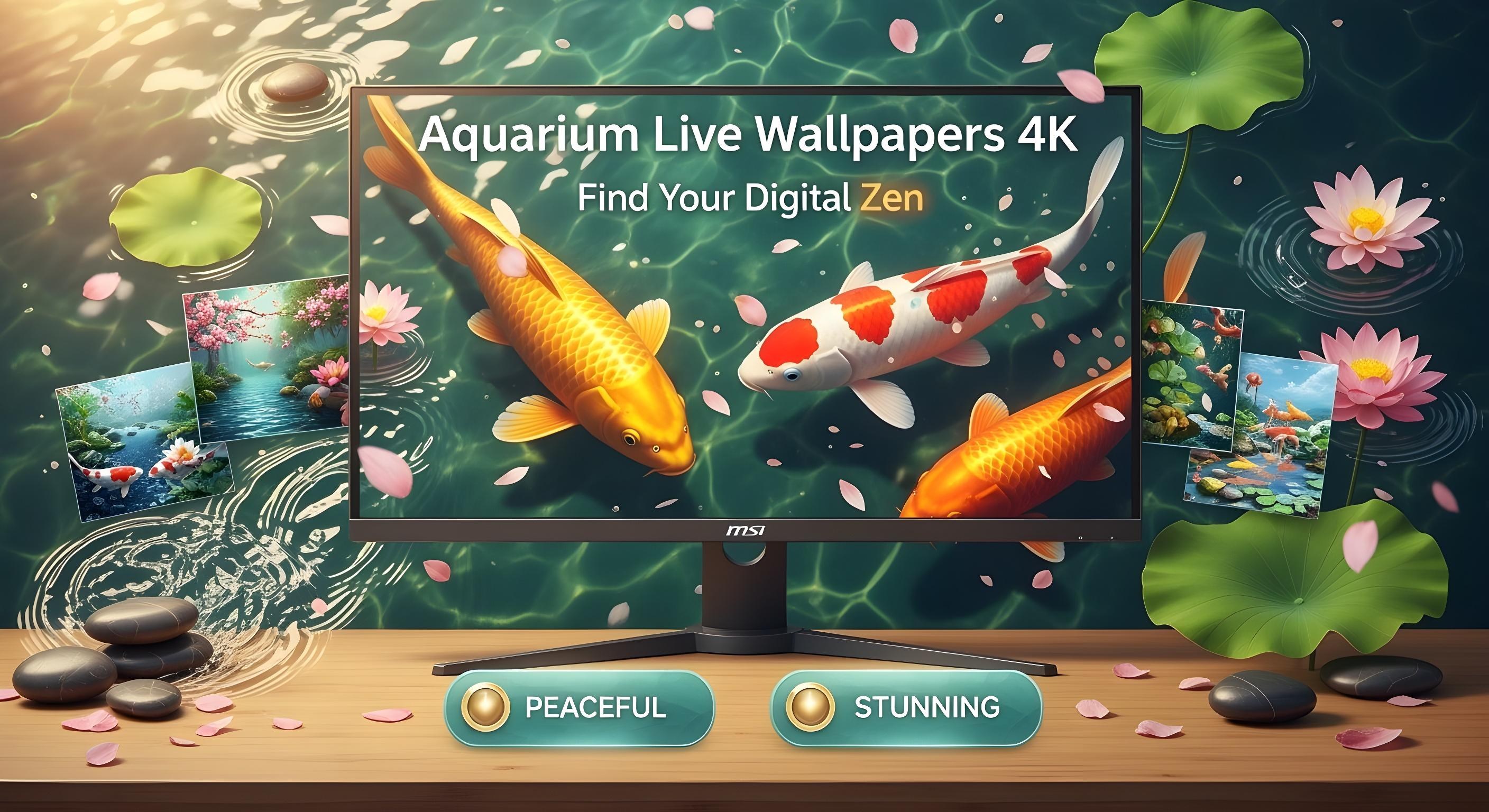
This app is ideal for Windows users who appreciate nature-inspired aesthetics, seek calming backgrounds for focus and relaxation, or want to personalize their desktop with high-quality animated wallpapers. It's suitable for both casual users and those who enjoy detailed visual customization.
Vivid Underwater Scenes that Enchant
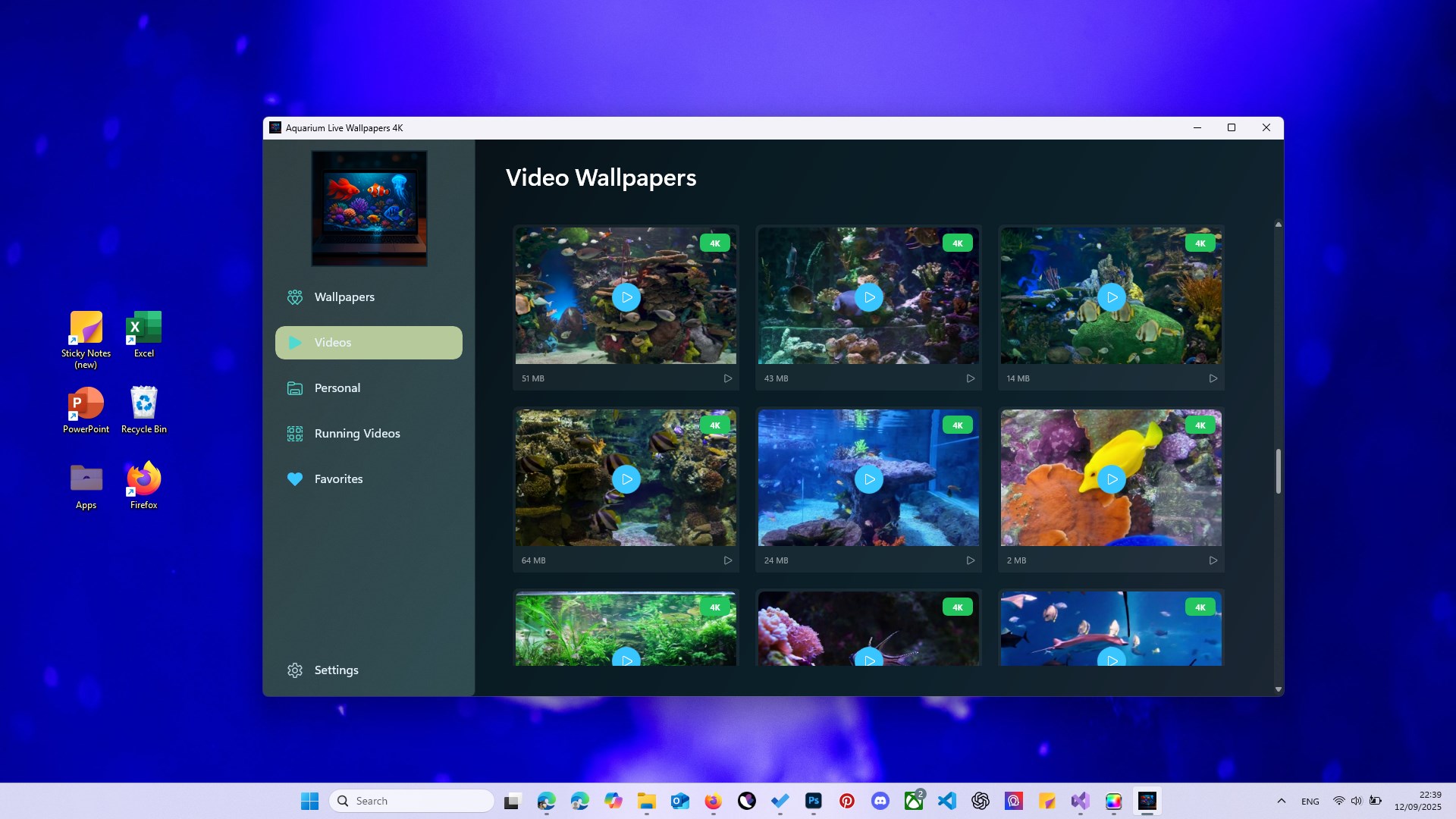
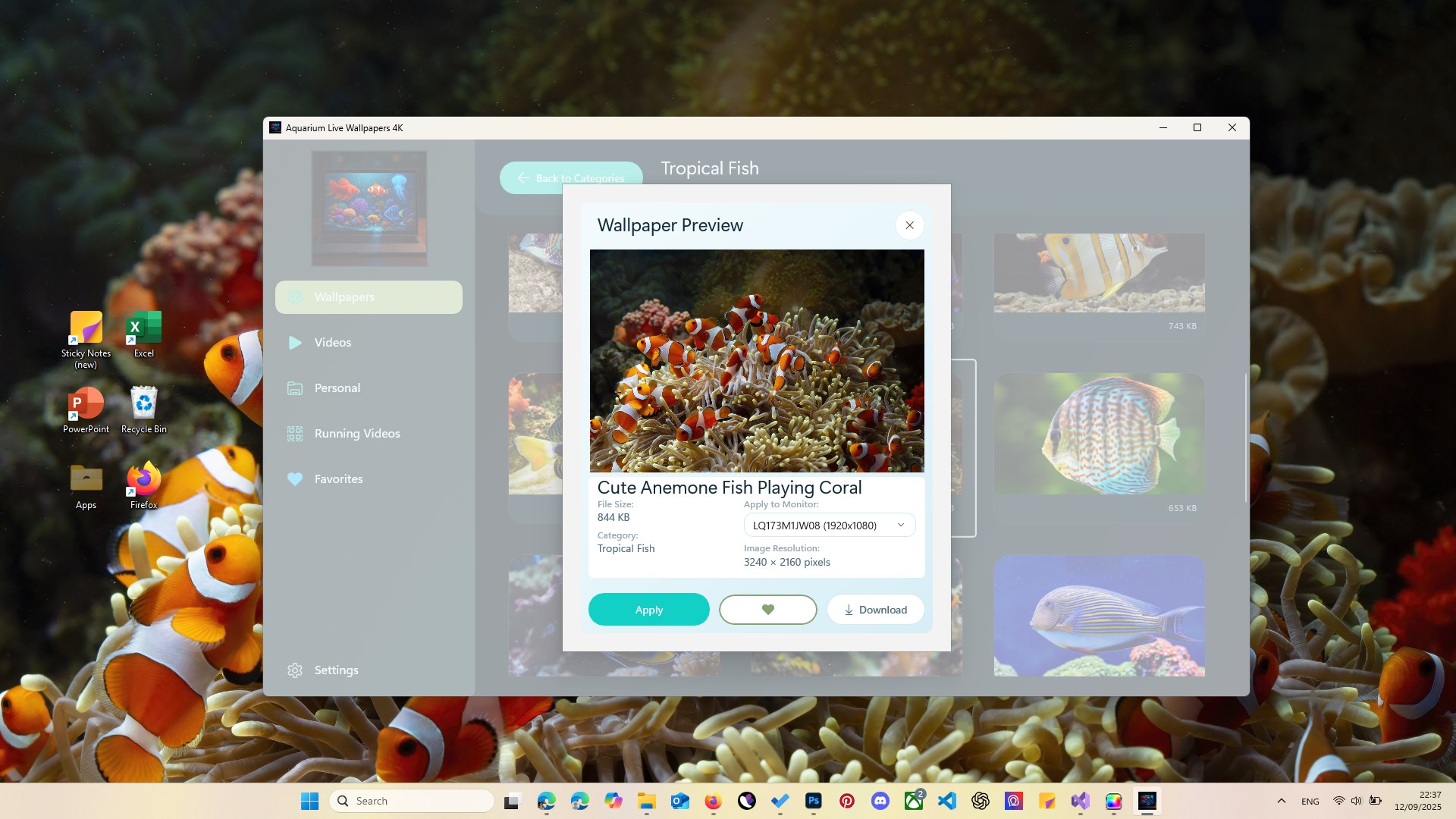
From the moment you launch Aquarium Live Wallpapers 4K, you're greeted with a mesmerizing scene that could easily grace the screens of a luxury aquarium exhibit. The app's interface is sleek yet unobtrusive, inviting you to browse and select your favorite marine backdrop with a few clicks. The animations are thoughtfully crafted—gentle waves lap at coral formations, schools of vibrant fish glide seamlessly across the screen, and tiny bubbles ascend lazily to the surface. This level of detail makes the experience feel surprisingly realistic, almost as if you've got a window into a serene underwater world.
Flexible Customization and User Experience
Easy to Navigate & Smooth Operation
Using Aquarium Live Wallpapers 4K is akin to flipping through a beautifully illustrated magazine—intuitive, straightforward, and satisfying. The controls are minimal but offer enough options to fine-tune animation speeds, select preferred scenes, and set wallpapers for both desktop and lock screen effortlessly. Animated backgrounds load quickly without lag, and the transitions between scenes are seamless, ensuring a fluid visual experience. Even users unfamiliar with live wallpaper customization will find the learning curve gentle—the app's clean layout makes finding and adjusting settings a breeze.
Comparison & Unique Selling Points
Compared to other personalization apps, Aquarium Live Wallpapers 4K excels in its combination of stunning visual quality and versatile customization. While many wallpaper apps offer static backgrounds or limited themes, this app's core strength lies in its highly detailed, animated marine scenes that can be tailored to different aesthetic preferences. Its compatibility with themes and ability to sync seamlessly with system settings make it stand out—it's less of a plugin and more of an immersive environment. The bespoke underwater effects, especially the realistic ripple and fish movement, set it apart from generic wallpaper apps that rely on static images or simple animations.
Final Verdict and Recommendations
All in all, Aquarium Live Wallpapers 4K offers a refreshingly immersive and visually appealing way to personalize your Windows desktop. Its high-quality 4K animations create a calming, almost meditative environment that can provide a welcome mental escape during hectic days. The app's straightforward interface combined with its rich customization options make it suitable for users of all experience levels.
If you're someone who appreciates nature-inspired visuals, enjoys animated wallpapers, or simply wants to inject some tranquility into your workspace, this app is a solid choice. However, users with older hardware should be mindful of system performance—they might want to opt for less demanding scenes to ensure smooth operation.
Overall, I recommend Aquarium Live Wallpapers 4K to anyone looking to elevate their desktop aesthetics with soothing, animated marine scenes. Installation is quick, and the visual payoff is undeniably captivating—just like having a tiny, tranquil aquarium right on your screen with minimal effort and maximum beauty.
Pros
- Stunning 4K Aquarium Visuals
- Smooth Animation Effects
- Customization Options
- Ease of Use and Setup
- Dynamic Lock Screen Compatibility
Cons
- High Battery Consumption
- Limited Free Content
- Performance Variability on Older Devices
- Occasional Stuttering or Freezing
- Lack of Additional Interactive Features











