



- Name Anime Heaven
- Category Personalization
- Developer Davi-Dexx
- Available on PC, Xbox console
- OS Windows 10 version 17763.0 or higher
- Keyboard Integrated Keyboard
- languages English (United States)
An Immersive Anime Streaming Experience on Windows
Anime Heaven for Windows is a dedicated application designed to bring a vast library of anime content right to your desktop, offering enthusiasts a seamless and engaging viewing experience. Crafted by Davi-Dexx, this app aims to serve die-hard anime fans and casual viewers alike, providing easy access to their favorite shows with enhanced customization options.
About the Developer and Core Features
Developed and published by Davi-Dexx, Anime Heaven for Windows stands out as a specialized platform configured to optimize anime streaming on the Windows environment. Its primary features include a rich anime catalog with intuitive search and filtration, comprehensive customization options for interface and playback, and a user-friendly design that simplifies navigation even for newcomers.
A Fresh Take on Anime Streaming – A Fun, Engaging Intro
Imagine cozying up on a weekend with your favorite cup of tea, browsing through an expansive anime library, and effortlessly switching between series or genres—Anime Heaven makes this dream real. The app's lively interface and smooth performance create a virtual anime sanctuary, inviting viewers into a world where entertainment is just a click away. Whether you're a seasoned otaku or just starting to explore anime, Anime Heaven's inviting atmosphere makes the experience both enjoyable and accessible.
Core Functionality That Keeps You Coming Back
Extensive Library with Personalized Recommendations
At the heart of Anime Heaven is its broad and well-organized catalog, spanning classics, trending series, and hidden gems. The app employs smart recommendation algorithms that adapt to your viewing history, suggesting new titles aligned with your preferences. This personalized curation feels like having a dedicated anime concierge guiding your entertainment choices, eliminating endless scrolling and helping you find something exciting instantly.
Tailored Customization and Theme Compatibility
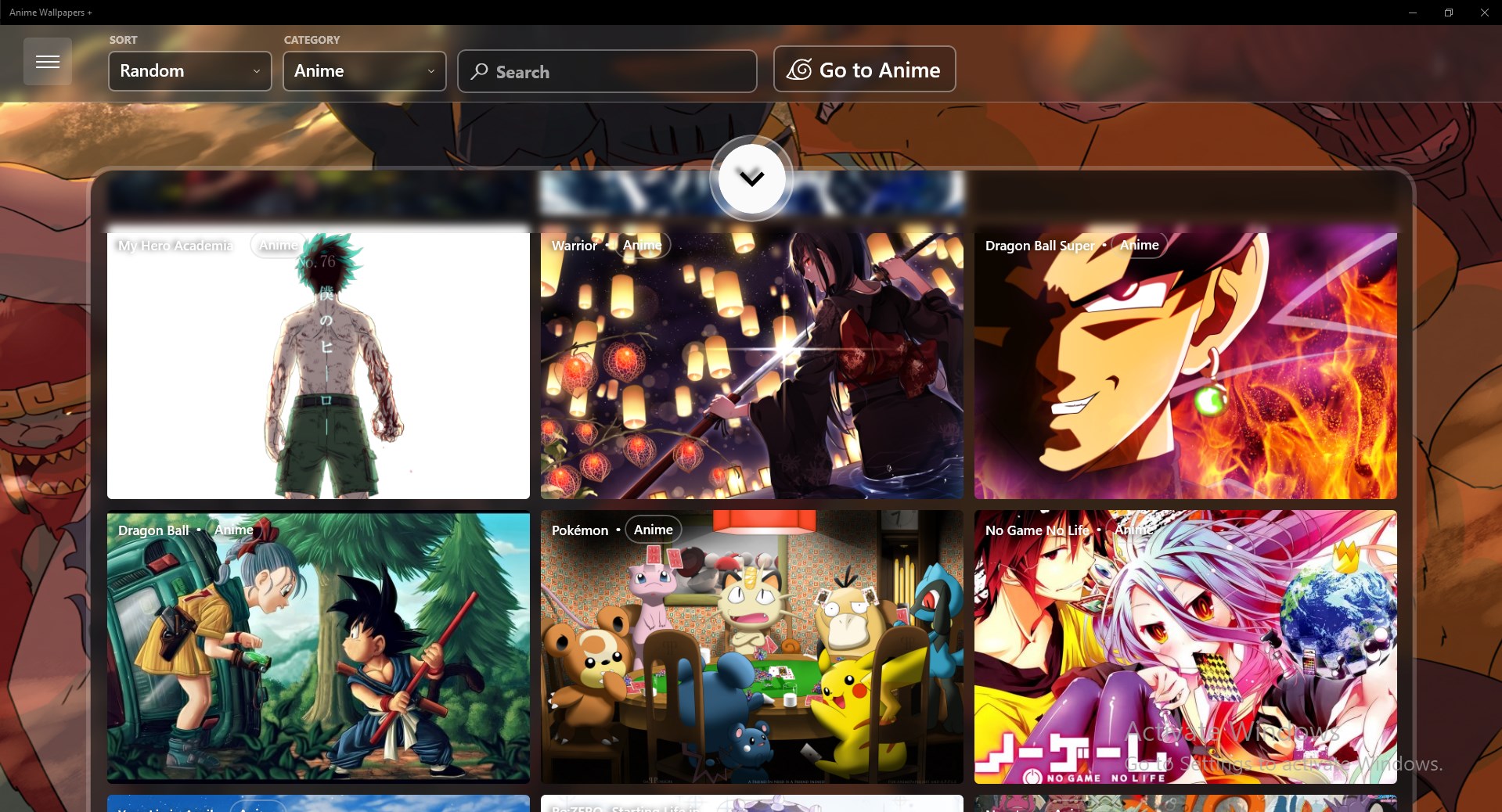
This app's standout feature lies in its rich customization options, allowing users to modify themes, color schemes, and interface layouts easily. Unlike many streaming applications that stick to a fixed aesthetic, Anime Heaven provides a versatile environment where you can craft a visual setup that matches your mood—be it a dark, sleek interface for late-night binge sessions or vibrant themes for daytime viewing. Its high compatibility with Windows themes ensures a harmonious look that blends seamlessly with your desktop, elevating the overall user experience.
User Experience: Interface, Speed, and Learning Curve
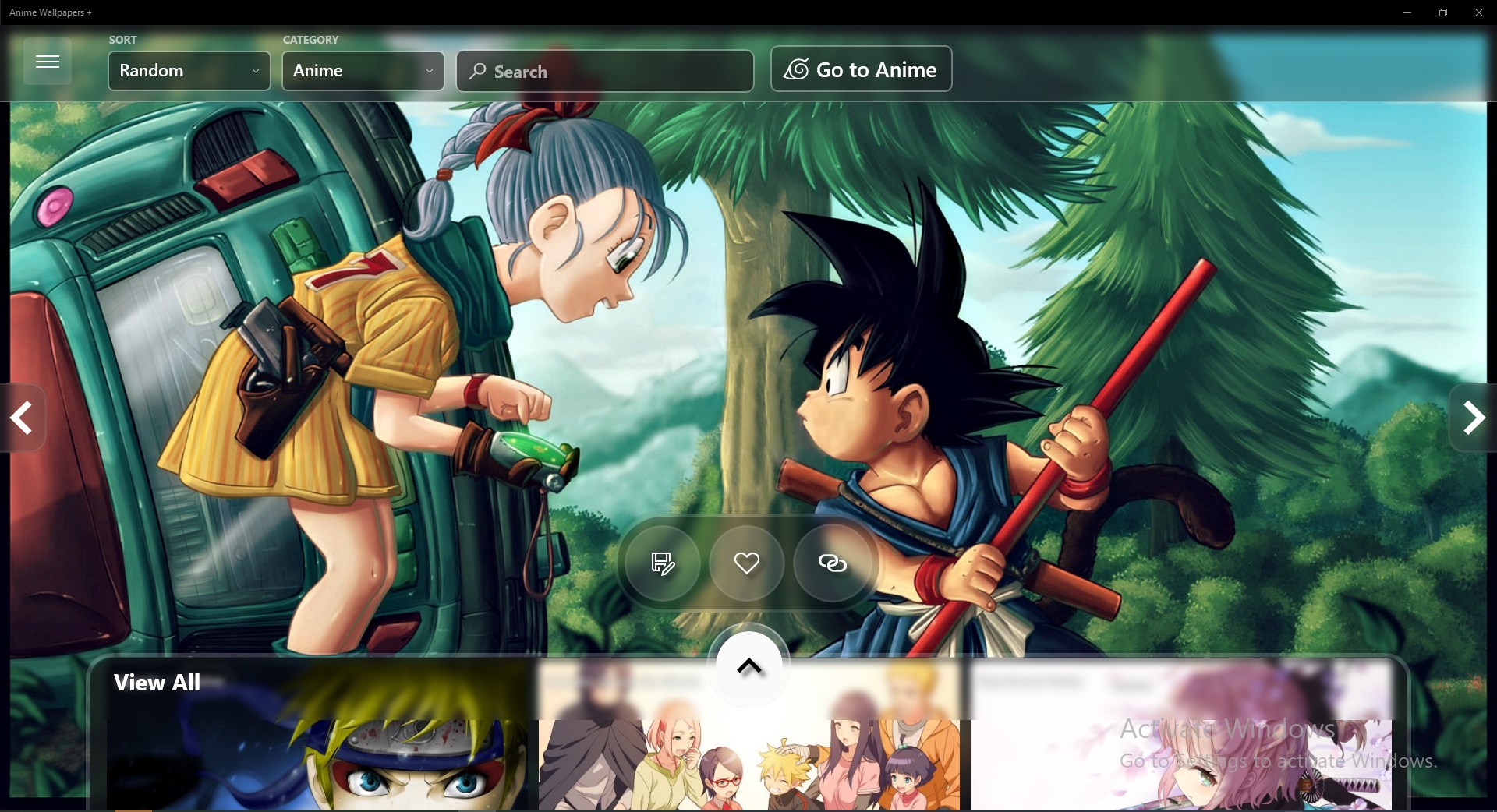
Anime Heaven's interface is designed with clarity and simplicity in mind—think of it as a well-organized library where everything is just within reach. Navigation feels intuitive, with sleek menus and swift responses that keep the flow of watching uninterrupted. The app's smooth operation minimizes lag, even when streaming high-definition content, making it an enjoyable ride from opening the app to hitting “play.” New users will find the learning curve gentle, thanks to straightforward controls and clear categorization—like walking into a familiar room rather than navigating a complex maze.
What Sets Anime Heaven Apart?
While numerous anime streaming options exist, Anime Heaven's emphasis on profound customization and theme compatibility sets it apart. The ability to personalize nearly every aspect of the interface is akin to decorating your own digital anime nest—making the viewing space truly your own. Its focus on fidelity to Windows themes also ensures visual harmony, providing a more cohesive digital environment compared to generic apps that ignore aesthetic integration.
Final Thoughts & Recommendations
All things considered, Anime Heaven for Windows is a compelling choice for anime fans looking for a finely-tuned, highly customizable streaming app. Its comprehensive library, combined with thoughtful interface design and personalization flexibility, makes for an enjoyable viewing experience. While it may not have the extensive social sharing features of some larger platforms, its focus on user-centric customization and smooth performance earn it a solid recommendation. If you value a tailored visual experience and easy navigation in your anime app, Anime Heaven is definitely worth a try—happy viewing!
Pros
- Large selection of anime titles
- User-friendly interface
- High video quality options
- Offline viewing support
- Regular content updates
Cons
- Limited subtitles options
- Occasional buffering issues
- Ads interrupt playback on free version
- Limited device compatibility
- Search functionality can be improved











