
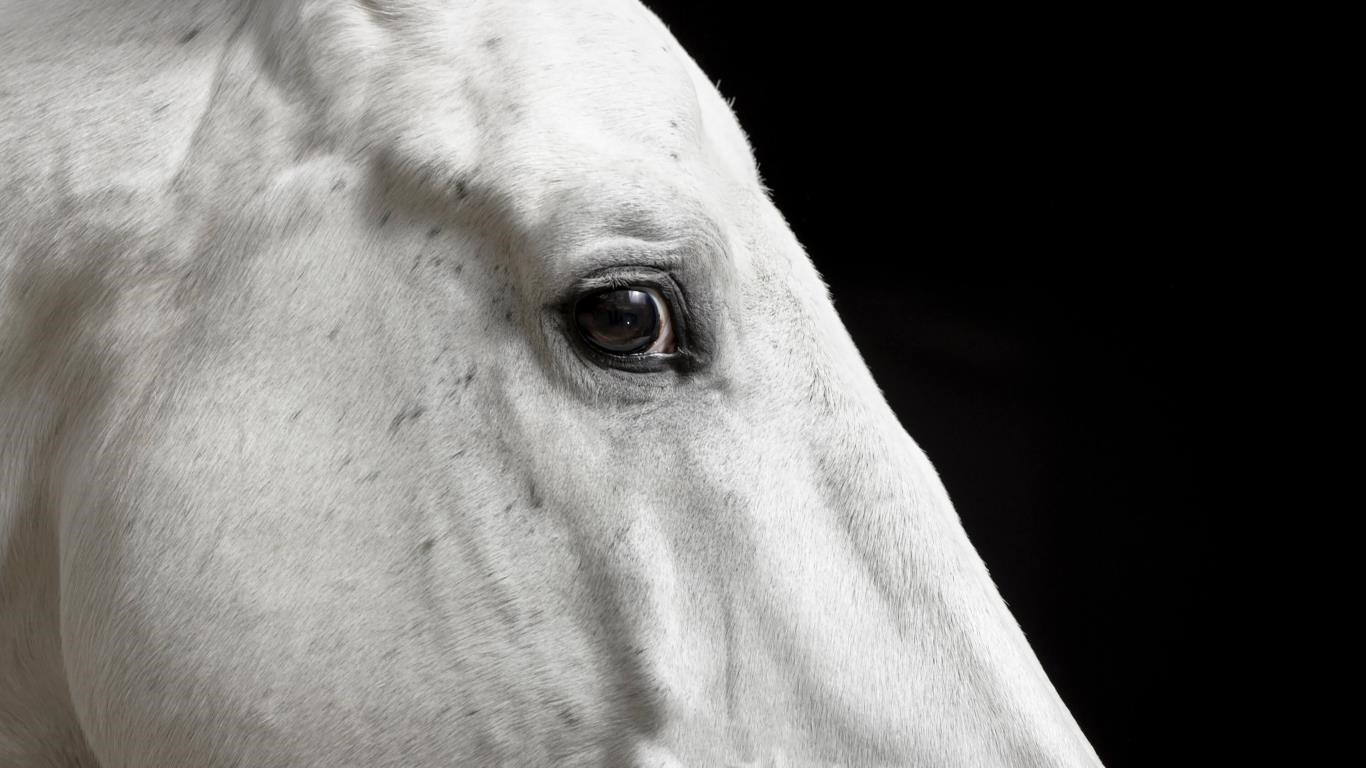
- Name Animal Portraits
- Category Personalization
- Available on PC
- OS Windows 10 version 14951.0 or higher
- languages English (United States)
Bringing Your Favorite Animals to Your Windows Desktop
Animal Portraits for Windows is an app designed to add a charming touch to your digital workspace by transforming your wallpapers with delightful animal portraits. Perfect for animal lovers and those seeking a bit of natural joy in their daily routine, this application combines aesthetics with personalization, making your device uniquely yours.
About the Developer and Core Features
Developer: Microsoft Corporation
As a flagship product from Microsoft, Animal Portraits for Windows benefits from extensive expertise in user experience design and seamless app integration within the Windows ecosystem.
Main Highlights:
- Extensive Animal Portrait Library: Access to a diverse range of high-quality images spanning various animals, from majestic lions to adorable puppies.
- Personalized Wallpaper Integration: Easily set portraits as your desktop background with customizable options for display styles.
- Regular Content Updates: Frequent addition of new animal portraits ensuring fresh visual inspiration.
- User-Friendly Interface: Intuitive navigation that allows users to browse, select, and personalize with minimal effort.
The app caters primarily to animal enthusiasts, hobbyists, or users looking to add a playful or calming element to their Windows environment.
A Playful Yet Professional Visual Journey
Imagine your desktop transforming into a lively zoo or a serene safari, where every glance invites a moment of joy or curiosity. Animal Portraits for Windows captures this whimsy with a clean, thoughtfully designed interface, making it feel less like an app and more like a virtual art gallery dedicated to the animal kingdom.
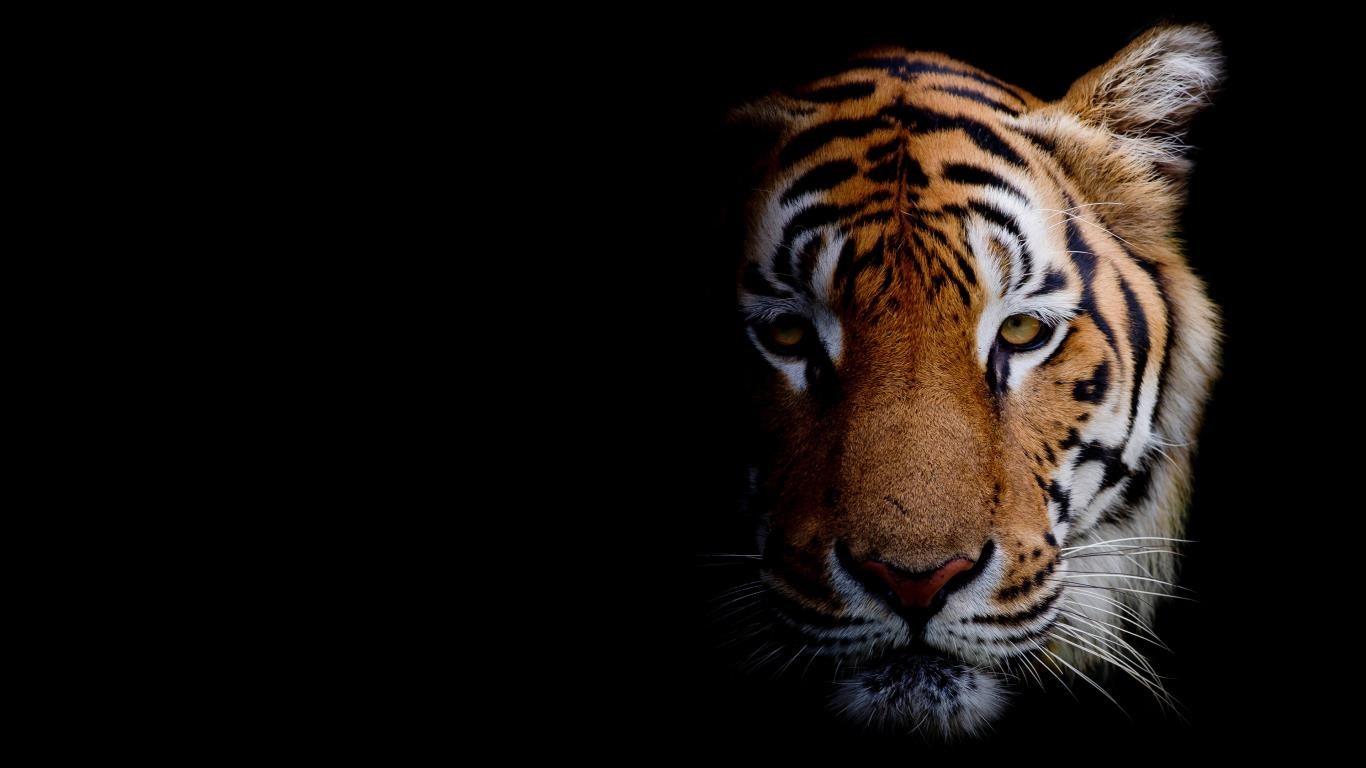
From the moment you open the app, the vibrant imagery and organized categories draw you into a world of wildlife wonders. Whether you're setting a fierce tiger as your background or a cute kitten for a cozy vibe, the process feels effortless and satisfying.
Core Functionality Explored
Rich and Diverse Animal Library
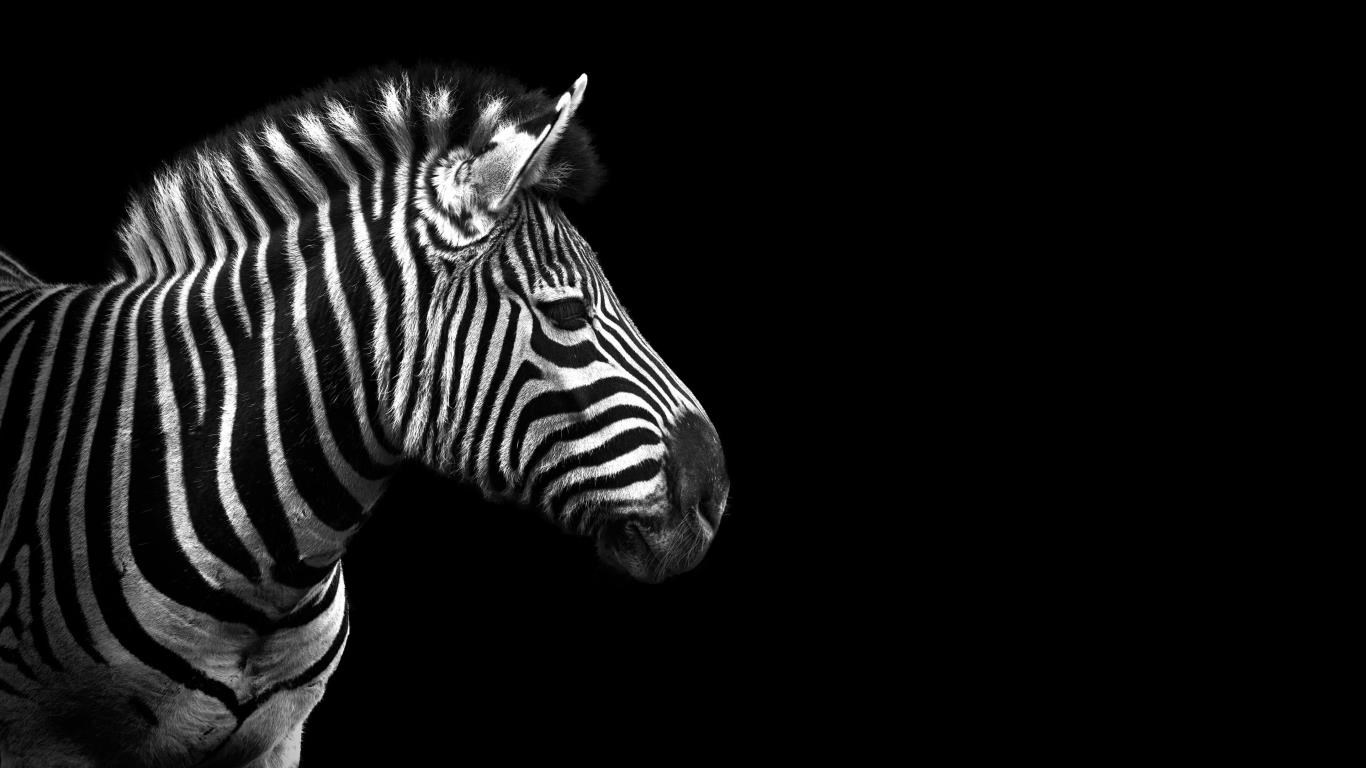
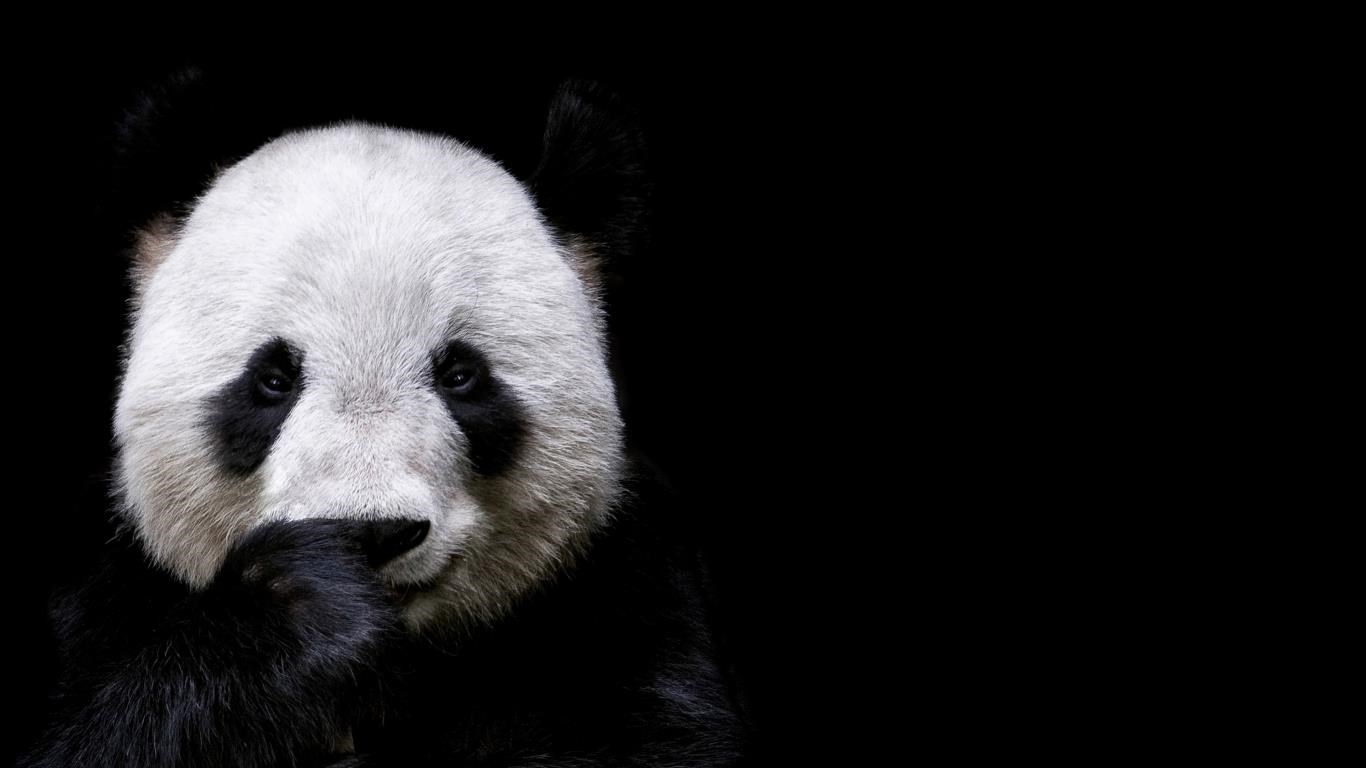
The app's standout feature is its expansive collection of animal portraits. The images are striking, high-resolution, and curated to appeal to a broad audience. You can explore from wild animals like elephants and wolves to domesticated pets like cats and rabbits. The variety ensures there is something for everyone, whether you prefer colorful, action-packed scenes or calm, minimalist depictions.
Seamless Customization and Theme Compatibility
This app shines in its ability to adapt to your personal taste. Beyond just selecting images, users can customize how portraits are displayed—adjusting zoom, framing, and even creating playlists of images to cycle through throughout the day. What's particularly impressive is its ability to harmonize with Windows themes, ensuring your animal portraits don't clash with system aesthetics, but rather enhance them.
Effortless User Experience
The interface feels like a well-organized animal sanctuary; easy to navigate and guided by thoughtfully labeled sections. Sorting images by categories, favorite selections, or recent updates makes browsing enjoyable. The learning curve is gentle—new users can pick up the app quickly, while advanced users can fine-tune settings for their perfect display. Transitions are smooth, with no noticeable lag, reinforcing the application's commitment to quality.
What Sets It Apart from Similar Apps?
Unlike many personalization apps that offer a one-size-fits-all approach, Animal Portraits emphasizes customization diversity and theme compatibility. It supports a wide array of display options, ensuring that your animal images look stunning regardless of your screen size or resolution. Additionally, the app's focus on high-quality content and regular updates makes it a reliable, ever-refreshing source of visual delight. Its seamless integration within the Windows environment means it works in tandem with other personalization features, giving users a cohesive experience.
Final Thoughts and Recommendations
Overall, Animal Portraits for Windows is a tasteful and thoughtfully crafted application for animal lovers and those who enjoy personalized digital aesthetics. Its key strengths—the vast, high-quality image library and its intuitive customization options—make it more than just a wallpaper changer; it's a small window into the animal world right on your desktop.
If you appreciate variety, beautiful visuals, and ease of use, this app is highly recommended. Perfect for users who want a subtle yet engaging way to enhance their workspace, it's worth trying out to see how it can bring a splash of wilderness and warmth to your daily digital life.
Pros
- High-Quality Artistic Artwork
- User-Friendly Interface
- Wide Variety of Animal Choices
- Customizable Portrait Styles
- Fast Rendering Speed
Cons
- Limited Free Features
- Occasional Rendering Errors
- In-App Purchase Pressure
- Limited Export Formats
- Suboptimal for Bulk Processing











