
- Name Aesthetic Themes - Desktop Customization
- Category Personalization
- Developer Exceed Technologies LLP
- Available on PC
- OS Windows 10 version 19041.0 or higher
- languages Chinese (Simplified), English, English (United States), French, German, Italian, Japanese, Korean
Elevate Your Desktop Aesthetics with Aesthetic Themes
If you're someone who finds your computer workspace a bit dull and wishes to sprinkle a dash of personality, Aesthetic Themes emerges as a thoughtfully crafted tool designed to transform your Windows environment into a visual masterpiece. It's like giving your desktop a fresh coat of paint, but with endless design options that reflect your unique style.
About the Developer and Core Features
Developed and published by Exceed Technologies LLP, Aesthetic Themes aims to bring a seamless and customizable aesthetic overhaul to Windows desktops. This team specializes in productivity and personalization apps, striving to make your digital space both functional and beautiful.
Main Highlights:
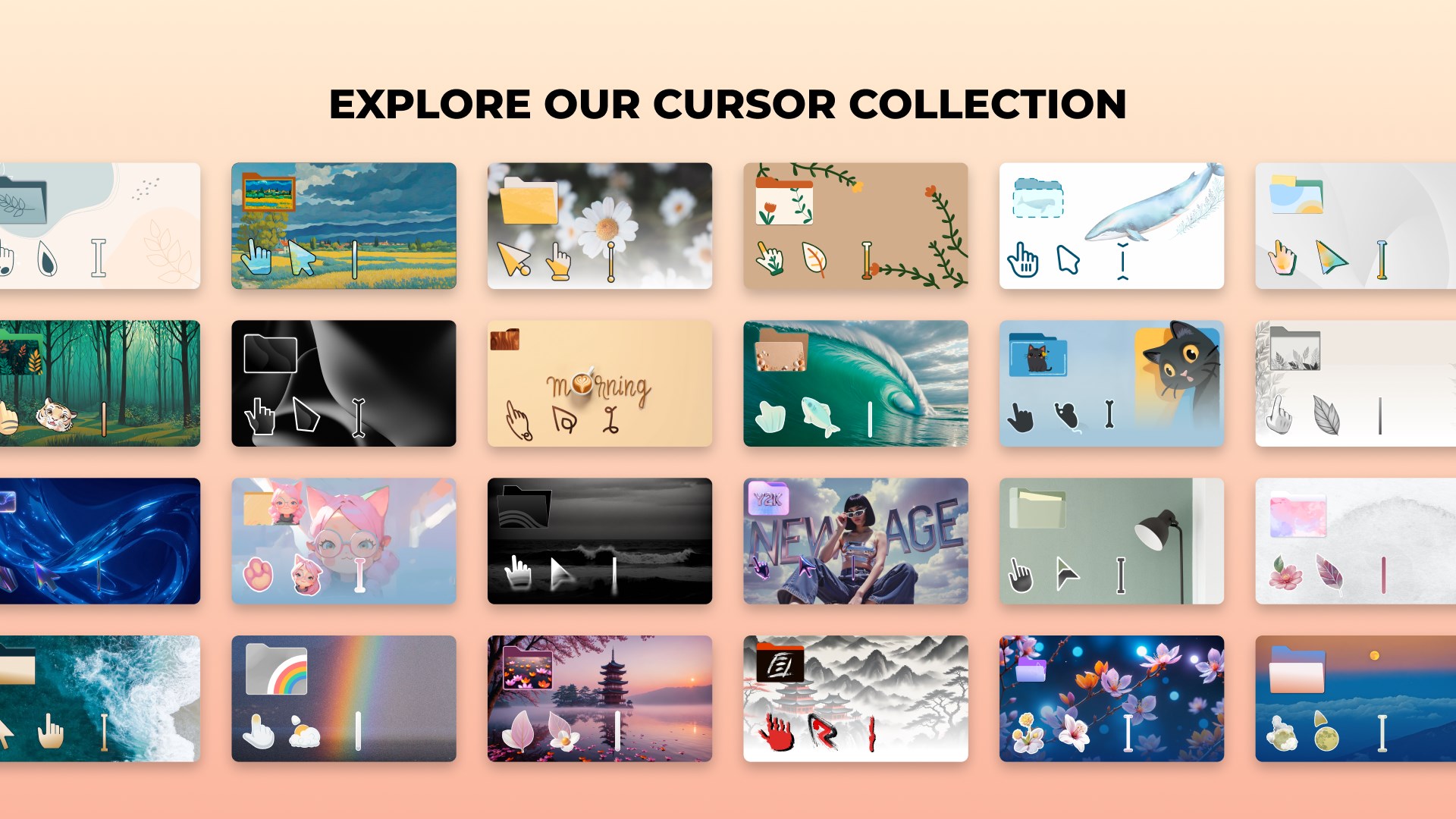
- Extensive theme library offering a wide variety of curated visuals to suit diverse tastes.
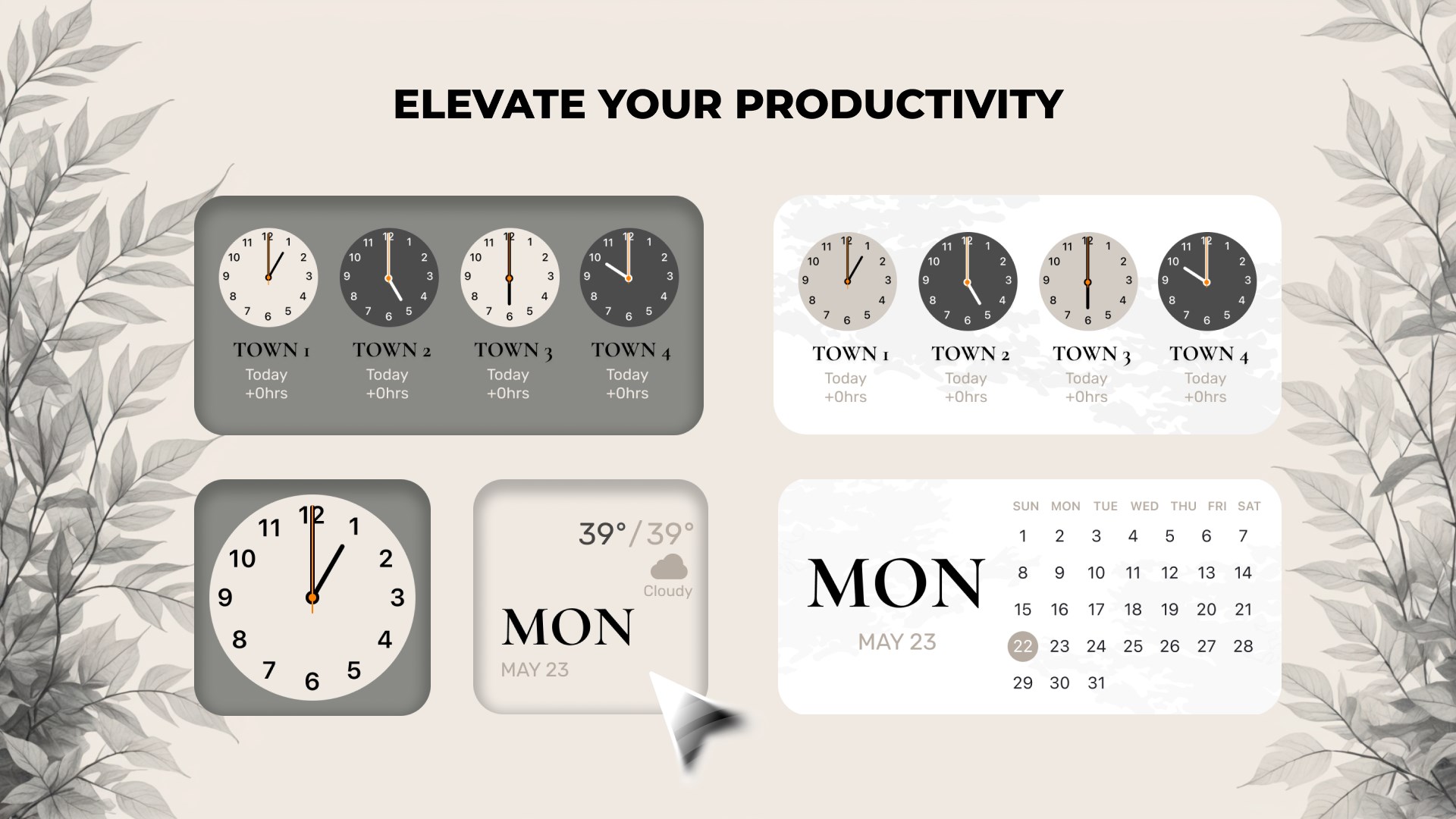
- Customizable theme options, allowing users to tweak color schemes, background images, and accent colors for a personalized touch.
- Compatibility with existing Windows themes ensuring a smooth, harmonious integration without disrupting your setup.
- User-friendly interface designed for quick browsing and effortless application of new themes.
Target Audience: This app is perfect for Windows users who enjoy personalizing their desktop, from casual users seeking a fresh look to designers and enthusiasts exploring aesthetic customization.
Vivid First Impressions and Ease of Use
Stepping into Aesthetic Themes feels akin to entering an art gallery where every exhibit is a potential backdrop for your daily workflow. The interface greets you with a clean, modern design — intuitive enough for beginners yet rich in features for seasoned customizers. Applying themes is as simple as a click, and the app's responsiveness keeps the process silky smooth, ensuring minimal waiting and maximum satisfaction. Even first-time users will find the learning curve gentle, thanks to straightforward navigation and helpful previews.
Deep Dive into Key Features
Variety of Customization Options
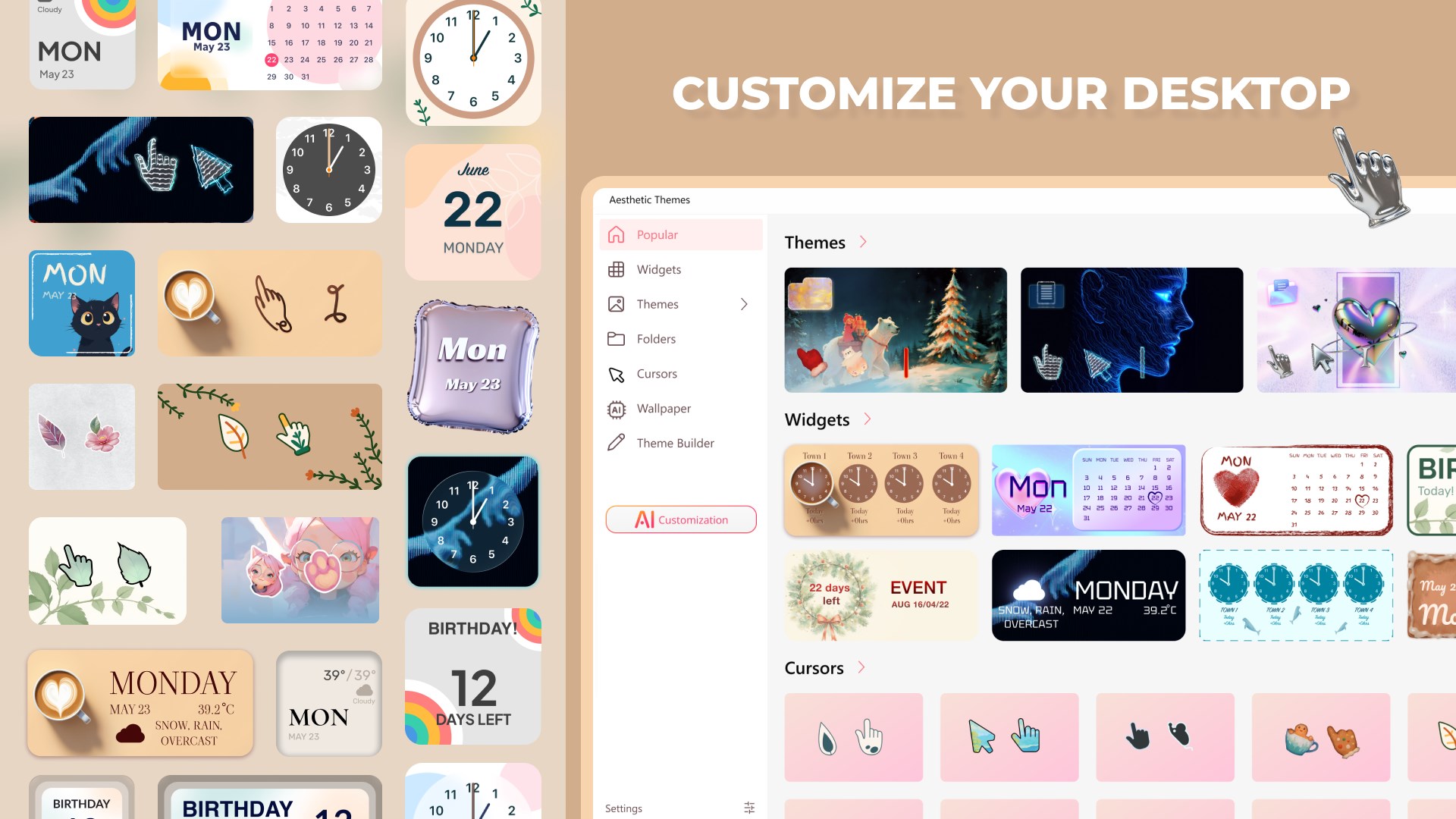
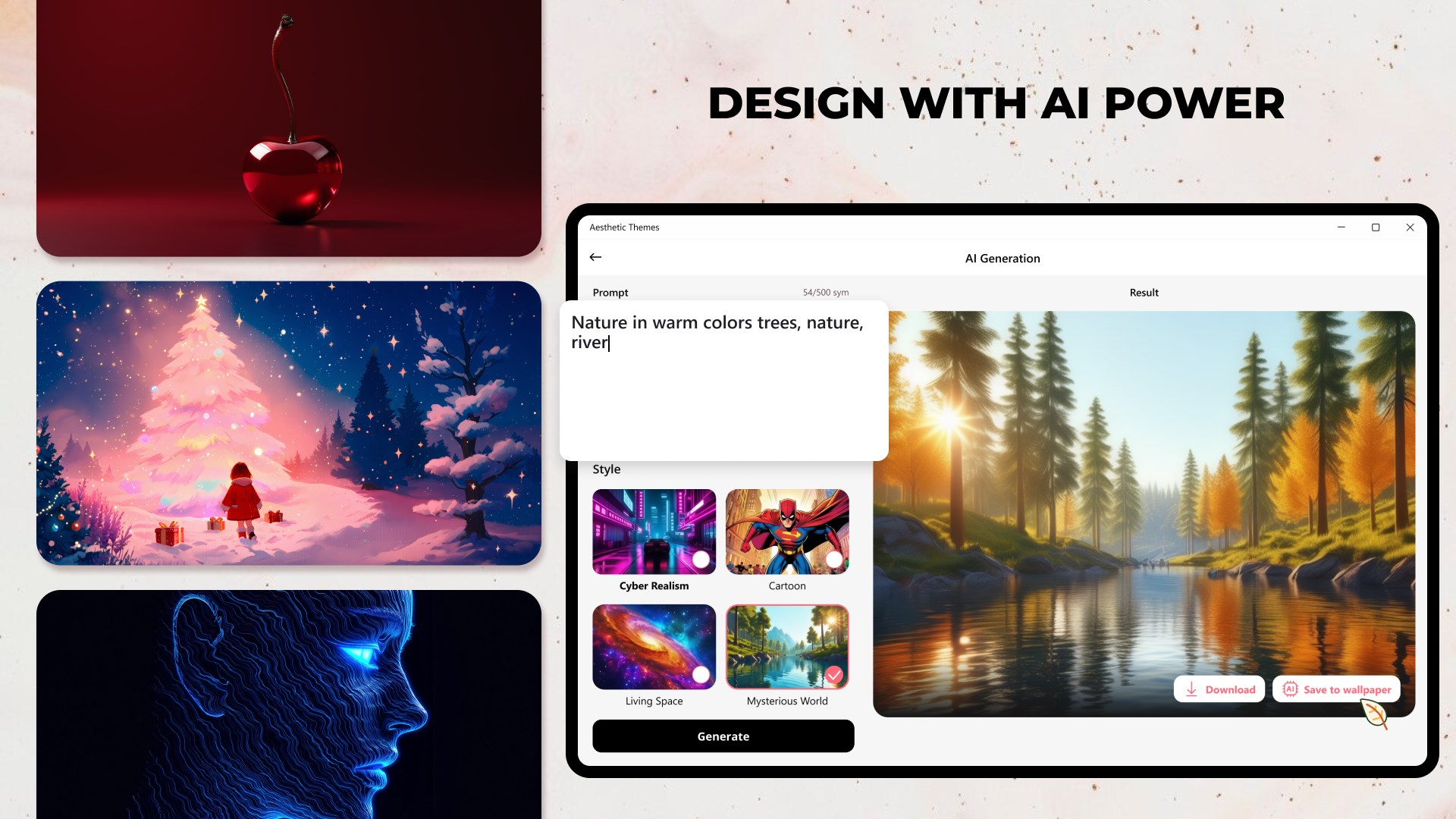
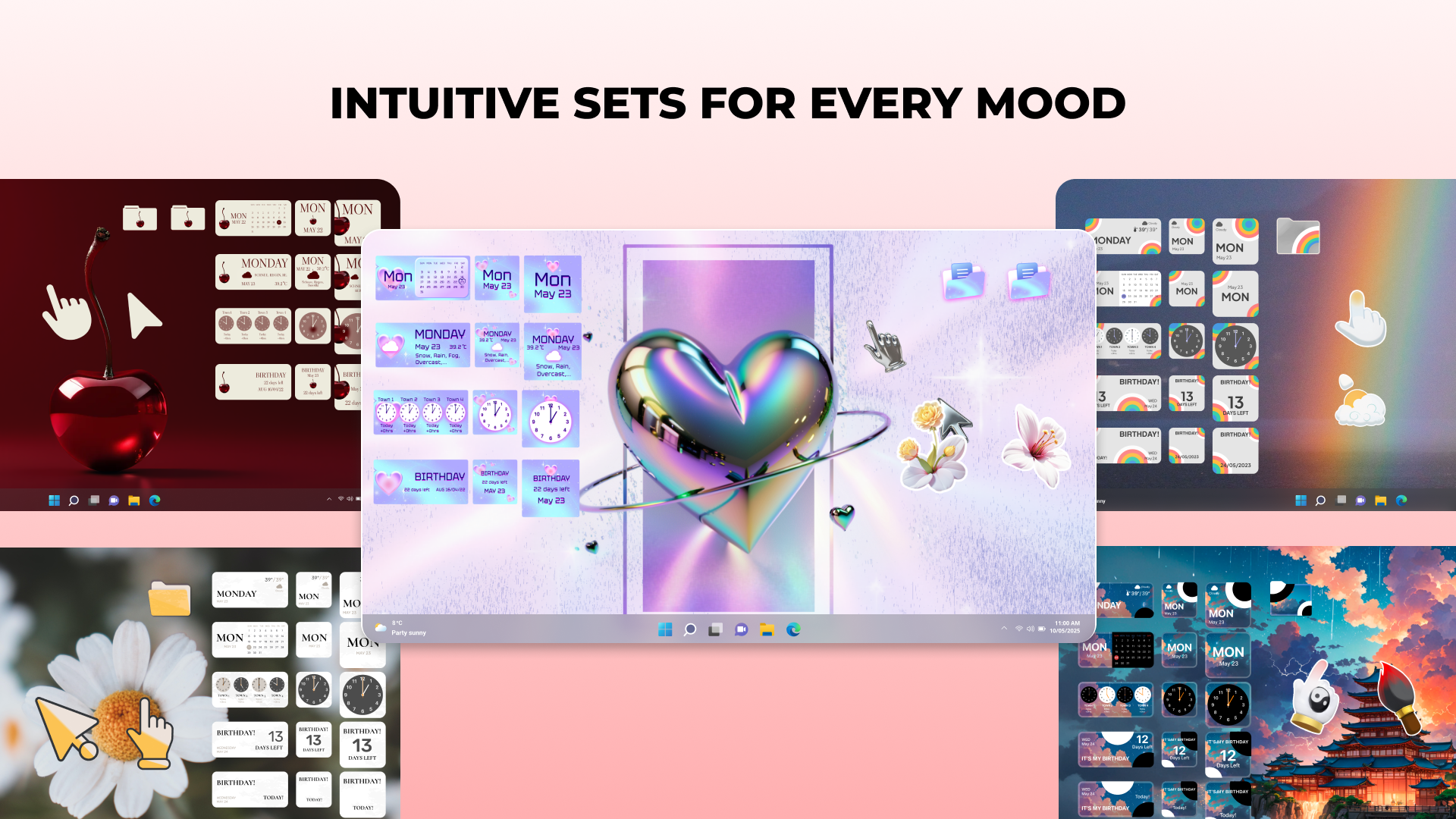
The app's standout feature is its extensive library of themes, meticulously curated to cater to a spectrum of tastes—from minimalistic monochromes to vibrant abstract designs. Beyond just a selection, Aesthetic Themes allows users to delve deeper: adjusting color accents, background images, and font styles. This degree of control ensures that your desktop doesn't just look good but feels uniquely yours. It's like having a personal stylist for your computer's visual identity.
Theme Compatibility and Integration
One of the most reassuring aspects of Aesthetic Themes is how seamlessly it works within the Windows ecosystem. It respects existing system themes and accentuates them rather than clashes. The app intelligently detects installed themes and presents options that blend seamlessly, avoiding the often jarring mismatches seen in some personalization tools. This careful integration ensures a consistent user experience, whether you're using the latest Windows 11 or older versions.
Design and User Experience
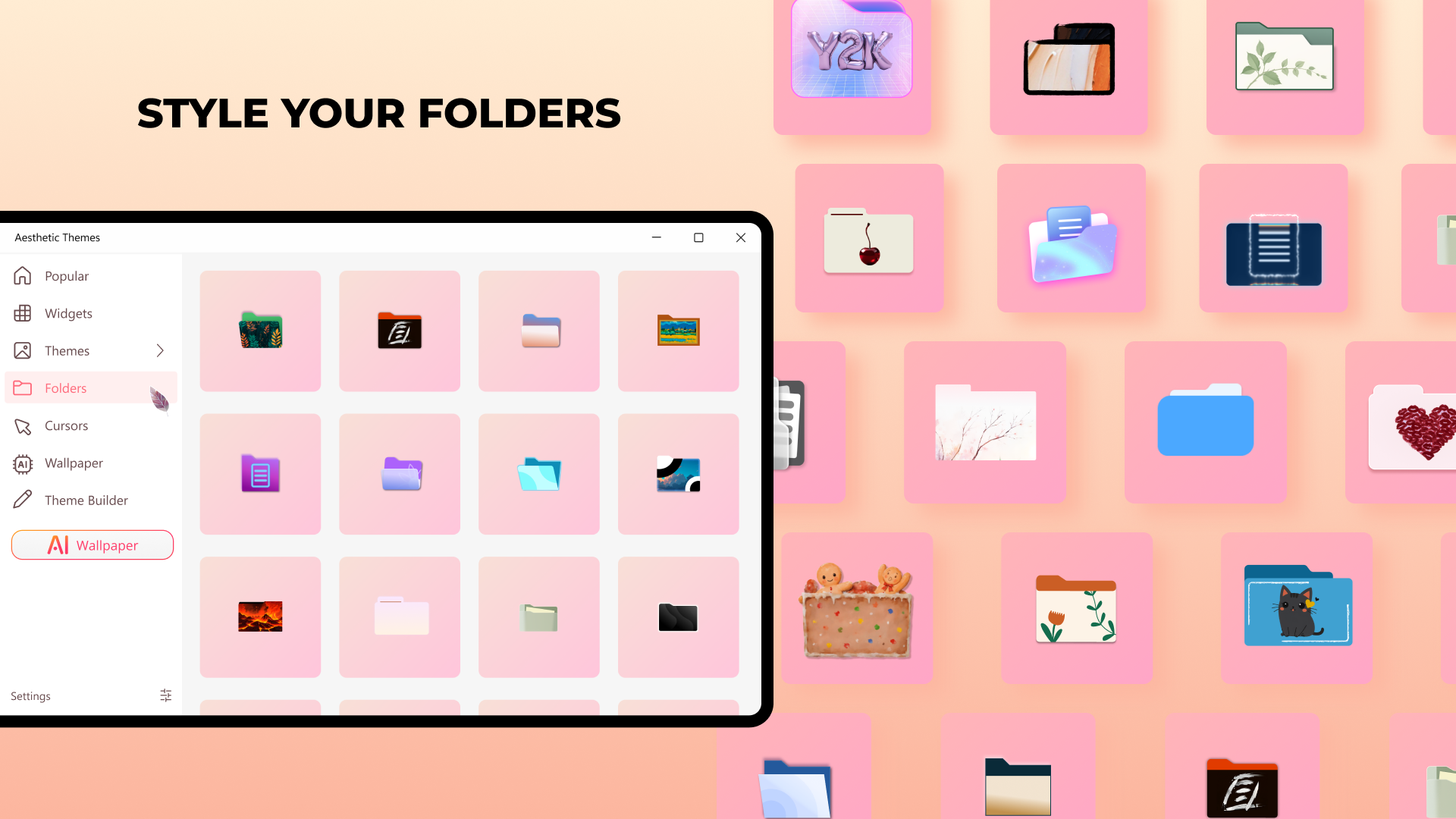
The UI strikes a balance between functionality and elegance, resembling a well-organized art studio. Navigation is intuitive, with a sidebar showcasing themes, customization settings, and previews. Animations are smooth, and transitions are handled gracefully, making browsing feel less like work and more like browsing through a boutique store. On the technical front, the app feels stable and responsive, with no noticeable lag, even when browsing a large gallery of themes. Such fluidity lowers the barrier for users unacquainted with customization tools, turning what could be a daunting task into an enjoyable experience.
What Sets It Apart and Should You Try It?
Compared to many other personalization apps, Aesthetic Themes shines particularly in its combination of customization depth and compatibility. While some tools offer a limited library or disrupt the overall Windows theme, this app ensures your desktop remains cohesive. Its ability to finely tune aesthetic elements while maintaining system stability makes it a standout choice.
For users who crave more than just wallpaper swaps and seek nuanced, tailored themes, Aesthetic Themes offers an elegant solution. While it may not boast the flashy marketing pitches of some competitors, its straightforward, versatile approach deserves praise.
In terms of recommendation, I would suggest this app to anyone looking for reliable, extensive, and easily accessible desktop beautification. Beginners will appreciate its simplicity, while power users will find enough layers of customization to satisfy their creative impulses. It's a refined tool that harmonizes ease of use with artistic flexibility—no clutter, just pure aesthetic potential.
Pros
- Wide Variety of Themes
- User-Friendly Interface
- Seamless Integration
- Regular Updates
- Customizable Options
Cons
- Limited Free Content
- Potential Performance Impact
- Inconsistent Theme Quality
- Limited Customization Depth
- Occasional Compatibility Issues











