

- Name Aesthetic Desktop Themes - HD Wallpapers & Widgets
- Category Personalization
- Available on PC, Surface Hub
- OS Windows 10 version 19041.0 or higher
- languages Chinese (Simplified), English, English (United States), French, German, Italian, Japanese, Portuguese (Portugal), Spanish (Spain)
Discover Stunning HD Wallpapers and Widgets for Windows with Aesthetic Desktop Themes
If you're someone who believes that your desktop is your digital canvas, then Aesthetic Desktop Themes from Simpledio LLP offers a compelling way to elevate your visual experience. This app promises to transform your boring desktop into a vibrant, personalized space filled with high-quality wallpapers and customizable widgets, all within a user-friendly interface.
Who Is This App For?
Designed for Windows users seeking to customize their desktop environment effortlessly, Aesthetic Desktop Themes targets tech enthusiasts, students, professionals, and anyone who appreciates beautiful visuals and seamless personalization. Whether you're looking to add a splash of color or organize your workspace with informative widgets, this app aims to serve your aesthetic and functional needs.
What Makes It Stand Out? Key Features and Highlights
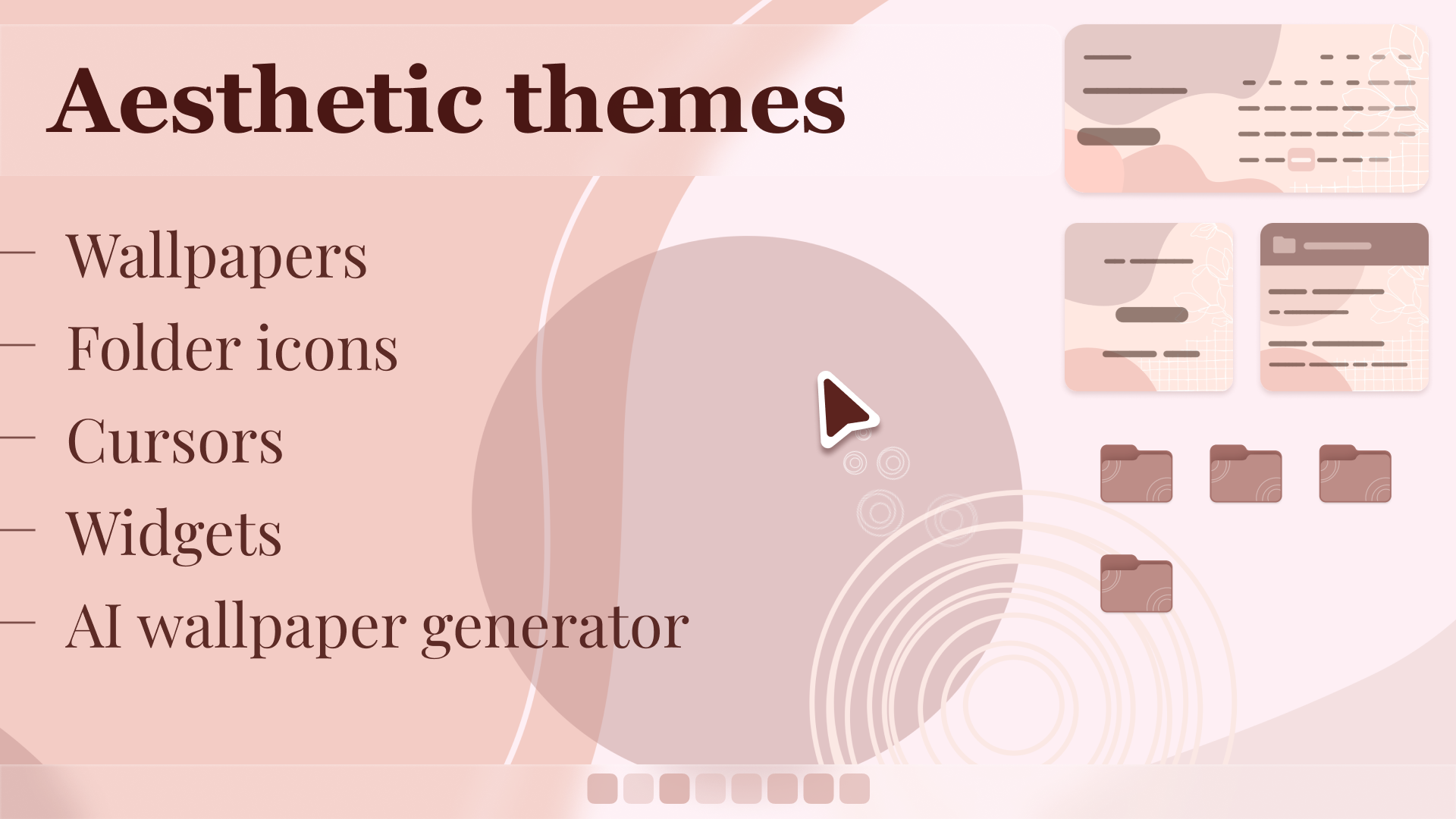
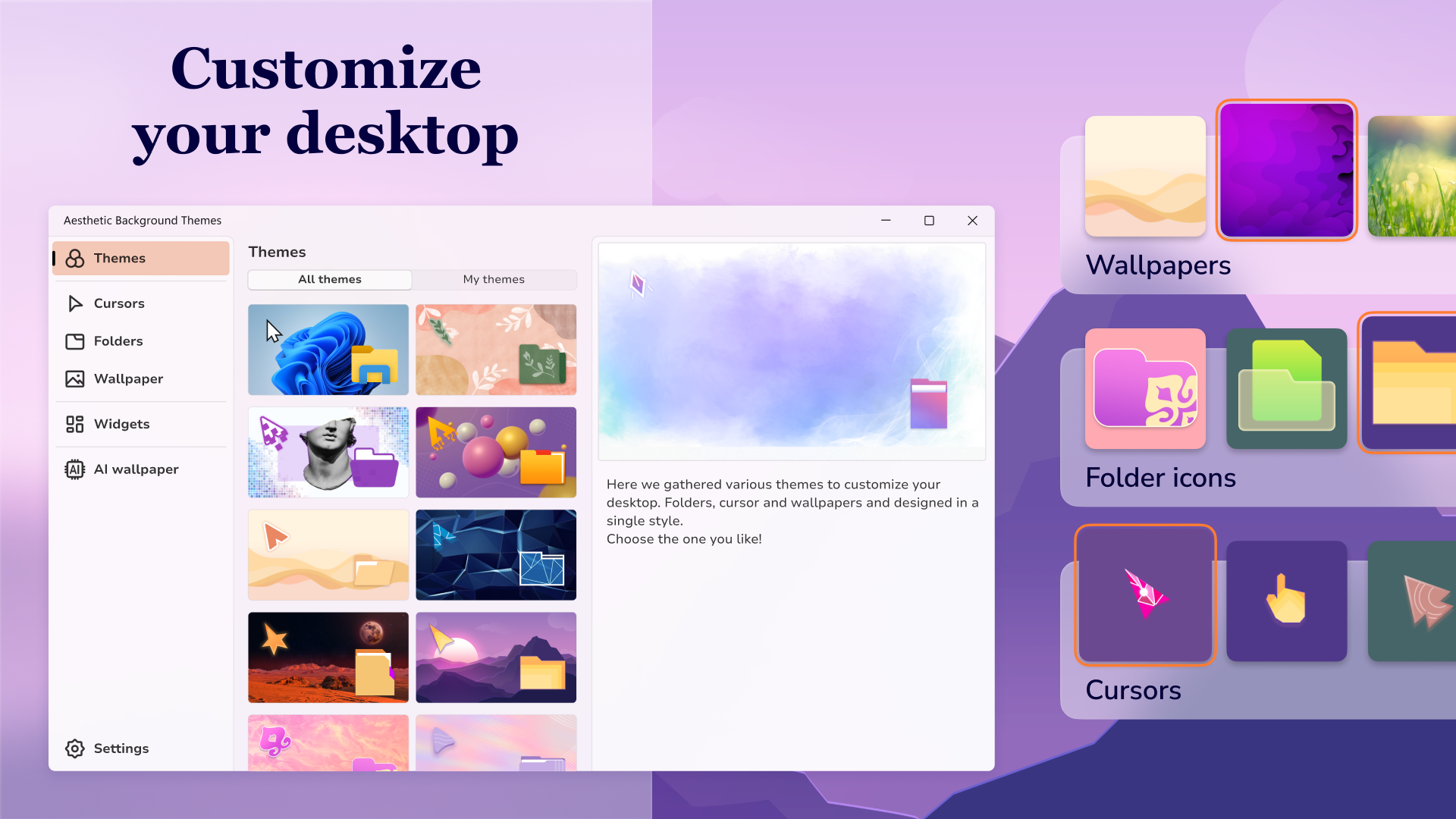
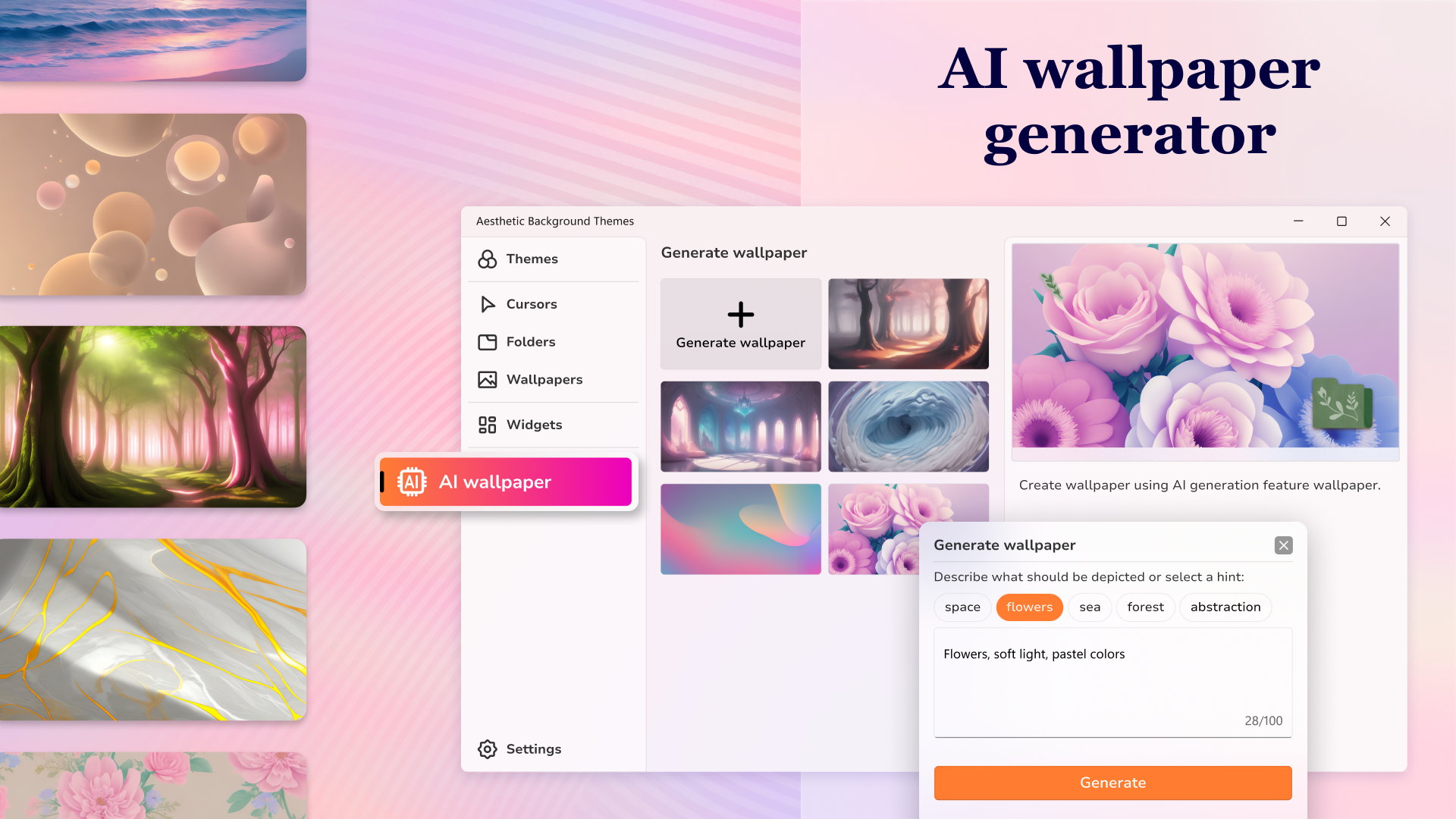
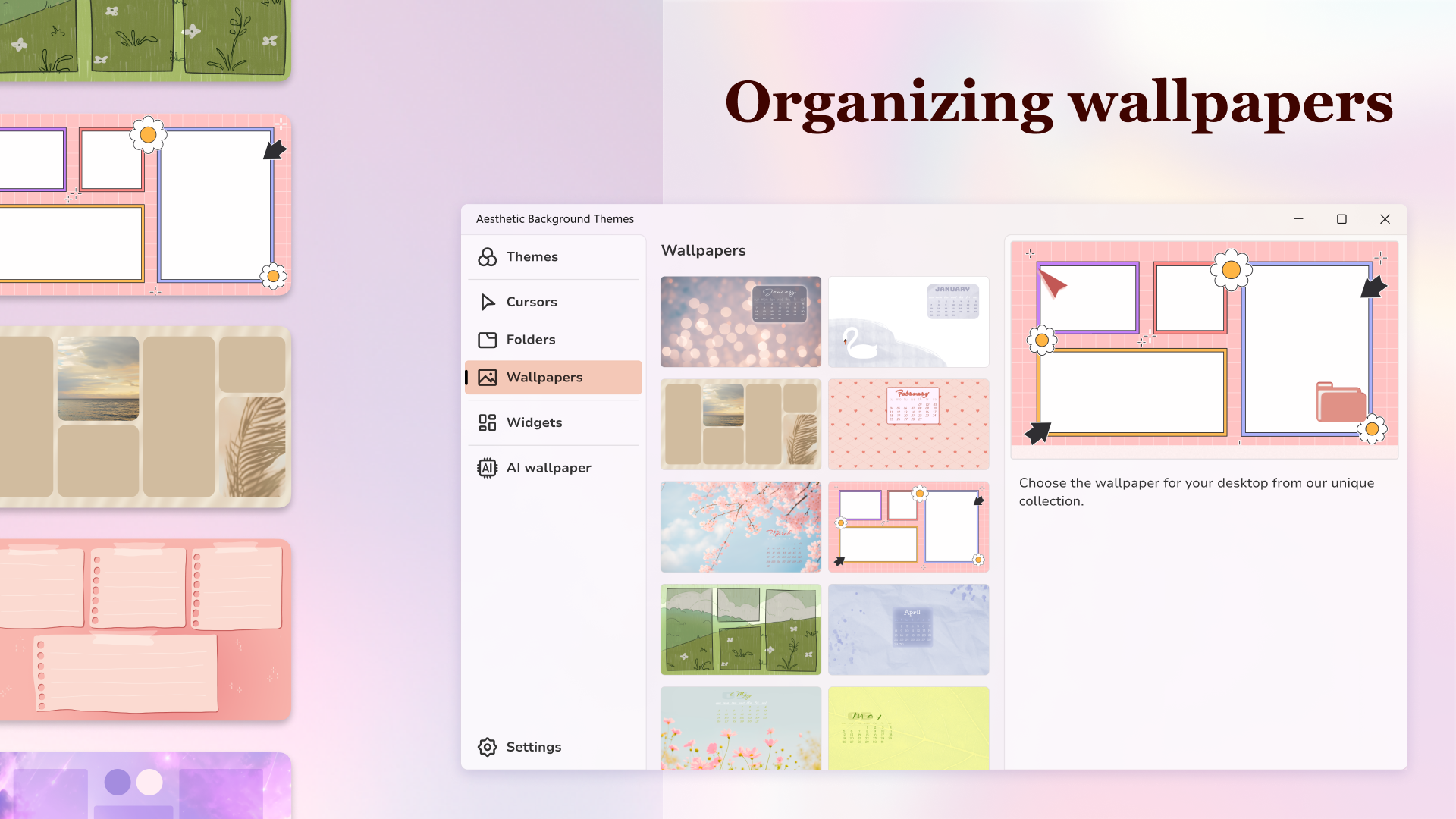
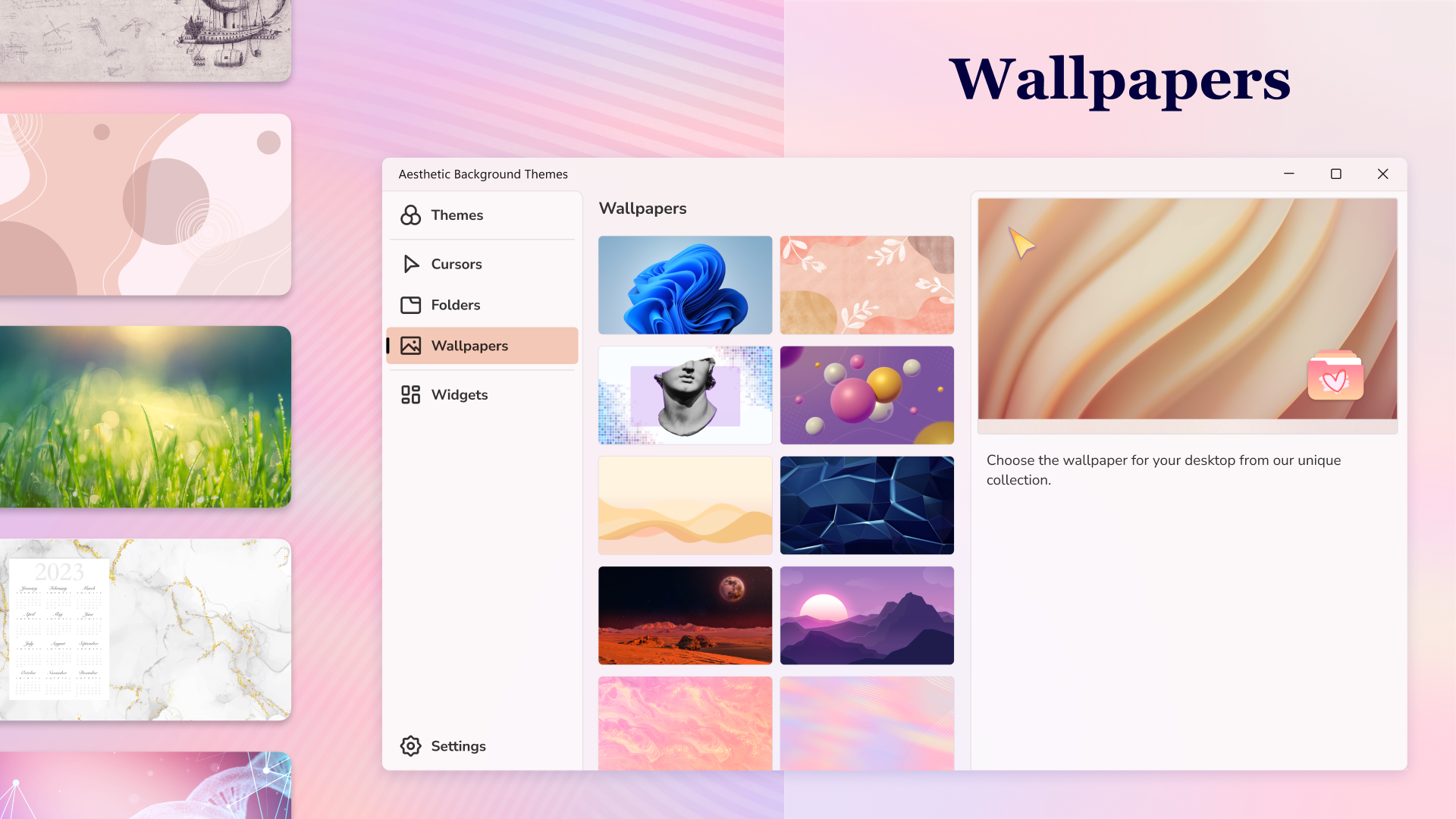
- Vast Library of HD Wallpapers: Access to a diverse repository of high-resolution images, ranging from serene landscapes to modern abstract art — perfect for any mood or theme.
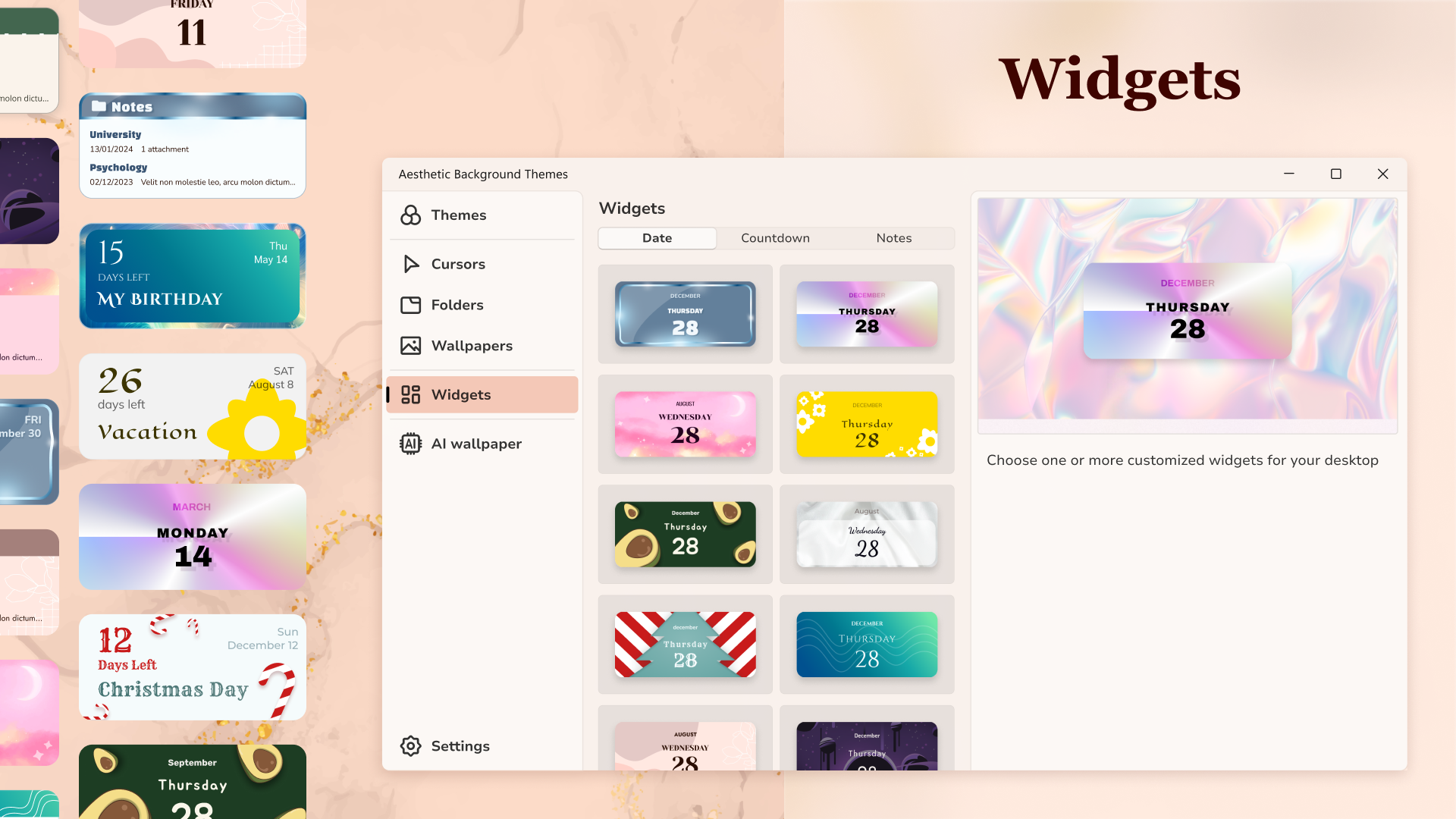
- Customizable Widgets: Includes a variety of customizable widgets such as clocks, calendars, weather info, and system stats, enabling users to combine beauty with practicality.
- User-Friendly Interface: Intuitive design that allows for easy browsing, quick application of themes, and simple widget management, even for newcomers.
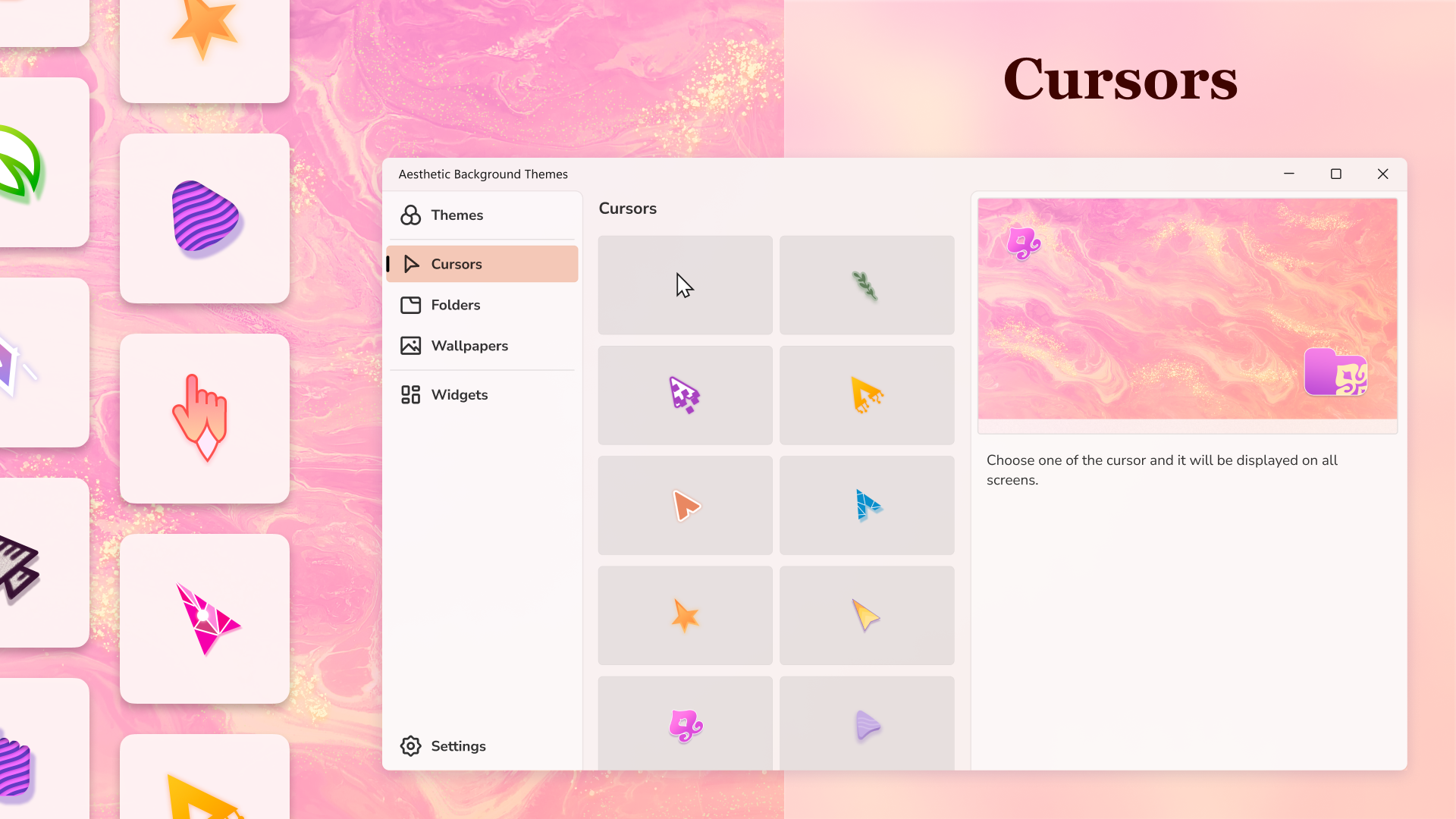
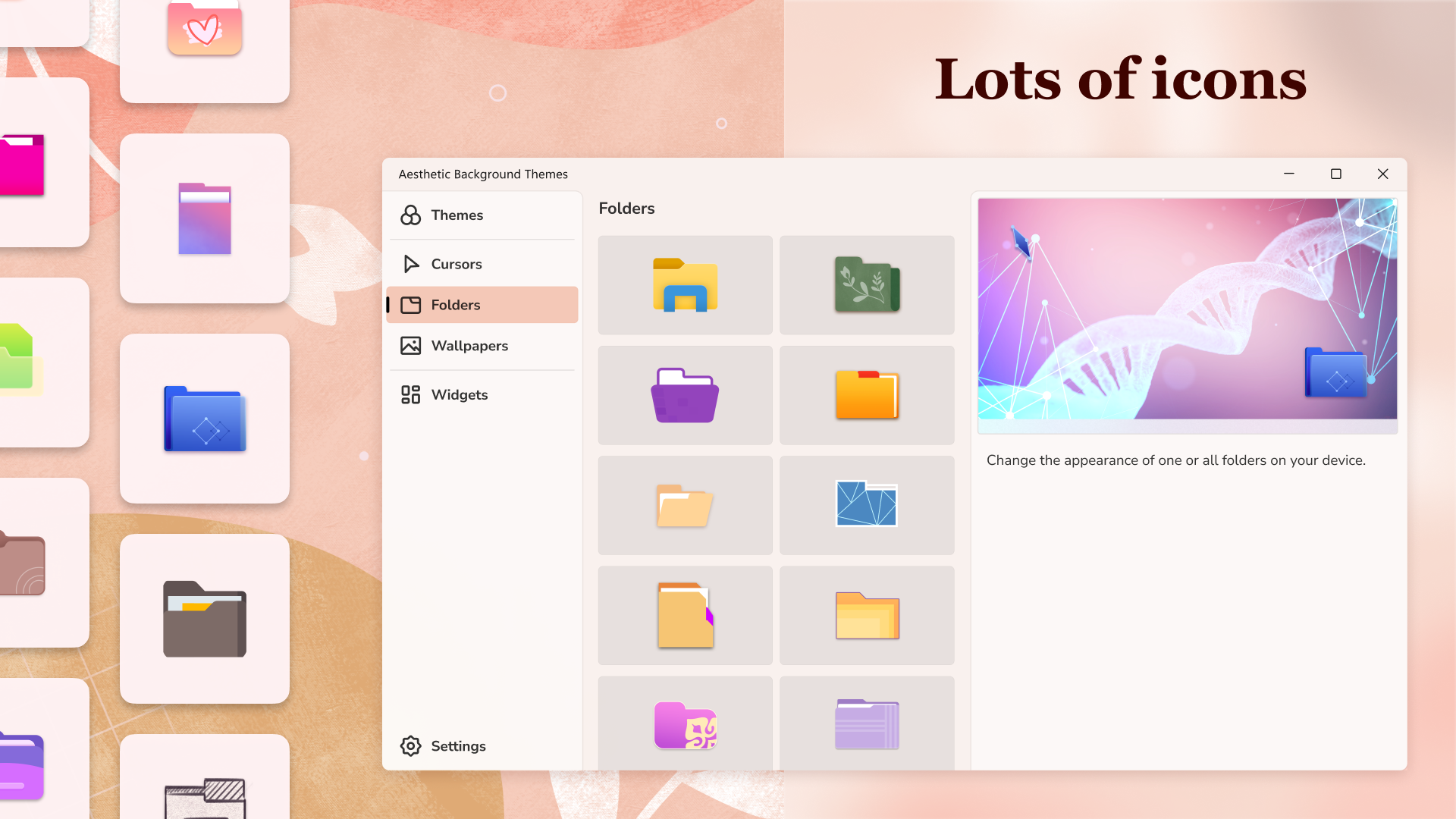
- Theme Compatibility & Personalization Options: Supports a wide range of themes and offers detailed customization options to tailor your desktop precisely to your liking.
Core Functionality Deep Dive
1. Extensive Wallpaper Collection
The app's standout feature is its expansive library of HD wallpapers. Imagine having a digital gallery at your fingertips, where every image is crafted to look stunning even on ultra-wide monitors. Switching between themes feels akin to changing the decor of a room — quick and visually satisfying. The wallpapers are curated to be both diverse and high quality, ensuring that your desktop always looks fresh and captivating.
2. Plush Widget Customization & Utility
Widgets are the app's functional jewels, offering weather updates, calendar reminders, system statistics, and more, all customizable to match your aesthetic. Unlike many personalization tools that clutter your desktop, Aesthetic Desktop Themes combines beauty and usability through sleek, unobtrusive widget designs. You can resize, reposition, or toggle widgets on and off with ease, creating a tailored, functional workspace that feels both intuitive and elegant.
3. Seamless User Experience & Design Philosophy
The interface is a clean, modern landscape that invites exploration without overwhelming. Navigating through themes and widgets is like strolling through a well-organized art gallery — intuitive and enjoyable. Transitioning between themes and applying new wallpapers is smooth, with minimal lag, making the entire customization process fluid. The learning curve is gentle, even for those new to desktop personalization, thanks to clear guidance and thoughtful layout.
Breaking the Mold: Unique Highlights & Comparing to Peers
What sets Aesthetic Desktop Themes apart from similar apps in the personalization arena is its dedication to quality and ease of use. Its wallpaper collection isn't just extensive but also curated with attention to aesthetic harmony, ensuring every image complements your widgets and overall theme. Additionally, its widget customization stands out for its simplicity and depth: you're not limited to static, cookie-cutter widgets but can modify them to suit your taste and needs.
Compared to other personalization apps, the key differentiators are:
- Variety & Quality of Customization Options: A wide array of themes and high-res wallpapers paired with flexible widget personalization, making each desktop truly unique.
- Theme Compatibility: Designed to work well with existing Windows themes, allowing users to blend their natural system setup with personalized aesthetics seamlessly.
Would I Recommend It?
Absolutely. Aesthetic Desktop Themes is a thoughtfully crafted app that balances beauty, functionality, and ease of use. It's especially recommended for users who want a more visually engaging desktop without sacrificing utility. Whether you're aiming to refresh your workspace, find inspiration, or just enjoy a more personalized digital environment, this app makes the process straightforward and enjoyable.
For best results, I suggest exploring its theme collection and experimenting with widget layouts to find what truly resonates with your style. Keep in mind, the app shines brightest when used as a creative tool to make your digital workspace uniquely yours.
Pros
- High-Quality HD Wallpapers
- Customizable Widgets
- User-Friendly Interface
- Regular Updates
- Lightweight Performance
Cons
- Limited Free Content
- Inconsistent Theme Quality
- Minor App Stability Issues
- Lack of Advanced Customization Options
- Ads in Free Version











