


Introducing Volume Booster - Sound Booster: Enhance Your Audio Experience
Do you often feel that your phone's system volume isn't loud enough? Whether you're trying to amplify music, videos, or phone alerts, you need a reliable solution to boost your sound beyond the original limits. Volume Booster - Sound Booster, also known as EZ Booster, is a powerful and user-friendly app designed for Android devices to significantly increase your device's audio output, making it a must-have tool for music enthusiasts, gamers, and anyone craving louder sound.
Key Features of EZ Booster
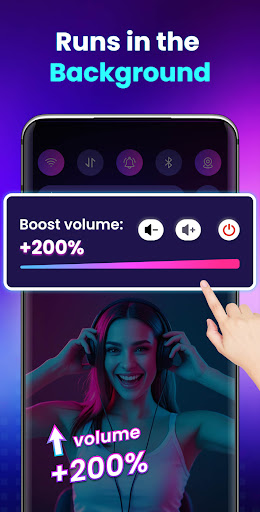
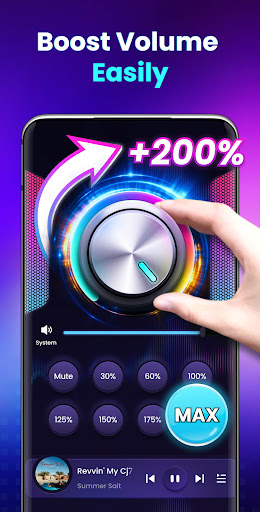
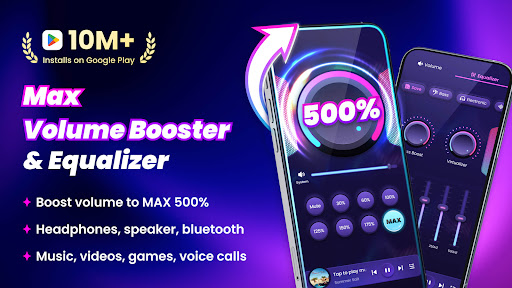
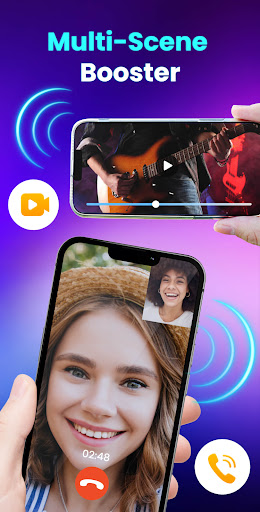
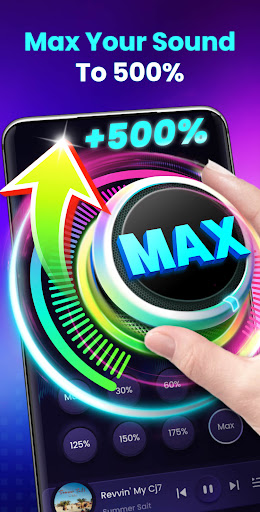
This app can increase all types of volume, including •music, •movies, •audiobooks, •alarms, and •ringtones. It allows users to boost volume levels up to 200%, far exceeding the maximum system volume on most devices. This feature is especially useful when listening to music with headphones, watching videos, or playing games where higher volumes are desired without distortion.
With Volume Booster - Sound Booster, you can enhance the sound quality while increasing volume. The app offers a stereo surround sound effect, and a music spectrum that visually reacts to melodies, enriching your listening experience. Conveniently, it supports running in the background or with the device locked, and provides quick controls via widgets and notification bar for effortless adjustments.
Additional features include no root required for operation, making it accessible to all users. It also supports boosting the sound output from external speakers, headphones, and Bluetooth devices, ensuring your audio is powerful regardless of output method.
The built-in music controls enhance usability, allowing you to support display music cover, song title, artist, and enable easy playback control such as play, pause, next, previous. All controls are designed with user-friendliness in mind, featuring a straightforward interface developed by top professionals for seamless operation.
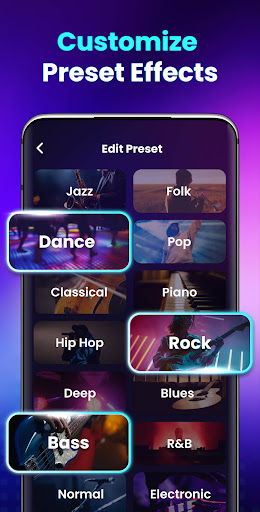
For precise volume settings, the app provides 8 sound modes that let you set your preferred volume level with just one tap, making it easy to switch between different audio preferences. Quick adjustments are possible via home screen widgets or notification controls—no need to open the app each time.
EZ Booster is your perfect audio companion if you're seeking to turn your device into a powerful portable speaker—just download it for free and experience the difference.
Why Choose Volume Booster - Sound Booster?
Many users want to push their device's audio limits without compromising sound quality. This app achieves that by boosting volume levels without distortion, ensuring a clear, loud, and immersive sound experience. Whether you're listening to your favorite playlist, enjoying a movie, or gaming, EZ Booster provides a significant volume increase to meet your needs.
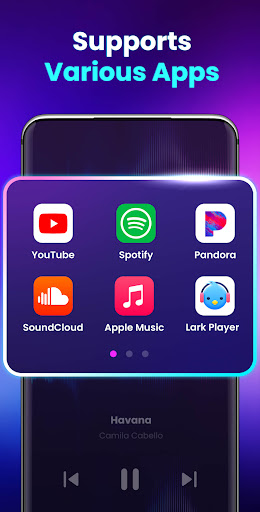
It’s suitable for all devices and versatile in application, supporting external speakers, headphones, and Bluetooth connections. The feature-rich interface makes it easy even for those new to audio apps to get started and customize the sound to their liking.
If you are looking for an extra volume booster or a speaker booster to maximize your device's output, this app stands out. It elevates your audio in an effortless way, transforming your smartphone into a powerful sound device.
Important Tips & Safety Warnings
While boosting volume can significantly improve your listening experience, it’s essential to use the feature responsibly. Excessive volume may cause harm to your ears and device hardware. It is recommended to increase volume gradually and take frequent breaks to protect your hearing health.
By installing Volume Booster - Sound Booster, you agree that the app's developers are not responsible for any potential damage caused by improper use. Use the app wisely to enjoy a louder, clearer audio experience without risking your safety.
Conclusion
If you’ve ever wished for louder, richer sound on your Android device, Volume Booster - Sound Booster is the perfect solution. It offers an easy-to-use interface, powerful volume enhancement, and additional features like bass boost and music controls—all without the need for root access.
Discover the benefits of amplified audio today. Download EZ Booster for free and enjoy your favorite music, videos, and games with an unprecedented level of loudness and clarity. Make your smartphone or tablet sound as powerful as a portable speaker and elevate your listening experience to new heights.
Pros
- User-friendly interface.
- Notable improvement in sound quality.
- Low battery usage.
- Works with most applications.
- Adjustable audio settings.
Cons
- Sound may become distorted at high volumes.
- Advertisements can be disruptive.
- Some features are restricted without payment.
- Possible need to restart device.
- Risk of app crashes.










