




Introducing the Volume Booster - Equalizer App
Are you tired of listening to low-volume music on your mobile device? Want to amplify the bass of your favorite songs on earphones, speakers, or your mobile device? The Volume Booster - Equalizer app is here to transform your audio experience. Designed specifically for Android users, this powerful sound enhancement tool allows you to increase volume levels, boost bass, and customize audio settings with ease. Whether you're streaming music, watching videos, or managing alarms, this app is your go-to solution for richer, louder, and more immersive sound.
Key Features of Volume Booster - Equalizer
Ultimate Volume Amplification
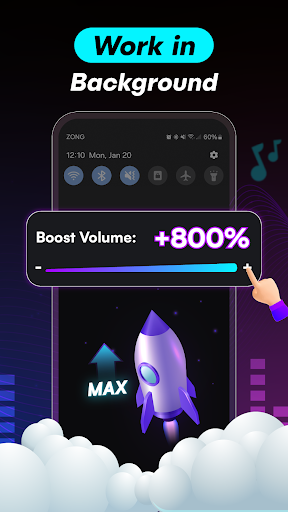
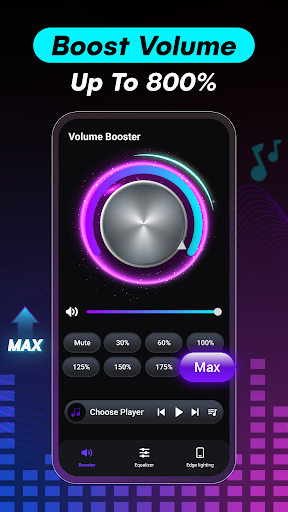
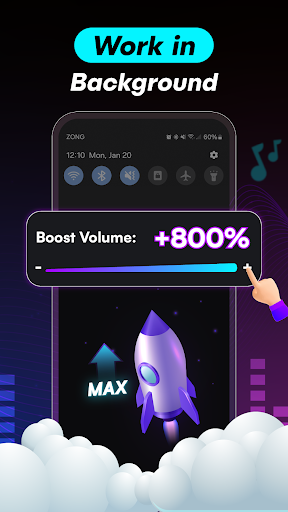
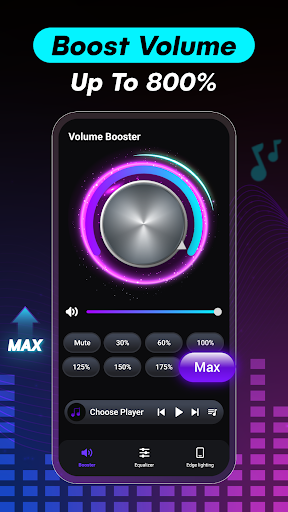
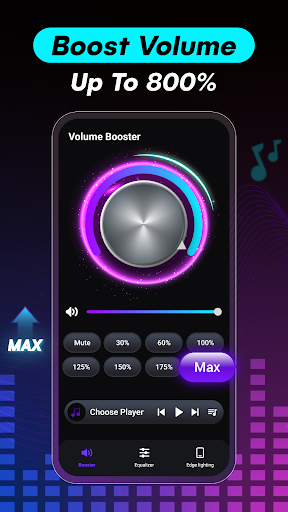
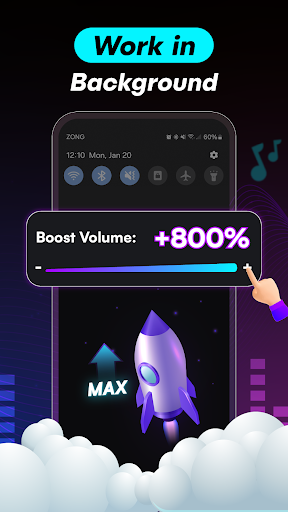
One of the standout features of this audio booster app is its ability to quickly increase the volume of your device by over 500%. Need to hear your ringtone or alarm clearly? Simply activate the volume booster, and your phone’s sound output becomes significantly louder without sacrificing audio clarity. This makes it ideal for situations where the default system volume isn’t enough, such as noisy environments or outdoor settings.
Enhanced Bass and Audio Control
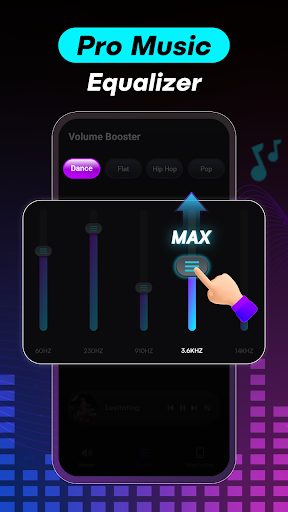
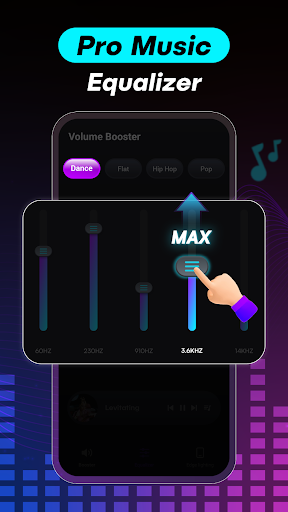
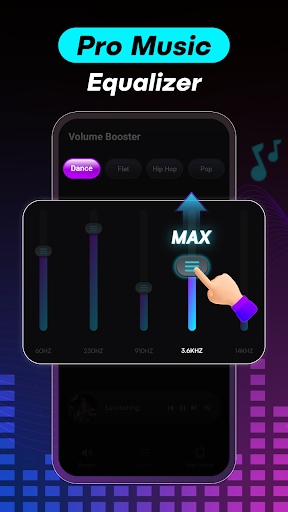
Music enthusiasts will appreciate the bass booster function, which elevates the low-end frequencies of your audio content. You can maximize bass levels to enjoy that deep, thumping sound that adds richness and depth to your favorite tracks. Alongside bass enhancement, the app offers a customizable music equalizer with multiple presets, allowing you to tailor the tone and sound profile to match genres like jazz, rock, classical, or pop. The virtualizer effect further creates a 3D sound experience, making your music feel more lively and spatially dynamic.
Compatibility with All Devices and Media
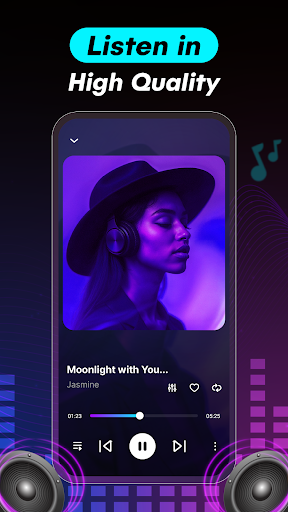
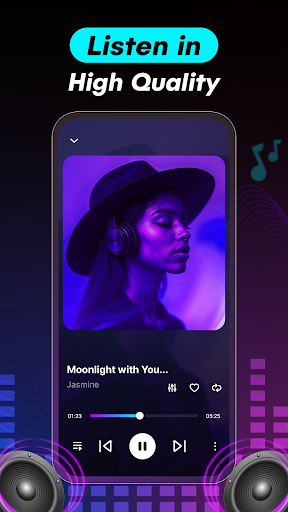
This volume booster is compatible with various audio outputs, including speakers, Bluetooth devices, headphones, and other audio peripherals. It effectively boosts sound across all media types—be it videos, music, ringtones, or alarms—ensuring a consistent loud and clear audio experience across your device. Additionally, it features a built-in media player that displays song information, album art, and supports controls like play, pause, next, and previous, all while boosting volume.
Custom Sound Settings and Saving Preferences
With the ability to save multiple customized equalizer profiles, users can easily switch between different sound settings based on their listening preference or genre. Whether you prefer a bass-heavy setup or a balanced sound, this app allows you to create, save, and activate profiles effortlessly, making your audio adjustments personalized and convenient.
Why Choose Volume Booster - Equalizer?
In the ever-evolving landscape of music enhancement apps, Volume Booster - Equalizer stands out for its simplicity and powerful features. It is more than just a basic volume increase tool; it’s a comprehensive audio enhancement solution. The app improves music playback for headphones, speakers, and Bluetooth connections, delivering a premium listening experience without compromising sound quality.
Enjoy your music, movies, and podcasts with an intensified bass effect and boosted volume levels, making every sound clearer and more immersive. Advanced sound technologies, including spatial algorithms and virtualizer effects, provide a realistic and spacious audio environment, especially beneficial for stereo setups or headphone users.
Remember, though, that excessive volume boosting can potentially damage your hardware or hearing. Use this app responsibly to enjoy the maximum benefits of enhanced audio quality without risking any harm.
Final Word
If you’re seeking an intuitive and effective way to amplify your device’s sound, the Volume Booster - Equalizer is a top choice. Its user-friendly interface, extensive customization options, and powerful volume and bass boosting capabilities make it an essential app for music lovers and content enthusiasts alike. Experience your media like never before—louder, richer, and more immersive—by giving this innovative sound booster a try today.
Pros
- Enhances audio quality significantly.
- User-friendly interface.
- Works with all media players.
- Customizable equalizer settings.
- Boosts volume beyond system limits.
Cons
- May distort audio at high levels.
- Consumes more battery power.
- Ads can be intrusive.
- Limited free features.
- Potential compatibility issues.











