

Introduction to the Voice Recorder App
The Voice Recorder application is a top-tier tool designed for high-quality sound recording. Whether you need to capture meetings, speeches, lectures, personal notes, or songs, this free voice recorder app offers reliable performance with no time limits. Its user-friendly interface makes it easy for users of all levels to quickly start recording without hassle. If you’re searching for the best sound recording app that combines simplicity with powerful features, this application is an excellent choice.
Key Features of the Voice Recorder
The Voice Recorder app provides a comprehensive list of features designed to enhance your audio recording experience:
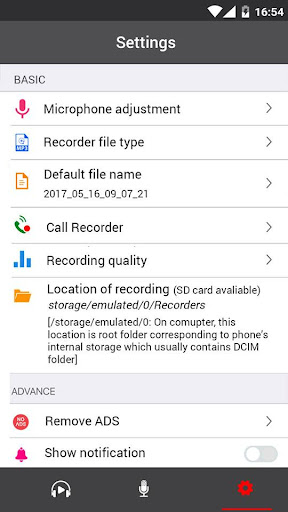
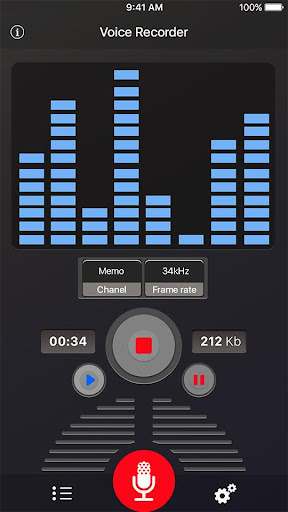
- High-quality voice recording: Capture clear and crisp audio with adjustable sample rates (8-44 kHz).
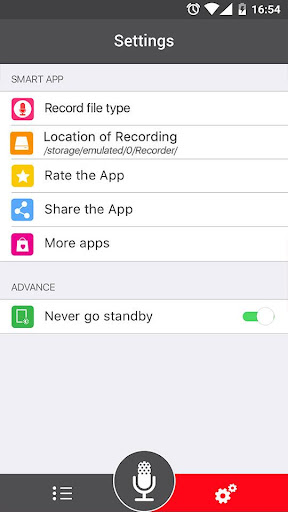
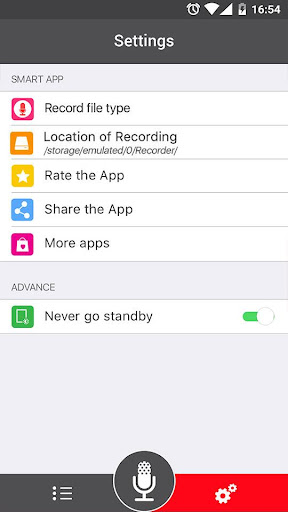
- Multiple supported formats: Save recordings as MP3 or OGG files, catering to various sharing and storage needs.
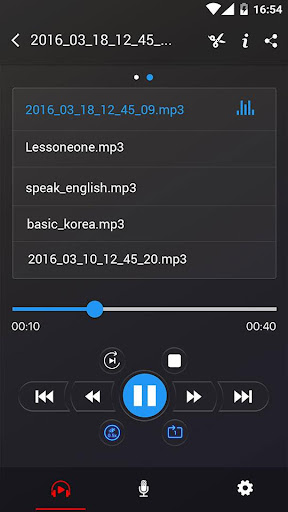
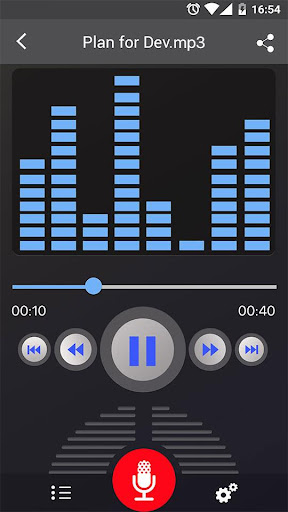
- Playback controls: Easily play, pause, or stop your audio files directly within the app.
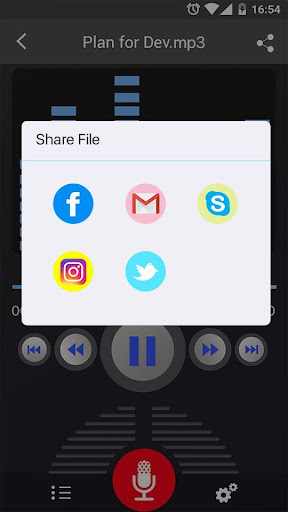
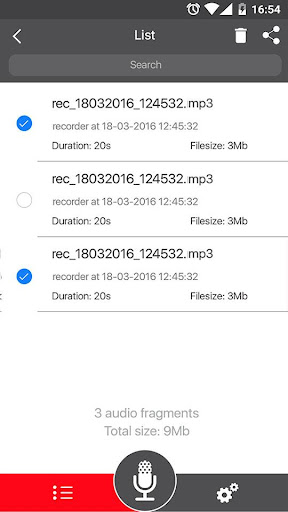
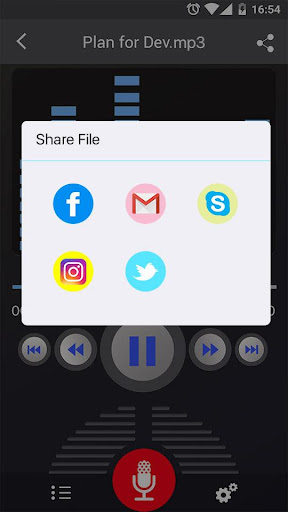
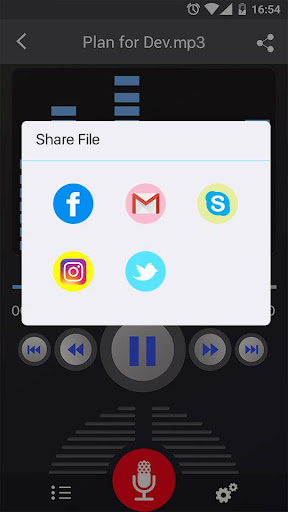
- Sharing capabilities: Send or share your recordings via email, SMS, MMS, Facebook, WhatsApp, Dropbox, and more.
- Record in background: Continue recording even when your device display is off.
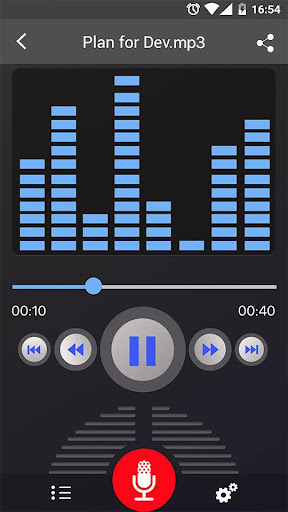
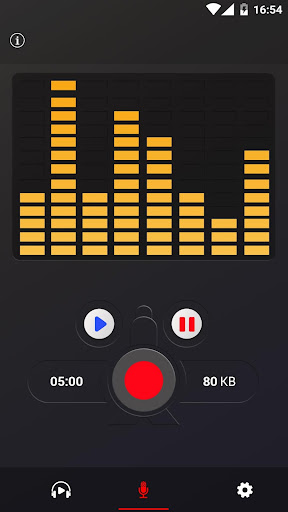
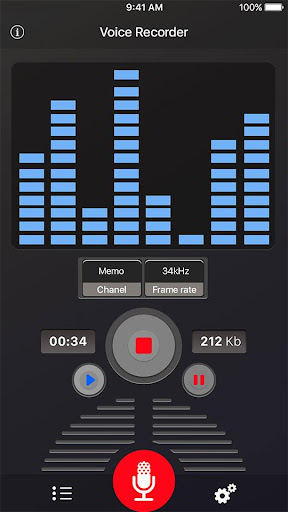
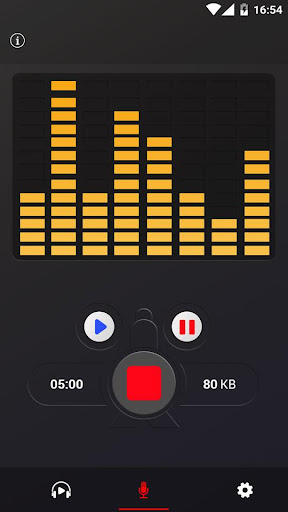
- Live audio spectrum analyzer: Visualize your audio input in real-time.
- Gain calibration: Adjust microphone gain for optimal recording quality.
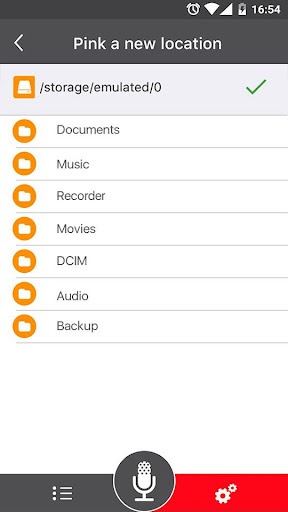
- Record management: Save, pause, resume, or cancel recordings effortlessly.
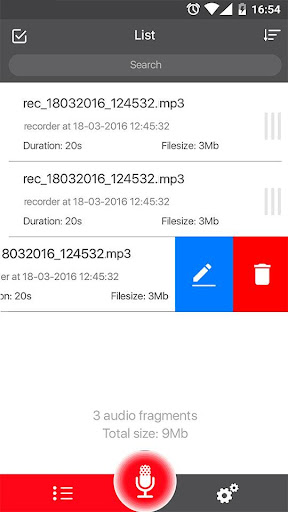
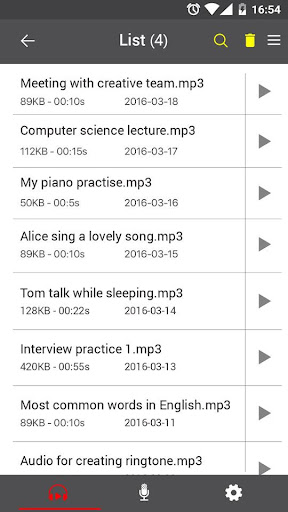
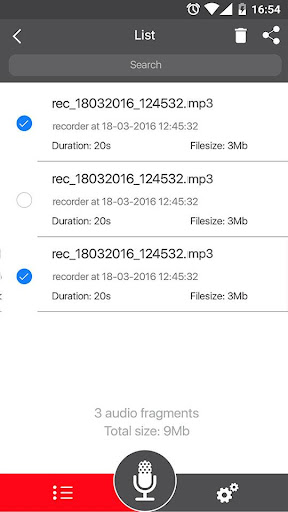
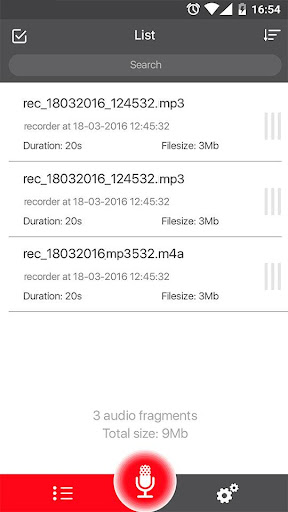
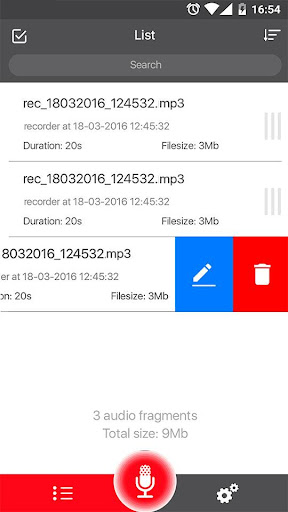
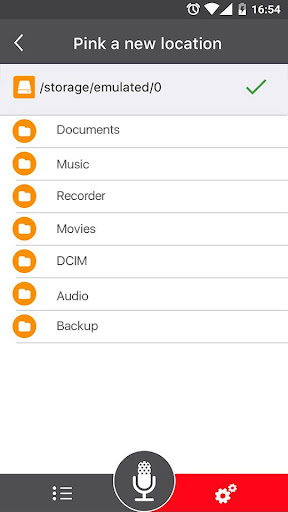
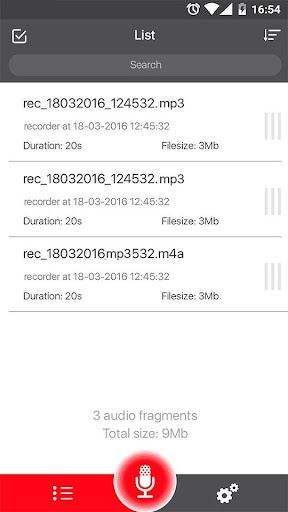
- Intuitive recordings list: Easily browse, delete, or organize your saved files.
User Experience and Usability
The Voice Recorder app excels in offering a simple, easy-to-use interface, making the process of recording audio straightforward. Initiating a recording is as simple as tapping a single button—no complicated menus or settings to navigate. It’s perfect for quick notes on the go or professional recordings where reliability is essential. Users can effortlessly manage recordings, share them via various platforms, and even delete unwanted files directly within the app. Advanced features like adjustable bitrates, background recording, and a microphone gain calibration tool allow users to customize their experience for optimal sound quality. The app’s support for multiple audio formats ensures flexibility for different use cases, from casual memos to professional podcasts.
Why Choose the Voice Recorder?
If you need a sound recorder that combines high performance with ease of use, the Voice Recorder is a compelling option. Its ability to record in various formats, support for background operation, and seamless sharing capabilities make it highly versatile. The app’s high audio quality ensures your recordings are clear, even in noisy environments, making it suitable for a wide range of applications—from casual voice memos to professional audio projects. The inclusion of features like live spectrum analysis and adjustable sample rates boosts its appeal for audiophiles and professionals who demand precision. Plus, because it is completely free, it offers great value— no hidden costs or limitations.
Final Thoughts
Overall, the Voice Recorder app is an excellent tool for capturing audio effortlessly. Its seamless user interface, robust feature set, and high-quality output make it suitable for both casual users and professionals alike. Whether you need to record lectures, interviews, or personal notes, this best voice recorder app has everything you need in one convenient package. With the ability to save and share recordings easily, and the flexibility of various formats and settings, this app is a must-have for anyone who values reliable and high-quality sound recording. Download it today and discover how simple and effective mobile audio recording can be.
Pros
- Intuitive and user-friendly interface
- High-quality audio recordings
- Supports a variety of audio formats
- Enables background recording
- Easy sharing options
Cons
- Contains ads in the free version
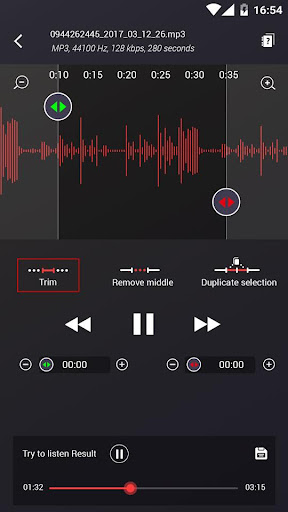
- Limited editing capabilities
- Export process can be slow at times
- Not all formats are supported
- Lacks cloud synchronization options











