
Introducing the USB Connector Phone to TV App: Effortless Screen Sharing and Mirroring
Are you eager to enjoy your favorite videos, photos, or presentations on a larger screen? The USB Connector Phone to TV app is designed to transform your media experience by providing seamless connection options. Whether you prefer wireless casting or a wired, USB-based mirror, this versatile application makes it simple to cast and share content from your phone to your TV with minimal effort. It’s perfect for entertainment, professional presentations, or sharing memorable moments with friends and family.
Key Features of the USB Connector Phone to TV App
This innovative app offers a wide range of features tailored to meet diverse screen-sharing needs:
• Wireless Screen Casting:
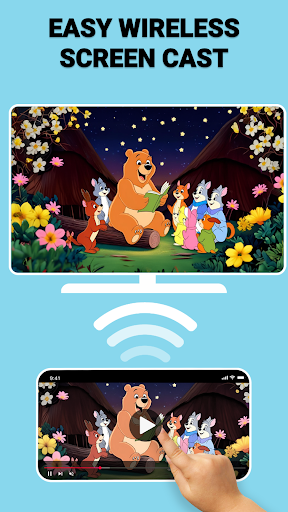
Easily cast to your TV via WiFi, enabling a clutter-free setup without cables. Enjoy the freedom to mirror your device’s screen wirelessly with just a few taps.
• USB Screen Mirroring:
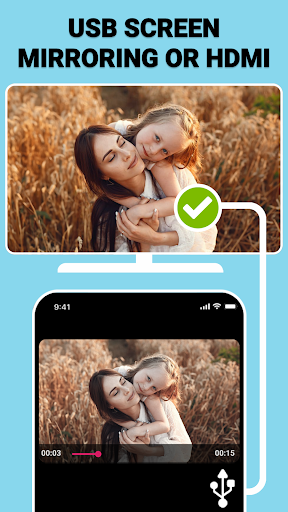
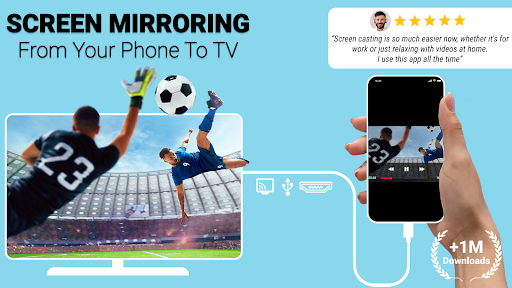
For a more stable connection, connect your phone directly to your TV using a compatible USB cable. This wired option ensures high-quality, lag-free screen sharing ideal for streaming high-resolution videos or displaying professional presentations.
• Mirror Screen to TV:
Seamlessly mirror your phone’s display to your TV, letting you view and share content effortlessly on a larger screen with minimal setup.
• Screen Sharing on Demand:
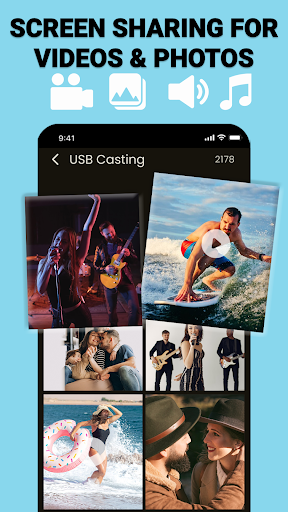
Share photos, videos, documents, or even slideshows instantly, making it perfect for gatherings or professional meetings.
• USB Screen Sharer:
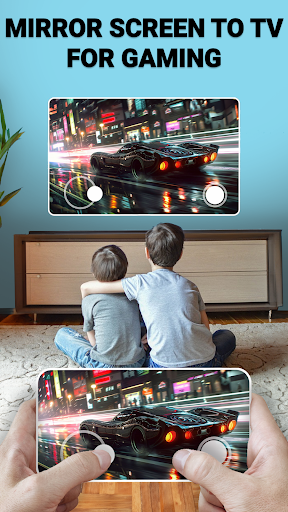
Enjoy a reliable, secure, and lag-free connection through our dedicated USB screen sharing feature. Suitable for gaming, streaming, or any content that benefits from a strong wired connection.
How the USB Connector Phone to TV App Works
Getting started is intuitive and straightforward:
- Connect Your Devices: Ensure your phone and TV are on the same WiFi network for wireless casting. For wired connections, use a compatible USB cable and TV USB port.
- Launch the App: Open the app and select your preferred connection mode—either wireless or USB.
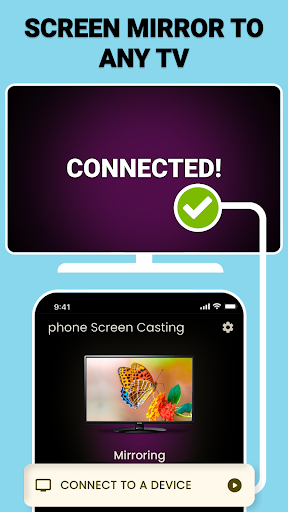
- Detect and Select Your TV: The app automatically detects compatible devices. Tap on your TV to initiate the mirror or cast.
- Start Mirroring or Casting: Instantly enjoy content on your big screen, whether streaming movies, sharing photos, or displaying presentations.
Why Choose the USB Connector Phone to TV App?
This app excels in versatility and performance:
• Multiple Connectivity Options:
Switch seamlessly between wireless casting and wired USB mirroring, depending on your environment and needs.
• Flawless Performance:
Enjoy high-speed, lag-free screen sharing whether via WiFi or USB, making your viewing experience smooth and enjoyable.
• Enhance Productivity:
Ideal for business meetings, classrooms, or professional demos, the app simplifies sharing documents or presentations instantly.
• Entertainment Made Easy:
Transform any gathering into a cinematic event by mirroring your media content onto the TV effortlessly.
• Reliable and Secure:
The wired USB connection offers a secure, stable link—perfect for streaming high-quality media content without interruption.
Additional Features and User Appreciation
Users praise the app for its user-friendly interface and reliable performance. Comments highlight how effortlessly the app handles screen mirroring and casting, with clear, crisp quality and minimal lag. Whether for casual entertainment or professional use, this app adapts to your needs with customizable resolution settings and easy setup. Its stability, versatility, and straightforward design make it a top choice for anyone seeking simple and effective device sharing.
Get Started Today
Don’t wait to enjoy a larger, crisper screen experience. Download the USB Connector Phone to TV app now and unlock effortless media sharing, whether through wireless casting or wired USB mirroring. Enhance your entertainment, boost productivity, and share moments with ease—upgrading your media experience has never been easier.
Pros
- Easy screen mirroring
- High-quality video streaming
- User-friendly interface
- Supports various formats
- Quick setup process
Cons
- Requires stable Wi-Fi
- May have latency issues
- Limited to compatible devices
- Some features require a premium subscription
- Occasional connection drops











