

Mirror Link Car: Enhance Your Driving Experience with Seamless Phone Mirroring
The Mirror Link Car app revolutionizes your in-car entertainment and connectivity by providing effortless phone mirroring and wireless integration. Designed to bring your favorite apps, music, videos, and navigation directly onto your vehicle's display, this innovative application ensures a safer and more enjoyable driving experience. Whether you’re an Android Auto or Apple CarPlay user, or utilize Zlink-based systems, Mirror Link Car makes connecting your smartphone to your car’s multimedia system simple and hassle-free. This smart dashboard interface allows you to stay connected, entertained, and in control without the need for complicated wiring or additional hardware.
Key Features of Mirror Link Car
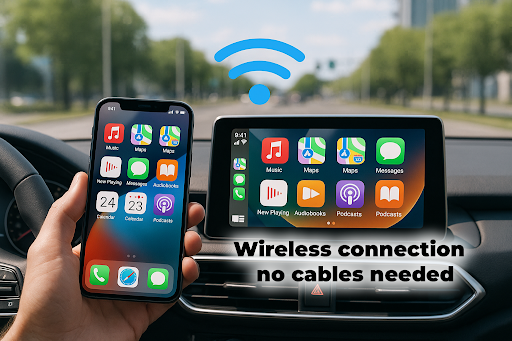
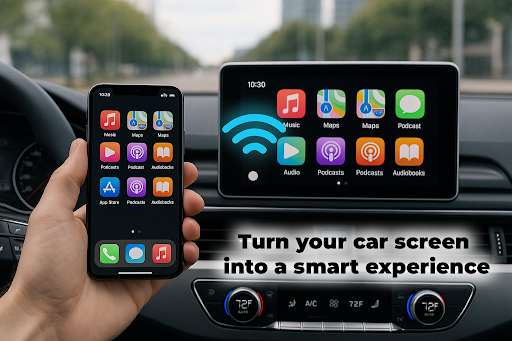
Wireless Phone Mirroring with a CarPlay Style Interface
Enjoy a sleek, intuitive interface akin to popular CarPlay. The app supports wireless connection, allowing you to mirror your phone screen seamlessly onto your car’s display, providing quick access to apps, navigation, and media controls without cable clutter.
Compatibility with Major Platforms
Supports Android and iOS devices, so regardless of your smartphone brand, you can benefit from full screen mirroring and smart control features. The app is designed to work smoothly across different devices and car system architectures.
Access to a Wide Range of Apps
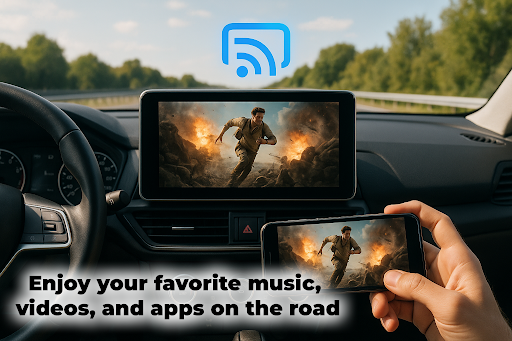
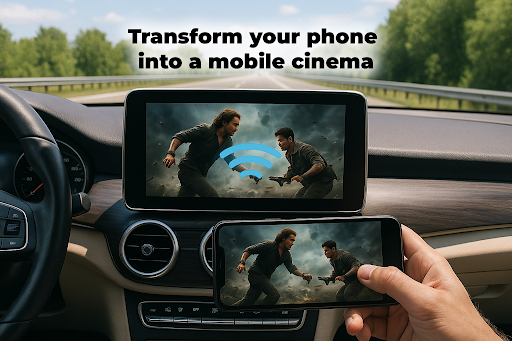
Use your favorite navigation apps like Google Maps or Apple Maps, listen to your preferred music players, stream videos, and access messaging apps—all directly from your car display. The app supports various content types for an all-in-one dashboard experience.
Touch and Steering Wheel Control
Navigate through your content easily via touch screens or steering wheel controls, ensuring minimal distraction while keeping your focus on the road. The app offers a responsive interface optimized for in-car use.
Auto Sync & Fast Setup
Forget complex configurations—Mirror Link Car offers quick setup with no root required or extra hardware needed. It uses Bluetooth or Wi-Fi for fast, reliable connections, making the whole experience hassle-free.
Compatibility and Performance
Designed to work with most modern Car Display systems and TVs, the app ensures smooth performance over Bluetooth or Wi-Fi. It’s optimized for in-car environments, maintaining stable connections so you stay connected and entertained during your drive.
Built-in Technologies
The combined use of Mirror Link, Wireless CarPlay, and Phone Mirroring helps you operate your phone’s features directly from your vehicle dashboard—keeping safety and convenience at the forefront. You can enjoy hands-free control and safe operation while on the road.
Why Choose Mirror Link Car?
Mirror Link Car is more than just an app—it’s your personal co-pilot for smarter car journeys. It bridges the gap between your smartphone and your vehicle’s infotainment system, elevating your driving experience with easy-to-use features and robust connectivity options. Its user-friendly interface makes it accessible for drivers of all tech levels, encouraging safer driving with minimal distractions. The app is perfect for long commutes, road trips, or daily errands, making your vehicle a true extension of your digital life.
Embrace the future of in-car entertainment with Mirror Link Car, and enjoy seamless, safe, and smart connectivity. Whether you’re looking to access maps, music, or messaging features effortlessly, this app delivers a reliable solution that keeps you focused on the road while staying connected to what matters most.
Pros
- Seamless integration between phone and car
- Supports a variety of apps such as navigation
- Enables music access
- Simple setup process
- Enhances driving safety
- Intuitive and user-friendly interface
Cons
- Limited compatibility with certain phone models
- Occasional connectivity problems
- Not all applications are supported
- Requires a stable internet connection
- May cause rapid battery drain on the phone










