
Overview of the Update Software App: Updates
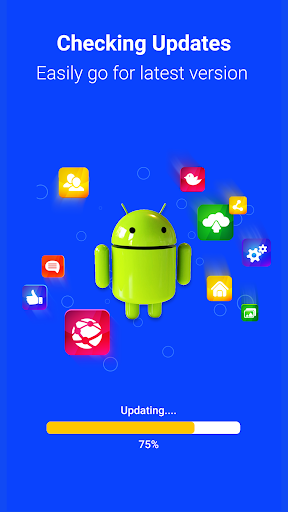
In today's fast-paced digital environment, staying current with software updates is more important than ever. Outdated apps can lead to slower performance, bugs, and security vulnerabilities. The Update Software App: Updates is built with SMART SCANNING FEATURES that effortlessly identify pending updates, enabling you to act quickly and effectively. From manual updates to automatic batch processing, this app puts you firmly in control of your device's maintenance.
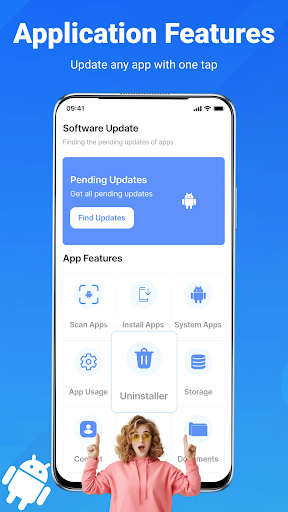
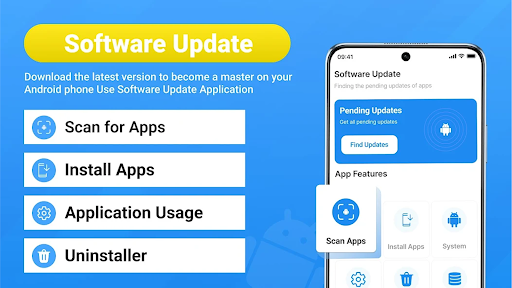
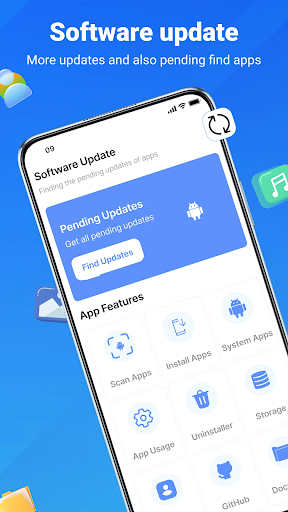
Designed to be user-friendly for all age groups, the app features a clean and intuitive interface. It allows easy navigation through various functionalities, including scanning for updates, viewing system details, and initiating updates—all within a few taps. Additionally, automatic notifications ensure you never miss out on vital updates, keeping your device secure and up-to-date without disrupting your routine.
Overall, the Update Software App: Updates serves as a comprehensive Android maintenance utility that combines app updating, system checking, and cleanup functions into a lightweight yet powerful application—making device management effortless and efficient.
Key Features of Update Software App: Updates
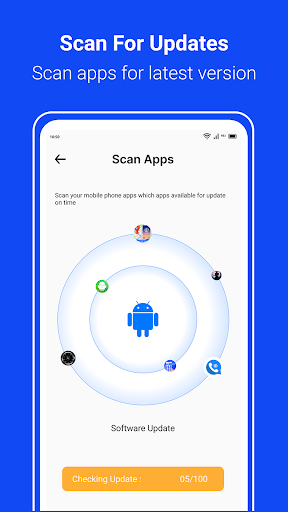
Real-Time App Scanning
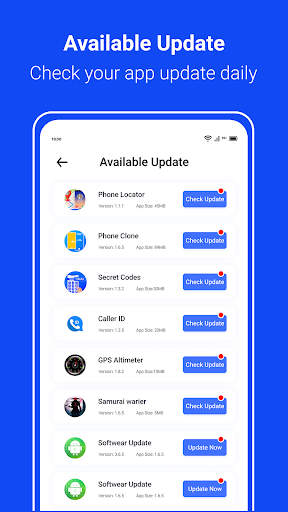
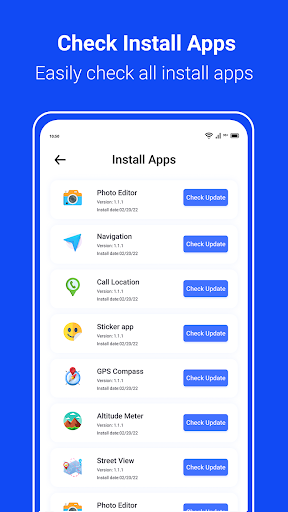
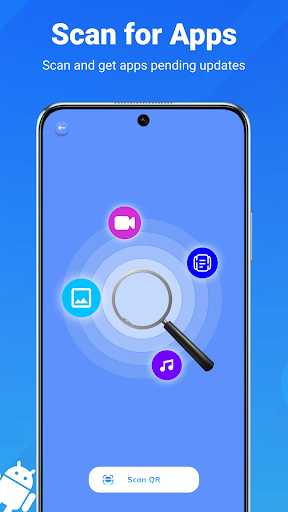
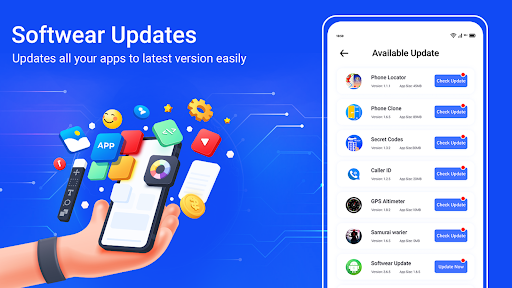
Immediately scan your device for pending app updates. The app provides a clear list of which applications require updates, enabling you to take prompt action and ensure all your apps are current.
One-Tap Update All
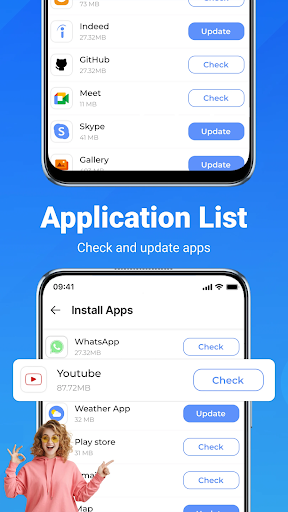
Stay up-to-date with a simple, hassle-free functionality. The update all apps feature allows you to refresh every application with a single tap, saving time and effort.
System and Software Update Checker
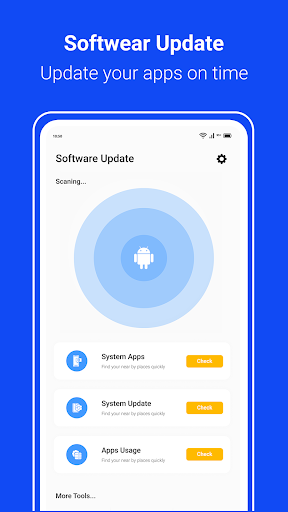
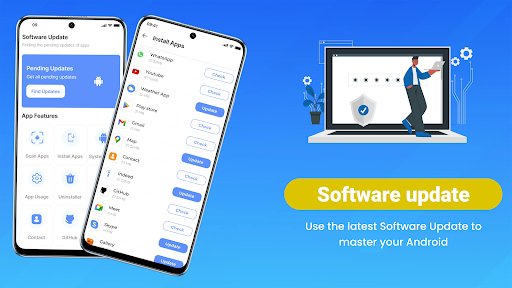
Quickly verify if your device's system firmware and operating system need updates, promoting optimal device performance and security.
Bulk Uninstall
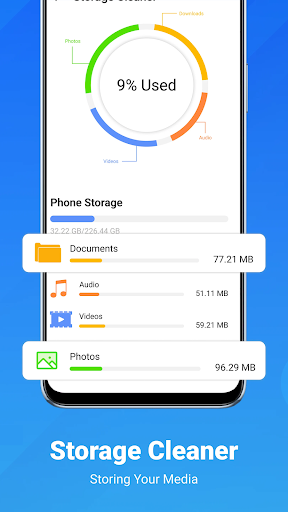
Identify and remove unused or unnecessary apps in bulk, helping to free storage space and declutter your device effectively.
Detailed Device Information
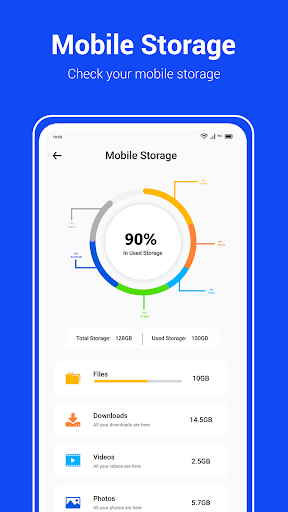
View essential hardware details, including model, current Android version, and other system specifics, giving you comprehensive device insights.
App Usage Monitoring
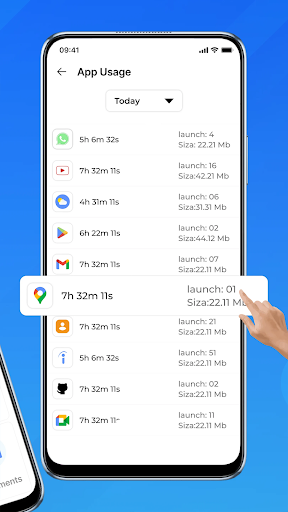
Keep track of how often and how long you use various apps, enabling better management and optimization of your device's resources.
Push Notifications for Updates
Receive smart reminders about available app updates or system updates, ensuring your device remains secure and efficient without manual checks.
User-Friendly Interface
The app’s design promotes ease of use, making navigation seamless for users of all levels. Access all features swiftly from the main screen, whether it's scanning for updates or initiating bulk actions.
Automatic Background Monitoring
The Software Update Checker operates silently in the background, keeping you informed of updates without interrupting your daily activities.
Comprehensive Management Utility
This all-in-one tool goes beyond simple updates, incorporating features like app cleanup, system info viewing, and software updates, making it an ideal Android maintenance app.
How to Use Update Software App: Updates
- Open the Update Software App: Updates.
- Tap “Scan” to detect all available updates for your apps.
- Choose to update individual applications or use the Update All button for bulk updating.
- Optionally, utilize the bulk uninstall feature to remove unnecessary apps.
- Enable or customize auto-notifications for automatic update alerts and system patches.
Pros
- User-friendly interface for easy navigation
- Supports a wide range of Android devices
- Regular updates to improve performance
- Lightweight application
- Does not impact device speed
- Efficiently detects outdated software
Cons
- Requires internet connection to check for updates
- Limited features in the free version
- Contains some advertisements in the free version
- May not always detect all updates accurately
- Occasional compatibility issues with older devices











